
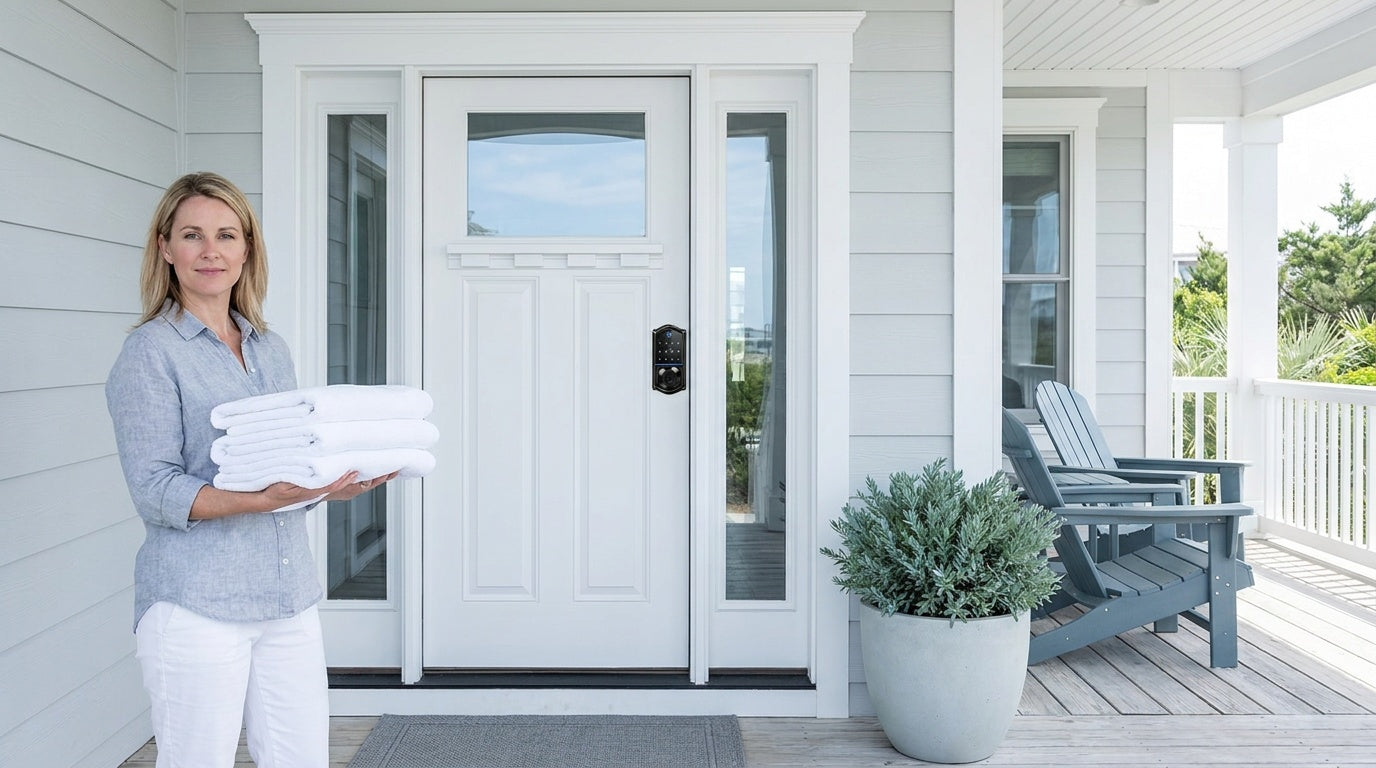
Every vacation rental turnover comes with the same invisible checklist: make sure the last guest's code is gone, the cleaner can get in, and the next guest's access is ready before they arrive. When everything lines up, it takes minutes. When it doesn't, it becomes a midnight phone call, a delayed checkout, or a frustrated guest standing at the door with a code that doesn't work.
Guest access is one of the most time-consuming parts of running a short-term rental, and it's rarely talked about until something goes wrong. Whether you manage one vacation cabin or a growing portfolio of properties, the friction points are the same: physical keys get lost, shared codes create security gaps, and coordinating entry for cleaners and guests across back-to-back bookings leaves almost no room for error.
This guide walks through how smart locks and keypad locks simplify guest access and turnovers at every stage — from the moment a booking is confirmed to the moment your cleaner locks up and your next guest checks in. You'll also find practical guidance on choosing the right lock type for your property, avoiding the most common setup mistakes, and how Veise's lock lineup fits into a rental operation of any size. Easy from Day One.
Why Access Management Is the Hidden Work of Every Rental Turnover
Most hosts think about guest experience in terms of decor, amenities, and reviews. Access rarely comes up until there's a problem. But for anyone managing even two or three short-term rentals, access management quietly eats hours every week — generating codes, sending instructions, following up with cleaners, and fielding calls from guests who arrived early or used the wrong entry.
The real cost isn't the occasional lockout. It's the cumulative weight of doing the same manual tasks for every single booking, on every channel, at every property. A smart lock doesn't just solve the lockout problem. It removes the entire category of work that creates those problems in the first place.
The Real Problems: Keys, Codes, and Timing
Physical keys are the most familiar access method and the most fragile. They get lost, left behind, and copied without your knowledge. When a guest takes a key by accident — or a previous guest still has one — the only reliable fix is a rekeying, which costs time and money on a property that may have another guest arriving the same afternoon. For a property with back-to-back turnovers, a single missing key can cascade into a full-day scramble.
Lockboxes solve the coordination problem but introduce a different one: shared codes. When every guest uses the same four-digit combination, there's no way to know who is accessing the property or when. A guest who stayed two months ago technically still has access. There's no audit trail, no expiration, and no way to distinguish a returning guest from someone who shouldn't be there at all.
Keypad locks and smart locks address both problems. The core shift is simple: instead of one key or one shared code, every guest gets their own access code. Every Veise lock — including the keypad deadbolt & keypad latch lock categories — supports One-Time codes that delete themselves after a single use, and on a connected lock (Smart Lock w/ G1 or a Wi-Fi smart lock) you can go further and set codes that run on a date window or a weekly schedule. Your cleaner gets a separate code on a separate schedule. On connected locks you also get an access log. No coordination calls, no rekeying, no shared codes that linger past their welcome.
Choosing the Right Lock for Your Rental Property
Not every rental property needs the same lock. The right choice depends on how many properties you manage, how much remote control you need, and what your guests expect at check-in. Veise offers four lock categories — built on 38 years of lock industry expertise and 711 patents, the world's largest smart lock patent portfolio — so there's a practical fit for every rental scenario. Here's how each category applies to vacation rental management.
Keypad Deadbolt Locks
A keypad deadbolt lock is the most straightforward upgrade for a rental property's main entry. Guests enter a numeric code — no app download, no smartphone required — and a physical key backup is included on every model. The KS02 series adds fingerprint access across the whole series, which gives cleaners or trusted staff a faster, touch-based way in. Two built-in features are worth knowing for a property where strangers enter codes in the open: anti-peep entry lets the person at the door pad the real PIN with extra random digits so onlookers can't read it, and lockout protection automatically pauses the lock for three minutes after 10 wrong attempts.
Keypad deadbolts are ANSI/BHMA Grade 3 certified, which is the standard for residential door security. For a vacation cabin, a lakehouse, or a single-family rental, this is the right baseline: reliable hardware, easy for any guest to use, and simple enough to manage without additional software. The Effortless Home Entry™ experience starts here — swapping a traditional deadbolt for a keypad model takes about 15 minutes with a screwdriver, no wiring, no professional help needed.
Key unlock methods on keypad deadbolts:
- Keypad code (required on all models)
- Physical key backup (included on all models)
- Fingerprint access (every SKU in the KS02 series)
- One-Time codes that delete themselves after a single use (all models)
Keypad Latch Locks
The keypad latch lock is an integrated unit — the handle and lock body are built together — making it a common pick for interior doors, side entries, garage entry points, or secondary access doors on a rental property. It's available in two SKUs: the KS03 with an integrated top knob and the KS04 with an integrated top lever. Both work with keypad code entry and a physical key backup.
For rental properties with multiple access points, a keypad latch lock on a side door or garage entry pairs well with a keypad deadbolt on the main entry. Guests and cleaners can use the same code across both points without carrying a separate key for secondary doors.
Smart Lock w/ Gateway 1/2
When you need remote access control — the ability to create, change, or revoke codes from anywhere — you need a smart lock, not just an electronic lock. Remote access requires a smart lock (gateway-paired or Wi-Fi), not an electronic lock plus a gateway. The Smart Lock w/ G1 and Smart Lock w/ G2 both pair with a dedicated gateway to connect the lock to the Internet and enable remote management via a mobile app.
Both lines share the same core unlock methods: keypad code, key fob, physical key backup, and remote app control via the paired gateway. The differentiators are meaningful for rental hosts. Smart Locks w/ G1 is built on a single series — the VE017 — and every SKU includes fingerprint access, multilingual voice prompts in English, Spanish, and French, and a USB-C emergency power port. That makes Smart Lock w/ G1 a strong choice for properties serving international guests or multilingual households. Smart Lock w/ G2 adds Apple Watch unlock and web portal control, and includes both fingerprint and non-fingerprint SKUs in various form factors, giving hosts more configuration options — including the only non-fingerprint route into the connected lineup. Note that the two lines use different apps, so the available code types differ; Smart Lock w/ G1 supports the full Permanent, Recurring, Duration and One-Time set.
For a rental host managing two to five properties, a gateway-paired smart lock removes the need to physically visit the property to update a guest code. You can generate a new code from your phone the moment a booking is confirmed and revoke it the moment checkout ends — even if you're hours away.
Wi-Fi Smart Locks
The Wi-Fi smart lock is the most capable option for property managers who need full remote control without a separate gateway. These locks connect directly to your home Wi-Fi network, enabling remote app control, real-time entry alerts, voice control via Alexa or Google Assistant, and access history — all from a single device.
Veise offers two Wi-Fi smart lock series. The Touchscreen Wi-Fi Smart Lock (VE027 Series) features a touchscreen interface and includes a USB-C emergency power port on every SKU in the series, which is useful for remote properties where a dead battery could otherwise mean a lockout. It is also the series that supports key fob and on-device voice prompts in English, Spanish, and French. The Push-Button Wi-Fi Smart Lock (VE012W Series) uses a traditional press-button keypad — familiar and straightforward for guests of all ages — and does not offer the USB-C port, key fob, or on-device voice prompts. Both series support fingerprint access, keypad code entry, app control, and voice commands, and both run on an 8 AA/LR6 alkaline battery design for a stronger signal and more stable connection compared to the standard 4 AA setup common in other brands.
For a host managing a property from another city, a Wi-Fi smart lock offers a meaningful extra layer: you can review entry history and monitor lock activity remotely, so you always know when the cleaner arrived, when the next guest checked in, and whether the door was secured after checkout. The keypad code and physical key keep working regardless of connectivity, and on both Smart Lock w/ Gateway 1/2 and Wi-Fi smart locks, app control also continues to work locally when Wi-Fi is down as long as you're within short-range wireless distance of the lock.
Browse the full Veise product lineup at All Products.
How a Smart Lock Changes Your Turnover Workflow
The turnover window between a guest checking out and the next one arriving is where access management either works smoothly or falls apart. With physical keys, that window requires active coordination: confirm the key was returned, hand it to the cleaner, get it back, and verify the door is locked before the next guest arrives. Each step is a potential failure point.
With a keypad or smart lock, the turnover workflow becomes mostly passive. Here's what a well-managed turnover looks like when the right lock is in place:
- Booking confirmed — You set a unique guest code for the reservation dates. On a Wi-Fi or gateway-paired smart lock, this can be done remotely in under a minute.
- Guest code sent — Include the code and entry instructions in your pre-arrival message. Guests arrive on their own schedule without calling you.
- Guest checks out — On a connected lock, the guest code expires at checkout time and the previous guest's access ends automatically, with no rekeying and no phone call required. On an electronic lock, a One-Time code does the same job for a single entry; otherwise you clear the code on the keypad after the stay.
- Cleaner enters — Your cleaner uses their own separate code, active only during the turnover window. You can confirm entry and know when the property is ready.
- Next guest arrives — Their code is already active. They enter without any coordination from you.
This workflow applies regardless of whether you manage one property or twenty. The difference at scale is that manual code updates become unsustainable beyond a handful of properties — which is where a Wi-Fi or gateway-paired smart lock pays for itself quickly in time saved alone.
Managing Cleaner and Maintenance Access
Guest codes get most of the attention, but cleaner and maintenance access is just as important to get right. A cleaner who can't get into the property because yesterday's guest code already expired is a turnover that doesn't happen. A maintenance vendor using a shared permanent code is a security gap that most hosts don't notice until something goes wrong.
The right approach is separate codes for separate roles. Your cleaner gets a code that's active during the turnover window only — not before, not after. Your maintenance vendor gets a code that's valid for the specific appointment window. Neither code overlaps with the guest's access period. On Veise's gateway-paired and Wi-Fi smart locks, you can manage multiple user codes remotely, set active periods for each, and see an access log that shows exactly when each person entered and exited. Scheduled and One-Time codes deactivate on their own when their window closes, so there is no cleanup step to forget.
For properties with recurring cleaners or long-term maintenance relationships, a Recurring code — active, say, every Sunday from 11 a.m. to 2 p.m. — means you set it once and don't have to update it week after week. Recurring and Duration scheduling is available on Smart Lock w/ G1 and Wi-Fi smart locks; Smart Lock w/ G2 uses a different app with its own set of code types. That's one fewer task on every turnover day.
Common Access Management Mistakes (and How to Avoid Them)
Even with a good lock in place, access management can still go wrong if the setup isn't done carefully. These are the most common mistakes rental hosts make, and they're all avoidable.
- Using one shared code for every guest. This is the lockbox problem dressed up in modern hardware. If every guest gets the same code, previous guests retain access indefinitely. Always assign a unique code per reservation and set an expiration tied to checkout.
- Forgetting to expire codes after checkout. A code that stays active past checkout is an open door. Set expiration windows slightly after checkout — a short buffer so guests can retrieve forgotten items — but don't leave them open-ended.
- Not keeping a backup entry method. Wi-Fi goes down. Batteries die. Every Veise lock includes a physical key backup for exactly this reason. Keep a secure backup key somewhere accessible to you, not in a lockbox at the property.
- Skipping battery checks during turnovers. A dead battery at the start of a guest's stay is a midnight call. Build a battery check into your cleaner's turnover checklist. Veise's Wi-Fi smart locks use 8 AA/LR6 alkaline batteries instead of the common 4 AA setup, providing a larger power reserve. When you do swap them, use fresh alkaline cells throughout — don't mix old and new, and don't mix brands.
- Choosing hardware before confirming door compatibility. Veise locks are designed for wood doors and require full lock replacement (not an overlay). They fit standard door thicknesses from 1-3/8" to 2". Confirm your door type and thickness before purchasing — this avoids the most expensive mistake on the list.
Matching Your Lock Setup to Your Property Scale
The right lock setup depends on where you are in your rental operation. A solo host with one vacation cabin has different needs than someone managing ten properties across multiple markets. Here's a practical framework by scale:
1 to 3 properties: A keypad deadbolt is the most practical starting point. It removes physical keys from daily use, gives guests a simple code-based entry, and sits at the accessible end of Veise's $30–$180 lineup. If you want remote code management from your phone, step up to a Smart Lock w/ G1 or Wi-Fi smart lock — the ability to update codes without visiting the property is worth the investment even at one property.
4 to 10 properties: Manual code changes become a real time drain at this scale. A gateway-paired or Wi-Fi smart lock on every property gives you centralized remote control without relying on a property management system. You can manage each property's codes from your phone in minutes, review access logs after every turnover, and keep cleaner and guest codes completely separate. Look at the Smart Lock w/ G2 line if Apple Watch unlock or web portal management fits your workflow.
10+ properties: At this scale, smart locks are the hardware layer and a property management system (PMS) becomes essential for automation. The lock handles the door; the PMS handles code generation, guest messaging, and scheduling across all bookings. Choose hardware that's compatible with your PMS before committing to a lock model. The core principle stays the same regardless of scale: unique codes per guest, separate codes for staff, and automatic expiration at checkout.
Installation: Simpler Than You Think
One of the most common reasons rental hosts delay upgrading to a smart lock is the assumption that installation is complicated or requires a locksmith. For Veise locks, that's not the case. Every lock in the lineup installs in about 15 minutes with a screwdriver — no wiring, no professional help, no tools beyond what's already in most homes.
Because Veise locks are full lock replacements rather than overlays, the installation does involve removing your existing deadbolt or latch and replacing it with the new unit. This means the property owner or someone with authority to modify the door hardware needs to be the one making the change — which is standard for any lock replacement. The upside is a clean, integrated look with no added hardware on the interior face of the door, and a lock that performs as a complete unit rather than an add-on over existing hardware.
Veise is backed by a vertically integrated manufacturer — Kaadas Group — with its own factory and 400+ global R&D professionals, including AI specialists, supported by four worldwide R&D centers. That engineering depth is what allows Veise to offer a $30–$180 lineup without cutting corners on build quality. The result: recognized by Frost & Sullivan as the global No.1 high-end smart lock brand by sales, with 10M+ smart locks sold across 41+ countries.
Whether you're starting with a single keypad deadbolt or building out a connected system across multiple properties, the Veise team is available to help you find the right fit.
Final Thoughts
Guest access is one of those things that works quietly in the background when it's set up right — and becomes the loudest problem in your day when it isn't. The right lock doesn't just make check-in easier for guests. It removes a layer of manual coordination from every single turnover, gives your cleaners and maintenance team reliable scheduled access, and keeps your property secure between stays without any extra effort on your part.
Whether you're installing your first keypad deadbolt or building out a connected system across a growing portfolio, Veise's lineup has a practical, affordable option for every scale. The goal is the same regardless of where you start: less time managing access, more time growing your rental business. Easy from Day One.
Frequently Asked Questions
What type of lock is best for a vacation rental property?
For most vacation rental hosts, a keypad deadbolt is the best starting point — it removes physical keys, gives guests simple code-based entry, and requires no app or smartphone. If you need remote code management from anywhere, a Wi-Fi smart lock or a gateway-paired smart lock adds that capability. The right choice depends on how many properties you manage and how much remote control you need.
Do Veise locks work for vacation rental properties?
Yes. Veise locks are designed for residential wood doors and install in about 15 minutes with a screwdriver. They are well-suited for vacation cabins, single-family rentals, and short-term rental properties where the property owner or manager has authority to replace the door hardware. Veise locks are compatible with standard door thicknesses from 1-3/8" to 2".
Can I set different codes for guests and cleaners on a Veise smart lock?
Yes. On Veise's Smart Lock w/ Gateway 1/2 and Wi-Fi smart lock models, you can assign multiple user codes with independent access schedules. This means your cleaner's code can be active only during the turnover window, while a guest's code is active only for their reservation dates — no overlap, no shared access.
What happens if Wi-Fi goes down at my rental property?
Guests can still enter using the keypad code because codes are stored locally on the lock itself. On gateway-paired and Wi-Fi smart locks, even when Wi-Fi is down, app control continues to work locally as long as you're within short-range wireless distance of the lock. Only long-distance remote features — like updating codes from across town — require an active Internet connection.
How long does the battery last on a Veise smart lock?
Battery life varies by usage and model. Veise's Wi-Fi smart lock series uses 8 AA/LR6 alkaline batteries instead of the common 4 AA setup, providing a larger power reserve and more stable connectivity. It's good practice to include a battery check in your cleaner's turnover checklist to prevent unexpected failures. Every Veise lock also includes a physical key backup so a low battery never results in a guest lockout.
Do I need a property management system (PMS) to use a Veise smart lock?
No. At one to five properties, most hosts manage codes manually through the app on gateway-paired or Wi-Fi models, or by setting codes directly on the keypad for electronic models. A PMS becomes valuable at larger scale (typically 10+ properties) for automating code generation across booking channels — but the lock itself works independently of any PMS.
Does a Veise lock require a subscription?
No. Veise locks do not require a subscription fee. The lock and its core functionality — keypad entry, app control on smart models, access logging — are available without ongoing charges, keeping ongoing costs predictable for rental hosts at any scale.
Ready to Simplify Your Rental's Guest Access?
Not sure which Veise lock is the right fit for your property? Our team is happy to help you find the best solution for your rental setup and scale.
Contact Us

Leave a comment
This site is protected by hCaptcha and the hCaptcha Privacy Policy and Terms of Service apply.