
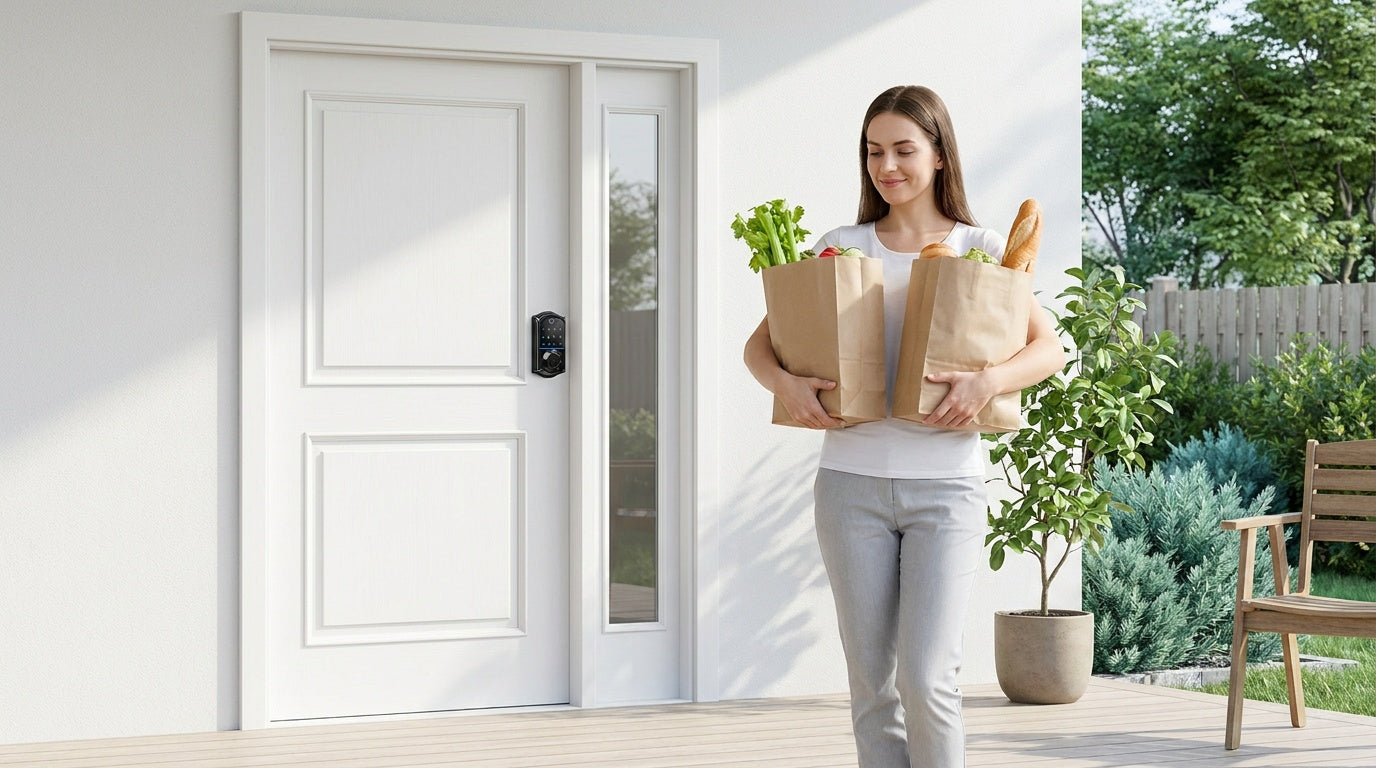
Most homeowners think about smart locks one door at a time — usually the front door, after losing a key or getting locked out. But once you install that first lock, a natural follow-up question almost always comes up: What about the other doors?
Your garage entry door and back door are just as real entry points as your front door — and in many households, they actually get more daily use. The garage door-to-house pass-through is where kids come and go after school, where your partner heads out for an early morning run, where the dog walker lets themselves in. The back door is where the plumber shows up, where you carry in grocery bags, where summer gatherings flow in and out all afternoon. Securing just one door while leaving the others with old keyed hardware is a bit like locking your car and leaving the windows down.
The good news: you don't need three identical locks. Each door plays a different role in your daily life, and the right smart lock for each one reflects that role. This guide walks you through the front door, the garage entry door, and the back door — what each one demands from a lock, what features actually matter, and which Veise lock categories match each scenario. Whether you're starting from scratch or building on a lock you already love, you'll have a clear picture by the end.
Why Each Door Has Different Security Needs
Not all doors carry the same weight. Your front door is a focal point — visible from the street, the place guests arrive, and typically the door your household passes through when everyone is watching. Your garage entry door is a workhorse: used constantly, often left unlocked out of habit, and connected directly to the interior of your home. Your back door usually handles service access, casual daily traffic, and seasonal overflow. Security needs, traffic patterns, and the people using each door are all different.
That difference matters when choosing a smart lock. A lock that's perfect for the front door — say, a Wi-Fi smart lock with app alerts and fingerprint entry — may be more than you need on a back door that's mostly used by household members who are already comfortable with a keypad code. On the other hand, a simple keypad deadbolt that works great for a back door would leave a short-term rental host unable to manage guest access remotely from the front. The right approach is to match the lock's capabilities to each door's specific job.
It's also worth noting that Veise locks are designed for wood doors with a standard thickness of 1-3/8" to 2". They are not compatible with fiberglass, metal, storm, or sliding doors. Before buying any lock for any door in your home, confirm the door material and measure the thickness — this single check prevents the most common installation surprises.
Front Door: Your Home's First Line of Defense
The front door sets the tone for your home's security. It's the most visible point of entry, and it's typically where you want the most capable lock you can get. For most homeowners, that means a deadbolt form factor — either a Keypad Deadbolt for keyless entry without connectivity, or a connected smart lock (gateway-paired or Wi-Fi) when you want remote access and real-time alerts.
When a Keypad Deadbolt Is the Right Front Door Pick
If your priority is reliable, keyless entry without the overhead of managing an app or a Wi-Fi connection, a keypad deadbolt covers everything you need at a practical price point. Veise's Keypad Deadbolt lineup comes in two main paths: models with fingerprint (the KS02 series) and models without (the RZ and KS01 series). Both support keypad code entry and include a physical key backup on every model. The KS02 series adds a fingerprint scanner that reads in under 0.3 seconds — useful on a cold morning when you're juggling bags and don't want to type a code.
These locks work completely offline, store access codes on the lock itself, and keep all data on-device — no cloud account, no subscription, no Internet connection required. Auto lock is configurable between 10 and 99 seconds on Keypad Deadbolt and Keypad Latch locks, so the lock re-engages on its own after every entry — just make sure the door is closed before the interval elapses, since auto lock fires on the timer regardless of door position. For new homeowners replacing builder-grade hardware, or anyone who simply wants a clean upgrade from a keyed deadbolt, the Keypad Deadbolt is the most straightforward path.
When Remote Access Matters: Wi-Fi Smart Lock or Smart Lock w/ Gateway
If you're a parent who wants to know the moment your kids get home, a property owner managing a short-term rental, or someone who regularly forgets whether they locked the door before leaving — remote access changes everything. Remote access requires a smart lock: either a gateway-paired model or a Wi-Fi model. A lock from the Keypad Deadbolt or Keypad Latch categories cannot be paired with a gateway and cannot send remote alerts.
Veise's Wi-Fi Smart Locks have built-in Wi-Fi, so there's no separate hub to buy or place. The lineup splits into two series based on interface: the Touchscreen Wi-Fi Smart Lock (VE027 Series) and the Push-Button Wi-Fi Smart Lock (VE012W Series). Both share the same core capabilities — fingerprint, keypad code, app control, voice control with Alexa and Google Assistant natively via built-in Wi-Fi, and an 8 AA/LR6 alkaline battery design that delivers stronger signal and a longer-lasting power reserve than the more common 4 AA setup. The two series differ in four concrete ways: interface (touchscreen on VE027 series vs. press-button on VE012W series), USB-C emergency power (every VE027 model has it; VE012W series does not), key fob support (VE027 series only), and on-device voice prompts in English, Spanish, and French (VE027 series only — the VE012W series has no on-device voice prompts). Both series give you real-time entry alerts, entry history in the app, and the ability to issue or revoke access codes from anywhere.
For families with kids, a Wi-Fi smart lock or a Smart Lock w/ Gateway 1/2 is the right front door choice — not a Keypad Deadbolt or Keypad Latch — because only connected models let parents remotely review entry history and get push notifications when the door opens.
Alternatively, the Smart Lock w/ G1 (built on a single product series, the VE017) pairs a physical gateway device with your lock to deliver remote app control, entry history, and app-issued access codes. The gateway is sold separately. Every Smart Lock w/ G1 model includes fingerprint, key fob, physical key, and keypad code — with multilingual voice prompts (English, Spanish, and French) that make it a strong pick for multilingual or non-English-speaking households. Smart Lock w/ G1 also includes a USB-C emergency power port as a standard feature across the entire line. The Smart Lock w/ G2 expands the option set further, including Apple Watch unlock and web portal control for those who prefer managing access from a browser.
Garage Entry Door: The Door Most Homeowners Overlook
The garage entry door — the pedestrian door that connects your garage to the interior of your home — is one of the most frequently used doors in the house, and one of the most commonly under-secured. Many homes still have the original builder-grade knob lock on this door, or no locking hardware at all beyond the garage door opener. That's a meaningful gap, because the garage is often easier to access than the front of the house: a raised door, an unlocked side gate, or a simple code-grabbing device on the garage opener can put an intruder steps away from an unsecured interior door.
Keypad Latch Lock: The Practical Garage Entry Choice
For most garage entry doors, a Keypad Latch Lock is a practical and often ideal solution. This door typically doesn't have a deadbolt — it usually has a passage knob or lever instead. Veise's Keypad Latch Lock lineup currently offers two models: the KS03 (integrated top knob) and the KS04 (integrated top lever). The handle is built directly into the lock body, so you're replacing the entire handle assembly in one clean step with no separate components to coordinate.
These locks support keypad code entry and include a physical key backup. They're intentionally simple: no app, no fingerprint, no connectivity setup. That simplicity is a feature, not a limitation — for a garage entry door that sees frequent daily use by household members, a quick code (Veise keypad locks accept 4 to 10 digits) is all most people need. Installation takes about 15 minutes with a screwdriver, no wiring, no professional help required, and every Veise lock ships with a step-by-step user manual and an installation video. Auto lock re-engages the lock on its own after a trip from the car to the kitchen, so it isn't left unsecured out of habit.
When to Step Up to a Keypad Deadbolt or Smart Lock on the Garage Entry
If your garage entry door is a primary access point — perhaps your household uses it more than the front door, or you're managing a rental property where you want remote visibility into who comes and goes — it's worth considering a Keypad Deadbolt or a connected smart lock. A deadbolt on the garage entry door adds an extra layer of physical security, especially if the garage itself is accessible from outside. If you want to remotely issue temporary codes to a contractor working in the garage or get an alert when the cleaners arrive, a Smart Lock w/ Gateway 1/2 or Wi-Fi Smart Lock gives you that capability on this door exactly as it would on the front.
Keep in mind that the garage entry door, like every door in your home, must be a wood door within the 1-3/8" to 2" thickness range to be compatible with Veise hardware. Metal-clad or fiberglass garage entry doors are outside Veise's compatibility range.
Back Door: Convenience Without Compromising Security
The back door of a typical home handles a mix of casual daily traffic and periodic service access — kids coming in from the backyard, a partner stepping out to the garden, a dog walker with a standing weekly schedule, or a maintenance crew visiting once a month. It's usually a door that gets opened and closed quickly and repeatedly, often by people whose hands are full. The right lock for this door balances easy, daily access with enough security that you're not creating a soft spot in your home's perimeter.
Keypad Deadbolt: Solid Security with Keyless Convenience
A Keypad Deadbolt is commonly a strong fit for back doors where you want dependable security and keyless entry for regular users, without needing app connectivity. Assign each household member their own code, and the physical key backup means you're never locked out even if a code is forgotten or batteries run low. Auto lock takes care of the most common back door mistake: leaving it unlocked after a quick trip to take out the trash.
If your back door occasionally sees service providers — a dog walker, a cleaning crew, a repair technician — a Keypad Deadbolt lets you issue a unique code for each person and delete it when they're done. This is far more controlled than handing out a physical key. For straightforward, code-based access management on a secondary exterior door, the Keypad Deadbolt handles the job cleanly and affordably, well within Veise's $30–$180 range.
Connected Smart Lock: When You Need Back Door Visibility
For homeowners managing a rental property, or anyone who wants real-time visibility into who uses the back door and when, a connected smart lock brings the same remote access and alert capabilities to the back of the house that you'd expect at the front. A Wi-Fi Smart Lock or a Smart Lock w/ G1 lets you generate time-windowed access codes for service providers, get a push notification when the code is used, and review entry history from anywhere with an active Internet connection. Voice control works on both: Wi-Fi smart locks connect directly to Alexa and Google Assistant via built-in Wi-Fi; Smart Lock w/ Gateway 1/2 models connect to voice assistants through the paired gateway.
Even if your Internet connection goes down, keypad code entry and the physical key always work — those never depend on connectivity. On both Smart Lock w/ Gateway 1/2 and Wi-Fi smart locks, app control also continues to work locally as long as you're within short-range wireless distance of the lock. Long-distance remote features like off-site alerts and remote locking do require live Internet access.
Building a Whole-Home Smart Lock Strategy
Securing all three doors doesn't mean buying three identical locks or spending a fortune. A practical whole-home strategy usually looks like this: a more capable smart lock at the front door (where visibility and remote access matter most), a keypad latch or keypad deadbolt at the garage entry (where frequent household traffic needs a simple code-based solution), and a keypad deadbolt or connected smart lock at the back door (depending on how much visibility you want into that entry point).
It also helps to think in terms of Veise's three top-level categories: Mechanical Locks, Keypad Locks (Keypad Deadbolt and Keypad Latch), and Smart Locks (Smart Lock w/ Gateway 1/2 and Wi-Fi Smart Lock). The three exterior doors covered above are where keypad and smart locks earn their keep. For the interior wood doors in the same home — bedrooms, bathrooms, a home office — a mechanical lock is usually the better-matched choice, and a connected lock is overkill. That lineup spans Keyed Entry Door Knobs, Privacy Door Knobs, Keyed Entry Door Levers, Privacy Door Levers, the Deadbolt Lock, and the Keyed Entry Handleset (a bundle that already includes a deadbolt plus a keyed lever or a keyed knob). Each of these locks the door on its own: keyed knobs and levers lock with a key from outside, while privacy knobs and levers give keyless privacy — they lock from inside with a turn knob and release from outside with a coin or screwdriver in an emergency, which is what makes them a sensible fit for bedrooms and bathrooms. A deadbolt is simply the heavier-duty layer, not the only real lock in the group.
Because Veise designs, engineers, and manufactures all of its own locks — the company has been making lock hardware since 1988 and launched its North American brand in 2022 — every product in the lineup is built to the same ANSI/BHMA Grade 3 residential standard. Grade 3 is the certified standard for residential use; Grades 1 and 2 target high-traffic commercial environments with far greater daily cycle demands than a typical home. A consistent quality baseline across all three doors means you're not mixing and matching reliability levels as you build out your setup.
All Veise locks install in roughly 15 minutes with a screwdriver — no wiring, no professional installation required — and none carry monthly subscription fees. Fingerprint templates are processed and stored on the lock's own AI chip rather than in an online account, which is a meaningful privacy benefit for a household lock. Every lock in the lineup includes a physical key backup, so there's always a fallback. Veise's full product lineup, priced between $30 and $180, makes it practical to equip multiple doors without a large upfront investment.
Before You Buy: What to Check on Every Door
Before selecting a lock for any door — front, garage, or back — run through this short compatibility checklist. A few minutes of measuring and confirming door specs before you order prevents installation surprises.
- Door material: Veise locks are compatible with wood doors only. Fiberglass, metal, storm, and sliding doors are outside the compatibility range.
- Door thickness: Standard range is 1-3/8" to 2". Measure your door slab if you're unsure — don't assume.
- Bore hole: Most Veise locks fit a standard 2-1/8" bore hole. No new drilling is typically required when replacing an existing lock.
- Connectivity needs: Remote access requires a smart lock — gateway-paired or Wi-Fi. The Keypad Deadbolt and Keypad Latch categories work offline and cannot be connected to a gateway after purchase. Gateways for Smart Lock w/ Gateway 1/2 are sold separately.
- Who will be using the door: Household members with a standing code? Service providers who need temporary access? Guests at a rental property? The answer shapes whether you need a connected lock or a simple keypad model.
Once you've confirmed compatibility, installation on all Veise locks follows the same straightforward high-level process — and every Veise product ships with a step-by-step user manual and an installation video, so follow those step by step rather than working from a summary alone. In outline: remove the existing hardware, fit the new latch (keep the latch retracted during install) along with the included strike plate, mount the exterior assembly, then the interior assembly, and finally add batteries. Veise locks do not ship with batteries, so pick up a fresh set of AA/LR6 alkaline cells before you start — don't mix old and new cells, or cells from different brands. Every lock ships with a preset default master code, so you can lock and unlock right away to confirm the installation. You can change the master code and add personal codes whenever needed. The full process typically takes about 15 minutes with nothing more than a screwdriver — no electrician and no locksmith.
The Right Lock for Every Door
Securing your home isn't about putting the same lock on every door — it's about putting the right lock on each one. Your front door typically calls for your most capable lock, whether that's a fingerprint keypad deadbolt or a fully connected Wi-Fi or gateway-paired smart lock. Your garage entry door is well-served by a simple, reliable keypad latch or keypad deadbolt that makes daily household traffic effortless. Your back door lands somewhere in between, depending on how much remote visibility you want and who uses it.
Veise's full lineup — from the Keypad Latch Lock to the Wi-Fi Smart Lock — is designed to cover exactly this kind of whole-home scenario, with consistent quality, DIY installation, and no subscription fees across every product — on wood doors within the 1-3/8" to 2" thickness range. Easy from Day One.
Frequently Asked Questions
Can I use the same smart lock on the front door, garage entry, and back door?
You can use the same lock model on multiple doors if the doors share the same type, material (wood), and thickness (1-3/8" to 2"). That said, different doors often have different needs — a garage entry door typically has a passage latch hole rather than a deadbolt hole, so a Keypad Latch Lock is a more practical fit there than a deadbolt. Matching the lock type to the door's existing hardware prep saves drilling and makes installation easier.
Do I need a connected smart lock on every door, or just the front?
You only need a connected smart lock (gateway-paired or Wi-Fi) on doors where remote access or activity monitoring matters to you. For a garage entry door used exclusively by household members, a simple keypad latch lock is usually sufficient. For a back door used by regular service providers, a keypad deadbolt with individual user codes handles most scenarios. Save the connected locks for doors where you genuinely need off-site visibility.
What's the difference between a Keypad Latch Lock and a Keypad Deadbolt?
A Keypad Deadbolt throws a bolt into the door frame, which is why exterior entry doors typically call for one. A Keypad Latch Lock uses a spring-loaded latch and is commonly a fit for interior doors, garage entry doors, side doors, offices, and apartment units. A Keypad Latch is a complete code-based lock on its own — it does not need a deadbolt to function. Many homeowners do pair one with a separate deadbolt on an entry door for added security. Veise's Keypad Latch Locks have the handle integrated directly into the lock body, so you replace the entire handle assembly in one step.
Can I get remote app access on a back door without buying a Wi-Fi smart lock?
Yes. A Smart Lock w/ Gateway 1/2 gives you remote app control, entry history, and the ability to issue or revoke access codes from anywhere — without built-in Wi-Fi in the lock itself. You pair the lock with a gateway device — sold separately — that connects to your home's Wi-Fi. This is a practical option for a back door where you want remote access without the slightly higher price of a Wi-Fi smart lock.
Do Veise smart locks work with Alexa and Google Assistant?
Wi-Fi Smart Locks support voice commands directly via built-in Wi-Fi — just link to Alexa or Google Assistant and you can lock or unlock by voice. Smart Locks w/ Gateway 1/2 also work with Alexa and Google Assistant, but require the paired gateway to be connected. Voice control is not available on Keypad Deadbolts or Keypad Latch Locks, which operate entirely offline.
What happens to my smart lock if the Wi-Fi goes down?
Keypad Deadbolts and Keypad Latch Locks are always offline and are not affected by Wi-Fi at all. For connected smart locks, even when Wi-Fi is down, app control continues to work locally as long as you're within short-range wireless distance of the lock. Keypad code and physical key entry remain available on all models regardless of connectivity. Only long-distance remote features — remote locking from off-site, push notifications to your phone — require live Internet access.
Are Veise locks compatible with garage doors?
Veise locks are designed for standard wood pedestrian doors — including the walk-through entry door from your garage to your home. They are not designed for the overhead rolling garage door itself. If your garage entry door (the people-sized door inside the garage) is a wood door within 1-3/8" to 2" thickness, it's a compatible installation for Veise's full lineup.
Will a Veise lock fit a fiberglass, metal, storm, or sliding door?
No. Veise locks are designed for wood doors with a standard thickness of 1-3/8" to 2", and they are not compatible with fiberglass, metal, storm, or sliding doors. If one of the doors in your home is one of those types, that door falls outside Veise's compatibility range — check the material and thickness of each door before ordering, and plan Veise hardware only for the wood doors in the house.
Is the gateway included with a Smart Lock w/ Gateway 1/2?
No — gateway devices are sold separately from the lock. The lock itself works on its own with keypad code entry, physical key, key fob, and (depending on the model) fingerprint. Adding the gateway is what unlocks remote app control, off-site entry alerts, and voice assistant support on that lock.
Not Sure Which Lock Fits Your Door?
Our US-based support team is here to help you pick the right lock for every wood door in your home — no pressure, just practical advice.
Contact Us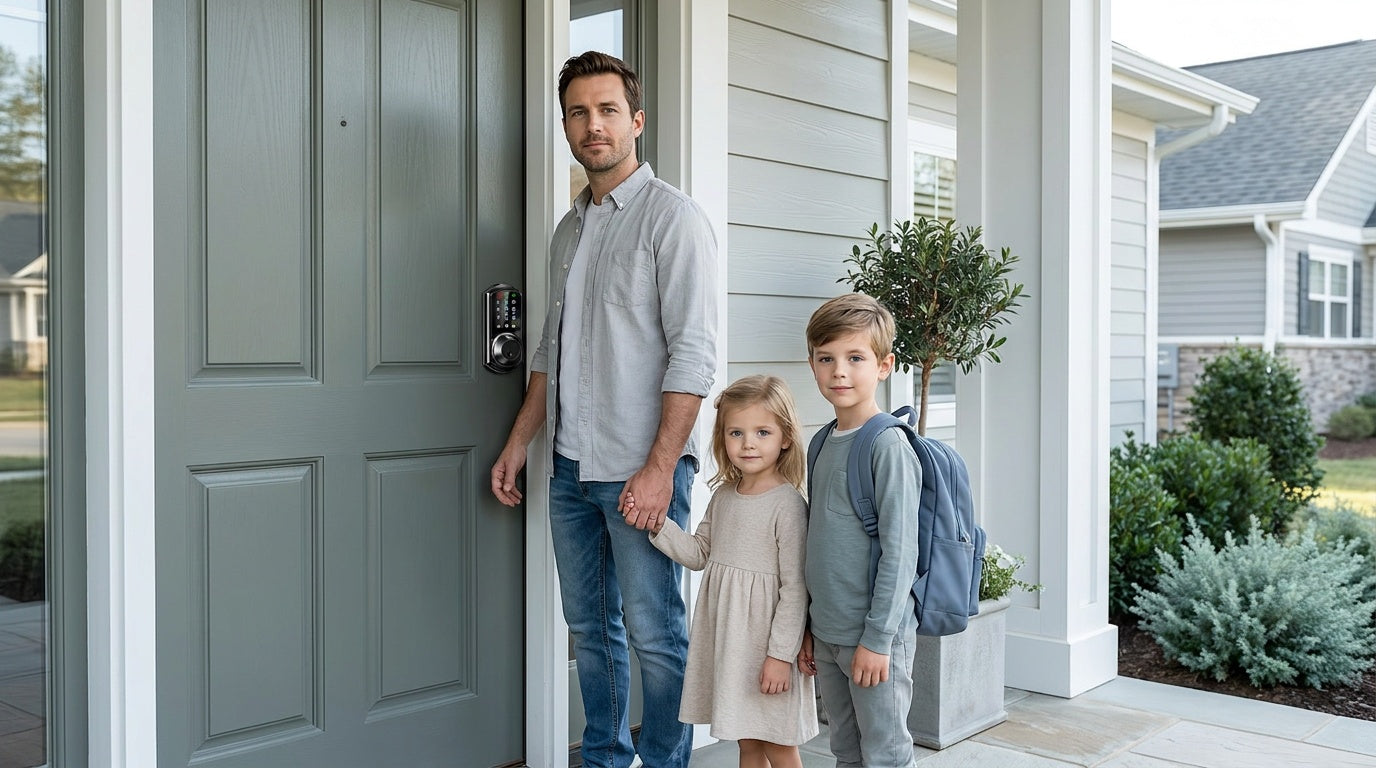

Leave a comment
This site is protected by hCaptcha and the hCaptcha Privacy Policy and Terms of Service apply.