
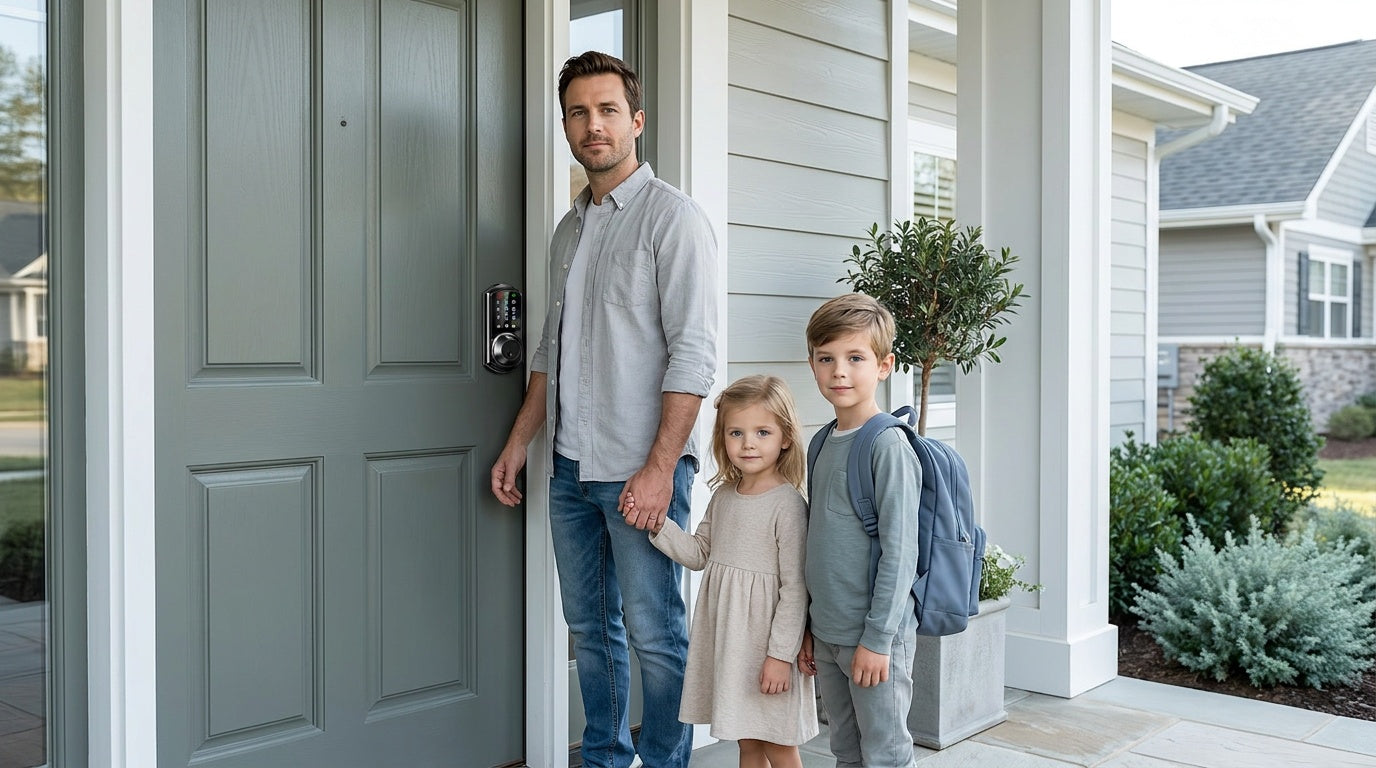
It's 3:15 PM on a Tuesday. Your kid just got off the bus, you're still thirty minutes from home, and your phone buzzes: "Mom, I forgot my key again." Sound familiar? For millions of families, the front door has become one of the most stressful pinch points of the day — and a traditional lock and key setup is no longer keeping up with the pace of real family life.
Smart locks change that equation completely. They eliminate the physical key as a dependency, give every family member their own secure way in, and let parents stay connected to what's happening at home even when they're not there. In this guide, we'll break down exactly how smart locks simplify daily family routines, what features matter most for households with kids, and how to choose the right lock for your home — including honest recommendations from Veise, the #1 smart lock brand on Amazon North America in both 2024 and 2025.
The Real Problem: Keys and Busy Households Don't Mix Well
Traditional door locks were designed for a simpler time — one key, one person, one door. But modern family life looks nothing like that. Between school pickup, after-school activities, babysitters, grandparents visiting, and work schedules that don't always align with when the kids get home, managing who has a key (and whether they still have it) is a low-grade anxiety that never fully goes away.
Kids are naturally forgetful, and physical keys make that a recurring problem. A key lost at school means a panicked call, an early exit from work, or a child waiting on the porch. A spare key under the mat solves the immediate problem but introduces a security risk that makes many parents uncomfortable. And when you need to give a babysitter or a caregiver access, cutting a new key means permanently handing over access you might later need to revoke — and there's no clean way to do that without replacing the lock entirely.
Smart locks were built to address all of this. They don't just replace the key — they replace the entire key-management headache with a system that's flexible, transparent, and designed for how real families actually live.
How Smart Locks Simplify Daily Family Routines
No More "I Lost My Key" Mornings
The most immediate relief a smart lock offers a family is simple: your kids no longer need to carry a key. Instead, they enter with a personal PIN code or — on models with biometric support — a quick fingerprint scan that takes less than 0.3 seconds. A forgotten code can be reset in seconds from a parent's phone. A lost key, on the other hand, means a hardware problem that can take hours or money to fix.
For younger kids who aren't quite ready to manage a key responsibly, a short numeric code they can memorize is a much more age-appropriate solution. For older kids or teens, fingerprint entry removes the need to remember anything at all — the lock recognizes them the moment they touch it. Either way, the child arrives home, gets inside safely, and the parent gets notified. No drama, no emergency calls, no neighbor hunting for a spare.
Know When Your Kids Arrive Home — From Anywhere
One of the most valued features for parents is the activity log and real-time notifications that come with a connected smart lock. When a Wi-Fi smart lock or a gateway-paired smart lock is installed, the app records every entry — who used which method and exactly when. You're sitting in a meeting at 3:30 PM and your phone quietly lets you know your daughter just walked in. No text required on her end. No interruption on yours. Just a quiet confirmation that she's home safe.
This kind of passive oversight is genuinely valuable. It means parents can focus on their day without that background worry running constantly. It also gives kids real independence — they're trusted to get home on their own, and the smart lock simply provides the record that confirms it worked. Over time, that transparency builds trust rather than hovering.
Important note: Real-time remote notifications and access logs require a smart lock with active connectivity — either a Wi-Fi Smart Lock or a Smart Lock w/ G1 / Smart Lock w/ G2 paired with its gateway. Remote access requires a smart lock — gateway-paired or Wi-Fi. The Keypad Deadbolt and Keypad Latch categories provide great keyless entry, but neither can be paired with a gateway and neither supports remote app monitoring.
Auto Lock: The Door That Always Remembers
Kids don't always remember to lock the door behind them — and honestly, adults forget too. Auto lock solves this without any behavioral change required from anyone. Once enabled, the lock re-engages itself automatically once the countdown you set runs out. On Veise locks, that interval is configurable between 10 and 99 seconds on Keypad Deadbolt and Keypad Latch locks, and between 10 and 180 seconds on connected locks (Smart Lock w/ Gateway 1/2 and Wi-Fi Smart Lock) — long enough that a slow grocery unload doesn't trigger a lockout, but short enough that the door never sits unsecured for long. Veise auto lock is timer-based: it fires when the interval elapses regardless of whether the door is open or closed, so make sure the door is shut before the countdown runs out.
Auto lock is a universal feature across the entire Veise lineup — it's not a premium upgrade. Every model includes it, from the entry-level keypad deadbolt to the fully connected Wi-Fi Smart Lock. For families where the default is "assume someone will lock it," that assumption finally becomes reliable.
Easy Access for Every Person in the House
Every household has a different mix of people who need regular or occasional access — kids, a partner with different work hours, elderly parents, a weekly housekeeper, or a regular babysitter. Smart locks are designed to handle this gracefully. Each person gets their own code or credential, which means access is individual and traceable. When someone's circumstances change — the babysitter moves on, a houseguest's visit ends, a caregiver schedule shifts — you remove or modify that person's access at the keypad — or, on a connected lock, in the app. No locksmith visit, no key swap, no awkward conversations about getting a key back.
For households with elderly family members, the entry experience matters just as much as the security. A large, backlit keypad is far more accessible than fumbling with a key in low light, and a fingerprint scan requires no memorization at all. Veise's lineup was specifically designed with these real-life scenarios in mind, keeping the entry experience straightforward for the youngest and oldest members of the household alike.
Voice Control That Fits the Morning Rush
Hands full of bags? Getting kids out the door? Voice control adds one more layer of convenience for the moments when touching a keypad isn't practical. Veise's Wi-Fi Smart Locks support voice commands directly through their built-in Wi-Fi connection, working with both Amazon Alexa and Google Assistant out of the box. Gateway-paired smart locks — both the Smart Lock w/ G1 and Smart Lock w/ G2 — also support Alexa and Google Assistant once the paired gateway is in place, which bridges the lock to your voice assistant ecosystem. A quick "Hey Alexa, lock the front door" on the way out is genuinely useful, and for families already using smart speakers in the home, it fits right into a routine they already have. If you set up a voice-assistant routine that locks the door at a fixed time each night, treat it as an extra automation layer — Veise locks already include a built-in auto lock setting that secures the door on its own after the interval you choose. Note that Alexa and Google Assistant features are controlled by Amazon and Google, not Veise: availability, menu names, and exact behavior can vary with your device model, firmware version, app settings, and the level of service supported in your region.
Which Veise Smart Lock Is Right for Your Family?
Veise's lineup spans several lock categories, and the right one depends on how your family actually uses the door. Here's a practical breakdown by use case — without the tech jargon.
For Remote Monitoring: Wi-Fi Smart Locks
If the ability to check entry history and receive notifications remotely is the top priority — which it is for most parents — a Veise Wi-Fi Smart Lock is the most straightforward choice. These locks connect directly to your home's Wi-Fi, require no additional hardware like a gateway or hub, and give you full app control from anywhere with an active Internet connection. Unlock methods include keypad code, fingerprint, physical key backup (on all models), voice control via Alexa or Google Assistant, and key fob on the VE027 series (all models; not supported on the VE012W series).
Veise offers two Wi-Fi Smart Lock series for families to choose from:
- Touchscreen Wi-Fi Smart Lock (VE027 Series): Features a smooth touchscreen interface, and every VE027 SKU includes a USB-C emergency power port — useful if the batteries run low when no one is home. This series also adds key fob support and on-device voice prompts in English, Spanish, and French. It's a strong pick for tech-comfortable households that want a modern look at the door.
- Push-Button Wi-Fi Smart Lock (VE012W Series): Uses a traditional press-button keypad, which many users — especially kids and elderly family members — find more intuitive and familiar. Compared with the VE027 series, the VE012W series differs in four concrete ways: a press-button keypad instead of a touchscreen, no USB-C emergency power port, no key fob support, and no on-device voice prompts.
Both Wi-Fi series share the same core advantages: built-in Wi-Fi (no gateway needed), fingerprint recognition, keypad code entry, physical key backup, and Veise's 8 AA/LR6 alkaline battery design that delivers stronger signal and a longer-lasting power reserve compared to the standard 4 AA setup found on many competing locks. If Wi-Fi goes down but you're within short-range wireless distance of the lock, app control continues to work locally — only long-distance remote features require live Internet.
For Remote Monitoring with More Options: Smart Lock w/ G1 or Smart Lock w/ G2
Families who want remote monitoring but prefer a slightly different feature set — or need specific options like multilingual support or Apple Watch unlock — should look at the gateway-paired lines. These locks pair with a gateway device (plugged in near your router) that bridges the lock to the Internet and enables full app control from anywhere. The gateway is sold separately — it doesn't ship in the box with the lock.
The unlock methods shared across both lines are keypad code, key fob, physical key backup, and remote app control via the paired gateway. Fingerprint coverage differs: every Smart Lock w/ G1 model includes it as standard, while many — not all — Smart Lock w/ G2 models do. Here's how the two lines compare:
- Smart Lock w/ G1 — Best All-Around Connected Pick: Smart Lock w/ G1 is built on a single product series — the VE017 — and every model in it ships with three features as standard: fingerprint, multilingual voice prompts (English, Spanish, and French), and a USB-C emergency power port. That makes Smart Lock w/ G1 the most complete all-in-one pick — especially valuable for multilingual households or any family with elderly members who might worry about being locked out. It also pairs with a Veise-developed first-party app, which provides the most reliable integration experience.
- Smart Lock w/ G2 — For Apple Watch Access or More SKU Variety: Smart Lock w/ G2 adds Apple Watch unlock and web portal control — features not available on Smart Lock w/ G1 or the Wi-Fi lines. It also offers more SKU variety, including both fingerprint and non-fingerprint options and multiple form factors (standalone deadbolt or handleset bundles with lever, vertical, or knob handles). On-device voice prompts on Smart Lock w/ G2 are English only. A good choice for families where Apple Watch access matters or where a non-fingerprint option is preferred.
For Simpler Keypad-First Households: Keypad Deadbolts
Not every family needs remote monitoring. If the goal is simply to eliminate physical keys and give everyone a reliable PIN code for entry — without the need for app notifications or remote access — a Veise Keypad Deadbolt is a practical, affordable, and highly reliable solution. All models support keypad code and physical key backup. Fingerprint is available on select Veise keypad deadbolts — specifically the KS02 series, where every SKU includes a fingerprint reader for sub-0.3-second entry that's ideal for kids who can't be trusted to remember a code.
These are a great fit for the exterior door of a home where you simply want keyless convenience, the peace of mind of auto lock, and a lock that will never leave someone stranded outside. Priced within Veise's overall $30–$180 range, this category gives families a meaningful upgrade from a standard deadbolt without any ongoing subscription or app complexity.
Veise also offers Keypad Latch Locks — an integrated handle-and-lock unit ideal for interior doors, side entries, or utility access points. These support keypad code and physical key backup, and currently come in two handle styles: a top knob (KS03) or a top lever (KS04). They're a natural fit for interior doors in a busy household where you want code-based access without a full deadbolt installation.
What to Know Before You Buy
Before selecting a Veise smart lock, there are a few practical details worth confirming for your specific door and situation:
- Door material: Veise smart locks are designed for wood doors. They are not compatible with fiberglass, metal, storm, or sliding doors.
- Door thickness: Standard compatibility is 1-3/8" to 2" — the range that covers the vast majority of residential wood entry doors.
- Full lock replacement: Unlike overlay-style smart locks that attach over an existing lock, Veise locks are full replacements. This means you'll need to be the property owner or have authority to modify the door hardware before installing.
- No subscription fees: There is no monthly cloud fee and no subscription required for full features. On fingerprint-equipped models, the fingerprint template is processed and stored on the lock's own AI chip rather than uploaded anywhere — a meaningful privacy benefit for family households.
- Installation: Every Veise lock is designed for a DIY install in about 15 minutes with a screwdriver and no wiring or professional help required. The existing deadbolt hole pattern on most residential doors makes the swap straightforward, and every Veise lock ships with a step-by-step user manual and an installation video to follow along with. Batteries aren't included in the box, so pick up a fresh set of AA/LR6 alkaline cells before you start.
- ANSI/BHMA Grade 3 certification: All Veise locks meet the residential security standard. Grade 3 is the benchmark for home use; Grades 1 and 2 target high-traffic commercial environments, not a higher quality tier for residences.
Tips for Setting Up Your Smart Lock for Family Life
Once your Veise lock is installed, a few minutes of thoughtful setup will make the day-to-day experience much smoother for the whole family.
- Give every person their own code — Resist the temptation to use one shared household code. Individual codes make the access log meaningful (you can see exactly who came in and when), and if one code gets shared or compromised, you delete just that one without affecting anyone else.
- Enroll fingerprints carefully — Veise locks capture each fingerprint eight times during enrollment to build a reliable template across different angles and pressure levels. The eight scans themselves take only about 15 seconds; allow roughly half a minute per finger once you factor in lifting and repositioning between scans, and the green light flashes once enrollment is complete. A poorly enrolled fingerprint will cause inconsistent reads later. Note that each person has to enroll their own finger at the lock itself — enrollment can't be done through the app or delegated to someone else, which is exactly why fingerprint access is harder to hand off than a code.
- Set the auto lock timer for your household's rhythm — A family that frequently brings in groceries may want a 90-second window. A household with toddlers may prefer 30 seconds. Keypad Deadbolt and Keypad Latch locks adjust from 10 to 99 seconds, and connected locks from 10 to 180 seconds, so there's room to find what actually fits your routine. You'll generally find the setting in the settings interface of the app on connected locks, or at the keypad on keypad deadbolts or keypad latch locks.
- Review and clean up access regularly — After a babysitter's engagement ends, a houseguest leaves, or a caregiver's schedule changes, remove or disable their permanent access promptly. (One-time codes — available on every Veise lock — and the scheduled Recurring and Duration codes offered on Smart Lock w/ G1 and Wi-Fi smart locks expire on their own, so there's nothing to clean up afterward.) Keeping the access list current is as important as the initial setup.
- Keep the physical key as a backup — Every Veise lock includes a physical key backup. Keep one copy in a secure location away from the door (not under the mat). It's your last line of defense if the AA/LR6 alkaline batteries run unexpectedly low before you're able to replace them.
Frequently Asked Questions
Can my kids use a smart lock without a phone or app?
Yes. Veise Keypad Deadbolt and Keypad Latch locks, Smart Lock w/ Gateway 1/2, and Wi-Fi smart locks all support keypad code entry as a primary method — no phone required. On models with fingerprint support, kids can enter with a simple touch. The app is for parents who want remote visibility and control; children don't need it to get in.
Do I need Wi-Fi to use a Veise smart lock?
It depends on the lock type. Keypad Deadbolt and Keypad Latch locks work entirely offline — no Wi-Fi needed at any point. Wi-Fi smart locks and Smart Lock w/ Gateway 1/2 use Wi-Fi for remote features like notifications and app-based unlocking from a distance. Keypad code entry and the physical key keep working on those models no matter what the network is doing. Even when Wi-Fi is down, app control on both Smart Lock w/ Gateway 1/2 and Wi-Fi smart locks continues to work locally as long as you're within short-range wireless distance — only long-distance remote features require active Internet.
Will a smart lock work if the power goes out?
Smart locks run on batteries, not household electricity, so a power outage has no effect on lock operation. Veise's Wi-Fi smart locks use 8 AA/LR6 alkaline batteries for a stronger signal and longer power reserve. Every model in the VE017 series (Smart Lock w/ G1) and every model in the VE027 series (Touchscreen Wi-Fi Smart Lock) also has a Type-C emergency power port, which lets you briefly power the lock from a USB power bank if the batteries run completely dry — giving you time to enter and replace the batteries.
What if my child forgets their code?
If a child forgets their code, a parent can remotely unlock the door using the app (on connected smart lock models) or simply be on hand to open it. The code can then be reset or re-shared in seconds. Because codes are individual, resetting one child's code doesn't affect anyone else's access.
Are smart locks safe for homes with young children?
Yes, when set up appropriately. On fingerprint-equipped Veise locks, the fingerprint template is processed and stored on the lock's own AI chip — the biometric data doesn't leave the device. Auto lock re-engages the lock on the countdown you set, so the door doesn't sit unsecured after someone comes in. And because access credentials are digital, there's no physical key that a young child could misplace or hand to someone else unknowingly.
Do Veise smart locks require a subscription?
No. Veise does not charge any monthly or annual subscription fees. All features — including the app, access logs, and remote control on connected models — are included with the lock. There are no paywalls for core functionality.
How hard is it to install a Veise smart lock?
Most homeowners complete the installation in about 15 minutes using a screwdriver. No wiring is involved, and no professional installation is required — every lock ships with a step-by-step manual and an installation video that walk through the exact sequence for your model. The rough order is the latch first (kept retracted), then the exterior assembly, then the interior assembly, finishing with the included strike plate; the lock arrives with a default master code preset, so you can test it as soon as the batteries go in. Veise locks replace the existing deadbolt using the standard door prep found on the vast majority of residential wood entry doors.
Which Veise lock is best for parents who want to monitor when their kids arrive home?
For remote monitoring and real-time entry notifications, choose either a Wi-Fi Smart Lock, a Smart Lock w/ G1, or a Smart Lock w/ G2. These models connect to the Internet and send push notifications each time the door is used. Remote monitoring requires a smart lock — Wi-Fi or gateway-paired; the Keypad Deadbolt and Keypad Latch categories can't be paired with a gateway and don't support it.
A Simpler Front Door for a Busier World
A smart lock won't solve every parenting challenge, but it reliably removes one that shows up every single day. No more key logistics. No more wondering if the kids made it home. No more hoping someone remembered to lock up. With the right lock in place, the front door just works — quietly, automatically, and on everyone's terms.
Veise was built for exactly this kind of household. With a lineup that spans every need from simple keypad entry to fully connected remote monitoring, a $30–$180 price range that doesn't require a premium purchase to get a quality product, and no subscription fees eating into the value over time, it's a brand designed for real families and real budgets. Easy from Day One.
Explore the full Veise product lineup to find the right fit for your family's routine, or browse by category:
- Wi-Fi Smart Locks — for parents who want remote check-ins and real-time alerts
- Smart Locks w/ G1 — for multilingual households and an all-in-one connected experience
- Smart Locks w/ G2 — for Apple Watch access and flexible form-factor options
- Keypad Deadbolt Locks — for keyless entry without app complexity
- Keypad Latch Locks — for interior doors, side entries, and utility access points
Have Questions About the Right Lock for Your Home?
The Veise team is based in the US and available by phone and email to help you choose the right lock for your door, your family, and your daily routine. No bots, no runaround — just real support from people who know the product.
Contact Veise Support

Leave a comment
This site is protected by hCaptcha and the hCaptcha Privacy Policy and Terms of Service apply.