
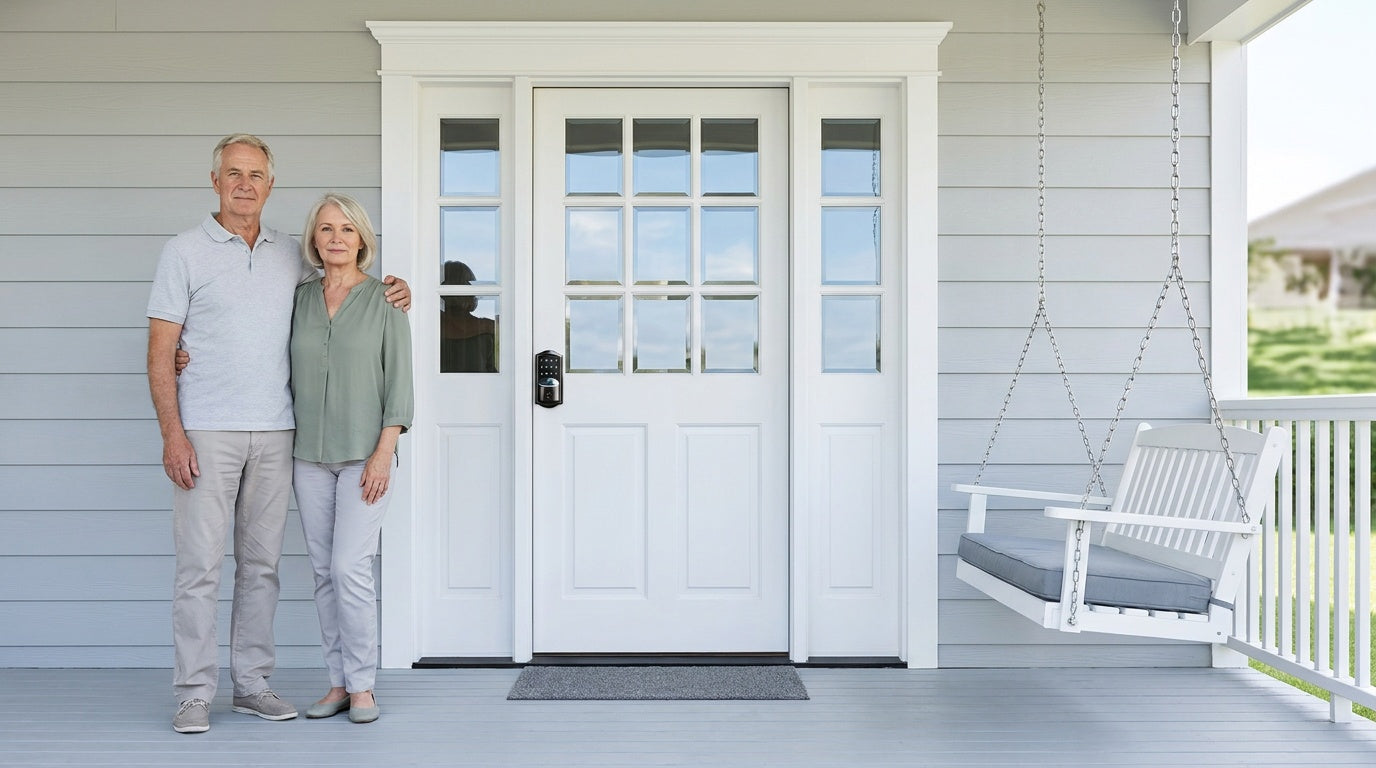
Getting older at home is something most people want. Studies consistently show that roughly 75% of older adults strongly prefer to stay in their own homes rather than move to assisted living. The challenge is that everyday tasks — unlocking a front door with stiff fingers, remembering whether you turned the deadbolt, waiting for a family member to come over just to let in a caregiver — can quietly erode that independence over time.
Smart home technology has stepped up to meet that challenge, but not all of it actually helps. A lot of it is complex, expensive, or designed for a 25-year-old tech enthusiast, not a 72-year-old who simply wants to stay safe and comfortable in a home they've lived in for decades. This guide cuts through the noise. It focuses on practical, proven technology that genuinely makes daily life easier for seniors — starting with the front door, where independence is won or lost every single day.
Why Smart Home Technology Matters for Seniors
The phrase "smart home" can sound intimidating — like you need a tech degree to operate your own house. The reality is quite different. The best smart home technology for seniors is invisible in the best way: it quietly handles the things that have become difficult, without demanding that anyone learn a new skill set or stare at a complicated app. A light that turns on automatically in a dark hallway, a lock that doesn't require fumbling for keys, a doorbell that lets you see who's outside before you get up from your chair — these aren't gimmicks. They're tools that restore confidence.
The broader case for smart home technology in aging-in-place settings is well established. Automated reminders, emergency response systems, health monitoring, and home automation all provide support that allows seniors to maintain independence while receiving assistance when they need it. Just as importantly, these tools give families peace of mind — caregivers can monitor safety, check on daily routines, and manage home access without needing to be physically present. The goal is not to replace human care. It's to extend the quality and safety of life at home for as long as possible.
When thinking about where to start, it helps to prioritize by impact. Not every senior needs a robot vacuum or a smart refrigerator on day one. But almost every senior benefits from addressing two fundamentals first: home entry (the front door) and safety awareness (knowing who's there, and knowing the home is secure). Get those right, and everything else builds naturally from there.
The Front Door: The Daily Challenge Nobody Talks About
A traditional deadbolt and key sounds simple enough — until you have arthritis in your hands, poor night vision, or a cognitive condition that makes it genuinely hard to remember whether you locked up before bed. For millions of seniors, the front door is not a minor detail. It's a daily source of frustration, anxiety, and in some cases, risk. Caregivers who need to get in quickly, family members who want to know the door is locked, and seniors who have locked themselves out more than once — these are real, common situations that a traditional lock handles poorly.
Smart locks and keypad entry systems solve this problem at its root. Instead of a small metal key that requires precise grip and insertion, entry becomes a simple code on a keypad, a finger placed on a sensor, or a tap on a phone screen — all of which work in the dark, with no keyhole to find by feel. The lock can re-engage on its own once a set interval elapses — no more wondering "did I remember to lock it?" Family members can check lock status remotely, grant access to a visiting nurse, or get an alert when the door opens. These are not luxury features. For a senior living alone, they are meaningful, practical improvements to daily life.
Choosing the Right Smart Lock for a Senior's Home
Not all smart locks work the same way, and for seniors and their families, choosing the right type matters as much as choosing the right brand. Veise — built on Kaadas Group's 38 years of lock industry expertise and backed by 711 patents, the world's largest smart lock patent portfolio — offers four distinct lock categories, each suited to a different situation. Unlike many brands that resell OEM products, Veise designs and manufactures its own locks, which means consistent quality, better engineering control, and products genuinely built with the end user in mind. The right fit depends on the door, the senior's preferences, and how much family involvement is needed in day-to-day access management.
All Veise smart locks are compatible with standard wood doors (1-3/8" to 2" thick), install in about 15 minutes with a screwdriver and no wiring, and require no professional help. They are ANSI/BHMA Grade 3 certified — the recognized standard for residential locks. Every model includes a physical key backup, so there is always a traditional fallback if needed. No subscription fees. No complicated onboarding. That's the Effortless Home Improvement™ Experience in practice.
Keypad Deadbolt: Simple, Reliable, No App Needed
For seniors who want to eliminate key fumbling without adding any digital complexity, a keypad deadbolt is the most straightforward upgrade available. Entry is either a code on the keypad or a physical key backup — that's it. The KS02 series adds fingerprint recognition on every SKU, reading a registered finger in under 0.3 seconds and is genuinely the easiest entry method for anyone with limited grip strength or memory concerns. Fingerprints are processed and stored locally on the lock itself, with no cloud account or Internet connection required.
All keypad deadbolt models include auto lock, which can be configured to re-engage anywhere between 10 and 99 seconds on Keypad Deadbolt and Keypad Latch locks (connected models go up to 180 seconds). It runs on that timer rather than a door sensor, so the door simply needs to be shut before the interval expires. For a senior who worries about leaving the door unlocked, this feature alone is worth the upgrade. The keypad deadbolt is a great starting point for exterior doors on a home where the family does not need remote access — just reliable, keyless, daily convenience.
Keypad Latch Lock: Interior Doors Made Easy
Interior doors — bedroom, bathroom, home office, or garage access — commonly call for a latch rather than a full deadbolt, and for most interior rooms the natural starting point is the Mechanical Locks lineup: a privacy knob or privacy lever locks from inside with a turn knob and unlocks from outside with a coin or screwdriver in an emergency, which is exactly the behaviour a bedroom or bathroom door needs. Where code-based access is genuinely useful — a home office, a garage passage, a side entry — the Veise keypad latch lock offers the same keyless code entry in a compact, integrated form. Two SKUs are available: the KS03 (integrated top knob) and the KS04 (integrated top lever). The lever handle of the KS04 is particularly well-suited to seniors who find round knobs difficult to grip and turn. Entry is by keypad code or physical key backup only — no app or fingerprint on this category, which keeps things refreshingly simple for spaces that don't need advanced access management.
Smart Lock w/ Gateway 1/2: Remote Access for Family Peace of Mind
When family members or caregivers need to stay involved — checking whether the door is locked, granting access to a visiting aide, or reviewing who came and went — a gateway-connected smart lock makes that possible without requiring the senior to manage anything differently. Veise offers two lines in this category: Smart Locks w/ G1 and Smart Locks w/ G2. Both lines connect to a paired gateway hub that bridges the lock to the app, enabling remote monitoring and control. Both include keypad code, key fob, and physical key as standard unlock methods. Fingerprint coverage splits by line: every Smart Lock w/ G1 has it, and many Smart Lock w/ G2 models do. The gateway itself is a separate device, sold separately on nearly all SKUs, and it needs to sit within wireless range of the lock while also reaching the home network.
Smart Locks w/ G1 is built on a single product series — the VE017 — and every unit ships with fingerprint recognition, multilingual voice prompts (English, Spanish, and French), and a USB-C emergency power port as standard, which is useful for households where a power-down lockout would be a serious concern. For families with multilingual members or non-English-speaking relatives, that three-language voice support is a concrete advantage. Smart Lock w/ G1 also uses a first-party, Veise-developed app, which means a more reliable, consistent app experience. For most families who want remote peace of mind without choosing between features, Smart Lock w/ G1 is the recommended starting point.
Smart Lock w/ G2 offers more SKU variety — including non-fingerprint and bundle options — and adds Apple Watch unlock and web portal control via browser. For a senior whose adult child wants to manage access from a laptop, or for a property owner managing a short-term rental, that web portal is genuinely practical. Smart Lock w/ G2 supports English voice prompts. For families with remote access needs and a preference for Apple devices, Smart Lock w/ G2 is worth considering as the featured option.
For families with kids who need to come and go while a senior parent is home alone, a gateway-connected smart lock is especially valuable: parents or adult children can review entry history and monitor lock activity remotely via the app, without calling or texting to check in.
Wi-Fi Smart Lock: Full Remote Control, Anywhere
For the most connected option — one that doesn't require a separate gateway hub — Veise's Wi-Fi smart locks connect directly to the home's existing Wi-Fi network. Remote app access, voice control via Alexa or Google Assistant, real-time notifications, and entry history are all available without any additional hardware. The keypad code and physical key work regardless of connectivity, and on both Smart Lock w/ Gateway 1/2 and Wi-Fi smart locks app control also continues to work locally when Wi-Fi is temporarily down, as long as you're within short-range wireless distance of the lock.
Two series are available. The Touchscreen Wi-Fi Smart Lock (VE027 Series) features a smooth touchscreen interface with no physical buttons to wear out, and includes a USB-C emergency power port on every SKU in the series for added lockout protection. The Push-Button Wi-Fi Smart Lock (VE012W Series) uses a traditional press-button keypad — familiar to anyone who has used a standard keypad lock — for seniors who prefer the tactile feel of physical buttons. The two series differ in four concrete ways: interface, USB-C emergency power, key fob support, and on-device voice prompts in English, Spanish, and French — the last three are VE027 only. Both share fingerprint recognition, keypad code, app control, and an 8 AA/LR6 alkaline battery design that delivers stronger signal and a larger power reserve than the more common 4 AA setup. Physical key backup is included on all models.
Wi-Fi smart locks are the best choice for families who want full remote oversight without setting up a gateway, or for homes where Alexa or Google Assistant is already in use. Voice commands make locking up hands-free — a senior can say "Alexa, lock the front door" without approaching the lock at all. Note that Alexa and Google Assistant features are controlled by Amazon and Google rather than Veise, so exact behaviour, wording, and menu options can vary by device model, firmware version, app settings, and regional support.
Beyond the Lock: Other Smart Home Tech That Genuinely Helps
Once the front door is handled, a few other categories of smart home technology offer real, practical value for seniors aging in place. These don't need to be installed all at once — building gradually, starting with what addresses the most pressing daily challenges, is almost always the right approach.
- Voice Assistants (Amazon Alexa, Google Assistant): These are among the most universally useful devices for seniors because they require no screen, no typing, and no fine motor skill. A voice assistant can set medication reminders, make phone calls, check the weather, play music, or control connected smart home devices — all by voice. Pairing one with a Wi-Fi smart lock or a gateway-connected lock unlocks hands-free door control as well.
- Smart Displays (Amazon Echo Show): A step up from a voice-only speaker, smart displays let seniors make video calls with family, see who is at the door, and follow along with reminders on a screen. For seniors with mild hearing loss, being able to see a caller's face on a bedside display can make a significant difference in communication quality.
- Entry History on a Connected Lock: For family members who check in remotely, the access log on a Smart Lock w/ Gateway 1/2 or a Wi-Fi smart lock is the least intrusive form of reassurance available — it confirms that the door was opened at the usual time, without a camera in the living room or a phone call that interrupts the day.
- Motion-Activated Lights: Falls are one of the leading causes of injury for older adults, and poorly lit hallways at night are a significant contributing factor. Smart motion sensor lights — particularly along the path from the bedroom to the bathroom — turn on automatically without requiring the senior to locate a switch in the dark.
- Smart Medication Dispensers: For seniors managing multiple prescriptions, a smart pill dispenser with timed alerts and locked compartments removes a major daily stressor. It reduces the risk of missed or double doses and gives remote family members visibility into whether medications were taken on schedule.
- Wearable Fall Detection (Apple Watch, medical alert devices): A wearable that detects a hard fall and sends an automatic emergency alert can be life-changing for a senior who lives alone. The window of time between a fall and getting help is one of the most important factors in recovery outcomes.
These technologies work best as a coordinated system rather than a collection of disconnected gadgets. A voice assistant that controls the smart lock and the lights, connected to a smart display for family video calls, layered over the lock's own entry history for remote peace of mind — that's a genuinely supportive home environment, not a complicated tech setup.
Setting Up Smart Home Tech: What Seniors and Families Should Know
The most common reason smart home upgrades fail for seniors is not the technology — it's the setup experience. A device that takes an hour to configure, requires a third-party account with a complicated password, or needs a software update before it works is not a good fit for most seniors. Here are the principles that make the difference between a device that gets used and one that sits in a drawer.
- Start with one change at a time. Replacing a front door lock and getting comfortable with it is a complete win on its own. Adding more devices after the first one feels natural reduces overwhelm significantly.
- Choose devices that work without the app. The best smart locks — like Veise keypad and gateway models — work perfectly via keypad or fingerprint even if the app is never opened. The app is an enhancement, not a requirement for daily use.
- Involve the senior in the choice. A device chosen by a family member without input from the senior often goes unused. Walking through the options together and letting the senior try the fingerprint or keypad before committing leads to much higher adoption.
- Set up auto lock and notifications early. Configuring auto lock (10 to 99 seconds on Keypad Deadbolt and Keypad Latch locks, 10 to 180 seconds on connected models) and low-battery alerts during initial setup removes the mental load of remembering to lock up and ensures the senior is never caught by a dead battery.
- Keep backups in place. Every Veise lock ships with a physical key. Store a backup key with a trusted family member or neighbor — not hidden outside, which creates a security risk.
For homeowners, Veise locks install in about 15 minutes with a screwdriver, no wiring, and no professional required, and every product ships with a step-by-step user manual and an installation video to follow. The lock replaces the existing deadbolt or latch hardware completely, which means a solid, purpose-built installation rather than an overlay adapter on an aging lock. One thing to pick up in advance: Veise locks don't ship with batteries, so have a fresh set of AA/LR6 alkaline cells on hand before you start. With a $30 to $180 lineup, the upgrade is affordable enough that it doesn't require a home renovation budget to get started.
Frequently Asked Questions
What is the easiest smart lock for seniors to use?
The easiest option depends on the senior's preference. For seniors who want pure simplicity, a keypad deadbolt requires nothing more than entering a familiar code — no app, no phone, no key, and it works in the dark with no keyhole to line up. For seniors with limited hand strength or grip issues, a fingerprint model (the Veise KS02 series, where every SKU includes fingerprint) offers the fastest, most effortless entry, with a scan read in under 0.3 seconds. Auto lock — configurable from 10 to 99 seconds on Keypad Deadbolt and Keypad Latch locks, and up to 180 seconds on connected models — removes the need to remember to lock the door at all.
Do smart locks work if the Wi-Fi goes out?
Yes — and this is an important point for seniors and families to understand. Keypad deadbolts and keypad latch locks work entirely offline; they never require Wi-Fi. For Wi-Fi smart locks and Smart Lock w/ Gateway 1/2, the keypad code, fingerprint, physical key, and key fob (on Smart Lock w/ Gateway 1/2 and the VE027 Wi-Fi series) all continue to work locally even without an active Internet connection. Remote features — like locking the door from across town — require live Wi-Fi, but the lock itself always functions at the door. Even when Wi-Fi is down, app control on a gateway or Wi-Fi lock continues to work locally as long as you're within short-range wireless distance.
Can family members monitor a senior's front door remotely?
Yes, with a smart lock — either a gateway-paired smart lock or a Wi-Fi smart lock. Remote monitoring requires a smart lock specifically (not a keypad-only lock). With either option, family members can view entry history, receive door-open notifications, lock or unlock the door remotely, and create or revoke access codes for caregivers — all from a phone or, in the case of Smart Lock w/ G2, a web browser. This kind of remote visibility is one of the most valuable features for adult children who live away from an aging parent.
What happens if a smart lock battery dies?
Every Veise smart lock includes a physical key as a backup entry method. Additionally, a USB-C emergency power port is standard on the VE017 series (Smart Lock w/ G1) and the VE027 series (Touchscreen Wi-Fi Smart Lock) — every SKU in both series has it — so you can hold a charged power bank to the port to temporarily power the lock and enter a code, without ever needing to take the lock apart. Veise locks also warn you well before that point: a voice or beep prompt at the lock plus an indicator light signals a low battery, and connected locks (Smart Lock w/ Gateway 1/2 and Wi-Fi smart locks) add a push notification through the app.
Is a smart lock hard to install for a senior's home?
Veise smart locks are designed for homeowner installation in about 15 minutes with a screwdriver — no wiring, no professional required. The lock replaces the existing deadbolt or latch hardware on standard wood doors (1-3/8" to 2" thick). Because it's a full replacement rather than an overlay, the finished result is a clean, solid lock with no adapters or workarounds. Family members who want to set up a parent's home with a smart lock can typically complete the job during a single visit without any prior experience.
Do Veise smart locks work with Alexa or Google Assistant?
Voice control is available on two of the four lock categories. Wi-Fi smart locks support Alexa and Google Assistant directly via their built-in Wi-Fi connection. Smart Locks w/ G1 and Smart Locks w/ G2 support voice control as well, but require the paired gateway to be in place to bridge the lock to the voice assistant. Keypad-only deadbolts and latch locks do not support voice control — but they don't need to, since daily use is handled entirely at the door via code, fingerprint, or physical key.
Smart home technology for seniors doesn't need to be complicated to be genuinely helpful. The right devices do one thing well: they quietly remove friction from daily life, restore confidence, and give families the visibility they need to support a loved one without hovering. Start with the front door — it's where independence is built or eroded every single day. A keyless smart lock with auto lock, alerts, and the ability to let a family member check in from across the country is a simple upgrade with outsized impact on how safe and capable a senior feels in their own home.
Easy from Day One. With 10M+ smart locks sold across 41+ countries and recognition from Frost & Sullivan as the global No.1 high-end smart lock brand by sales, Veise brings proven engineering and human-centered design to every lock. Explore the full lineup — from keypad deadbolts to connected Wi-Fi smart locks — and find the right fit for your family's home. Browse all Veise smart locks to get started.
Not Sure Which Lock Is Right for Your Family's Home?
Our team is happy to help you find the best fit — whether you're upgrading a parent's front door or outfitting a rental property for easier access management. No pressure, just practical guidance.
Contact Us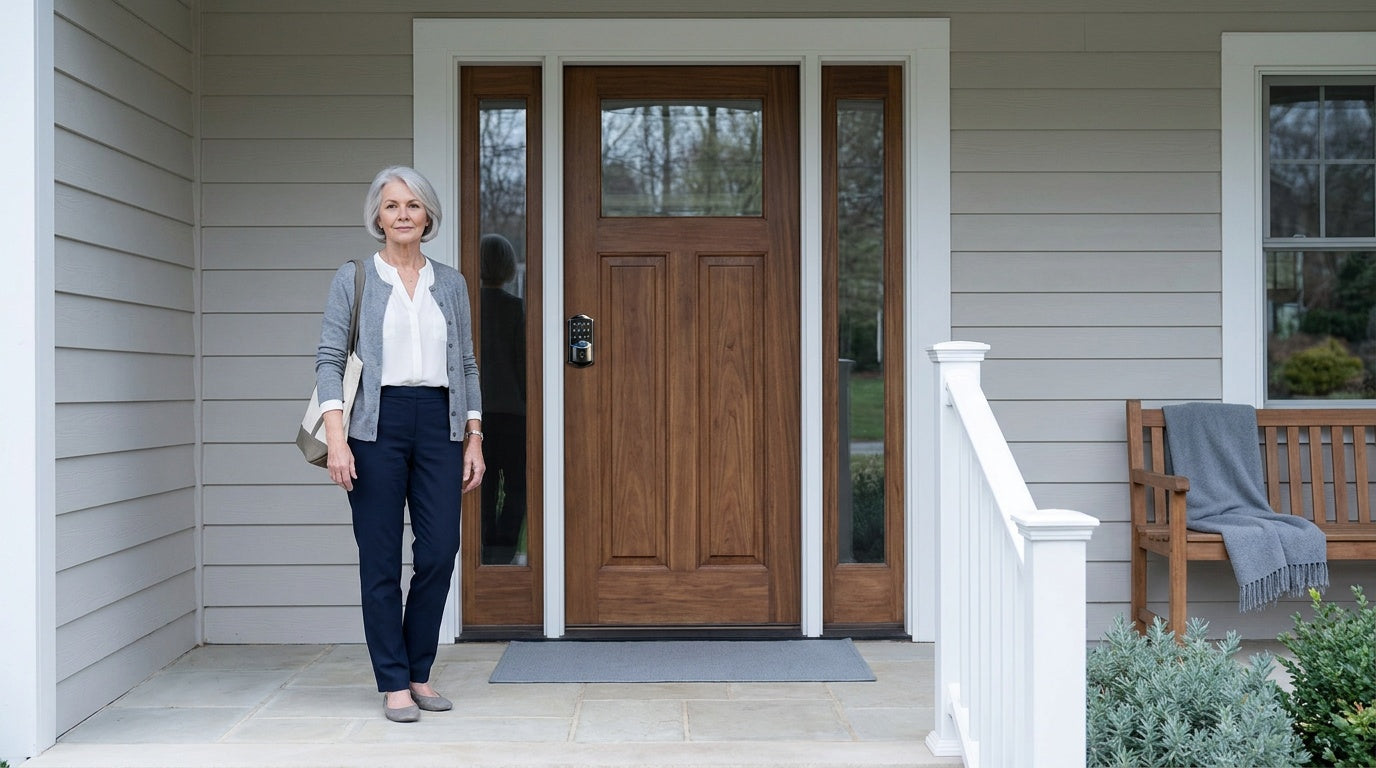

Leave a comment
This site is protected by hCaptcha and the hCaptcha Privacy Policy and Terms of Service apply.