
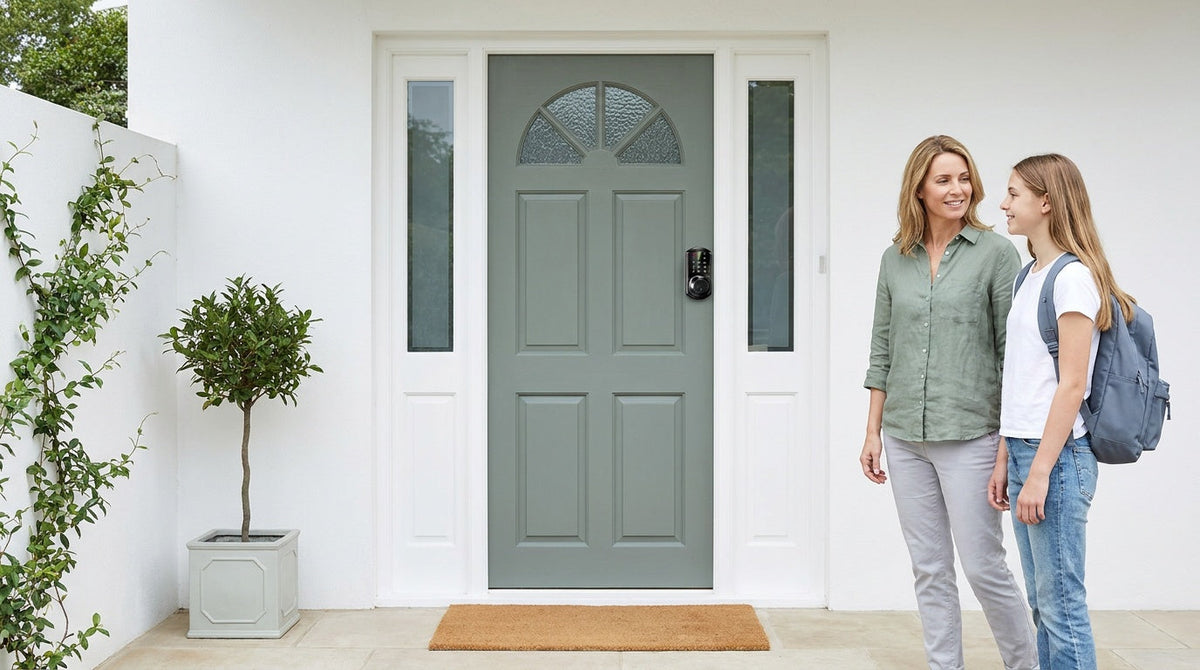
You changed your address, forwarded your mail, and got the keys at closing. It feels like you have everything under control. But for most families moving into a new home, the real security work has not started yet — and the most important steps are the ones that never make it onto a standard moving checklist.
The front door lock gets changed (eventually). But the garage code from the previous owner? Still active. The smart thermostat left by the seller? Still linked to their account. The key that the previous owner's contractor tucked under the side-entry mat? Nobody thought to check. These are the gaps that make a home feel secure on the surface while remaining quietly exposed — and they are exactly what this checklist is designed to help you close, starting before you unpack a single box.
Why Security Gaps Happen During a Move
Moving is one of the most distracting events a household goes through. Schedules are unpredictable, strangers (movers, contractors, utility workers) come and go through your doors, and the mental load of coordinating logistics leaves little bandwidth for a systematic security review. Most people focus on what is visible — the front door, the windows they can see from the living room — and put everything else on a list they plan to get to later. Later often becomes never, or at least not until a problem surfaces.
The other factor is inherited access. When you move into a home, you are not starting from scratch. The previous owners had relationships with contractors, cleaners, neighbors, and family members who may have been given a key, a garage code, or an app account tied to a smart device in the house. You have no way of knowing how many copies of that access exist. This is why closing the old access paths is not just a nice-to-have — it is the single most important thing you can do in the first 24 hours.
First 24 Hours: The Steps Most People Delay
Most homeowners plan to change their locks within the first week. That window is too wide. On the day you get your keys, the physical locks on every exterior door should be rekeyed or replaced. Rekeying changes the internal pins in the cylinder so that old keys no longer work, while keeping the same hardware in place. Replacing the lock entirely gives you the opportunity to upgrade to a better-quality or smarter product at the same time. Either option is faster and more affordable than most people expect, and neither one requires waiting for a contractor.
Beyond the front door, walk every exterior entry point before you start unpacking. That means the back door, the side door off the garage, any patio door, basement access, and outbuildings or sheds with padlocks. A common mistake is treating the front door as the only entry point worth addressing immediately. A secondary door with a weak or unaddressed lock is still a door into your home.
- Rekey or replace every exterior door lock, including doors that connect the garage to the living space
- Test that deadbolts, latches, and strike plates are all functioning and properly aligned
- Check that every ground-floor window locks securely and shows no visible damage to the frame or latch
- Locate and collect any spare keys hidden outside by the previous owner (under mats, in flowerpots, near the meter box)
The Garage Problem Nobody Talks About
The garage is the most commonly overlooked entry point in a move-in security review — and one of the most important. Many attached garages include a door that leads directly into the home's kitchen or hallway, making the garage effectively a second front door. If that interior door has a basic privacy latch instead of a proper deadbolt, or if the garage door opener code was never reset, then securing your front door alone does very little for your overall protection.
Garage door openers accumulate access over years of use. Remote controls are handed to neighbors, family members, and previous owners without much thought. Keypad codes are shared with contractors and then forgotten. When you move in, that entire history comes with the house. Performing a full memory erase on the garage door opener and reprogramming only the remotes and codes you control is one of the fastest, most impactful security steps a new homeowner can take — and it is almost universally skipped.
- Erase the opener's memory and re-pair only your own remotes
- Reset the exterior keypad to a new code that you chose
- Confirm the door between the garage and the house has a working deadbolt, not just a latch
- Check that the garage door itself closes fully and does not have obvious gaps or damage
Smart Devices Left Behind by the Previous Owner
Sellers often leave smart home devices behind — thermostats, video doorbells, security cameras, alarm panels, and smart locks — as a selling point or simply because removal feels like too much work. These devices look like inherited conveniences. In reality, each one is a potential security gap if it is still linked to the previous owner's account, email address, or app.
Before you trust any inherited smart device, factory-reset it and create your own administrator account from scratch. This matters even for devices that appear to be working normally. An active app account belonging to a previous owner could still receive alerts, view camera feeds, or in the case of a smart lock, unlock your door remotely. Updating your home's Wi-Fi name and password before connecting any smart devices adds another layer of protection, since devices tied to the old network credentials will need to be reconfigured anyway.
- Factory-reset any smart lock, camera, alarm panel, or doorbell left by the previous owner
- Change your Wi-Fi network name and password before pairing new devices
- Create fresh administrator accounts on any smart home app — do not use pre-existing logins
- If a device cannot be factory-reset or you cannot confirm the previous account is fully removed, replace it
Upgrade Your Entry Locks the Right Way
Rekeying a lock stops old keys from working. It does not upgrade a worn, low-quality, or outdated cylinder into something more reliable. If your new home has builder-grade hardware — the kind that comes standard in most new construction and resale properties — move-in day is the right time to replace it with something that actually matches how your family will use the home. New-construction buyers sometimes assume this does not apply to them, but it does: builders routinely use a construction key system during the build so trades can come and go, and the builder-grade hardware left behind is the cheapest tier the spec allowed. A brand-new house is still a house whose locks have been handled by people you never met.
For exterior doors on wood-framed homes, a keypad deadbolt lock is a practical upgrade that removes physical keys from daily entry while keeping a key as a physical backup. Veise's keypad deadbolt line is ANSI/BHMA Grade 3 certified — the residential standard for household door hardware — and installs with a screwdriver in about 15 minutes, with no wiring and no need to hire a professional. Select Veise models — every SKU in the KS02 series — include fingerprint recognition that reads in under 0.3 seconds, letting every family member enter without fumbling for a code. Because Veise locks are full replacements (not overlays on existing hardware), they are ideal for homeowners who want to start fresh rather than layer new technology over old cylinders.
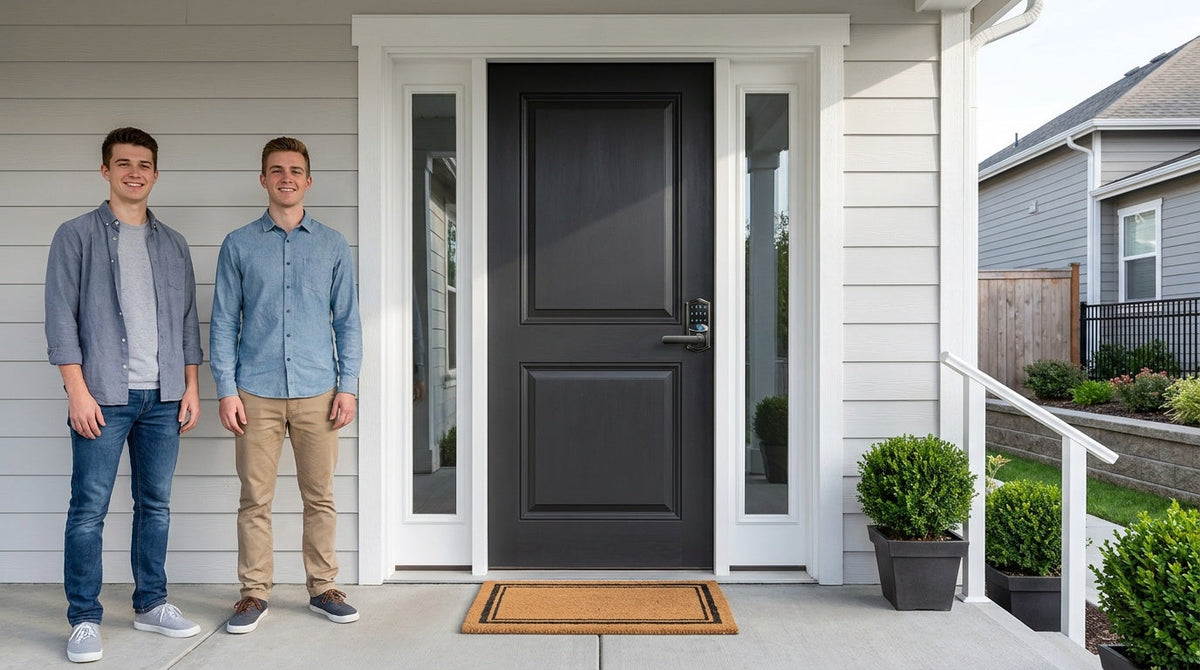
For families who want remote access and activity monitoring, a Wi-Fi smart lock adds the ability to lock, unlock, and review entry history from anywhere with an active Internet connection. This is particularly useful for parents who want to confirm that kids arrived home safely, or for homeowners managing contractor access during renovations. Veise's Wi-Fi smart locks support Alexa and Google Assistant voice control directly through their built-in Wi-Fi, and use an 8 AA battery design that delivers stronger signal and a longer-lasting power reserve than the standard 4 AA configuration found in most competing models. Two series are available: the Touchscreen Wi-Fi Smart Lock (VE027 Series), which includes a USB-C emergency power port, key fob support, and on-device voice prompts as standard, and the Push-Button Wi-Fi Smart Lock (VE012W Series) for those who prefer a traditional press-button keypad — it shares the same Wi-Fi, fingerprint, and app control, without the USB-C port, key fob, or voice prompts.
If your home has a mix of entry points — a main front door that benefits from full smart features, plus a side door or garage entry door that needs reliable keyless access without remote connectivity — a keypad latch lock handles the secondary door simply and affordably. For homeowners who want connected features with a gateway-paired approach, the Smart Lock w/ G1 line offers remote app control, multilingual voice prompts (English, Spanish, and French), fingerprint access, and a USB-C emergency power port — all standard across the entire G1 line. Built on Kaadas Group's 38 years of lock industry expertise and 711 patents — the world's largest smart lock patent portfolio — every Veise lock reflects the kind of engineering that comes from owning the factory, not outsourcing production. Easy from Day One.
Which Lock Type for Which Door?
| Door / Location | Common Scenario | Suggested Veise Option |
|---|---|---|
| Front door | Primary family entry, daily use | Wi-Fi Smart Lock or Smart Lock w/ G1 |
| Back or side door | Secondary entry, occasional use | Keypad Deadbolt |
| Garage-to-house door | Frequently used internal access point | Keypad Latch Lock or Keypad Deadbolt |
| Home office or storage room | Interior privacy or access control | Privacy Door Knob or Privacy Door Lever |
Note: Veise locks are designed for wood doors with a thickness between 1‑3/8" and 2". They are not compatible with fiberglass, metal, storm, or sliding doors.
Access Code Management: The Step Families Skip
Most households that upgrade to a keypad or smart lock set one master code and call it done. Everyone — kids, spouses, the dog walker, the housecleaner — uses that same code. This approach is convenient right up until something goes wrong. When a code is shared with everyone, there is no way to know who came in and when, and removing access for one person means resetting the code for all of them.
A better habit is to create individual named codes from day one. Assign each regular household member their own code, and use separate scheduled or one-time codes for contractors or service workers. Those expire on their own when the window closes or after a single use, so there is no cleanup step to forget. This is one of the main practical advantages of a smart lock over a mechanical lock: rather than calling a locksmith or changing the hardware every time access needs to be updated, you remove a code at the keypad or in the app in seconds. Two Veise features back this up on every model — the lock pauses for 3 minutes after 10 wrong attempts, and anti-peep entry lets you pad your real code with extra digits so a watching contractor cannot read it. For families with children, a Wi-Fi smart lock or a gateway-paired smart lock lets parents review entry history remotely via the app, so they know when their kids arrived home even when they are not there themselves.
- Create a unique code for each household member rather than sharing one family code
- Assign scheduled or one-time codes to contractors, cleaners, and guests — they expire on their own
- Review and delete any codes that were carried over from the previous owner (especially on inherited smart locks)
- For families with kids, choose a connected smart lock so you can confirm arrivals via entry history in the app
Exterior Lighting and Landscaping: Easy Wins That Get Ignored
Exterior lighting is one of the simplest and most cost-effective deterrents in home security, and it is one of the first things new homeowners intend to address and then never quite get to. Motion-activated lights near entry doors, side gates, garages, and any dark stretch of the yard remove the cover that makes a property look like an easier target. You do not need a comprehensive system on day one — even a single motion-activated fixture near the front entry and another near the garage makes a real difference.
Landscaping deserves attention for similar reasons. Overgrown shrubs near ground-floor windows and dense plantings close to entry doors create natural concealment. A well-maintained yard that keeps sight lines open from the street signals to anyone watching that the property is actively managed. This does not require a complete landscape overhaul — trimming back overgrowth around windows and keeping the path to the front door well-lit is enough to change the profile of the home meaningfully in the first week.
Your 30-Day Move-In Security Checklist
Use this as a working reference. Start with the highest-priority items on move-in day, then work through the rest over the first month as the home settles into a routine.
Day One
- Rekey or replace all exterior door locks — This includes the front door, back door, side entry, and the door between the garage and the house.
- Erase the garage door opener memory — Clear all programmed remotes and codes, then re-pair only the devices you own.
- Factory-reset all inherited smart devices — Smart locks, cameras, doorbells, alarm panels, and thermostats left by the previous owner should all be wiped and reconfigured under your account.
- Change your Wi-Fi network name and password — Do this before pairing any smart devices to your network.
- Check every ground-floor window — Confirm latches work, frames are intact, and nothing is propped open.
Week One
- Install your new entry locks — Set up keypad or smart locks on primary entry points. Create individual codes for each household member.
- Add motion-activated lighting — Cover the front entry, garage, and any dark side or rear areas.
- Set up temporary codes for any contractors — Use expiration dates so access ends automatically when the job is done.
- Walk the full perimeter — Check fences, gates, basement access points, and outbuildings. Repair or lock anything that was missed on day one.
First Month
- Review entry history on your smart lock — Identify any access patterns that seem unexpected or irregular.
- Test smoke and carbon monoxide detectors — Replace batteries if needed and confirm coverage on every floor.
- Trim overgrown landscaping near entries and windows — Reduce concealment near ground-level access points.
- Introduce yourself to neighbors — Neighbours who know you notice when something is off.
- Evaluate monitoring needs based on your actual routines — After living in the home for a month, you will have a clearer picture of what remote access features genuinely add value versus what was nice in theory.
The Home Security Steps Most People Skip Add Up Fast
The standard moving advice — change your locks, install a smoke detector — is a starting point, not a security plan. The steps that actually protect a new home are the ones that fall between the obvious items on a general checklist: the garage opener nobody reset, the inherited smart lock still tied to a previous email account, the single shared keypad code that gives you no visibility into who came in and when.
Working through these steps in order, starting on day one, gives your family a genuine foundation rather than a false sense of security. And because most of the hardware upgrades involved install in about 15 minutes with a screwdriver and no wiring, there is no reason to put them off until the boxes are unpacked. The home is most exposed in the first few days — which is exactly when the work is most worth doing.
Explore Veise's full range of keypad deadbolt locks, Wi-Fi smart locks, Smart Locks w/ G1, and all products to find the right fit for every door in your new home.
Frequently Asked Questions
Do I need to change my locks when I move into a new home?
Yes, and ideally within the first 24 hours. The previous owners may have given copies of their keys to family members, contractors, cleaners, or neighbors without keeping track of all of them. Rekeying the locks means those old keys no longer work. Replacing the locks entirely is a good option if the existing hardware is worn, outdated, or not the right fit for how you want to manage access going forward.
What is the difference between rekeying a lock and replacing it?
Rekeying changes the internal pins in the cylinder so the old key no longer works, while keeping the same lock hardware on the door. It is typically faster and costs less than a full replacement. Replacing the lock gives you the opportunity to upgrade the hardware entirely — for example, switching from a basic keyed deadbolt to a keypad or smart lock that removes physical keys from daily use.
Should I reset the garage door opener when moving in?
Yes. Garage door openers can have years of programmed remotes and codes linked to them, many of which the previous owners may not have bothered to clear. Erasing the opener memory and reprogramming only your own remotes and codes is a quick step that closes one of the most commonly overlooked security gaps during a move.
What type of lock is best for a front door in a new home?
For most wood-framed exterior doors, a keypad deadbolt is a practical and reliable upgrade that removes the need for physical keys during daily entry while keeping a key as a physical backup. If you want remote access and entry history monitoring — particularly useful for families with kids or homes where contractors will need temporary access — a Wi-Fi smart lock adds those features without requiring a separate hub. The right choice depends on how much remote visibility matters for your household's routines.
What should I do about smart home devices the previous owner left behind?
Factory-reset every inherited smart device before trusting or using it. This includes smart locks, security cameras, video doorbells, smart thermostats, and alarm panels. Even devices that appear to be working normally may still be linked to the previous owner's account. If a device cannot be fully reset or you cannot confirm the old account has been removed, the safest option is to replace it.
Are Veise smart locks easy to install?
Yes. Veise locks are designed to install in about 15 minutes using a screwdriver, with no wiring and no professional help required. They are full lock replacements designed for wood doors with a thickness between 1‑3/8" and 2". Because they replace the existing hardware entirely rather than overlaying on top of it, move-in day is a natural time to install one as part of your overall lock upgrade.
Have Questions About the Right Lock for Your New Home?
Whether you are deciding between a keypad deadbolt and a Wi-Fi smart lock, or you want to know which Veise product fits your specific door, our team is here to help. Easy from Day One.
Contact Us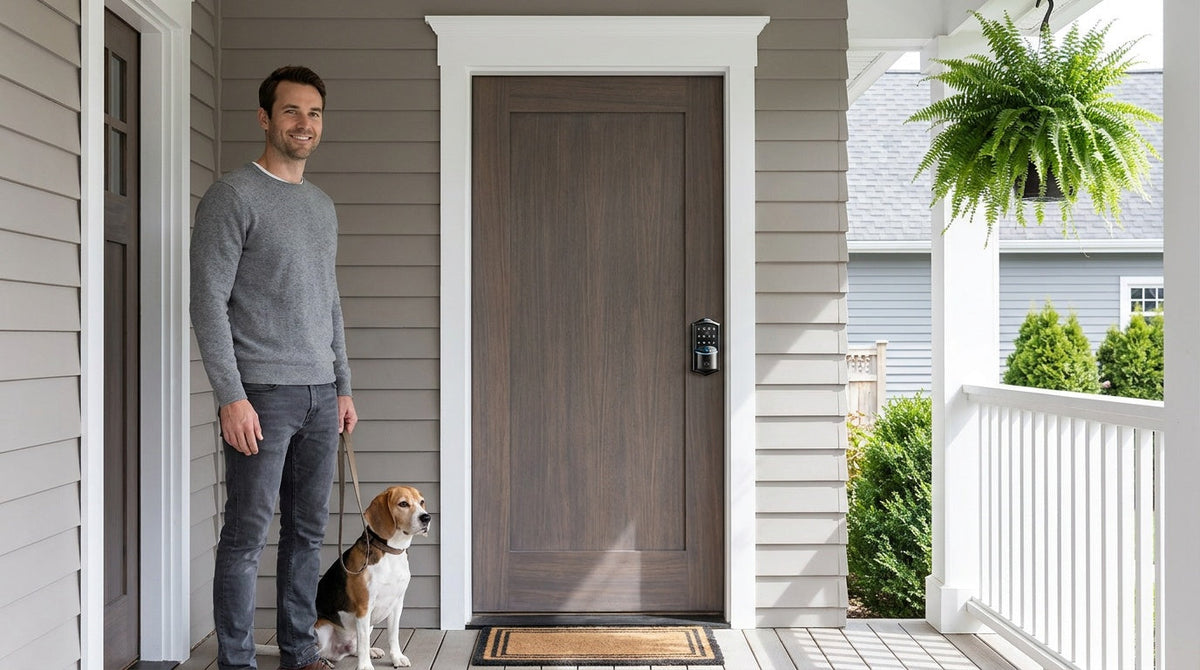

Leave a comment
This site is protected by hCaptcha and the hCaptcha Privacy Policy and Terms of Service apply.