
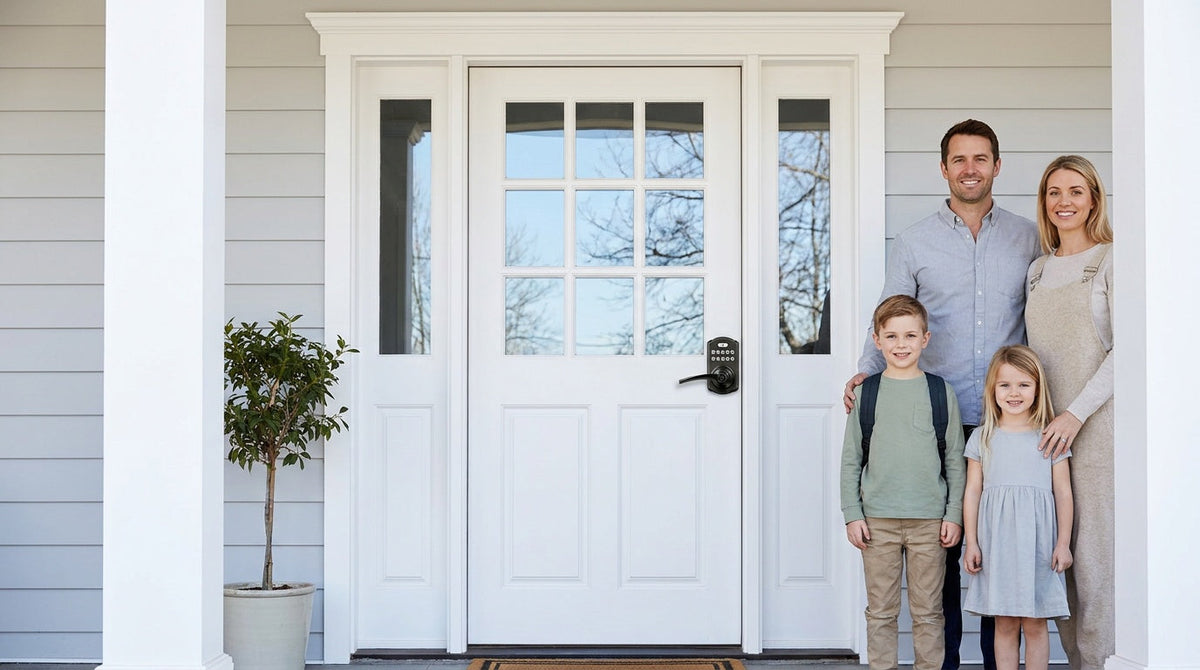
You reach the front door, unlock it with key number one. You head to the side entry — that's key number two. The back door? A different key entirely. By the time you've settled in for the evening, you've already juggled three keys just to get home. If that sounds familiar, you're not alone.
Getting one key — or one code — to work across every door in your home is a completely achievable goal, and there are a few different ways to do it. The traditional approach is called keyed alike locks: a method of configuring multiple lock cylinders to respond to the same physical key. But in 2025, there's an even more practical solution — a keypad lock or smart lock that lets you set the same code on every door, with no locksmith appointment required.
This guide covers everything you need to know: how keyed alike systems work, the three ways to set one up, when a keypad upgrade makes more sense, and how to choose the right lock type for each door in your home.
What Does "Keyed Alike" Actually Mean?
A keyed alike lock system means that multiple locks are configured to open with the same physical key. Instead of carrying a separate key for the front door, back door, and side entrance, one key operates all of them. The locks themselves are still individual units — they just share the same internal pin configuration, so the same key profile fits every cylinder.
This is different from using a universal or skeleton key. There is no single key that opens every lock ever made. What keyed alike means is that a specific group of locks have been deliberately matched to a specific key. Outside of that group, the key won't work on anything else. It's a targeted convenience solution, not a security shortcut.
Keyed alike setups are most commonly used on exterior doors — front, back, garage entry, and side doors — where the same household members need access to all entry points. They're particularly useful in new builds or full renovations where all hardware is being selected at once, because matching locks at the point of purchase is far simpler than rekeying existing hardware after the fact.
Three Ways to Get Your Locks Keyed Alike
There's no single path to a keyed alike setup. Your best option depends on whether you're starting fresh with new locks, working with what you already have, or open to a more modern solution altogether.
1. Buy Matched Locks at the Same Time
The most straightforward method is purchasing all your locks at once from the same manufacturer and selecting the keyed alike option. When locks share the same key code — a combination of numbers and letters that describes the groove depths on the key — they will accept the same physical key. Online retailers typically let you select this option at checkout, and major hardware stores display key codes prominently on the packaging.
The catch is timing. You generally need to purchase all the locks together so the retailer or manufacturer can match them to a single key code. If you buy locks at different times or from different brands, the keyways may not be compatible. Keyway and cylinder designs can vary by brand and model, so always confirm compatibility before combining locks for a keyed-alike setup.
- Purchase all locks simultaneously from the same brand and product line
- Select the "keyed alike" option at checkout or note it on your order
- Match key codes on packaging if buying from a physical store
- Costs include the locks themselves plus installation hardware
2. Rekey Your Existing Locks
If you already have locks installed and want them to work on the same key, rekeying is the option to explore. Rekeying means physically changing the pin stacks inside the lock cylinder — the small spring-loaded pins that must align at a precise height for the lock to turn. When multiple locks have identical pin configurations, they'll all accept the same key. The locks don't need to be replaced, just adjusted internally.
The practical challenge is that rekeying requires specialty tools — a plug follower, a key gauge, and replacement pins — and the technical knowledge to use them without damaging the lock mechanism. Small errors during the process can leave a cylinder stuck or non-functional. For most homeowners, hiring a residential locksmith is the more reliable route. A professional can rekey multiple locks in a single visit, matching them all to one key, and the service cost is typically lower than purchasing brand-new hardware.
One important limitation: all locks being rekeyed must use the same keyway profile. A locksmith cannot rekey a deadbolt and a knob lock to the same key if they use different cylinder types — the key profile simply won't fit both. This makes rekeying most practical when you have matching hardware from the same brand already installed.
- Rekeying changes a lock's internal pins to match a new (or shared) key
- All locks must share the same keyway profile for rekeying to work
- Typically requires a locksmith unless you have the right tools and experience
- Less expensive than replacing hardware, but requires a professional service call
3. Upgrade to Keypad or Smart Locks (The Modern Approach)
Here's the option most homeowners overlook when researching keyed alike locks: you can skip the physical key entirely. A keypad deadbolt or keypad latch lock lets you program the same numeric code on every door. No rekeying appointment. No key code matching. No locksmith. You simply set your preferred code on each lock, and every door in your home opens the same way.
This approach actually solves the underlying problem more cleanly than traditional keyed alike methods. With physical keys, you're still managing physical objects that can be lost, copied, or forgotten on the kitchen counter. With a keypad, the "key" is a code you already have memorized. And if you ever need to change it — after a houseguest visits, for example — you update the code in seconds without replacing any hardware or calling anyone.
For families who want even more flexibility, a Wi-Fi smart lock or a Smart Lock w/ G1 adds remote control via app, entry history, and the ability to share temporary codes — so every door stays on one system, not just one key.
Keyed Alike vs. Master Key: What's the Difference?
These two terms are frequently confused, but they describe very different systems. A keyed alike system means all locks use the same key — period. Every person with a copy of that key can open every door in the group. There are no access tiers; the key either works on all locks in the set or none of them.
A master key system is more layered. In a master key setup, each lock still has its own unique individual key, but an additional master key is engineered to open all of them. This means a building manager can hold one master key that accesses every unit, while each tenant carries only their own individual key. The locks contain additional internal components — called master wafers — that allow two different keys to operate the same cylinder.
For most homeowners, the distinction is straightforward: keyed alike suits homes and smaller properties where every keyholder needs access to every door. Master key systems are better suited to apartment buildings, offices, and commercial properties where you need to control who can access which areas. Master key systems are also more expensive to design and maintain, and require a certified locksmith to manage.
Pros and Cons of Keyed Alike Locks
Like any security decision, keyed alike locks come with genuine advantages and real trade-offs. Understanding both helps you decide whether this approach fits your home.
Advantages of keyed alike locks:
- Fewer keys to manage: One key handles every door, which means less clutter on your keyring and less time standing at the door searching for the right one.
- Easier to copy and distribute: When guests, family members, or a property manager need access, you only need to duplicate one key instead of several.
- Encourages full lock usage: When it's easy to use all your locks, people actually do — which improves overall home security.
- Good for rental properties: A landlord or host managing a property can hand one key to guests or tenants covering all entry points, simplifying check-in and check-out.
Disadvantages of keyed alike locks:
- Single point of failure: If one key is lost, stolen, or copied without your knowledge, every door it operates is now vulnerable. The convenience of one key means one compromise can expose your entire home.
- No access differentiation: Everyone with a key gets the same access. You can't give a neighbor access to just the back door without also giving them access to the front.
- Replacing one lock complicates the system: If a lock breaks or needs changing, the replacement must be rekeyed to match your existing key — adding cost and a service call every time hardware changes.
- All locks share the same vulnerability: If one lock in the set is susceptible to a particular attack method (like bump keys), every keyed alike lock in the set shares that same weakness.
When Does Keyed Alike Make Sense?
Keyed alike works best when everyone who needs access needs access to everything, and when the primary goal is reducing key clutter rather than controlling who goes where. A family home where all household members use every entry point is the clearest use case. It also suits small businesses where all staff need access to the same spaces, or a vacation property where different guests rotate through and the owner wants simple handoffs.
The system becomes less practical as the property grows or as access needs become more differentiated. If you want one person to access the garage but not the main house, or a houseguest to use the back door but not the home office, keyed alike won't give you that control. At that point, a master key system — or a keypad lock with individually programmable codes — is a better fit.
A useful rule of thumb: if you're grouping locks by security level or zone (all exterior entry points, for example), keyed alike is a sensible choice. Mixing interior and exterior doors in the same keyed alike group is less advisable, because it means a single key compromise can expose every area of the home rather than just its entry points.
The Smarter Alternative: One Code for Every Door
If the goal is simplicity — one credential that works on every door — keypad and smart locks achieve that goal without any of the mechanical complications of traditional keyed alike systems. There's no rekeying, no key code matching, no waiting for a locksmith. You install the lock, set your code, and you're done. Install typically takes about 15 minutes with a screwdriver, no wiring, no professional help required.
Beyond convenience, the code-based approach gives you something a physical key never can: instant revocability. If you give a house cleaner a code and the arrangement ends, you delete the code. The lock itself never needs to change. With a traditional keyed alike setup, revoking access means collecting keys (which may or may not come back) or paying to rekey every lock in the group — because one key opens all of them. A separate code per person means you can revoke one person's access without affecting anyone else.
For families with kids, a Wi-Fi smart lock or a gateway-paired smart lock adds another layer of reassurance: parents can check the entry history and receive notifications through the app, so they know when kids arrived home from school without needing a phone call. Remote access requires a smart lock — gateway-paired or Wi-Fi — not a standalone keypad lock.
This is the foundation of Veise Effortless Home Improvement™ Experience — making the right upgrade straightforward enough that families can do it themselves, starting with the entry points they use every day.
Veise Lock Picks by Door Type
Built on Kaadas Group's 38 years of lock industry expertise and 711 patents — the world's largest smart lock patent portfolio — Veise locks are engineered to make one-code home entry genuinely simple. All Veise locks are compatible with standard wood doors (1‑3/8" to 2" thick), require no wiring, and install in about 15 minutes with just a screwdriver.
Here's how to match the right lock to each door in your home:
Exterior Entry Doors (Front Door, Back Door)
Exterior entry doors typically call for a deadbolt for primary security. The Veise Keypad Deadbolt gives you keypad code access plus a physical key backup on every model. Select models add fingerprint recognition with a scan speed of under 0.3 seconds — fingerprints are processed and stored on the lock itself, with no cloud account or Internet required. Auto lock is configurable between 10 and 99 seconds, so the door secures itself if someone forgets. ANSI/BHMA Grade 3 certified — the standard for residential applications.
Interior, Side, Garage, or Office Doors
For interior doors or secondary entry points that see daily code-based traffic, a Veise Keypad Latch Lock is commonly a good fit. The two current models (KS03 with a top knob and KS04 with a top lever) offer keypad code access and a physical key backup in an integrated, compact unit — no separate deadbolt hardware needed. These are straightforward, no-app locks ideal for doors where you want a single shared code without added connectivity.
For Families Who Want Remote Monitoring
If knowing who comes and goes matters — especially for families with school-age kids or landlords managing a rental property — a connected smart lock is the right step up. The Veise Smart Lock w/ G1 pairs with a gateway to give you full app control, entry history, voice assistant support, fingerprint access, key fob backup, and multilingual voice prompts (English, Spanish, and French). The entire G1 line is built on a single product series — the VE017 — and every SKU includes fingerprint, multilingual voice prompts, and a USB-C emergency power port as standard features. For Apple Watch unlock and additional SKU variety (including non-fingerprint options), the Veise Smart Lock w/ G2 is worth exploring.
For Fully Connected Entry with Built-In Wi-Fi
The Veise Wi-Fi Smart Lock connects directly to your home Wi-Fi — no separate gateway needed — and supports Alexa and Google Assistant voice control, app-based remote access, fingerprint entry, keypad codes, and a physical key backup. It comes in two form factors: the Touchscreen Wi-Fi Smart Lock (VE027 Series), which adds a USB-C emergency power port, and the Push-Button Wi-Fi Smart Lock (VE012W Series) for a familiar keypad feel. Both use an 8 AA battery design for stronger signal and more stable connections than the typical 4-battery setup.
Veise's full lineup, priced from around $30 to $180, is available at iveise.com — every product backed by the manufacturing quality and R&D depth of the Kaadas Group, with 10M+ smart locks sold across 41+ countries.
Frequently Asked Questions
Can two door locks use the same key?
Yes — any locks that share the same cylinder type and key code can be keyed alike, meaning one physical key opens all of them. The locks must be from the same brand and product line, since different manufacturers use different keyway profiles that won't accept the same key shape.
What is the difference between keyed alike and keyed differently?
Keyed alike means all locks in a group share the same key. Keyed differently (sometimes called "keyed to differ") means each lock has its own unique key. Keyed differently is used when you want to restrict access between doors, or when different people should only access certain areas of a property.
Can I rekey my locks myself to be keyed alike?
It's technically possible with the right rekeying kit — you'll need a plug follower, replacement pins in the correct heights, and a new key. In practice, it's a task where small mistakes can damage the cylinder. Most homeowners find it more reliable to hire a locksmith for a rekeying service call, which is typically less expensive than buying all-new hardware.
Is a keypad lock a better option than keyed alike?
For many households, yes. A keypad lock lets you program the same code on multiple doors without any rekeying, matching key codes, or locksmith visits. You also gain the ability to create separate codes for different people, delete a code when access should end, and change codes at any time — none of which is possible with a physical key system.
Do smart locks work as a keyed alike replacement?
Yes, and they go further. A smart lock lets you program the same access code on every door, just like a keypad-only lock. Connected smart locks (gateway-paired or Wi-Fi) add remote access, entry history, and temporary guest codes you can revoke instantly — giving you finer control than a physical key ever could. Remote access requires a smart lock, not a standard keypad lock paired with a gateway add-on.
Are keyed alike locks less secure?
They can introduce a single point of failure: if one key in the group is lost or copied, every door it opens is now at risk. Grouping keyed alike locks by access zone (all exterior entry points together, for example) helps limit the exposure. For stronger control over who can access which doors, a keypad system with individually programmed codes — or a smart lock with app-managed access — offers more flexibility and easier revocation.
Whether you choose to rekey existing hardware, buy a matched set of traditional locks, or upgrade to keypad and smart locks, the goal is the same: one credential for every door, and a home that's easier to live in without being harder to secure.
Traditional keyed alike systems work well for homeowners starting fresh or working with a locksmith on existing hardware. But for most families today, a keypad or smart lock achieves the same result with less friction — no service calls, no lost keys, and the ability to change your access credentials in seconds rather than days. That's the kind of practical, everyday simplicity that makes home security feel less like a chore and more like something that just works.
Not Sure Which Lock Is Right for Your Home?
The Veise team is here to help you find the right lock for every door — from simple keypad deadbolts to fully connected Wi-Fi smart locks. Reach out and we'll point you in the right direction.
Contact Us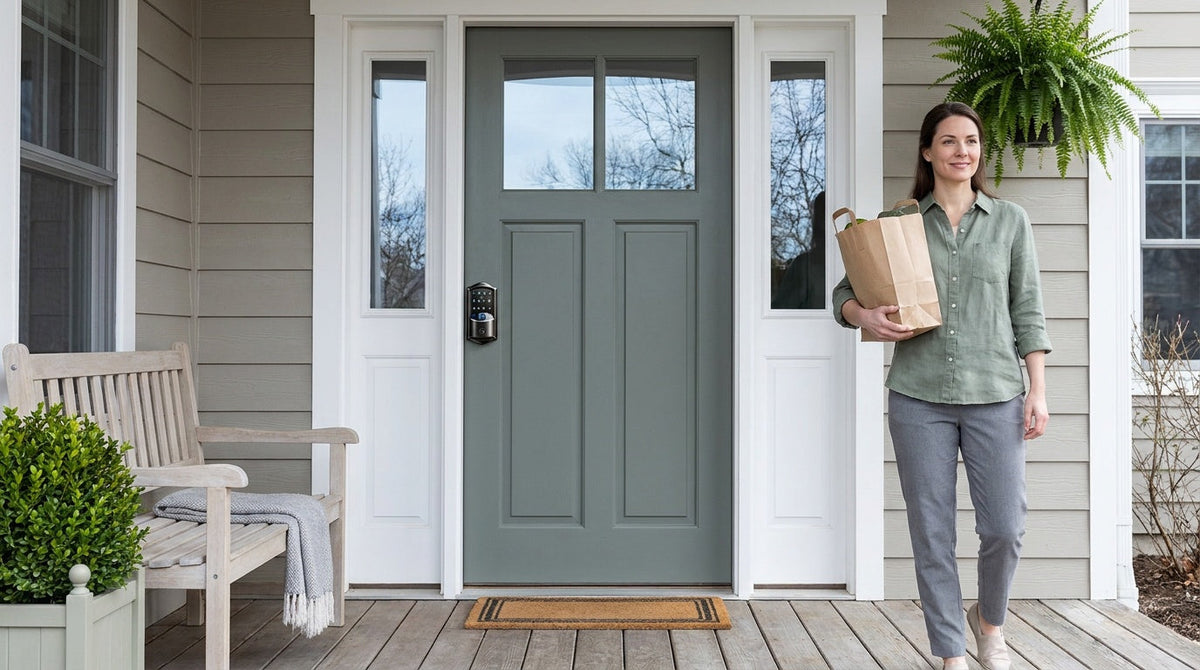

Leave a comment
This site is protected by hCaptcha and the hCaptcha Privacy Policy and Terms of Service apply.