
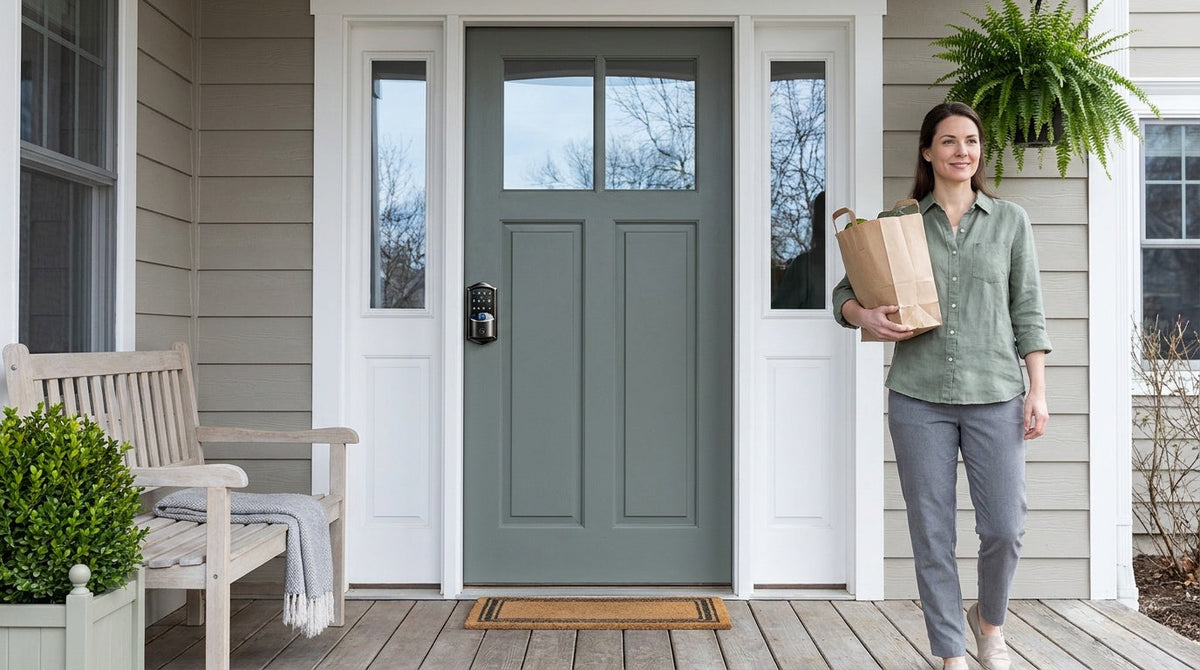
Most homeowners have been there: standing at the front door, cycling through four nearly identical keys before finding the right one. Then the back door has its own key. The garage side door has another. And that storage room in the basement? Somewhere on the ring. Add a teenager who needs their own way in, a cleaner who comes on Thursdays, and a dog walker who needs the side door only, and a simple key ring turns into a small logistics problem.
There is a much simpler way to run a multi-door home now, and it doesn't involve a locksmith or a new set of keys. Modern keypad and smart locks let you program one code you use everywhere, plus separate codes for each person who needs access — all managed from a single app, on every door in the house. This guide walks through how that setup works in a real family home, how to assign codes to everyone without losing track, and which lock fits each door in your house.
Why Multi-Door Homes Get Complicated
A typical house has more locked doors than people realise. The front door and the back door are obvious. Then there is the side door into the garage, the door from the garage into the house, a workshop or shed, and sometimes a basement storage room or a home office. Each one arrived with its own lock, its own key, and its own place on the ring.
The friction is not really about the keys themselves — it is about everything that has to happen around them. A teenager old enough to come home alone needs a copy cut. A cleaner who comes on Thursdays needs a way in on Thursdays and only Thursdays. A relative staying for a week needs access that ends when the week does. Every one of those is a small errand: cut a key, hand it over, remember to ask for it back. Multiply that across four or five doors and a few people, and the admin quietly adds up.
What most households actually want is straightforward: one thing to remember for daily entry, a way to give each person their own access, and the ability to take that access back without a trip to the hardware store. That is exactly what a keypad-and-app setup does.
The Traditional Answer — and Why It Doesn't Fit Most Homes
The long-standing fix for a ring full of keys is to have a locksmith key several locks so that a single key opens all of them. It works, and for large commercial buildings or a managed property portfolio it remains the standard approach. For a single family home, though, it only solves the first half of the problem.
The reasons are practical. Setting it up means a locksmith visit and matched cylinders across every door, so it is neither a weekend project nor a cheap one. It leaves you carrying one key instead of five, but it still tells you nothing about who opened which door and when. Giving someone limited access still means handing over a physical key and hoping it comes back. And if a key goes missing, the fix is another locksmith call to redo the affected locks.
None of that makes the mechanical approach wrong — it makes it a business-grade answer to a household-sized question. For a home, a keypad on each door delivers the same one-credential convenience, plus the parts a physical key can never do: per-person access, codes that expire on their own, and a record of who came in.
The Modern Approach: One App, Multiple Codes
The idea is simple: you assign the same entry code to every lock in your home, so there is one thing to remember instead of five things to carry. Program that code into the keypad deadbolt on the front door, the keypad latch lock on the office or interior room, and any other door with a keypad. One code, every door. No locksmith appointment, no matched cylinders to order, nothing mechanical to maintain. Veise keypads accept codes of 4 to 10 digits, so you can pick something long enough to feel secure and short enough to type one-handed with a bag of groceries.
The practical advantages go well beyond replacing a key ring. Need to give your house cleaner access on Thursday mornings only? On a connected lock you can set a Recurring code that is active during exactly those hours. Contractor coming for a one-day job? A One-Time code deletes itself after a single use — and that one works on every Veise lock, including the app-free keypad models. Kid needs to get home after school while you are still at work? Check the entry log on your phone. None of these need a locksmith, and none of them need you to be at the door.
If you want to go further, Wi-Fi smart locks and Smart Locks w/ G1 let you manage every door in your home from a single mobile app, no matter where you are. Lock or unlock remotely, receive alerts when a door is accessed, add or delete user codes in seconds, and see a complete entry history — all without a locksmith and without an annual subscription fee.
Setting Up Codes for Everyone in Your Household
Once the keypads are on the doors, the setup itself is mostly a matter of deciding who gets what. A pattern that works well for most families looks like this:
- One shared household code, on every door. This is the code everyone knows and uses day to day. Program it identically across the front door, back door, garage entry, and any interior keypad, so nobody has to remember which door wants which number.
- A personal code for each family member. Adding an individual code per person costs nothing and gives you something the shared code can't: on a connected lock, the entry log shows which code opened the door, so you can see that your teenager got home without texting to ask. Fingerprint works the same way on models that include it — and because a fingerprint can only be enrolled by the person themselves, at the lock, it can't be passed along the way a code can.
- A One-Time code for one-off visits. A delivery that needs to go inside, a plumber coming once — a One-Time code deletes itself after a single use. This works on every Veise lock, connected or not, so it isn't a feature you have to buy up for.
- Scheduled codes for people who come regularly. On Smart Lock w/ G1 and Wi-Fi smart locks, a Recurring code is active only during set hours on a weekly schedule, and a Duration code is active for a defined stretch of dates. Both expire on their own, so there is no cleanup step to forget. (Smart Lock w/ G2 supports a different set of code types.)
Two details worth knowing while you set this up. The code type is chosen at the moment you create the code — you don't convert a permanent code into a scheduled one later, so decide which kind you need before you add it. And on connected locks you are never forced into the app: codes can be programmed at the keypad on the lock itself or in the app, whichever is more convenient at the time. The app just means you can do it from the office instead of the doorstep.
If you would rather keep things entirely offline, that works too. A keypad deadbolt on every door with one shared household code needs no app, no Internet, and no subscription — codes are stored on the lock itself, so entry never depends on your router being up.
Choosing the Right Veise Lock for Each Door
Not every door in your home needs the same type of lock, and matching the lock to the door's role is what makes a whole-home setup feel effortless rather than patched together. Veise offers four lock categories — each suited to a different part of the home — and all of them install in about 15 minutes with a screwdriver and no wiring. Built on Kaadas Group's 38 years of lock industry expertise and backed by 711 patents (the world's largest smart lock patent portfolio), every Veise lock is designed and manufactured in Veise's own factory, which means consistent quality across every product in the lineup rather than the inconsistency that comes with outsourced OEM manufacturing.
Keypad Deadbolt — Front, Back, and Exterior Doors
For the doors that carry your home's primary security load, a keypad deadbolt is typically the right starting point. All models offer keypad code entry plus a physical key backup. The KS02 series adds fingerprint recognition on every SKU, with a scan time under 0.3 seconds — fast enough that you'll never feel like you're waiting for the door to recognize you. The physical key backup means a low battery doesn't leave you stuck outside, and auto lock (configurable between 10 and 99 seconds on Keypad Deadbolt and Keypad Latch locks) means the lock re-engages even when family members forget to lock up behind them. These locks are ANSI/BHMA Grade 3 certified, which is the recognized standard for residential applications.
Keypad Latch Lock — Interior Doors, Side Entries, and Office Spaces
For interior doors, side garage entries, or any door that sees regular daily code-based traffic without needing heavy-duty bolt security, the keypad latch lock is a practical fit. The two current models — the KS03 (integrated top knob) and KS04 (integrated top lever) — differ only by handle style, making the choice straightforward. Both offer keypad code entry and a physical key backup. The integrated handle-and-lock body keeps the installation clean and the operation simple. Program the same code you use on the front door keypad deadbolt, and your household is effectively operating a unified code system across the whole home.
Smart Lock w/ G1 — Full Home Management with Remote Control
When you want one app covering every door and visible from anywhere, the Smart Lock w/ G1 is the strongest all-in-one pick. The entire G1 line is built on a single product series, the VE017, and every SKU in that series ships with fingerprint recognition, multilingual voice prompts (English, Spanish, and French), and a USB-C emergency power port as standard. Pair it with a gateway — a separate device, sold separately, plugged in within range of the lock and connected to your home network — and you get remote app control, voice assistant support via the paired gateway, entry history, user code management, and key fob backup — all from a Veise-developed first-party app. For families with kids, the ability to see exactly when each door was opened (and by which code) turns the app into a quiet, unobtrusive safety net.
Wi-Fi Smart Lock — Remote Access with Built-In Connectivity
The Wi-Fi smart lock connects directly to your home network, no separate gateway required. Veise offers two series: the Touchscreen Wi-Fi Smart Lock (VE027 Series) and the Push-Button Wi-Fi Smart Lock (VE012W Series). Both share the core feature set — fingerprint recognition, keypad code, remote app control, Alexa and Google Assistant voice control through built-in Wi-Fi, and a physical key backup on every model — and differ in four concrete ways: the VE027 series has the touchscreen interface, a USB-C emergency power port on every SKU, key fob support, and on-device voice prompts in English, Spanish, and French, none of which the VE012W series offers. The Wi-Fi design uses 8 AA/LR6 alkaline batteries instead of the more common 4 AA setup, providing a stronger signal, more stable connection, and a longer-lasting power reserve. Even when Wi-Fi is down, app control continues to work locally as long as you're within short-range wireless distance of the lock. For property owners managing a short-term rental or vacation home who need to issue and revoke guest codes remotely between stays, a Wi-Fi smart lock removes the need for any physical key exchange entirely.
Who Benefits Most from a Unified Entry System?
The honest answer is: most homeowners with more than two doors. That said, a few specific situations call out particularly clearly:
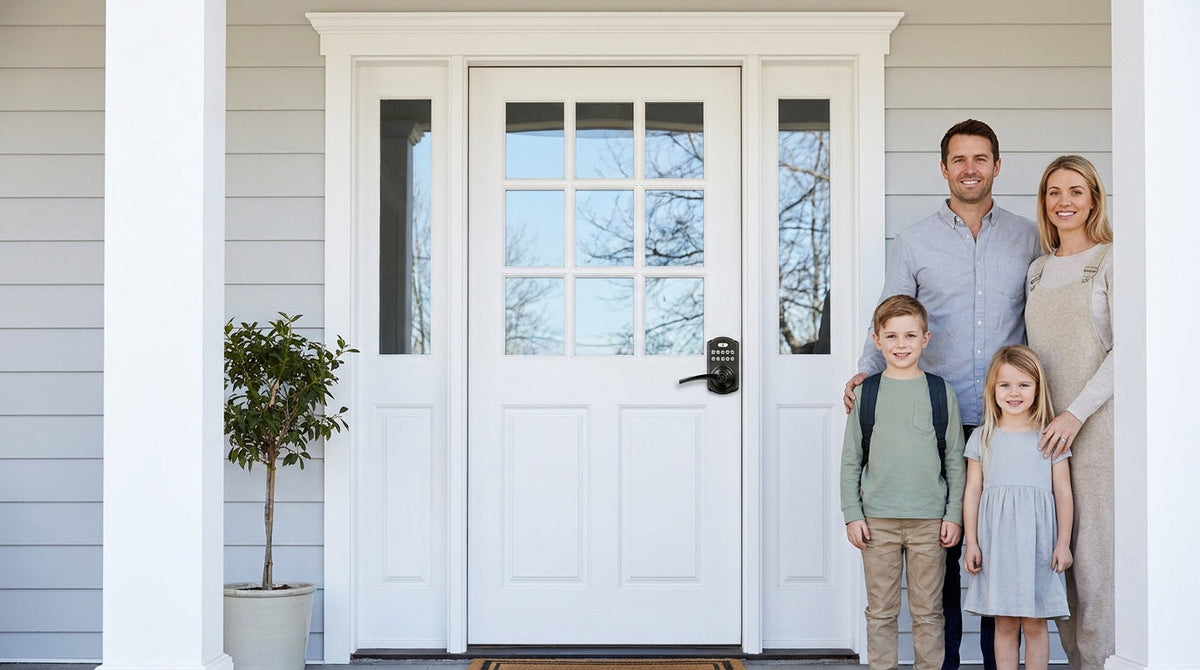
- Families with school-age children: A shared household code means kids never need a physical key to get home. A Wi-Fi smart lock or gateway-paired smart lock adds the ability to see entry history from a parent's phone — no texts required to confirm everyone got home safely.
- Property owners managing short-term or vacation rentals: Issue a new code for each guest stay and delete it when they check out. No rekeying, no lock replacements, no key handoff logistics.
- Homeowners who frequently use service providers: Dog walkers, cleaners, and repair technicians each get their own unique code. When the service relationship ends, the code gets deleted — no worry about physical key copies floating around.
- Anyone managing a home with a detached garage, workshop, or outbuilding: Matching codes across every structure's keypad deadbolt or keypad latch lock gives every structure the same unified-access experience as the house itself — without a matched key set to order or maintain.
- People who value simplicity above all: If the goal is simply to stop needing a key for daily entry, a keypad deadbolt on every door with one shared household code is all it takes. No app, no Internet, no subscription — just a code you already know, with the physical key kept in a drawer as backup.
Easy from Day One. Whether you're building a whole-home keypad system from scratch or replacing one door at a time, Veise's lineup — from straightforward keypad deadbolts to fully connected Wi-Fi smart locks — covers every door in your home with the same practical, family-first philosophy. Explore the full product lineup to find the right lock for every entry point.
Frequently Asked Questions
Can I use the same code on every lock in my house?
Yes. Veise keypad locks let you program the same user code into every keypad in the home, so one code opens the front door, the back door, the garage entry, and any interior keypad. Codes can be 4 to 10 digits. Nothing has to be matched or ordered specially — each lock is programmed independently, so you can add doors over time and simply enter the same code on each new one.
Should each family member have their own code?
It's worth doing. A shared household code is convenient for daily entry, but giving each person their own code costs nothing and means that on a connected lock the entry log shows which code opened which door. That's how parents confirm a child got home without having to text and ask. It also means you can remove one person's access — an ex-housemate, a former dog walker — without changing the code everyone else uses.
How do I give someone access for just one visit?
Use a One-Time code, which deletes itself automatically after a single use. This is supported on every Veise lock, including keypad deadbolts and keypad latch locks with no app. For someone who comes regularly, Smart Lock w/ G1 and Wi-Fi smart locks add Recurring codes (active during set hours on a weekly schedule) and Duration codes (active for a defined period). All of these expire on their own, so there's no code to remember to delete afterwards.
How do I set up one code for all my keypad locks?
Simply program the same user code into each keypad lock during setup. On Veise keypad deadbolts and keypad latch locks, this is done directly on the keypad using the button sequence in the included user manual — no app or Internet connection required. On connected smart locks, you can manage all codes from the app for added convenience.
Do I need a locksmith to install keypad locks?
No. Veise keypad locks and smart locks are designed for DIY installation in about 15 minutes using a screwdriver. No wiring and no professional help are needed. They replace a standard deadbolt or latch lock on a wood door (1-3/8" to 2" thick) and fit most standard door prep without modification.
What is the difference between a keypad lock and a smart lock?
A keypad deadbolt or keypad latch lock operates entirely on-device — you enter a code on the keypad and the lock opens. It requires no app, no Internet, and no gateway. A smart lock adds remote connectivity: via a paired gateway or built-in Wi-Fi, you can lock and unlock from anywhere, view entry history, issue timed or temporary codes, and receive alerts — features a standalone keypad lock cannot provide. Remote access always requires a smart lock (gateway-paired or Wi-Fi); a keypad-only lock cannot be connected to a gateway.
Ready to Simplify Every Door in Your Home?
Whether you want a straightforward keypad code on every door or full remote control from your phone, Veise has a lock built for the way your family actually lives. Explore the full lineup — or reach out and we'll help you choose the right lock for every entry point.
Shop All LocksContact Us

Leave a comment
This site is protected by hCaptcha and the hCaptcha Privacy Policy and Terms of Service apply.