
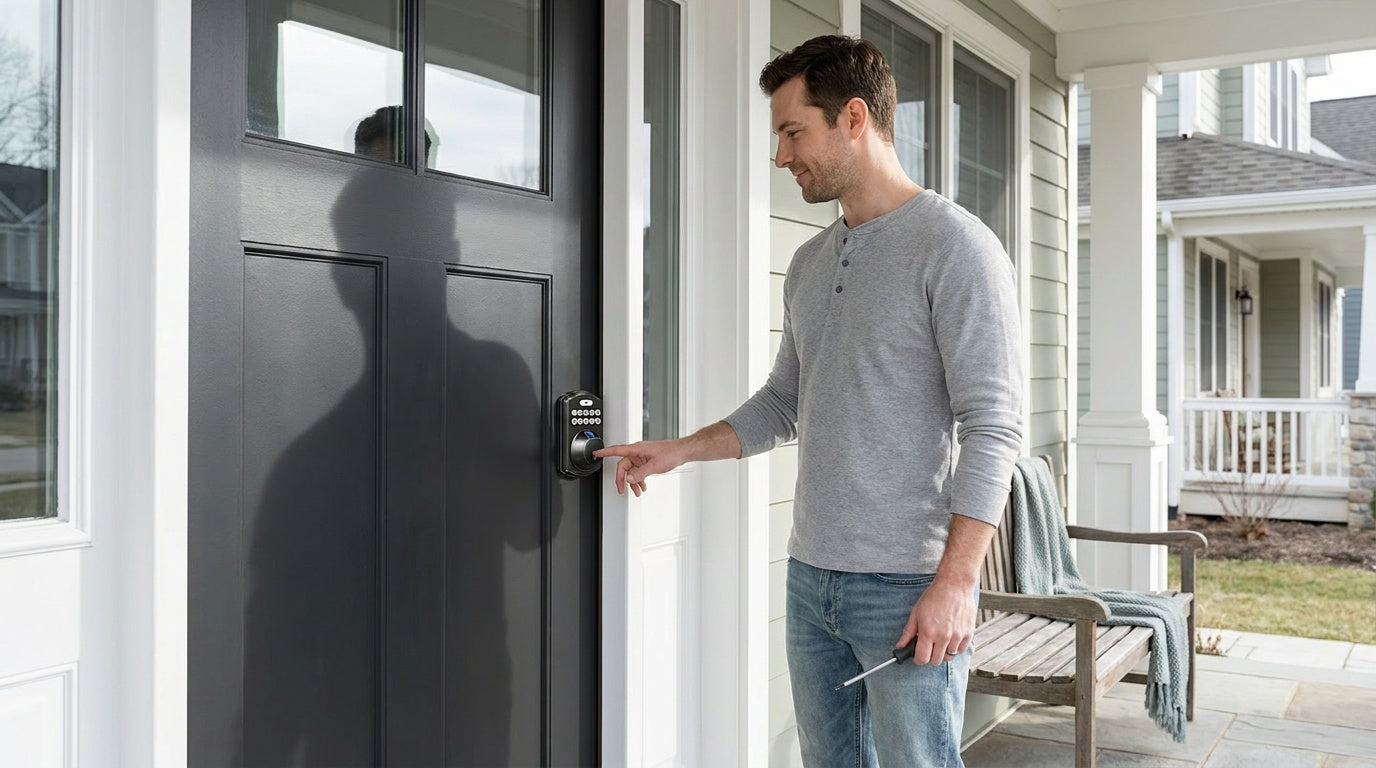
Your front door lock is the first thing standing between your home and the outside world, yet most people don't think about it until something goes wrong — a key that won't turn, a deadbolt that sticks, or that uneasy feeling after moving into a new house. Replacing a front door lock is one of the most impactful home security upgrades you can make, and the good news is that it doesn't require a locksmith or complicated tools.
This guide covers everything you need to know before replacing your front door lock: the telltale signs your current lock needs to go, how to decide between rekeying and full replacement, how to measure your door to choose the right hardware, and what to consider when selecting a new lock. It also explains when a standard deadbolt replacement is the right choice and when a smart lock upgrade makes more sense for your household.
Whether you're a new homeowner taking control of your security, a parent who wants to know when the kids got home, or someone managing a short-term rental property, this guide will help you make a confident, well-informed decision about upgrading your front door security.
Signs It's Time to Replace Your Front Door Lock
Most people wait until a lock fails completely before acting, but a compromised lock rarely gives you a dramatic warning. Instead, it sends smaller signals that are easy to dismiss — a little stiffness here, a scratch there. Knowing what to look for means you can act on your terms, not in an emergency.
Physical wear and sticking. If your key requires extra force to turn, or the deadbolt drags before it seats in the strike plate, the internal mechanism is deteriorating. Minor sticking can sometimes be resolved with a dry powder lubricant (never an oil-based product, which attracts dirt), but if the problem keeps coming back, the lock's internal components are worn past the point of easy repair. A lock that you have to "know how to trick" to open is a lock that a stranger can't use — but it's also a lock that's one bad day away from locking you out entirely.
Visible rust or corrosion. Exterior locks take the full force of weather year-round. When rust penetrates the keyway or the bolt mechanism, it weakens the structural integrity of the lock from the inside. Surface discoloration is cosmetic; rust that causes the key to jam or the bolt to move unevenly is a security vulnerability, not just an aesthetic one.
Loose or wobbly hardware. A lock that shifts when you push or pull on it has either stripped mounting screws or a worn housing. Tightening the screws is worth trying first, but if the wobble returns, the lock body itself is compromised. A loose lock is significantly easier to force open than a properly seated one.
You just moved in. This is the single most important trigger that homeowners overlook. You have no way of knowing how many copies of the existing keys exist — previous owners, contractors, real estate agents, and housekeepers may all have had copies at some point. Replacing the locks when you move in is the only way to ensure you control access completely from day one.
Lost or unaccounted-for keys. If a key goes missing and you can't be certain where it is, a rekey or replacement should happen promptly. The longer you wait, the larger the window of uncertainty.
After a break-in or attempted break-in. Even if a lock appears undamaged after a security incident, the mechanism may have been tampered with in ways that aren't visible. After any breach attempt, replacing rather than rekeying is the safer choice.
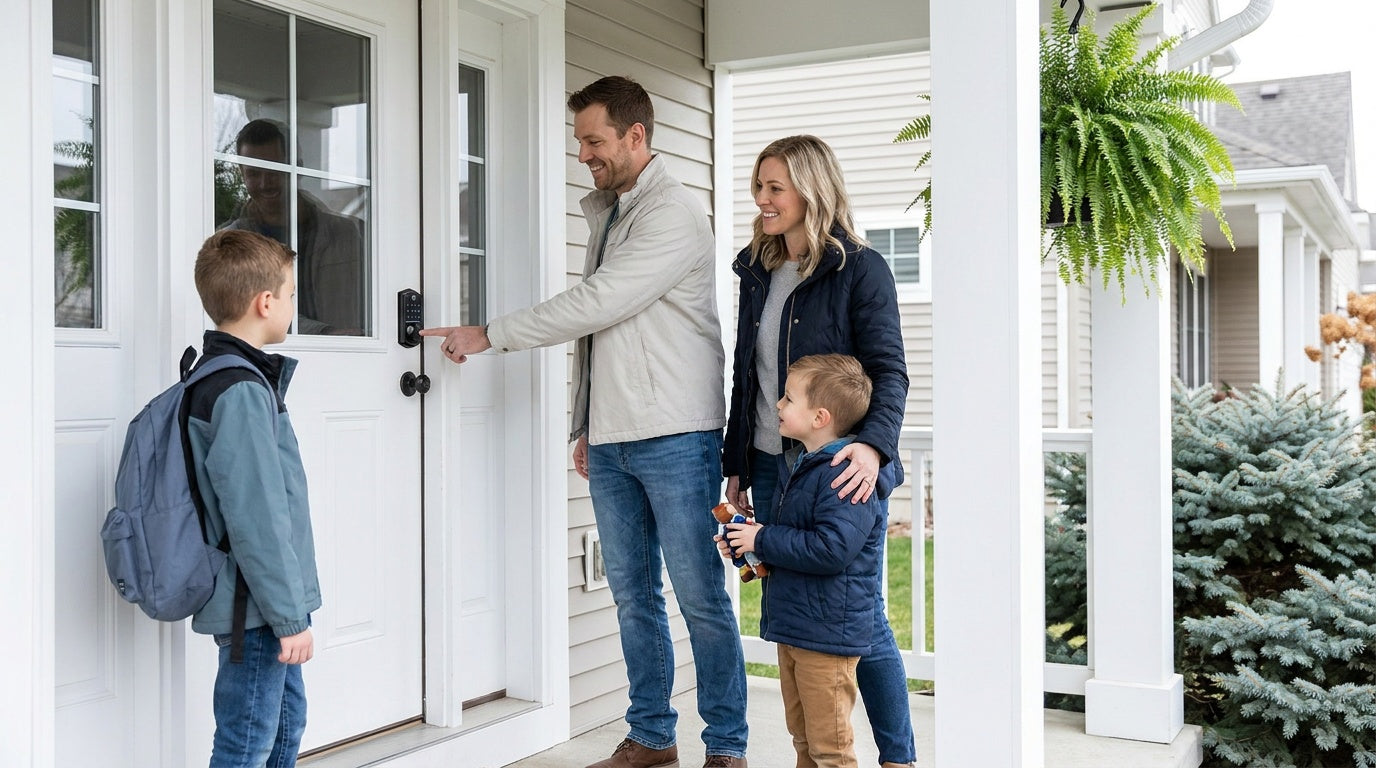
Your lifestyle has changed. A lock that served you perfectly when you lived alone may not fit your life now. Kids who need to let themselves in after school, family members with mobility challenges, a new short-term rental setup, or a household that's grown to include more people with different schedules — these are all valid reasons to upgrade to a lock that works better for how you actually live.
Replace vs. Rekey: How to Decide
Rekeying and replacing are often talked about interchangeably, but they solve different problems. Understanding the distinction helps you avoid paying for more than you need — or less than you should get.
Rekeying adjusts the internal pins of the existing lock cylinder so that a new key operates it, while the old key no longer works. It's a cost-effective option when your lock hardware is in good mechanical condition and your only concern is controlling who has a working key. If you've just moved in and the lock is a solid, modern deadbolt with no signs of wear, rekeying is a smart, budget-friendly first step. Many hardware stores sell rekeying kits for common lock brands.
Full replacement is the right call when the lock itself is the problem. If the mechanism is worn, damaged, rusted, or outdated — or if you want to upgrade to a keypad or smart lock — rekeying won't help. Rekeying changes who has access; replacing changes what hardware is doing the work of keeping you safe. Full replacement is also typically the better choice after a break-in, since internal damage may not be visible, and it's always the path to take when upgrading to any form of electronic access.
Before You Buy: Measure Your Door First
One of the most frustrating moments in any DIY lock project is discovering that the new hardware doesn't fit the existing holes. Most residential locks are designed to fit standard door prep, but taking two quick measurements before you shop will save you a trip back to the hardware store.
- Backset: This is the distance from the edge of the door to the center of the large borehole where the lock body sits. The two standard residential backsets are 2-3/8 inches and 2-3/4 inches. Most new locks accommodate both, but confirm before purchasing.
- Cross-bore diameter: The main hole in the face of the door is typically 2-1/8 inches in diameter. If your new lock requires a different size, you'll need a hole saw to enlarge it.
- Door thickness: Standard residential doors typically range from 1-3/8" to 1-3/4" thick. When choosing a smart lock, check the manufacturer's compatibility range to ensure a proper fit. Veise smart locks support door thicknesses from 1-3/8" to 2", making them compatible with most standard residential doors.
- Door material: This matters more than people expect. Many electronic and smart locks are designed and tested specifically for wood doors. If your door is fiberglass, metal, or a storm/screen door, confirm compatibility before you buy.
Writing these measurements down before you shop — rather than guessing or relying on "universal fit" packaging claims — is the difference between a 15-minute installation and a multi-hour problem-solving session.
When Replacing Becomes Upgrading: Going Smart
There's a meaningful difference between swapping a worn lock for an identical one and using a replacement as an opportunity to genuinely improve how your home works. If you're already going to the trouble of removing the old hardware, it costs very little additional time to install a keypad or smart lock instead — and the day-to-day improvement in convenience and security can be significant.
A keypad deadbolt eliminates the need to carry, share, or track physical keys. You set a code (or multiple codes), and anyone who needs access uses it. Codes can be changed anytime, which makes them ideal for situations like ending a housesitter's access or updating credentials after a contractor visit. There's no rekeying appointment, no spare key hidden under a mat, and no anxiety about who still has a copy. On fingerprint-capable models, entry is as fast as a touch — the fingerprint scanner reads in under 0.3 seconds.
A smart lock goes further by connecting your front door to your phone. Remote access requires a smart lock — a gateway-paired or Wi-Fi model. With a connected lock, you can check whether the door is locked from anywhere, unlock it for a family member who forgot their code, or review an entry log to confirm your kids arrived home safely. For parents, property owners managing a rental, or anyone who travels regularly, that kind of visibility is more than convenient — it's peace of mind that a mechanical lock simply can't provide.
Which Veise Lock Fits Your Situation?
Veise designs, engineers, and manufactures its own locks from the ground up — not OEM-resold hardware under a different label. That vertical integration means tighter quality control, direct support from people who actually built the product, and a price range ($30–$180) that doesn't ask you to pay for middlemen. Every Veise lock is designed for DIY installation on wood doors: 15 minutes, a screwdriver, no wiring, no pro help needed. Here's how the lineup maps to common replacement scenarios.
For straightforward security upgrades: Keypad Deadbolt
If your goal is to eliminate physical keys and get a solid, reliable front door lock, a Keypad Deadbolt from Veise is the most direct upgrade. Every model supports keypad code entry plus a physical key as a backup. The KS02 series adds fingerprint recognition, so household members can enter with a touch rather than typing a code. Fingerprints are stored locally on the lock's built-in AI chip — no cloud account, no Internet connection required for the biometric to work. The KS02 series comes in both standalone deadbolt and handle-set bundle configurations (lever, knob or vertical handle), while the non-fingerprint line (RZ and KS01 series) covers standalone deadbolts and lever or knob bundles. Auto lock is standard across all models, configurable between 10 and 99 seconds. ANSI/BHMA Grade 3 certified — the residential standard.
For parents, remote workers, and busy households: Wi-Fi Smart Lock
The Wi-Fi Smart Lock connects directly to your home's Wi-Fi network, giving you full remote access and entry history from the app with no additional hardware required. Parents can check when kids arrived home; homeowners can lock up remotely if they left in a hurry; property owners can grant and revoke access without being on-site. All Wi-Fi models support fingerprint, keypad code, physical key backup, and voice control via Alexa and Google Assistant — voice commands work directly through the lock's built-in Wi-Fi. Even when Wi-Fi is down, app control continues to work locally as long as you're within short-range wireless distance of the lock.
Veise offers two series in this category. The Touchscreen Wi-Fi Smart Lock (VE027 Series) features a touchscreen interface and adds key fob support, three-language on-device voice prompts (English, Spanish, and French), and a USB-C emergency power port — helpful if a dead battery is a concern. The Push-Button Wi-Fi Smart Lock (VE012W Series) uses a traditional press-button keypad and does not include those extras. Both series use 8 AA batteries (compared to the more common 4 AA setup in competing locks), delivering a stronger signal, more stable connection, and longer-lasting power reserve. No subscription fees, ever.
For multilingual households or those who want first-party app control: Smart Lock w/ G1
The Smart Lock w/ G1 is Veise's gateway-paired connected lock — the entire G1 line is one series (the VE017), so the feature set is consistent across every SKU. Every G1 model includes fingerprint recognition, a USB-C emergency power port, and multilingual voice prompts in English, Spanish, and French. App control is delivered through a Veise-developed first-party app via the paired G1 gateway. Unlock methods include keypad code, key fob, physical key backup, and remote app control. For households where not everyone speaks English, the multilingual voice support is a concrete practical benefit. This is Veise's most reliable all-in-one connected pick.
For Apple Watch users or non-fingerprint preferences: Smart Lock w/ G2
The Smart Lock w/ G2 adds Apple Watch unlock and web portal control — both features unique to Smart Lock w/ G2. It's also the only category that offers non-fingerprint SKU options alongside fingerprint models, in both standalone and handle-set form factors. Voice prompts are in English only. Smart Lock w/ G2 is the right pick when Apple Watch unlocking matters to you, when you want web-based access management, or when you prefer a non-fingerprint connected lock.
For interior doors and side/garage entries: Mechanical and Latch Locks
Not every door needs a smart lock. For interior rooms, garage side entries, office doors, or apartment utility entries, Veise's Mechanical Lock lineup and Keypad Latch Locks cover the basics cleanly. The Keypad Latch Lock is a practical, affordable option for doors that see frequent daily traffic — it supports keypad code and physical key backup, with two SKUs differing only by handle type (knob or lever). Keyed entry door knobs, door levers, and standalone deadbolts round out the mechanical options for any door in the home.
Pro Tips for a Smooth Installation
- Never force a misaligned component. If something requires unusual effort to seat, stop and investigate. Forcing hardware is how doors get damaged and how new locks get broken before they're even used.
- Hand-tighten screws first, then snug them down. This lets you make small alignment adjustments before everything is locked in place. Over-tightening mounting screws can compress the lock housing and cause the mechanism to bind.
- Test with the door open before closing it. Operate the deadbolt manually several times with the door ajar so you can see the bolt travel and confirm it moves freely. Only then close the door and confirm alignment with the strike plate.
- Keep your old lock until the new one is confirmed working. Don't discard or return the original hardware until you've fully tested the new lock — including both the physical key and any electronic functions.
- Pre-drill in hardwood doors. If your door is a dense hardwood, use a drill to create pilot holes for the faceplate and strike plate screws. This prevents splitting and ensures the screws seat cleanly.
- Check the latch bevel direction. The angled face of the latch bolt must point toward the door frame (so it compresses as the door closes). Installing the latch backwards is one of the most common first-time mistakes, and it will cause the door to bang against the frame rather than latch smoothly.
The Bottom Line
Replacing your front door lock is one of the highest-return home security tasks you can do yourself — and one of the most manageable. Once you know the warning signs, measure your door correctly, and have the right replacement in hand, the physical installation takes about as long as it takes to watch a short video. The harder question is often not how to replace the lock, but what to replace it with.
A basic keypad deadbolt eliminates key-management headaches with almost no added complexity. A Wi-Fi or gateway-paired smart lock turns your front door into something genuinely intelligent — aware, responsive, and accessible from anywhere. Either way, choosing hardware that's built specifically for residential use, backed by real support, and designed to install without professional help puts the control back where it belongs: with you. Easy from Day One.
Frequently Asked Questions
Can I replace my front door lock myself?
Yes. Most standard residential deadbolts and keypad locks are designed for DIY installation. The process involves removing a few screws, swapping the hardware, and testing the alignment — no wiring, no drilling in most cases, and no professional help required. With the right replacement lock and a screwdriver, the job typically takes about 15 minutes on a standard wood door.
How do I know which replacement lock will fit my door?
Measure three things before you shop: the backset (distance from the door edge to the center of the main borehole — typically 2-3/8" or 2-3/4"), the diameter of the main borehole (typically 2-1/8"), and your door thickness. Standard doors typically range from 1-3/8" to 1-3/4" thick, while Veise locks support door thicknesses from 1-3/8" to 2". Most modern locks are designed to fit both standard backset measurements, but confirming compatibility beforehand saves a trip back to the store.
Should I replace or rekey my lock when moving into a new home?
Either can work, but replacement gives you more comprehensive peace of mind — especially if the existing lock shows any signs of wear or is an older model. Rekeying is appropriate when the existing hardware is in excellent condition and your only concern is key control. If you're upgrading to a keypad or smart lock (which eliminates physical keys entirely), a full replacement is required regardless.
Do I need a smart lock, or is a keypad deadbolt enough?
It depends on whether remote access matters to your household. A keypad deadbolt is ideal when you want keyless entry and occasional physical key backup, but don't need to control or monitor the lock from outside your home. A smart lock (gateway-paired or Wi-Fi) is worth it if you want to check lock status remotely, review an entry log, let someone in while you're away, or receive alerts when the door is unlocked. For parents tracking kids' arrivals or owners managing a short-term rental, the app connectivity is a meaningful upgrade.
What tools do I need to replace a front door lock?
In most cases, just a screwdriver. If the new lock's faceplate is slightly larger than the existing door prep, you may also need a pencil and a small chisel to adjust the mortise pocket. If the door's borehole needs enlarging (uncommon when replacing like-for-like), a hole saw is required. Smart locks occasionally require a small level to ensure the touchpad sits straight, but no wiring or electrical work is involved.
Are Veise locks compatible with all door types?
Veise locks are designed and tested for wood doors with standard thickness between 1-3/8" and 2". They are not compatible with fiberglass, metal, storm, or sliding doors. If you're unsure whether your door qualifies, the Veise support team can help you confirm compatibility before you purchase.
Does a smart lock work when the Wi-Fi goes down?
Yes, with some nuance. On Veise Wi-Fi and gateway-paired smart locks, keypad code, fingerprint (where supported), and physical key backup all function fully offline — they don't rely on an Internet connection. Remote access features (checking lock status from across town, for example) do require an active Internet connection. Even when Wi-Fi is down, app control continues to work locally as long as you're within short-range wireless distance of the lock. You're never locked out because of a connectivity issue.
Not Sure Which Lock Is Right for Your Door?
The Veise team is ready to help. Whether you're comparing keypad deadbolts, deciding between Wi-Fi and gateway-paired smart locks, or just want to confirm your door measurements before ordering, US-based phone and email support is available at no cost — no purchase necessary.
Or browse the full lineup to find your fit: View All Veise Locks

Leave a comment
This site is protected by hCaptcha and the hCaptcha Privacy Policy and Terms of Service apply.