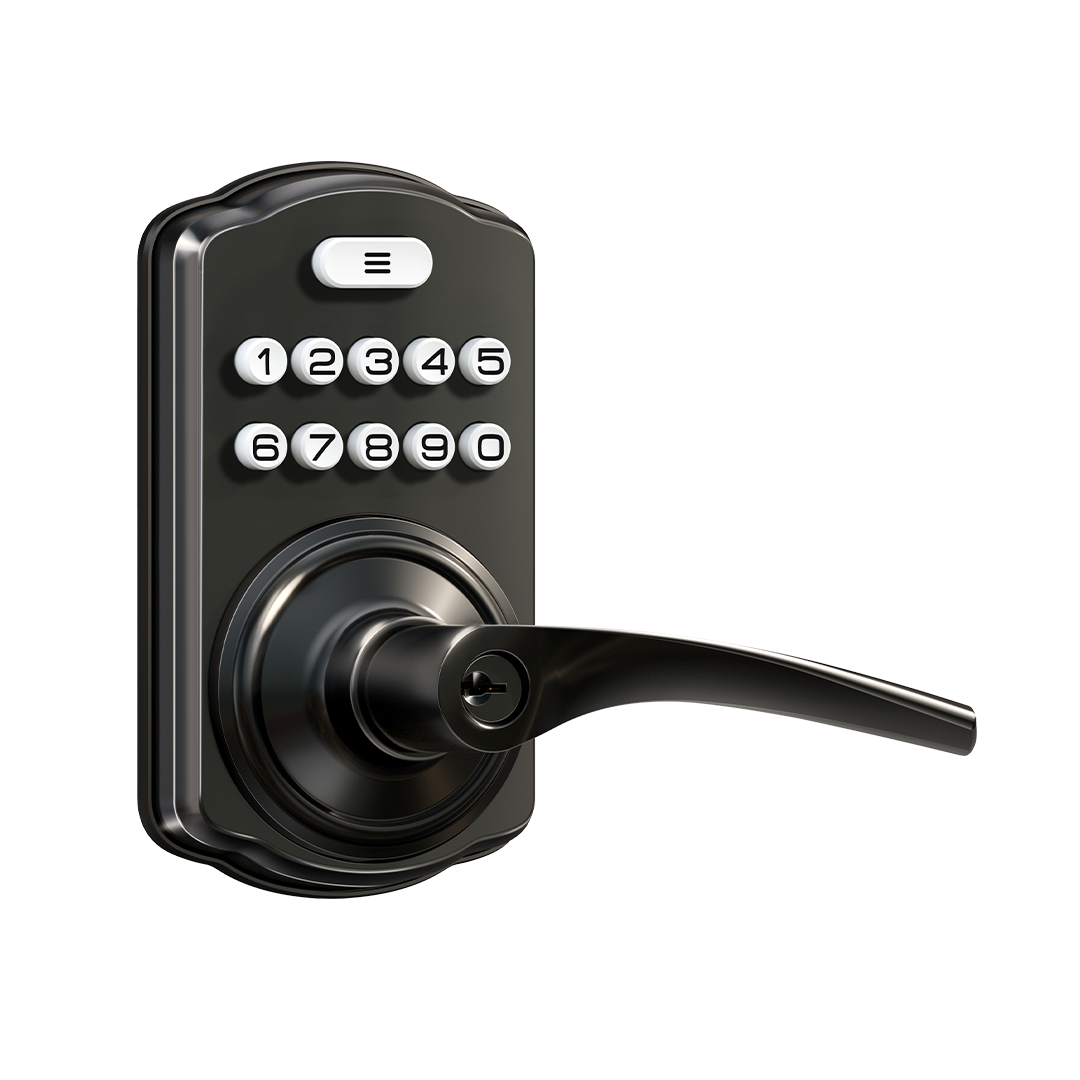
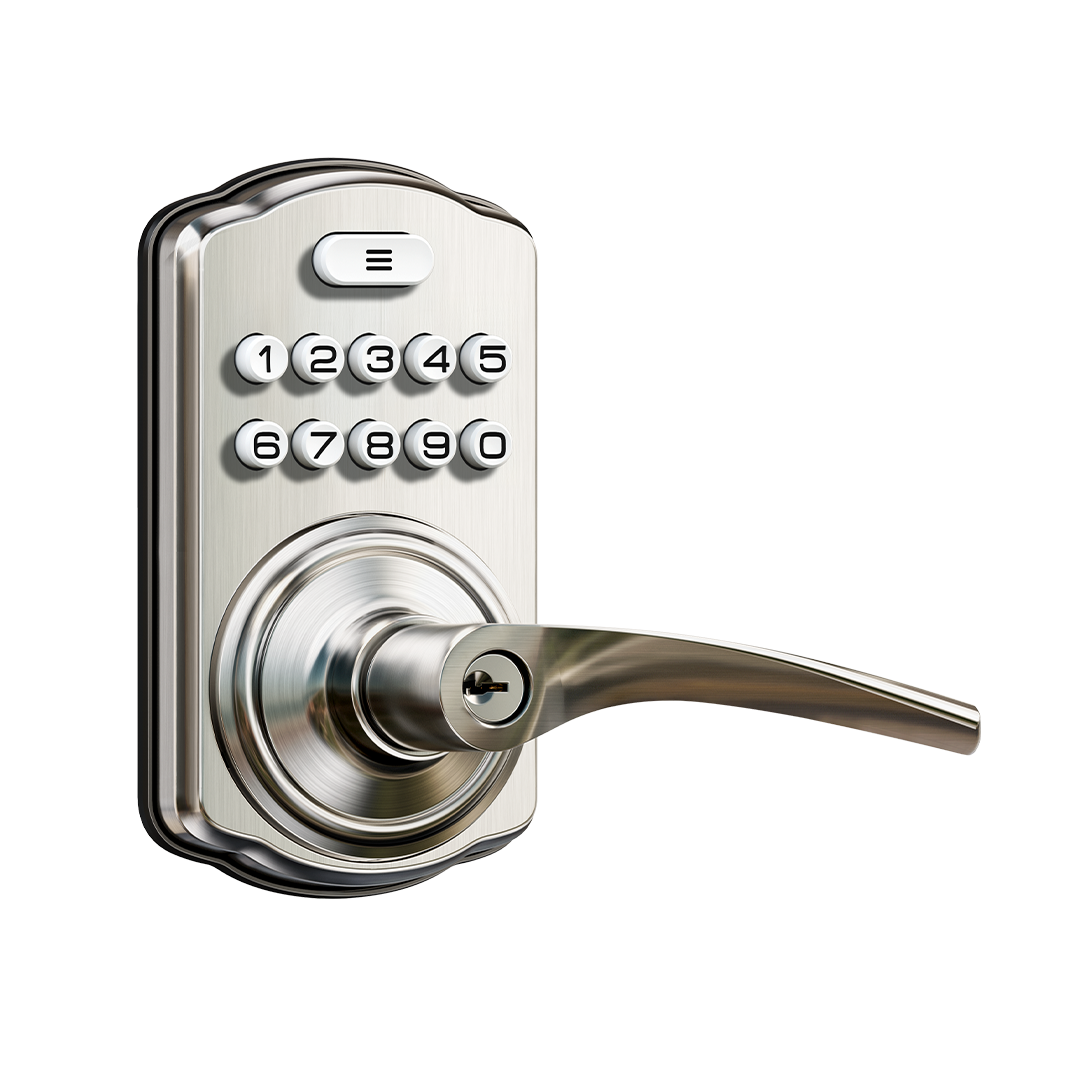
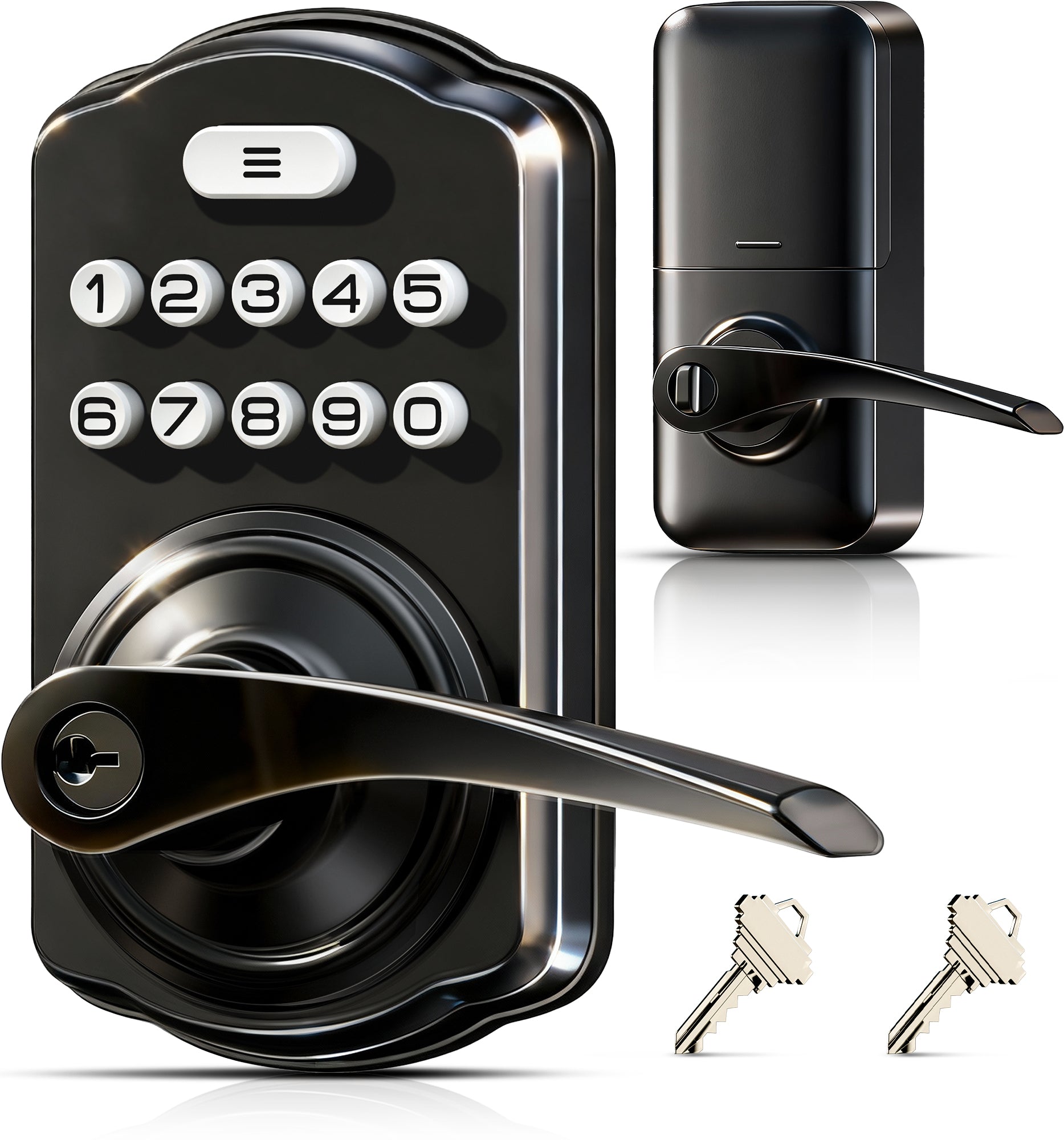
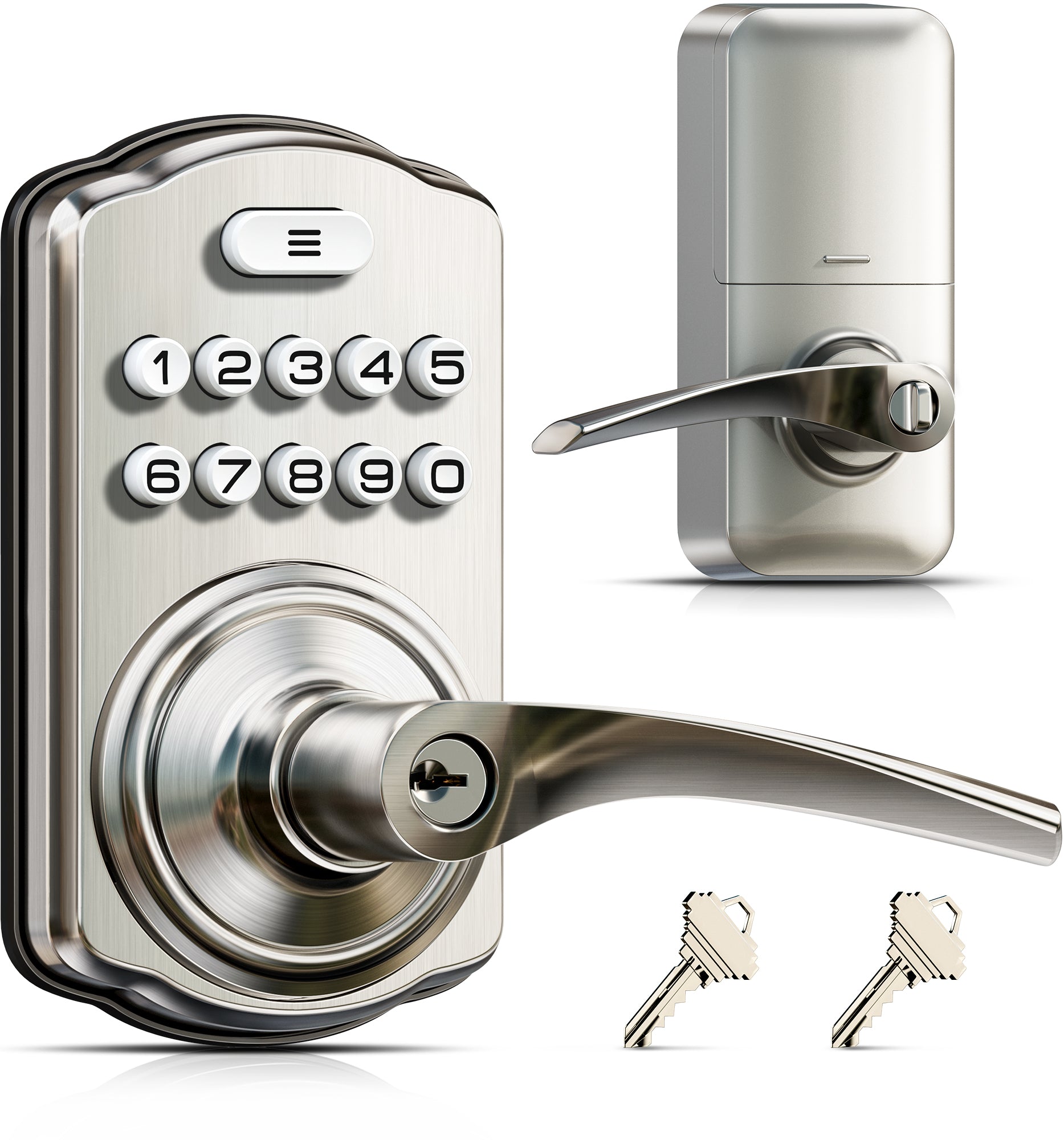
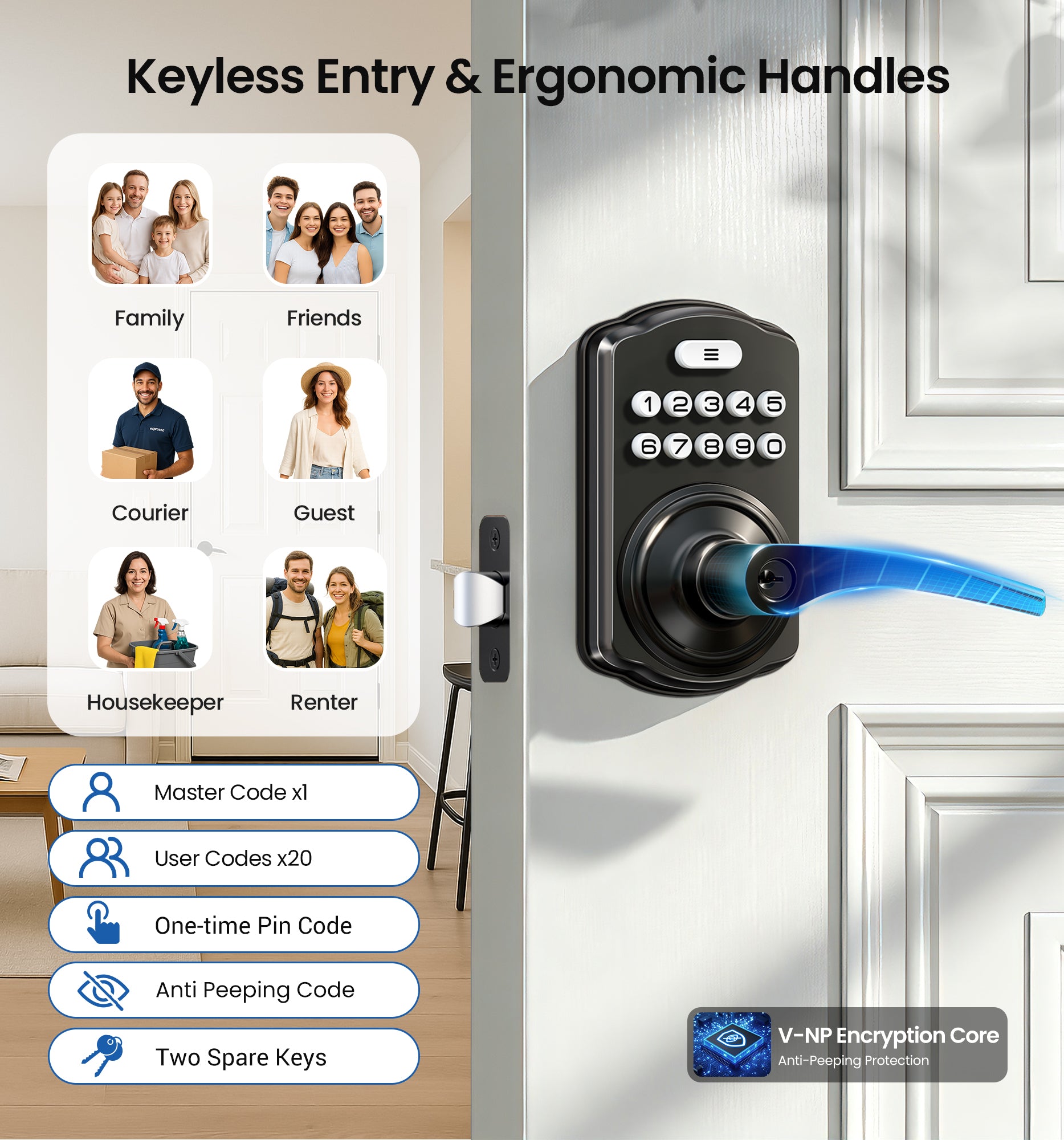
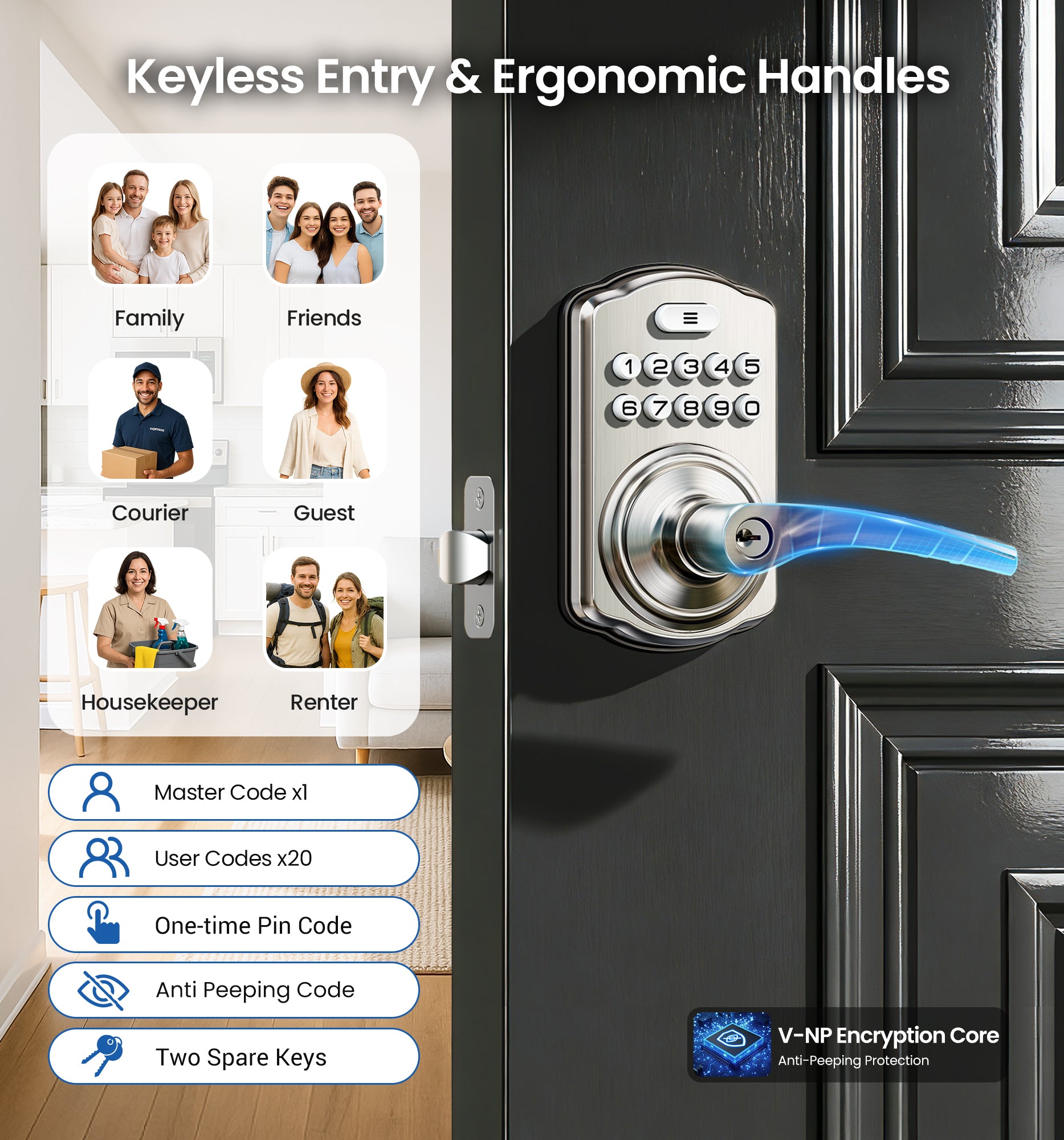
4-in-1 Keyless Entry: The keypad door lock with handle eliminates lost keys by offering 21 user codes(4-10digits), unlimited one-time codes, an interior thumbturn, and 2 backup keys. Ideal for front doors, bedrooms, garages, apartments, and offices
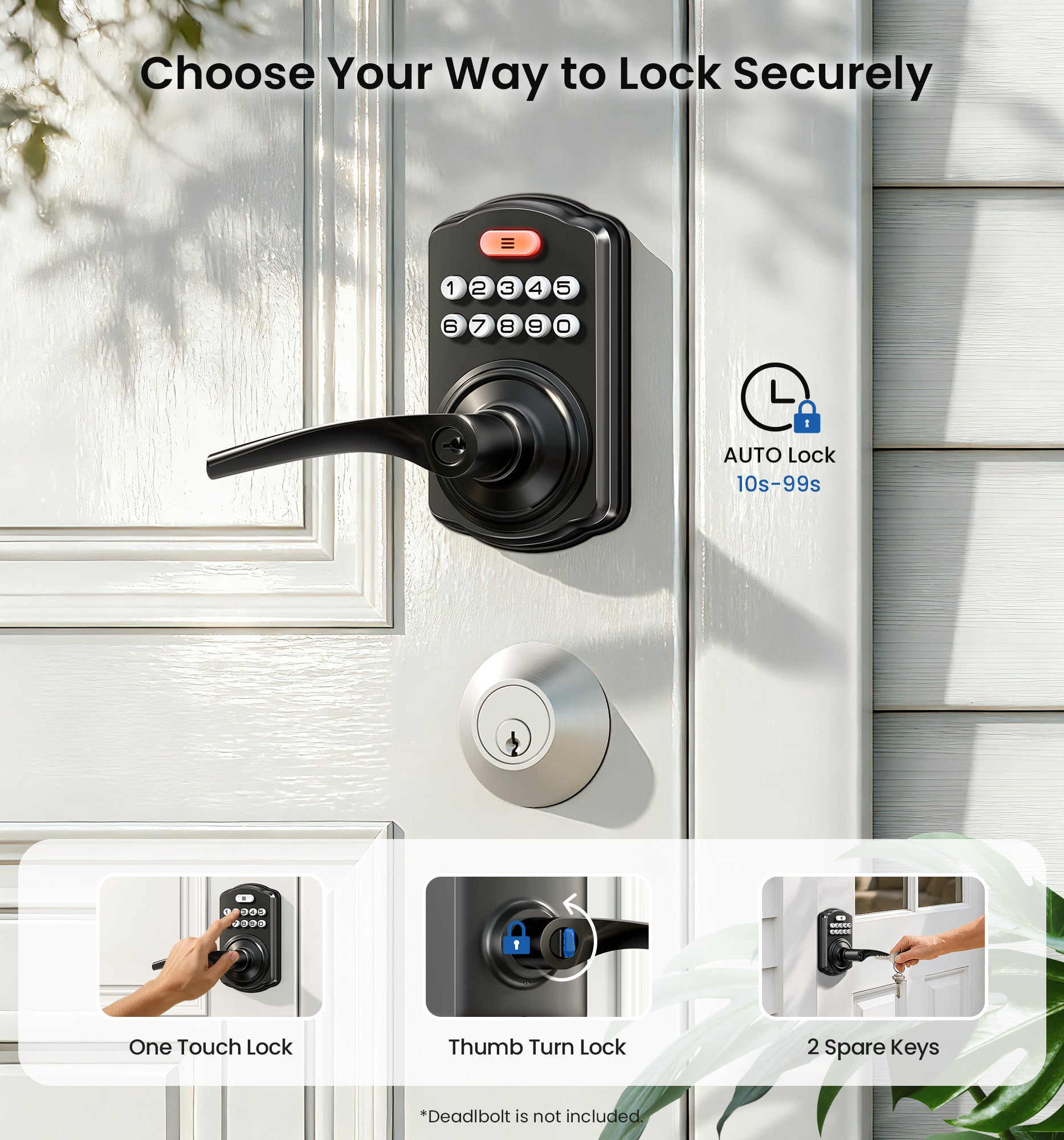
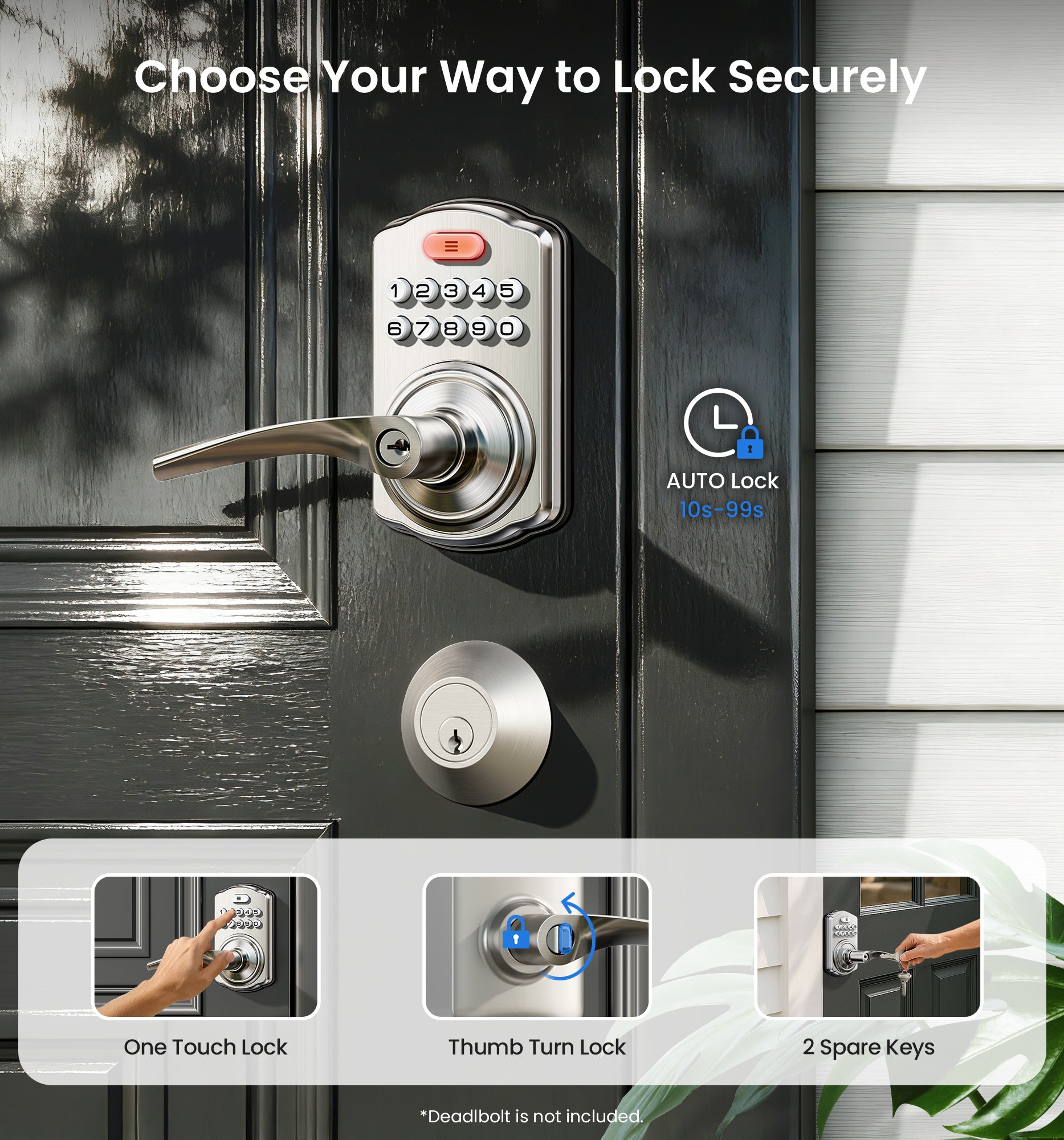
Quick Secure Locking: Programmable auto-lock (10-99s) for forgetful users. Lock instantly from outside by holding any key 2s, or even faster inside with the interior thumbturn. Perfect for quick security on-the-go or ensuring immediate privacy at home
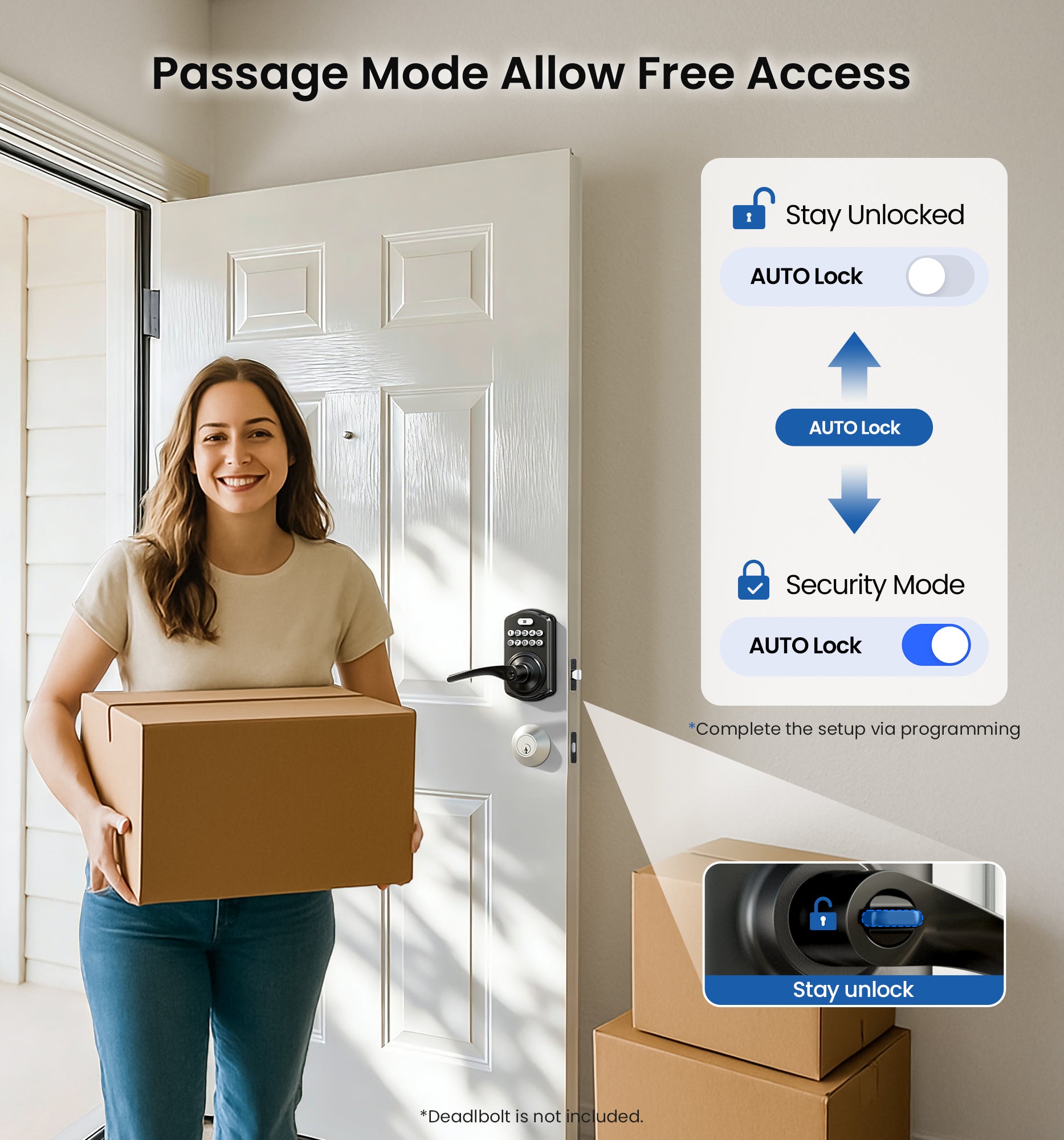
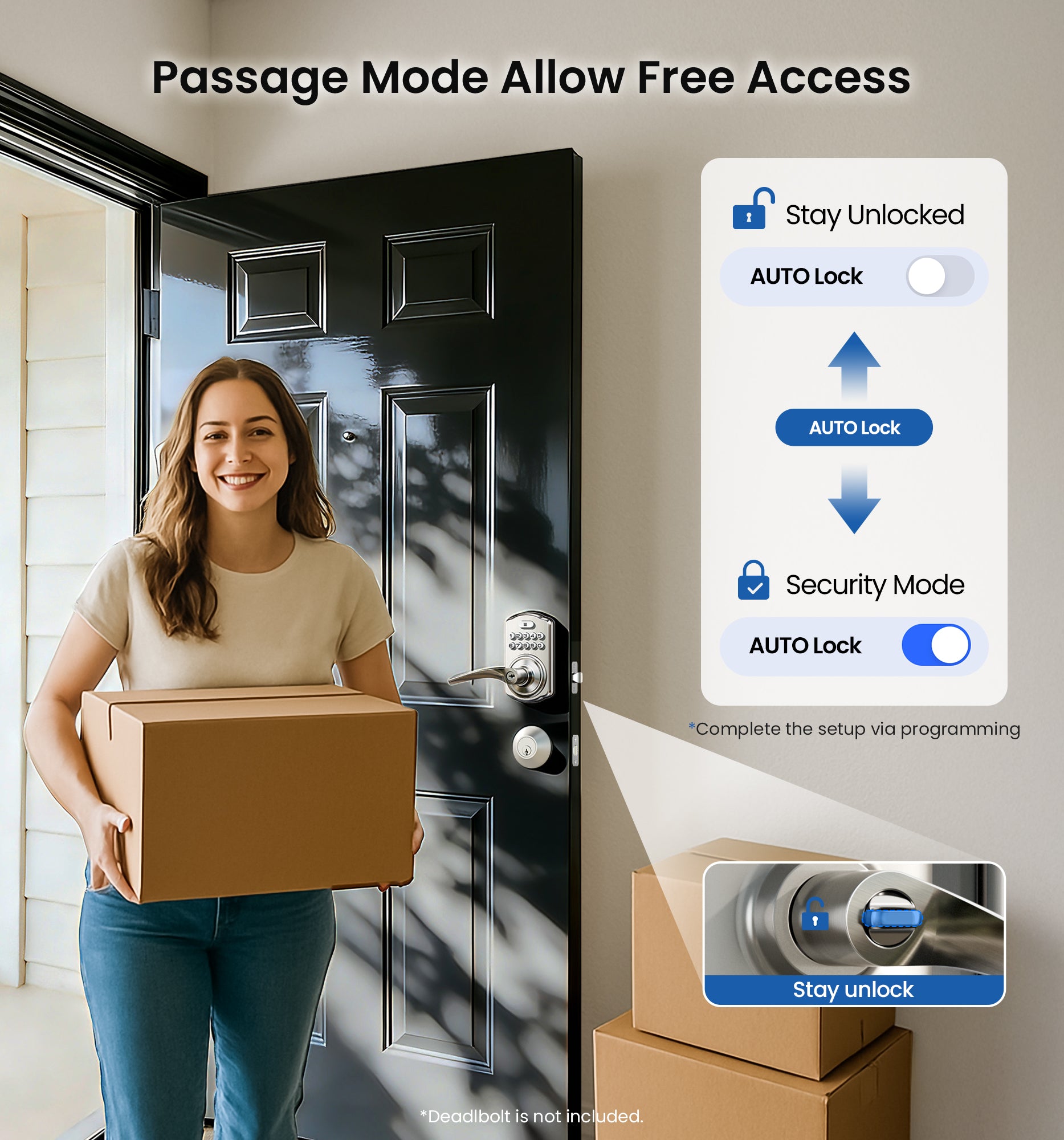
Passage Mode: Disable auto-lock and turn the interior thumbturn to activate Passage Mode. This is ideal for moving days, parties, or anytime continuous access is required
Bank-Level Protection: Heavy-duty zinc alloy with ANSI Grade 3 lock resists break-ins. IP55 rating withstands harsh weather. 4 AA batteries (not included) provide 365-day battery life with low-battery alerts for year‑round home security
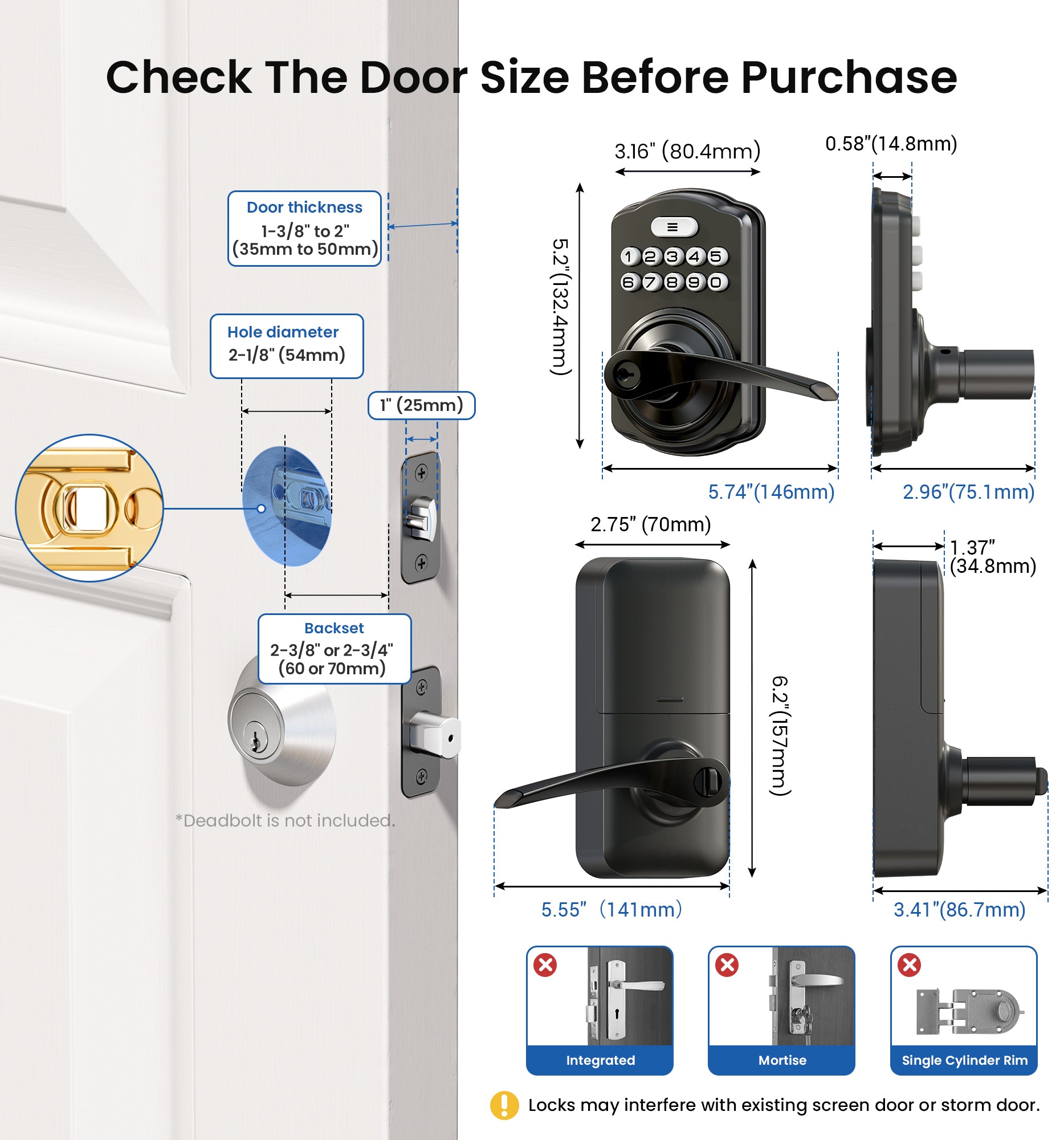
Easy to Install: This keyless entry door lock fits most left- or right-handed doors (1-3/8”–2” / 35–50 mm thick, with a 2-1/8" (54mm) bore hole). Complete with step-by-step instructions and a video tutorial, you only need a screwdriver to install it yourself—no locksmith needed
Specifications
Model Number
KS04
UPC
6975331688156
Brand
Veise
Color
Satin Nickel
Handle Set
Integrated Lever Handle & Lock Set
Connectivity
Keypad only (no Wi-Fi, Bluetooth, or app)
Unlock Methods
Keypad PIN (4-10 digits) · Physical key
Lock Methods
Press any key for 2 seconds · Thumb turn · Physical key
PIN Codes
20+ codes · Permanent / One-time
Auto Lock
10–99 seconds (customizable)
Anti-Peep PIN
Yes – enter random digits before/after real code · 3-min lockout after 10 wrong attempts