
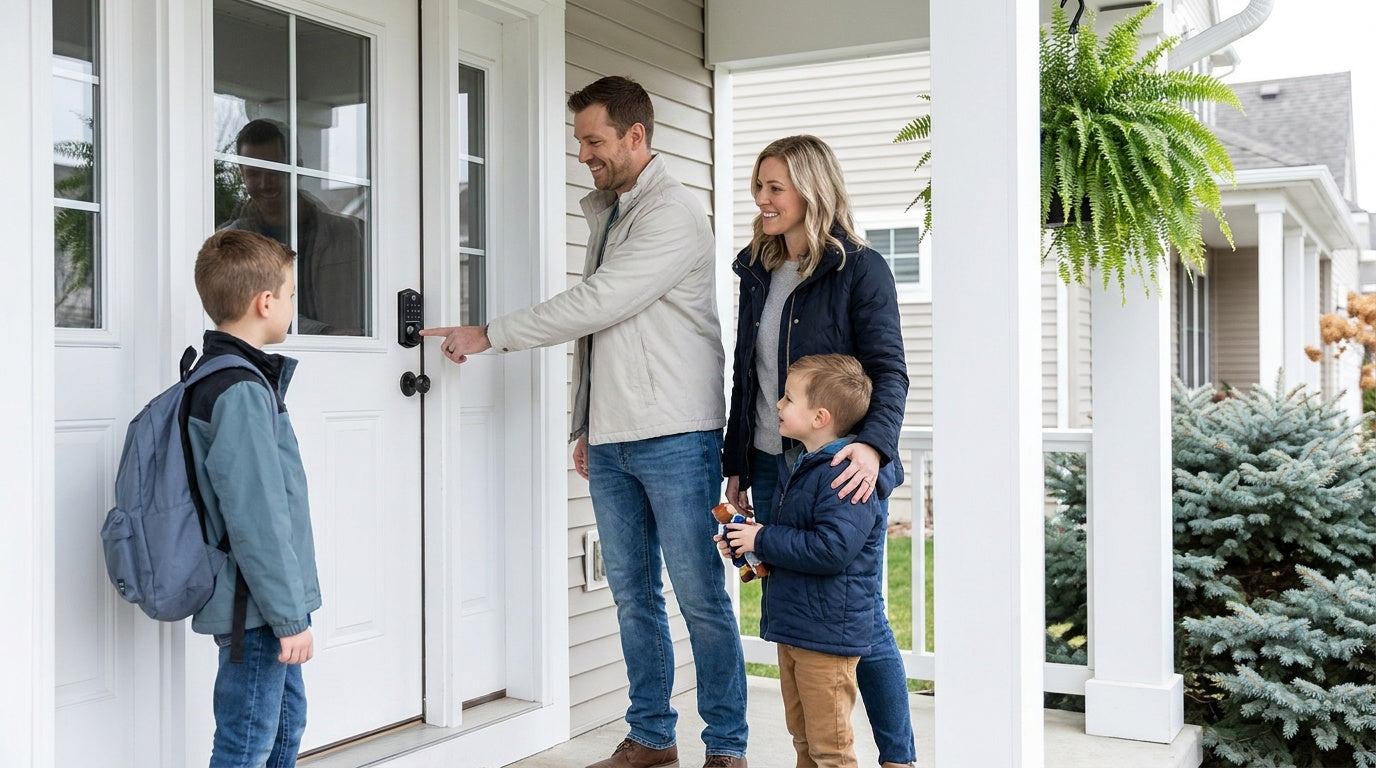
You're halfway to work when the thought hits you: Did I lock the front door? Or maybe it's a Tuesday afternoon and you're wondering whether your kids made it home from school. Perhaps you're managing a short-term rental and need to hand off access to a guest without driving across town to hand over a physical key. Whatever the scenario, a smart lock turns a nagging daily worry into something you can actually control.
But walk into the smart lock aisle — online or in a store — and the options multiply fast. Deadbolts, latch locks, keypad-only, fingerprint, Wi-Fi, gateway-paired: the terminology alone can feel like homework. This guide cuts through the noise. By the time you finish reading, you'll know exactly which type of smart lock fits your door, your household, and your daily life — and why that decision matters more than the price tag.
What Is a Smart Lock?
A smart lock replaces your existing door lock hardware with a unit that can be opened through means beyond a traditional metal key — think a keypad code, a fingerprint scan, a key fob, voice command, or a mobile app. Unlike overlay-style locks that clamp onto your existing deadbolt and simply motorize the thumb-turn, a full-replacement smart lock swaps out the entire lock mechanism. That means a cleaner install, better security integration, and a lock purpose-built for smart access rather than retrofitted around an old one.
Because full-replacement locks require modifying your door hardware, they're best suited for homeowners or property managers who have the authority to make that change. The upside is complete control: you choose the lock, the access methods, and the level of connectivity that fits your life — rather than inheriting whatever was on the door before.
Who Actually Needs a Smart Lock?
The honest answer is: more households than you might think. Smart locks aren't a luxury gadget reserved for tech enthusiasts. They solve real, everyday problems for a wide range of people.
- Parents with school-age kids. A smart lock lets you confirm that your child made it home safely — right from your phone — without relying on them to remember a house key. A Wi-Fi smart lock or a gateway-paired smart lock gives you real-time entry alerts and access history so you're never left guessing.
- New homeowners. When you move in, you have no idea how many copies of the old key are floating around. Replacing the lock entirely and setting your own codes is the fastest way to start fresh with a clean access record.
- Families with elderly members. Fumbling with a key can be genuinely difficult for someone with arthritis or limited dexterity. A keypad code or fingerprint scan is often far easier — and the option to use a physical key is always there as a backup.
- Short-term rental hosts and landlords. Managing a vacation cabin or rental property means coordinating guest access from a distance. A connected smart lock lets you issue time-limited codes remotely, receive entry notifications, and revoke access the moment a guest checks out — no lockbox required.
- Households with multiple people who need flexible access. House cleaners, dog walkers, relatives visiting for a week — smart locks let you give each person their own code and remove it when the need is gone.
If any of these situations sound familiar, a smart lock will earn its place on your door within the first week.
The 4 Main Smart Lock Categories
Before evaluating features, it helps to understand the four main lock categories available — because each one serves a different set of needs, and mixing them up leads to buyer's remorse.
1. Keypad Deadbolt Locks
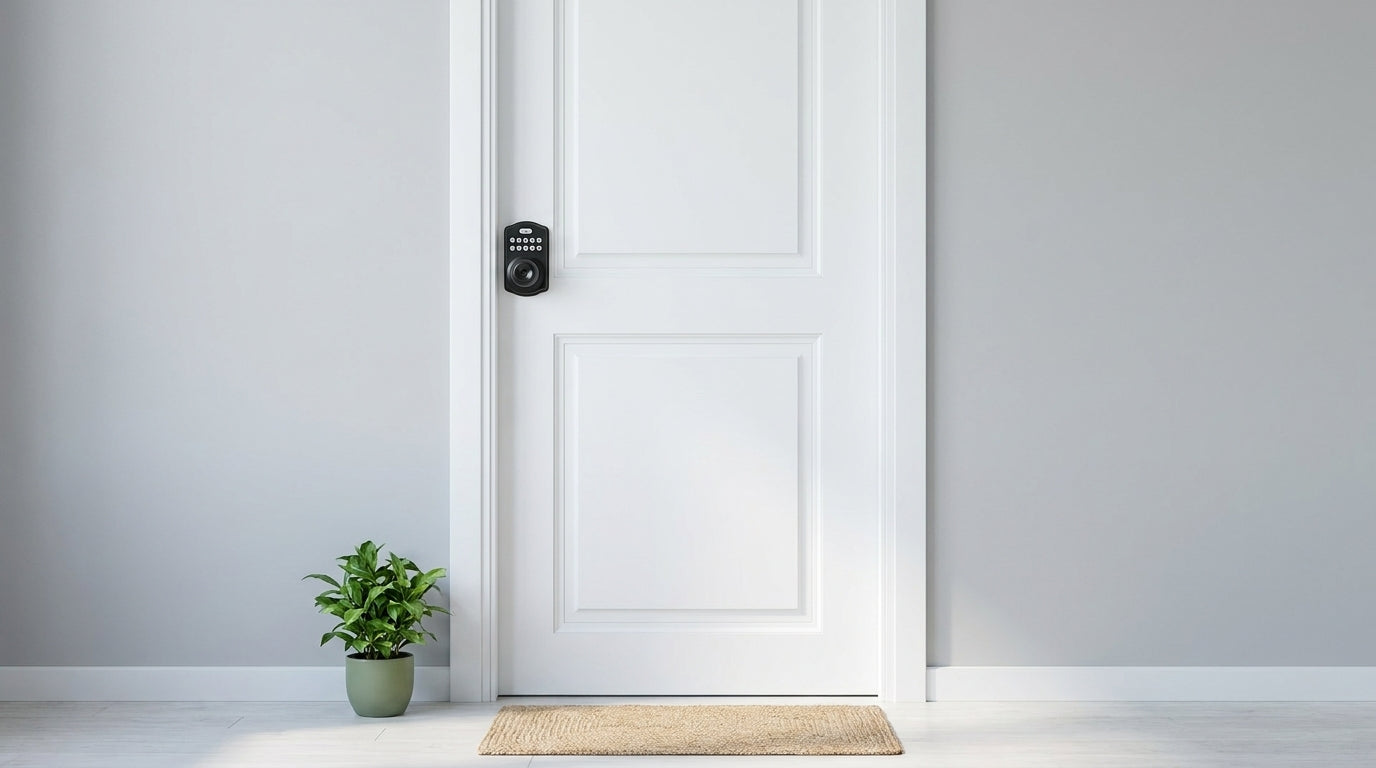
A keypad deadbolt lock is the most straightforward upgrade from a traditional deadbolt. You keep the familiar security of a deadbolt mechanism but add a keypad so entry no longer requires a physical key. All keypad deadbolts include both a keypad code and a physical key backup. Select models also include a fingerprint scanner for <0.3-second recognition — useful when your hands are full of groceries. Keypad deadbolts do not support key fob access or app-based remote control; they are the right pick when you want reliable, keyless entry at the door without needing to manage anything remotely.
Within this category, the primary choice comes down to whether you want fingerprint capability (the KS02 series, available in keypad-only/deadbolt-only or as a handle-set bundle with a lever, knob or vertical handle) or a non-fingerprint model (the RZ and KS01 series, available as standalone deadbolts or handle-set bundles with a lever or knob). Auto lock is a standard feature across the entire Veise lineup, so it is not a differentiator between models here — every lock handles that automatically.
2. Keypad Latch Locks
A keypad latch lock uses a spring latch rather than a deadbolt bolt. This makes it a practical fit for interior doors, office spaces, side entries, and garage doors — or as the daily-use entry handle on an exterior door when paired with a separate deadbolt for primary security. The handle is integrated directly into the lock body, so there is no separate handle to install; the KS03 features a top knob and the KS04 features a top lever — that handle-type difference is the key decision between the two current models. Unlock methods are keypad code and physical key; no fingerprint, no app, no key fob. Simple, durable, and priced to fit.
3. Smart Lock w/ Gateway (G1 or G2)
This category is where connectivity comes in. A Smart Lock w/ Gateway pairs with a small gateway device — plugged into a wall outlet in your home — that bridges the lock to your home Wi-Fi network and enables remote app control via the paired gateway. The lock itself communicates with the gateway over short-range wireless, and the gateway handles the Internet connection. This design keeps the lock energy-efficient while still delivering full remote access when you need it. If Wi-Fi goes down but you're within short-range wireless distance, app control continues to work locally.
All models in this category support multiple ways to enter: keypad code, remote app control, and physical key and key fob as backups. Many models also include fingerprint. Voice assistant control (Alexa and Google Assistant) is available — the gateway handles the bridge to your voice ecosystem. Remote access requires a smart lock in this category or a Wi-Fi smart lock; a keypad deadbolt or keypad latch lock cannot be paired with a gateway to gain remote capability.
Veise offers two gateway generations: Smart Locks w/ G1 and Smart Locks w/ G2. The entire G1 line is built on a single product series — the VE017 — and every G1 model includes fingerprint recognition, multilingual voice prompts (English, Spanish, and French), and a USB-C emergency power port as standard features. G1 series also pairs with Veise's own first-party app, which delivers the tightest integration experience. If your household includes Spanish- or French-speaking members, G1 series is the concrete choice.
Smart Lock w/ G2 offers more SKU variety — both fingerprint and non-fingerprint options, in standalone or handle-set bundle form factors. Its standout exclusive features are Apple Watch unlock and web portal control, with English voice prompts. When a non-fingerprint connected lock or Apple Watch access is important to you, Smart Lock w/ G2 is the right line to explore.
4. Wi-Fi Smart Locks
A Wi-Fi smart lock has connectivity built directly into the lock body — no gateway required. It connects to your home Wi-Fi network on its own and gives you full remote access, real-time notifications, access history, and voice control through Alexa or Google Assistant, all through the app. This is the most capable category for homeowners who want always-on remote monitoring without any additional hardware.
Veise offers two Wi-Fi series that share the same core features — app control, fingerprint, keypad code, and voice assistant compatibility. The Touchscreen Wi-Fi Smart Lock (VE027 Series) uses a touchscreen interface and adds key fob support, three-language on-device voice prompts (English, Spanish, and French), and a USB-C emergency power port. The Push-Button Wi-Fi Smart Lock (VE012W Series) uses a traditional press-button keypad and does not include those extras. Both series run on 8 AA batteries — more cells than the 4 AA setup common in competing locks — which delivers stronger signal stability and a more substantial power reserve. Physical key backup is included on all models.
For parents who want to remotely monitor when kids arrive home, or for managing a short-term rental property, a Wi-Fi smart lock or a gateway-paired smart lock is the right choice. A keypad deadbolt or keypad latch lock will not give you that remote visibility.
Key Features to Evaluate Before You Buy
Connectivity and Remote Access
Remote access — the ability to lock, unlock, or check your door from anywhere — requires either a Wi-Fi smart lock or a gateway-paired smart lock. It is not something you can add to a keypad deadbolt by purchasing a separate gateway. Decide early whether remote access matters to you; if it does, narrow your search to the connected categories. If you only need keyless entry at the door and never need to manage it from a distance, a keypad deadbolt or keypad latch lock covers that need cleanly and at a lower price point.
Unlock Methods
The range of unlock methods varies by category rather than by individual model, so knowing what each category supports helps set expectations. Keypad deadbolts offer keypad code and physical key on all models, with fingerprint on select units. Keypad latch locks offer keypad code and physical key only. Smart Locks w/ Gateway (G1 or G2) offer keypad code, remote app via the paired gateway, plus key fob and physical key as backups on all models, with fingerprint on many. Wi-Fi smart locks offer remote app, fingerprint, keypad code, and voice control on all models, with physical key backup on all models and key fob on the VE027 series (not the VE012W series). When evaluating a specific SKU, confirm which methods that exact model supports rather than assuming a category-wide count.
Installation
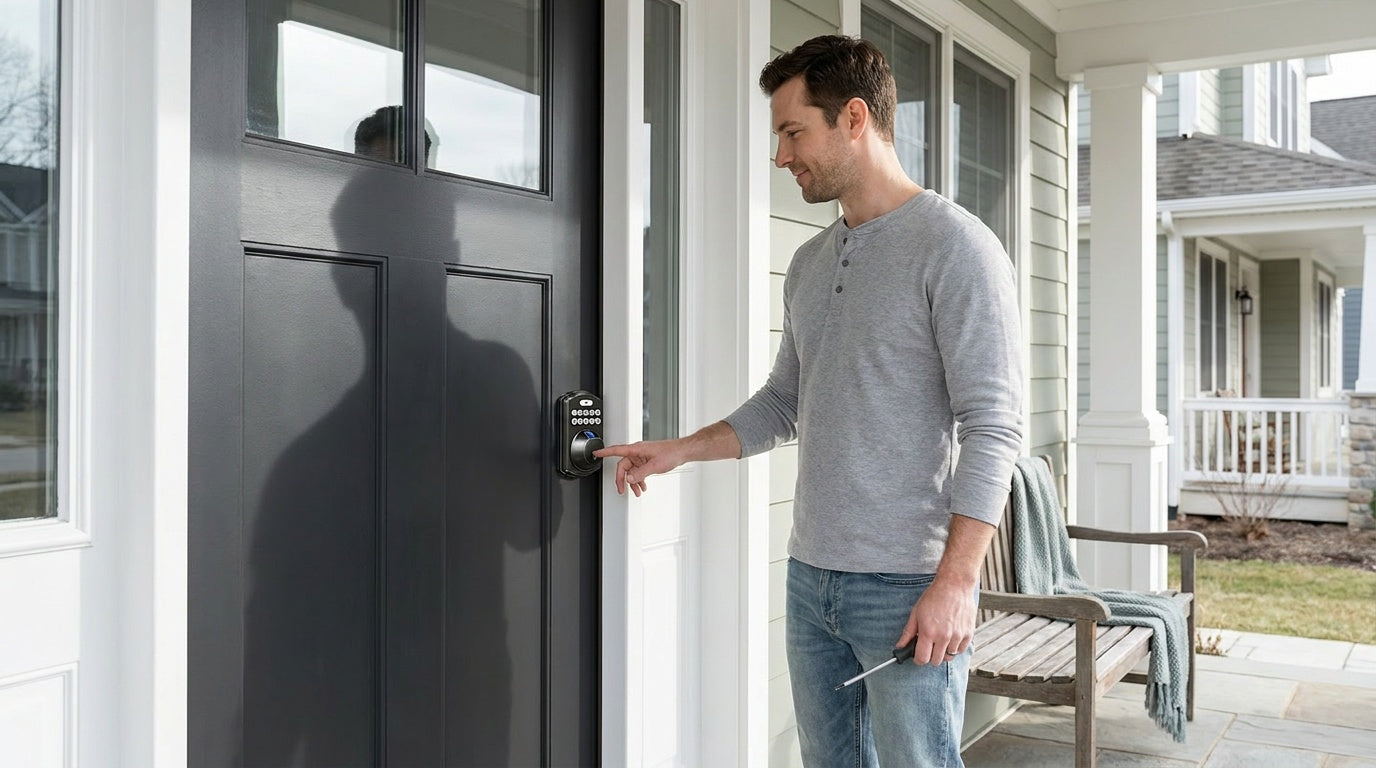
Veise locks are designed for DIY installation — typically about 15 minutes with a screwdriver, no wiring, and no professional help needed. They fit standard wood doors with a thickness of 1-3/8 inches to 2 inches. Importantly, Veise locks are compatible with wood doors only — they are not compatible with fiberglass, metal, storm, or sliding doors. Before you buy, confirm your door material and thickness. The install itself is a full lock replacement, so you will remove your existing hardware and install the new lock in its place.
Battery Life and Emergency Access
All smart locks run on batteries, and low battery should never mean a lockout. Veise locks send low-battery alerts before power runs out, and every model includes a physical key backup. For added peace of mind, the VE017 series (Smart Lock w/ G1) and the VE027 series (Touchscreen Wi-Fi Smart Lock) include a USB-C emergency power port — connect a power bank to the port and you can punch in your code and get inside even on a dead battery. If this feature matters to your household (particularly for elderly family members concerned about lockouts), look at those two series specifically.
Security Certification
Veise smart locks carry ANSI/BHMA Grade 3 certification, which is the standard for residential door hardware. Grades 1 and 2 target high-traffic commercial settings with significantly higher cycle-count requirements — they are not a higher quality tier for home use. For a residential front door, Grade 3 is the appropriate benchmark. Look for it on any lock you consider, regardless of brand.
Auto Lock
Auto lock automatically re-engages the lock after a set interval, so a door left unlatched will secure itself without anyone needing to remember. On Veise locks, the auto lock interval is configurable between 10 and 99 seconds on keypad deadbolts and keypad latch locks, and between 10 and 180 seconds on connected models (gateway-paired and Wi-Fi) — short enough to secure the door quickly after entry, long enough to give family members time to bring in groceries. Auto lock is a standard feature across the entire Veise lineup.
Price Range
Veise locks range from $30 to $180 depending on the category and features. Keypad deadbolts and latch locks sit at the more affordable end of that range. Connected models — gateway-paired and Wi-Fi — sit higher but still land well below the $250–$400 price points common among premium competitors. No Veise lock requires a subscription fee, and there are no monthly charges for access history, remote control, or fingerprint storage.
How to Match the Right Lock to Your Door and Situation
With the categories and features in mind, the decision becomes a straightforward process of matching your situation to the right product type.
- Exterior front door, no remote access needed: A keypad deadbolt is a solid, practical upgrade. Add the fingerprint model if you want hands-free entry at the door.
- Exterior front door, remote monitoring and alerts required: Go with a Wi-Fi smart lock or a Smart Lock w/ G1 or G2. These give you real-time notifications, access history, and the ability to lock or unlock from anywhere with an active Internet connection.
- Interior doors, office doors, side entries, or garage doors: A keypad latch lock commonly fits these locations well. Traditional interior knob or lever sets are also an option — Veise carries a full line of mechanical locks including privacy knobs, privacy levers, keyed entry knobs, and keyed entry levers.
- Multilingual household: The Smart Lock w/ G1 supports English, Spanish, and French voice prompts, and the Touchscreen Wi-Fi Smart Lock (VE027 series) does as well. Smart Lock w/ G2 offers English voice prompts only, and the Push-Button Wi-Fi Smart Lock (VE012W series) has no on-device voice prompts — so the Smart Lock w/ G1 or the VE027 series is the more direct fit.
- Managing a short-term rental or vacation property: A Wi-Fi smart lock or gateway-paired smart lock gives you remote code management and entry alerts without needing to be on-site. Assign a unique code per guest, monitor arrivals, and revoke access after checkout — all from your phone.
- Elderly family member concerned about lockouts: Consider the VE017 series (Smart Lock w/ G1) or the VE027 series (Touchscreen Wi-Fi Smart Lock) — both include a USB-C emergency power port so a power bank can restore access on a dead battery. Fingerprint recognition at under 0.3 seconds is also a convenient alternative to remembering codes.
A Note on Privacy and Data Storage
One aspect of smart locks that rarely gets enough attention is where your data actually lives. Some locks send fingerprint data and access logs to cloud servers, which introduces both a privacy question and a reliability dependency — if the manufacturer's servers go down or the company changes its policies, your access history goes with them. Veise takes a different approach: fingerprints are processed and stored locally, on the lock itself, using an on-device AI chip. No biometric data leaves the device, and no cloud account is required to store your prints. For families who want fingerprint convenience without handing biometric data to a remote server, that distinction matters.
Why Veise?
Most smart lock brands are OEM resellers — they source locks from factories, put their name on the box, and pass customer questions to a third party. Veise is different. Veise designs, engineers, manufactures, and supports its own products through a vertically integrated operation with roots in the lock industry going back to 1988. That means every product decision — from the fingerprint chip to the battery configuration to the app experience — is made and owned in-house. When something needs to change or a customer needs help, the answer comes from the same team that built it.
Since launching in North America in 2022, Veise has ranked as the #1 smart lock brand on Amazon North America in both 2024 and 2025. The full product lineup spans keypad deadbolts, keypad latch locks, Smart Locks w/ G1, Smart Locks w/ G2, Wi-Fi smart locks, mechanical locks, and accessories — all priced between $30 and $180, with no subscription fees, 15-minute DIY installation, and US-based phone and email support backed by a local warehouse. Easy from Day One.
The Bottom Line
Choosing a smart lock comes down to three honest questions: Does your door qualify (wood, standard thickness)? Do you need remote access, or just keyless entry at the door? And which unlock methods will actually get used day to day by everyone in your household? Answer those three questions and the right category becomes clear on its own. From there, the right model within that category is a matter of matching features — fingerprint, form factor, language support, battery design — to the people who will actually use it.
A good smart lock does not have to be complicated or expensive. It just has to work reliably, every single time, for every person who needs to get through that door. Browse the full Veise lineup at iveise.com to find the right fit for your home.
Frequently Asked Questions
What type of door is compatible with Veise smart locks?
Veise smart locks are compatible with wood doors only, with a standard thickness of 1-3/8 inches to 2 inches. They are not compatible with fiberglass, metal, storm, or sliding doors. Always check your door material and thickness before purchasing.
Do I need a subscription to use a Veise smart lock?
No. Veise locks have no subscription fees. Remote access, access history, fingerprint storage, and app control are all included with the lock — no monthly or annual charge required.
Can I control a Veise smart lock remotely without Wi-Fi?
Remote access over the Internet requires an active Internet connection. However, if Wi-Fi goes down but you are within short-range wireless distance of the lock, app control continues to work locally on gateway-paired and Wi-Fi smart locks. Long-distance remote features — checking status from across town, receiving off-site alerts — require live Internet.
What happens if a Veise smart lock battery dies?
Every Veise smart lock includes a physical key backup. Additionally, the VE017 series (Smart Lock w/ G1) and the VE027 series (Touchscreen Wi-Fi Smart Lock) include a USB-C emergency power port — connect a power bank to the exterior port and you can enter your code to unlock the door even on a completely dead battery.
Do Veise smart locks work with Alexa and Google Assistant?
Voice control compatibility depends on the lock category. Wi-Fi smart locks support Alexa and Google Assistant directly through their built-in Wi-Fi connection. Smart Locks w/ Gateway (G1 or G2) also support voice assistants — the paired gateway bridges the lock to the voice ecosystem. Keypad deadbolts and keypad latch locks do not support voice control.
How long does it take to install a Veise smart lock?
Most Veise locks can be installed in about 15 minutes with a screwdriver — no wiring and no professional help needed. The process involves removing your existing lock hardware and installing the new lock in its place. It is a full hardware replacement, so property owner authority (or landlord permission) is required before installation.
What is the difference between a keypad deadbolt and a Smart Lock w/ Gateway?
A keypad deadbolt provides keyless entry at the door — keypad code and physical key backup on all models, fingerprint on select models — but does not connect to the Internet and cannot be controlled remotely. A Smart Lock w/ Gateway pairs with a separate gateway device that bridges the lock to your home network, enabling remote app control, real-time notifications, access history, and voice assistant compatibility from anywhere with an active Internet connection.
Is a Grade 3 ANSI/BHMA certification good enough for a home?
Yes. ANSI/BHMA Grade 3 is the standard certification for residential door hardware. Grades 1 and 2 are designed for high-traffic commercial applications with substantially higher cycle-count requirements — they are not a higher quality tier for home use. For a residential front door, Grade 3 meets the appropriate standard.
Still Have Questions? We're Here to Help.
Choosing the right lock is a personal decision, and sometimes a quick conversation makes all the difference. Veise's US-based support team is available by phone and email to help you match the right lock to your door, your household, and your budget.

Leave a comment
This site is protected by hCaptcha and the hCaptcha Privacy Policy and Terms of Service apply.