
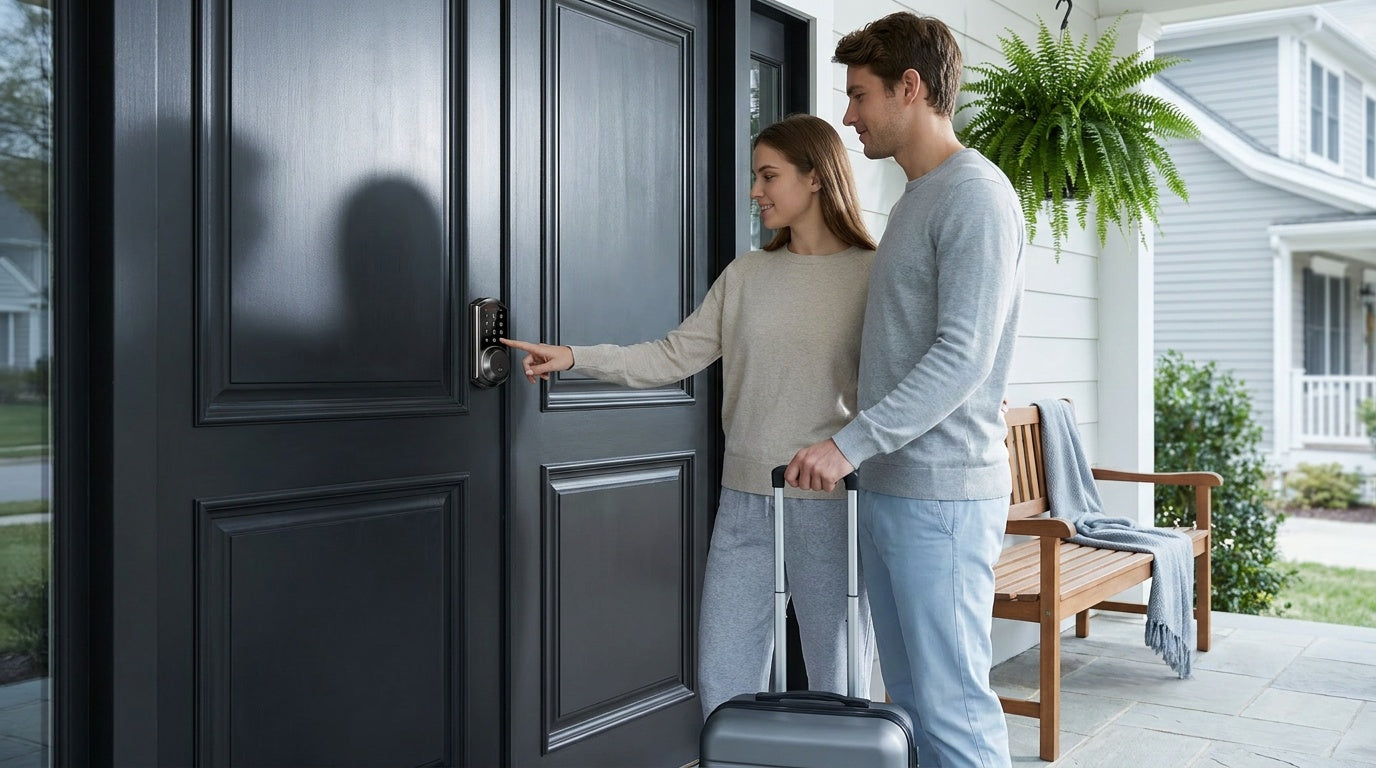
Picture this: it's 11 PM and a guest messages you — they're standing outside your rental and can't get in because a previous guest walked off with the only key. You're across town, there's no spare, and your five-star streak suddenly feels very fragile. This is the scenario that sends most Airbnb hosts searching for a better door lock solution.
Choosing the right lock for your short-term rental is one of the highest-impact decisions you'll make as a host. The right setup eliminates key handoffs, lets guests self-check-in at any hour, and gives you full control over who enters your property — all without requiring you to be on-site. The wrong choice creates friction for guests and headaches for you.
This guide walks you through every step: understanding which lock types fit which doors and scenarios, what features actually matter for Airbnb hosting (versus flashy specs you'll never use), how to install and configure your lock in about 15 minutes, and how to manage guest access like a seasoned host. Whether you're setting up your first listing or upgrading a multi-door property, you'll find a clear, practical path forward here.
Why Your Lock Choice Matters for Airbnb Hosting
Traditional key exchanges create a surprising amount of friction for both hosts and guests. Scheduling meet-ups for key handoffs limits your flexibility and your guest's check-in time. Lost or copied keys pose genuine security risks between stays. And rekeying after every guest — or worrying whether you should — is both expensive and impractical at scale. A well-chosen door lock removes all of these problems at once.
Beyond convenience, the lock you choose sends a signal to guests about how professionally your property is managed. A keyless, self-check-in experience sets the tone for the entire stay. Guests who arrive smoothly — no waiting, no confusion — are more likely to be forgiving of small issues later. Meanwhile, hosts gain the ability to create unique, time-limited access codes for each booking, grant separate codes to cleaning crews, and review entry logs to confirm checkout times. That operational clarity is genuinely valuable as your hosting operation grows.
Security considerations are real too. As a property owner making changes to door hardware, you need a lock that matches the physical demands of an exterior door while also supporting the digital workflows that make short-term rental management efficient. Getting that balance right starts with understanding your options.
Types of Door Locks for Short-Term Rentals
Not every lock in your rental serves the same purpose, and choosing the right type for each door is the foundation of a good hosting setup. Here's how the main categories break down in a short-term rental context.
Keypad Deadbolt Locks
A keypad deadbolt lock is the workhorse of Airbnb access control. It replaces your existing deadbolt entirely, giving guests a numeric code to enter instead of a physical key. There's no app to download, no smartphone required — the guest types their code and walks in. This simplicity is exactly what you want for a front door, especially when guests arrive tired and late. Some keypad deadbolts with fingerprint scanners add an extra layer of convenience for owners and cleaning staff. The physical key backup that comes standard on all models ensures that even if a battery dies or a guest forgets their code, access isn't lost.
Keypad Latch Locks
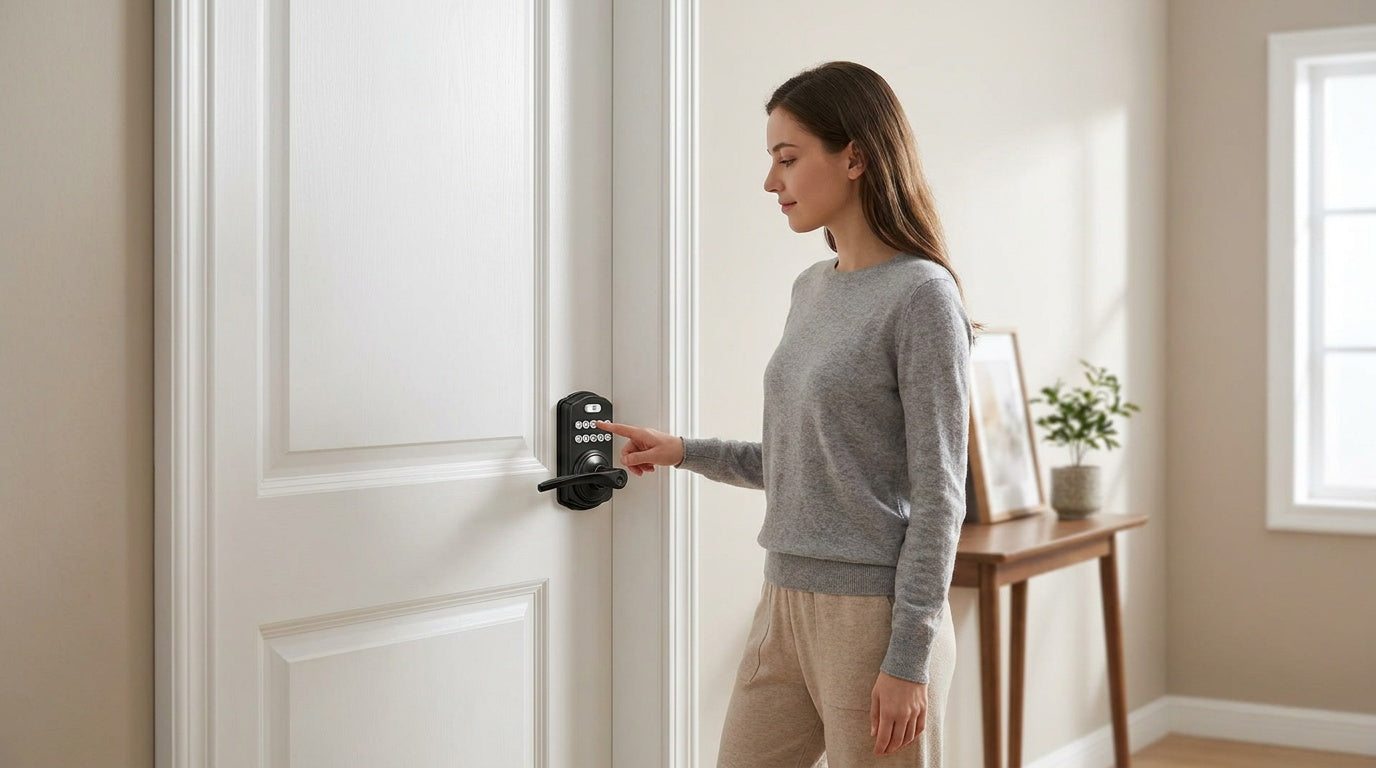
Keypad latch locks pair a handle and a keypad into a single integrated unit — there's no separate deadbolt mechanism. They're a practical fit for interior doors, side entries, garage access doors, or utility rooms where you want code-based access control but not the full deadbolt assembly. In a rental property, they're commonly used on owner storage closets or rooms guests shouldn't access. Entry is keypad code only, with a physical key backup — simple, reliable, and no app required.
Smart Locks with Gateway (G1/G2)
A smart lock that works with a paired gateway bridges your lock to the Internet via a small hub plugged in elsewhere in the property. This gives you genuine remote access — lock or unlock the door, generate new codes, and review entry history from anywhere, all from a mobile app. These locks support keypad code, key fob, physical key backup, and remote app control as standard entry methods, with fingerprint available on many models. For Airbnb hosts who manage a property remotely or want to confirm check-in and checkout in real time, this category is a significant upgrade over a standalone keypad.
Wi-Fi Smart Locks
A Wi-Fi smart lock has Internet connectivity built directly into the lock body — no separate gateway hub required. Connect it to your home's Wi-Fi network and you get full remote access, real-time entry alerts, app-based code management, and voice control via Alexa or Google Assistant, all out of the box. For a host who wants maximum capability with the fewest components, a Wi-Fi smart lock is the cleanest solution. It's also the right choice when your rental property doesn't have a convenient spot to plug in a gateway hub near the door.
How to Choose the Right Lock for Your Airbnb
With lock types in hand, the next step is matching the right features to your specific hosting situation. Here are the factors that genuinely matter for short-term rental use.
Door Compatibility First
Before anything else, confirm your door is compatible. Most full-replacement smart locks — including all Veise models — are designed for standard wood doors with a thickness between 1-3/8" and 2". They are not compatible with fiberglass, metal, storm, or sliding doors. Check your door's backset measurement (the distance from the edge of the door to the center of the lock bore hole) and confirm it matches the lock's requirements before purchasing. A lock that doesn't fit your door is not a bargain at any price.
Remote Access vs. Standalone Keypad
For most Airbnb hosts, remote access is not a luxury — it's a core operational need. The ability to generate new codes, lock the door after a guest forgets, or verify that your cleaner has checked out all require a smart lock with Internet connectivity. A standalone keypad deadbolt is an excellent option when you manage the property yourself and can visit between stays, or when you want a simple secondary lock for an interior or storage door. But if you're managing the property from a distance, remote access requires a smart lock — either a gateway-paired model or a built-in Wi-Fi model.
Guest Entry Method: Keep It Simple
For guests, keypad code entry is almost always the best primary method. It requires no app download, no Bluetooth pairing, and no smartphone — a guest just needs the four-to-ten-digit code you sent them. Fingerprint is genuinely useful for owners and regular cleaning staff, but enrolling every new guest is impractical and unnecessary. Make sure whatever lock you choose includes a physical key backup; it's a required safety net for situations like a dead battery or a guest who miskeys their code too many times.
Auto Lock
Auto lock is one of the most underrated features in short-term rental management. When it's enabled, the lock automatically engages after a configurable interval — typically between 10 and 99 seconds on keypad deadbolts and keypad latch locks and 10 and 180 seconds on connected models — so you never have to wonder whether a guest remembered to lock the door on their way out. This one feature alone can prevent a lot of anxiety between stays. Look for it as a standard inclusion, not a premium add-on.
No Subscription Fees
Many smart home products tack on monthly cloud subscription fees for features like remote access or entry history. For a short-term rental property, those fees add up quickly — especially if you're managing multiple listings. Look for locks that store data locally on the device itself and provide full app functionality without a recurring charge. That's a meaningful long-term cost difference that deserves attention during the buying decision.
Installation Simplicity
A lock that requires a professional installation adds cost and scheduling friction right at the start. Most quality deadbolt-style smart locks are designed for straightforward DIY installation — a screwdriver, about 15 minutes, and no wiring. If you're managing a rental property in another city or state, having a lock that you (or a local contact) can install and replace without calling a locksmith is genuinely valuable. Confirm the installation requirements before purchasing, especially if your door has non-standard dimensions.
Veise Lock Recommendations by Hosting Scenario
Veise designs, engineers, and manufactures its own locks — not an OEM reseller — with roots in the lock industry since 1988 and a track record that earned the #1 smart lock brand ranking on Amazon North America in both 2024 and 2025. The product lineup is priced between $30 and $180, covers every common door type in a rental property, and comes with no subscription fees, local fingerprint storage, and a 15-minute DIY install. Every lock includes a physical key backup. Here's how the lineup maps to real Airbnb hosting scenarios.
Scenario 1: Budget-Conscious Host, Single Property, On-Site Management
Best fit: Keypad Deadbolt Lock
If you live nearby, handle turnovers yourself, and want a reliable keyless entry without the complexity of remote app management, a keypad deadbolt is the right call. Guests enter their unique code; you change it between stays in seconds. Select Veise models add fingerprint scanning (under 0.3 seconds for recognition) for faster access for you and your cleaner. All models support auto lock with configurable timing between 10 and 99 seconds, so the door locks itself after every departure. ANSI/BHMA Grade 3 certified — the standard for residential exterior doors. No hub, no app, no subscription required.
Scenario 2: Remote Host Who Needs Full Control from Anywhere
Best fit: Wi-Fi Smart Lock
For hosts managing a property remotely, a Wi-Fi smart lock is the cleanest solution. Wi-Fi connectivity is built directly into the lock — no gateway hub to install separately. You get real-time remote access, entry history alerts, and voice control via Alexa or Google Assistant. All Veise Wi-Fi Smart Locks use 8 AA batteries (compared to the more common 4 AA setup), which delivers stronger signal and a more stable connection over time. Fingerprint and keypad code are standard, and physical key backup is included on all models. Veise offers two series: the Touchscreen Wi-Fi Smart Lock (VE027 Series), which features a modern touchscreen interface and adds key fob support, three-language on-device voice prompts (English, Spanish, and French), and a USB-C emergency power port for peace of mind if batteries are completely depleted; and the Push-Button Wi-Fi Smart Lock (VE012W Series), which uses a traditional press-button keypad and does not include those extras. The VE027 series' three-language voice prompts make it a solid fit for properties in multilingual markets.
Scenario 3: Host Who Wants Remote Access Plus a Backup Hub
Best fit: Smart Lock w/ G1 or Smart Lock w/ G2
Smart locks that work with a paired gateway give you full remote app control by routing the lock's signal through a small hub plugged in nearby. The entire G1 line is built on a single product series — the VE017 — so every Smart Lock w/ G1 ships with multilingual voice prompts (English, Spanish, and French), a USB-C emergency power port, and fingerprint as standard features. The G1 also pairs with a first-party, Veise-developed app, which makes for a tighter, more reliable experience. The Smart Lock w/ G2 line offers more SKU variety — both fingerprint and non-fingerprint options, in standalone or handle-set bundle form factors — and adds Apple Watch unlock and web portal control as unique capabilities for tech-forward hosts. Even when active Internet is down, app control continues to work locally as long as you're within short-range wireless distance of the lock, so you're not locked out of management when your ISP has an off day. All gateway-paired models include keypad code, key fob, physical key backup, and remote app control as standard unlock methods.
Scenario 4: Securing Interior Doors, Storage Rooms, or Side Entries
Best fit: Keypad Latch Lock or Mechanical Lock
Not every door in your rental needs a smart lock. Owner storage closets, utility rooms, and private areas typically just need a reliable code-based lock that guests can't enter. The Veise keypad latch lock integrates the handle and lock body into one unit — the KS03 has a top knob and the KS04 has a top lever. Both use keypad code plus physical key backup, no app required. For interior doors where you don't need any code at all, mechanical locks — including privacy knobs, privacy levers, and keyed entry options — offer a clean, straightforward solution.
How to Set Up Your Airbnb Door Lock (Step-by-Step)
One of the most common hesitations hosts have about switching to a smart lock is the installation. The reality is that most quality deadbolt-style locks are designed for exactly this situation: a property owner replacing existing hardware without professional help. The following is a general installation overview for Veise locks. Installation steps may vary by model; please refer to the included manual for specific instructions.
- Check your door before you buy — Confirm your door is a standard wood door between 1-3/8" and 2" thick. Measure the backset (2-3/8" and 2-3/4" are the two standard sizes) and confirm the door bore hole diameter. These measurements determine whether the lock you're considering will fit without additional drilling or modification.
- Remove the old hardware — Using a screwdriver, remove the existing deadbolt or latch set. Take out the exterior keypad or knob, the interior thumb turn assembly, and the strike plate. Set aside the old hardware in case you need to reference any dimensions.
- Install the new lock body — Thread the bolt assembly into the door edge. Seat the exterior keypad housing through the bore hole, route the connecting cable through, and secure the interior assembly on the inside. Tighten all mounting screws firmly but don't overtighten — door hardware should seat flush, not compress the door material.
- Install fresh batteries before testing — Insert a full set of fresh batteries before powering the lock on. Starting with low-charge cells creates phantom error states that can waste troubleshooting time. For Veise Wi-Fi Smart Locks, this means 8 AA batteries in the interior assembly.
- Test the lock mechanism before closing everything up — With the door open, cycle the deadbolt or latch manually and confirm it moves freely without binding. Then test via keypad and, if applicable, fingerprint and key fob. Confirm the physical key override works. Only tighten all final screws and close the door once you're satisfied.
- Connect to Wi-Fi or pair the gateway (connected locks only) — For Wi-Fi smart locks, follow the in-app setup process to connect the lock to your home network. For gateway-paired models, plug the gateway into a nearby outlet and pair it to the lock per the instructions. Confirm that remote access is working from your phone before leaving the property.
- Program your access codes — Set a master code for yourself. Create a temporary guest code for your first booking. Enable auto lock and configure the delay timing (between 10 and 99 seconds on keypad deadbolts and keypad latch locks, or 10 and 180 seconds on connected models) based on your preference. Test each code from outside the door before marking setup as complete.
- Document everything — Write down your master code and your backup physical key location. The factory default master code is printed in the included user manual, so keep that handy too. Store this information somewhere secure but accessible in case you need to reset or service the lock remotely.
The entire process typically takes about 15 minutes with a screwdriver and no wiring. No electrician, no locksmith, no special tools.
Managing Guest Access Like a Pro
Installing the lock is only half the job. How you manage access codes between bookings determines whether your setup actually reduces your workload or just adds a new layer of technology to babysit.
Use Unique Codes Per Booking
Assign a new access code to every guest booking rather than reusing a single code across stays. A guest-specific code lets you expire it precisely at checkout without affecting anyone else's access. For Wi-Fi or gateway-paired models, entry logs provide a clean audit trail of access activity. Some hosts use the last four digits of the guest's phone number as the code — it's easy for the guest to remember and feels personalized. Whatever your method, the important thing is that no two consecutive guests share the same code.
Set Separate Codes for Cleaners and Maintenance
Your cleaning crew and any maintenance contacts need their own dedicated access codes that are separate from guest codes. This lets you provide individual access without sharing the guest code. For Wi-Fi or Gateway-connected smart locks, you can create time-limited codes, track entry activity through logs, and remotely add or remove cleaner access as needed.
Send Clear Check-In Instructions
Even the best lock fails if the guest doesn't know how to use it. Include the access code, step-by-step entry instructions, and a description of where the lock is located in your pre-arrival message — ideally sent 24 to 48 hours before check-in. Note the auto lock behavior so guests aren't startled when the door locks behind them. A brief note about the physical key backup location (a lockbox with a code, for example) gives guests peace of mind without compromising security. Clear instructions reduce late-night support messages dramatically.
Review Your Entry Logs Regularly
Smart locks with app connectivity can provide an entry log of access events — showing which access method was used and when. Make it a habit to check this log after each checkout to confirm the guest left at the stated time and that no unexpected entries occurred. Anomalies, like a code being used hours after checkout, are worth investigating. This kind of visibility is one of the strongest arguments for choosing a connected smart lock over a standalone keypad deadbolt or keypad latch lock for a short-term rental property.
Maintenance Tips to Keep Your Lock Reliable
A smart lock in a rental property works harder than one in a primary residence — multiple daily entries, varying weather exposure, and guests who may not handle the hardware as carefully as an owner would. A simple maintenance routine keeps things running smoothly between stays.
- Monitor battery levels proactively. Most smart locks send low-battery alerts via the app well before the battery is critically low. Don't wait for the alert to act — add a battery check to your cleaning crew's turnover checklist. Keeping a spare set of batteries at the property is a small investment that prevents a big problem.
- Keep the keypad clean. Wipe down the keypad face and fingerprint sensor regularly with a soft, dry cloth. Dust, moisture, and skin oils can build up over time, affecting keypad responsiveness and fingerprint read speed. A clean sensor reads faster and more reliably.
- Use fresh alkaline batteries and don't mix them. Veise locks run on AA/LR6 alkaline cells. When you replace them, swap the full set at once — don't mix old and new batteries, or batteries from different brands, which can cause inconsistent power and phantom errors.
- Update firmware when prompted. For Wi-Fi and gateway-paired smart locks, firmware updates deliver security patches and feature improvements. Apply them promptly, ideally during a gap between bookings rather than mid-stay.
- Audit your active codes quarterly. Delete any codes that are no longer in use — old guest codes, past maintenance contacts, or anyone who no longer needs access. Keeping the active code list clean reduces security exposure and keeps your entry log readable.
Choosing the Right Lock Is a One-Time Decision With Lasting Returns
The right door lock setup transforms one of the most logistically frustrating parts of short-term hosting — access management — into something that runs quietly in the background. Guests self-check-in on their schedule, codes expire automatically at checkout, and you get visibility into every entry from wherever you happen to be. That operational clarity pays off in smoother reviews, fewer support messages, and less time spent coordinating around a physical key.
Veise's full lineup — from simple keypad deadbolts for on-site management to Wi-Fi smart locks with remote app control for properties managed from across the country — is designed to cover every scenario a host actually encounters, at a price point between $30 and $180, with no subscription fees and a 15-minute install. Everything is designed, engineered, and manufactured in-house, backed by US-based phone and email support.
Whether you're setting up a single listing or securing every door on a multi-room vacation cabin, start by matching the lock type to the door and the hosting scenario — then let the hardware do the work. Easy from Day One.
Browse the full lineup at iveise.com to find the right lock for your property.
Frequently Asked Questions
What type of door lock is best for an Airbnb front door?
A keypad deadbolt or a Wi-Fi smart lock is typically the best fit for a short-term rental's front door. Keypad deadbolts work well for hosts who manage their property on-site and want simple, code-based guest access with no app required. Wi-Fi smart locks add remote app control and real-time entry alerts — making them the better choice for hosts managing a property from a distance.
Do I need a smart lock or will a keypad lock work for Airbnb?
A standalone keypad lock is sufficient if you're on-site between stays and can manually change codes. However, if you want to remotely generate or expire guest codes, view entry history in real time, or lock the door from your phone when a guest forgets, you need a smart lock — either a gateway-paired model or a built-in Wi-Fi model. A keypad deadbolt or keypad latch lock cannot be connected to a gateway to gain remote access; remote features require a lock designed for smart connectivity from the start.
How do I give Airbnb guests a unique code for each stay?
For a keypad or smart lock, create a new numeric code in the lock's settings (or via the app for smart locks) before each booking and share it with the guest in your pre-arrival message. Delete the code at checkout and create a new one for the next booking. With a connected smart lock, this process can be done remotely from anywhere. Make each code unique per stay so there's no overlap between successive guests.
Are Veise smart locks compatible with Airbnb's platform integration?
Veise smart locks — gateway-paired and Wi-Fi models — support remote app-based code management, which allows hosts to create, share, and expire guest codes around each booking. Veise Wi-Fi Smart Locks also support Alexa and Google Assistant voice control directly via built-in Wi-Fi. For full native integration with Airbnb's booking platform (where codes are auto-generated from reservation data), check Airbnb's current list of natively supported lock brands and use Veise's manual remote code management as a reliable alternative.
What happens to my Veise smart lock if the Wi-Fi goes down?
Stored keypad codes continue to work on the lock itself regardless of Internet connectivity — guests can still enter using their assigned code. For smart locks with remote features, even when active Internet is down, app control continues to work locally as long as you're within short-range wireless distance of the lock. Only long-distance remote features — such as off-site locking or receiving entry alerts — require a live Internet connection.
How long does it take to install a Veise lock?
Most Veise locks are designed for a 15-minute DIY installation using a screwdriver, with no wiring and no professional help required. The process involves removing the existing hardware, fitting the new lock body, installing fresh batteries, and running a quick functionality test. Veise locks require full lock replacement and are designed for standard wood doors between 1-3/8" and 2" thick.
Do Veise smart locks charge a monthly subscription fee?
No. Veise smart locks include full app-based functionality with no ongoing subscription fees. Fingerprint data is stored locally on the lock itself — not in a cloud account — and there are no recurring charges for features like entry history access or remote code management.
Can I use a fingerprint lock for Airbnb guest check-in?
Fingerprint scanning is a great feature for property owners, cleaning crews, and maintenance contacts — people whose fingerprints you can enroll in advance. For standard Airbnb guests, keypad code is the more practical primary method since it requires no enrollment and works for any guest without setup. Fingerprint scans on Veise locks are recognized in under 0.3 seconds and require enrollment eight times to build a reliable template, so it's best reserved for regular users of your property.
Have Questions? We're Here to Help.
Not sure which Veise lock is the right fit for your Airbnb property? Our US-based support team can help you match the right model to your door, your hosting setup, and your budget — no pressure, just practical advice.
Contact Us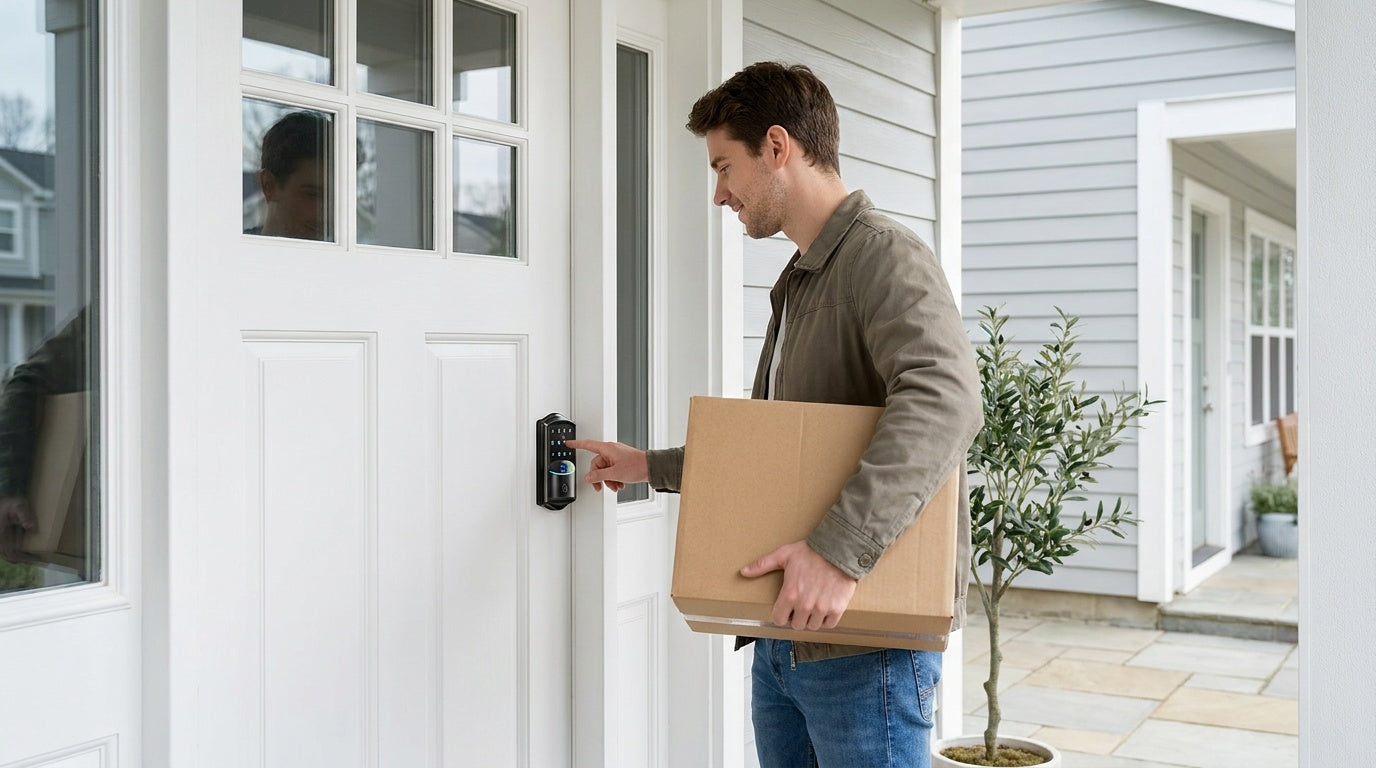

Leave a comment
This site is protected by hCaptcha and the hCaptcha Privacy Policy and Terms of Service apply.