
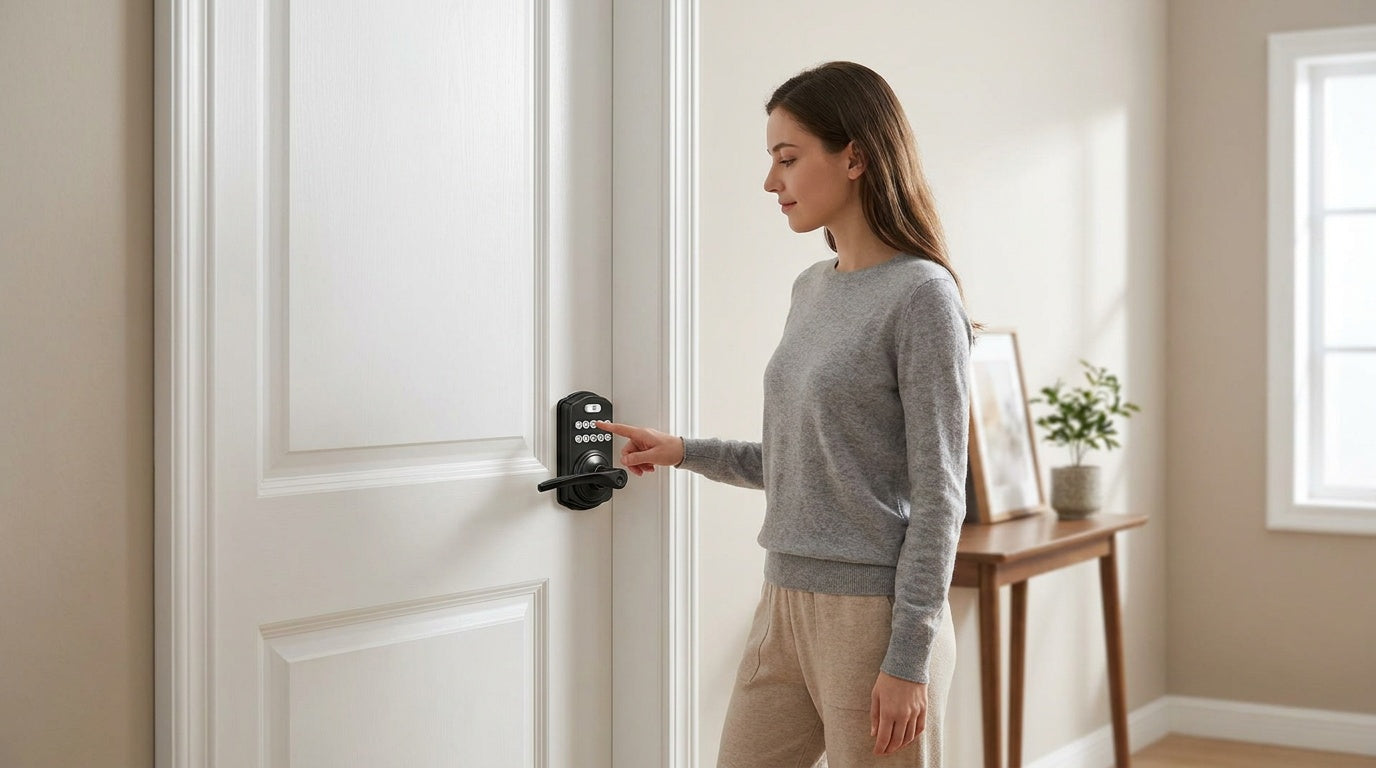
Your bedroom is the one room where you should feel genuinely private — and yet most bedroom doors leave the factory with the weakest lock in the house: a basic push-button privacy knob or lever that a coin or bobby pin can pop open in seconds. For plenty of rooms, that is fine. But the moment a bedroom holds something worth protecting — documents in a home office, jewelry in a master suite, or a guest room in a property you rent out — that little push-button starts to look like what it is: a courtesy latch, not a lock.
The good news is that upgrading a bedroom door is a ladder, not a leap. You can step up exactly as far as your situation calls for — from a sturdier mechanical lock, to a keyless keypad lock, to a fully connected smart lock — without over-buying for an interior door. This guide walks that ladder from the bottom up: what the standard privacy lock does and does not do, where a mechanical lock is the natural fit for a bedroom, when a keypad lock is worth it, and the narrower cases where a connected lock earns its place.
Privacy vs. Security: Why the Difference Matters for Bedroom Doors
Two words get used interchangeably here, but they mean very different things in door hardware. A privacy lock — the push-button or turn-button on the inside of most bedroom knobs and levers — is built to keep someone from walking in on you. By design, it releases from the outside with a coin, a small screwdriver, or a bobby pin: it prevents accidental entry and protects a moment of privacy, but it is not a security barrier. Most bedroom doors ship with exactly this.
A security lock is built to resist unauthorized entry — it takes a key, a code, or a biometric credential to open, and it cannot be defeated with a coin. Every upgrade in this guide moves you along that spectrum, from a privacy function toward a genuine security function. How far you go depends on the room: a spare bedroom that just needs a "please knock" boundary has very different requirements than a master suite where you store valuables or a bedroom in a short-term rental. One rule holds at every level, though — a good bedroom lock should always let you exit freely from the inside, even if the batteries die or a code is forgotten.
The First Upgrade: Mechanical Locks for a Bedroom Door
For an interior bedroom door, the most natural upgrade is not electronic at all — it is a better mechanical lock. Veise’s mechanical lock lineup covers the full range of interior needs, and for many bedrooms it is exactly the right amount of hardware: no batteries, no app, nothing to configure. The decision comes down to two questions — keyed or keyless, and a single lock or a matched set.
Keyless (Privacy) or Keyed
A privacy door knob or privacy door lever is the keyless option, and it is purpose-built for interior rooms. It locks securely from the inside with a turn button — no key to carry — and in an emergency it releases from the outside with a coin or a small screwdriver, which prevents accidental lock-ins and supports child safety. That is a real step up from a flimsy push-button while keeping things simple for a bedroom or bathroom. When you want the door to genuinely lock against entry — a master bedroom, a home office — a keyed entry door knob or keyed entry door lever locks from the outside with a key, giving you real access control on an interior door.
A Single Lock or a Matched Set
You can install a single knob or lever on its own, or step up to a keyed entry handleset — a bundled set that pairs a keyed handle (in a lever or knob configuration) with a matching deadbolt in one coordinated package. For the strongest mechanical hold on its own, a deadbolt lock drives a solid bolt into the frame. It is worth being clear that each of these locks the door on its own: a keyed knob or lever is a real lock, not just a latch — the deadbolt simply adds the heaviest-duty resistance. Lever styles, privacy or keyed, tend to be the easiest to operate for children and older adults.
Going Keyless: Standalone Keypad Locks
If losing keys is the real annoyance — and in a busy household it usually is — a keypad lock trades the key for a code that lives in everyone’s memory. You can share it, change it, and revoke it in seconds, with no locksmith and no re-keying. These are standalone locks: no app, no gateway, no subscription, and a physical key backup on every model. Two categories fit a bedroom door, and both let you exit freely from the inside.
Keypad Latch Lock
A keypad latch lock is the most approachable step into keyless entry — a direct drop-in for a standard interior knob or lever, with the handle and keypad built into one integrated unit. Current models come in two handle types: a top knob (KS03) or a top lever (KS04). Entry is by keypad code with a physical key backup; there is no fingerprint, no app, and no key fob. For most bedroom doors, this is the sweet spot.
Keypad Deadbolt
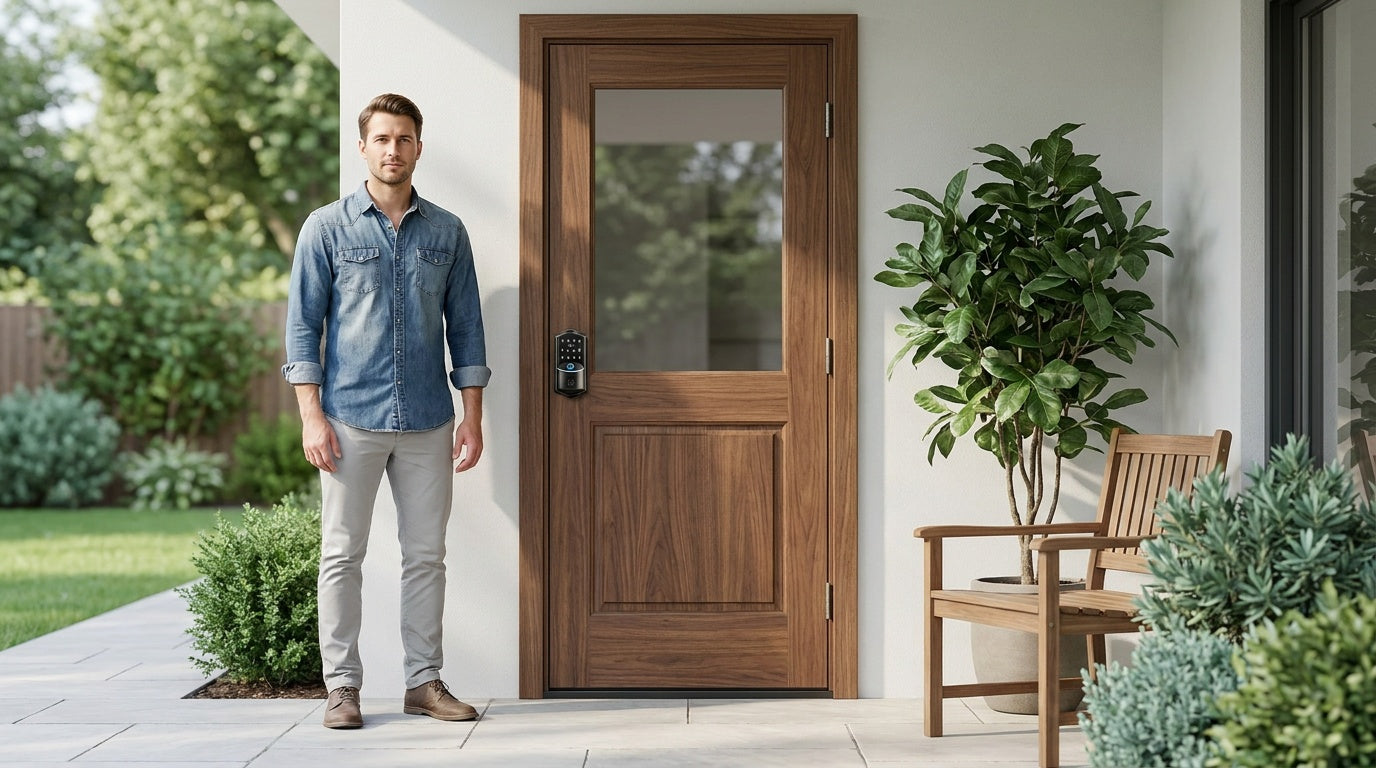
A keypad deadbolt swaps the latch for a stronger deadbolt bolt throw — the pick for a master bedroom or a valuables room where you want a more substantial hold. Every model opens by keypad code with a physical key backup, and the KS02 series adds fingerprint recognition that reads in under 0.3 seconds and stores prints on the lock itself using an on-device AI chip — no cloud account, no data leaving the lock. Keypad deadbolts do not support key fob entry.
A note on door compatibility: Veise keypad locks are full replacements designed for wood doors 1-3/8" to 2" thick; they are not compatible with fiberglass, metal, storm, or sliding doors. Because installation removes the existing hardware entirely, the buyer needs to be the property owner or have the authority to modify the door. Install takes about 15 minutes with a screwdriver — no wiring — and every Veise lock ships with a step-by-step user manual and an installation video.
When You Need More: Connected Smart Locks
At the top of the ladder are connected locks, which add remote app control on top of everything a keypad deadbolt or keypad latch lock does. For most bedroom doors this is more than you need — the natural home for a connected lock is an exterior entry. The exceptions are narrow but real: a bedroom you rent out short-term, or a parent who wants a real-time alert when a kid gets home. In those cases, two options cover it, and it is worth only a quick look here.
A Smart Lock w/ G1 or Smart Lock w/ G2 pairs with a small gateway that connects the lock to your home network for remote app control, entry history, and key fob management. Smart Lock w/ G1 (VE017 series) adds fingerprint access, multilingual voice prompts (English, Spanish, and French), and a USB-C emergency power port. Smart Lock w/ G2 supports additional features such as Apple Watch unlock and web portal control, while keeping voice prompts in English.
A Wi-Fi smart lock connects directly to your home Wi-Fi without a gateway. The VE027 series features a touchscreen design with key fob access, multilingual voice prompts, and a USB-C emergency power port, while the VE012W series uses a button keypad design and does not include these additional features. Alexa and Google Assistant voice control are available on compatible connected models.
Remote access requires a Wi-Fi smart lock or a smart lock paired with a compatible gateway — a keypad deadbolt or keypad latch lock cannot be upgraded with a gateway after purchase. When internet access is unavailable, local unlocking methods remain available within short-range wireless distance, depending on the lock model.
Real-Life Scenarios: Matching a Lock to Your Bedroom
The clearest way to find the right fit is to match the hardware to a real situation. Here is how the ladder plays out across the most common bedroom needs:
- A spare room or bathroom that just needs privacy. A privacy door knob or lever locks from the inside with a turn button and releases from the outside in an emergency — keyless, battery-free, and exactly enough for a room where you only need a "please knock" boundary.
- A home office that doubles as a safe room. Sensitive documents or work equipment call for a real lock. A keyed entry lever or a keypad latch lock gives you keyed or code-based control without any app or subscription.
- A master bedroom that stores valuables. Jewelry, passports, and spare cash deserve more than a push-button privacy lock. A keypad deadbolt — with fingerprint on the KS02 series — adds a stronger bolt throw and a credential you cannot misplace.
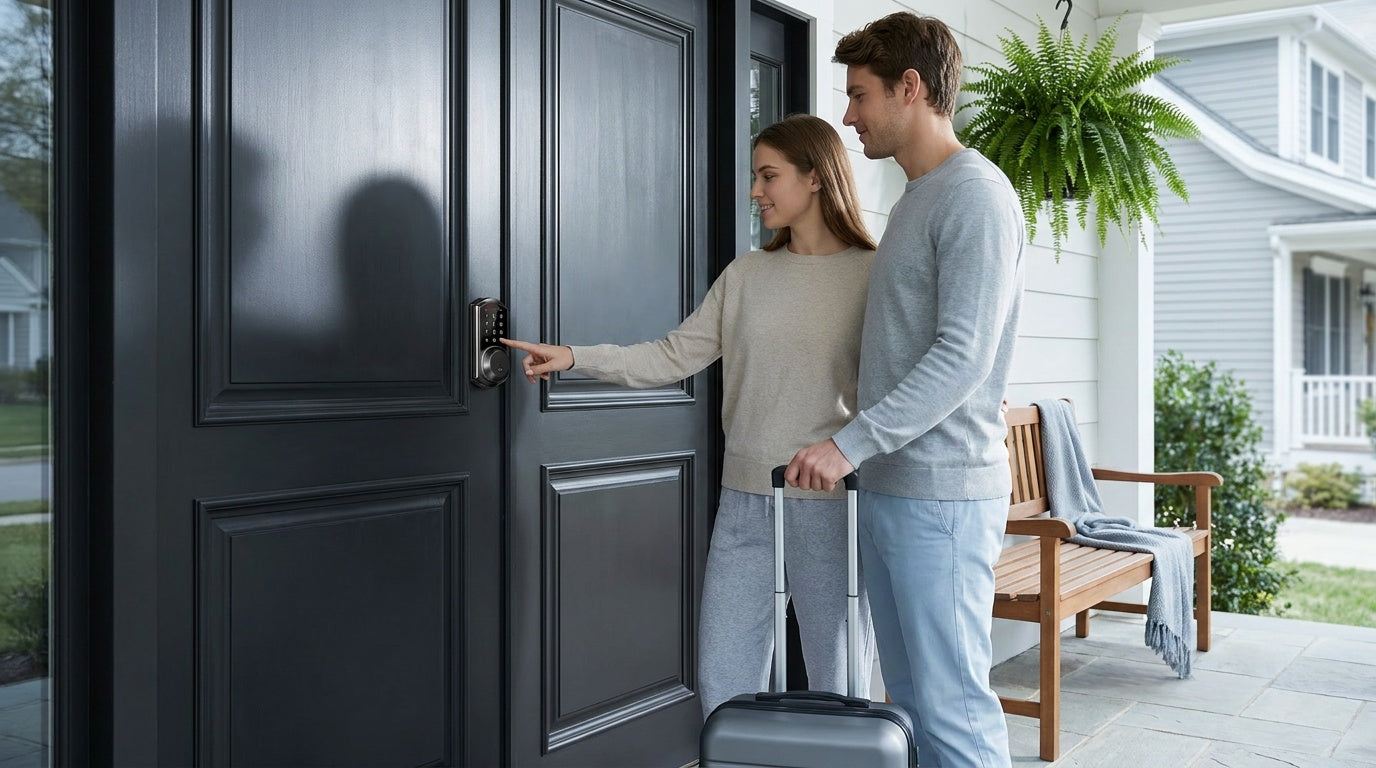
- A bedroom you rent out short-term. As the property owner, a Smart Lock w/ G1 or G2 lets you assign a guest code, set it to expire at checkout, and delete it remotely — no key handoff, no re-keying.
- Tracking when kids get home. A Wi-Fi smart lock or a Smart Lock w/ Gateway 1/2 logs entry activity and sends a real-time alert through the app, so you know the moment your teen is home. This is the main case where a bedroom door benefits from going connected.
- An older family member’s room. A lever handle — privacy, keyed, or keypad latch — is the easiest to operate with limited hand strength. If low-battery lockout is a worry on a connected lock, the VE017 series (Smart Lock w/ G1) and VE027 series (Touchscreen Wi-Fi Smart Lock) series add a USB-C emergency power port.
How to Keep a Keypad Lock Secure
A keypad lock is only as secure as the code and habits behind it. The hardware matters, but a few straightforward practices make a real difference in how well it protects your space.
Choose a Strong, Non-Obvious Code
Avoid birth years, address numbers, sequential patterns like 1234, or any number that someone could find on your ID or social media. A code that mixes digits without an obvious pattern is significantly harder to guess. If the lock supports codes of six digits or more, use the full length — longer codes are exponentially harder to crack by trial and error.
Rotate Codes When Access Changes
Change the access code any time someone who knew it no longer needs access — after a contractor visit, a houseguest's stay, or a change in household members. On smart locks, you can do this instantly from the app without touching the lock itself. On keypad deadbolts or keypad latch locks, it takes a quick manual re-program at the door. Either way, it is a simple habit that closes off stale access entirely.
Use Separate Codes Per Person
If the lock supports multiple user codes, assign each person their own code rather than sharing one code across everyone. This lets you revoke one person's access without affecting anyone else, and if the lock supports entry logs (available on smart lock models), you can see exactly who entered and when.
Watch for Smudge Patterns and Shield Your Code
Fingerprint oil builds up on frequently pressed keys over time, giving a visual hint of which digits are in the code. Cleaning the keypad regularly removes this trail. Some locks address this with backlit keypads or auto-dimming displays that make smudge patterns harder to read. When entering a code in a shared living situation, shield the keypad with your other hand the same way you would at an ATM.
Keep Batteries Fresh and Know Your Backup
Most keypad locks include a low-battery alert well before power runs out, but it is worth replacing batteries as soon as the warning appears rather than waiting. Keep the physical key backup in a secure, accessible location — not inside the same room the lock secures. On models with a USB-C emergency power port (the VE017 and VE027 series), you can also power the lock temporarily with an external battery pack in a pinch.
What to Look for Before You Buy
A few practical checks before purchasing will save you a headache during installation and day-to-day use:
- Door material and thickness. Keypad locks for residential use are designed for wood doors. Measure your door's thickness and confirm it falls within the lock's supported range (1-3/8" to 2" for Veise models). Fiberglass, metal, or hollow-core doors may require a different approach.
- Existing bore holes. Most interior doors have a standard 2-1/8" bore hole, and most keypad locks are designed to fit it. If your door has non-standard hole spacing, check the backset distance before ordering.
- App vs. no app. A keypad-only lock (deadbolt or latch) does not require a phone, an account, or any connectivity — it just works. If remote access, real-time entry alerts, or code management from your phone matter to you, step up to a smart lock (gateway-paired or Wi-Fi).
- No subscription required. Veise locks do not require a monthly fee to use the keypad, fingerprint, app, or any core features. Your fingerprint data is processed and stored on the lock itself, not in a cloud account.
- Installation complexity. Veise locks are designed for DIY installation — a screwdriver, about 15 minutes, no wiring, and no need to hire anyone. If you have changed a door knob before, the process is familiar.
- ANSI/BHMA certification. Veise locks are ANSI/BHMA Grade 3 certified, which is the recognized standard for residential door hardware. Grades 1 and 2 are tested to higher cycle counts for high-traffic commercial environments — Grade 3 is the appropriate benchmark for home use.
Veise Bedroom Door Lock Picks by Need
Veise designs and manufactures its own locks — every product comes from its own factory, not a third-party OEM — and the full lineup runs $30 to $180 with no subscription fees. Here is how the options map to a bedroom door, from the simplest upgrade to the most connected:
- Simple privacy, no electronics: A privacy door knob or privacy door lever locks from the inside with an emergency release from the outside — the keyless, battery-free baseline for a bedroom or bathroom.
- A keyed mechanical lock or matched set: A keyed entry lever or keyed entry knob locks against entry with a key; a keyed entry handleset bundles a keyed handle with a matching deadbolt, and a standalone deadbolt lock adds the strongest mechanical hold.
- Code-based entry, no app: The Keypad Latch Lock (KS03 knob or KS04 lever) drops straight into a standard interior door — code entry plus a physical key backup, nothing to configure. Step up to a Keypad Deadbolt for a stronger throw and fingerprint on the KS02 series.
- Remote monitoring for a rental or family: A Smart Lock w/ G1 pairs with a gateway for remote app control, entry history, and key fob backup, with English, Spanish, and French voice prompts and a USB-C emergency power port included as standard. Smart Lock w/ G2 adds Apple Watch unlock and web portal control, supports English voice prompts only, and does not include a USB-C emergency power port. A Wi-Fi Smart Lock delivers the same remote features with built-in Wi-Fi and no separate gateway.
Browse the full Veise product lineup to see all available models, finishes, and handle styles. Easy from Day One.
Wrapping Up
Upgrading a bedroom door is a ladder, not a leap. A mechanical lock — a keyless privacy knob or lever, or a keyed knob, lever, or handleset — is the natural fit for most interior doors and needs no batteries at all. A keypad latch or deadbolt trades the key for a code when you would rather not carry one; a connected smart lock adds remote visibility for the narrower cases, like a rented room or tracking family arrivals. Whichever rung you choose, the shift away from a basic push-button privacy latch closes a real gap — one that a bobby pin and thirty seconds used to fill just fine.
Veise locks are built in Veise's own factory, designed with DIY installation in mind, and carry no monthly subscription. If you know what scenario fits your household, the right lock for your bedroom door is closer than you think.
Frequently Asked Questions
Do I need a keypad, or is a mechanical lock enough for a bedroom door?
For many bedrooms, a mechanical lock is plenty. A privacy door knob or lever gives you keyless privacy with an emergency release, and a keyed entry knob, lever, or handleset adds real key-based security — all with no batteries, app, or subscription. Step up to a keypad lock when you would rather not carry a key at all, and to a connected smart lock only when you specifically need remote access, such as a rented room or tracking a family member’s entry.
Can you put a keypad lock on a bedroom door?
Yes. Keypad locks designed for interior doors — including keypad latch locks and keypad deadbolts — install on standard wood bedroom doors using existing bore holes and no wiring. Veise keypad locks install in about 15 minutes with just a screwdriver and are compatible with wood doors 1-3/8" to 2" thick.
Do bedroom keypad locks require a monthly subscription?
No — not with Veise. All keypad functions, fingerprint recognition, and app control (on smart lock models) work without any subscription fee. Your fingerprint data is processed and stored on the lock itself, not in a cloud account.
What happens if the batteries die on a keypad door lock?
All Veise keypad locks include a physical key backup so you can always enter even if the batteries are fully depleted. The lock also provides a low-battery alert before power runs out. On the VE017 (Smart Lock w/ G1) and VE027 (Touchscreen Wi-Fi Smart Lock) series, a USB-C emergency power port lets you use an external battery pack to temporarily power the lock and enter your code.
Can I monitor who enters a bedroom remotely?
Yes, but only with a smart lock. A keypad-only lock (deadbolt or latch) does not connect to an app. A Smart Lock w/ Gateway (G1 or G2) or a Wi-Fi Smart Lock sends real-time entry notifications and logs access activity through the app, so you can see who entered and when from anywhere with an active Internet connection.
Is a keypad deadbolt or a keypad latch lock better for a bedroom?
It depends on the room's purpose. A keypad latch lock is a natural drop-in for most bedroom doors — it replaces the existing knob or lever without adding hardware to the door frame. A keypad deadbolt makes sense for a master bedroom or any room where you store valuables and want a stronger bolt throw. Some homeowners use both: a latch lock for daily entry and a deadbolt for added security when the room is unoccupied.
Are Veise keypad locks compatible with all door types?
Veise keypad and smart locks are designed for wood doors with a standard thickness of 1-3/8" to 2". They are not compatible with fiberglass, metal, storm, or sliding doors. Because they are full lock replacements (not overlay devices), the buyer needs to be the property owner or have the authority to modify the door hardware.
Not Sure Which Lock Is Right for Your Bedroom Door?
The Veise team is here to help. Whether you need a simple keypad latch, a fingerprint deadbolt, or a fully connected smart lock with remote app access, we can point you to the right fit for your door and household — no pressure, just honest guidance.

Leave a comment
This site is protected by hCaptcha and the hCaptcha Privacy Policy and Terms of Service apply.