
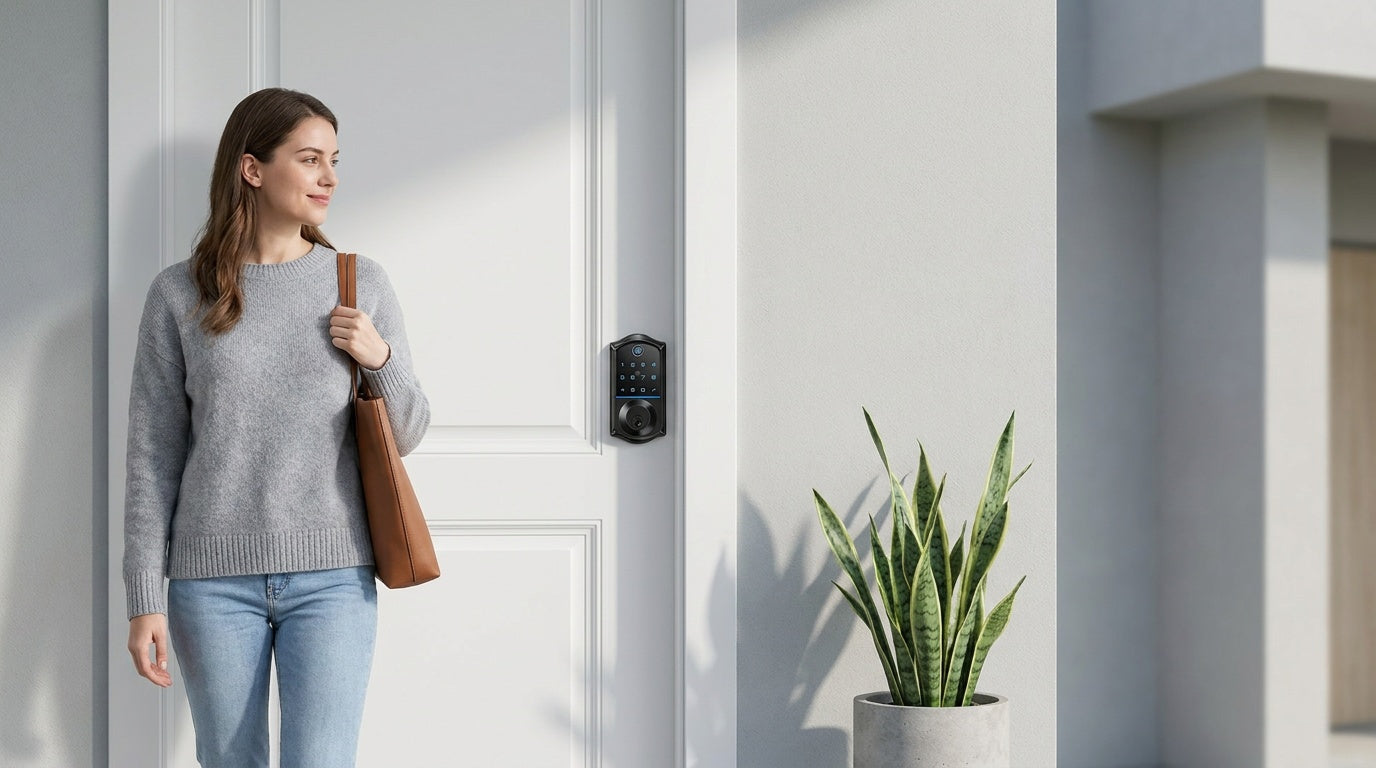
Upgrading the lock on your condo door sounds simple — until you realize your HOA has opinions about it. The good news is that the right smart lock fits right in: clean exterior design that matches your building's hardware standards, a physical key backup so building management never gets locked out, and a straightforward DIY installation that doesn't require drilling new holes or calling a contractor.
Whether you own a condo you live in full-time, manage a short-term rental unit, or simply want to stop carrying keys everywhere, smart locks for condos have become one of the most practical home upgrades available. This guide walks you through exactly what HOAs look for when approving a lock change, which Veise lock categories are the best fit for condo doors, and how to get your upgrade done in about 15 minutes with just a screwdriver.
Why Condo Owners Are Upgrading to Smart Locks
Living in a condo is different from owning a standalone home — you share corridors, elevators, and building access points with neighbors, and that shared environment makes access control more important, not less. A traditional key can be copied at any hardware store, and when one goes missing during a tenant turnover or after a repair visit, the only real fix is rekeying the entire lock. Smart locks solve this cleanly: you simply delete or expire a code instead of calling a locksmith.
For condo owners managing short-term rental units, the value compounds quickly. You can issue a unique code to each guest, set it to expire automatically when the checkout window closes, and check the entry log from your phone to confirm they've arrived — no physical key handoff, no hiding a lockbox in the hallway. For families, there's the everyday reassurance of knowing when a child got home from school, or giving a cleaning service a time-limited code that stops working the moment their visit ends. These aren't theoretical benefits. They're the kind of practical, daily wins that make a smart lock earn its place on a condo door.
HOA Approval: What You Need to Know Before You Buy
Before you order any lock, spend five minutes reviewing your HOA's CC&Rs (Covenants, Conditions & Restrictions) or bylaws. Most HOAs do permit unit owners to upgrade their own door lock hardware — but some require prior board approval, particularly for exterior-facing changes. Installing the wrong lock without checking first can result in fines or a mandatory reversal at your own expense, which is an entirely avoidable headache.
Three things HOAs most commonly scrutinize when it comes to lock changes are:
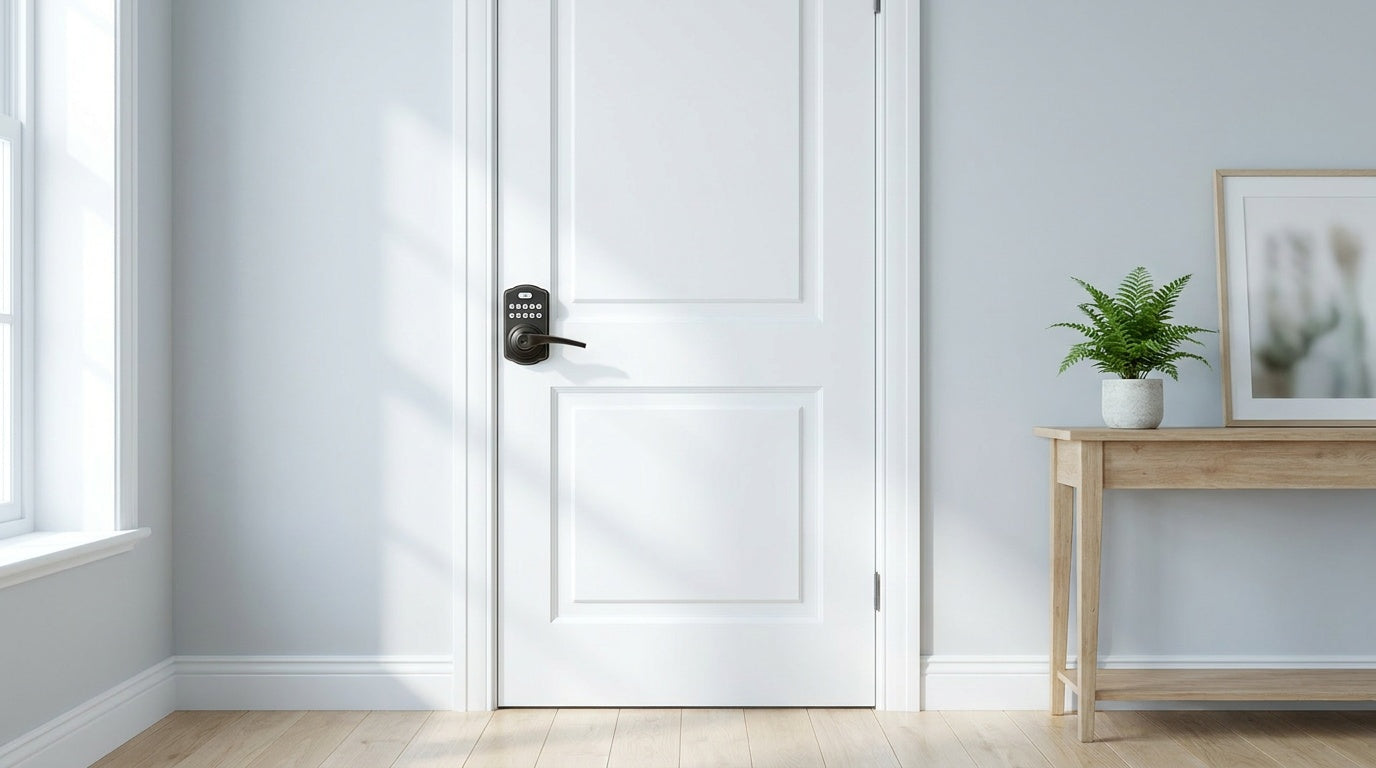
- Exterior appearance: Many buildings require all unit doors in a corridor to look uniform. Choosing a smart lock with a familiar, traditional deadbolt silhouette — rather than a bulky or unusual design — is the simplest way to stay on the right side of aesthetic guidelines.
- Physical key access: Some buildings require that management or security staff retain emergency access to units. A lock that includes a physical key cylinder (as all Veise locks do) satisfies this requirement. You can provide a spare key to your super without disrupting your own keyless routine.
- Structural modifications: HOAs get nervous when owners start drilling new holes or reconfiguring doorframes. A lock that installs into the existing deadbolt prep hole — with no new drilling — addresses this concern directly.
The practical takeaway: check your bylaws, choose a lock with a clean traditional exterior and physical key backup, and document the change with a photo. In most cases, that's all it takes.
What Makes a Smart Lock HOA-Friendly?
Not every smart lock is a natural fit for a condo building. Some products mount over your existing hardware from the inside (leaving the exterior unchanged), while others are full lock replacements. Veise locks are full replacements — which means the buyer needs to be the unit owner or have clear authority to modify the door hardware. That said, full replacement locks also tend to look the most like a standard residential deadbolt from the hallway, which is exactly what HOAs want to see.
Here are the characteristics that tend to make a smart lock work well in a condo or HOA-governed building:
- Fits standard door prep: Compatible with doors 1-3/8" to 2" thick, using the existing deadbolt hole — no new drilling required.
- Includes a physical key backup: Every Veise lock ships with physical keys, ensuring emergency access is never an issue for building management.
- Clean, neutral exterior design: A low-profile keypad or touchscreen that blends with standard corridor hardware — no flashing lights, no oversized footprint.
- No subscription required: HOA boards rarely want to approve a device that creates an ongoing service dependency. Veise locks carry no monthly subscription fees.
- On-device fingerprint storage: Fingerprint data is processed and stored on the lock itself, not in a third-party cloud. This matters to privacy-conscious boards and individual owners alike.
- ANSI/BHMA Grade 3 certified: Grade 3 is the established residential security standard — the benchmark that residential doors are designed to meet. Veise locks are certified to this standard.
One important note on door compatibility: Veise smart locks are designed for wood doors only. They are not compatible with fiberglass, metal, storm, or sliding doors. If your condo unit has a steel fire door or a hollow metal frame, confirm the door material before purchasing.
Best Veise Smart Locks for Condos
Veise designs, engineers, manufactures, and supports its own products — not an OEM reseller — and has been in the lock industry since 1988. That factory-direct model means the $30–$180 price range reflects genuine manufacturing efficiency, not corner-cutting. Ranked the #1 smart lock brand on Amazon North America in both 2024 and 2025, the lineup covers every condo use case. Here's how each category maps to real condo scenarios. Easy from Day One.
Keypad Deadbolt — Best for Straightforward Keyless Entry
The Keypad Deadbolt is the most familiar-looking option in the lineup, and that familiarity is a genuine advantage in a condo building. From the hallway, it looks like a standard deadbolt — clean, low-profile, nothing to catch a neighbor's or board member's eye. The primary product split is between models with fingerprint (KS02 series) and models without (RZ and KS01 series). All models support keypad code entry and include a physical key backup.
On fingerprint-equipped models, the sensor reads a fingerprint in under 0.3 seconds, and enrollment captures each finger eight times to build a reliable template across different angles and grip pressures. Multiple unique fingerprints can be stored per device — enough for a full household — and every fingerprint is processed and stored on the lock itself, with no data leaving the device and no Internet account required. Auto lock can be configured anywhere between 10 and 99 seconds, which is useful for a unit where you're constantly walking in with groceries and don't want to remember to push a button. This category is a strong fit for condo owners who want reliable daily keyless access without any connectivity requirements or app setup.
Keypad Latch Lock — Best for Interior or Secondary Doors
Condos often have more than one door that benefits from a code-based lock — a home office, a storage room door off the main unit, or a laundry room. The Keypad Latch Lock is built for exactly those secondary door scenarios. Currently available in two SKUs — the KS03 with an integrated top knob and the KS04 with an integrated top lever — both models support keypad code entry and physical key backup only. There's no fingerprint sensor or app connectivity on this category, which keeps things simple and affordable for doors that don't need the full smart lock feature set.
Smart Lock w/ G1 — Best All-in-One Connected Pick
The Smart Lock w/ G1 is built on a single product series — the VE017 — and it's the most complete connected lock in the Veise lineup. Every SKU in this line includes fingerprint, a key fob backup, a physical key backup, keypad code entry, and remote app control via the paired G1 gateway. The entire line ships with multilingual voice prompts in English, Spanish, and French, which makes it a strong choice for multilingual households. Every SKU in this line also includes a USB-C emergency power port — useful for condo owners who want a failsafe if the batteries run low while they're traveling.
Remote access — meaning the ability to check lock status or grant entry from anywhere — requires a smart lock paired with its gateway or a Wi-Fi smart lock. A keypad-only lock (keypad deadbolt or keypad latch lock) cannot be paired with a gateway for remote access. With the G1 gateway in place, the lock connects to Alexa and Google Assistant through the gateway bridge, and app control continues to work locally even when Wi-Fi is down, as long as you're within short-range wireless distance. Smart Lock w/ G1 pairs with a Veise-developed first-party app for tighter integration and more predictable reliability. Browse the Smart Locks w/ G1 collection for the full VE017 lineup.
Smart Lock w/ G2 — Best for Apple Watch Users or Non-Fingerprint Options
The Smart Lock w/ G2 line (VE0/RZ0 series) shares the core connected features of G1 series — keypad code, key fob, physical key, and remote app control via the paired G2 gateway — but adds two features that are unique to this line: Apple Watch unlock and web portal control. If you manage a short-term rental condo and prefer to issue guest access from a browser dashboard rather than a phone app, G2 series is the only Veise line that supports that workflow. G2 line also has more SKU variety than G1 line, including both fingerprint and non-fingerprint options in standalone deadbolt-only or handle-set bundle form factors (lever, vertical handle, or knob).
One selection point worth knowing: Smart Lock w/ G1 ships with voice prompts in English, Spanish, and French across the entire line, so for a household with members more comfortable in Spanish or French, Smart Lock w/ G1 is the more direct fit (Smart Lock w/ G2 voice prompts are currently English only). Smart Lock w/ G2 does not include the USB-C emergency power port that's standard across every Smart Lock w/ G1.
Wi-Fi Smart Lock — Best for Remote Monitoring and App Control
The Wi-Fi Smart Lock is the pick for condo owners who want the full remote access experience without a separate gateway device. Because Wi-Fi is built directly into the lock, it connects to your home network the same way a phone or tablet does — no extra hardware to power, mount, or configure. The lineup covers two series: the Touchscreen Wi-Fi Smart Lock (VE027 series), which features a touchscreen interface and a USB-C emergency power port on every SKU, and the Push-Button Wi-Fi Smart Lock (VE012W series), which uses a traditional press-button keypad. Both series share fingerprint, app control, and Alexa and Google Assistant via built-in Wi-Fi. They differ in four concrete ways: interface (touchscreen vs press-button), USB-C emergency power (VE027 series only), key fob (VE027 series only), and on-device multilingual voice prompts in English, Spanish, and French (VE027 series only — the VE012W series has no on-device voice prompts).
The Wi-Fi Smart Lock uses 8 AA/LR6 alkaline batteries instead of the more common 4 AA setup, delivering stronger signal and a more stable connection with a larger power reserve — all without requiring hardwiring or calling an electrician. For parents managing a condo where kids come home from school independently, the Wi-Fi model is the recommended pick: it lets you review entry history and monitor lock activity from the app in real time, from anywhere you have an active Internet connection. Voice control via Alexa or Google Assistant is supported directly through the lock's built-in Wi-Fi — no gateway required. If Wi-Fi goes down but you're within short-range wireless distance, app control continues to work locally.
DIY Installation in 15 Minutes
One of the more common HOA concerns about smart locks is installation complexity — specifically, the worry that an owner might drill new holes, damage the doorframe, or leave visible mounting hardware. Veise locks address this directly. Every lock in the lineup installs in the existing deadbolt prep hole using a screwdriver, with no wiring, no new drilling, and no professional help required. The typical installation takes about 15 minutes.
The process follows a straightforward sequence: remove the existing deadbolt, fit the latch (kept retracted), mount the exterior assembly, feed the connecting cable through the door, then attach the interior assembly and connect the cable. Batteries go in last — Veise locks don't ship with batteries, so have fresh AA/LR6 alkaline cells ready. Each lock arrives with a preset default master code, so once it's mounted you can lock and unlock immediately to confirm the install; the included user manual then walk you through changing the master code and adding personal codes. Because no structural modification is involved, most HOAs have no grounds to object to the installation process itself — and the finished result looks indistinguishable from a standard deadbolt to anyone walking past in the corridor.
Tips for Getting Your Smart Lock Approved by Your HOA
If your HOA requires prior approval for hardware changes, a little preparation goes a long way. Most board approvals are straightforward when the request is well-documented and the lock clearly meets the building's practical needs. Here's a simple approach that works in most cases:
- Read the bylaws first. Look specifically for language about "exterior hardware," "door hardware," or "unit modifications." If smart locks aren't mentioned specifically, they often fall into a general modification category that may or may not require approval.
- Choose a neutral finish. Veise locks are available in finishes like satin nickel and matte black — both of which align with standard residential hardware. Match the finish to what's already on the corridor doors if possible.
- Emphasize the physical key backup. Boards and building managers are often most concerned about emergency access. Pointing out that every Veise lock includes physical keys — and offering to provide a spare to the super — resolves this concern quickly.
- Note the no-drill installation. Emphasizing that no structural changes are made to the door or frame tends to reduce board hesitation significantly.
- Bring the spec sheet. Document the lock model, dimensions, and ANSI/BHMA Grade 3 certification. A one-page summary shows the board you've done your homework and reassures them the lock meets the residential security standard.
- Offer a photo after installation. Some HOAs simply want to see that the finished result looks clean and consistent with the building's aesthetic. A photo closes that loop without requiring an in-person inspection.
In many buildings, you may find that board approval isn't required for unit door hardware at all — only for exterior-facing changes like cameras or doorbell replacements. Either way, a quick email to your property manager before you order costs nothing and can save you from having to reverse the work later.
Finding the right smart lock for a condo comes down to three things: it needs to satisfy your HOA's aesthetic and access requirements, it needs to cover your daily access needs without friction, and it needs to install cleanly without structural changes to the door. Veise's lineup — priced between $30 and $180 with no subscription fees and a 15-minute installation using just a screwdriver — is built to hit all three of those marks. From a simple Keypad Deadbolt for everyday keyless entry to a fully connected Wi-Fi Smart Lock with remote monitoring, there's a Veise option for every condo scenario and every budget. Browse the full Veise product lineup to find the right fit for your door.
Frequently Asked Questions
Can I install a smart lock in my condo without HOA approval?
It depends on your HOA's governing documents. Many HOAs allow unit owners to replace door lock hardware without prior approval, particularly when the change is limited to the unit-side of the door and doesn't alter the exterior appearance significantly. However, some stricter HOAs require board approval for any hardware modification. Always review your CC&Rs or bylaws and, when in doubt, send a quick note to your property manager before installing.
Do Veise smart locks require a subscription?
No. Veise locks carry no monthly or annual subscription fees. All features — including app control, fingerprint access, entry logs, and auto lock — are included with the lock at no additional cost.
What happens if the batteries die — will I be locked out?
Every Veise lock includes a physical key backup, so you can always get in with a key even if the batteries are fully drained. Additionally, on the VE017 series (Smart Lock w/ G1) and the VE027 series (Touchscreen Wi-Fi Smart Lock) — every model in both series — a USB-C emergency power port allows you to connect a portable charger to temporarily power the lock and enter your code — no key required in that scenario.
Do I need a separate gateway for remote access?
Remote access — checking lock status or unlocking from a distance — requires either a Smart Lock w/ Gateway 1/2 (with its paired gateway device) or a Wi-Fi Smart Lock with built-in Wi-Fi connectivity. A Keypad Deadbolt or Keypad Latch lock does not support remote access, even if a gateway is nearby. The gateway is sold separately for the G1 and G2 lines.
Are Veise smart locks compatible with Alexa and Google Assistant?
Voice control is available on two lock categories, with slightly different setups. Wi-Fi Smart Locks connect directly to Alexa and Google Assistant through the lock's built-in Wi-Fi — no extra hardware needed. Smart Locks w/ G1 or G2 support voice assistants through the paired gateway, which bridges the lock to your smart home ecosystem. Voice control is not available on Keypad Deadbolts or Keypad Latch Locks.
Will a Veise lock fit my condo's existing door?
Veise locks are compatible with wood doors ranging from 1-3/8" to 2" thick and install in the standard deadbolt prep hole — no new drilling required. They are not compatible with fiberglass, metal, storm, or sliding doors. If you're unsure about your door material or thickness, check with your building manager before ordering.
Which Veise lock is best for a condo I use as a short-term rental?
The Wi-Fi Smart Lock or a Smart Lock w/ G2 are both well-suited for short-term rental management. The Wi-Fi model gives you real-time entry logs and remote locking from anywhere with an active Internet connection. The Smart Lock w/ G2 adds Apple Watch unlock and web portal control — useful if you prefer managing guest access from a browser dashboard. Both let you issue unique codes per guest and monitor activity remotely.
Have questions about which Veise lock is right for your condo?
Our US-based support team is ready to help — whether you need guidance on HOA documentation, door compatibility, or choosing between lock categories.
Contact Us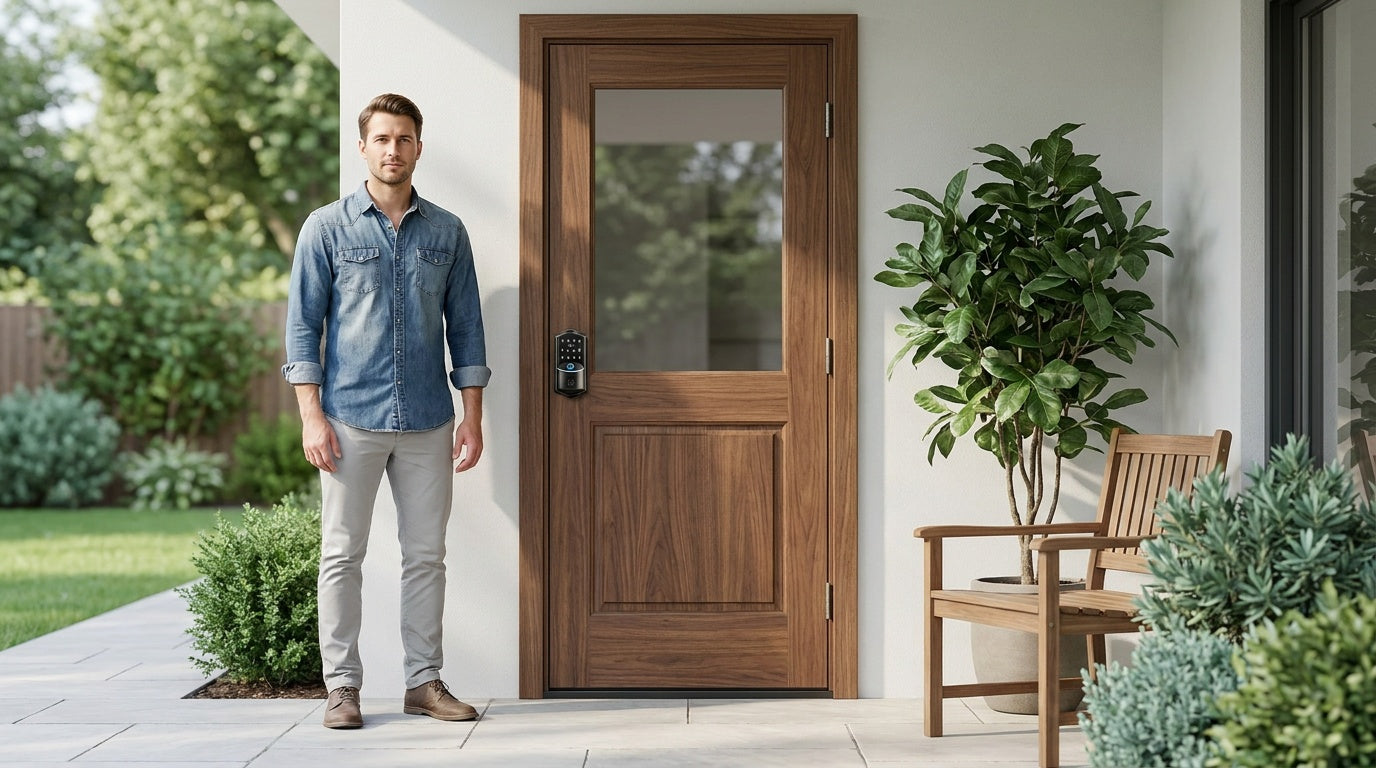

Leave a comment
This site is protected by hCaptcha and the hCaptcha Privacy Policy and Terms of Service apply.