
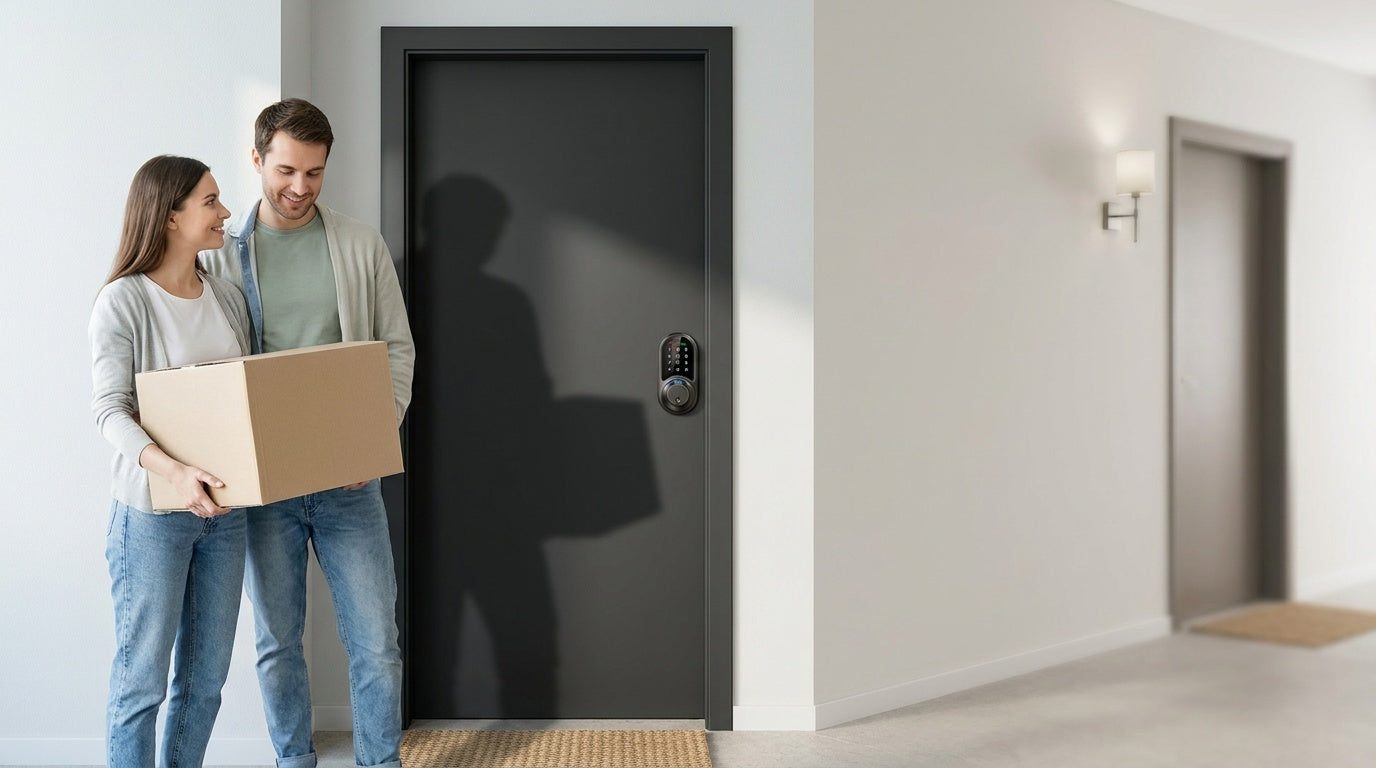
Your apartment door is the single most important barrier between you and the outside world. Yet most doors come equipped with whatever lock the builder installed years ago — a basic knob latch, a builder-grade deadbolt, or a cylinder that's been re-keyed so many times the tumblers barely catch. If you own or manage the property, you can do better. A well-chosen door lock doesn't just deter intruders; it also simplifies daily life, gives you visibility into who comes and goes, and removes the headache of lost or copied keys entirely.
This guide covers everything you need to make a confident decision: the key criteria to evaluate before you buy, a plain-English breakdown of the four main lock types, and scenario-matched picks from Veise — the #1 smart lock brand on Amazon North America in both 2024 and 2025. Whether you're outfitting a single-family home, a short-term rental, or a property with multiple entry points, there's a right lock for your situation. Let's find it.
What to Consider Before Choosing an Apartment Door Lock
Not every lock works for every door or every living situation. Before settling on a product, run through these five criteria to narrow your options quickly.
1. Who Has Authority to Modify the Lock?
This is the most overlooked factor in apartment lock guides. If you're renting, changing the physical lock hardware typically requires landlord approval — and some lease agreements prohibit it outright. Overlay-style locks (ones that mount over the existing interior hardware without touching the outside) are often the path of least resistance for renters. Full lock replacements, like the Veise lineup, require the buyer to own or have permission to modify the door hardware. If you're a homeowner, a landlord upgrading your units, or a short-term rental host, a full replacement gives you a much stronger and more versatile result.
2. Door Type and Thickness
Smart locks and keypad locks are not universally compatible. Veise locks, for example, are designed for wood doors with a thickness between 1-3/8" and 2" — a spec that covers the vast majority of residential entry doors. They are not compatible with fiberglass, metal, storm, or sliding doors. Always check your door material and thickness before ordering. It takes two minutes and saves a return trip.
3. Do You Need Remote Access?
Remote access — the ability to lock, unlock, and check entry history from anywhere — requires a smart lock. A keypad deadbolt secured with a PIN is reliable and affordable, but it cannot be paired with a gateway or app after the fact. If monitoring arrivals matters to you (kids getting home from school, a housekeeper arriving, a guest checking in at a short-term rental), choose a Smart Lock w/ Gateway 1/2 or a Wi-Fi Smart Lock from the start. You cannot add remote capability to a keypad deadbolt or keypad latch lock later.
4. How Many People Need Access?
A household with one adult is a very different situation from a multi-generational home, a house with kids, or a rental property with rotating guests. The more users you have, the more valuable flexible access becomes — individual PIN codes, fingerprint enrollment, or time-limited access for service providers. Veise smart locks support multiple unique fingerprints per device, with fingerprints stored and processed directly on the lock's AI chip (no cloud account required, no data leaving your door).
5. Budget and Ongoing Costs
Veise locks are priced between $30 and $180, covering everything from a simple keypad latch to a fully connected Wi-Fi smart lock. More importantly, there are no subscription fees — every feature, including remote access and activity logs, works out of the box without a monthly plan. That distinguishes Veise from some competitors who lock key features behind paid tiers.
The Four Types of Apartment Door Locks
The lock market can feel overwhelming because brands mix categories freely. Veise organizes its lineup into four clearly defined types, each designed around a specific combination of use case, access method, and connectivity level. Understanding these categories makes every buying decision simpler.
Keypad Deadbolt
A keypad deadbolt is the foundational upgrade from a traditional keyed lock. You enter a PIN code to retract the bolt, and every model includes a physical key as a backup. Select models in the Veise lineup also add fingerprint recognition — enrollment captures your finger eight times to build a reliable template, and recognition happens in under 0.3 seconds. Keypad deadbolts don't connect to the Internet or a mobile app; they're intentionally standalone. That simplicity is often the right call for homeowners who want solid security without any tech dependency. Auto lock is configurable between 10 and 99 seconds, so the door re-locks itself even if you forget.
Keypad Latch Lock
A keypad latch lock uses a spring-loaded latch instead of a deadbolt, making it a natural fit for interior doors, side entries, garage access doors, and office or utility spaces. Veise currently offers two SKUs — the KS03 (integrated top knob) and KS04 (integrated top lever) — and both unlock with a PIN code plus physical key backup. There's no fingerprint, no app, and no key fob on this category; it's purposefully simple for high-traffic doors where code-based convenience is the primary need.
Smart Lock w/ Gateway 1/2
This category adds a paired gateway hub to create a connected home experience without requiring built-in Wi-Fi in the lock itself. Every model in both the Smart Locks w/ G1 and Smart Locks w/ G2 lines supports multiple ways to enter: keypad code, key fob, physical key backup, and remote app control via the paired gateway. Many models also add fingerprint. If Wi-Fi goes down but you're within short-range wireless distance, app control continues to work locally. Long-distance remote features — off-site locking, real-time alerts — require an active Internet connection through the gateway.
Smart Lock w/ G1 (built on the VE017 series — the entire G1 lineup is one series) stands out because every single G1 SKU ships with fingerprint recognition as standard, a USB-C emergency power port for lockout situations, and multilingual voice prompts in English, Spanish, and French. That last point matters in multilingual households. G1 line also pairs with a Veise-developed first-party app. Smart Lock w/ G2 (VE0/RZ0 series) expands the SKU variety: both fingerprint and non-fingerprint options, standalone deadbolt or handle-set bundles (lever, vertical, or knob), and unique features including Apple Watch unlock and web portal control. G2 line currently supports English voice prompts only. When one connected pick is needed, G1 line's all-in-one consistency makes it the stronger default; G2 series shines when Apple Watch unlock or a non-fingerprint connected option is the priority.
Wi-Fi Smart Lock
The Wi-Fi smart lock category builds the wireless connection directly into the lock — no separate gateway required. Veise offers two series here. The Touchscreen Wi-Fi Smart Lock (VE027 Series) features a touchscreen interface and a USB-C emergency power port on every model. The Push-Button Wi-Fi Smart Lock (VE012W Series) uses a traditional press-button keypad and does not add key fob support or on-device voice prompts. Both series share fingerprint recognition, keypad code, physical key backup on every model, remote app control, and voice commands via Alexa or Google Assistant through the lock's built-in Wi-Fi; the VE027 series additionally provides on-device three-language voice prompts (English, Spanish, and French). Both series run on 8 AA/LR6 alkaline batteries — more cells than the standard 4 AA setup, which means stronger signal, more stable connections, and a larger power reserve. If Wi-Fi goes down but you're within short-range wireless distance, app control still works locally.
Top Veise Lock Picks by Scenario
The best lock isn't just about specs — it's about fit. Here are Veise's strongest picks mapped to the situations where they perform best. All Veise locks install in about 15 minutes with a screwdriver, no wiring, and no professional help required. They are ANSI/BHMA Grade 3 certified, which is the recognized residential standard.
Best for Simple, Reliable Entry: Keypad Deadbolt (RZ / KS01 Series)
If you're a homeowner who wants to eliminate physical keys without adding any app or connectivity overhead, a Veise keypad deadbolt is the cleanest solution. Enter a code, the bolt retracts, and you're in. The physical key backup is always there if batteries run low. Handle-set bundle options (lever or knob) mean you can replace the entire entry hardware in a single swap. No accounts to create, no Wi-Fi to configure, no subscription to manage.
Best for Fast Hands-Free Entry: Keypad Deadbolt with Fingerprint (KS02 Series)
Coming home with a bag of groceries in each hand is when a fingerprint lock earns its keep. The KS02 series adds fingerprint recognition to the keypad deadbolt, with scan-to-open happening in under 0.3 seconds. Fingerprints are enrolled eight times and stored entirely on the lock's onboard AI chip — no cloud account, no Internet required, and no privacy exposure. Handle-set bundles (KS02B lever, KS02C knob, KS02D vertical handle) give you a complete entry hardware solution. This is a strong pick for elderly family members who struggle with PINs, parents who want zero-fumble entry, or anyone who values the speed and simplicity of biometric access.
Best for Parents Monitoring Kids: Wi-Fi Smart Lock (VE027 or VE012W Series)
When knowing your kids arrived home safely matters more than anything, a Wi-Fi smart lock delivers the most direct answer. Both the VE027 series (Touchscreen) and VE012W series (Push-Button) Wi-Fi Smart Lock series connect directly through the lock's built-in Wi-Fi, so entry history and real-time alerts land on your phone without any gateway hardware. Alexa and Google Assistant voice commands work natively through the built-in Wi-Fi. The VE027 series adds a touchscreen interface and a USB-C emergency power port across the entire VE027 series — useful if an elderly family member is concerned about being locked out after a dead battery.
Best for Managing a Short-Term Rental: Smart Lock w/ G1 (VE017 Series)
Managing a vacation rental or Airbnb property remotely is one of the best use cases for a connected lock. Smart Lock w/ G1 is built on a single product series — the VE017 — and every lock in that line ships with fingerprint, USB-C emergency power, multilingual voice prompts (English, Spanish, French), and remote app control via the paired gateway. For a short-term rental that welcomes international guests, the three-language voice guidance removes friction immediately. You can issue guest codes remotely, revoke access when a stay ends, and check entry history from anywhere with an active Internet connection — all without ever mailing a physical key. G1 series pairs with a Veise-developed first-party app, meaning tighter, more reliable integration.
Best for Apple Watch Users or Non-Fingerprint Preference: Smart Lock w/ G2
If Apple Watch unlock is important — perhaps you leave your phone inside while working in the garden, or you prefer wrist-based access — the Smart Lock w/ G2 line is the only Veise category that offers it. G2 series also provides web portal control, useful for landlords or property managers who want browser-based access management. The G2 lineup offers both fingerprint and non-fingerprint SKUs, in either standalone deadbolt or handle-set bundle form — giving buyers more configuration choices than G1 line. Note that G2 line currently supports English voice prompts only.
Best for Interior Doors or Side Entries: Keypad Latch Lock (KS03 / KS04)
Not every door in a home or rental property needs a deadbolt. Interior bedroom doors, garage entry doors, office spaces, and storage rooms are often better served by a latch lock — faster to open on everyday use and simpler to operate for all age groups. The KS03 (integrated top knob) and KS04 (integrated top lever) deliver code-based access with a physical key backup, no app, no subscription, and no complexity. The integrated handle design means there's nothing separate to install — the lock body and handle are one unit.
Full Replacement vs. Overlay Smart Locks
A common alternative to full-replacement locks is the overlay style, which mounts an electronic actuator over the interior side of your existing deadbolt without changing the exterior hardware. This approach is renter-friendly because the outside of the door stays unchanged and the original key still works. However, it comes with trade-offs: overlay locks add bulk to the interior side, depend entirely on the strength of the original lock's mechanical components, and typically cost more when you factor in the additional Wi-Fi bridge or gateway required for remote access.
Veise locks are full replacements, which means the buyer needs authority to modify the door hardware — typically a homeowner, a landlord, or a property manager. The payoff is a complete, modern security solution: new physical cylinder, new bolt mechanism, keypad, and (on smart models) full connectivity. If you own or manage the property, a full replacement delivers a cleaner result and a stronger foundation than grafting smart technology onto aging hardware.
Quick Comparison: Veise Lock Categories at a Glance
| Lock Category | Unlock Methods | Remote App | Voice Control | Best For |
|---|---|---|---|---|
| Keypad Deadbolt | Keypad code + physical key; fingerprint on select models | No | No | Simple, reliable keyless entry |
| Keypad Latch Lock | Keypad code + physical key | No | No | Interior doors, side entries, offices |
| Smart Lock w/ G1 | Keypad code, fingerprint, key fob, physical key + remote app | Yes (via gateway) | Yes (via gateway) | Short-term rentals, multilingual households |
| Smart Lock w/ G2 | Keypad code, key fob, physical key, Apple Watch + remote app; fingerprint on select models | Yes (via gateway) | Yes (via gateway) | Apple Watch users, web portal management |
| Wi-Fi Smart Lock | Fingerprint, keypad code, physical key + remote app; key fob on VE027 series (all models), not on VE012W series | Yes (built-in Wi-Fi) | Yes (Alexa & Google, built-in) | Parents monitoring kids, remote management |
Installation: Easier Than You Think
One of the most common hesitations around upgrading a door lock is the assumption that installation requires a locksmith. With Veise, that's not the case. Every lock in the lineup is designed for a DIY install that takes about 15 minutes with a screwdriver — no wiring, no professional help, and no special tools. The process follows the same basic steps as any deadbolt replacement: remove the existing hardware, fit the latch, then mount the exterior assembly followed by the interior assembly into the existing bore holes, and install the batteries — following the included installation guide and video step by step for the exact, model-specific sequence.
Veise is a vertically integrated company — designing, engineering, and manufacturing its own locks since 1988 rather than rebranding OEM hardware. That means every piece of hardware is built to fit together cleanly, and the installation instructions are written around the actual product (not adapted from a generic template). If anything goes sideways, US-based phone and email support is available, backed by a local warehouse. Easy from Day One.
Before you install, confirm three things: your door is wood (not fiberglass, metal, or storm), the door thickness is between 1-3/8" and 2", and you have the authority to replace the existing hardware. If all three check out, you're ready to go.
Choosing the Right Lock Comes Down to Your Scenario
There's no single "best" apartment door lock — there's the best one for your specific situation. A homeowner who wants no-fuss keyless entry is well served by a keypad deadbolt. A property manager running a short-term rental needs the remote access and multilingual capability of a Smart Lock w/ G1. A parent who wants real-time confirmation that the kids are home gets the most direct solution from a Wi-Fi Smart Lock. And a landlord with multiple interior doors to manage often finds the simplest answer in a keypad latch lock.
What all of these picks share: they install in roughly 15 minutes, require no ongoing subscription, and are backed by a brand that has manufactured its own hardware since 1988. Browse the full Veise lineup to find the model that matches your door, your household, and your budget.
Frequently Asked Questions
Can I install a new door lock in an apartment I'm renting?
It depends on your lease and your landlord's policy. Physically replacing the lock hardware typically requires permission because it modifies the property. Some landlords allow it if you provide them with a key or access code and restore the original hardware when you move out. Always get approval in writing before making any changes. If you cannot replace the lock, an overlay-style device (one that mounts over the existing deadbolt without touching the exterior) may be more appropriate.
What is the difference between a keypad deadbolt and a smart lock?
A keypad deadbolt opens with a PIN code (and physical key backup) but does not connect to an app or the Internet. A smart lock — either gateway-paired or Wi-Fi — adds remote access, real-time entry alerts, and app-based management. Remote access always requires a smart lock; a keypad-only lock cannot be upgraded to app control after purchase.
Do Veise smart locks work without Wi-Fi?
Yes, in most situations. Physical key, keypad code, key fob, and fingerprint all work independently of any Internet connection. For gateway-paired and Wi-Fi smart locks, app control continues to work locally even when Wi-Fi is down, as long as you're within short-range wireless distance of the lock. Long-distance remote features — off-site locking and real-time alerts — do require an active Internet connection.
Are Veise locks compatible with Alexa and Google Assistant?
Wi-Fi Smart Locks (VE027 and VE012W series) support Alexa and Google Assistant voice commands directly through the lock's built-in Wi-Fi. Smart Locks w/ Gateway 1/2 can also work with Alexa and Google Assistant, but the paired gateway must be installed and connected to the Internet for voice assistant commands to reach the lock.
What door types are Veise locks compatible with?
Veise locks are designed for wood doors with a thickness between 1-3/8" and 2". They are not compatible with fiberglass, metal, storm, or sliding doors. Always verify your door material and thickness before purchasing.
Is fingerprint data stored in the cloud?
No. On Veise locks with fingerprint capability, all fingerprint data is processed and stored on the lock's onboard AI chip. No biometric information is sent to the cloud or linked to an online account. This means fingerprint access works reliably whether or not you have an Internet connection, and your data stays on your device.
What happens if the lock battery dies?
Every Veise lock includes a physical key as a backup entry method. On the VE017 series (Smart Lock w/ G1) and the VE027 series (Wi-Fi Smart Lock) — every SKU in both — a Type-C emergency power port lets you connect a portable battery to temporarily power the lock and enter your code. Veise Wi-Fi Smart Locks also use 8 AA batteries — more than the standard 4 AA setup — which contributes to a larger power reserve before you need to think about replacement.
Not sure which Veise lock is right for your door?
Our team is happy to help you find the right fit — whether you're securing a single entry door, managing a rental property, or outfitting a multi-door home.
Contact Veise Support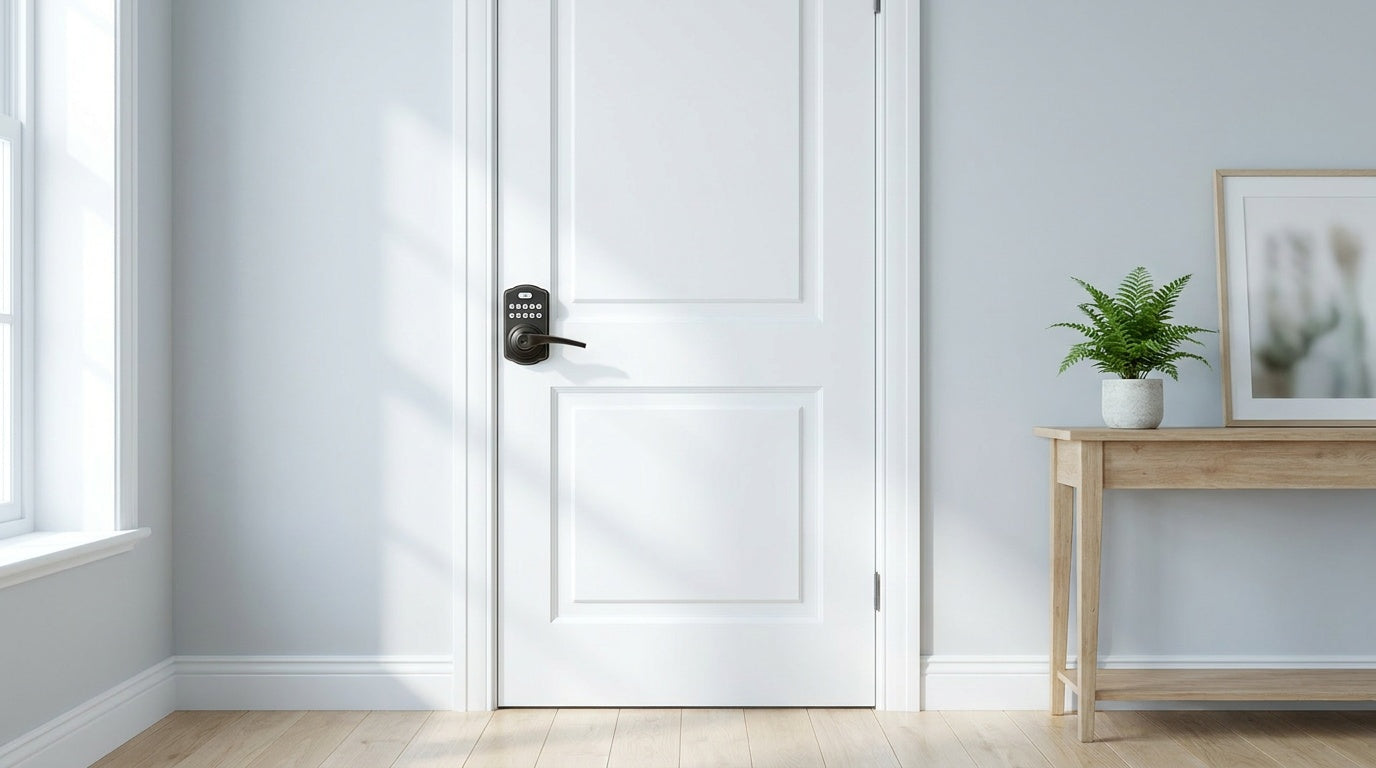

Leave a comment
This site is protected by hCaptcha and the hCaptcha Privacy Policy and Terms of Service apply.