
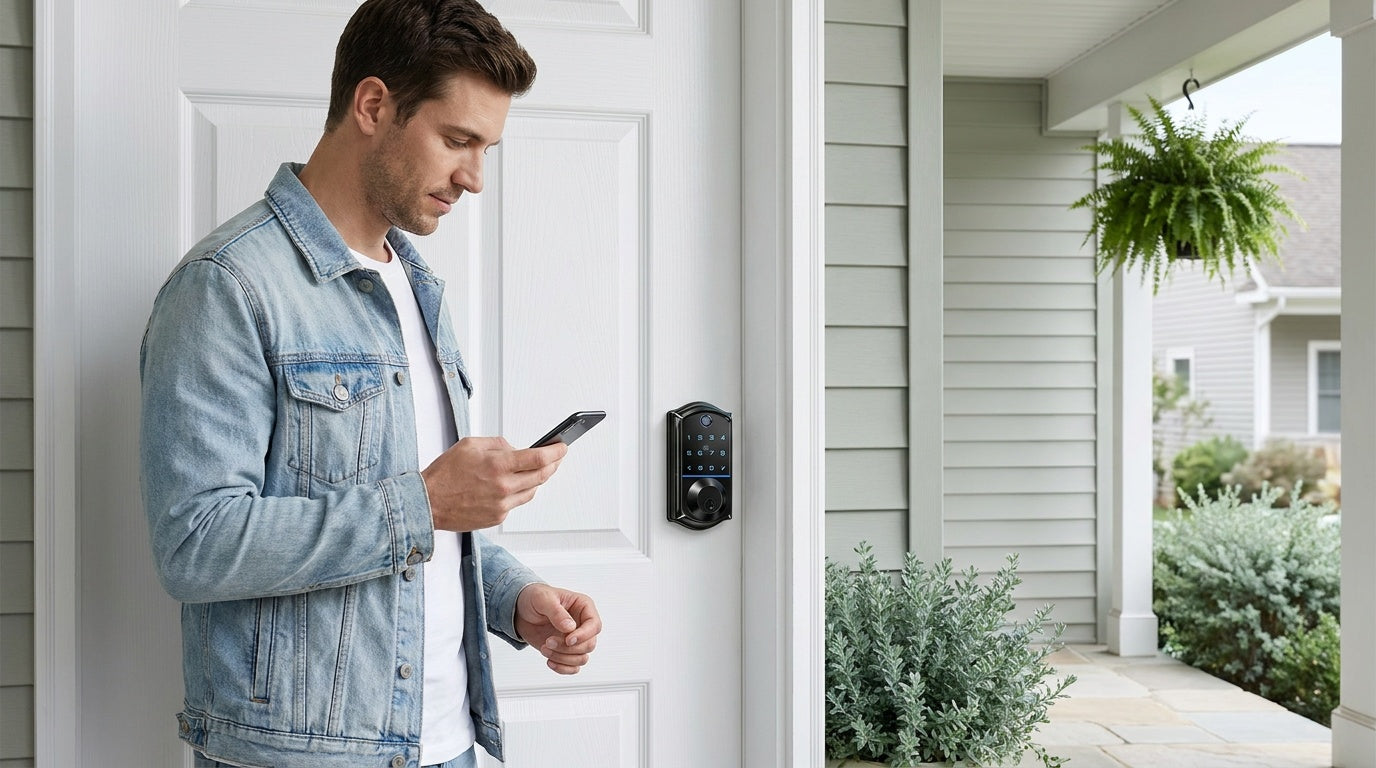
You're halfway to the office when the thought hits: Did I lock the front door? A few years ago, that question meant either turning the car around or spending the whole day uneasy. Today, a quick tap on your phone takes care of it — lock confirmed, problem solved, and you're still on time. That's the everyday promise of smart lock remote access, and it's a lot more practical than the tech specs on the box tend to suggest.
Remote access isn't a single feature — it's a combination of the right lock, the right connectivity, and a clear understanding of how the pieces fit together. This guide walks you through exactly how it works: what remote access requires, the difference between gateway-paired and Wi-Fi smart locks, how to use the app to lock or unlock from anywhere, and which Veise lock makes sense for your home and lifestyle. Whether you're a parent tracking after-school arrivals, a property manager handling a short-term rental, or just someone who wants a more reliable front door — this is your starting point.
What Is Smart Lock Remote Access?
Remote access means you can lock or unlock your door from anywhere — your office, your car, another city, or even another country — as long as your phone has an active Internet connection. It goes well beyond keyless entry. With remote access, you can also check whether the door is currently locked, review a log of who came and went, send a temporary code to someone at the door, and receive a real-time push notification whenever the lock is used. The lock doesn't just respond to you; it reports back to you.
This level of visibility transforms a door lock from a passive barrier into an active part of your home's security routine. You're no longer guessing whether you remembered to lock up before leaving for the weekend. You're not waiting at home to hand a key to the repair technician. You're not calling your kids to confirm they made it home. Remote access gives you a quiet, reliable answer to all of those questions — whenever you need it, from wherever you are.
What You Actually Need to Enable Remote Access
This is where a lot of buyers get confused, so it's worth stating plainly: remote access requires a smart lock — either gateway-paired or Wi-Fi. A standard keypad deadbolt, no matter how useful it is for keyless entry, cannot be paired with a gateway to add remote capability. The lock itself has to be built for it. If remote control from anywhere is a priority, that requirement shapes which lock category you're shopping in before you consider any other feature.
Here's a quick summary of what each lock category can and cannot do:
- Keypad Deadbolt: Keyless entry via code (and fingerprint on select models), physical key backup — but no app, no remote access. Great for homeowners who want simplicity and don't need off-site control.
- Keypad Latch Lock: Keypad code and physical key only. Designed for interior doors, offices, and side entries. No app, no remote access.
- Smart Lock (works with Gateway 1 or Gateway 2): The lock pairs with a small gateway device you plug in near your router. The gateway bridges the lock to your home network, giving you full remote control through the app. Physical key and key fob are included as backups on all models; many models also include fingerprint.
- Wi-Fi Smart Lock: Connects directly to your home Wi-Fi network — no separate gateway needed. Full remote app control, real-time alerts, and voice assistant support built in. Physical key is included on all models; key fob on the VE027 series (not the VE012W series).
The two categories that support true remote access — from your phone, from anywhere — are the Smart Locks w/ G1, the Smart Locks w/ G2, and the Wi-Fi Smart Locks. Each uses a different approach to reach your home network, and the right choice depends on your setup and daily habits.
Gateway-Paired vs. Wi-Fi Smart Locks: Which Is Right for You?
Both gateway-paired and Wi-Fi smart locks deliver genuine remote access — you can lock, unlock, check status, and receive entry alerts from your phone no matter where you are. The difference lies in how they connect to your home network and how they manage battery life.
Smart Lock (works with Gateway 1 or Gateway 2)
A gateway-paired smart lock connects to a small bridge device — the Gateway 1 or Gateway 2 — that you plug into a standard wall outlet near your Wi-Fi router. The lock communicates with the gateway wirelessly; the gateway handles the Internet connection on the lock's behalf. This design keeps the lock itself from maintaining a constant Wi-Fi connection, which preserves battery life. You get full remote access without the battery overhead that comes with an always-on Wi-Fi radio in the lock body.
This setup is a strong fit for homeowners who want reliable remote access and plan to keep the gateway plugged in near the front door. Installation is straightforward: install the lock, plug in the gateway, connect the gateway to your home network through the app, and the lock is ready to use remotely. The gateway also enables voice assistant control — when the paired gateway is in place, you can use Alexa or Google Assistant to lock and unlock hands-free.
Wi-Fi Smart Lock
A Wi-Fi smart lock connects directly to your home network through its built-in Wi-Fi radio — no extra hardware required. This makes setup slightly simpler (one device to install instead of two) and keeps the system compact. Real-time alerts, remote lock and unlock, entry history, and voice commands all work directly through the built-in connection. For anyone managing a short-term rental property, hosting frequent guests, or traveling regularly, the direct Wi-Fi path is convenient and reliable.
The tradeoff is power consumption. Because the lock maintains a continuous network connection, battery demand is higher than in a gateway-paired model. Veise addresses this in its Wi-Fi smart lock lineup with an 8 AA battery design — rather than the more common 4 AA setup — delivering stronger signal stability and a larger power reserve. It's a practical engineering decision that reflects real-world use rather than a spec-sheet exercise.
How Remote Locking and Unlocking Actually Works
The mechanics are simple once you see the full chain. When you tap "Lock" or "Unlock" in the app on your phone, that command travels over the Internet to your home network. From there, it reaches the lock — either directly (Wi-Fi smart lock) or through the paired gateway (Smart Lock w/ G1 or G2). The lock's motor engages, the bolt moves, and the app confirms the new status. The whole sequence typically takes only a few seconds.
Entry logs work in reverse: when someone uses the lock — by entering a code, pressing a fingerprint, using a key fob, or triggering auto lock — the lock records the event and the app notifies you in real time. This gives you a complete, timestamped record of who came in and when, without any manual check-in required. For parents, property managers, and anyone with a busy household, that passive record is one of the most practical benefits remote access delivers.
Setting up remote access for the first time follows a consistent path regardless of which connected lock you choose:
- Install the lock on your door — Veise locks are designed for standard wood doors (thickness 1-3/8" to 2") and install in about 15 minutes with a screwdriver, no wiring and no professional help needed.
- Set up connectivity — For a Wi-Fi smart lock, connect it directly to your 2.4 GHz home network through the app. For a gateway-paired lock, plug in the gateway, connect it to your network, and pair it with the lock.
- Create an account and add the lock — Follow the in-app steps to register the device and confirm remote access is active.
- Test the remote lock and unlock — Step outside, open the app, and verify the lock responds from a distance. Then check the entry log to confirm the event was recorded.
- Add users and access codes — Set up permanent codes for household members and temporary codes for guests, service providers, or anyone who needs limited access.
Real-World Uses: Who Benefits Most from Remote Access
Remote access is useful for almost any homeowner, but a few situations make the value immediately obvious.
Parents with Kids Coming Home After School
For families with kids, a connected smart lock turns "are they home yet?" from an anxious question into a quiet notification. When your child unlocks the front door, you get an alert — time-stamped, no call required. You can also see if the door was left unlocked after they came in and lock it remotely from wherever you are. A Wi-Fi smart lock or a gateway-paired smart lock (not standard keypad deadbolt or keypad latch models) is the right choice here, since you need app-based entry history and remote monitoring, which standard keypad models don’t provide.
Short-Term Rental and Vacation Property Management
Managing a short-term rental without remote access means coordinating physical key handoffs, worrying about lockboxes, and driving to the property every time access needs to change. With a connected smart lock, you issue a temporary code before a guest arrives, confirm check-in via the entry log, lock the door remotely after checkout, and issue a new code for the cleaning crew — all from your phone. No key exchanges, no on-site coordination, and no lingering access from previous stays.
Service Providers and Contractors
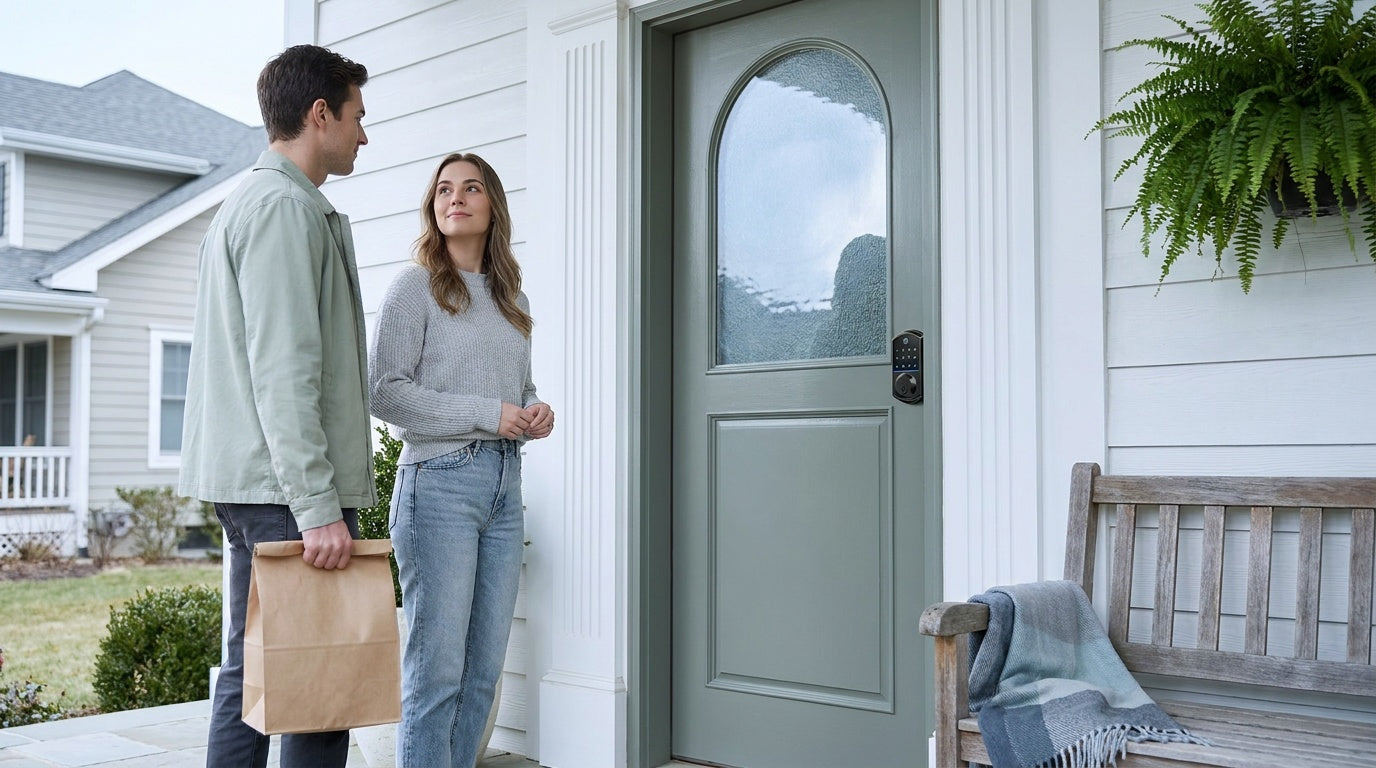
Letting a plumber, cleaner, or repair technician into your home while you're at work used to mean either leaving a key or taking time off. A smart lock with remote access changes that entirely. You create a temporary code valid only for the window you need — say, Tuesday between 10 a.m. and noon — and the code expires automatically when the window closes. You see the entry in the log, and there's no key to retrieve afterward.
Everyday Peace of Mind
Even without a specific scenario, remote access quietly removes one of the most common low-grade anxieties of modern life: the nagging suspicion that you left the door unlocked. With a connected smart lock, you open the app, see the status in real time, and lock up if needed — in seconds, from anywhere. Auto lock also helps here; Veise locks let you set the auto lock interval anywhere between 10 and 180 seconds, so the door can secure itself after entry without any manual action required.
Voice Control and Smart Home Integration
Both Wi-Fi smart locks and gateway-paired smart locks support Alexa and Google Assistant voice commands — but how they connect differs. Wi-Fi smart locks connect directly via their built-in Wi-Fi, so voice control works as long as the lock is on the network. Smart Locks w/ G1 or G2 require the paired gateway to be active — the gateway is what bridges the lock to the voice assistant ecosystem. With the gateway in place, commands like "Alexa, lock the front door" work just as smoothly.
Voice control is most useful in hands-full moments — carrying groceries, managing kids at the door, or heading to bed without wanting to get up again. It also integrates naturally into broader smart home routines, like pairing the lock with lights or a thermostat to trigger multiple actions at once.
What Happens When Wi-Fi Goes Down?
A common concern with any connected device is what happens during an Internet outage. The answer for Veise's connected locks is reassuring: even when Wi-Fi is down, app control continues to work locally as long as you're within short-range wireless distance of the lock. The physical keypad, fingerprint reader (on models that include it), key fob, and physical key all function normally regardless of network status. The only features that require live Internet are long-distance remote locking and off-site entry alerts.
For households with elderly members or anyone concerned about a lockout scenario, select models in the Veise lineup add an extra layer of backup. The VE017 series (Smart Lock w/ G1) and the VE027 series (Touchscreen Wi-Fi Smart Lock) include a Type-C emergency power port — so even if the batteries run low before anyone notices the warning, a portable battery pack can power the lock long enough to get inside and replace the batteries. This is available on those specific series, not across the full lineup, so it's worth noting when choosing a model for an elderly household member or a property where batteries may not be monitored frequently.
Veise Remote-Access Smart Locks: Which One Fits Your Home
Veise is a vertically integrated smart lock company — designing, engineering, and manufacturing its own products rather than reselling OEM hardware. That direct ownership of the supply chain shows up in consistent build quality, ANSI/BHMA Grade 3 certification (the residential standard), and a product lineup priced between $30 and $180 with no subscription fees. With roots in the lock industry since 1988 and the #1 smart lock brand ranking on Amazon North America in both 2024 and 2025, Veise's remote-access lineup covers two distinct approaches: gateway-paired and Wi-Fi.
Smart Lock w/ G1 — Best All-Around Connected Pick
The Smart Locks w/ G1 is built on a single product series — the VE017 — and every SKU in the line shares the same all-in-one feature set: fingerprint entry (recognition in under 0.3 seconds), multilingual voice prompts in English, Spanish, and French, a USB-C emergency power port, and full remote app control via the paired G1 gateway. Fingerprints are processed and stored on-device — no cloud dependency, no data leaving the lock — which matters for households that want capable remote control without privacy tradeoffs. The app used with G1 is Veise-developed, meaning first-party support.
G1 is the strongest all-in-one recommendation for most homeowners who want reliable connected access. The multilingual voice prompts are a concrete advantage for multilingual households or families with non-English-speaking members — a real selection criterion, not just a footnote. Backup entry on all G1 models includes keypad code, key fob, and physical key in addition to fingerprint and remote app.
Smart Lock w/ G2 — Best When Apple Watch or Web Portal Matters
The Smart Locks w/ G2 line offers more SKU variety than G1 — both fingerprint and non-fingerprint options, in standalone deadbolt or handle-set bundle configurations. The two features unique to G2 are Apple Watch unlock and web portal control, which matter for homeowners already embedded in the Apple ecosystem or property managers who prefer browser-based access management. Voice prompts on G2 are English only. For most households, G1 is the cleaner pick; G2 earns its place when its specific features are the deciding factor.
Wi-Fi Smart Lock — Best for Travelers, Hosts, and Always-On Remote Access
Veise's Wi-Fi smart lock lineup comes in two series: the Touchscreen Wi-Fi Smart Lock (VE027 Series) and the Push-Button Wi-Fi Smart Lock (VE012W Series). The VE027 series differs from the VE012W series in four concrete ways: a touchscreen (not press-button) interface, a USB-C emergency power port, key fob support, and three-language on-device voice prompts — none of which the VE012W series includes. Both share built-in Wi-Fi, fingerprint, keypad code, remote app control, and Alexa and Google Assistant support directly via Wi-Fi (no gateway needed). Both also use the 8 AA/LR6 alkaline battery design for stronger signal and a larger power reserve than the standard 4 AA setup.
Wi-Fi smart locks are the right choice for short-term rental hosts, frequent travelers, and anyone who wants the simplest path to full remote control — install the lock, connect to Wi-Fi, and everything works from day one with no additional hardware. Physical key is standard on all models; key fob is available on the VE027 series (not the VE012W series).
Tips for Getting the Most Out of Remote Access
Remote access is reliable by design, but a few habits make the experience consistently smooth.
- Use unique codes per person. Rather than sharing one household code with everyone, set up individual codes for each family member, regular service provider, or frequent visitor. This gives you a clear activity log and lets you revoke one person's access without changing codes for everyone else.
- Use temporary codes for one-time or short-term guests. Set a start time, an end time, and let the code expire automatically. There's no lingering access and no code to retrieve after the visit ends.
- Enable push notifications. Real-time alerts for every lock and unlock event are one of the most practical features of a connected lock. You don't have to check the app — the app tells you when something happens.
- Set auto lock to match your routine. Veise's configurable auto lock interval (10 to 180 seconds) means you can tune the re-lock delay to how your household actually uses the door — short enough to secure quickly, long enough not to trap you if you step out briefly.
- Keep the gateway within range of the lock. For gateway-paired models, placing the gateway within clear line of sight of the lock (and within range of your router) keeps the connection stable. Thick walls and large metal objects can reduce signal quality.
- Check battery status through the app. Connected Veise locks report battery level through the app, so you can replace batteries on a schedule rather than waiting for a warning. This is especially important for properties you don't visit daily.
Smart lock remote access isn't complicated — but it does require the right starting point. Remote control from anywhere needs a smart lock (gateway-paired or Wi-Fi), not just any keypad lock. Once you have that foundation in place, the rest follows naturally: lock from your phone before bed, receive an alert when your kids get home, send a temporary code to a contractor without leaving the office, and confirm checkout at your rental property from across the country.
Veise's connected lock lineup — Smart Locks w/ G1, Smart Locks w/ G2, and Wi-Fi Smart Locks — covers every remote-access use case with straightforward installation, no subscription fees, and multiple backup entry methods on every model. Whether you want the all-in-one reliability of G1, the Apple Watch capability of G2, or the no-gateway simplicity of a Wi-Fi lock, there's a Veise option designed for how you actually live. Browse the full lineup at iveise.com and find the right fit for your door.
Frequently Asked Questions
Can any smart lock be controlled remotely?
No. Remote access requires a smart lock — either a Wi-Fi smart lock or a Smart Lock paired with a gateway (G1 or G2). Standard keypad deadbolts and keypad latch locks operate offline and do not support remote app control, even if a gateway is added separately. The lock itself must be built for remote connectivity.
What is the difference between a Wi-Fi smart lock and a gateway-paired smart lock?
A Wi-Fi smart lock connects directly to your home network via its built-in Wi-Fi radio — no extra hardware needed. A gateway-paired smart lock (Smart Lock w/ G1 or G2) connects to the Internet through a small bridge device you plug in near your router. Both deliver full remote access; the main differences are setup complexity (Wi-Fi is slightly simpler) and battery behavior (gateway-paired models conserve more battery since the lock itself doesn't maintain a constant Wi-Fi connection).
Does remote access work if my home Wi-Fi goes down?
Long-distance remote features — like locking the door from another city or receiving off-site alerts — require an active Internet connection. However, even when Wi-Fi is down, app control continues to work locally as long as you're within short-range wireless distance of the lock. The keypad, fingerprint reader, key fob, and physical key all function normally regardless of network status.
Do Veise smart locks charge a monthly subscription for remote access?
No. Veise smart locks have no subscription fees. Remote access, entry history, temporary codes, and push notifications are all included with the lock — no ongoing account charges required.
Can I give a guest access without being home?
Yes. With a connected Veise smart lock, you can create a temporary access code through the app from anywhere and share it with a guest, contractor, or service provider. You can set the code to expire after a specific date and time, so access ends automatically without any follow-up action on your part.
Do Veise smart locks work with Alexa and Google Assistant?
Yes, with an important distinction. Wi-Fi smart locks support Alexa and Google Assistant directly via their built-in Wi-Fi. Smart Locks w/ G1 or G2 also support voice commands, but require the paired gateway to be active — the gateway is what connects the lock to the voice assistant ecosystem.
What doors are Veise smart locks compatible with?
Veise smart locks are designed for standard wood doors with a thickness of 1-3/8" to 2". They are not compatible with fiberglass, metal, storm, or sliding doors. Installation typically takes about 15 minutes with a screwdriver — no wiring and no professional help needed.
What is the difference between Smart Lock w/ G1 and Smart Lock w/ G2?
Both the Smart Lock w/ G1 and Smart Lock w/ G2 deliver remote app control, keypad code entry, key fob, and physical key backup. The key differences: G1 (the VE017 series) includes fingerprint, multilingual voice prompts (English/Spanish/French), and a USB-C emergency power port as standard on every model — and uses a first-party Veise-developed app. G2 offers Apple Watch unlock and web portal control as unique features, English voice prompts only, and more SKU variety (with and without fingerprint, in standalone or handle-set form factors). For most homeowners, G1 is the stronger all-in-one pick; G2 earns its place when Apple Watch or web portal access is a priority.
Have Questions? We're Here to Help.
Not sure which Veise smart lock is right for your door, your home, or your lifestyle? Our US-based support team can help you pick the right fit — by phone or email, no pressure.
Contact Us →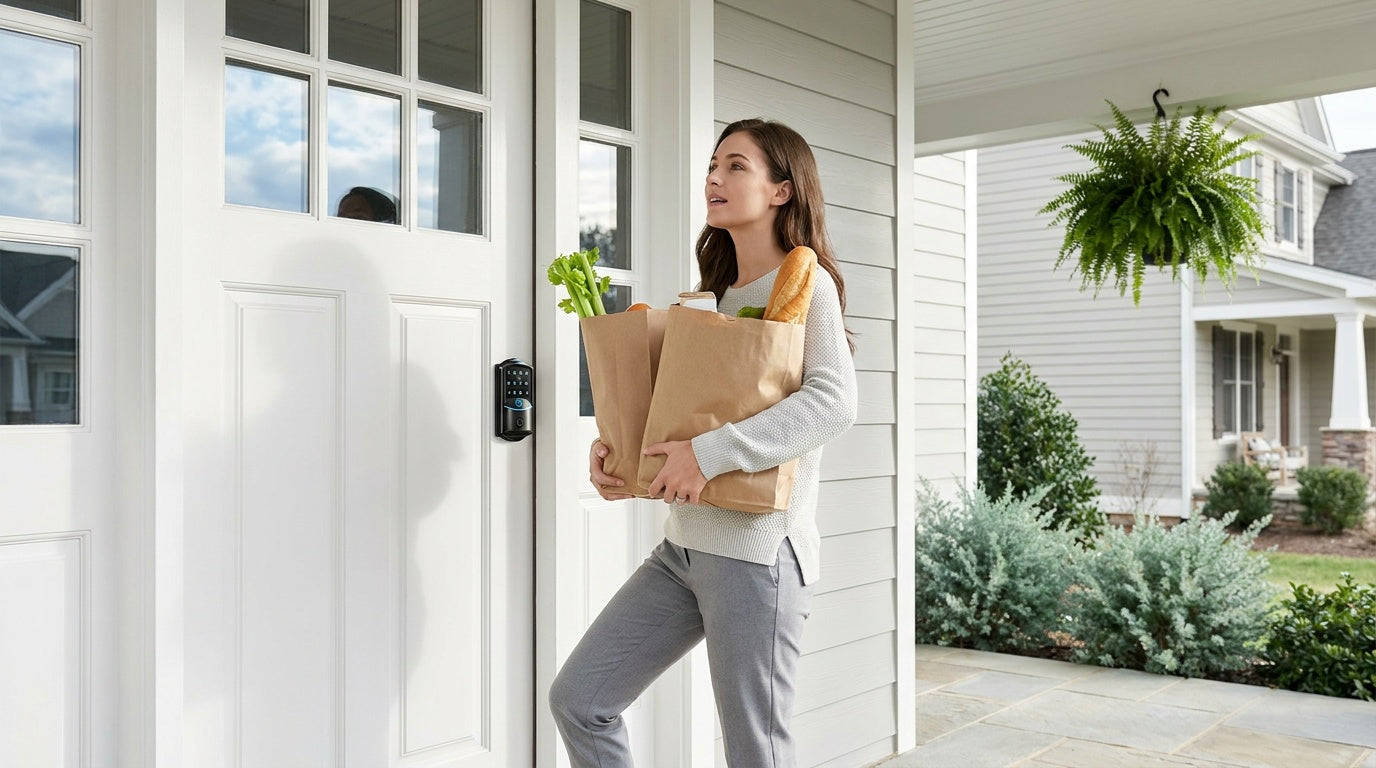

Leave a comment
This site is protected by hCaptcha and the hCaptcha Privacy Policy and Terms of Service apply.