
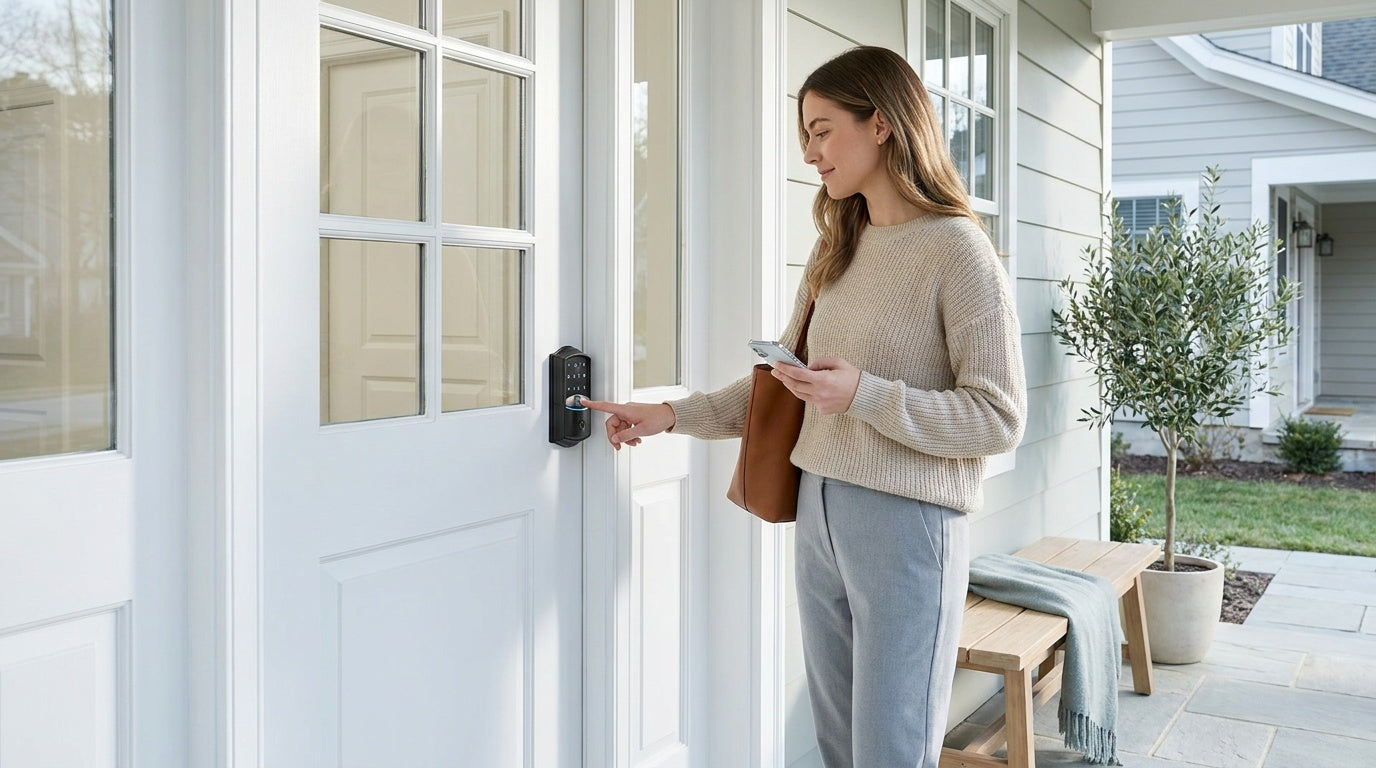
You're at the office and suddenly can't remember whether you locked the front door. Or your teenager just got home from school and you want to know — without texting — that they made it safely inside. Or you manage a short-term rental and a guest needs early access while you're nowhere near the property. In every one of these situations, a Wi-Fi smart lock is the tool that makes the difference.
Wi-Fi smart locks connect your door directly to your home's Internet connection, giving you real-time control and visibility from anywhere in the world. No extra hub, no separate bridge device — just your lock, your router, and your phone. They represent the most connected, most convenient category in home entry hardware, and they've become genuinely practical for everyday households rather than just tech enthusiasts.
This guide breaks down exactly how Wi-Fi smart locks work, what separates a good one from a mediocre one, and how Veise's Wi-Fi Smart Lock lineup keeps things simple, affordable, and genuinely useful for real families.
What Is a Wi-Fi Smart Lock?
A Wi-Fi smart lock is a door lock with a built-in wireless radio that connects directly to your home's 2.4 GHz Wi-Fi network — the same network your phone, laptop, and smart TV use. Because the lock communicates over Wi-Fi, it can send and receive signals from anywhere with an Internet connection, meaning you can lock or unlock your front door, check entry history, and receive alerts from across town or across the country.
Unlike a standard keypad deadbolt (which only works with a code or physical key and has no remote capability), a Wi-Fi smart lock is a fully connected device. It replaces your existing deadbolt entirely and adds a layer of remote intelligence to your door. The result is a lock that you can interact with the same way you interact with your thermostat or security camera — through an app, through a voice assistant, or through scheduled automations.
How Wi-Fi Smart Locks Work
The mechanics are straightforward. Inside the lock body, there's a small Wi-Fi module that pairs with your home router during setup. Once connected, the lock can be added to your app account on your phone, establishing a two-way communication channel. When you tap "Lock" in the app, the command travels from your phone over the Internet to the lock's module, which triggers the motor to throw the bolt. The entire exchange typically takes less than a second under normal conditions.
The lock also logs every entry and exit event locally, timestamping each interaction — whether it was an app command, a keypad code, a fingerprint scan, or a voice request. Those logs sync to the app so you can review them remotely. Most Wi-Fi smart locks also support push notifications, meaning your phone can alert you the moment someone unlocks the door, even if you're not actively watching the app.
One important detail worth understanding: if your home's Internet goes down but you're physically nearby, most well-designed Wi-Fi smart locks can still respond to app commands over a short-range local wireless connection. Long-distance remote features — like locking the door from work or receiving off-site alerts — do require live Internet. But the everyday worry of "will I get locked out if the Wi-Fi drops?" largely doesn't apply, because the keypad and physical key backup are always present regardless of connectivity.
Wi-Fi Smart Lock vs. Smart Lock w/ Gateway 1/2: What's the Difference?
Shoppers often encounter two categories of remote-capable smart locks: Wi-Fi smart locks and smart locks that work with a separate gateway (a small bridge device that plugs into an outlet and connects the lock to your network). Both deliver remote access and app control, but they take different approaches.
A Wi-Fi smart lock has the Wi-Fi radio built directly into the lock itself. There's nothing extra to buy or install. You set up the lock, connect it to your router, and you're done. A Smart Lock w/ Gateway 1/2 (like Veise's Smart Locks w/ G1 or Smart Locks w/ G2) uses a separate gateway device that plugs into your wall — the lock communicates wirelessly with the gateway, and the gateway connects to your router. This two-piece setup is common with older or lower-power lock hardware and can offer flexibility in signal routing, but it adds one more device to manage.
For most homeowners who want the cleanest, most self-contained setup, a Wi-Fi smart lock wins on simplicity. If you already own or prefer gateway-paired hardware — or if features like Apple Watch unlock (unique to Smart Lock w/ G2) matter to you — the gateway route is a legitimate alternative. But for out-of-the-box remote access with nothing extra to buy, Wi-Fi is the more direct path.
Key Benefits of Wi-Fi Smart Locks
Remote Lock and Unlock from Anywhere
The headline feature of any Wi-Fi smart lock is genuine anywhere-access. Whether you're at the grocery store, on a business trip, or simply forgot to check before bed, you can lock or unlock your door through the app. For property owners managing rentals — vacation cabins, short-term rentals, investment properties — this eliminates the need for lockboxes, in-person key handoffs, or neighbor favors entirely.
Real-Time Entry Alerts and Activity History
Push notifications mean your phone tells you every time someone opens the door, often within seconds of the event. Parents can confirm when kids arrive home from school without a phone call. A landlord can verify a cleaning crew's arrival and departure at a rental property. Anyone managing access for multiple people — family members, housekeepers, contractors — gets a clear, timestamped record of who entered and when.
Multiple Ways to Enter
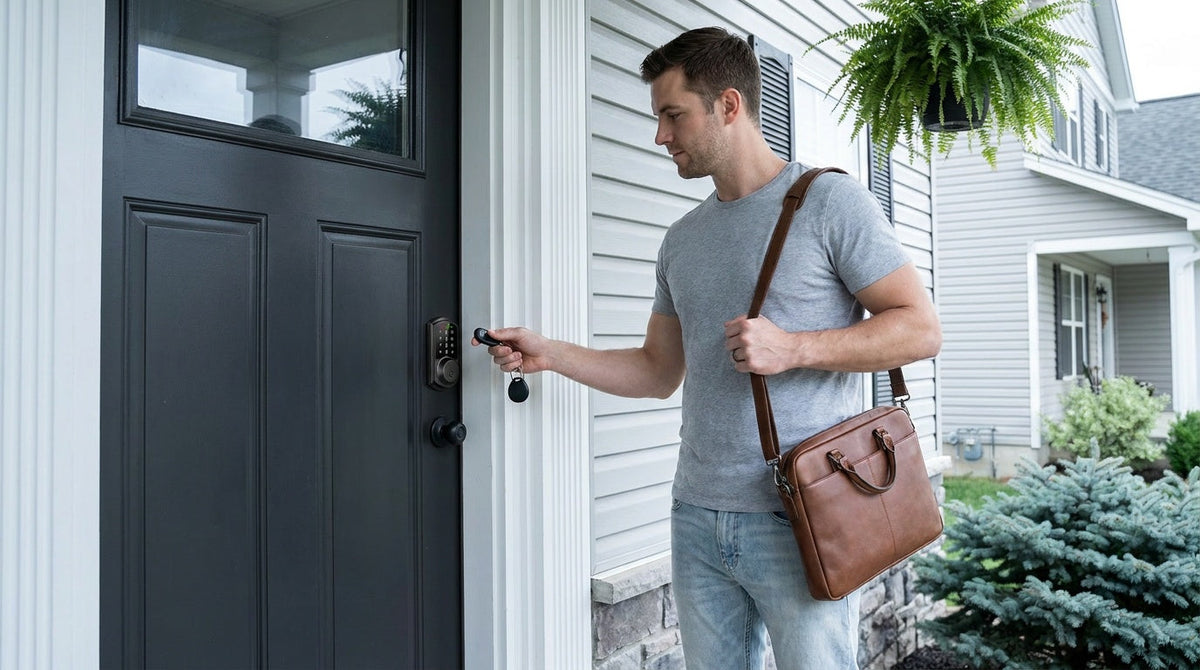
A good Wi-Fi smart lock doesn't force you to rely on a single entry method. Veise's Wi-Fi Smart Locks support multiple ways to enter — remote app control, keypad code, fingerprint scan (typically included), voice commands via Alexa or Google Assistant, and a physical key backup on all models, with key fob support on the VE027 series. Every household member can use the method that makes the most sense for them, and the physical key ensures no one is ever truly locked out.
Voice Control Without Extra Hardware
Because the Wi-Fi radio is built into the lock, voice assistant integration works directly. Just link your lock to your Alexa or Google Home account, and commands like "Alexa, lock the front door" work without any bridge or hub in between. This is a meaningful advantage over gateway-paired locks, where voice control requires the gateway to be active and properly configured.
Auto Lock for Passive Security
Wi-Fi smart locks typically support auto lock, which automatically re-locks the door after a set interval. Veise locks let you configure the auto lock timer anywhere between 10 and 180 seconds, so you can tailor it to your household's rhythm without the door re-locking so fast it becomes a nuisance.
What to Look For When Buying a Wi-Fi Smart Lock
Not every Wi-Fi smart lock on the market is built the same. Here are the factors that actually matter when comparing options:
- Built-in Wi-Fi vs. gateway-dependent: Confirm the lock has an integrated Wi-Fi module. Some locks marketed loosely as "smart" still need a separate gateway for remote access.
- No subscription fees: Many brands charge monthly fees for remote access, entry history, or push notifications. Look for locks that deliver full functionality without a recurring cost.
- Battery design: Wi-Fi radios consume more power than simpler keypad locks. Look for a lock with a strong battery design — Veise Wi-Fi smart locks use 8 AA batteries instead of the more common 4 AA setup, delivering a stronger signal, more stable connection, and a longer-lasting power reserve.
- Local data storage: Fingerprint data should be processed and stored on the lock itself rather than on a remote server. On-device biometric storage keeps your most sensitive credential off a cloud database that could be breached.
- ANSI/BHMA Grade 3 certification: For residential doors, Grade 3 is the standard. Grades 1 and 2 are engineered for high-traffic commercial settings and aren't necessary for a home front door.
- Emergency backup options: A physical key backup is the baseline. On select models (VE027 series), a USB Type-C emergency power port lets you power the lock externally if batteries die completely before you can swap them — useful peace of mind for households that want an extra layer of protection against lockouts.
- Door compatibility: Wi-Fi smart locks replace the full lock hardware and require a wood door with standard thickness (typically 1-3/8" to 2"). They are not compatible with fiberglass, metal, storm, or sliding doors. You'll also need to be the property owner or have authority to modify door hardware, since installation involves full lock replacement.
- Installation simplicity: The best Wi-Fi smart locks install in about 15 minutes with a screwdriver and no wiring. If a lock requires drilling new holes or professional help, that's worth factoring into the real cost.
Veise Wi-Fi Smart Locks: Two Series, One Clear Purpose
Veise designs, engineers, and manufactures its own locks rather than reselling generic hardware under a badge — which means consistent quality control across every product in the lineup. The Veise Wi-Fi Smart Lock collection currently offers two series, each suited to a slightly different household preference.
Touchscreen Wi-Fi Smart Lock (VE027 Series)
The VE027 series features a touchscreen interface for code entry, giving it a modern, clean look that suits contemporary front doors. Every VE027 series includes the USB Type-C emergency power port, so if the batteries drain unexpectedly, you can connect an external power bank and regain access without a locksmith. Like all Veise Wi-Fi smart locks, the VE027 series supports fingerprint entry with a scan time under 0.3 seconds, keypad code, remote app control, Alexa and Google Assistant voice commands, 3-language voice prompts, and the 8 AA battery design for extended, stable power. Auto lock is configurable between 10 and 180 seconds.
Push-Button Wi-Fi Smart Lock (VE012W Series)
The VE012W series uses a traditional press-button keypad, which many homeowners find faster and more intuitive — especially in low-light conditions where a touchscreen can require more precision. The VE012W series carries the same core connected feature set as the VE027 series: built-in Wi-Fi, fingerprint sensor, app control, voice assistant compatibility via Alexa and Google Assistant, and the 8 AA battery configuration. It differs from the VE027 series in a few concrete ways: no USB-C emergency power port, no key fob support, and no on-device multilingual voice prompts — all features the VE027 series includes.
Both series are priced within Veise's affordable $30–$180 range, carry no subscription fees, store fingerprint data locally on the lock's own chip, and install in about 15 minutes with a screwdriver. No electrician, no hub, no monthly bill.
Who Benefits Most from a Wi-Fi Smart Lock?
Wi-Fi smart locks are the right choice when remote visibility and control are priorities, not just conveniences. A few scenarios where they genuinely shine:
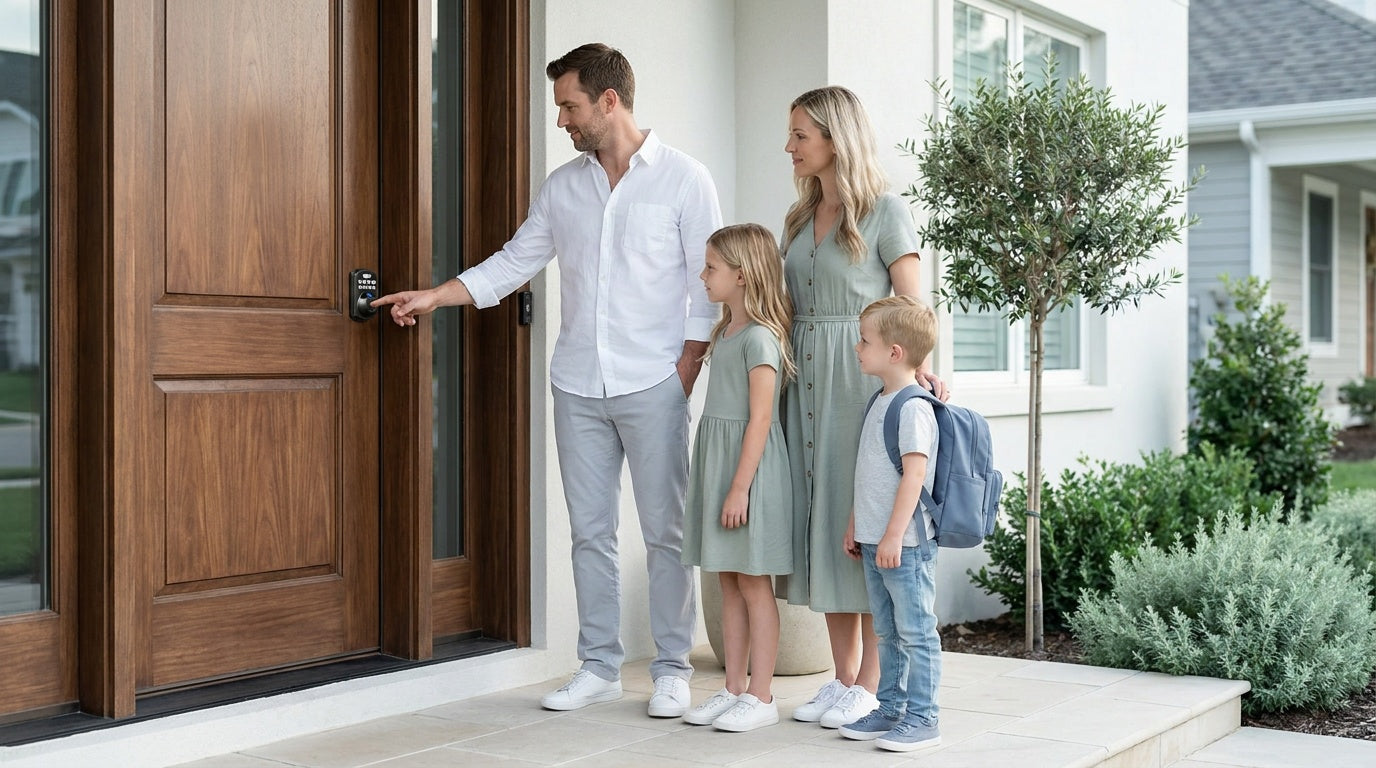
- Parents of school-age kids: Get a real-time notification the moment your child arrives home, review the full entry history from your phone, and set a unique access code for each family member — all without being there in person.
- Short-term rental and vacation property owners: Share temporary keypad codes with guests, monitor arrivals and departures remotely, and lock or unlock for early check-ins without coordinating in person.
- Work-from-home households with frequent deliveries or service visits: Grant access remotely for a contractor, let in a pet sitter, or unlock for a delivery that requires a signature — all from your home office without answering the door.
- Households with elderly family members: Fingerprint entry under 0.3 seconds and large, clearly lit keypads make daily entry simple for older adults who may struggle with small keys. Remote monitoring adds a layer of reassurance for family members who aren't always home.
- Anyone who wants a smarter front door without complexity: If you've ever texted a family member asking them to check whether the door is locked, a Wi-Fi smart lock answers that question permanently.
If your priority is simpler entry without remote access — perhaps for a side door, garage entry, or an interior office door — Veise also offers Keypad Deadbolt Locks, Keypad Latch Locks, and Mechanical Locks for non-connected applications. The full lineup is available at iveise.com.
Frequently Asked Questions
Do Wi-Fi smart locks work when the Internet is down?
The physical key backup and keypad code always work regardless of Internet status. For app control, even when Wi-Fi is down, the app can still control the lock locally as long as you're within short-range wireless distance. Long-distance remote features — like locking the door from another city or receiving push notifications — do require an active Internet connection.
Do Wi-Fi smart locks require a monthly subscription?
Not all of them do — but many brands charge recurring fees for remote access, cloud storage, or entry history. Veise Wi-Fi smart locks include all features with no subscription fees. App control, entry history, and remote alerts are all included at no additional cost.
Are Wi-Fi smart locks safe from hacking?
Reputable Wi-Fi smart locks use encrypted communication between the lock and the app. Veise stores fingerprint data locally on the lock's own chip rather than in a cloud database, which removes a common attack surface. A physical key backup also ensures that digital access is never the only way in.
How long does installation take?
Veise Wi-Fi smart locks are designed for DIY installation in about 15 minutes using a screwdriver — no wiring, no professional help required. They replace the full existing deadbolt, so you'll need to be the property owner or have authorization to modify door hardware.
What doors are compatible with Veise Wi-Fi smart locks?
Veise Wi-Fi smart locks are compatible with wood doors with a standard thickness of 1-3/8" to 2". They are not compatible with fiberglass, metal, storm, or sliding doors.
What's the difference between a Wi-Fi smart lock and a standard keypad deadbolt?
A standard keypad deadbolt lets you enter using a code (and physical key), but it has no Internet connection and no remote capability — you can't lock or unlock it from elsewhere, and it doesn't send notifications. A Wi-Fi smart lock adds built-in Wi-Fi, remote app control, real-time entry alerts, voice assistant integration, and entry history visible from anywhere. If remote access matters to you, a Wi-Fi smart lock is the appropriate choice.
What happens if the batteries die on a Wi-Fi smart lock?
All Veise Wi-Fi smart locks use 8 AA batteries and will alert you through the app when battery levels run low, giving you plenty of notice before they're depleted. On the VE027 series specifically, a USB Type-C emergency power port lets you connect an external power bank to the lock body, temporarily restoring enough power to unlock and swap the batteries — a useful failsafe for any household concerned about unexpected lockouts.
A Wi-Fi smart lock isn't a luxury upgrade — it's a practical tool that solves real, everyday problems: the uncertainty of whether the door is locked, the logistics of granting access remotely, the reassurance of knowing exactly when your household comes and goes. For families, property owners, and anyone managing a busy household, it's one of the most genuinely useful upgrades a front door can receive.
Veise's approach keeps the technology grounded: built-in Wi-Fi (no extra hub required), no subscription fees, local fingerprint storage, multiple entry methods, and a straightforward 15-minute installation. Two series give you the flexibility to choose between a touchscreen (VE027 series) or push-button (VE012W series) interface, with the VE027 series adding USB-C emergency power, key fob support, and on-device voice prompts. Affordable, reliable, and designed for real life — that's the Veise standard.
Ready to explore your options?
Browse the full Veise Wi-Fi Smart Lock lineup or view the complete product collection to find the right lock for your door. Have questions? The Veise US-based support team is here to help.

Leave a comment
This site is protected by hCaptcha and the hCaptcha Privacy Policy and Terms of Service apply.