
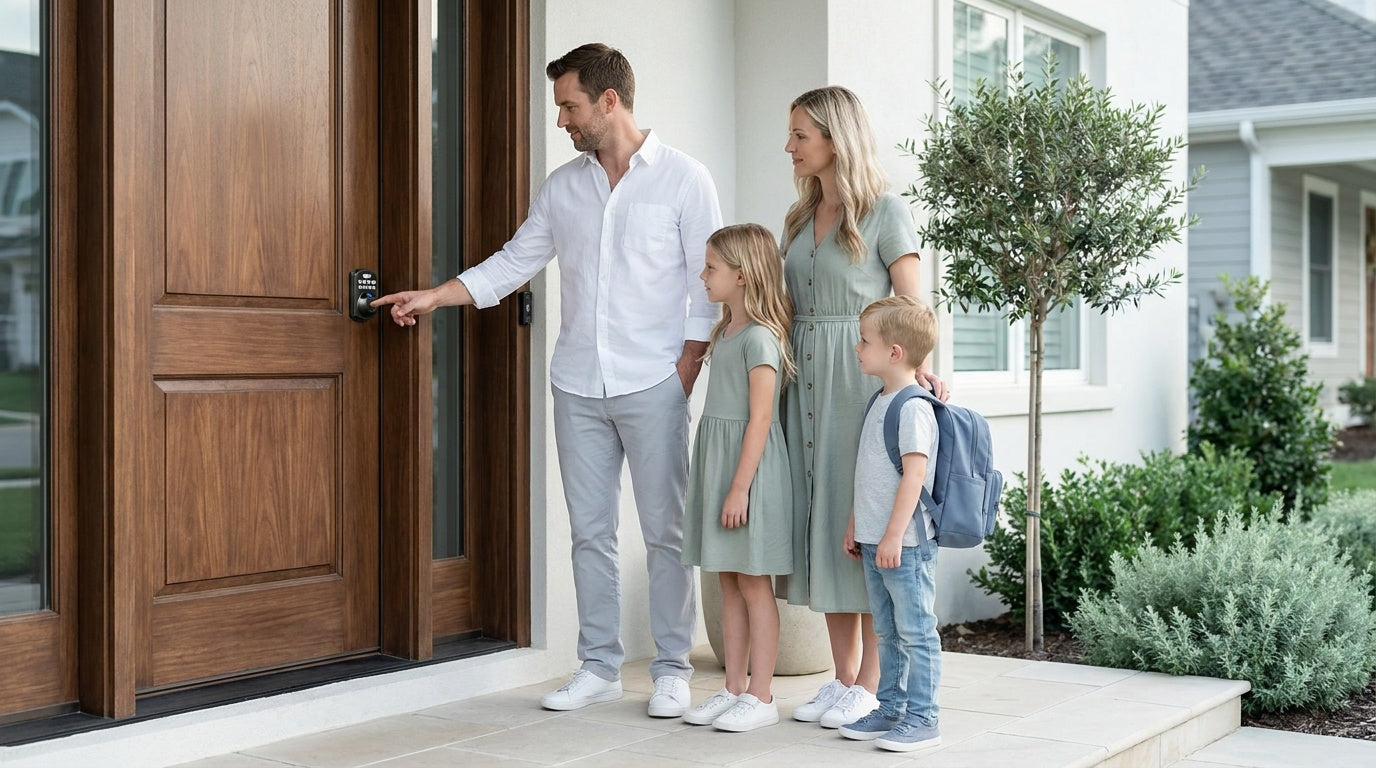
You've probably heard the term smart lock thrown around, but if you've never owned one, the whole concept can feel a bit mysterious. Do you need a phone to get in? What happens when the battery dies? Is it actually more secure than a regular deadbolt? These are the kinds of questions every first-time buyer asks — and they all have straightforward answers.
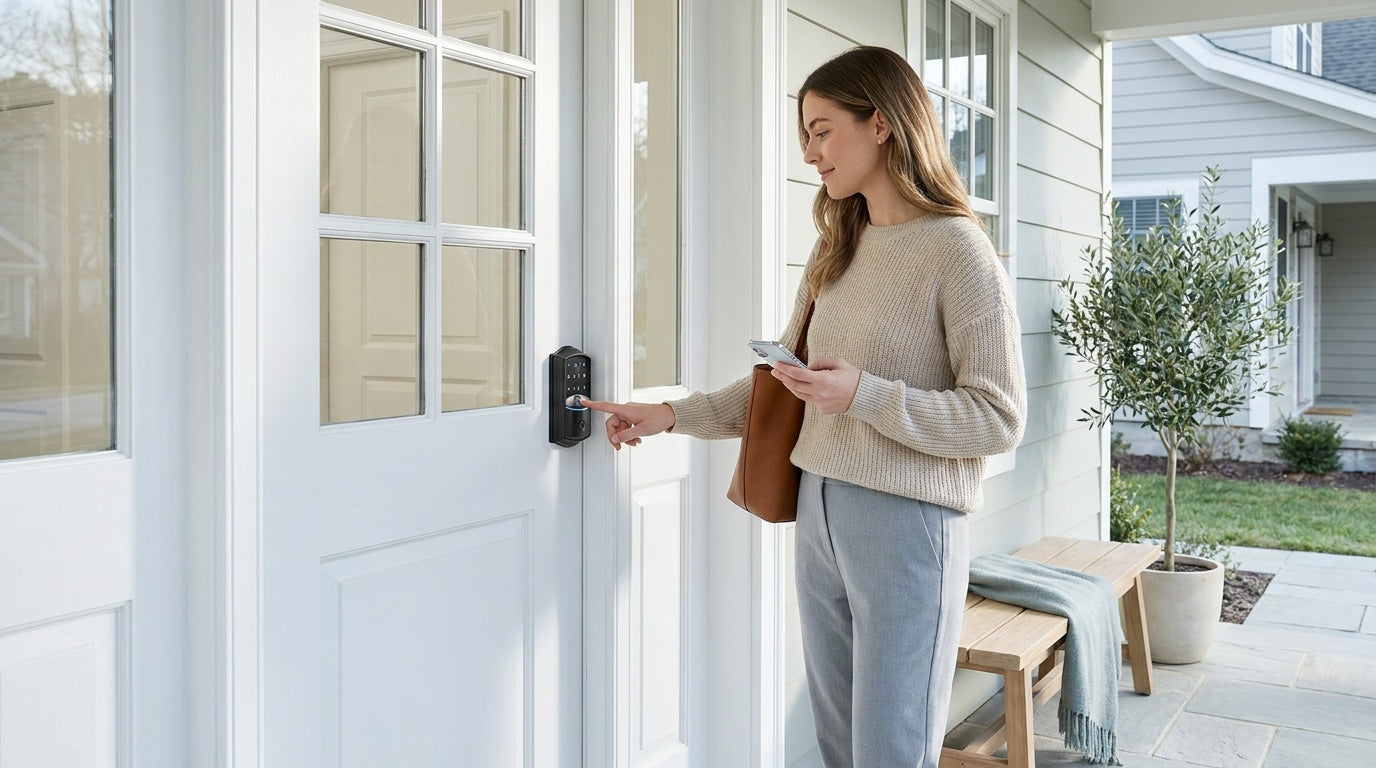
A smart lock is simply a door lock that lets you get in without a traditional metal key. Instead of fumbling through your bag every time you come home, you can tap a keypad code, press your finger to a sensor, or unlock the door remotely from your phone. That's the core of it. The features you layer on top — app control, entry alerts, voice commands — depend on the type you choose.
This guide covers everything a beginner needs to know: how smart locks work, the different types available, what unlock methods each supports, how to choose the right one for your home, and what to expect from installation. By the end, you'll have a clear picture of whether a smart lock is the right upgrade for you — and exactly which kind fits your lifestyle.
What Is a Smart Lock?
A smart lock is any door lock that provides keyless entry or access control beyond a traditional physical key. The term covers a wide range of products — from a straightforward keypad deadbolt that lets your family punch in a four-digit code, all the way to a Wi-Fi-connected lock you can control from anywhere in the world via your phone. What unites all of them is the ability to get through your door in a smarter, more flexible way.
Unlike a standard deadbolt that only responds to a cut metal key, a smart lock uses a small battery-powered motor inside the lock body. When the lock receives an authenticated signal — whether that's an entered code, a recognized fingerprint, or a command from a mobile app — that motor physically operates the locking mechanism to lock or unlock the door. No key required. The intelligence is in how the lock receives and verifies that signal, which varies depending on the type of lock you choose.
It's worth noting that smart lock is a broad umbrella. Some smart locks are straightforward standalone keypads with no app or Internet connection at all. Others connect to your home Wi-Fi and send you real-time notifications every time the door opens. Understanding which category fits your needs is the most important part of shopping for one.
How Do Smart Locks Work?
At its core, every smart lock has three main parts working together: a physical locking mechanism, an electronic authentication system, and a power source (typically AA batteries). When you enter your code, scan your finger, or send a command from your phone, the authentication system verifies your identity and tells the motor to engage. The motor then operates the locking mechanism to lock or unlock the door. The "smart" part is simply the layer of electronic verification sitting between you and that mechanism.
Connectivity is what separates the different smart lock categories. A basic keypad lock handles everything locally — no phone, no Internet, no cloud. A gateway-paired smart lock adds a small bridge device that connects to your home router, enabling remote app control. A Wi-Fi smart lock has that connection built directly into the lock itself, so it can communicate with the Internet without any separate bridge hardware. Each tier adds convenience but also adds a small amount of complexity in setup.
One of the most common concerns about smart locks is what happens when the batteries run low. Reputable smart locks send low-battery alerts through the app or via a beep on the keypad well before power is actually lost. All Veise locks also include a physical key as a backup on every model. On select Veise models — the VE017 and VE027 series — there's even a Type-C emergency power port so you can briefly power the lock from a portable charger if the batteries have fully drained — giving you a temporary boost to unlock and replace them.
Smart Lock vs. Traditional Lock: Key Differences
Traditional locks are simple, proven, and need no power whatsoever. Insert a key, turn it, done. That mechanical reliability has worked for centuries, and there's nothing wrong with it. The trade-off is that you're always dependent on a physical key — one that can be lost, copied without your knowledge, or left inside the house when you're already running late.
Smart locks trade that key dependency for flexibility. Here's how the two compare on the dimensions that matter most to a homeowner:
- Entry methods: Traditional locks require a physical key. Smart locks offer keypad codes, fingerprints, app control, key fobs, or voice commands — plus a physical key as backup on most models.
- Remote access: Traditional locks offer none. Smart locks with gateway or built-in Wi-Fi let you lock, unlock, and check status from anywhere.
- Access sharing: Traditional locks mean cutting copies of a key. Smart locks let you add a temporary code for a guest, then delete it when they leave — no locksmith needed.
- Activity monitoring: Traditional locks have no record of who came and went. App-connected smart locks log every entry with a timestamp.
- Power dependency: Traditional locks need none. Smart locks run on batteries, which require periodic replacement (typically AA batteries).
- Installation: Both are generally DIY-friendly for standard door replacements.
The practical result for most homeowners is this: a smart lock doesn't make your door weaker. It adds convenience and control on top of the same bolt mechanism you've always trusted.
Types of Smart Locks Explained
Not all smart locks are the same — and the differences go beyond looks. The four main categories you'll encounter each suit a different set of needs and door locations. Here's how they break down:
1. Keypad Deadbolt Locks
A keypad deadbolt is the most popular entry-level smart lock for exterior doors. It replaces your existing deadbolt with a lock that has a number pad on the outside. You punch in a code to get in, and a physical key backup is included on every model. Select models also add a fingerprint sensor for biometric access. There's no app and no Internet connection required — it works completely on its own. This makes keypad deadbolts the most beginner-friendly choice: simple to set up, simple to use, and nothing to configure beyond your entry codes.
2. Keypad Latch Locks
A keypad latch lock uses a spring-latch mechanism instead of a deadbolt, making it a natural fit for interior doors, office spaces, bedrooms, or side-entry doors. The handle is integrated directly into the lock body — there's no separate knob or lever. Veise currently offers two SKUs: the KS03 (integrated top knob) and KS04 (integrated top lever). Both unlock via keypad code, with a physical key as backup. This category is intentionally simple — no fingerprint, no app, no fob — making it ideal where basic code-based access is all you need.
3. Smart Lock w/ Gateway 1/2
This category takes keypad access a step further by adding remote app control via a separate gateway device. The gateway plugs into your router and bridges the lock to the Internet, so you can lock, unlock, and check activity from anywhere. All models in this category include a keypad code, key fob, and physical key as backup — plus many models also include a fingerprint sensor.
Veise offers two gateway generations: Smart Locks w/ G1 and Smart Locks w/ G2. The G1 line (VE017 series) is one unified series — every G1 series lock includes fingerprint access, multilingual voice prompts (English, Spanish, and French), and a USB-C emergency power port. The G1 series also pairs with a Veise-developed first-party app. If you have a multilingual household or want the most seamless all-in-one setup, G1 series is the stronger pick. Smart Lock w/ G2 offers more SKU variety — both fingerprint and non-fingerprint options in standalone or handle-set bundles — and adds unique features like Apple Watch unlock and web portal control. G2 series uses English voice prompts only. If voice control is important, note that Smart Locks w/ Gateway require the paired gateway to be in place for Alexa or Google Assistant commands to work — the gateway bridges that connection.
One important note about connectivity: remote locking and entry alerts require an active Internet connection. However, even when Wi-Fi is down, app control continues to work locally as long as you're within short-range wireless distance of the lock — so you're never fully locked out of control.
4. Wi-Fi Smart Locks
A Wi-Fi smart lock has Internet connectivity built directly into the lock itself — no separate gateway needed. The moment it's connected to your home network, it can send real-time entry alerts, accept remote lock/unlock commands, and integrate with Alexa or Google Assistant directly via its built-in Wi-Fi. This makes it the most fully connected option right out of the box.
Veise offers two Wi-Fi series. The Touchscreen Wi-Fi Smart Lock (VE027 Series) features a touchscreen interface and includes a USB-C emergency power port. The Push-Button Wi-Fi Smart Lock (VE012W Series) uses a traditional press-button keypad and shares the core connected features — fingerprint access, app control, Alexa and Google voice commands, and an 8 AA battery design (compared to the more common 4 AA setup) for stronger signal and a more generous power reserve. The VE027 series differs in a few concrete ways: it adds the USB-C emergency power port, key fob support, and on-device multilingual voice prompts, none of which the VE012W series includes. Both series include physical key backup on every model. Just like the gateway category, even when Wi-Fi is down, the app still works locally as long as you're within short-range wireless distance.
Unlock Methods by Lock Type
One of the biggest advantages of smart locks is having multiple ways to get through your door. But the methods available depend entirely on which category you choose — not every lock supports fingerprint or app access. Here's a clear breakdown:
- Keypad Deadbolt: Keypad code + physical key backup on all models. Fingerprint on select models (KS02 series). Does not support key fob.
- Keypad Latch Lock: Keypad code + physical key only. No fingerprint, no app, no key fob.
- Smart Lock w/ G1 or G2: Keypad code + remote app (via paired gateway) + key fob + physical key on all models. Fingerprint on many models.
- Wi-Fi Smart Lock: Remote app + keypad code + voice control (Alexa/Google) + physical key on all models. Fingerprint typically included. Key fob on the VE027 series (not on the VE012W series).
On models with fingerprint access, Veise locks recognize a registered finger in under 0.3 seconds. Enrollment captures the finger eight times to build a reliable template that works across different angles and pressure levels, so the lock recognizes your fingerprint consistently — even first thing in the morning. Fingerprints are processed and stored directly on the lock itself, with no cloud account and no data leaving the device.
Who Needs a Smart Lock? Real-Life Scenarios
Smart locks aren't just a gadget for tech enthusiasts. They solve real, everyday problems for a wide range of homeowners. Here are some of the most common situations where a smart lock makes an immediate difference:
- Parents with kids: Kids lose keys — it's a fact of life. A keypad code means they'll always be able to get in after school. If you want to know the moment they arrive home, a Wi-Fi smart lock or gateway-paired lock sends a real-time entry alert straight to your phone, so you don't have to wonder.
- New homeowners: Moving into a home means you have no idea how many copies of the old key exist. Replacing the lock entirely (as Veise requires) eliminates that uncertainty completely.
- Families with elderly members: Remembering which key to use or struggling with a stiff lock can be genuinely frustrating. A keypad code — or better yet, a fingerprint sensor — removes that friction entirely.
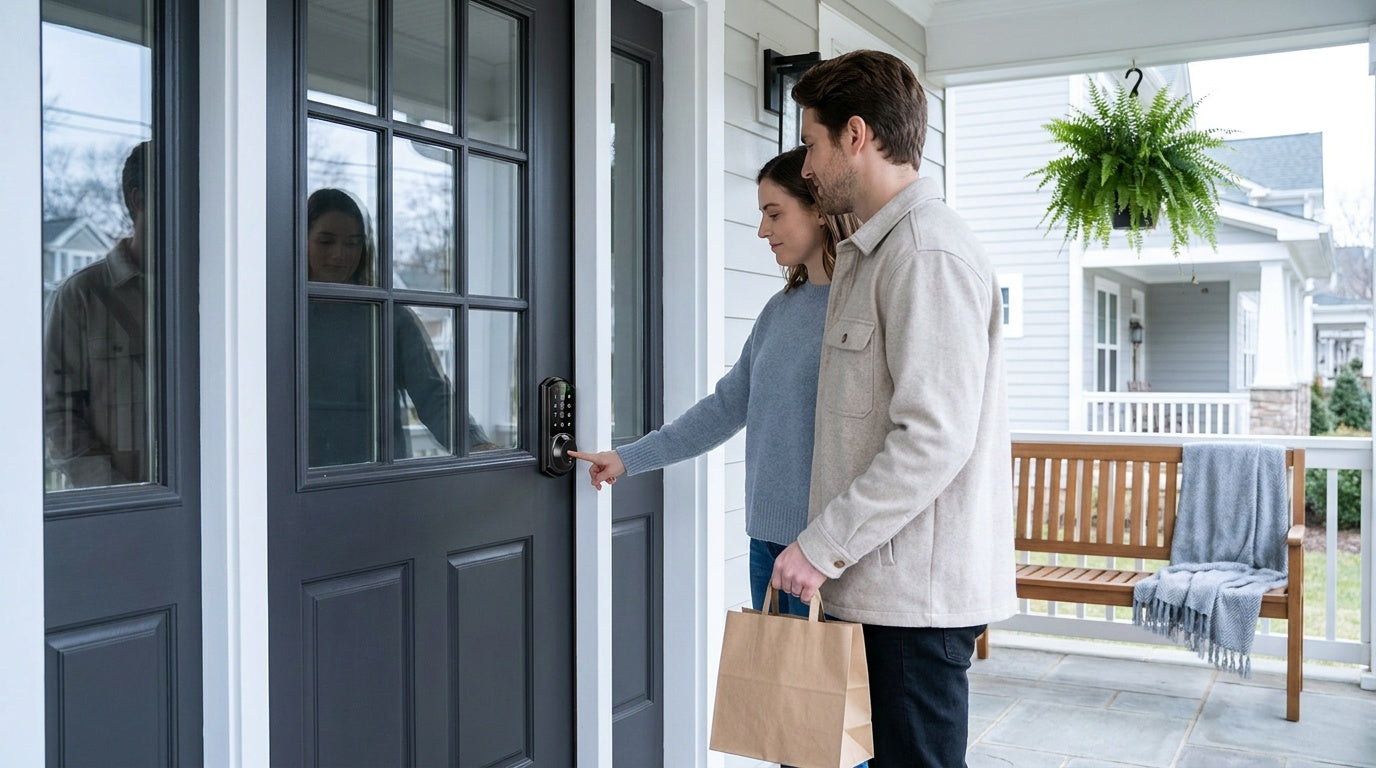
- Short-term rental hosts and property managers: Managing guest access remotely is one of the most compelling reasons to invest in a Wi-Fi or gateway-paired smart lock. Create a code for each booking, set it to expire automatically, and never worry about a key being left behind or copied.
- Busy households: Multiple family members, different schedules, and occasional contractors or housekeepers — smart locks let you give each person their own code (or fingerprint), then track who came and went without installing a camera.
Installation: Easier Than You Think
One of the most common hesitations about smart locks is the assumption that installation requires an electrician or a locksmith. For Veise locks, it doesn't. Every Veise lock is a full replacement of your existing hardware — installed in about 15 minutes with a screwdriver, no wiring, and no professional help needed. The process is simply: remove the old lock, fit the new hardware in the same pre-drilled holes, connect the interior and exterior pieces, insert the batteries, and test.
Because Veise locks are full replacements (not overlay devices that attach over your existing lock), you'll need to be the property owner or have authorization to modify the door hardware. Veise locks are designed for wood doors in the standard 1-3/8" to 2" thickness range. They are not compatible with fiberglass, metal, storm, or sliding doors. If you're unsure whether your door qualifies, the product pages include compatibility details, and Veise's US-based support team is available by phone or email to help you confirm before you buy.
Security Certification: What ANSI/BHMA Grade 3 Means
When you see "ANSI/BHMA Grade 3" on a residential lock, it means the lock has been independently tested and certified to meet the standard residential security benchmark. The ANSI/BHMA grading system runs from Grade 1 through Grade 3 — but it's important to understand what those grades actually represent. Grades 1 and 2 are primarily targeted at commercial and high-traffic settings like office buildings, schools, and retail environments where locks endure hundreds of thousands of cycles per year. Grade 3 is the standard certification for residential door hardware, covering the durability and security expectations of a typical home.
All Veise smart locks carry ANSI/BHMA Grade 3 certification, which means every lock has gone through independent testing — not just a brand claim. For a home's front door, this is exactly the standard you're looking for. If you see a lock without any certification listed, that's a red flag worth paying attention to.
Things to Consider Before Buying
With the basics covered, here's a practical checklist of questions to work through before choosing a smart lock:
- Do you need remote access? If yes, you need a smart lock — either gateway-paired or Wi-Fi. A keypad deadbolt or keypad latch lock cannot be paired with a gateway — remote access is only possible with a smart lock that's built for it.
- Which door is this for? Exterior doors typically call for a deadbolt. Interior, side, office, or bedroom doors are commonly served by latch locks or mechanical locks.
- Do you have kids or want entry alerts? Opt for a Wi-Fi smart lock or gateway-paired lock so you can review entry history and get real-time notifications via the app.
- Is your household multilingual? The G1 line supports English, Spanish, and French voice prompts. The G2 line currently supports English only — a real distinction if non-English-speaking family members will be using the lock regularly.
- What's your budget? Veise locks range from $30 to $180, covering everything from a basic keypad deadbolt to a fully connected Wi-Fi smart lock — all without subscription fees.
- Is your door wood? Veise locks are compatible with wood doors only. Confirm your door material and thickness (1-3/8" to 2") before ordering.
- Do you want subscription-free? Every Veise lock carries no monthly fees, and fingerprint data is processed and stored on the device itself.
You can browse the full Veise lineup by category — from keypad deadbolts and Smart Locks w/ G1 or G2 to mechanical locks for interior doors — or view all products in one place.
The Bottom Line
A smart lock is one of the most practical upgrades you can make to your home. It doesn't require a major renovation, it doesn't demand a subscription, and it doesn't mean giving up the physical key backup that's always there when you need it. What it does give you is flexibility — the ability to get in the way that works for you, share access without cutting keys, and know exactly when your door opened and who walked through it.
Whether you're a first-time homeowner replacing the builder-grade lock that came with your house, a parent who wants to stop worrying about lost keys, or a property owner managing guest access remotely, there's a smart lock built for your situation. Start with the type that matches your connectivity needs, confirm your door compatibility, and you'll have it installed and running in the time it takes to watch a TV episode.
Frequently Asked Questions
What is a smart lock in simple terms?
A smart lock is a door lock that lets you get in without a traditional metal key. Instead, you use a keypad code, fingerprint, mobile app, key fob, or voice command. Most smart locks also keep a physical key slot as a backup.
Do smart locks work without Wi-Fi?
Yes — and this depends on the type. Keypad deadbolts and keypad latch locks work entirely offline and never need Wi-Fi. Smart locks with a paired gateway (G1 or G2) and Wi-Fi smart locks use the Internet for remote access and entry alerts, but they can still be opened locally via keypad, fingerprint, or key fob even without an active Internet connection. Even when Wi-Fi is down, app control continues to work locally as long as you're within short-range wireless distance of the lock.
What happens when a smart lock's battery dies?
Smart locks send low-battery alerts before the battery is fully depleted. If the battery does die, all Veise locks include a physical key as a backup. On select Veise models (VE017 and VE027 series), a Type-C emergency power port lets you briefly power the lock from a portable charger to unlock the door and replace the batteries.
Are smart locks safe to use?
Yes. Certified smart locks use encrypted communication to prevent unauthorized access. Veise locks are ANSI/BHMA Grade 3 certified — the standard residential benchmark — and store fingerprint data locally on the lock's own chip rather than uploading it to the cloud. The physical deadbolt mechanism is the same hardened bolt you'd find on a traditional lock.
Can a smart lock be installed without a locksmith?
In most cases, yes. Veise smart locks are designed for DIY installation in about 15 minutes with a screwdriver — no wiring and no professional help required. They fit standard wood doors with pre-drilled lock holes, so for most homeowners it's a straightforward swap of the existing hardware.
What is the difference between a keypad lock and a smart lock?
A keypad lock uses a numeric code for entry but has no Internet connectivity or app control — it works entirely on its own. A smart lock adds connectivity (via a gateway bridge or built-in Wi-Fi) that enables remote access, entry history, and integration with voice assistants. All keypad locks are electronic, but not all electronic locks are smart locks. Remote access always requires a smart lock — either gateway-paired or Wi-Fi — not a keypad-only lock with a gateway added later.
Do I need to pay a monthly subscription for a smart lock?
Not with Veise. Veise charges no subscription fees, and fingerprint data is processed and stored locally on the device. You pay once for the lock, and all core features — including app control on connected models — are included.
Which type of smart lock is best for families with kids?
For families who want to know when kids arrive home, a Wi-Fi smart lock or a gateway-paired smart lock is the better choice over a keypad-only lock. Both send real-time entry alerts and let parents review the entry history via the app. A simple keypad deadbolt works well for code-based entry, but it won't send notifications or allow remote monitoring.
Ready to Find Your Smart Lock?
Not sure which Veise lock is right for your door? Our US-based support team is happy to help — whether you have a question about compatibility, want a recommendation for your specific setup, or just want to talk through your options before buying.
Contact UsOr browse the full lineup: View All Veise Locks

Leave a comment
This site is protected by hCaptcha and the hCaptcha Privacy Policy and Terms of Service apply.