
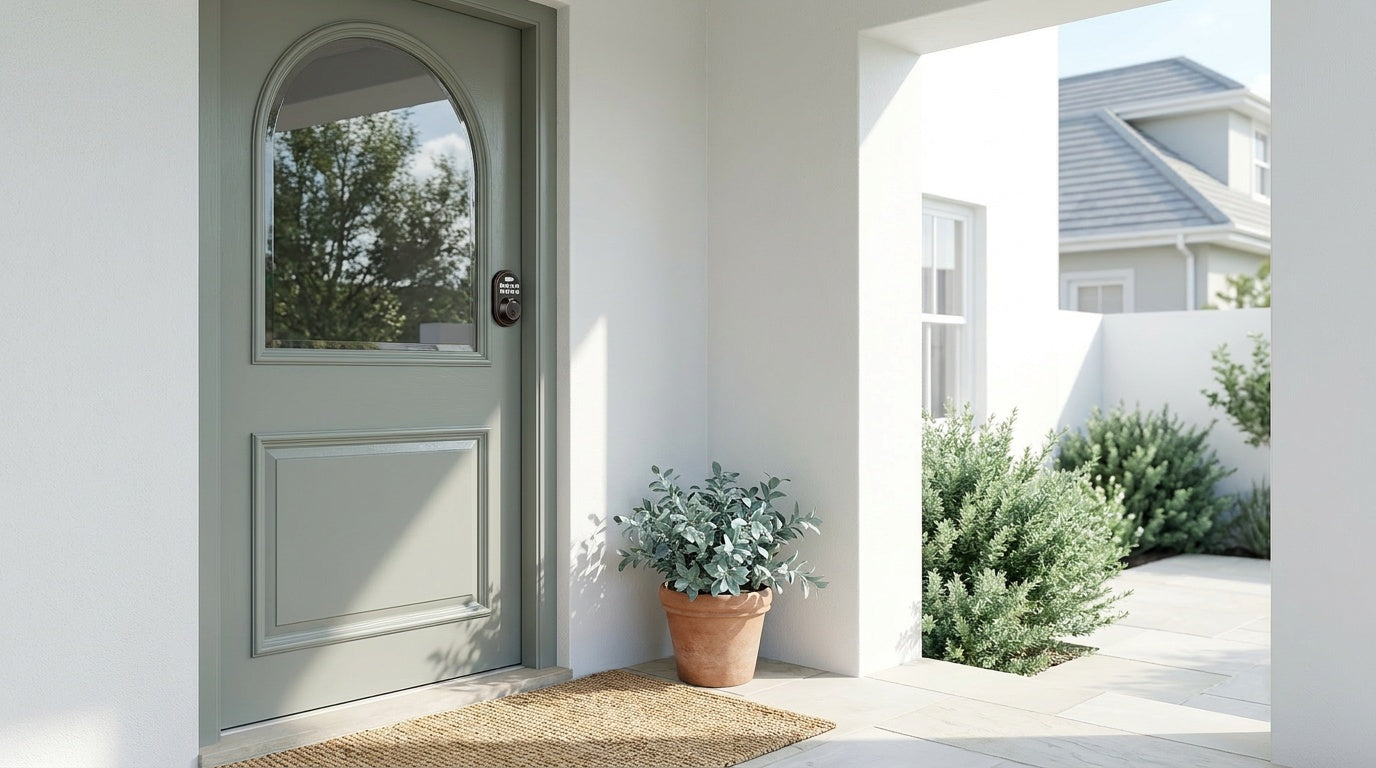
Your front door lock is the first thing standing between your home and the outside world — and yet most people replace it without really understanding what they're choosing. Walk into any hardware store and you'll find a wide range of options, from mechanical locks to keypad locks and smart locks, often with very little guidance on what makes each one right (or wrong) for a specific door.
This guide breaks down every major type of door lock in plain language — what it is, how it works, where it belongs, and what to consider before you buy. In the keypad lock category, you'll find standard keypad deadbolts and keypad latch locks that use PIN codes and physical key backup. Smart locks include both Wi-Fi models and gateway-paired systems, which add remote access and app-based control. By the end, you'll know exactly which lock belongs on each door in your home.
Why the Type of Lock You Choose Actually Matters
Not every lock is built for every door. A knob lock that works perfectly on a bedroom door is a genuine security risk on a front entry. A high-security mortise lock that suits a commercial building is overkill — and unnecessarily expensive — for a pantry. Choosing the wrong lock type doesn't just affect convenience; it can create real vulnerabilities that a burglar can exploit in seconds.
The good news is that once you understand the basic categories — mechanical locks, keypad locks, and smart locks — the right choice for each door in your home becomes much easier to spot. Let's start from the ground up.
Mechanical Lock Types: The Foundation of Home Security
Mechanical locks have no electronics, no batteries, and no apps. They work entirely through physical mechanisms — bolts, tumblers, pins, and cams. That simplicity is both their strength and their limitation. Here are the most common types you'll encounter.
Deadbolt Locks
A deadbolt is widely regarded as the most reliable lock for an exterior door. Unlike a spring latch, a deadbolt extends a solid steel bolt deep into the door frame — and that bolt doesn't move unless you physically turn a key or thumb turn. There's no spring mechanism to push back, which is why deadbolts resist forced entry far better than most other lock types.
Deadbolts come in two main configurations. A single-cylinder deadbolt uses a key on the outside and a thumb turn on the inside — the most common setup for residential front doors. A double-cylinder deadbolt requires a key on both sides, which can add a layer of security on doors with nearby glass panels but creates a safety concern if you need to exit quickly in an emergency. For most homes, a single-cylinder deadbolt is the practical and safe choice.
Veise offers a range of mechanical deadbolt locks as well as keypad deadbolt locks for homeowners who want the strength of a deadbolt combined with code-based entry — more on those in the keypad section below.
Knob Locks
Knob locks are one of the most familiar lock styles — the rounded knob with a push-button or twist lock in the center. They're affordable, easy to find, and simple to install, which is why they appear on millions of interior doors. The locking mechanism lives inside the knob itself, which is also their biggest weakness: a determined intruder can break or bypass the knob without touching the door frame at all.
For this reason, knob locks are not recommended as a sole security measure on exterior doors. They work well on bedrooms, bathrooms, home offices, and other interior spaces where the goal is privacy rather than high security. Veise carries both keyed entry door knobs and privacy door knobs for these interior applications.
Lever Handle Locks
Lever handle locks replace the twisting motion of a knob with a simple push-down action. That ergonomic difference matters more than it might seem: levers are significantly easier to operate for young children, elderly family members, or anyone with limited hand strength or arthritis. They've become the standard in commercial buildings for exactly this reason, and they're increasingly popular in homes as well.
In terms of security, lever locks are comparable to knob locks — adequate for interior doors but not a primary defense for exterior entry points. They're available in a wide range of finishes and styles to match modern or traditional interiors. Veise offers keyed entry door levers, privacy door levers, and keyed entry handlesets that bundle a deadbolt with a keyed lever or knob for added security on entry doors.
Mortise Locks
A mortise lock is built into a rectangular pocket (the "mortise") cut directly into the edge of the door. Because the entire mechanism is embedded in the door body rather than surface-mounted, mortise locks are extremely sturdy and resistant to tampering. They typically combine a latch and a deadbolt in a single integrated unit, which is why they're a go-to choice for commercial buildings and high-traffic entry points.
The trade-off is installation complexity. Mortise locks require precise cutting into the door's edge, which typically means professional installation — and they're generally more expensive than standard residential locks. For most residential front doors, a well-made deadbolt provides comparable security at a fraction of the cost and effort. Mortise locks are best suited for commercial settings, older homes with existing mortise cutouts, or exterior doors where maximum durability is the top priority.
Rim Locks
Rim locks are surface-mounted on the interior face of a door, which makes them among the easiest locks to install — no drilling into the door edge required. Historically, they were the standard residential lock before deadbolts became common, and they're still found on many older homes. Today, rim locks are most useful as a secondary lock to supplement a primary deadbolt, or on interior doors where their traditional aesthetic fits the style of the space.
They're not designed to be a primary security solution. Because the lock case sits on the surface of the door rather than inside it, rim locks provide less resistance to forced entry than recessed deadbolts or mortise locks. Think of them as an extra layer of security — useful, but not a replacement for a proper deadbolt on any exterior door.
Keypad Locks: Security Without the Key Ring
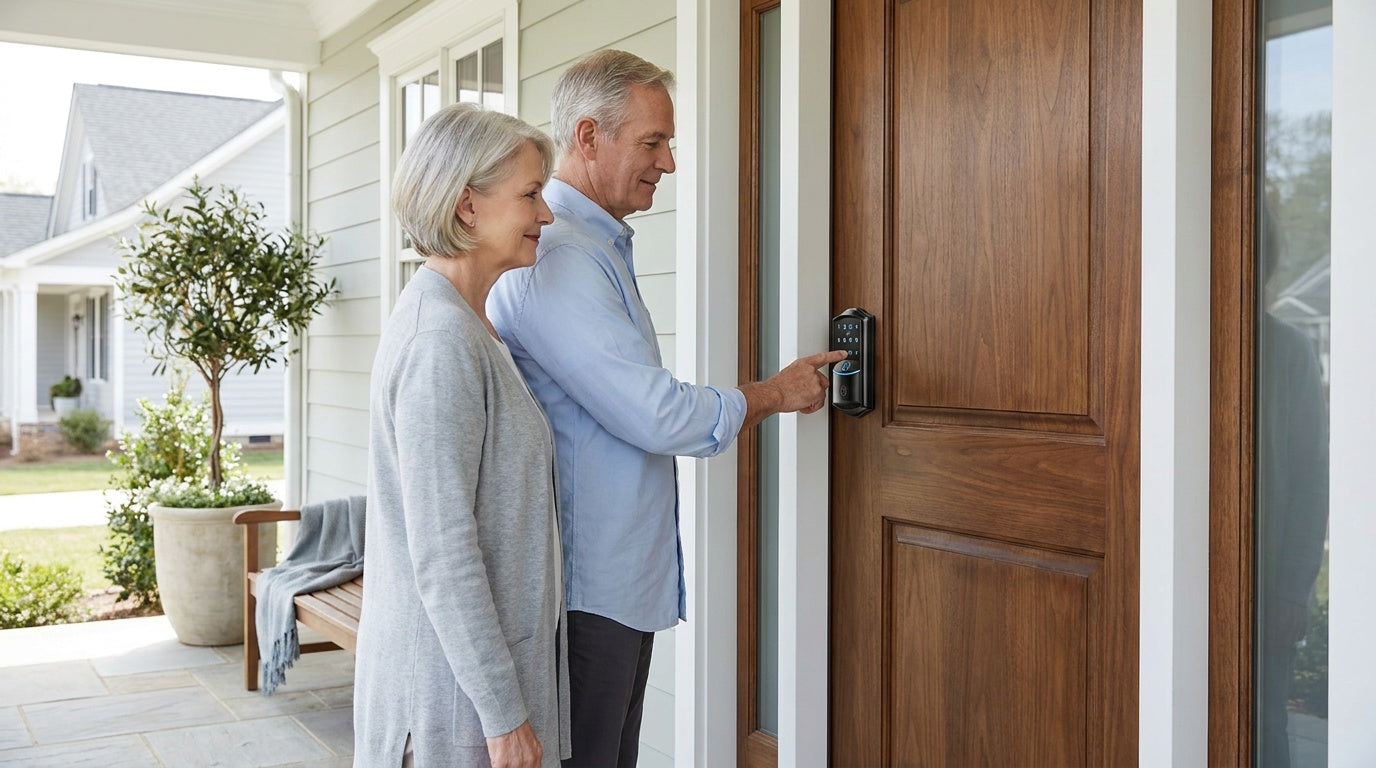
Keypad locks take the physical security of a traditional lock and replace the key entry method with a numeric code. You still get a sturdy bolt or latch mechanism, but you unlock the door by entering a PIN rather than inserting a key. There are no apps, no Internet connection required, and no smart home integration — they're standalone devices that work reliably even without any technology infrastructure.
This simplicity is genuinely valuable. Keypad locks are a great fit for homeowners who want to eliminate lost keys, create temporary codes for house cleaners or contractors, or let kids get inside without carrying a key. They install in about 15 minutes with a screwdriver, no wiring, no professional help needed.
Keypad Deadbolt Locks
A keypad deadbolt combines the proven security of a steel deadbolt with code-based entry. On the outside, you have a keypad (and optionally a fingerprint sensor). On the inside, a standard thumb turn. All models include a physical key as a backup — so if the battery dies, you're never locked out. Auto lock is standard across the lineup, with the interval configurable between 10 and 99 seconds.
Veise's keypad deadbolt locks split into two main lines: the KS02 series (with fingerprint scanner, scanning in under 0.3 seconds) and the RZ / KS01 series (keypad and key entry, no fingerprint). Within the KS02 fingerprint line, you can choose between a standalone deadbolt or a handle-set bundle with lever, vertical, or knob options. The RZ and KS01 non-fingerprint line similarly offers standalone deadbolts and handle-set bundles with the same three handle options. All models are ANSI/BHMA Grade 3 certified — the standard for residential security — and are compatible with wood doors between 1-3/8" and 2" thick. Installation takes about 15 minutes with a screwdriver, no wiring required.
Key unlock methods across the keypad deadbolt category include:
- Keypad code (all models)
- Physical key backup (all models)
- Fingerprint (KS02 series only)
Keypad Latch Locks
A keypad latch lock uses a spring latch bolt rather than a deadbolt, which means the door latches automatically when it closes — no turning or locking required. This makes them especially convenient for doors that see constant in-and-out traffic: side entries, garage-to-house doors, interior office doors, or apartment unit doors where residents are moving in and out frequently throughout the day.
Veise currently offers two keypad latch lock models. The KS03 features an integrated top knob, while the KS04 features an integrated top lever — both are all-in-one units where the handle is built directly into the lock body. Entry methods are keypad code and physical key only (no fingerprint, no app, no key fob on this category). They're a practical, no-fuss option when you want code entry with automatic latching, without the complexity of a smart lock system.
Smart Locks: Remote Access and Connected Control
Smart locks go beyond keypad entry by connecting to your phone, smart home system, or the Internet. The defining feature of a smart lock is remote awareness and control — you can check whether your door is locked from across town, let someone in without being home, or receive a notification when your kids arrive after school. Not all smart locks connect the same way, though, and understanding the difference between gateway-paired and Wi-Fi models helps you pick the right one.
It's worth noting that remote access requires a smart lock specifically — a gateway-paired or Wi-Fi model. A standard keypad lock, even a sophisticated one, cannot be paired with a gateway to add remote control after the fact. The connectivity has to be built into the lock itself.
Smart Locks w/ Gateway 1/2 (G1 / G2)
Smart Locks that work with a gateway use a local wireless connection between the lock and a small gateway hub (plugged into your router). The gateway acts as the bridge between the lock and the Internet, enabling remote app control, entry history, and voice assistant integration. The lock itself doesn't need built-in Wi-Fi — the gateway handles all the connectivity.
Veise offers two gateway-paired lines — Smart Locks w/ G1 and Smart Locks w/ G2 — and the right choice between them depends on a few specific needs. Smart Lock w/ G1 is built on a single product series. Every G1 model ships with fingerprint entry (scanning in under 0.3 seconds), multilingual voice prompts in English, Spanish, and French, and a USB-C emergency power port — making it a genuinely all-in-one package and the stronger overall pick for most households. The app is Veise-developed, which means tighter integration and more reliable long-term support. G1 line is particularly worth recommending to multilingual households where voice feedback in Spanish or French matters.
Smart Lock w/ G2 covers a wider range of SKUs — both fingerprint and non-fingerprint options, in standalone deadbolt or handle-set bundle form factors. G2 line is the only Veise smart lock line that supports Apple Watch unlock and web portal control, which makes it the right pick for households deeply integrated into the Apple ecosystem. If you want a connected lock without fingerprint (to save cost or for a secondary door), G2 line has non-fingerprint SKUs that G1 doesn't offer. Keep in mind that G2 line voice prompts are English only.
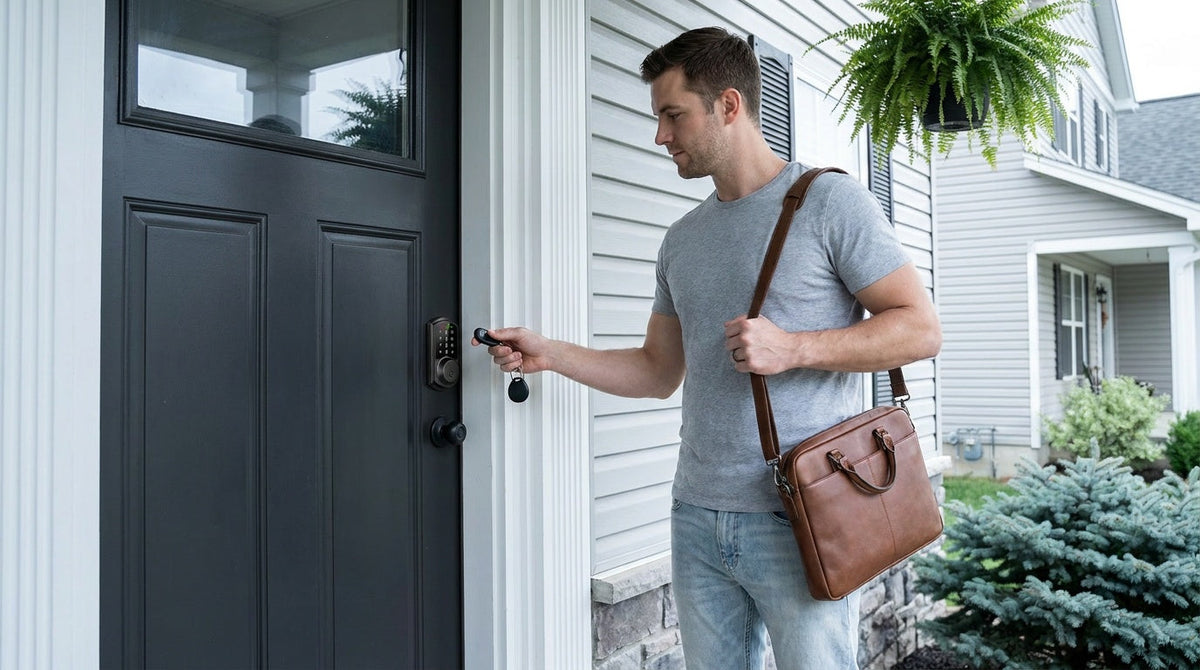
Across both Smart Lock w/ G1 and Smart Lock w/ G2, shared unlock methods include keypad code, key fob, physical key backup, and remote app control via the paired gateway. Even if your Internet goes down, app control continues to work locally as long as you're within short-range wireless distance of the lock. Voice control (Alexa and Google Assistant) works when the paired gateway is in place and connected.
Wi-Fi Smart Locks
Wi-Fi smart locks connect directly to your home Wi-Fi network without needing a separate gateway hub. Everything is built in — the wireless radio, the app control, the voice assistant connection — which makes setup simpler and eliminates the need for an extra piece of hardware. These are the locks to consider when you want the most seamless remote access experience right out of the box.
Veise's Wi-Fi smart lock lineup comes in two series. The Touchscreen Wi-Fi Smart Lock (VE027 Series) features a touchscreen interface and includes a USB-C emergency power port — a useful safeguard for elderly users or anyone concerned about a dead-battery lockout. The Push-Button Wi-Fi Smart Lock (VE012W Series) uses a traditional press-button keypad and is an equally capable choice if you prefer tactile keys over a touchscreen. Beyond the touchscreen and USB-C port, the VE027 series also adds key fob support and three-language on-device voice prompts (English, Spanish, French), which the VE012W series does not include. Both series otherwise share built-in Wi-Fi, fingerprint entry, keypad code, full app control, Alexa and Google Assistant voice control (via built-in Wi-Fi, no gateway needed), and an 8 AA/LR6 alkaline battery design that delivers stronger signal and a longer-lasting power reserve compared to the more common 4 AA setup.
For families with children, a Wi-Fi smart lock (or a gateway-paired smart lock) is the recommended category — not a keypad-only lock. The reason is simple: connected locks let parents check entry history and monitor lock activity through the app from anywhere, so you know the moment your kids arrive home. A keypad lock can't send that notification.
All Veise smart locks store fingerprint data locally on the device — no cloud uploads, no external accounts, no data leaving the lock. Fingerprints are enrolled by scanning the finger multiple times (eight times per fingerprint) to build a reliable template across different angles and pressure levels, and the device's AI chip handles recognition in under 0.3 seconds.
Which Type of Lock Belongs on Which Door?
A common source of confusion is treating "front door" and "interior door" as the only two categories. In practice, homes have several distinct door types, each with its own security and convenience requirements. Here's a practical breakdown:
- Front entry door: Typically calls for a deadbolt — either a standalone mechanical deadbolt, a keypad deadbolt for code entry, or a smart lock for remote access. The deadbolt mechanism is what provides the security; knob or lever locks alone are not sufficient here.
- Side entry / garage-to-house door: Often a good fit for a keypad latch lock (for automatic latching with code entry) or a keypad deadbolt if higher security is a priority. These doors see heavy daily traffic.
- Bedroom and bathroom doors: Privacy knob locks or privacy lever locks are the standard choice. Security is not the goal here — just privacy and easy one-handed entry.
- Home office or storage room: A keyed entry knob or lever lock works well, or a keypad lock if you want code-based access without managing extra keys.
- Short-term rental / vacation property: A Wi-Fi smart lock or gateway-paired smart lock is the practical solution for property owners managing guest access remotely. You can issue and delete codes without being on-site, and monitor entry history through the app.
- Interior commercial or warehouse doors: Lever handle locks and latch locks are common picks, often chosen for ease of access and durability under heavy use.
How to Choose the Right Door Lock for Your Home
Once you know the lock types, narrowing down the right choice for your specific situation comes down to a handful of practical questions:
- Is this an exterior or interior door? Exterior doors typically need a deadbolt-grade mechanism. Interior doors can use lighter-duty knob or lever locks.
- Do you want keyless entry? If eliminating keys is the goal, a keypad lock (deadbolt or latch) gives you code entry without any connectivity requirements. If you also want remote access, step up to a smart lock.
- Do you need remote access? Remote access requires a smart lock — either a gateway-paired model or a Wi-Fi model. A standard keypad lock alone can't connect to an app.
- Who uses the door? Young kids and elderly family members benefit from lever-style handles and simple entry methods. Fingerprint locks can be especially useful when carrying groceries or bags makes typing a code inconvenient.
- Is your door wood? Veise locks are compatible with wood doors between 1-3/8" and 2" thick. They are not compatible with fiberglass, metal, storm, or sliding doors.
- What's your budget? Veise's full lineup spans $30 to $180, covering everything from basic mechanical locks to fully connected Wi-Fi smart locks. There's no subscription fee on any model, and no cloud account required for core features.
- Are you comfortable with DIY installation? All Veise locks install in about 15 minutes with a screwdriver and no wiring. Because Veise locks are full replacements (not overlays), you'll need to be the property owner or have authority to modify the door hardware.
Explore the full Veise lineup at iveise.com — or browse specific categories like mechanical locks, keypad locks, and smart locks to find the right fit for each door in your home.
Frequently Asked Questions
What is the most secure type of door lock?
Deadbolt locks are generally considered the most secure option for residential exterior doors. A single-cylinder deadbolt with a reinforced strike plate and a solid steel bolt extending at least 1 inch into the door frame offers strong resistance to forced entry, picking, and drilling. For added convenience without sacrificing security, a keypad deadbolt or a smart lock with a deadbolt mechanism delivers the same structural protection with modern entry options.
What is the difference between a deadbolt and a latch lock?
A deadbolt uses a solid bolt that you manually extend into the door frame — it doesn't move unless you actively turn a key, thumb turn, or keypad command. A latch lock uses a spring-loaded angled bolt that retracts automatically when the door closes. Latch locks are more convenient for high-traffic doors because the door self-latches on closure, but they offer less resistance to forced entry than a deadbolt. Many exterior doors use both: a latch for easy everyday operation and a separate deadbolt for primary security.
What is the difference between a keypad lock and a smart lock?
A keypad lock provides code-based entry without any Internet or app connectivity. You punch in a PIN, the lock opens. A smart lock adds a wireless connection — either via a paired gateway hub or built-in Wi-Fi — so you can control and monitor the lock remotely through a mobile app, receive entry notifications, and integrate with voice assistants like Alexa or Google Assistant. Keypad locks are simpler and generally less expensive; smart locks are the right choice when remote access and real-time awareness matter.
Do smart locks work without Wi-Fi?
Yes, with some limitations. All Veise keypad and fingerprint features work entirely offline — no Internet required for local entry. For gateway-paired smart locks, if your Wi-Fi goes down but you're within short-range wireless distance of the lock, app control still works locally. Long-distance remote features (unlocking from across town, off-site entry alerts) require an active Internet connection. Wi-Fi smart locks operate the same way: local entry is always available offline, but remote app access needs live Wi-Fi.
Can a renter install a Veise smart lock?
Veise locks are full replacements — they require removing the existing hardware and installing a new lock in its place. This means the installer must be the property owner or have explicit authority to modify the door hardware. Renters who want to add a smart lock should first get written permission from their landlord. For property owners managing a short-term rental or vacation property, a Wi-Fi smart lock is a practical solution for remote guest access without being on-site.
What type of lock is best for a front door?
An exterior front door typically calls for a deadbolt as the primary lock. If you want keyless entry, a keypad deadbolt adds code-based access while retaining the structural security of a deadbolt. If you also want to manage access remotely — letting guests in, checking entry history, or receiving lock notifications — a smart lock (gateway-paired or Wi-Fi) is the right upgrade. The best choice depends on how you use the door and what level of connectivity you want.
How long does it take to install a new door lock?
Most standard lock replacements — including Veise keypad and smart locks — take about 15 minutes with a screwdriver. No wiring, no professional help, and no special tools are required. The installation uses the existing hole pattern on standard doors, so as long as your door is a wood door between 1-3/8" and 2" thick, the swap is straightforward.
Door locks are not one-size-fits-all. A deadbolt belongs on your front entry. A privacy lever makes sense for a bedroom. A keypad lock is a practical upgrade when you're tired of managing keys. And a smart lock — whether gateway-paired or Wi-Fi — is the right tool when you need to stay connected to your home's security from anywhere.
Understanding these categories makes every purchase decision simpler and more confident. You're not just buying a lock; you're choosing the right layer of security for a specific door, a specific household, and a specific way of living.
Have questions about which Veise lock is right for your door? Our US-based support team is ready to help — by phone or email, with no runaround and no automated scripts.

Leave a comment
This site is protected by hCaptcha and the hCaptcha Privacy Policy and Terms of Service apply.