
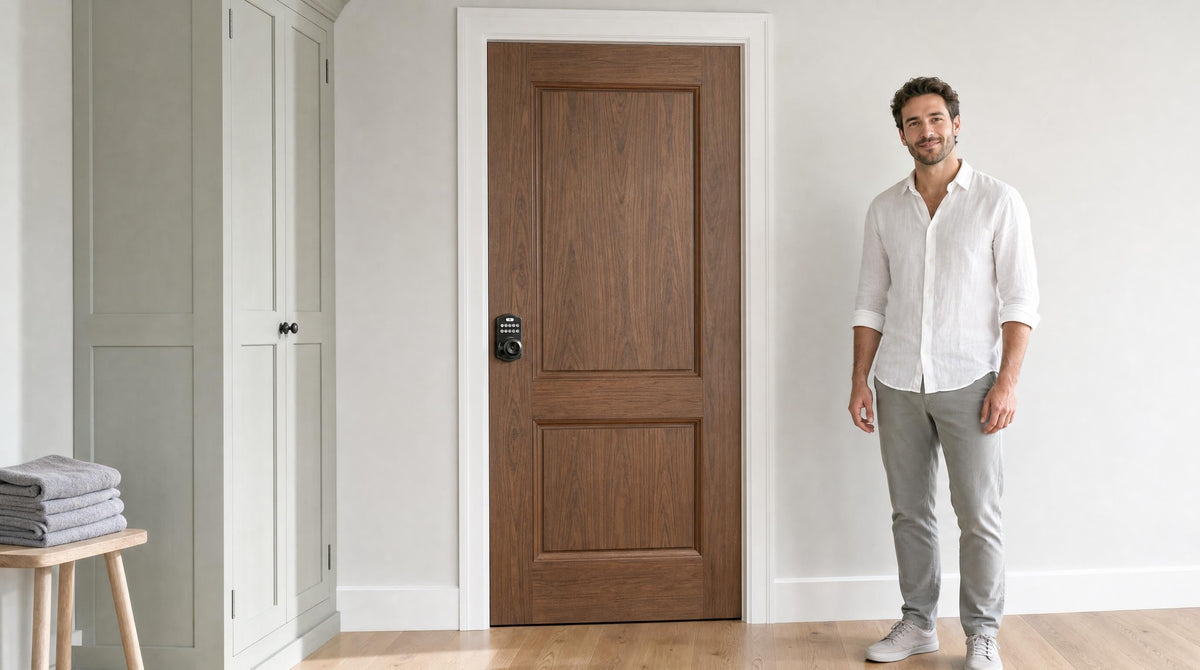
Most conversations about keypad door locks start and end at the front door. That makes sense — the front door is the first line of defense. But inside the home or office, there are plenty of doors that deserve the same thoughtful attention: the home office where confidential files live, the bedroom a teenager finally wants to call their own, the recording studio or art space where interruptions can ruin hours of work. A keypad code is faster to enter than a key is to find, and it solves the classic interior-door problem of sharing access without handing out copies.
This guide is built specifically for interior doors. We'll walk through the difference between a latch lock and a deadbolt, explain which features actually matter in low-traffic indoor spaces versus higher-use office environments, and show you how to match the right lock to three of the most common interior scenarios: offices, bedrooms, and studios. By the end, you'll know exactly what to look for — and exactly what you don't need to pay for.
Why Interior Doors Deserve a Keypad Lock
Interior keypad door locks solve a problem that traditional keyed locks handle poorly: shared, controlled access. On an interior door, you're rarely trying to stop a determined intruder — you're managing who gets in, when, and without a ring of keys to deal with. A keypad gives every authorized person their own code, makes it easy to revoke access the moment circumstances change, and never leaves you wondering whether someone made a copy of the key without telling you. That last point alone is worth the upgrade for anyone managing a rental property, running a small office, or just raising a house full of kids.
There's also the practical matter of daily convenience. Interior doors see a lot of traffic — a home office might be opened and closed a dozen times a day, a studio door might be locked from the inside for hours at a stretch. Keypad entry removes the friction of digging for a key every single time. For families with kids who forget things (and lose things), a memorized code is far more reliable than a physical key. For property owners managing access to a room in a short-term rental or a shared workspace, a code that can be changed in seconds is simply a better tool than a key that requires a locksmith.
Latch Lock vs. Deadbolt: Which One Belongs on an Interior Door?
Before choosing a specific model, it helps to understand the fundamental difference between a latch lock and a deadbolt — because this shapes everything else about which product fits your door. A deadbolt extends a solid bolt deep into the door frame, providing the kind of resistance to forced entry that exterior doors typically require. A spring latch, by contrast, catches automatically when the door closes and retracts with a turn of the handle. On an interior door, where the goal is access control and privacy rather than stopping a break-in, a latch lock is often the more practical fit.
That said, the right choice depends on what the room holds and how seriously you want to secure it. A server room or a private office with sensitive documents might call for the added resistance of a deadbolt. A bedroom, studio, or shared interior space where privacy is the primary goal is usually well-served by a keypad latch lock. The good news is that both options exist in keypad form, so you're not choosing between convenience and security — you're just matching the hardware to what the situation actually requires.
Veise covers both sides of this equation. The Keypad Latch Lock line — available in an integrated knob-top (KS03) or lever-top (KS04) configuration — is purpose-built for interior doors where code access and a physical key backup are all you need. For rooms that warrant a deadbolt, the Keypad Deadbolt line offers the same keyless convenience with a solid bolt for stronger hold.
Keypad Locks for Office Doors
An office door has a different access problem than a front door. Staff come and go, contractors show up on Tuesdays, the intern's access needs to end when the internship does. Traditional keyed locks solve this with rekeying — which costs money and downtime. A keypad lock solves it by letting you assign individual codes to individuals and remove them in seconds. No locksmith, no delay, no awkward conversation about getting the key back.
For a private interior office door — a back room, a manager's office, a filing area — a Keypad Latch Lock is typically the right tool. It provides solid code-based access control without overbuilding for a door that doesn't face external threats. Both the KS03 (knob top) and KS04 (lever top) give you keypad code entry plus a physical key backup, auto lock so the door never accidentally stays open, and an anti-peep code feature — meaning staff can add random digits before or after their real code so nobody nearby learns it by watching.
If the office space holds higher-value assets or you want the added hold of a deadbolt, step up to a Keypad Deadbolt. Every model in Veise's KS02 series also includes fingerprint recognition, which is useful in busy environments where staff are often carrying things and typing a code one-handed isn't ideal. Fingerprint scan completes in under 0.3 seconds — fast enough that it doesn't create a queue at the door during a busy morning.
A few things worth keeping in mind for office installations specifically:
- Traffic volume matters. A low-use back office and a busy team room have different durability needs. Veise locks are ANSI/BHMA Grade 3 certified, which is the standard residential certification and performs well for moderate interior office traffic.
- Code management is the real feature. Look for a lock that supports multiple individual codes — not just one shared PIN — so you can assign and revoke access per person without resetting everything.
- Auto lock keeps things honest. In an office, nobody consistently remembers to pull the door shut. Auto lock (10 to 99 seconds on Keypad Deadbolt and Keypad Latch locks; 10 to 180 seconds on connected smart locks) handles that automatically.
Keypad Locks for Bedroom Doors
A bedroom keypad lock is almost always about privacy, not high security — and that distinction shapes what features actually matter. A teenager who wants to lock their room without keeping track of a key, a guest bedroom in a short-term rental that needs a code the host can change between stays, a home office doubling as a bedroom in a small apartment — these are all scenarios where the right lock is simple, reliable, and easy to live with every single day.
For most bedroom doors, a Keypad Latch Lock delivers everything you need without overcomplicating things. The integrated design — handle and keypad in one unit — means a clean install on a standard interior door, and the physical key backup means nobody gets locked out permanently if the battery runs low. The lock's auto lock feature is particularly useful in a bedroom context: the door secures itself after entry, so there's no habit to form and no risk of leaving it accidentally unsecured.
For parents managing access to a room from a distance — a short-term rental guest room, a teenager's room when you're traveling, or a nanny's access during working hours — a Wi-Fi Smart Lock or a Smart Lock w/ G1 makes more sense. These locks let you monitor entry history through the app and lock or unlock remotely, so you always know when the door was accessed and by whom. Remote access requires a smart lock — gateway-paired or Wi-Fi — not an electronic keypad model, which doesn't connect to an app. The Smart Lock w/ G2 supports Apple Watch unlock and web portal control for those who want extra flexibility.
One practical tip for bedroom applications: auto lock can be switched off, generally in the settings interface, when you don't want it. That's useful when people are in and out of the room repeatedly — during a move or a gathering — without needing to key in the code every single time.
Keypad Locks for Studios and Creative Spaces
A recording studio, photography studio, art room, or home workshop has a very specific locking need: the ability to lock yourself in without keys, control who can enter when you're not there, and do it all without fumbling at the door when your hands are full of equipment or wet with paint. Keypad locks are a natural fit here, and for most studio doors — which tend to be interior passage doors rather than reinforced security doors — a latch lock or a keypad deadbolt both work well depending on the level of access control you want.
The biggest advantage of a keypad lock in a studio setting is hands-free or near-hands-free entry. You set the code once and enter it with one hand, even when the other is carrying a guitar case or a camera bag. Auto lock means the room is always secured when you step out for coffee, which matters a lot when expensive gear is inside. If the studio is shared among several people — bandmates, photographers, business partners — each person can have their own code, and codes can be removed when someone's access period ends.
For studios where remote monitoring matters (for example, a shared creative space where the property owner wants to know who accessed the room and when), a smart lock with remote app capability is a meaningful upgrade. The Wi-Fi Smart Lock lineup includes models with fingerprint recognition and full app connectivity, including real-time alerts — without needing a separate gateway. Even when Wi-Fi is down, app control continues to work locally as long as you're within short-range wireless distance of the lock.
Studios with multilingual collaborators — common in urban creative spaces — may find the Smart Lock w/ G1 line especially useful: it ships with multilingual voice prompts in English, Spanish, and French, making setup and daily use intuitive for everyone in the space without any additional configuration.
Key Features to Look For in an Interior Keypad Lock
Not all keypad locks are built with the same priorities, and interior doors have a different feature checklist than exterior doors. Here are the features that genuinely matter for offices, bedrooms, and studios — and a few you can safely skip on an interior install.
Features That Matter for Interior Use
- Auto lock. Configurable between 10 and 99 seconds on Keypad Deadbolt and Keypad Latch locks (10 to 180 seconds on connected smart locks), auto lock re-engages the lock once the countdown elapses. It runs on a timer rather than a door sensor, so close the door before the interval expires. Essential for offices and studios where people often forget to lock up behind them.
- Anti-peep code. Lets you add random digits before or after your real PIN so a bystander watching you enter the code can't memorize it. Important in shared spaces, offices, and hallways.
- Switchable auto lock. Auto lock can be turned off, generally in the settings interface, for high-traffic periods — moving day, a gathering, an all-day studio session with rotating collaborators.
- Multiple user codes. Lets each person have their own code rather than one shared PIN. Makes it easy to revoke individual access without resetting everyone's code.
- Physical key backup. A safety net for battery failure or forgotten codes. All Veise keypad locks include this as standard.
- Low battery alert. A voice or beep prompt at the lock plus an indicator light warns you before the batteries die. Standard on all Veise models.
Features Worth Considering for Specific Scenarios
- Fingerprint recognition. Available on the KS02 series of Keypad Deadbolts (every SKU), on every Smart Lock w/ G1, and on many Smart Lock w/ G2 models. Scans in under 0.3 seconds, stores multiple unique fingerprints with on-device processing — no cloud, no account required. Great for busy office doors or studios where hands are often full.
- Remote app control. Only available on smart locks (gateway-paired or Wi-Fi). Not needed for a simple bedroom privacy lock, but valuable for property owners monitoring a rental room or parents keeping tabs on access history.
- Voice assistant support. Wi-Fi Smart Locks support Alexa and Google Assistant directly via built-in Wi-Fi. Smart Lock w/ Gateway 1/2 requires the paired gateway to bridge to the voice assistant. Not a must-have for interior use, but a nice bonus in a connected home.
Do You Need a Smart Lock or Is an Electronic Keypad Enough?
This is the question most buyers overcomplicate. For a lot of interior doors, an electronic keypad lock — no app, no Wi-Fi, no gateway — is the right answer. It's simpler to set up, less expensive, and eliminates any connectivity-related variables. If the door you're securing is a studio, a bedroom for a family member, or a private interior office where in-person code entry is always how access happens, a Keypad Latch Lock or a Keypad Deadbolt is all you need.
A smart lock earns its keep when remote access or remote monitoring changes how you manage the space. If you're a property owner who wants to know when a guest checked in to a rental room, or a parent who wants to review when kids got home without asking, or a small business owner who needs to grant access to a contractor while you're across town — those are real scenarios where the app connectivity of a Wi-Fi Smart Lock or a Smart Lock w/ Gateway 1/2 justifies the additional investment. The Veise lineup runs $30 to $180, keeping the upgrade affordable regardless of which direction the use case takes you.
One important distinction: an electronic keypad lock cannot be paired with a gateway after the fact to add remote access. Remote access is built into the lock hardware from the start. If you think you'll want it eventually, start with a smart lock and avoid replacing the hardware later.
How to Choose the Right Interior Keypad Lock for Your Space
Run through this short checklist before you buy, and the right choice usually makes itself clear:
- Identify your door type and goal. Is this a privacy lock (bedroom, studio) or an access-control lock (office, storage room, rental room)? Privacy doors can use a simpler latch lock. Access-control doors may benefit from individual code management and, optionally, remote monitoring.
- Decide whether you need remote access. If yes, choose a smart lock (Wi-Fi or gateway-paired). If no, an electronic keypad model is cleaner and more cost-effective. Remember: an electronic keypad lock cannot be upgraded to remote access later — it's a hardware decision made at purchase.
- Choose your form factor. For most interior doors, an integrated latch lock (handle + keypad in one unit) installs cleanly without extra hardware. For a door that already has handle hardware you want to keep, a standalone keypad deadbolt can sit above it.
- Consider the users. Kids, elderly family members, or multilingual housemates may influence the lock choice. Smart Lock w/ G1 supports English, Spanish, and French voice prompts — Smart Lock w/ G2 is currently English only. Fingerprint-equipped models are convenient for those who struggle with or prefer not to memorize codes.
- Verify door compatibility. Veise locks are designed for wood doors with a standard thickness of 1-3/8" to 2". They are not compatible with fiberglass, metal, storm, or sliding doors.
- Plan the install. All Veise keypad locks are designed for DIY installation in about 15 minutes with a screwdriver — no wiring, no locksmith, no special tools. That's the Effortless Home Improvement™ Experience in practice: a real hardware upgrade that doesn't require a specialist or a weekend.
Backed by Kaadas Group's 38 years of lock industry expertise and 711 patents — the world's largest smart lock patent portfolio — Veise builds every lock in its own factory, which means quality control happens at the source rather than through a third-party manufacturer. That vertical integration is one of the reasons the lineup spans $30 to $180 while still meeting ANSI/BHMA Grade 3 certification standards. Easy from Day One.
Browse the full interior lock lineup — from simple latch locks to fully connected Wi-Fi smart locks — at the Keypad Deadbolt Locks collection or explore all Veise products to find the right fit for every door in your space.
Final Thoughts
Interior keypad door locks are one of the most practical home upgrades you can make — and one of the most underrated. They take the daily friction of keys out of the routine with a code anyone in the household can memorize, make it easy to control access in offices and creative spaces without a locksmith on speed dial, and bring a level of access control that a keyed knob alone doesn't offer. Whether you're securing a private office, giving a teenager their first real privacy lock, or managing access to a shared recording studio, there's a keypad lock sized exactly for that job.
The key is matching the lock to the door — and to the real need behind it. A simple keypad latch lock handles most interior privacy and access-control scenarios cleanly and affordably. A smart lock adds remote monitoring and app connectivity when distance or property management makes that worthwhile. Either way, the install takes about 15 minutes, costs far less than a rekeying service, and doesn't require any wiring, a locksmith, or special tools.
Frequently Asked Questions
Can I use a keypad door lock on an interior door?
Yes — keypad locks work well on interior doors and are often a better fit than traditional keyed locks for spaces like offices, bedrooms, and studios. For most interior doors, a keypad latch lock (spring latch mechanism) provides the right balance of access control and practicality without the heavy-duty hardware of an exterior deadbolt.
What is the difference between a keypad latch lock and a keypad deadbolt for interior use?
A keypad latch lock uses a spring latch that catches automatically when the door closes, making it ideal for everyday interior access control — offices, storage rooms, bedrooms. A keypad deadbolt extends a solid bolt into the door frame for stronger resistance to forced entry, which is appropriate for higher-security interior doors like server rooms or private offices holding sensitive materials.
Do interior keypad door locks need Wi-Fi?
No. For most interior doors, an electronic keypad lock with no Wi-Fi or app connectivity is all you need. Wi-Fi or gateway connectivity becomes useful when remote access, remote locking, or entry-history monitoring from a distance is a priority — for example, on a rental room, a property-managed space, or a door that parents want to monitor. An electronic keypad lock cannot be paired with a gateway after purchase, so decide upfront whether remote access matters to you.
Are keypad locks safe for bedroom doors?
Yes. Bedroom keypad locks are typically used for privacy rather than high-security purposes, and they do that job well. Features like auto lock, anti-peep code entry, and a physical key backup make them reliable and secure for everyday residential use. For parents who want to monitor access remotely, a smart lock with app control adds an extra layer of visibility.
How many user codes can an interior keypad lock hold?
This varies by model. Veise keypad locks support multiple individual user codes, allowing each person to have their own unique PIN. Individual codes can be added or removed without resetting other users' access, which is especially useful in office or shared-studio environments where personnel or access needs change over time.
What does anti-peep code mean on a keypad lock?
An anti-peep code feature lets you type random extra digits before or after your real PIN when entering the keypad. From an observer's perspective, the sequence looks different each time, making it much harder for someone nearby to memorize your actual code by watching. It's a simple but effective privacy feature, especially in shared hallways, open-plan offices, or any environment where other people may be in view while you unlock.
Are Veise keypad locks compatible with all door types?
Veise keypad locks are designed for wood doors with a standard thickness of 1-3/8" to 2". They are not compatible with fiberglass, metal, storm, or sliding doors. Because Veise locks are full lock replacements rather than add-on overlays, installation requires the property owner or someone with authority to modify the door hardware.
How long does it take to install an interior keypad lock?
Most Veise keypad locks install in about 15 minutes with a screwdriver — no wiring, no locksmith, no special tools. The locks are designed to fit standard door prep (the existing bore holes in most residential and office interior doors), which means the swap from an old knob or lever set to a new keypad lock is straightforward even for first-time DIYers.
Not Sure Which Lock Is Right for Your Door?
The Veise team is here to help you find the perfect fit — whether it's a simple keypad latch lock for a bedroom or a fully connected Wi-Fi smart lock for a managed property. Reach out and we'll point you in the right direction.
Contact Us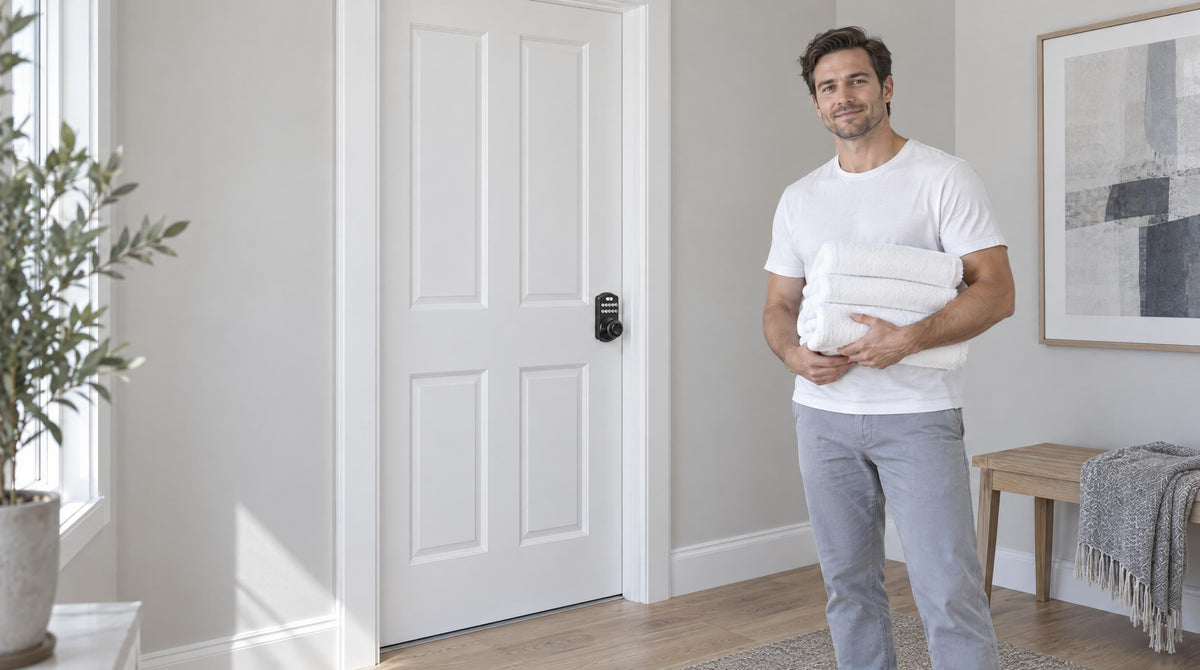
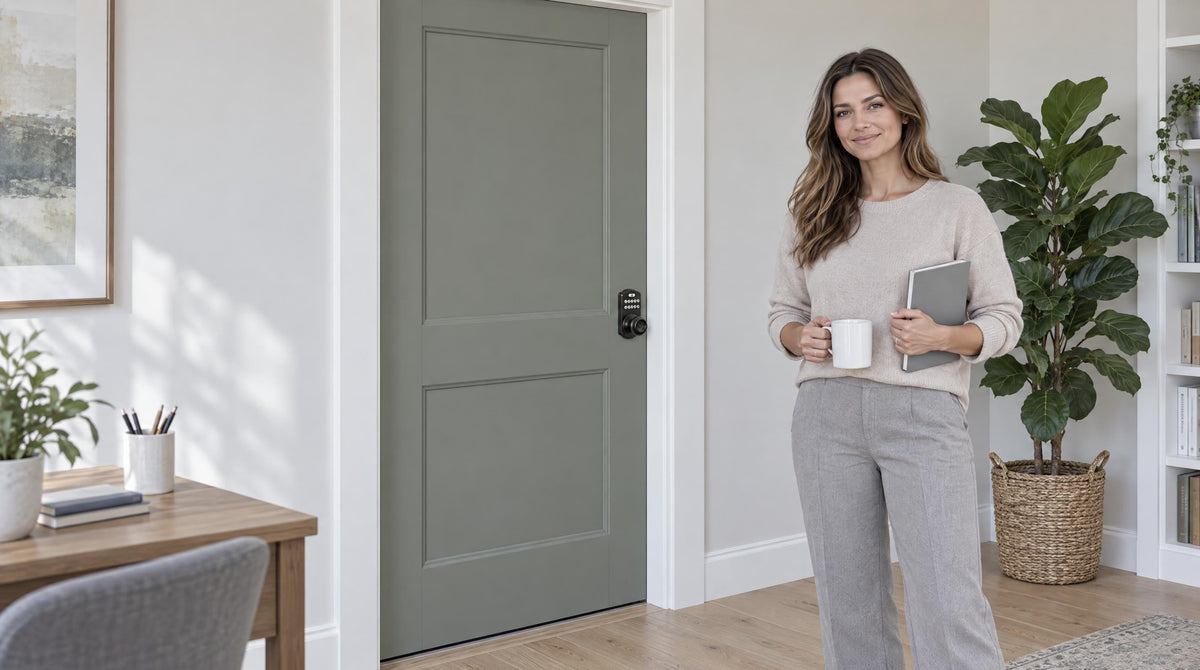

Leave a comment
This site is protected by hCaptcha and the hCaptcha Privacy Policy and Terms of Service apply.