
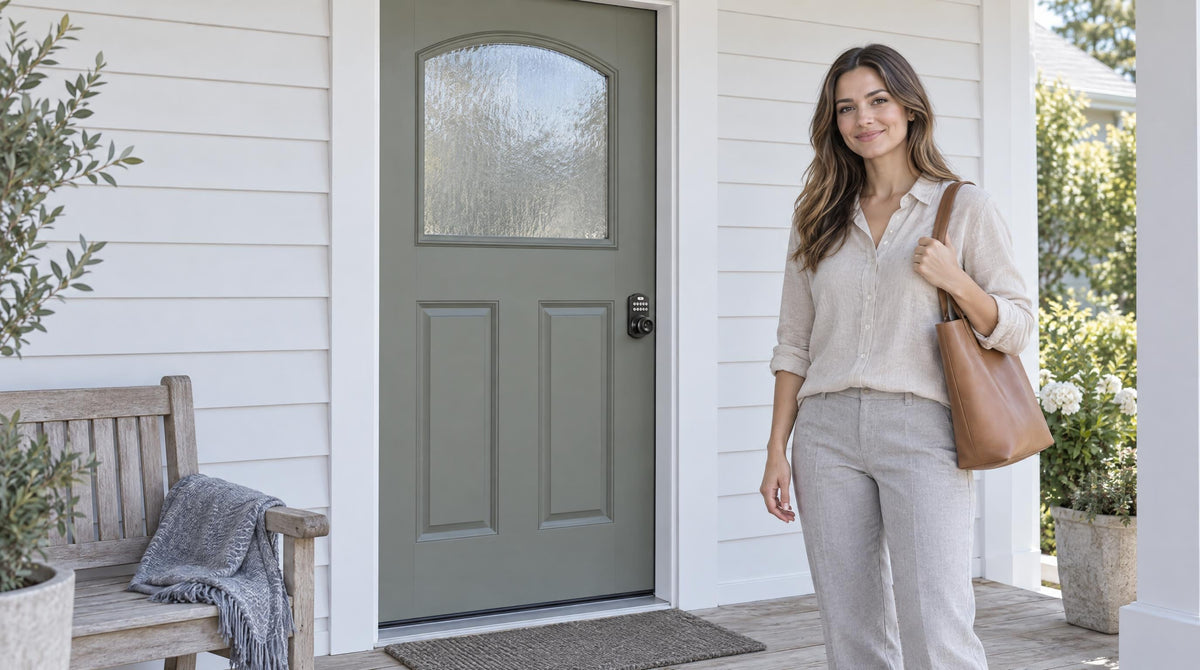
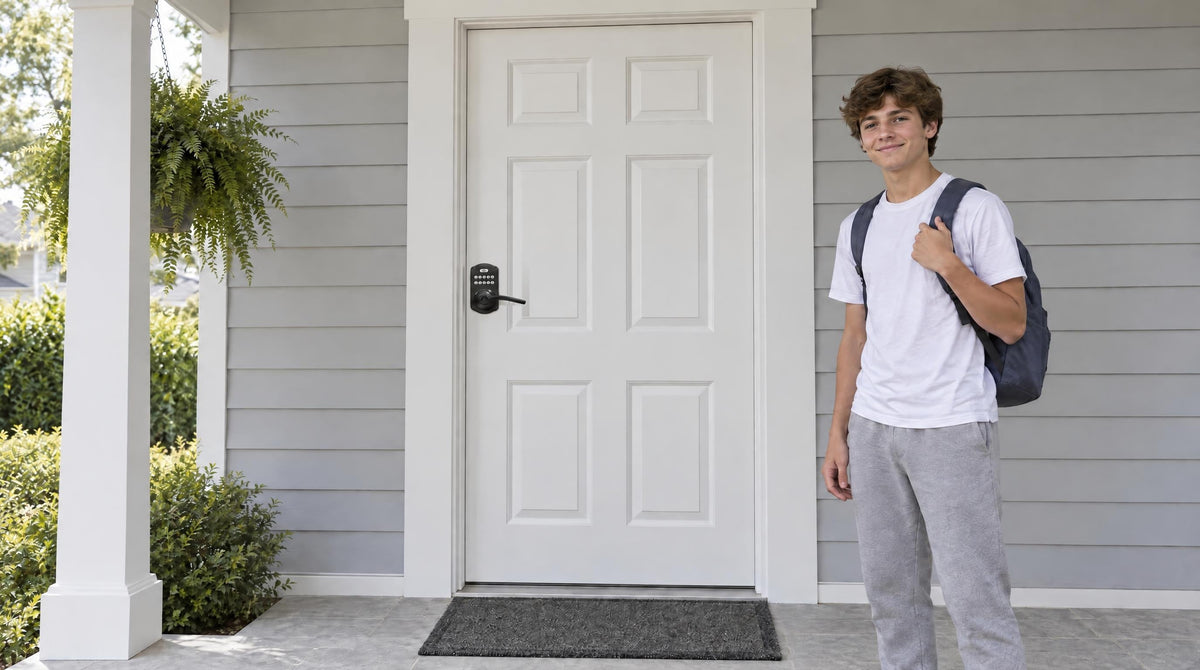
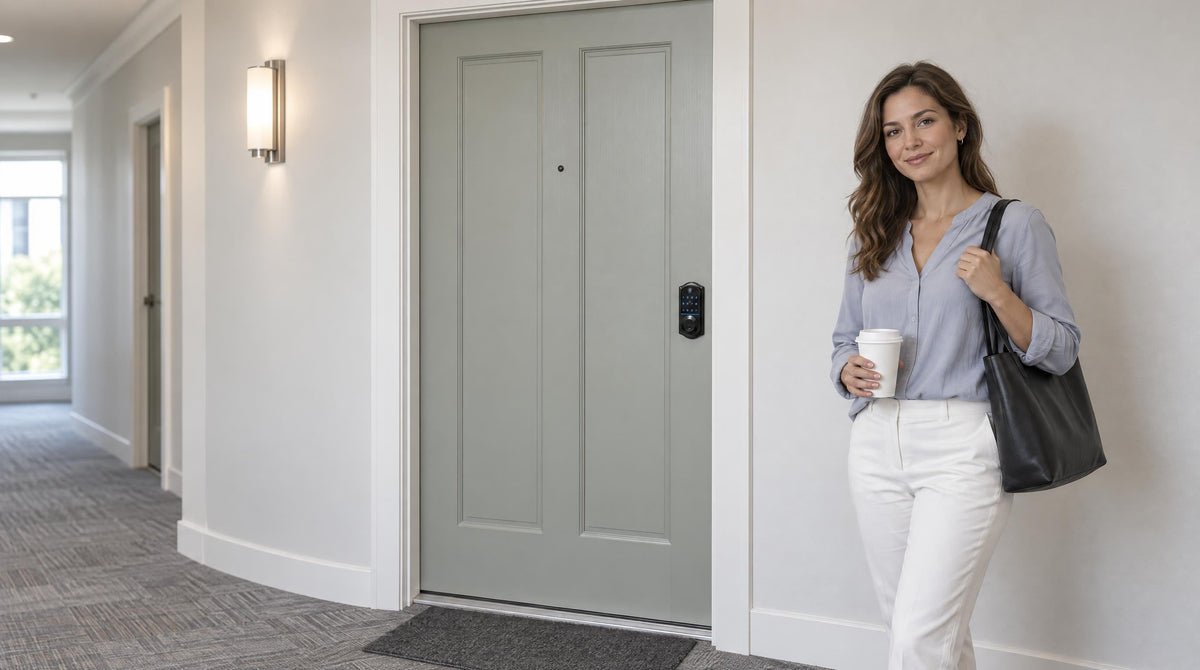
Juggling house keys while your arms are full of groceries, wrangling kids out the door in the morning, or scrambling to let a contractor in while you're stuck at work — these are everyday friction points that a keyless handle set can eliminate entirely. Door knobs and levers with built-in keypads have moved well beyond novelty status. They're now a practical, affordable upgrade for millions of homeowners who want a smarter front door without the complexity of a full smart home overhaul.
But keyless handle sets aren't all the same. The choice between a knob and a lever matters more than most buyers realize — and the choice between an electronic keypad lock and a connected smart keypad lock matters even more. This guide walks through how keypad door hardware works, how knobs and levers compare for everyday use, what to look for when buying, and which Veise options fit different household needs. Whether you're upgrading a single entry door or rethinking your whole home's entry hardware, you'll find a clear path forward here.
What Are Keyless Handle Sets? Knobs, Levers, and How They Differ
A keyless handle set is a door entry solution that combines a handle with an electronic access method, such as a numeric keypad, fingerprint reader, or both. There are two common configurations: an integrated handle lock, where the locking mechanism is built into the handle, and a deadbolt + handle set, where a separate deadbolt provides the primary locking function while the handle provides the grip and latch operation.
The handle itself can be either a round door knob that you grip and turn or a door lever that you push down to retract the spring latch. Depending on the configuration, you may unlock the door with a PIN, fingerprint, mobile app, or physical key. The keyless feature determines how you unlock the door, while the handle style and lock configuration determine how the hardware is built and operated.
Understanding these differences makes it easier to choose a setup that fits your door, security needs, and daily routine — rather than choosing based on appearance alone.
How Keypad Door Hardware Works
The core mechanics of a keypad lock are straightforward. When you enter a code on the keypad (or scan a recognized fingerprint on models that support biometrics), the internal electronics verify the credential against stored data on the lock itself. If there's a match, a small motor disengages the bolt or latch, allowing the door to open. On models with fingerprint readers, Veise's AI chip processes and stores the fingerprint template locally on the device — no cloud account, no Internet connection required, and no biometric data leaving the lock.
On connected smart lock models, the process extends further: a gateway device or built-in Wi-Fi bridges the lock to your home network, which means you can lock or unlock the door from anywhere with an Internet connection, receive entry alerts, and review access history in a mobile app. Keypad Deadbolt and Keypad Latch locks don't support this remote capability — they work entirely offline, which is a feature in its own right for households that prefer simplicity and zero subscription requirements. It's worth being clear on this point: adding a gateway to a Keypad Deadbolt or Keypad Latch lock won't enable remote access. Remote control requires a smart lock — Smart Lock w/ Gateway 1/2 or Wi-Fi Smart Lock.
Keypad Door Knob vs. Keypad Door Lever: Which Should You Choose?
This is a question most buying guides skip entirely, but it matters in daily use. A keypad door knob pairs the classic round knob form with an electronic keypad. The round shape is compact, less likely to catch on bags or clothing, and fits the aesthetic of traditional and heritage-style homes particularly well. Knobs do require a grip-and-rotate motion, which can be harder for older adults, young children, or anyone with arthritis or limited hand strength. For households without those accessibility concerns, a knob offers a clean, timeless look that complements a wide range of door styles.
A keypad door lever takes a different ergonomic approach. The horizontal handle requires only a downward push to release the latch — no gripping, no twisting, and no significant hand strength needed. This makes levers an excellent choice for multi-generational households, anyone managing a disability, or simply a busy parent who needs to get through a door with both hands full. Levers tend to have a more modern, contemporary appearance, and they align well with ADA accessibility principles even in residential settings. The one practical trade-off: lever handles can occasionally snag on clothing or bags in tight entryways, and some pets are adept at pressing them open.
In short — if ease of operation and accessibility are priorities, a keypad lever is typically the more practical daily driver. If you prefer a traditional look and your household has no accessibility needs, a keypad knob is a solid, compact choice. Both deliver the same keyless convenience; the difference is purely ergonomic and aesthetic.
For reference, Veise's lineup covers both directions: Keyed Entry Door Knobs and Keyed Entry Door Levers on the mechanical side, and keypad-integrated options across the smart lock and keypad lock categories.
Four Keyless Lock Categories to Know Before You Buy
Not all keyless locks offer the same features, and the category you choose shapes your everyday experience significantly. Veise organizes its keyless lineup into four clear categories, each designed for a different combination of needs.
1. Keypad Latch Lock
The Keypad Latch Lock is an all-in-one unit: the handle and the locking mechanism are built into a single body, so there's no separate deadbolt to install. Entry is via keypad code, with a physical key as backup. These locks are commonly a fit for interior doors, side entries, apartment doors, garage-to-home passages, and any door where a separate deadbolt isn't part of the setup. Two SKUs are available — the KS03 with an integrated top knob, and the KS04 with an integrated top lever — so you can match the handle style to your preference. There's no fingerprint reader, no app control, and no key fob on this category; it's a focused, no-frills keyless entry solution.
2. Keypad Deadbolt
The Keypad Deadbolt replaces the keyed cylinder on a standard deadbolt with an electronic keypad. All models include keypad code entry and a physical key backup. The KS02 series adds a fingerprint reader for even faster entry — fingerprint recognition processes in under 0.3 seconds using an on-device AI chip. Handle-set bundles are available, pairing the deadbolt with a coordinated lever or knob below it, so your entry door gets a cohesive, upgraded look in a single purchase. This category is a popular choice for exterior entry doors where the homeowner wants keyless access without adding app connectivity or a monthly subscription.
3. Smart Lock w/ Gateway 1/2
The Smart Lock w/ G1 and Smart Lock w/ G2 categories add remote access to the keypad experience. A small gateway device, sold separately, plugs in within range of the lock and connects to your home network to bridge the lock — from that point, you can lock and unlock remotely, receive entry notifications, and manage access from a mobile app from anywhere with an active Internet connection. All Smart Lock w/ Gateway 1/2 models include multiple ways to enter: keypad code, key fob, physical key, and remote app control. Many models also include fingerprint. Even when Wi-Fi is down, app control continues to work locally as long as you're within short-range wireless distance of the lock.
Smart Lock w/ G1 is built on a single product series — the VE017 — and stands out for its all-in-one feature set: fingerprint is standard on every model, voice prompts support English, Spanish, and French, every model includes a USB-C emergency power port, and the app is Veise's own first-party platform. Smart Lock w/ G2 offers more SKU variety — including non-fingerprint options and handleset bundles — and supports Apple Watch unlock and web portal control as exclusive features. Smart Lock w/ G2 voice prompts are English only. When recommending a single connected lock for most households, Smart Lock w/ G1 is the stronger all-in-one pick; Smart Lock w/ G2 earns the nod when Apple Watch compatibility or a non-fingerprint connected option matters.
4. Wi-Fi Smart Lock
The Wi-Fi Smart Lock builds the wireless connection directly into the lock body, eliminating the need for a separate gateway device. Two series are available: the Touchscreen Wi-Fi Smart Lock (VE027 Series) with a sleek touchscreen interface and a USB-C emergency power port on every model, and the Push-Button Wi-Fi Smart Lock (VE012W Series) with a traditional press-button keypad. Both series share fingerprint, keypad code, remote app control, Alexa and Google Assistant voice commands via built-in Wi-Fi, and an 8 AA/LR6 alkaline battery design that delivers a stronger, more stable connection than the standard 4 AA setup; the VE027 series adds the touchscreen, USB-C emergency power, key fob, and on-device English, Spanish, and French voice prompts, none of which are on the VE012W series. For families with kids, a Wi-Fi smart lock (or a Smart Lock w/ Gateway 1/2) is typically the better fit — parents can remotely review entry history and monitor lock activity from anywhere, even while the kids are home alone.
Pros and Cons of Keyless Handle Sets
No upgrade comes without trade-offs, and keyless handle sets are no exception. Here's an honest look at both sides.
The Advantages
- Far fewer keys in circulation. No key is needed for daily entry, and codes and fingerprints can't be misplaced, duplicated at a hardware store, or handed off without your knowledge.
- Hands-free convenience. Entering a code or scanning a finger takes a second — no digging through a bag or pocket while your hands are full.
- Guest access without locksmith trips. Every Veise lock supports One-Time codes for a visiting family member, and Smart Lock w/ G1 and Wi-Fi smart locks add Recurring and Duration codes for a dog walker or housecleaner — scheduled and One-Time codes expire on their own.
- Auto lock for peace of mind. Every Veise lock includes auto lock — configurable between 10 and 99 seconds on Keypad Deadbolt and Keypad Latch locks, and 10 to 180 seconds on connected models — so the lock re-engages automatically whether or not anyone remembers to turn a key.
- Anti-peep code entry. Random-digit padding lets you enter extra numbers before or after your real code, so a shoulder-surfer can't guess your PIN from watching.
- Physical key backup always included. Every Veise keyless lock retains a physical key override, so a dead battery or forgotten code never leaves you permanently locked out.
The Trade-Offs
- Battery maintenance required. Electronic locks run on batteries. Every Veise lock warns you well in advance with a voice or beep prompt plus an indicator light (connected locks add an app push notification), giving you time to swap them before any lockout scenario.
- Full lock replacement needed. Unlike overlay-style smart locks that mount over an existing lock, Veise locks replace the existing hardware entirely. This means the buyer should be the property owner or have authority to modify the door hardware — not an option for most renters.
- Wood doors only. Veise keyless handle sets are engineered for wood doors with a standard thickness of 1-3/8" to 2". They are not compatible with fiberglass, metal, storm, or sliding doors.
- Remote access requires a smart lock. A Keypad Deadbolt or Keypad Latch lock doesn't support remote locking, entry alerts, or app control — those features require a Smart Lock w/ Gateway 1/2 or Wi-Fi smart lock specifically.
How to Choose the Right Keyless Handle Set for Your Home
Think About Who Uses the Door Daily
If your household includes older adults, young children, or anyone with limited hand strength, a lever handle is typically the more accessible choice — the downward push requires far less grip than a rotating knob. For households without those considerations, either handle style works well, and the decision comes down to aesthetics and how the hardware fits the door's existing style.
Decide Whether You Need Remote Access
This is one of the most important practical questions. If you want to lock or unlock the door from work, get entry alerts when the kids arrive home, or manage access for a short-term rental property, you need a smart lock — specifically a Smart Lock w/ Gateway 1/2 or Wi-Fi Smart Lock. A Keypad Deadbolt or Keypad Latch lock, however well-made, operates entirely offline and cannot be retrofitted with remote capability later. If remote access isn't a priority and you simply want keyless entry without a subscription or app, a Keypad Deadbolt or Keypad Latch Lock is a clean, cost-effective solution.
Match the Lock to the Door's Role
Exterior entry doors typically call for a deadbolt as the primary security mechanism. A keypad deadbolt, or a keypad deadbolt paired with a coordinated lever or knob below it, is a common setup for front and back doors. Interior doors, side entries, and garage passages commonly use a latch lock, which handles code-based access without the additional hardware of a deadbolt. Neither option is universally required for any given door — the right choice depends on your security needs and how you use the space.
Set a Realistic Budget
Veise keyless handle sets are positioned in the affordable-to-mid-range tier, with the full lineup priced between $30 and $180. Keypad latch locks and keypad deadbolts sit at the accessible end of that range; Wi-Fi smart locks are toward the top of the range. None of Veise's locks require a subscription fee — there's no monthly cloud charge to maintain your access codes or app functionality.
Verify Door Compatibility
Before purchasing, confirm that your door is a wood door and falls within the standard thickness range of 1-3/8" to 2". Veise locks are not designed for fiberglass, metal, storm, or sliding doors. If your door has a non-standard bore or backset, check the product specifications before ordering to avoid a return trip to the hardware store.
Veise Keyless Handle Sets: A Category-by-Category Look
Built on Kaadas Group's 38 years of lock industry expertise and backed by 711 patents — the world's largest smart lock patent portfolio — Veise designs every product in-house at its own factory. That vertical integration means tighter quality control from engineering through production, rather than relying on third-party OEM assembly. With 10M+ smart locks sold across 41+ countries and recognition from Frost & Sullivan as the global No.1 high-end smart lock brand by sales, Veise brings serious credentials to a product category that ranges widely in quality. Easy from Day One.
Best for Simple Keyless Entry: Keypad Latch Lock (KS03 / KS04)
If you want keyless code entry without the complexity of a deadbolt installation or app setup, the Keypad Latch Lock is the most straightforward path. The KS03 gives you an integrated top knob; the KS04 gives you an integrated top lever — pick by handle preference. Entry is by keypad code with a physical key as backup. No subscription, no gateway, no fingerprint reader. Commonly used for interior doors, side entries, garage passages, and apartment doors where the latch is the primary lock. Explore the Keypad Latch Locks collection.
Best for Exterior Entry Without an App: Keypad Deadbolt (RZ / KS01 / KS02 Series)
The Keypad Deadbolt line covers both standalone deadbolts and handle-set bundles, with or without fingerprint. The KS02 series adds a fingerprint reader — fingerprints are enrolled by scanning each finger eight times to build a reliable template, then processed and stored on-device with no cloud involvement. Handle-set bundle options pair the deadbolt with a coordinated lever or knob for a complete entry upgrade in a single install. All models are ANSI/BHMA Grade 3 certified, which is the recognized standard for residential security. Browse the full Keypad Deadbolt Locks collection. You can also find coordinated Keyed Entry Door Knobs, Keyed Entry Door Levers, and Deadbolt Locks to complete your entry set.
Best All-in-One Connected Pick: Smart Lock w/ G1 (VE017 Series)
The entire G1 line is one series — the VE017. Every model ships with fingerprint as standard, multilingual voice prompts in English, Spanish, and French, and a first-party Veise-developed app for seamless remote management. Every SKU in the VE017 series includes a USB-C emergency power port, a thoughtful feature for households concerned about battery management or lockout scenarios. With the paired Gateway 1 in place, you get full remote control: lock or unlock from anywhere, receive entry alerts, and manage user codes from your phone. This is the strongest all-in-one connected pick in the lineup for most households. See the Smart Locks w/ G1 collection.
Best for Apple Watch Users: Smart Lock w/ G2 (VE0 / RZ0 Series)
Smart Lock w/ G2 brings Apple Watch unlock and web portal control — features exclusive to this line. It also offers more SKU variety than Smart Lock w/ G1, including both fingerprint and non-fingerprint options in standalone deadbolt or handle-set bundle configurations. Voice prompts are English only. Smart Lock w/ G2 is the right call when Apple Watch access matters or when a non-fingerprint connected option is preferred. See the Smart Locks w/ G2 collection.
Best for Remote Monitoring Without a Gateway: Wi-Fi Smart Lock (VE027 / VE012W Series)
Wi-Fi smart locks connect directly to your home network — no separate gateway required. The Touchscreen Wi-Fi Smart Lock (VE027 Series) features a clean touchscreen interface and a USB-C emergency power port on every model. The Push-Button Wi-Fi Smart Lock (VE012W Series) uses a traditional press-button keypad for those who prefer tactile key entry. Both series include fingerprint, app control, Alexa and Google Assistant voice commands via built-in Wi-Fi, and an 8 AA/LR6 alkaline battery design for stronger signal stability and a longer power reserve compared to the standard 4 AA setup; the VE027 series adds the touchscreen, USB-C emergency power, key fob, and on-device English, Spanish, and French voice prompts, none of which are on the VE012W series. For parents managing a rental property or tracking who comes and goes at home, the Wi-Fi smart lock's remote entry history is particularly valuable. Explore the Effortless Home Entry™ experience with the Wi-Fi Smart Lock collection.
For the full lineup across all categories, visit the All Products collection. You'll also find matching Accessories to complete your installation.
Installation: What to Expect
One of the most practical advantages of Veise keyless handle sets is how straightforward the installation is. Most homeowners complete the swap in about 15 minutes with a screwdriver — no wiring, no professional help required. Because Veise locks are full replacements rather than overlays, the existing lock hardware comes out entirely and the new lock goes in using the same door prep (bore hole and strike plate). This means the finished result looks intentional, not like an afterthought clamped over an old lock.
Before starting, confirm your door falls within the compatible range: a wood door, 1-3/8" to 2" thick. Have a screwdriver on hand, set aside 15 minutes, and follow the included installation guide and video. The lock arrives with all necessary hardware, but batteries aren't included — pick up fresh AA/LR6 alkaline cells before you start. Smart Lock w/ Gateway 1/2 models also require plugging in the gateway (sold separately) within range of the lock — that step takes another few minutes and uses the app's setup flow to connect everything. Wi-Fi smart locks skip the gateway entirely and pair directly through your home Wi-Fi during the first setup. If you run into anything unexpected, Veise's support team is available via the Contact Us page.
The Bottom Line
The right keyless handle set comes down to two decisions: the handle style that suits the people using the door every day, and the lock category that matches what you need from the door. A lever is typically the more accessible everyday choice; a knob suits a traditional look where grip strength isn't a concern. From there, a Keypad Latch Lock or Keypad Deadbolt covers offline code-based entry, while a Smart Lock w/ Gateway 1/2 or Wi-Fi Smart Lock adds remote control, entry alerts, and app-based code management.
Whichever category you land on, every Veise lock installs on a standard wood door in about 15 minutes with a screwdriver, includes a physical key backup, and carries no subscription fee. Match the category to the door's role, pick the handle style that works for your household, and the upgrade is a straightforward one.
Frequently Asked Questions
What is a keyless handle set?
A keyless handle set lets you unlock and enter your door without using a physical key for everyday access. Depending on the model, you can use a PIN, fingerprint, or mobile app instead. It can be a handle with the lock built in or a handle paired with a separate deadbolt, and the handle can be a knob or lever.
Should I choose a keypad door knob or a keypad door lever?
The main difference is ergonomic. A lever requires only a downward push with no grip needed, making it easier for older adults, young children, and anyone with limited hand strength. A knob requires a grip-and-rotate motion, which some find more effort — but it's more compact and less likely to snag on clothing. For most households prioritizing accessibility and daily convenience, a lever is the more practical choice. For homes preferring a traditional look without accessibility concerns, a knob works equally well.
Can I add remote access to an electronic keypad?
No. Remote access requires a smart lock — either a Smart Lock w/ Gateway 1/2 or a Wi-Fi smart lock. A Keypad Deadbolt or Keypad Latch lock cannot be paired with a gateway to add remote capability. If remote locking, entry alerts, and mobile app control are important to you, choose a smart lock from the start rather than planning to upgrade later.
What happens if the battery dies on a keyless handle set?
All Veise keyless locks include a physical key override, so you're never permanently locked out due to a dead battery. The lock also warns you well before the battery fails with a voice or beep prompt plus an indicator light, and connected locks add an app push notification. Every VE017 series (Smart Lock w/ G1) and VE027 series (Touchscreen Wi-Fi Smart Lock) model also includes a USB-C emergency power port — connect a power bank to the port to get enough power to enter your code and open the door.
Are keyless door locks safe?
Yes. Keyless locks reduce the risks that come with physical keys — no key is needed for daily entry, so there are far fewer copies in circulation to lose or duplicate. Veise keypad deadbolts are ANSI/BHMA Grade 3 certified, meeting the recognized residential security standard. Fingerprint-equipped models store fingerprints locally on-device with no cloud upload, protecting biometric data. As with any electronic system, choosing a product from a manufacturer with strong engineering credentials and an established patent portfolio matters — Veise's 711-patent portfolio and 38 years of Kaadas Group lock industry expertise provide that assurance.
What doors are Veise keyless handle sets compatible with?
Veise locks are compatible with wood doors that are between 1-3/8" and 2" thick. They are not designed for fiberglass, metal, storm, or sliding doors. Because installation requires replacing the existing lock hardware, the purchaser should be the property owner or have authority to modify the door hardware.
Do Veise smart locks require a subscription?
No. There is no monthly subscription required for any Veise keyless lock. Keypad locks work entirely offline with no account needed. Smart locks (Smart Lock w/ Gateway 1/2 and Wi-Fi models) use a mobile app for remote features, but app access does not require a paid subscription.
What is the difference between a Keypad Deadbolt and a Keypad Latch Lock?
A Keypad Deadbolt adds an electronic keypad alongside the keyed cylinder on a standard deadbolt. It uses a bolt (rather than a spring-loaded latch) for the primary lock mechanism and is commonly used on exterior entry doors. A Keypad Latch Lock is an all-in-one unit — the handle and the electronic latch are built into a single body — and is commonly used on interior doors, side entries, and passages where a separate deadbolt isn't needed. Both include keypad code entry and a physical key backup; the Keypad Deadbolt line additionally offers fingerprint-equipped models.
How long does it take to install a Veise keyless lock?
Most installations are completed in about 15 minutes with a screwdriver. No wiring and no professional help are required. Veise locks replace the existing hardware entirely, so the installation process is a direct swap — remove the old lock, fit the new one, and follow the setup guide for code programming or app pairing.
Not Sure Which Keyless Handle Set Is Right for Your Door?
The Veise team is here to help you find the right fit — whether you need a simple keypad latch for an interior door, a fingerprint deadbolt for the front entry, or a fully connected Wi-Fi smart lock for a rental property. Reach out and we'll point you in the right direction.

Leave a comment
This site is protected by hCaptcha and the hCaptcha Privacy Policy and Terms of Service apply.