

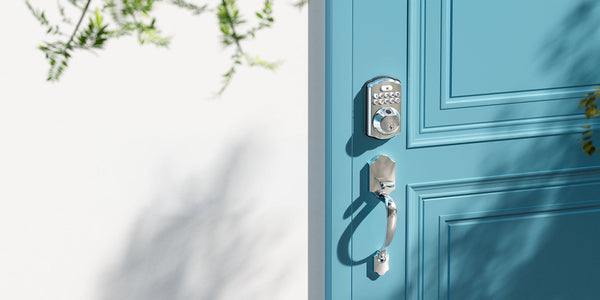
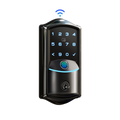
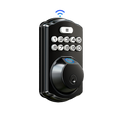
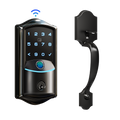
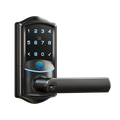
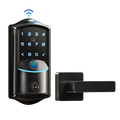
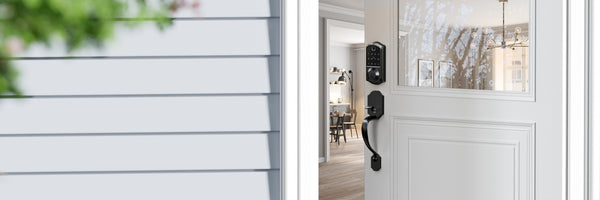
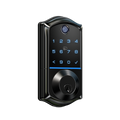
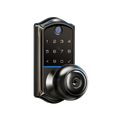
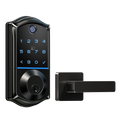
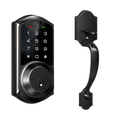
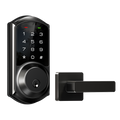
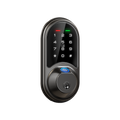

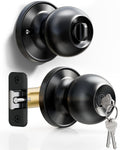
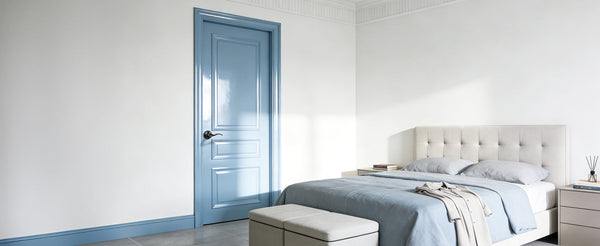
You lock and unlock your front door dozens of times a week. It's one of the most routine interactions in your home — and yet most people are still doing it with a metal key that can be lost, copied, or forgotten on the kitchen counter. Veise smart locks change that equation without overcomplicating it.
Veise is the #1 smart lock brand on Amazon North America in both 2024 and 2025, and the brand's rise isn't the result of clever marketing. It's the product of over 35 years of lock manufacturing experience, a vertically integrated factory that designs and builds every product in-house, and a simple promise: premium, simple, and affordable home security. This guide covers every Veise lock category, the features that matter most, the models available across the lineup, and the real-world reasons why so many homeowners are choosing Veise. Easy from Day One.
Who Is Veise?
Most smart lock brands are OEM resellers — they design a spec sheet, outsource manufacturing to a third-party factory, and put their name on the box. Veise takes a fundamentally different approach. The company designs, engineers, manufactures, and supports every lock it sells out of its own facility, with roots in the lock industry going back to 1988. That vertical integration is more than a behind-the-scenes detail: it means Veise controls quality at every stage, from the bolt mechanism to the firmware, without relying on a contract manufacturer to get things right.
Veise launched in North America in 2022 and quickly became the most purchased smart lock brand on Amazon North America, ranking #1 in both 2024 and 2025. The product lineup spans keypad deadbolts, keypad latch locks, Smart Locks w/ Gateway 1/2, Wi-Fi smart locks, and mechanical locks — priced from $30 to $180. Every smart lock is backed by US-based phone and email support and ships from a local warehouse, which matters when you have a question on a Saturday morning and need a real answer, not a chatbot.
The brand's philosophy is consistent across every price point: no subscription fees, no monthly charges for the remote features you've already paid for, and on-device storage of your fingerprint data on the lock's AI chip so your biometric data never depends on a third-party server. That's a meaningful difference in a category where some competitors charge monthly fees for remote access or push firmware updates that quietly remove features.
The Four Lock Categories: One for Every Door
Veise's lineup isn't a random collection of models — it maps cleanly onto four real-world door scenarios. Understanding which category fits your situation matters more than comparing individual model numbers. Each category solves a different problem, and picking the wrong type means either overspending on features you won't use or under-buying and wishing you had remote access when you're stuck at the office.
1. Keypad Deadbolt Locks
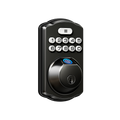
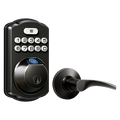
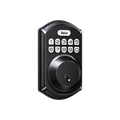
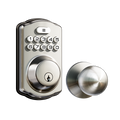
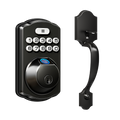
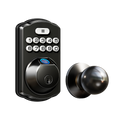
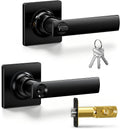
The keypad deadbolt is the most straightforward upgrade you can make to a front door. It replaces your existing deadbolt with a lock that has a built-in number pad — you enter a code, the bolt retracts, and you're inside. No app required. No Wi-Fi needed. No monthly fees, ever. For most households, this is the right starting point: it eliminates the physical key scramble, lets everyone in the family have their own code, and keeps a physical key as backup for emergencies.
Veise's keypad deadbolt lineup splits into two paths. The first is models without fingerprint (the RZ and KS01 series), which come in standalone deadbolt and handle-set bundle configurations (lever or knob). The second is models with fingerprint (the KS02 series), which include the same handle-set bundles plus a keypad-only option for buyers who already have a separate handle. All keypad deadbolts include auto lock, which is configurable between 10 and 99 seconds — a feature that ensures the door locks itself even when someone forgets to turn the thumbturn on the way out. Fingerprint-enabled models scan in under 0.3 seconds, with fingerprint data processed and stored entirely on the lock's AI chip — nothing ever leaves the device or touches a cloud server.
Keypad deadbolts are designed for exterior doors where you want strong physical security and code-based convenience without connectivity to troubleshoot. They're a natural fit for a new homeowner replacing builder-grade hardware, a household that wants guest codes for the house cleaner or dog walker, or anyone who simply wants the daily key fumble gone for good.
2. Keypad Latch Locks
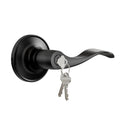
The keypad latch lock uses a spring latch rather than a deadbolt and combines the handle and the lock body into one integrated unit. Entry is by keypad code or physical key — there is no fingerprint, no app, and no key fob on current models. That simplicity is exactly the point. When you need a clean, quick way to put a code on an interior door, side entry, home office, garage door, or utility space, the keypad latch does the job without requiring any network setup or battery-intensive electronics.
Veise currently offers two keypad latch SKUs. The KS03 has an integrated top knob, and the KS04 has an integrated top lever. The difference is purely ergonomic — choose the handle style that matches your door and preference. It's worth noting that latch locks also appear on entry doors when paired with a separate deadbolt: the latch handles day-to-day code-based access while the deadbolt handles primary overnight security.
3. Smart Lock w/ Gateway 1/2
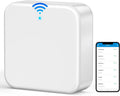
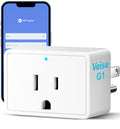
This is where the Veise lineup steps into full smart home territory. A Smart Lock w/ Gateway 1/2 pairs a physical lock with a compact gateway device that plugs into a wall outlet near your router and bridges the lock to the Internet. The architecture is clever: the lock itself stays lean and battery-efficient because it doesn't have to maintain a constant Wi-Fi connection. The gateway handles all the cloud communication, which means remote app control, real-time entry alerts, and voice assistant support without the battery drain of a built-in radio.
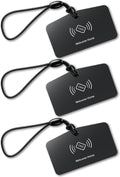
Every model in this category supports keypad code, key fob, physical key, and remote app control via the paired gateway. Many models also include fingerprint. Voice assistant commands (Alexa and Google Assistant) work through the gateway once it's paired — the gateway is what bridges the lock to your smart home setup. Even when the Internet goes down, app control continues to work locally as long as you're within short-range wireless distance of the lock.
Veise offers two gateway generations, and they differ in meaningful ways beyond the shared unlock methods.
- Smart Lock w/ G1 (VE017 Series): The entire G1 line is one product series — the VE017. Every SKU in this line ships with multilingual voice prompts (English, Spanish, and French), a USB-C emergency power port, and fingerprint — all standard across the entire line. It pairs with a Veise-developed, first-party app. For households where English isn't the primary language, or for families with elderly members who appreciate the reassurance of voice feedback in their language, G1 line is the most complete all-in-one pick. When recommending a single connected lock, G1 line wins on reliability and feature consistency.
- Smart Lock w/ G2 (VE0/RZ0 Series): G2 line adds two features unique to this line: Apple Watch unlock and web portal control — useful for buyers who want to manage access from a browser or tap their wrist instead of reaching for a phone. G2 line supports English voice prompts only. It offers more SKU variety than G1 line, with both fingerprint and non-fingerprint options in standalone (deadbolt-only) or handle-set bundle configurations. For buyers who want the lowest-priced connected option or don't need fingerprint, G2 line's non-fingerprint SKUs are the right pick.
4. Wi-Fi Smart Locks
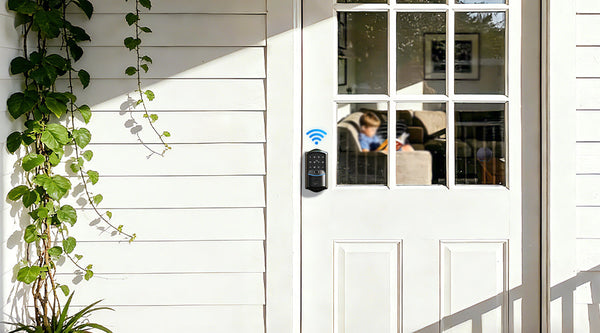
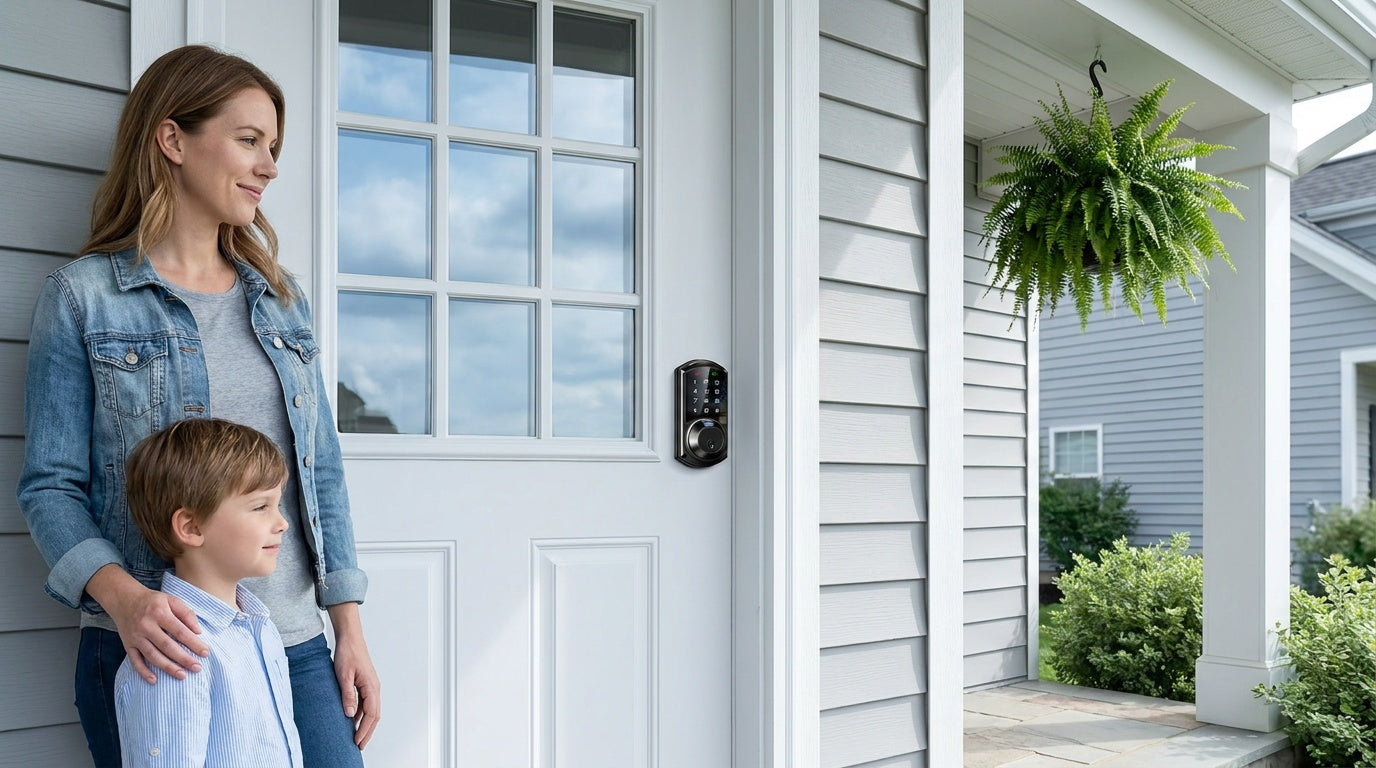
The Wi-Fi smart lock is the most connected option in the Veise lineup — and the simplest to set up for remote access, because it connects directly to your home network without requiring a separate gateway. You download the app, enter your Wi-Fi credentials, and you have real-time remote control, push notifications, entry history, and voice commands from anywhere. These locks support Alexa and Google Assistant natively through their built-in Wi-Fi, with no extra hardware purchase required.
Veise offers two Wi-Fi smart lock series, and the choice between them comes down to the keypad style you prefer.
- Touchscreen Wi-Fi Smart Lock (VE027 Series): Features a touchscreen interface and includes a USB-C emergency power port — useful for anyone who worries about a lockout if the batteries run low. The USB-C port lets you connect a standard power bank to the lock exterior to get enough juice to enter your code and get inside.
- Push-Button Wi-Fi Smart Lock (VE012W Series): Features a traditional press-button keypad. The VE012W series shares the VE027 series' Wi-Fi connectivity, fingerprint, app control, and Alexa/Google voice control via built-in Wi-Fi. It differs from the VE027 series in four concrete ways: a press-button keypad instead of a touchscreen, no USB-C emergency power port, no key fob support, and no on-device voice prompts.
Both Wi-Fi series use an 8 AA battery configuration instead of the more common 4-cell setup found in most competitors. More cells mean a stronger, more stable signal and a longer-lasting power reserve — practical details that matter when the lock is on your front door and you're traveling for two weeks. Fingerprint enrollment on both series captures your finger eight times to build a reliable template that recognizes your fingerprint across different angles and pressure levels, with recognition completing in under 0.3 seconds.
For families with kids, short-term rental hosts, or anyone who travels frequently, the Wi-Fi smart lock is the category to start with. Parents can check exactly when children arrived home, hosts can issue temporary codes and verify guest check-in remotely, and frequent travelers can lock or unlock the door from anywhere without worrying about who has a spare key.
Unlock Methods by Category
One of the questions shoppers ask most is: how many ways can I unlock this lock? The honest answer is that it depends on the category, not just the brand. Veise's four lock types each support a different set of entry methods, and knowing the breakdown prevents surprises after installation.
- Keypad Deadbolt: Keypad code and physical key backup on all models. Select models add fingerprint for faster, hands-free entry. Key fob is not supported in this category.
- Keypad Latch Lock: Keypad code and physical key only — no fingerprint, no app, no key fob. Simple and reliable for the doors that need it.
- Smart Lock w/ Gateway 1/2: Keypad code, key fob, physical key, and remote app control via the paired gateway. Voice assistant commands supported. Many models also include fingerprint. Within the category, multiple ways to enter are available across the board.
- Wi-Fi Smart Lock: Remote app control from anywhere, keypad code, and voice commands via Alexa or Google Assistant. Fingerprint is typically included, and a physical key backup is on all models. The VE027 (touchscreen) series supports a key fob as an additional backup; the VE012W (push-button) series does not.
Across all four categories, every Veise lock includes a physical key as a backup — so there is always a traditional fallback, no matter which category you choose. Fingerprint data, where present, is stored on-device on the lock's AI chip and never sent to a cloud server, which means biometric privacy doesn't depend on any third-party service staying online.
What Sets Veise Apart
Smart locks have become a crowded category, and the differences between brands aren't always obvious from a spec sheet. Here's what separates Veise from most of the competition in practical terms.
- Vertically integrated manufacturing: Veise designs, engineers, and builds its own locks. It is not an OEM reseller. This means hardware quality, firmware, and support are all controlled by the same organization — not split across a contract manufacturer and a software vendor.
- No subscription fees, ever: Remote access, entry history, push notifications, and voice assistant support are all included in the purchase price. There are no monthly or annual fees to maintain features you've already paid for.
- Local data storage: Fingerprint templates are processed and stored on the lock's AI chip. No biometric data is sent to a cloud server, which means your fingerprints don't live on someone else's infrastructure.
- Full lock replacement (not an overlay): Unlike overlay-style locks that mount over your existing deadbolt, Veise locks replace the entire lock assembly — both the interior and exterior hardware. Full replacement delivers a cleaner installation, a more cohesive appearance, and the peace of mind of brand-new hardware throughout.
- ANSI/BHMA Grade 3 certified: All Veise smart locks carry ANSI/BHMA Grade 3 certification — the recognized residential standard for bolt strength, cycle count, and finish durability. Grades 1 and 2 target high-traffic commercial environments; Grade 3 is the benchmark for home security.
- US-based support and local warehouse: Phone and email support is based in the US. Products ship from a local warehouse, which means faster delivery and easier returns.
- Wood door compatibility: All Veise locks are engineered for wood doors with a standard thickness of 1-3/8" to 2". They are not compatible with fiberglass, metal, storm, or sliding doors — a compatibility detail worth confirming before ordering.
Who Needs Which Lock?
The right Veise lock depends less on technical preference and more on how your household actually uses the front door. Here's a practical framework:
- New homeowner replacing builder-grade hardware: A keypad deadbolt is typically the cleanest, fastest upgrade — it eliminates inherited keys, sets your own codes from day one, and installs in about 15 minutes.
- Parents who want to know when kids get home: A Wi-Fi smart lock or a gateway-paired smart lock delivers real-time entry history via the app. Keypad deadbolts or keypad latch locks can't push alerts or log entries remotely.
- Short-term rental host or property manager: A Wi-Fi smart lock is the most direct solution — issue temporary codes, verify check-in remotely, and change codes between guests without ever being on-site.
- Families with elderly members: The Smart Lock w/ G1 (VE017 series) is worth considering — multilingual voice prompts, fingerprint entry in under 0.3 seconds, and a USB-C emergency power port standard across the line all reduce friction for users who find keypads or apps stressful.
- Interior doors, offices, or utility spaces: A keypad latch lock is a common fit — code-based access, integrated handle, and no connectivity setup required.
- Smart home users who want Apple Watch control or web portal access: Smart Lock w/ G2 is the only Veise line that supports Apple Watch unlock and browser-based management.
Installation: What to Expect
One of the most common hesitations around upgrading to a smart lock is installation. The assumption is that it requires a locksmith, a drill, and a Saturday afternoon. For Veise, the reality is more straightforward: most installations take about 15 minutes with a screwdriver, no wiring, and no professional help required. Veise locks are engineered to fit the standard 2-1/8" bore hole found on the vast majority of US residential doors, which means no new holes are needed in most cases.
The process is essentially: remove the existing deadbolt or latch hardware, mount the Veise lock in the same holes, connect the interior and exterior components, insert fresh AA/LR6 alkaline batteries (Veise locks don't ship with batteries, so pick up a set beforehand), and follow the guided setup in the included user manual and installation video. For Wi-Fi smart locks, that setup adds one step — entering your 2.4GHz network credentials so the lock can connect to your router. For gateway-paired smart locks, the gateway plugs into a wall outlet near your router first. Fingerprint enrollment captures your fingerprint eight times to build a reliable template. The whole process, from box to working lock, is designed to be done by the homeowner, not a contractor.
Security Certification and Build Quality
Every Veise smart lock carries ANSI/BHMA Grade 3 certification — the standard that governs residential door hardware for bolt strength, durability cycles, and finish quality. It's worth clarifying what that certification means in context: Grades 1 and 2 are designed for high-traffic commercial environments like hospital corridors and hotel lobbies, not for residential front doors. Grade 3 is the recognized benchmark for home security, and meeting that standard means the lock has been tested to perform reliably under the conditions it will actually face.
Beyond certification, Veise's security features include an anti-peeking password function (letting you add random digits before or after your real code so bystanders can't identify it), tamper alerts, and automatic lockout after repeated incorrect code attempts. Physical security comes from the bolt mechanism and pick-resistant cylinder — the hardware side of the equation that no amount of app connectivity can replace. Because Veise performs full lock replacements rather than overlay installations, both the interior and exterior hardware are new, which eliminates the risk of an old bolt mechanism being the weakest link in an otherwise modern setup.
Frequently Asked Questions
What doors are Veise smart locks compatible with?
Veise locks are compatible with wood doors with a standard thickness of 1-3/8" to 2". They are not compatible with fiberglass, metal, storm, or sliding doors. The locks fit the standard 2-1/8" bore hole found on most US residential doors, so drilling is typically not required.
Do Veise smart locks require a monthly subscription?
No. All Veise features — including remote access, entry history, push notifications, and voice assistant support — are included with the purchase price. There are no monthly or annual subscription fees.
What is the difference between a Smart Lock w/ Gateway 1/2 and a Wi-Fi Smart Lock?
A Smart Lock w/ Gateway 1/2 pairs with a separate compact gateway device that bridges the lock to your home network. The lock itself stays battery-efficient because it doesn't maintain a constant Wi-Fi connection. A Wi-Fi Smart Lock has the radio built directly into the lock, connecting to your router without a gateway. Both types offer remote app control, real-time alerts, and voice assistant support — the main practical difference is whether you want a gateway device or prefer a single self-contained unit.
Does Veise support Alexa and Google Assistant?
Yes, but with an important distinction. Wi-Fi Smart Locks support voice commands natively via their built-in Wi-Fi. Smart Locks w/ Gateway 1/2 support voice assistant commands through the paired gateway — the gateway is what bridges the lock to Alexa or Google Assistant. Keypad deadbolts and keypad latch locks do not support voice control.
What happens if the batteries die on a Veise smart lock?
All Veise locks include a physical key backup, so you can always enter with a key regardless of battery status. The VE017 series (Smart Lock w/ G1) and the VE027 series (Touchscreen Wi-Fi Smart Lock) all feature a USB-C emergency power port — you hold a power bank against the port on the exterior of the lock to supply enough charge to enter your keypad code and get inside.
Can a keypad deadbolt be upgraded to smart lock functionality later by adding a gateway?
No. Remote access requires a smart lock — gateway-paired or Wi-Fi. A keypad deadbolt cannot be paired with a gateway to add remote features after the fact. If remote access is something you might want in the future, start with a Smart Lock w/ Gateway 1/2 or a Wi-Fi Smart Lock from the beginning.
How is Veise different from OEM smart lock brands?
Most smart lock brands are OEM resellers that outsource manufacturing to third-party factories. Veise designs, engineers, and manufactures its own locks in its own facility, with roots in lock production going back to 1988. That vertical integration means Veise controls quality at every stage — hardware, firmware, and support — rather than depending on a contract manufacturer.
Is fingerprint data stored in the cloud on Veise locks?
No. Fingerprint data is processed and stored entirely on the lock's onboard AI chip. Nothing is sent to a cloud server or stored on a third-party platform. This means biometric privacy does not depend on any external service staying online or secure.
Ready to find the right lock for your door? Browse the full Veise product lineup or explore specific categories: Keypad Deadbolt Locks, Wi-Fi Smart Locks, Smart Locks w/ G1, and Smart Locks w/ G2. Easy from Day One.
Not sure which Veise lock is right for your door?
The Veise support team is based in the US and available by phone and email to help you choose the right model, confirm door compatibility, or walk through installation. No chatbots, no ticket queue — real help from people who know the product.
Contact Us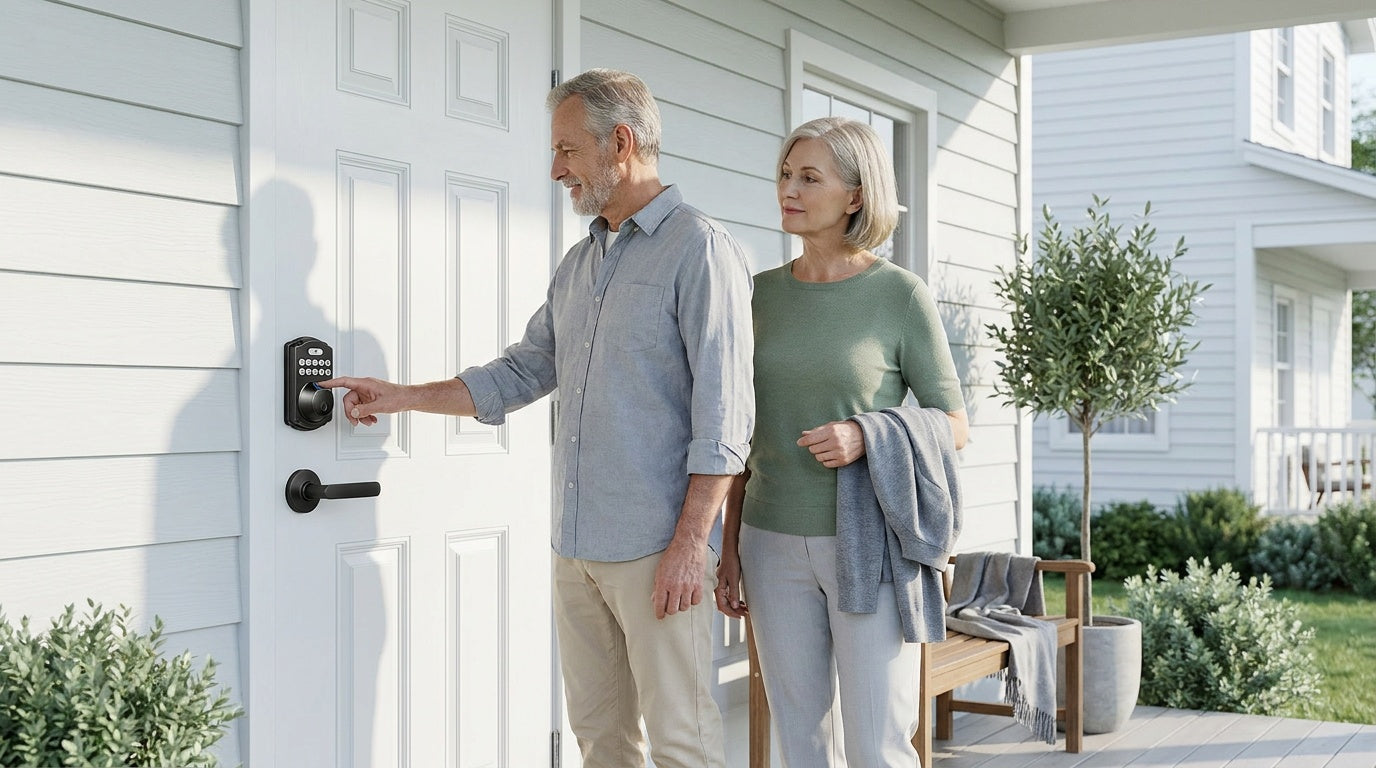

Leave a comment
This site is protected by hCaptcha and the hCaptcha Privacy Policy and Terms of Service apply.