
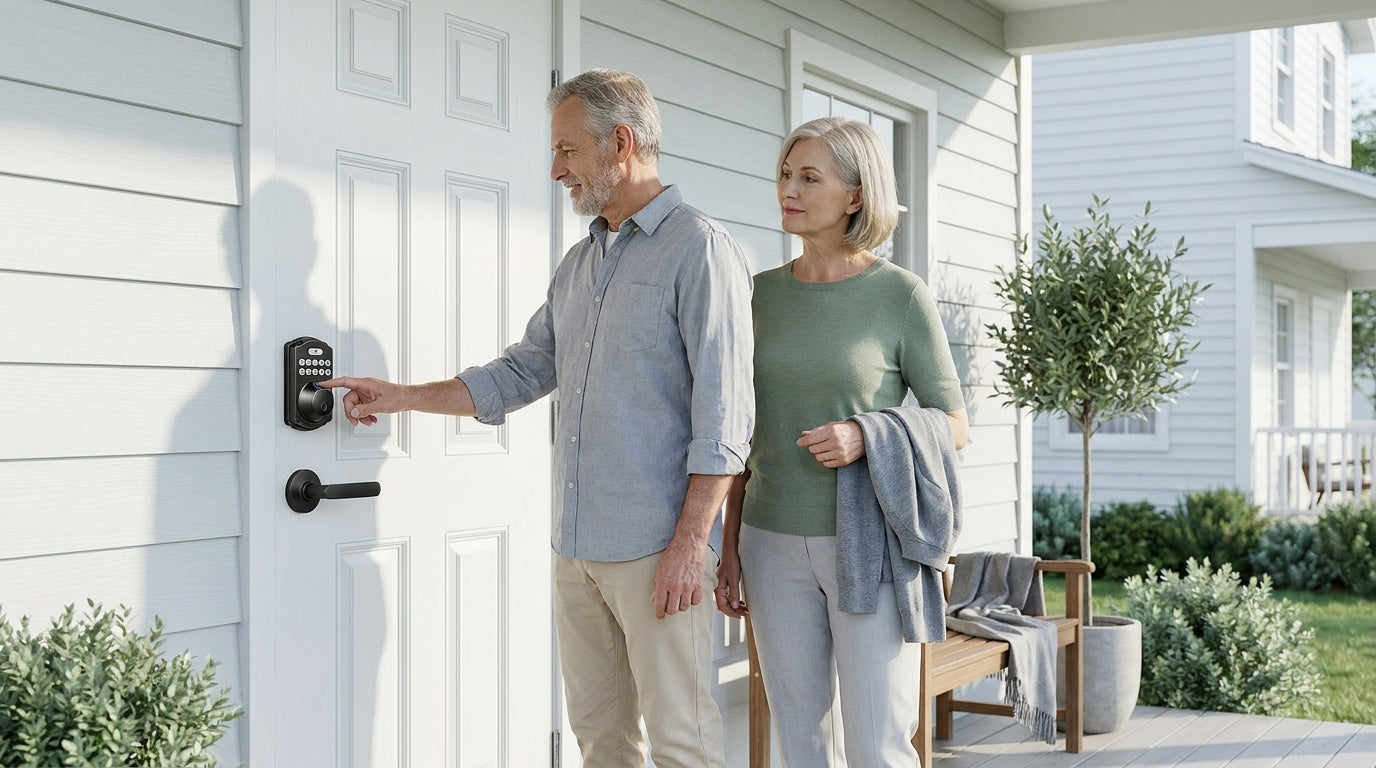
Walk into any home improvement store and the door hardware aisle can stop you in your tracks. Handle sets, deadbolts, knob-and-lock combos, keypad deadbolts, lever sets — the options multiply fast, and most packaging assumes you already know what you're looking for. You probably don't, and that's completely fine.
This guide breaks down the three lock categories Veise offers — mechanical locks, keypad locks, and smart locks — in plain language. You'll learn what each category covers, how the components work together on a door, and how to choose the right combination for your front door, side door, or any exterior entry point on a wood door. By the end, you'll know exactly what to buy and why.
Door Lock Basics: Components and Veise's Three Categories
Most exterior doors use two main components: a door handle — a knob or lever used to open and close the door — together with a separate deadbolt for added security. Veise's handle hardware comes in two flavors: Keyed Entry knobs and levers (lock via key from outside) and Privacy knobs and levers (lock from inside, with an emergency unlock from outside). A deadbolt adds a solid steel bolt that extends into the door frame, providing the strongest layer of resistance against forced entry. The deadbolt can sit above or below the handle hardware — either position works.
These components can be purchased separately or as bundled sets. The bundled product — called a Keyed Entry Handleset on Veise's site — coordinates finish, style, and keying so that one key operates both the deadbolt and the handle. Bundles come in two configurations: deadbolt + keyed lever or deadbolt + keyed knob. For homeowners replacing old hardware or setting up a new home, a handleset bundle is typically the most practical starting point. If you want to add keypad entry or remote app control, that's where keypad locks and smart locks come in.
One important compatibility note before we go further: lock sets are designed for specific door materials. Veise locks, for example, are compatible with wood doors only and are not designed for fiberglass, metal, storm, or sliding doors. Always confirm door material before purchasing any lock set.
Mechanical Locks: Knobs, Levers, and Deadbolts
Mechanical locks are the traditional, key-operated hardware that covers most residential doors. Veise's Mechanical Locks category is organized into six subcategories so you can shop directly by what you need:
- Keyed Entry Door Knobs — round-grip knob with a keyed cylinder on the exterior; common on front and side doors.
- Privacy Door Knobs — keyless privacy with emergency release; locks securely from inside with a turn knob, and unlocks easily from outside using a coin or screwdriver in emergencies. Ideal for interior rooms (bedrooms, bathrooms) where simple privacy matters more than exterior security — helps prevent accidental lock-ins and supports child safety.
- Keyed Entry Door Levers — horizontal lever handle with a keyed cylinder; easier to operate than a knob, particularly helpful for elderly family members or anyone with limited hand strength.
- Privacy Door Levers — keyless privacy with emergency release; lever-style version of the privacy door knob, locking from inside and unlocking from outside via coin or screwdriver. For interior privacy doors.
- Deadbolt Lock — standalone deadbolt with no handle, designed to install above or below your existing handle hardware.
- Keyed Entry Handleset — bundled set pairing a matching deadbolt with a keyed handle, pre-keyed to the same key for a coordinated finish. Available in deadbolt + keyed lever or deadbolt + keyed knob configurations.
Standard single-cylinder deadbolts operate with a key on the outside and a thumb-turn on the inside. They install in a standard 2-3/8" or 2-3/4" backset hole (check your door's existing prep to confirm). For a coordinated look, the Keyed Entry Handleset bundle pairs the deadbolt with a matching keyed handle (lever or knob) and is pre-keyed to one key — a popular choice for homeowners replacing all the hardware on a front door at once.
When shopping for a deadbolt, you'll often see ANSI/BHMA grade ratings. Grade 3 is the residential standard and what most homes are built with — it meets the security requirements for household use. Grades 1 and 2 are engineered for high-traffic commercial environments like hotel corridors or office buildings, not a higher quality tier for your front door. Veise deadbolts are ANSI/BHMA Grade 3 certified, which is exactly the right certification for a residential entry door.
Keypad Locks: Modern Entry Without a Key
Keypad locks add a numeric keypad on the exterior face so you can enter a personal code instead of fumbling for a key — and they keep a physical key backup as a safety net. They're one of the most popular upgrades for homeowners with kids, frequent guests, or anyone tired of carrying keys. The interior side still operates with a thumb-turn or lever for quick exit. No app, no Wi-Fi, no subscription.
Veise's Keypad Locks category covers two distinct types:
- Keypad Deadbolt: Replaces your existing deadbolt with a code-entry deadbolt. The exterior face has a numeric keypad; entering the correct code throws or retracts the deadbolt. All models include a physical key backup in case the battery runs low. Select models also include a fingerprint reader that recognizes a registered fingerprint in under 0.3 seconds — no code required. Veise's keypad deadbolt collection is split between fingerprint models (KS02 Series) and non-fingerprint models (RZ Series and KS01 Series), with handleset bundles available in knob, lever, or vertical handle configurations.
- Keypad Latch Lock: An integrated unit where the handle and keypad are built into one body. The lock uses a spring latch controlled by a keypad code, and it works as a complete code-based door lock on its own — well-suited for side doors, interior office doors, or any entry where you want keyless access without changing the deadbolt. Veise currently offers two models — the KS03 Series (integrated knob top) and KS04 Series (integrated lever top) — both supporting keypad code and physical key only.
For most front doors, a keypad deadbolt handles the security layer while the existing handle hardware manages the latch. Some homeowners prefer to add code-based access at the handle position as well — in that case, a keypad latch lock pairs with any separate deadbolt above OR below it (either position works) for added entry-door security. The deadbolt in this pairing can be a standard mechanical Deadbolt Lock or a Keypad Deadbolt; the keypad latch doesn't require a specific deadbolt type to function. This setup is common for short-term rentals or households where guests need flexible access without a physical key being handed over.
Smart Locks: Remote Access via Gateway or Wi-Fi
Keypad locks are a significant upgrade over traditional mechanical hardware, but they still require you to be at the door to operate them. Veise's Smart Locks category takes things a step further by adding remote access, activity logs, and integration with smart home platforms — so you can lock up from across town, check whether the door was secured, or let in a contractor without being home.
Remote access requires a smart lock — either a gateway-paired model or a Wi-Fi model — not a keypad lock with a separate gateway added on. A keypad-only lock cannot be paired with a gateway. Veise's smart lock category has two lines:
Smart Lock w/ Gateway 1/2
These locks pair with a small gateway hub plugged into your home's router to enable remote app control, entry history, and voice assistant compatibility. Both the G1 and G2 lines support keypad code, key fob, physical key, and remote app control as standard unlock methods, with fingerprint available on most models.
Smart Lock w/ G1 is built on a single product series — the VE017 Series — and every unit in the line ships with fingerprint, multilingual voice prompts (English, Spanish, and French), and a USB-C emergency power port as standard. The first-party app integration makes this the most reliable all-in-one connected pick. It pairs well with multilingual households or any home where Spanish or French speakers need audible guidance from the lock. Voice control works through Alexa or Google Assistant once the paired gateway is connected. Browse Smart Locks w/ G1 to see the full lineup.
Smart Lock w/ G2 offers more SKU variety: both fingerprint and non-fingerprint options, in standalone deadbolt or handle-set bundle form factors. The standout G2-exclusive features are Apple Watch unlock and web portal control — useful if you prefer managing access from a browser dashboard or your wrist rather than a phone. G2 voice prompts are English only. Explore the Smart Locks w/ G2 collection for models and pricing.
Wi-Fi Smart Lock
Wi-Fi smart locks have the connectivity built directly into the lock body, so there's no separate gateway hub required. They connect to your home's Wi-Fi network and support remote app control, activity monitoring, Alexa and Google Assistant voice commands (via the lock's built-in Wi-Fi), and all the usual local unlock methods including fingerprint, keypad code, and physical key backup.
Veise's Wi-Fi lineup has two series: the Touchscreen Wi-Fi Smart Lock (VE027 Series), which features a touchscreen keypad interface, a USB-C emergency power port, key fob support, and on-device multilingual voice prompts (English, Spanish, and French) — a great pick for parents who want clean monitoring and families with elderly members worried about lockouts — and the Push-Button Wi-Fi Smart Lock (VE012W Series), which uses a traditional press-button keypad and does not include USB-C, key fob, or on-device voice prompts. Both series use 8 AA batteries (instead of the more common 4 AA setup) for stronger signal and a more substantial power reserve. Browse the full Wi-Fi Smart Lock collection to compare.
It's worth noting: even when your home's Internet goes down, app control continues to work locally as long as you're within short-range wireless distance of the lock. Only long-distance remote features — like locking up from work or receiving off-site alerts — require an active Internet connection.
For parents who want to know when kids arrive home after school, a Wi-Fi smart lock or a gateway-paired smart lock is the right choice. The app logs every entry event in real time, so you get visibility without needing to call or text.
How to Choose the Right Combination for Your Door
The right lock set combination depends on the door's role, your household's access habits, and how much connectivity you actually want to manage day-to-day. Here's a practical framework:
- Just replacing old hardware and want a cleaner look: A Keyed Entry Handleset (pre-keyed deadbolt + keyed lever or keyed knob in one set) gets the job done without introducing any new technology to learn.
- Households tired of physical keys: A keypad deadbolt with a fingerprint option (KS02 series) gives multiple people flexible access — codes for regular users, physical key as backup — without subscriptions or apps.
- Landlords or property managers handling short-term rentals: A gateway-paired or Wi-Fi smart lock lets you issue temporary codes, monitor entry remotely, and change access credentials between guests — all from a phone, without being on-site.
- Families with elderly members or young children: The fingerprint reader on select keypad and smart lock models keeps things simple — no code to remember, no key to find. The touchscreen Wi-Fi smart lock (VE027 series) adds the option of a USB-C emergency power port for lockout peace of mind.
- Homeowners who want full smart home integration: A Wi-Fi smart lock or a Smart Lock w/ G1 gives you Alexa and Google Assistant compatibility, remote locking, and an activity log without a monthly subscription fee.
Veise locks are priced between $30 and $180, putting quality residential hardware within reach for any of these scenarios. No subscriptions, no cloud account required for local features, and all fingerprint data is processed and stored on the lock itself — not sent to a server somewhere.
Installation: What to Expect
Replacing a door lock set is a project most homeowners can complete in about 15 minutes with a screwdriver — no wiring, no professional help needed. Veise locks are designed specifically for DIY installation on wood doors with a standard thickness of 1-3/8" to 2". The process involves removing your existing hardware, fitting the new components into the existing door prep holes, and following the included instructions to configure your codes or fingerprints.
Because Veise locks are full replacements of existing door hardware (not an overlay on top of your current lock), the buyer needs to be the property owner or have authority to modify the door hardware. This is standard for any deadbolt or handle set replacement — the door's prep holes and strike plate may need to be verified or adjusted to match the new hardware's specs.
If you're purchasing a handle-and-deadbolt bundle, both components install in the same session and are pre-keyed to the same key. Smart lock models walk you through the initial pairing with a gateway or Wi-Fi network via a simple in-app setup. Explore the full Veise product lineup to find a set that fits your door and your household.
Frequently Asked Questions
What’s the difference between a deadbolt and a keyed knob or lever?
A knob or lever is the handle hardware you grip to open the door. Veise's keyed knobs and levers include a key cylinder that locks from outside, while privacy knobs and levers lock from inside with a turn knob and unlock from outside via a coin or screwdriver in emergencies — so both styles can lock the door on their own. A deadbolt is a separate, heavier-duty locking mechanism: a solid steel bolt that extends fully into the door frame, providing the strongest layer of resistance against forced entry. On exterior doors, the two often work together — the keyed knob or lever for daily access, the deadbolt as the primary security layer. Veise's Keyed Entry Handleset bundles a keyed handle (lever or knob) with a matching deadbolt as a coordinated, pre-keyed set.
Do I need both a door handle and a deadbolt on my front door?
Many exterior doors use both. A keyed knob or keyed lever can lock the door on its own, but adding a separate deadbolt strengthens resistance to forced entry. If you'd rather buy them together with a coordinated finish and a single key, a Keyed Entry Handleset bundles both — available in deadbolt + keyed lever or deadbolt + keyed knob configurations. Some homeowners also use a keypad deadbolt as the primary lock alongside a keyed knob or lever below it for daily access, which is another common setup.
What is a keypad lock?
A keypad lock replaces the keyed cylinder on a deadbolt (or the entire handle-and-latch assembly) with a numeric keypad, allowing entry via a personal code instead of a physical key. Many models also include a fingerprint reader and retain a physical key as a backup. They're popular for households that want keyless entry without a full smart lock setup. Veise's Keypad Locks category covers both keypad deadbolts and keypad latch locks.
Can I add remote access to a keypad deadbolt?
No. A keypad-only deadbolt does not support remote access on its own — and adding a separate gateway will not enable that feature. Remote access requires a smart lock, either a gateway-paired model (Smart Lock w/ G1 or G2) or a Wi-Fi smart lock. These are distinct product categories designed with the connectivity hardware built in.
What does ANSI/BHMA Grade 3 mean for a residential deadbolt?
Grade 3 is the standard residential certification from ANSI/BHMA (the American National Standards Institute and the Builders Hardware Manufacturers Association). It confirms the lock meets the performance and security requirements for household use. Grades 1 and 2 are engineered for high-traffic commercial environments — they're not a higher quality tier for home doors. Grade 3 is the appropriate and correct rating for a residential entry door lock.
How long does it take to install a new door lock set?
Most standard lock set replacements take about 15 minutes with a screwdriver, assuming the new hardware fits the existing door prep holes. Veise locks are designed for DIY installation on wood doors (1-3/8" to 2" thick) without wiring or professional help. Smart lock models require an additional short step to pair with a gateway or Wi-Fi network using the mobile app.
Are smart locks safe if the Internet goes down?
Yes. Gateway-paired and Wi-Fi smart locks can still be controlled via the app even when Internet is down, as long as you are within short-range wireless distance of the lock. Long-distance remote features — like locking up from work or receiving off-site alerts — do require an active Internet connection. All physical and keypad entry methods continue to work regardless of connectivity.
Choosing a door lock doesn't have to be complicated. Once you understand what each category brings — mechanical locks for traditional key-based hardware, keypad locks for code-based keyless entry, and smart locks for remote access and connectivity — picking the right configuration becomes straightforward. Veise's three product categories (Mechanical Locks, Keypad Locks, and Smart Locks) cover the full spectrum, so whether you're replacing outdated hardware, setting up a rental property, or building a connected home, there's a configuration that fits your door, your household, and your budget.
Veise covers the full range, from mechanical locks to fingerprint keypad deadbolts to fully connected Wi-Fi smart locks, all priced between $30 and $180, with 15-minute DIY installation and no subscription fees.
Not Sure Which Veise Lock Is Right for Your Door?
Our team is ready to help you find the right mechanical, keypad, or smart lock for your specific door and situation — no jargon, no pressure.
Contact Us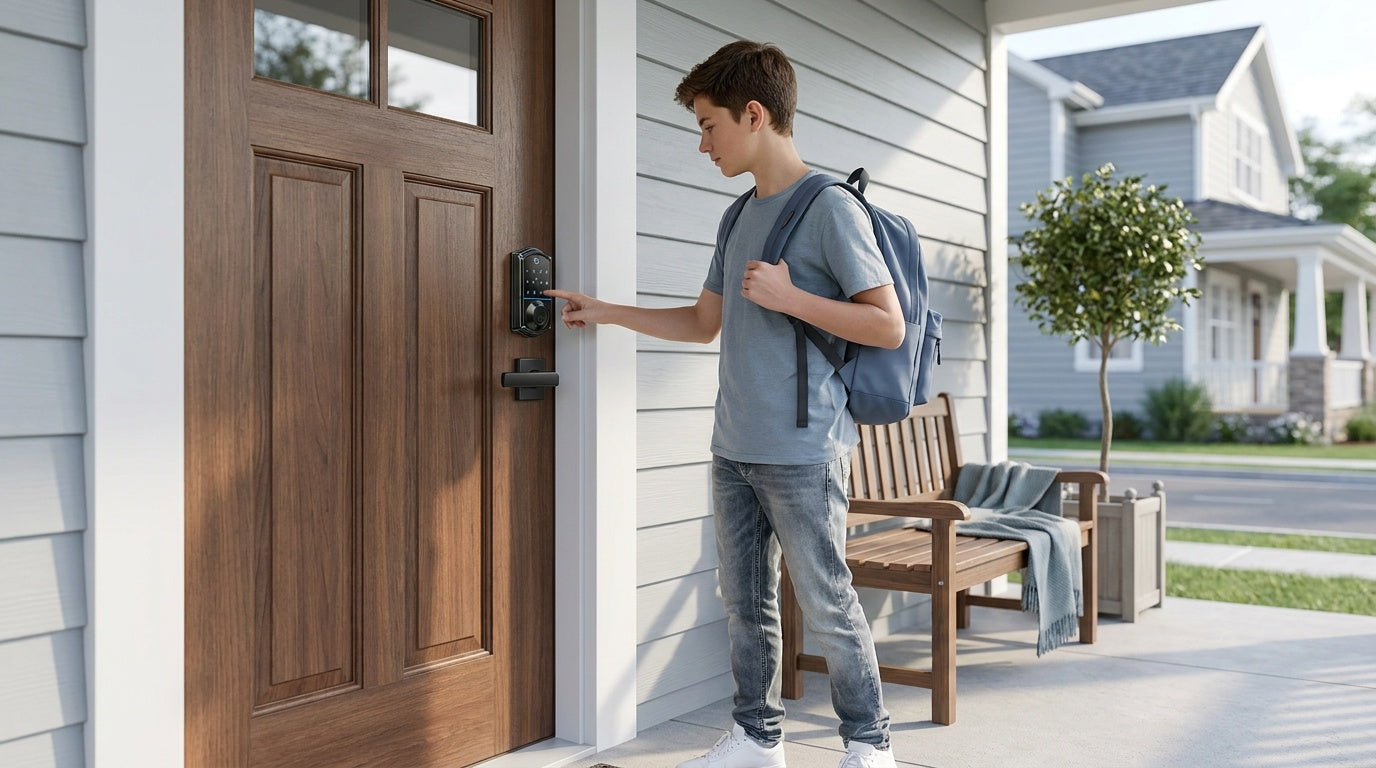

Leave a comment
This site is protected by hCaptcha and the hCaptcha Privacy Policy and Terms of Service apply.