
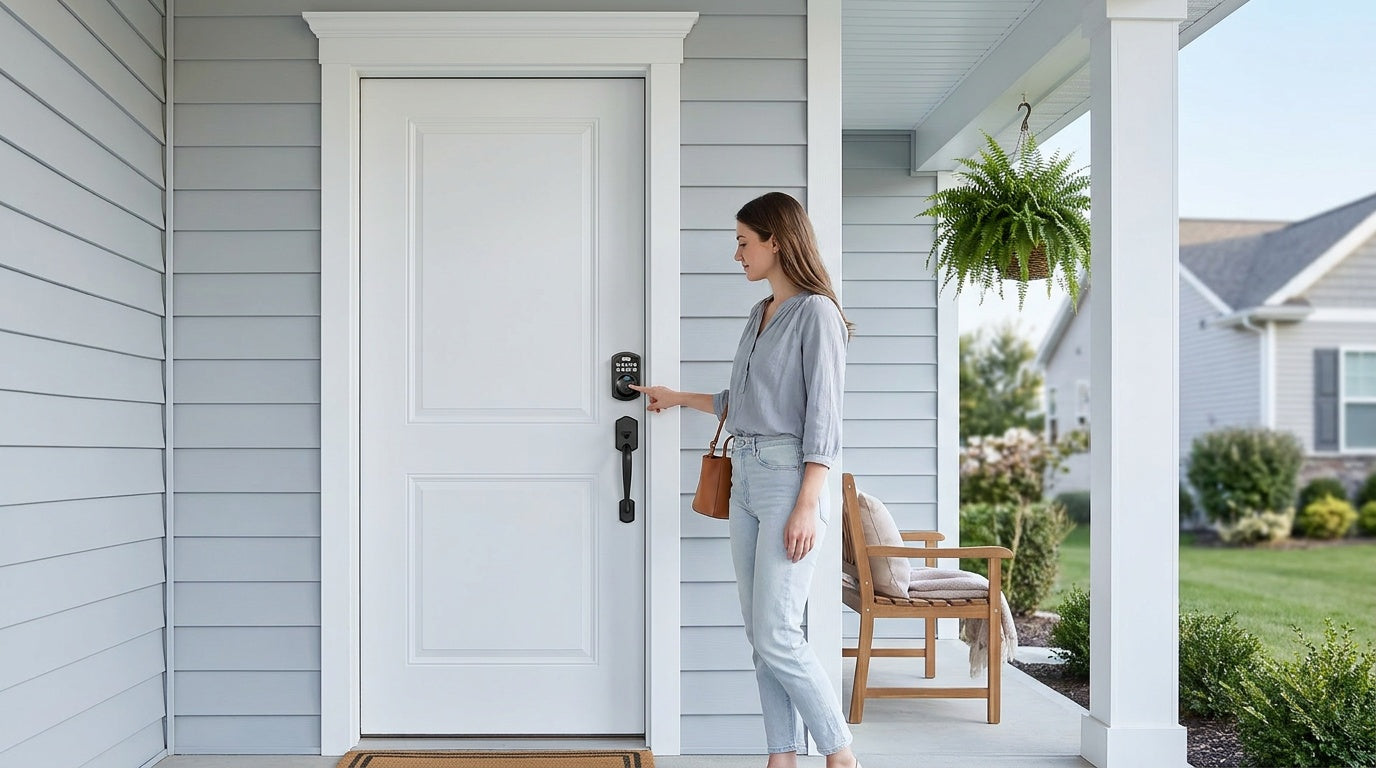
You've decided to upgrade your front door lock — good call. But now you're staring at two options: a fingerprint deadbolt that reads your biometric data in a fraction of a second, and a keypad deadbolt that lets you punch in a code and walk right in. Both are a serious step up from a traditional keyed lock. Both can make daily life easier for your whole household. So which one is actually more secure — and more importantly, which one is the right fit for your home?
The honest answer is: it depends on how you live. Security isn't just about technology — it's about whether the lock gets used correctly, every single time. A fingerprint deadbolt that no one can enroll on properly is less secure than a keypad lock with a strong, rotating code. In this guide, we'll break down how each lock type works, where each one has a genuine edge, and which household situations call for which option — so you can make a confident, informed decision.
What Is a Keypad Deadbolt?
A keypad deadbolt replaces your traditional keyed deadbolt with a lock that opens by entering a numeric code on a physical keypad. There's no key to carry, no lock cylinder to pick in the traditional sense, and no need to fumble around in the dark. Every Veise keypad deadbolt also includes a physical key backup for emergencies, so you're never truly locked out. Keypad deadbolt locks are one of the most popular entry-level smart security upgrades precisely because they're straightforward: enter the right code, the bolt retracts, and you're in.
Beyond the basics, keypad deadbolts typically support multiple user codes, so each family member or regular visitor can have their own PIN. Many models include an auto lock feature that automatically re-engages the deadbolt after a set interval, which is genuinely useful for anyone who forgets to lock up on the way out the door. They're also remarkably easy to install — no wiring, no professional help required.
What Is a Fingerprint Deadbolt?
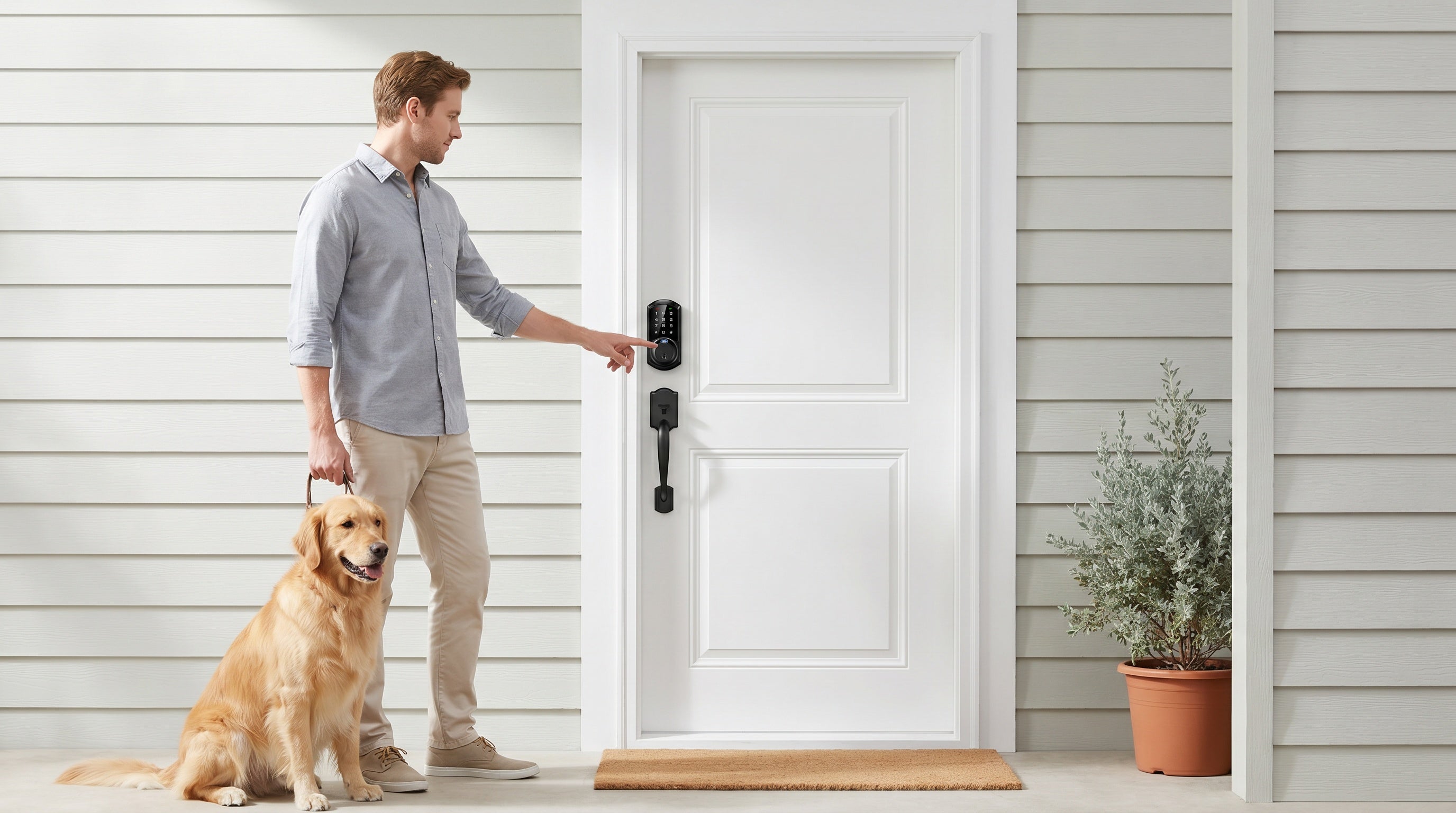
A fingerprint deadbolt does everything a keypad deadbolt does — and adds biometric authentication on top. Instead of (or in addition to) typing a code, you press your finger against a small sensor, and the lock reads your unique fingerprint in under 0.3 seconds. If it matches a stored template, the bolt releases. If it doesn't match, the door stays locked. Modern fingerprint locks store templates locally on the device itself, meaning your biometric data never leaves the lock and isn't sent to any external server or cloud account.
Enrollment is straightforward: you register each finger by pressing it against the sensor eight times so the lock can build a reliable template across different angles and pressure levels. Once enrolled, the process is completely hands-free in the best sense — no code to remember, no key to find. Every Veise fingerprint deadbolt also includes a keypad code and a physical key as backups, so you're covered even when your hands are wet, dirty, or if a guest needs access without being enrolled.
Security Comparison: Fingerprint vs Keypad Deadbolts
Where Fingerprint Deadbolts Have the Edge
The core security advantage of a fingerprint deadbolt is that your fingerprint cannot be shared, borrowed, or guessed. A keypad code, no matter how strong, can be observed by someone standing nearby (known as "shoulder surfing"), shared carelessly, or worn visibly into the keypad surface over time if the same digits are pressed repeatedly. A fingerprint doesn't have any of those vulnerabilities. You can't accidentally text your fingerprint to the wrong person, and the lock won't open just because someone watched you use it once.
Fingerprint data is also processed and stored directly on the lock's built-in chip — not in a cloud account that could be breached. This local storage model means there's no Internet account to hack, no username and password to phish, and no third-party server that holds your biometric information. For households where privacy is a top priority, that's a meaningful benefit over purely code-based systems.
Where Keypad Deadbolts Have the Edge
Keypad deadbolts win on universality. Anyone can use a code — including elderly relatives who may struggle with fingerprint sensors, young children whose fingerprints can be inconsistent due to smaller finger size, or guests and service workers who need one-time or temporary access. You can create a unique code for a house cleaner, give a different code to a neighbor checking in on your pets, and delete those codes the moment they're no longer needed. No enrollment session required, no biometric data collected from a third party.
Keypad locks are also generally more affordable at the entry level and just as physically robust as any other deadbolt. The lock's security against forced entry — the thing that matters most in a real-world break-in — comes from the deadbolt mechanism itself, the strike plate, and the door frame, not from whether entry is biometric or code-based. Most residential break-ins involve forcing or kicking the door, not defeating an electronic lock. So both lock types, when properly installed, provide equivalent physical security.
The Practical Security Reality
Here's the honest take: neither lock type is categorically "more secure" than the other. A fingerprint deadbolt eliminates code-sharing vulnerabilities but can still be bypassed if someone has keypad backup access. A keypad deadbolt is vulnerable to code exposure but is completely immune to the narrow set of scenarios where biometrics can be spoofed. What matters most is consistent use — locking the door every time, using strong unique codes, enrolling only trusted fingerprints, and enabling auto lock as a safety net. Both lock types support ANSI/BHMA Grade 3 certification, which is the standard for residential security and more than adequate for a home entry door.
Convenience and Daily Use
Security matters, but so does the experience of using your lock 5 to 10 times a day, every day. Fingerprint deadbolts are genuinely faster for enrolled users — a scan that takes under 0.3 seconds is nearly instant, and there's no cognitive load involved. You don't have to remember anything. For households where the same 2 to 5 people use the front door daily, fingerprint entry becomes second nature within a week.
Keypad deadbolts shine in households with more turnover. If you regularly have guests, extended family visiting, or need to grant temporary access to contractors or delivery services, issuing and revoking a code is simpler than scheduling an enrollment session. Keypad codes also work reliably when hands are wet, gloved, or otherwise not ideal for a fingerprint scan — a real consideration in colder climates or households where people frequently come in from yard work or cooking.
Many modern locks, including select models in the Veise keypad deadbolt lineup, combine both: a fingerprint sensor for quick daily entry by household members, plus a keypad code for guests and backup scenarios. This hybrid approach gives you the best of both worlds without making any trade-off.
Who Should Choose Which?
A Keypad-Only Deadbolt Is a Strong Fit If:
- Your household includes young children whose fingerprints aren't reliably consistent with sensors yet
- You frequently have guests, housekeepers, or contractors who need temporary code access
- You want a straightforward, lower-cost upgrade from a traditional keyed lock
- Elderly household members prefer the simplicity of typing a familiar code
- You live in a cold climate and often come home with gloved hands
A Fingerprint Deadbolt Is a Strong Fit If:
- Your household has a stable group of 2 to 8 regular users who can be enrolled
- You want the fastest possible hands-free entry experience for daily use
- Privacy matters to you and you prefer biometric data stored locally on the device
- You're worried about code exposure — kids sharing PINs with friends, for example
- You want layered security with both biometric and code backup options
Consider a Smart Lock If Remote Access Is a Priority
If your main concern is monitoring who comes and goes — checking whether your kids arrived home safely, managing access to a short-term rental from off-site, or locking and unlocking the door from your phone anywhere in the world — neither a keypad deadbolt nor a fingerprint deadbolt alone will give you that capability. Remote access requires a smart lock: either a Smart Lock w/ G1, a Smart Lock w/ G2, or a Wi-Fi Smart Lock. These categories connect to the Internet (via a paired gateway or built-in Wi-Fi) and let you view entry history, receive alerts, and control the lock remotely through a mobile app.
How Veise Covers Both Options
Veise designs, engineers, and manufactures its own locks — not a reseller rebranding someone else's hardware. That vertical integration matters because it means quality control, consistent firmware, and US-based support are all handled in-house. Every Veise lock installs in about 15 minutes with a screwdriver and works right out of the box on wood doors (standard thickness 1-3/8" to 2"), with no subscription fees and no cloud dependency for core lock functions.
The Veise Keypad Deadbolt lineup breaks into two main paths. The non-fingerprint models (RZ and KS01 series) deliver reliable keypad entry with a physical key backup — clean, simple, and ideal for households that want a dependable upgrade without biometrics. The fingerprint-enabled models (KS02 series) add a fast biometric sensor to the keypad, available in a deadbolt-only configuration (KS02A) or as handleset bundles (also written "handle-set") with a lever, knob, or vertical handle (KS02B / KS02C / KS02D respectively). All models include auto lock, configurable between 10 and 99 seconds, so the door secures itself even when you're distracted.
If you want connectivity layered on top — remote access, entry history, app control — Veise's Smart Lock w/ G1 and Smart Lock w/ G2 lines pair a gateway device with the lock to enable remote features, and the Wi-Fi Smart Lock handles everything via built-in Wi-Fi without needing a separate gateway. Priced between $30 and $180 across the full lineup, there's a Veise lock that fits virtually every home security budget.
Frequently Asked Questions
Are fingerprint deadbolts more secure than keypad deadbolts?
Not categorically. Fingerprint deadbolts eliminate the risk of someone guessing or observing your code, and biometric data is stored locally on the lock — not in a cloud account. But keypad deadbolts are easier to use for guests and temporary access, and both types are equally strong against the most common residential threat: forced entry. Physical security depends on the deadbolt mechanism, strike plate, and door frame — not on whether entry is biometric or code-based.
Can a fingerprint deadbolt be fooled by a fake fingerprint?
Modern fingerprint sensors used in residential locks are significantly better than earlier generations. They look for live tissue characteristics and pressure patterns, not just a surface image. While no technology is theoretically immune to sophisticated spoofing, practical real-world attacks on residential fingerprint locks using fake prints are extremely rare. The far more common vulnerability for any electronic lock is a weak or shared code — which fingerprint locks help eliminate for enrolled users.
What happens to a fingerprint deadbolt when the battery dies?
Every Veise fingerprint deadbolt includes a physical key override so you can always get in. Some models also feature an emergency power port. On select Veise models (the VE017 series Smart Lock w/ G1 and VE027 series Wi-Fi Smart Lock), a USB-C emergency power port lets you temporarily power the lock from a portable battery without opening the door. All Veise locks also provide a low-battery warning before power is fully depleted, giving you plenty of time to replace the batteries.
How many fingerprints can a fingerprint deadbolt store?
Storage capacity varies by model. Veise fingerprint locks store multiple unique fingerprints — enough for a full household of regular users. Each fingerprint is enrolled by pressing the finger against the sensor eight times, allowing the lock to build a reliable template that works consistently across different angles and pressure levels. Fingerprint data is stored directly on the lock's built-in chip and never uploaded to any cloud server.
Do fingerprint deadbolts work with wet or dirty hands?
This is a genuine limitation of fingerprint sensors. Very wet hands, heavy dirt or grease, or certain skin conditions can reduce recognition accuracy. That's exactly why fingerprint deadbolts include a keypad code backup — if the sensor doesn't read your print cleanly, you can type your code instead. For households where people frequently come home with wet or dirty hands (from outdoor work, sports, cooking, or cold-weather gloves), a keypad-primary setup may be more practical for daily use.
Can I get remote access with a fingerprint or keypad deadbolt?
Not with a keypad-only or fingerprint-only deadbolt. Remote access — meaning the ability to lock and unlock your door from anywhere via your phone, view entry history, or receive alerts — requires a smart lock with an Internet connection. That means either a gateway-paired smart lock (Smart Lock w/ G1 or G2) or a Wi-Fi Smart Lock with built-in connectivity. A standard keypad or fingerprint deadbolt, no matter how advanced the biometric sensor, cannot be paired with a gateway to add remote features after the fact.
Are Veise deadbolts compatible with all door types?
Veise locks are designed for wood doors with a standard thickness of 1-3/8" to 2". They are not compatible with fiberglass, metal, storm, or sliding doors. Because Veise locks are full lock replacements (not overlays), installation requires replacing the existing hardware, which means the installer should be the property owner or someone with authority to modify the door hardware.
At the end of the day, the "most secure" lock is the one your household will actually use consistently — every entry, every exit, every day. Fingerprint deadbolts remove the code-memorization step and eliminate sharing vulnerabilities for your core household. Keypad deadbolts offer unmatched flexibility for guests, temporary access, and households with a wider range of users. And if you want to layer in remote monitoring, entry history, or app-based control, that's where Veise's gateway-paired smart locks and Wi-Fi smart locks come in.
Whatever direction you choose, the right lock is one that fits your lifestyle, installs cleanly on your door, and works reliably day after day without a subscription fee or complicated setup. Veise builds each lock in its own factory, backs every product with US-based support, and prices the full lineup between $30 and $180 — so you don't have to choose between quality and affordability.
Still not sure which lock is right for your front door? The Veise team is here to help. Whether you're deciding between a fingerprint model and a keypad-only option, or wondering which series fits your door setup, our US-based support team can walk you through the right choice for your home.

Leave a comment
This site is protected by hCaptcha and the hCaptcha Privacy Policy and Terms of Service apply.