
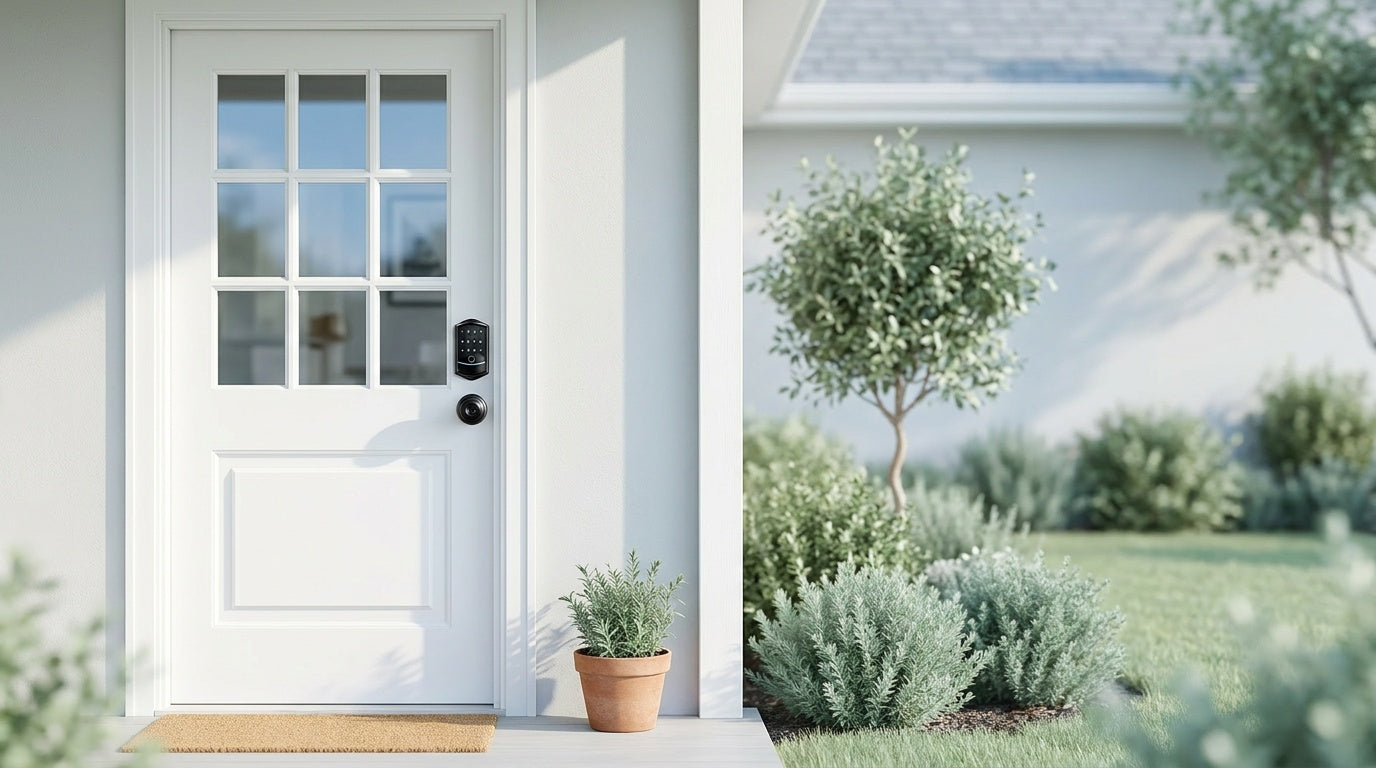
Standing in the lock aisle — or scrolling through page after page of Amazon listings — trying to figure out which electronic deadbolt actually fits your front door can feel surprisingly overwhelming. Keypad locks, smart locks, Wi-Fi locks, fingerprint locks: the labels overlap, the features blur together, and most comparison articles either go too shallow or drown you in spec tables.
This guide cuts through the noise. Whether you're a new homeowner swapping out an old deadbolt, a parent who wants to know the moment your kids get home, or a landlord managing access to a short-term rental, there's a specific lock category built for your situation. By the time you finish reading, you'll know exactly which type of electronic deadbolt to look for — and why.
What Is an Electronic Deadbolt?
A traditional deadbolt is a single-cylinder lock that throws a solid bolt into your door frame when you turn a key or thumb-turn. An electronic deadbolt replaces — or supplements — the physical key with at least one electronic entry method: a keypad code, a fingerprint scan, a mobile app, or a voice command. The bolt mechanism itself is the same as a traditional deadbolt; what changes is how you authorize entry.
This matters because electronic deadbolts are full lock replacements, not overlays. You remove your existing hardware and install the new unit. That means the product you choose needs to fit your door (standard wood doors with thickness between 1-3/8" and 2" are the typical target), and the decision to install one is generally made by the property owner or someone with authority to modify the door hardware.
The Four Main Categories of Electronic Door Locks
Not every electronic lock is the same under the hood. Before comparing individual models, it helps to understand the four broad categories — because each one represents a different set of capabilities, not just a different price point.
1. Keypad Deadbolt
A keypad deadbolt is the most straightforward upgrade from a traditional lock. Every model supports a keypad code and a physical key as backup. Select models also add fingerprint recognition, giving your household multiple ways to enter without carrying a key. There's no app, no Wi-Fi, and no hub required — which also means there's nothing to go offline, no router to configure, and no subscription to maintain.
Keypad deadbolts typically sit at the more affordable end of the electronic lock spectrum and are a natural fit for homeowners who want the convenience of code-based entry without the complexity of a connected system. They're also a popular choice when replacing a deadbolt on a door that already has a separate handle or knob for daily traffic.
2. Keypad Latch Lock
A keypad latch lock combines the handle and the locking mechanism into a single integrated unit. Currently available in two models — one with an integrated top knob (KS03) and one with an integrated top lever (KS04) — these locks use a keypad code and a physical key as the two entry methods. There's no fingerprint, no app, and no remote access.
The integrated design makes keypad latch locks a common pick for interior doors, side entries, garage access doors, and secondary entrances where you want code-based convenience without installing a separate handle. On entry doors, they're sometimes paired with a standalone deadbolt: the latch handles routine, code-based daily access while the deadbolt provides the primary security layer when the door is secured for the night.
3. Smart Lock w/ Gateway (G1 or G2)
This category is where the lock connects to your home network through a paired gateway device, enabling remote app control, entry history, and voice assistant support. Both the Smart Locks w/ G1 and Smart Locks w/ G2 share a common set of unlock methods: keypad code, remote app via the paired gateway, key fob, and physical key backup. Many models in both lines also include fingerprint recognition.
Smart Lock w/ G1 and Smart Lock w/ G2 share the same core feature set, but they differ in meaningful ways depending on your household. Smart Lock w/ G1 is built on a single product series — every SKU includes multilingual voice prompts in English, Spanish, and French, a USB-C emergency power port, and fingerprint as standard. Smart Lock w/ G2 supports English voice prompts only, but offers unique features like Apple Watch unlock and web portal control. Smart Lock w/ G2 also has more SKU variety, including non-fingerprint options and a wider range of handleset bundles.
For multilingual households or families where a non-English-speaking member needs to use the lock independently, Smart Lock w/ G1's three-language voice guidance is a concrete, practical advantage worth noting before you decide.
4. Wi-Fi Smart Lock
A Wi-Fi smart lock has a Wi-Fi radio built directly into the lock body, so it connects to your home network without a separate gateway. That means remote app access, live notifications, and voice control (Alexa or Google Assistant) are available right out of the box. Unlock methods include remote app, keypad code, voice control, fingerprint, and physical key backup on every Wi-Fi smart lock; key fob is supported on the VE027 series (all models) but is not supported on the VE012W series.
Wi-Fi smart locks are currently available in two series. The Touchscreen Wi-Fi Smart Lock (VE027 Series) features a touchscreen interface, a USB-C emergency power port on every unit, and on-device voice prompts in English, Spanish, and French. The Push-Button Wi-Fi Smart Lock (VE012W Series) uses a traditional press-button keypad and shares the same Wi-Fi connectivity, fingerprint, app control, and 8 AA battery design — but does not include the USB-C port or on-device voice prompts.
One practical note: even when your home's Internet goes down, Smart Lock w/ Gateway 1/2 and Wi-Fi smart locks can still be controlled via app as long as you're within short-range wireless distance of the lock. Long-distance remote features (locking from across town, off-site notifications) require a live Internet connection.
How to Match a Lock to Your Situation
The best electronic deadbolt isn't the one with the most features — it's the one whose features actually matter to your daily life. Here's a quick framework for the most common buyer scenarios.
- New homeowner replacing an old deadbolt: A keypad deadbolt is usually the simplest upgrade. You get code-based entry and a physical key backup without dealing with apps or network setup. If you want the option to upgrade to remote access later, start with a Wi-Fi smart lock instead — it's a single purchase that grows with your needs.
- Parents tracking kids' arrival home: Go with a Wi-Fi smart lock or a Smart Lock w/ Gateway (G1 or G2). Both give you remote entry history and app notifications so you know when your child walked through the door — a keypad-only lock won't send those alerts.
- Family with an elderly member who needs simple entry: Fingerprint recognition (available on select keypad deadbolts, all G1 models, and most Wi-Fi locks) removes the need to remember a code. A scan in under 0.3 seconds is faster and easier than fumbling with keys. For households worried about battery death causing a lockout, look at the VE017 series (Smart Lock w/ G1) or VE027 series (Touchscreen Wi-Fi Smart Lock) — every SKU in both series ships with a USB-C emergency power port, so you can plug in a portable battery to operate the lock even when the internal batteries are depleted.
- Managing a short-term rental or vacation property: A Smart Lock w/ Gateway 1/2 or Wi-Fi smart lock lets you issue temporary access codes remotely, review entry history between guest stays, and lock or unlock the door from anywhere — no physical key handoffs required. Remote access requires a smart lock (gateway-paired or Wi-Fi); a keypad-only deadbolt cannot be connected to a gateway or controlled remotely.
- Multilingual household: The Smart Lock w/ G1 line supports English, Spanish, and French voice prompts. The G2 line currently supports English only. If voice guidance in Spanish or French matters to someone in the home, G1 is the clear pick.
Key Features to Evaluate Before You Buy
Once you've matched a category to your situation, a few specific features can help you narrow down to the right model.
Auto Lock
Auto lock automatically re-engages the deadbolt after the door closes. On Veise locks, the interval is configurable between 10 and 99 seconds on standalone keypad locks (Keypad Deadbolt, Keypad Latch) and between 10 and 180 seconds on connected models (Smart Lock w/ Gateway 1/2, Wi-Fi Smart Lock), so you can set it tight (quick lockdown after entry) or give yourself a longer window to get bags through the door. Auto lock is a standard feature across the entire Veise lineup, not a premium add-on.
Fingerprint Recognition
Available on select keypad deadbolts, all Smart Lock w/ G1 models, many G2 models, and most Wi-Fi smart locks, fingerprint recognition is processed entirely on the lock's own chip — no cloud account, no Internet required, no biometric data leaving the device. Enrollment captures your finger eight times to build a reliable template across different angles and pressure levels. Once registered, the lock reads a print in under 0.3 seconds. Multiple unique fingerprints can be stored per device, enough for a full household.
Voice Control
Voice control works differently depending on the lock type. Wi-Fi smart locks support Alexa and Google Assistant commands directly through their built-in Wi-Fi — no extra hardware needed. Smart Locks w/ Gateway 1 or 2 can also work with Alexa and Google Assistant, but the gateway must be paired and online to bridge the connection. Do not assume every electronic deadbolt in the lineup works with voice assistants — the Keypad Deadbolt and Keypad Latch categories do not support voice control.
Physical Key Backup
Every Veise electronic lock includes a physical key backup regardless of how many electronic methods it supports. This is worth confirming on any brand you're evaluating — a lock that has no key override means a dead battery or forgotten code leaves you without options.
Security Grade
Veise locks are ANSI/BHMA Grade 3 certified. Grade 3 is the recognized residential standard — it's designed and tested for the entry frequency and force resistance appropriate for home use. Grades 1 and 2 target high-traffic commercial settings like office buildings and hotels, not a higher tier of quality for residential buyers.
Installation: What to Expect
One of the most common concerns with electronic locks is installation complexity. The reality is that a standard deadbolt replacement is straightforward for most homeowners. Veise locks are designed for DIY installation: most take about 15 minutes with a screwdriver, require no wiring, and don't need a professional. The lock fits standard wood doors with a thickness between 1-3/8" and 2".
It's worth noting that Veise locks are not compatible with fiberglass, metal, storm, or sliding doors. If your front door is a steel or fiberglass unit, a mechanical or specialty lock rated for that material is the right path. For wood doors in standard residential construction, the fit is typically direct and the installation is a simple swap of your existing hardware.
The Veise Lineup at a Glance
Veise designs, engineers, and manufactures its own locks — not an OEM reseller buying generic hardware and rebranding it. That vertical integration means tighter quality control from the factory floor through to the US-based support team. The lineup covers the full range of electronic entry options, priced between $30 and $180, with no subscription fees and no cloud dependency for core features.
- Keypad Deadbolt Locks — Code + key backup; select models add fingerprint. Ideal for straightforward front door upgrades.
- Keypad Latch Locks — Integrated handle + code + key. Great for interior, side, and secondary entry doors.
- Smart Locks w/ G1 — Remote app via gateway, fingerprint, multilingual voice (EN/ES/FR), USB-C emergency power on the VE017 series. Best all-in-one connected pick.
- Smart Locks w/ G2 — Remote app via gateway, Apple Watch unlock, web portal. Wider SKU variety including non-fingerprint options.
- Wi-Fi Smart Locks — Built-in Wi-Fi, no gateway needed, remote app + voice control. Available in Touchscreen (VE027 Series) or Push-Button (VE012W Series).
If you're also outfitting interior doors, hallways, or a home office, Veise's mechanical locks, privacy door knobs, and privacy door levers round out the full-home picture. The complete product range is available at iveise.com/collections/all-products.
Frequently Asked Questions
What is the difference between a keypad deadbolt and a smart lock?
A keypad deadbolt uses a local code (and sometimes a fingerprint) to unlock the door, with no app or network connection involved. A smart lock connects to your home network — either through a paired gateway or built-in Wi-Fi — enabling remote access, entry history, and app or voice control from anywhere. Both are electronic deadbolts, but smart locks add connectivity features that keypad-only locks don't have.
Do I need Wi-Fi for an electronic deadbolt to work?
No. Keypad deadbolts and keypad latch locks work entirely offline — no Wi-Fi, no app, no network needed. Smart locks with a gateway or built-in Wi-Fi use your network for remote features, but the core unlock methods (keypad code, fingerprint, physical key) work without any Internet connection. Even if your router goes down, you can still enter through the lock locally.
Can a renter install an electronic deadbolt?
Electronic deadbolts are full lock replacements, so installation requires permission to modify the door hardware. Renters typically need landlord approval before swapping out a deadbolt. If you own a rental property or manage a short-term rental, an electronic deadbolt gives you flexible, remote-managed access without physical key handoffs.
Do electronic deadbolts work without electricity?
Veise electronic locks are battery-powered — they don't require hardwiring and work during power outages. The physical key backup on every model provides an additional failsafe if batteries die. The VE017 (Smart Lock w/ G1) and VE027 (Touchscreen Wi-Fi Smart Lock) series also include a USB-C emergency power port, so you can connect a portable battery to operate the lock when the internal batteries are fully depleted.
What doors are compatible with Veise electronic locks?
Veise locks are designed for standard wood doors with a thickness between 1-3/8" and 2". They are not compatible with fiberglass, metal, storm, or sliding doors. If you're unsure about your door material or thickness, measure the door thickness and check the frame before purchasing.
How many people can share access on a Veise smart lock?
Multiple keypad codes can be programmed into any Veise electronic lock, so different household members, guests, or service providers can each have their own code. On fingerprint-equipped models, multiple unique fingerprints can be stored directly on the lock — processed and saved on-device with no cloud account required. Smart locks add the ability to issue and revoke access remotely through the app, which is especially useful for managing short-term rentals or household members with varying schedules.
Is there a monthly fee for Veise smart lock features?
No. Veise smart locks have no subscription fees. All core features — including remote app access, entry history, fingerprint storage, and auto lock — are included with the lock purchase. There is no cloud service fee, no annual plan, and no feature gating behind a paywall.
Choosing the right electronic deadbolt comes down to one honest question: what does your daily life actually need from your front door lock? If you want simple, reliable code entry with no tech overhead, a keypad deadbolt delivers that cleanly. If you want to stay connected to who's coming and going — from down the street or across the country — a Smart Lock w/ Gateway or Wi-Fi smart lock gives you that visibility without overcomplicating your setup.
Veise's lineup is designed to cover every point on that spectrum, at a price range that doesn't require a home automation budget to access quality hardware. No subscriptions, no cloud lock-in, no professional installer required — just a practical lock that works the way your household actually lives.
Have questions about which Veise lock is right for your door?
Our US-based support team is here to help — by phone or email, no automated runaround.
Contact Us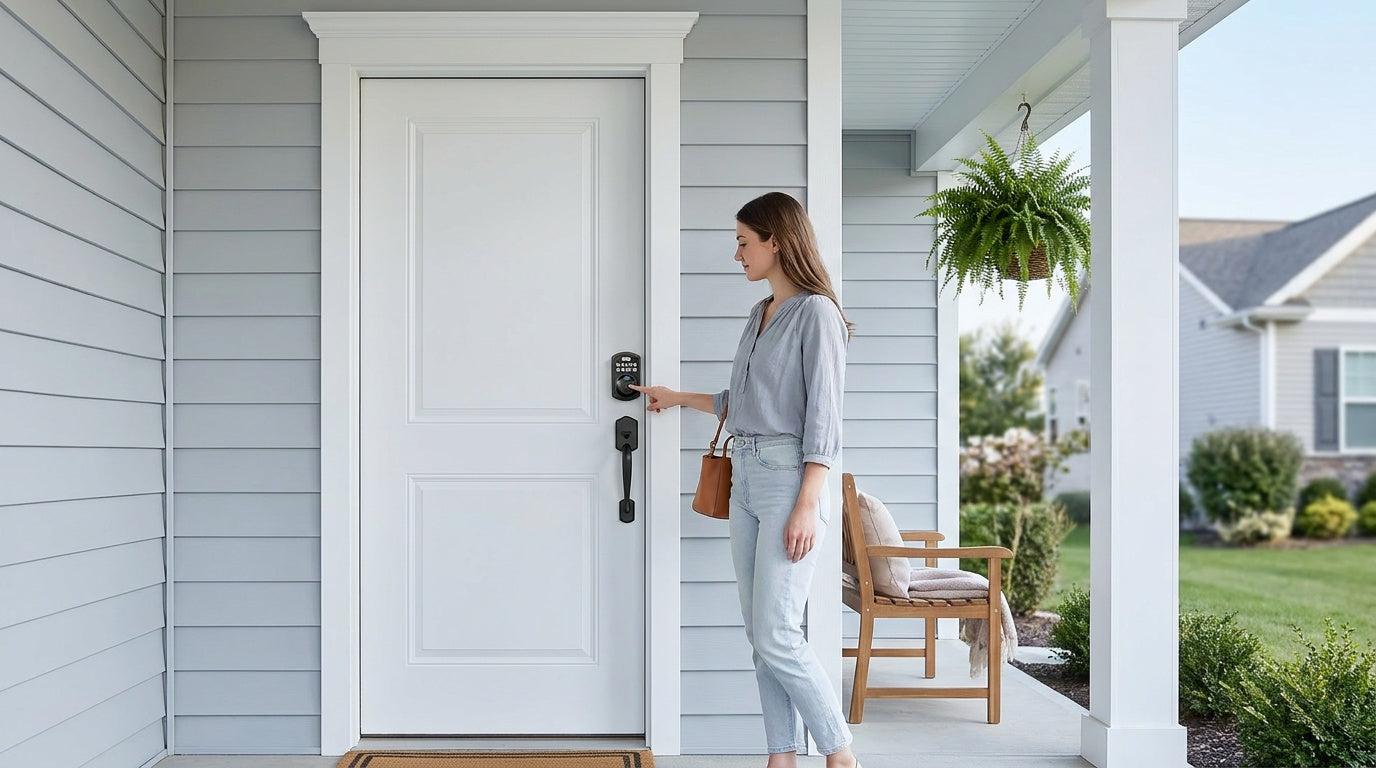

Leave a comment
This site is protected by hCaptcha and the hCaptcha Privacy Policy and Terms of Service apply.