
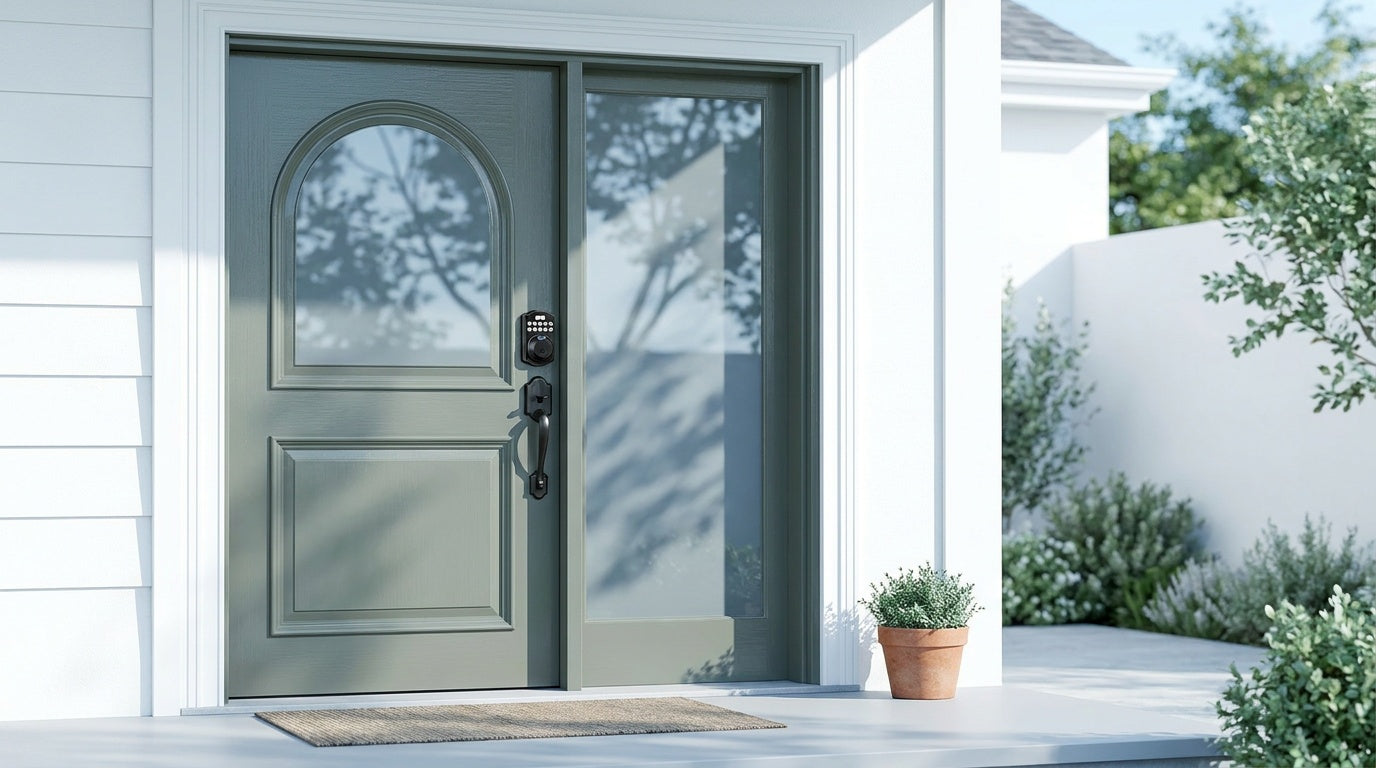
Losing your keys is one thing. Realizing your front door lock hasn't been changed since you moved in is another. Whether you're a new homeowner upgrading from a builder-grade deadbolt, a parent who wants to know exactly when the kids get home from school, or a landlord managing access to a short-term rental, a keyless entry door lock solves a real problem — and it doesn't have to cost a fortune.
The good news: the best keyless entry door locks on a budget have gotten genuinely good. You no longer have to choose between security and affordability. Modern budget-friendly keyless locks come with fingerprint scanners, app control, voice assistant compatibility, and auto lock — features that were reserved for premium products just a few years ago. This guide breaks down the four main types of keyless entry locks, what each one does well, and which Veise models are worth your money right now.
What Is a Keyless Entry Door Lock?
A keyless entry door lock is any lock that lets you enter your home without a traditional key as your primary method. Instead, you might use a PIN code on a keypad, your fingerprint, a key fob, a smartphone app, or a voice command. Most keyless locks still include a physical key slot as a backup — so you're not locked out if a battery dies or you forget your code — but the key becomes the last resort rather than the everyday habit.
Keyless locks range from simple standalone keypads to fully connected smart locks that send you real-time alerts and let you lock or unlock from anywhere in the world. The right choice depends on your door type, your household's needs, and how much connectivity you actually want to manage.
How Much Should You Spend on a Keyless Entry Lock?
"Budget" in the smart lock world is relative. A $200 smart lock isn't inherently better secured than a $60 keypad deadbolt — it's just doing more things (remote access, app notifications, integrations). For pure entry security on a residential front door, you don't need to spend a lot. What you're really paying for as the price goes up is connectivity and convenience, not a stronger bolt.
Veise covers the full range from $30 to $180, so there's a genuine option at every budget level. A basic keypad deadbolt from Veise runs on the lower end and handles most households perfectly well. A Wi-Fi smart lock with full app control and voice integration sits at the higher end of that range but is still well below what major competitors charge for similar features. No Veise lock requires a subscription fee, and none of them store your fingerprint or access data in the cloud — everything stays on the device.
Types of Keyless Entry Locks (and When Each Makes Sense)
Before jumping into specific picks, it helps to understand that "keyless entry" is not one product — it's a category with four meaningfully different options. Each one trades features for simplicity (or vice versa), and picking the wrong type for your situation is the most common buying mistake.
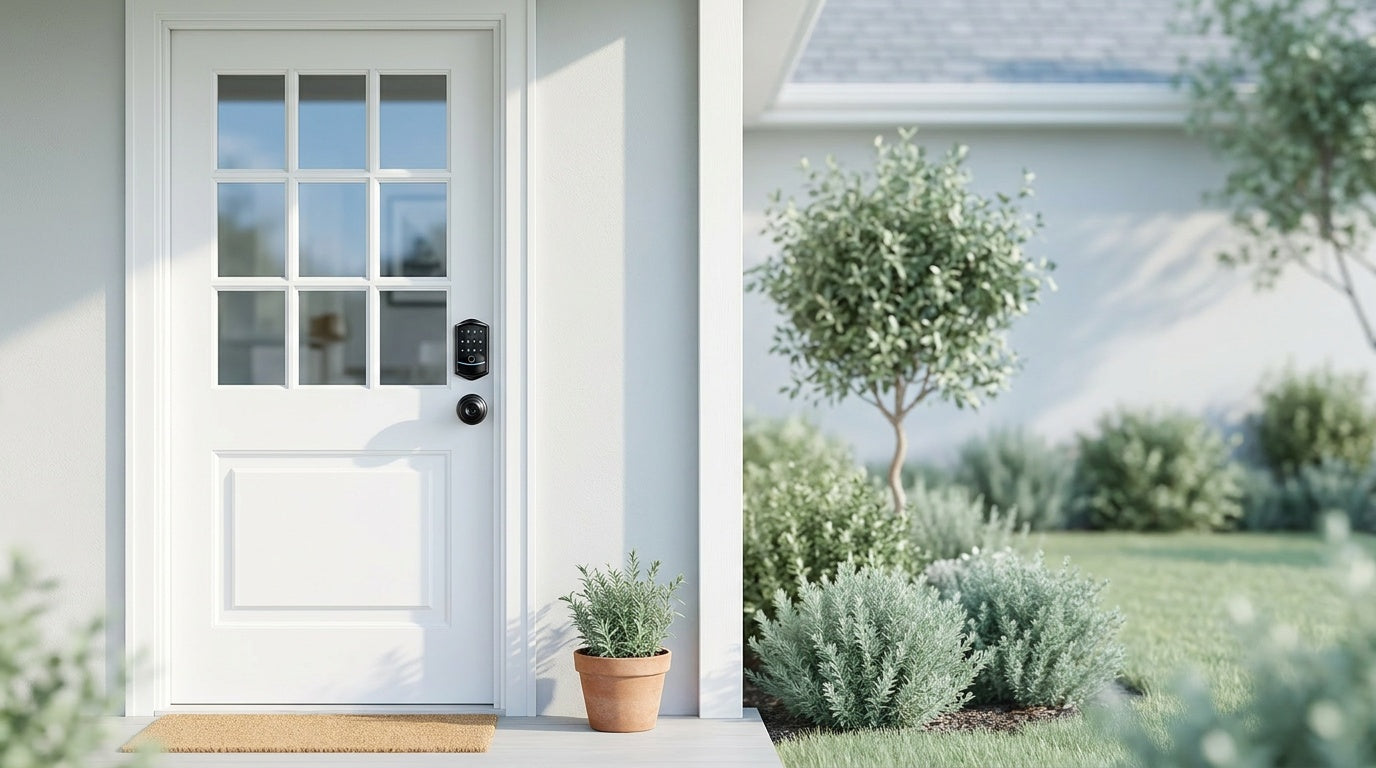
- Keypad Deadbolt: The workhorse of keyless entry. A standard deadbolt bolt mechanism with a keypad (and optionally a fingerprint reader) built into the exterior handle. Best for front and back doors where you want a no-fuss replacement for a standard deadbolt.
- Keypad Latch Lock: An integrated handle-and-keypad unit that uses a spring latch instead of a deadbolt. Commonly a fit for interior doors, side doors, garage entry doors, and office doors. On a main entry door, many homeowners also pair a keypad latch with a separate deadbolt for added security — but the latch alone is fully capable of code-based daily access.
- Smart Lock w/ Gateway (G1 or G2): A full lock replacement that pairs with a separate gateway device to connect to your home network. Unlocks via keypad code, key fob, physical key, fingerprint (on most models), and remote app control through the gateway. Think of it as a keypad deadbolt that can also talk to your phone from across town.
- Wi-Fi Smart Lock: Similar to a gateway-paired lock, but with Wi-Fi built directly into the lock itself — no separate gateway needed. App control, voice assistant support (Alexa/Google), fingerprint, keypad code, and physical key backup are all included.
All Veise locks are designed for wood doors with a standard thickness of 1‑3/8" to 2". They are not compatible with fiberglass, metal, storm, or sliding doors. Because Veise locks are full door lock replacements (not overlay devices), installation requires that you own the property or have authority to modify the door hardware.
Best Budget Keyless Entry Door Locks
Best Basic Pick: Keypad Deadbolt
If you want to ditch your house keys and nothing more, a Keypad Deadbolt is the most straightforward upgrade you can make. Veise's keypad deadbolt line is split into two groups: models with a fingerprint reader (the KS02 series) and models without one (the RZ and KS01 series). Both groups support keypad code entry and include a physical key backup on every model. Handleset bundles (also written "handle-set") are available in both groups, with a lever, knob, or vertical handle included (KS02B / KS02C / KS02D on the fingerprint side; RZ-C / KS01B / KS01C on the non-fingerprint side) — handy if you're replacing an entire lockset at once.
The fingerprint models in the KS02 series add meaningful speed for everyday use. Veise's fingerprint scanner reads in under 0.3 seconds, and enrollment captures your finger eight times so the lock reliably recognizes it across different grip angles and lighting conditions. All prints are stored on the device itself — no cloud account, no data leaving your door. Auto lock is configurable between 10 and 99 seconds on all models, so the door locks behind you automatically whether you remembered to turn around or not.
All Veise keypad deadbolts meet ANSI/BHMA Grade 3 certification, which is the recognized residential security standard. Grades 1 and 2 target high-traffic commercial environments — for a home front door, Grade 3 is what you need.
Best for: Homeowners who want simple keyless entry on a front or back door, households replacing an old deadbolt, families where everyone needs their own PIN code.
Best for Interior and Side Doors: Keypad Latch Lock
The Keypad Latch Lock is an integrated unit — the handle and keypad are built into a single lock body, and it uses a spring latch rather than a deadbolt bolt. Veise currently offers two SKUs in this line: the KS03 (integrated top knob) and the KS04 (integrated top lever). The only difference between them is that handle shape, so the choice comes down to what feels right for the door and the people using it. Both models support keypad code and physical key backup only — no fingerprint, no app, no key fob on this line.
This is a clean, affordable option for doors where you need code-based access without a deadbolt setup. It's commonly a fit for interior utility doors, garage entry doors, side entrances, and office or warehouse doors. On a main entry door, a keypad latch can also work well alongside a separate deadbolt — the latch handles the everyday PIN-code entry while the deadbolt handles primary security.
Best for: Interior doors, side or garage entry doors, secondary access points, or any door where a full deadbolt setup isn't needed.
Best Connected Pick: Smart Lock w/ Gateway 1/2
When you want remote access — checking whether you locked the door from the office, letting a dog walker in while you're at work, managing guest codes for a short-term rental — you need a smart lock, not just a keypad. Remote access requires a smart lock (gateway-paired or Wi-Fi), not a keypad lock plus any add-on. Veise's gateway-paired line gives you that connectivity at a more accessible price point than a full Wi-Fi lock.
Veise offers two generations of this category. Smart Lock w/ G1 is built on a single product series. Every Smart Lock w/ G1 SKU ships with fingerprint, multilingual voice prompts (English, Spanish, and French), and a USB-C emergency power port — features that are standard across the entire line, not add-ons you have to hunt for. The line pairs with a Veise-developed app for tighter integration with the rest of the Veise ecosystem. This makes Smart Lock w/ G1 the strongest all-around connected pick for most households, especially multilingual families or anyone who wants USB-C emergency backup without having to select a specific upgraded model.
Smart Lock w/ G2 adds Apple Watch unlock and web portal control — features that are unique to this line. It also offers more SKU variety, including non-fingerprint models and handleset bundles in multiple finishes. Smart Lock w/ G2 voice prompts are in English only. If Apple Watch unlock or a non-fingerprint connected option matters to you, Smart Lock w/ G2 is the pick.
Both Smart Lock w/ G1 and Smart Lock w/ G2 include keypad code, key fob, and physical key as standard unlock methods on all models, plus remote app control via the paired gateway. Voice assistant support (Alexa/Google Assistant) is available when the gateway is connected. Even when your Internet is down, app control continues to work locally as long as you're within short-range wireless distance of the lock.
Best for: Homeowners who want remote monitoring, landlords managing rental property access, parents tracking arrivals, and any household where guests or service providers need temporary codes.
Best Full Remote Access: Wi-Fi Smart Lock
The Wi-Fi Smart Lock builds the wireless connection directly into the lock, so no separate gateway is needed. You connect it to your home Wi-Fi during setup, and from that point on the lock is fully controllable through the app — remotely lock or unlock, review entry history, set schedules, and get alerts. Alexa and Google Assistant work directly via the lock's built-in Wi-Fi, no bridge required. All models include fingerprint, keypad code, and physical key backup.
Veise offers two Wi-Fi Smart Lock series, and the differences are concrete. The Touchscreen Wi-Fi Smart Lock (VE027 Series) uses a touchscreen interface, includes a USB-C emergency power port, supports key fob on every model, and ships with on-device voice prompts in English, Spanish, and French. The Push-Button Wi-Fi Smart Lock (VE012W Series) uses a traditional press-button keypad, does not include a USB-C port, does not support key fob, and does not have on-device voice prompts. Both series use 8 AA batteries instead of the more common 4 AA configuration, which delivers a stronger, more stable wireless signal and a more substantial power reserve. Outside those four differences (interface, USB-C, key fob, on-device voice prompts), the two series share the same Wi-Fi connectivity, fingerprint, keypad code, app control, and Alexa/Google voice command support.
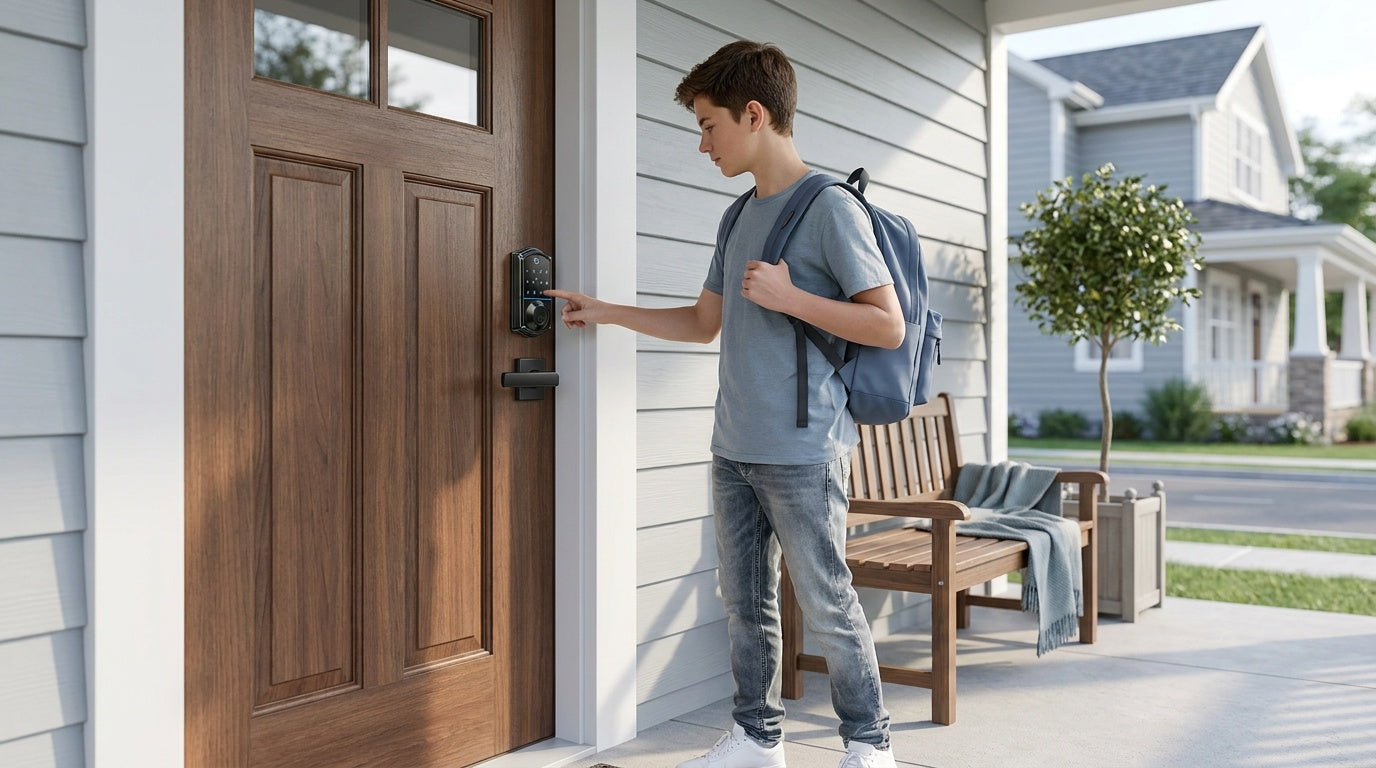
For families with kids, a Wi-Fi smart lock (or a gateway-paired smart lock) is the practical recommendation over a keypad-only model. The ability to check entry history remotely — knowing your child got home safely at 3:30 PM without waiting for a text — is genuinely useful and hard to replicate with a keypad deadbolt.
Best for: Tech-forward homeowners, Airbnb hosts who need no-gap remote control, parents who want real-time entry monitoring, and anyone who prefers a gateway-free setup.
What to Look for When Buying a Budget Keyless Lock
Shopping for a keyless entry lock on a budget doesn't mean settling. These are the features that actually matter and are worth checking before you buy:
- Multiple unlock methods: The more entry options a lock supports, the more useful it is for a mixed household. Keypad codes work for everyone; fingerprint adds speed; physical key backup adds peace of mind.
- Auto lock: A lock that doesn't close on its own isn't really keeping your home secure. Look for auto lock with a configurable timer so you can match it to your habits.
- No subscription fees: Some brands charge monthly fees for access history or app features. Avoid locks that put basic functionality behind a paywall.
- Local data storage: Fingerprint data and access codes stored on the device itself (not in the cloud) are more private and more reliable — they work even when your Internet is down.
- Compatibility with your door: Keyless locks are designed for specific door materials and thicknesses. Confirm your door is compatible before ordering.
- ANSI/BHMA certification: This tells you the lock has been tested to a recognized residential standard. For home use, Grade 3 is the appropriate benchmark.
Installation: Easier Than You Think
One of the most common hesitations about switching to a keyless lock is the assumption that it requires a locksmith or contractor. With Veise, installation takes about 15 minutes with a screwdriver — no wiring, no drilling new holes (assuming you're replacing an existing deadbolt), and no professional help needed. The lock mounts directly into your existing door prep. Setup instructions walk you through syncing the keypad, enrolling fingerprints, and (for smart lock models) connecting to your gateway or Wi-Fi network.
Because Veise locks are full replacements rather than overlay devices that sit on top of your existing hardware, you'll be removing your old lock entirely. That also means the installation requires that you own the property or have authority to modify the door hardware — this isn't the kind of swap you do in a rental without landlord approval.
For ongoing support, Veise offers US-based phone and email support and ships from a local warehouse, so you're not waiting weeks for help or replacement parts if something comes up.
Frequently Asked Questions
Are keyless entry door locks safe?
Yes. Modern keyless entry locks meet the same physical security standards as traditional deadbolts. Veise locks are ANSI/BHMA Grade 3 certified, which is the recognized standard for residential door security. Fingerprint and code data are stored locally on the device — not in the cloud — which also reduces the risk of remote data exposure.
Do keyless locks work if the Wi-Fi goes down?
It depends on the lock type. Keypad deadbolts and keypad latch locks have no network dependency at all — they work entirely offline, always. For gateway-paired and Wi-Fi smart locks, keypad, fingerprint, key fob, and physical key entry all continue to work without any Internet connection. Even when Wi-Fi is down, app control continues to work locally as long as you're within short-range wireless distance of the lock. Only long-distance remote features (checking the lock from another city, for example) require a live Internet connection.
What happens when the battery dies on a keyless lock?
All Veise keyless locks include a physical key backup, so you're never fully locked out. Every SKU in the VE017 series (Smart Lock w/ G1) and VE027 series (Touchscreen Wi-Fi Smart Lock) also includes a USB-C emergency power port, so you can connect a power bank to the outside of the lock and enter your code or fingerprint to get inside before replacing batteries.
Can I install a keyless lock myself?
Yes. Veise locks are designed for DIY installation in about 15 minutes with a screwdriver. No wiring or professional help is required. They install into the same door prep as a standard deadbolt or lockset, so if you're replacing an existing lock, you typically won't need to drill any new holes. Compatible with wood doors from 1‑3/8" to 2" thick.
Do I need to pay a monthly fee for a smart lock?
Not with Veise. There are no subscription fees on any Veise lock. All features — including app control, access history, and fingerprint storage — are included at no ongoing cost. That's one of the key reasons Veise consistently ranks as one of the best budget smart lock options available.
What types of doors are Veise keyless locks compatible with?
Veise locks are compatible with wood doors only, with a standard door thickness of 1‑3/8" to 2". They are not compatible with fiberglass, metal, storm, or sliding doors. If you have a non-wood exterior door, check compatibility before purchasing.
Can I use a keyless lock on a rental property?
If you are the property owner, landlord, or property manager, yes. Because Veise locks are full door lock replacements, the person installing the lock must have authority to modify the door hardware. Landlords managing rental properties or short-term rentals will find the smart lock options (gateway-paired or Wi-Fi) especially useful for managing guest access remotely and generating time-limited codes.
The best keyless entry door lock on a budget isn't a single product — it's the right product for your door, your household, and how you actually live. A Keypad Deadbolt handles most front-door needs cleanly and affordably. A Keypad Latch Lock is a practical pick for interior and secondary doors. A Smart Lock w/ Gateway (G1 or G2) opens up remote access without the complexity of a full Wi-Fi integration. And a Wi-Fi Smart Lock gives you the complete package — real-time alerts, voice control, app monitoring, and flexible entry — in one device, at a price that no longer demands a compromise.
Veise builds every lock it sells in its own factory — not an OEM reseller — which means tighter quality control and real accountability from design to delivery. Every lock ships with no subscription fees, no cloud dependency, and US-based support behind it.
Browse the full Veise lineup at iveise.com or explore specific collections by lock type to find the right fit for your door.
Have questions about which lock is right for your door or your household? Contact the Veise team — US-based support is available by phone and email, and we're happy to help you find the right fit before you buy.

Leave a comment
This site is protected by hCaptcha and the hCaptcha Privacy Policy and Terms of Service apply.