
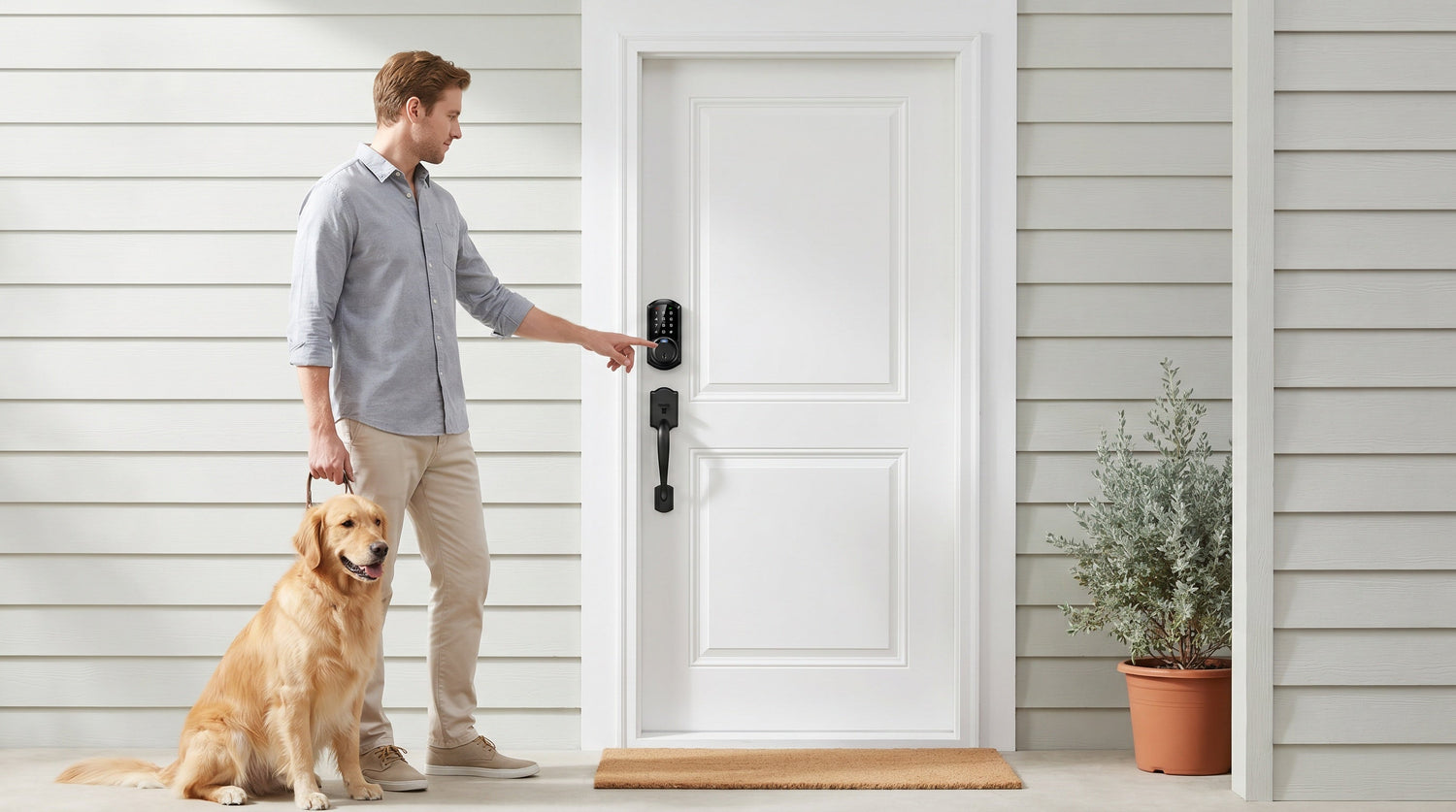
You've decided it's time to upgrade your front door lock — no more fumbling for keys in the dark, no more hiding a spare under the mat, no more wondering whether your teenager actually made it home. But once you start shopping for electronic door locks, a new problem appears: there are more types than you expected, and the differences between them aren't always obvious.
Keypad locks, fingerprint locks, smart locks with gateways, Wi-Fi smart locks — each one solves a slightly different problem. Picking the wrong type means either overpaying for features you'll never use or buying something that falls short when it counts. This guide breaks down every major category of electronic front door lock, explains how each one works in real life, and helps you match the right lock to your situation — whether you're a parent managing school pick-ups, a homeowner replacing an aging deadbolt, or a short-term rental host who needs to hand out access without handing out keys.
What Is an Electronic Front Door Lock?
An electronic front door lock replaces the traditional keyed deadbolt or knob with a locking mechanism that can be operated without a physical key — or at least without relying on a key as the primary method. Entry is controlled by something you know (a PIN code), something you are (a fingerprint), or something you carry (a smartphone or key fob). Most modern electronic locks still include a physical key slot as a backup, but the goal is to make that backup something you almost never need.
It's worth noting that electronic locks for exterior wood doors typically come as full-replacement deadbolts or handle sets. Unlike overlay-style devices that mount on top of your existing hardware, a full-replacement lock installs where your old deadbolt lived, uses the same door prep (the existing hole and strike plate), and can usually be swapped in about 15 minutes with just a screwdriver. Because you're replacing the lock hardware entirely, you'll need to be the property owner or have clear authority to modify the door.
Keypad Locks: Simple, Reliable, No-Fuss Entry
A keypad lock is the entry point for most households making their first upgrade from a traditional deadbolt. You punch in a PIN code on a numeric keypad — usually 4 to 10 digits — and the bolt retracts. No app required, no Wi-Fi, no account to create. The lock works entirely on its own, powered by standard AA batteries.
This simplicity is exactly what makes keypad locks so popular. There's nothing to set up beyond programming your code, and nothing to troubleshoot if the Internet goes down. Family members who aren't tech-savvy — grandparents, young kids, houseguests — can learn the entry routine in seconds. Most keypad deadbolts also support auto lock, which automatically re-engages the bolt after a set interval so you never have to wonder whether you remembered to lock up.
What Veise Keypad Locks Offer
Veise's keypad deadbolt locks come in two main configurations: models without fingerprint (the RZ and KS01 series, available as standalone deadbolts or handle-set bundles with a lever or knob) and models with fingerprint built in (the KS02 series, discussed more in the next section). Every keypad deadbolt includes keypad code entry and a physical key as backup. Auto lock is configurable between 10 and 99 seconds across the standalone keypad lineup. For interior doors, hallways, or secondary entry points, the keypad latch lock — available in KS03 (integrated top knob) and KS04 (integrated top lever) — provides code-based entry with a compact, all-in-one form factor.
Best for: households wanting to ditch physical keys without adding app complexity; older family members who prefer a familiar entry routine; budget-conscious buyers who want reliable daily security without connected features.
Keypad Deadbolts with Fingerprint: Fast, Hands-Free, and Key-Free
A fingerprint lock adds a biometric reader to the keypad experience. Instead of typing a code, you press your registered finger to the sensor and the bolt releases — in under 0.3 seconds on Veise models. That's fast enough that you don't break stride walking through the door, even with groceries in your other hand. You still have the keypad as a backup method and a physical key slot for emergencies, so you're never locked out just because your hands are wet or cold.
The fingerprint reader on Veise locks uses an AI-assisted chip and stores all biometric data locally on the device itself. Your fingerprints are never uploaded to a cloud server or tied to an online account. During setup, each finger is scanned eight times to build a reliable template across different angles and pressures, which dramatically reduces false rejections over time. Multiple unique fingerprints can be enrolled, giving every household member their own registered entry without sharing a PIN.
What Veise's Fingerprint-Enabled Keypad Deadbolts Offer
The KS02 series within Veise's keypad deadbolt lineup adds fingerprint to the standard keypad-plus-physical-key combination. The KS02A is a deadbolt-only unit for homes that already have a separate handle; the KS02B, KS02C, and KS02D are handleset bundles (also written "handle-set") that include a lever, knob, or vertical handle respectively, for a complete one-piece replacement. Every KS02 SKU supports the same fingerprint enrollment process and local data storage. If you're shopping the broader keypad deadbolt collection, look for models that list fingerprint as a supported entry method — that indicates a KS02-series unit.
Best for: families who want the speed and convenience of hands-free entry without needing app control; privacy-conscious buyers who prefer local data storage over cloud biometrics; anyone who has struggled with wet or work-roughened hands and a traditional keypad.
Smart Locks: Remote Access and Full Home Integration
Smart locks take everything a keypad or fingerprint lock offers and add one critical capability: you can control and monitor the lock from anywhere, not just while standing in front of it. That's what separates a smart lock from a keypad lock — remote access. You can lock the door from your phone while sitting at your office, check whether it's locked before bed, grant temporary access to a house cleaner, or see a log of who came and went during the school day.
Remote access requires a smart lock — either a gateway-paired model or a Wi-Fi model. A keypad-only lock, even a high-quality one, cannot be paired with a gateway to add remote features after the fact. The remote capability has to be built into the lock hardware itself.
Smart Lock w/ Gateway (G1 or G2): App Control Through a Paired Hub
This category connects to your home network through a small gateway hub that plugs into your router. The lock communicates with the gateway using short-range wireless, and the gateway connects to the Internet so you can reach the lock from anywhere via a mobile app. Because the gateway handles the network connection, the lock itself stays power-efficient, typically running on standard AA batteries for an extended period.
Veise offers two generations in this category. Smart Locks w/ G1 is built on a single product series — the VE017. Every VE017 model includes fingerprint, multilingual voice prompts (English, Spanish, and French), and a USB-C emergency power port on the lock body for situations where batteries run completely flat. It pairs with a first-party, Veise-developed app. All Smart Lock w/ G1 SKUs also support keypad code, key fob, physical key backup, and remote app control via the paired gateway. Voice control through Alexa or Google Assistant is supported when the gateway is connected. For multilingual households, Smart Lock w/ G1's three-language voice prompts are a meaningful differentiator worth factoring into your choice.
Smart Locks w/ G2 covers more SKU variety — fingerprint and non-fingerprint options, in standalone deadbolt or handleset bundles (lever, vertical handle, or knob). Smart Lock w/ G2 adds two features not found anywhere else in the Veise lineup: Apple Watch unlock and web portal control via desktop browser. Voice prompts are English only. If the buyer doesn't need fingerprint and wants to keep costs lower, Smart Lock w/ G2 is the only connected category with non-fingerprint options.
Even when Wi-Fi is down, app control continues to work locally as long as you're within short-range wireless distance of the lock and gateway — only long-distance remote features (checking status from across town, sending access codes remotely) require live Internet.
Wi-Fi Smart Lock: Direct App Control, No Gateway Required
A Wi-Fi smart lock skips the gateway entirely. The lock connects directly to your home Wi-Fi network, so remote access, entry history, and app control all work without any additional hardware. Veise's Wi-Fi smart locks come in two series: the Touchscreen Wi-Fi Smart Lock (VE027 Series), which uses a glass touchscreen panel and includes a USB-C emergency power port, and the Push-Button Wi-Fi Smart Lock (VE012W Series), which uses a traditional press-button keypad. Both series include fingerprint, keypad code, physical key backup, and 8 AA batteries (rather than the standard 4 AA setup) for stronger signal and a more stable connection over time. Both also support direct Alexa/Google Assistant voice control via their built-in Wi-Fi — no gateway required for voice commands. On-device multilingual voice prompts (English, Spanish, French) are available on the VE027 series only; the VE012W does not include on-device voice prompts.
For parents who want to monitor when kids arrive home from school, property managers overseeing a short-term rental, or anyone who travels frequently, a Wi-Fi smart lock or gateway-paired smart lock is the right category. The entry log and real-time alerts give you visibility that a keypad-only lock simply can't provide.
Best for: remote monitoring of family arrivals and departures; managing guest access at a vacation rental or property; households that want Alexa/Google integration without a gateway hub; anyone who wants the most connected setup possible.
Side-by-Side Comparison: Which Type Fits Your Life?
| Feature | Keypad Deadbolt | Fingerprint Deadbolt | Smart Lock w/ Gateway 1/2 | Wi-Fi Smart Lock |
|---|---|---|---|---|
| PIN Code Entry | ✓ | ✓ | ✓ | ✓ |
| Fingerprint | Select models | ✓ (all) |
G1-paired: all; G2-paired: select |
✓ (all) |
| Physical Key Backup | ✓ | ✓ | ✓ | ✓ |
| Key Fob | ✗ | ✗ | ✓ (all) | VE027 only (not on VE012W) |
| Remote App Control | ✗ | ✗ | ✓ (via gateway) | ✓ (built-in Wi-Fi) |
| Voice Control (Alexa/Google) | ✗ | ✗ | ✓ (gateway required) | ✓ (no gateway needed) |
| Entry History / Monitoring | ✗ | ✗ | ✓ | ✓ |
| Gateway Hub Required | ✗ | ✗ | ✓ | ✗ |
| No Subscription Fees | ✓ | ✓ | ✓ | ✓ |
How to Choose the Right Electronic Lock for Your Front Door
The right electronic lock isn't the one with the most features — it's the one that fits how your household actually lives. Here's a practical way to think through the choice:
- You want simple and reliable, with no app required: A keypad deadbolt without fingerprint is your straightforward pick. Program a code, install it in 15 minutes, and you're done.
- You want hands-free entry and local biometric privacy: A keypad deadbolt with fingerprint (KS02 series) gives you sub-0.3-second entry with no cloud dependency. Every fingerprint stays on the lock itself.
- You manage a short-term rental or vacation property: A Wi-Fi smart lock or gateway-paired smart lock lets you issue and revoke access codes remotely, monitor entry logs, and confirm that the property is locked — all without being on-site.
- You want to know when your kids get home: Remote monitoring requires a smart lock — either a Wi-Fi model or a gateway-paired model. Both send entry activity to the app so you can check the log from anywhere with active Internet.
- Your household includes non-English speakers: The Smart Lock w/ G1 (VE017 series) supports English, Spanish, and French voice prompts — a practical differentiator over Smart Lock w/ G2, which is English only.
- You want Apple Watch unlock or browser-based control: These features are exclusive to the Smart Lock w/ G2 lineup — no other Veise category offers them.
- You want the simplest connected setup (no extra hub): A Wi-Fi smart lock connects directly to your home network. No gateway to plug in, no extra hardware to manage.
One practical note that applies to all categories: Veise locks are designed for standard wood doors between 1-3/8" and 2" thick. They are not compatible with fiberglass, metal, storm, or sliding doors. If your front door is wood and falls in that thickness range, any Veise model will fit the existing door prep without modifications.
Why Veise Makes It Easy to Get This Right
Veise has been in the lock industry since 1988 and designs, engineers, and manufactures its own products rather than reselling rebranded OEM hardware. That vertical integration matters for buyers because it means the company controls every layer of the product — hardware, firmware, and support — rather than handing responsibility off at each step. There are no subscription fees on any model, no cloud dependency for fingerprint data, and no professional installation required. Every lock in the lineup installs with a screwdriver in about 15 minutes.
The full Veise lineup spans $30 to $180, covering basic keypad deadbolts through fully connected Wi-Fi smart locks — all ANSI/BHMA Grade 3 certified, which is the recognized residential security standard. US-based phone and email support is available if you run into any questions during setup or use.
Browse the full Veise product lineup to compare models side by side, or jump directly to the category that fits your situation.
Frequently Asked Questions
What is the difference between a keypad lock and a smart lock?
A keypad lock allows entry via a PIN code and works as a standalone device — no app, no Internet, no remote features. A smart lock adds remote access through a mobile app, entry history logging, and voice assistant integration. Remote access requires a smart lock (either a gateway-paired model or a Wi-Fi model); a keypad-only lock cannot be upgraded to remote access by adding a gateway after the fact.
Are fingerprint door locks reliable?
Modern fingerprint locks with AI-assisted readers are highly reliable for everyday use. Veise fingerprint locks read in under 0.3 seconds and build their biometric templates across eight enrollment scans per finger, reducing false rejections over time. All fingerprint data is stored locally on the lock itself — no cloud account, no Internet connection required for biometric recognition.
Do smart locks work without Wi-Fi?
Yes, with some limitations. All Veise smart locks retain local entry methods (keypad code, fingerprint, physical key, key fob) regardless of Internet status. For gateway-paired models, even when Wi-Fi is down, app control continues to work locally as long as you're within short-range wireless distance of the lock and gateway. Only long-distance remote features — checking lock status from across town or sending codes remotely — require an active Internet connection.
Can I install an electronic door lock myself?
Yes. Veise locks are designed for DIY installation on standard wood doors, taking about 15 minutes with a screwdriver and no wiring. Because they are full lock replacements (not overlays), you must be the property owner or have authority to modify the door hardware. They fit standard door prep holes and thicknesses between 1-3/8" and 2".
Which electronic lock is best for a rental property?
For a short-term rental or vacation property, a Wi-Fi smart lock or a Smart Lock w/ Gateway (G1 or G2) is the practical choice. Both allow you to issue and revoke PIN codes remotely, monitor entry activity through the app, and confirm lock status without being on-site. No subscription is required for any of these features on Veise models.
Do Veise smart locks work with Alexa and Google Assistant?
Yes, but the setup depends on the lock category. Wi-Fi smart locks support Alexa and Google Assistant voice commands directly through their built-in Wi-Fi — no gateway required. Smart Locks w/ Gateway (G1 or G2) also support Alexa and Google Assistant, but voice control requires the paired gateway to be connected and online. Keypad-only locks and keypad deadbolt with fingerprint do not support voice control.
What doors are Veise locks compatible with?
Veise locks are compatible with standard wood doors between 1-3/8" and 2" thick. They are not compatible with fiberglass, metal, storm, or sliding doors. No Veise smart lock currently supports Zigbee or Z-Wave protocols.
Choosing an electronic front door lock comes down to one question: how much control do you actually need? A solid keypad deadbolt is all many households require — reliable, simple, and far more convenient than carrying keys. Add fingerprint and you gain hands-free speed with on-device biometric privacy. Step up to a smart lock and you gain the ability to monitor, manage, and respond from anywhere — the kind of visibility that matters when you're a parent, a property owner, or simply someone who travels and thinks about home security more than average.
Every category in the Veise lineup is designed to be installed in 15 minutes, operate without a subscription, and hold up to the demands of daily family life. Start with the scenario that fits your home best, then let the features follow.
Not Sure Which Lock Is Right for You?
The Veise team is ready to help you narrow it down. Whether you have a question about door compatibility, want to compare specific models, or just need a second opinion before you buy — US-based support is a message away.
Contact Veise Support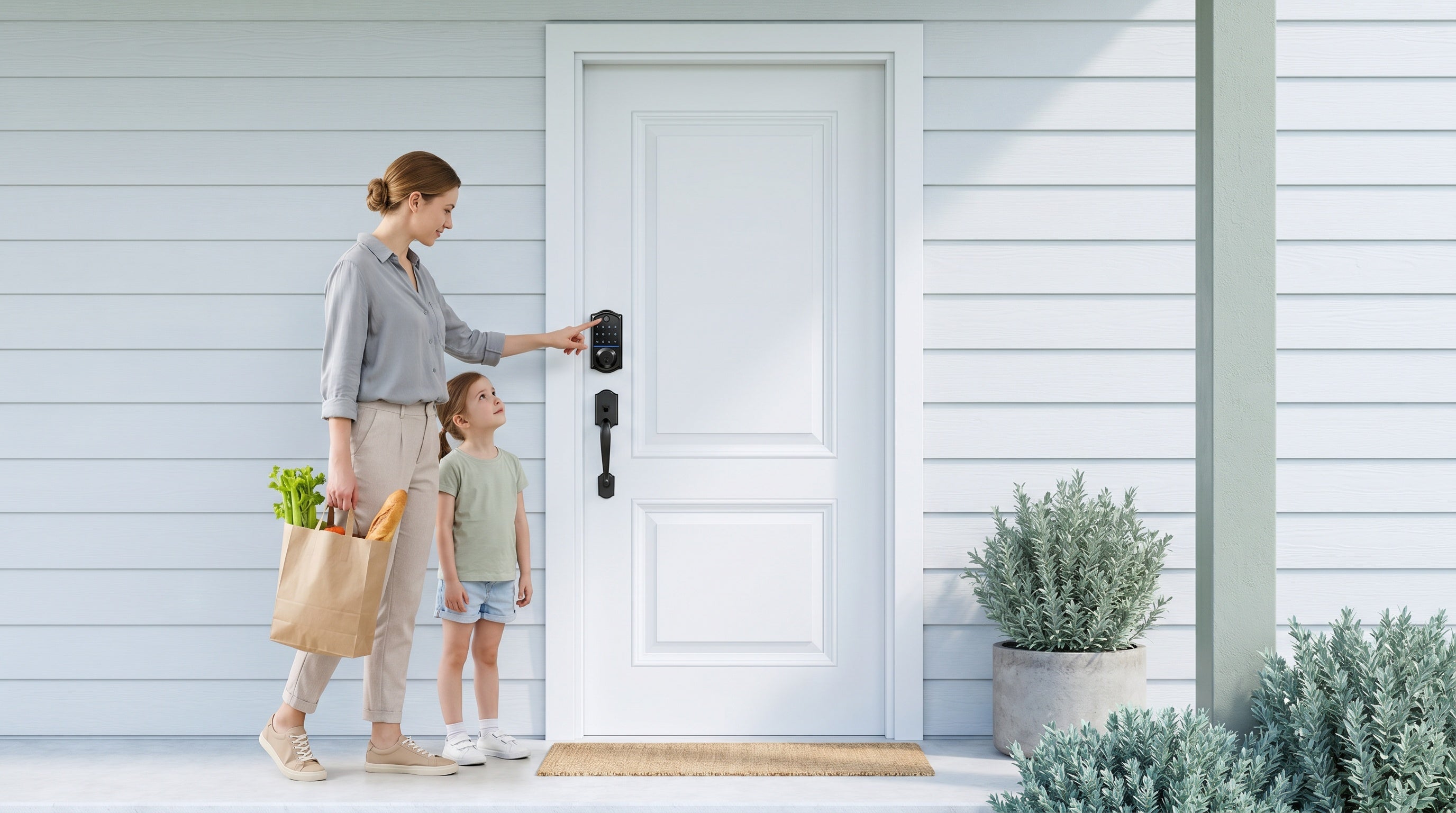

Leave a comment
This site is protected by hCaptcha and the hCaptcha Privacy Policy and Terms of Service apply.