
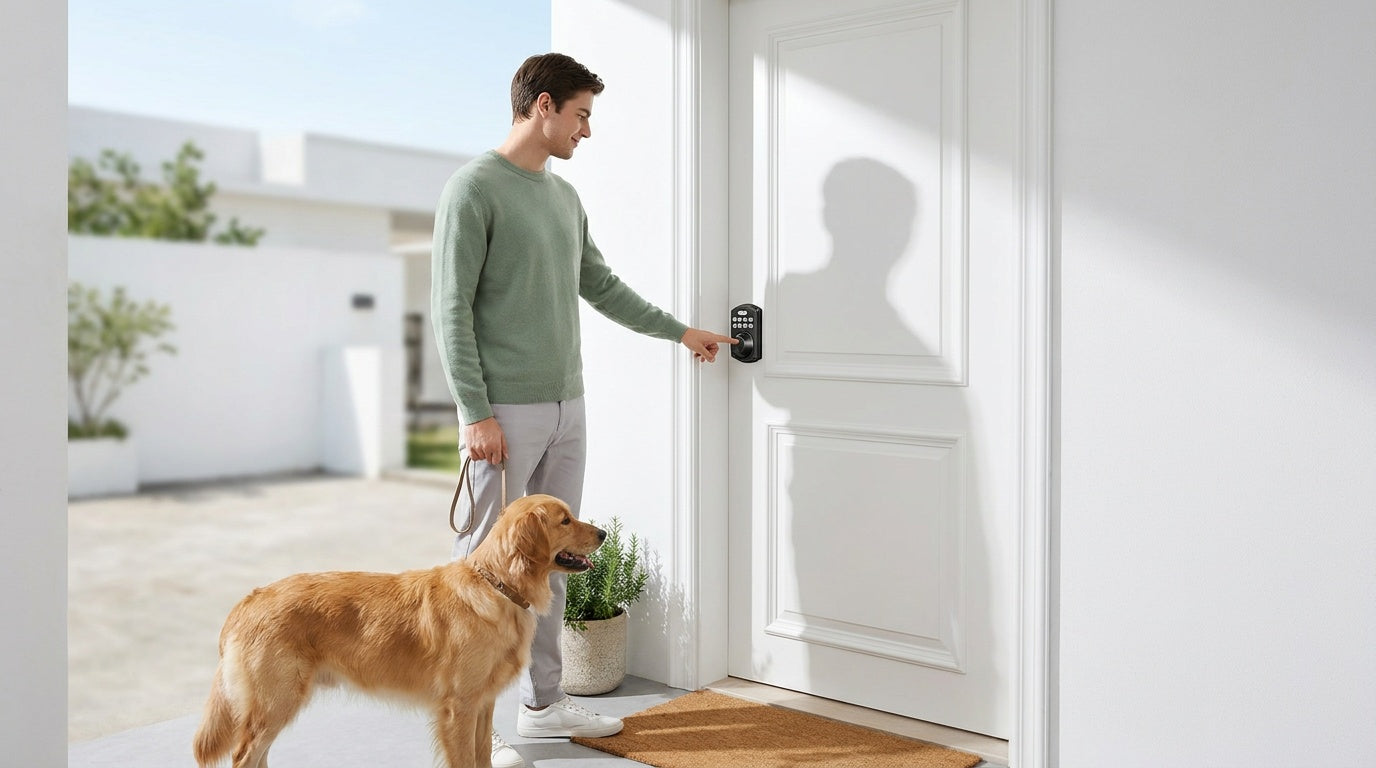
Your front door is the first line of defense for your home — and the lock on it matters more than most people realize. If you've been shopping for a new deadbolt and keep seeing terms like "electronic deadbolt," "keypad lock," or "smart lock" thrown around interchangeably, you're not alone. The landscape of home security hardware has changed a lot in the past decade, and knowing the difference between your options is the first step toward making a smart choice.
This guide breaks down exactly what an electronic deadbolt is, how it works, and what to look for when choosing one for your home. Whether you're a new homeowner replacing an old lock, a parent who wants to stop hiding keys under the mat, or a property owner managing access for guests or tenants, there's an option built for your situation. By the end, you'll know how to find a lock that fits your door, your budget, and your daily life.
What Is an Electronic Deadbolt?
An electronic deadbolt is a door lock that uses an electronic mechanism — rather than a purely mechanical one — to control when the bolt extends or retracts. Instead of relying solely on a physical key, electronic deadbolts let you unlock your door using a keypad code, a fingerprint scan, a mobile app, a key fob, or a combination of these methods. Most models also include a physical key slot as a backup, so you're never completely locked out if the batteries die.
The term "electronic deadbolt" is a broad category. It covers everything from basic battery-powered keypad locks to fully connected smart locks with remote access and voice control. What they all share is the core deadbolt mechanism — a solid, extending bolt that provides real security — combined with an electronic interface that makes access more flexible and convenient.
Electronic Deadbolt vs. Traditional Deadbolt: What's the Difference?
A traditional deadbolt is simple: insert a key, turn it, and the bolt moves. It's reliable, and it's been the residential security standard for decades. But it has limitations. Lost keys mean lockouts. Giving access to a house cleaner, a contractor, or a family member means making copies. There's no way to know if someone forgot to lock up, and there's certainly no way to lock the door remotely if you left for a trip and can't remember whether you turned the key.
Electronic deadbolts solve all of these pain points without sacrificing the core security of a deadbolt. You can assign unique codes to different people, check lock status from your phone (on smart models), set the lock to engage automatically after a set time, and eliminate physical key copies entirely if you choose. The security hardware underneath is the same — a solid deadbolt bolt — but the access layer is far more flexible.
How Do Electronic Deadbolts Work?
The mechanics are straightforward. Inside the lock body, a small motor replaces the manual turning action of a traditional key. When the electronic component — keypad, fingerprint sensor, or wireless signal — verifies that access is authorized, it sends a signal to the motor, which drives the bolt in or out. The whole process takes a fraction of a second.
Power comes from batteries, typically AA cells housed in the interior side of the lock. Because the lock only draws power when it's being used, a good set of batteries lasts a long time under normal daily use. Most electronic deadbolts also include a low-battery alert — either a beep, an LED indicator, or an app notification — so you're never caught off guard. On select models, an emergency power port (USB-C on certain Veise models) lets you temporarily power the lock from a portable charger if the batteries do run out completely.
Types of Electronic Deadbolts
Not all electronic deadbolts work the same way or offer the same features. Understanding the main categories helps you match the right lock to your actual needs.
Keypad Deadbolts
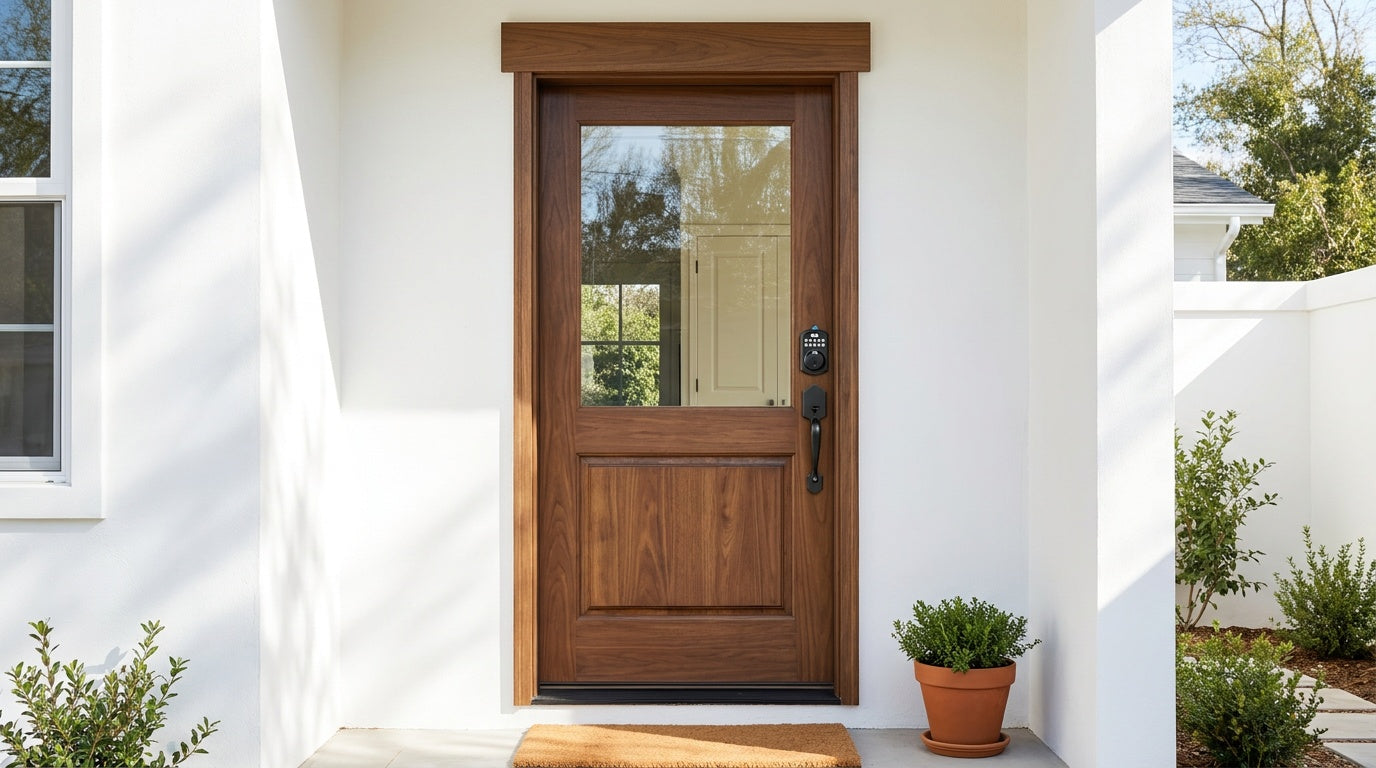
A keypad deadbolt is the most common entry point into electronic locks. You enter a numeric code on a backlit keypad — no key, no phone, no app required. All keypad deadbolt models include a physical key slot as a backup. Select models add a fingerprint sensor for even faster, hands-free entry (fingerprint scan completes in under 0.3 seconds). Keypad deadbolts are standalone devices: they don't connect to your Wi-Fi or a gateway, and they don't support remote access. What they do offer is simplicity, reliability, and affordability. They're a natural fit for exterior doors where you want keyless convenience without the complexity of a connected system.
Smart Locks w/ Gateway (G1 or G2)
A Smart Lock w/ Gateway 1/2 pairs a deadbolt-style lock with a small gateway hub that bridges the lock to your home's Wi-Fi network. The lock itself communicates with the gateway over short-range wireless; the gateway handles the Internet connection. This setup enables remote access, mobile app control, lock history, and voice assistant integration — as long as the gateway is plugged in. If your Wi-Fi goes down but you're within short-range wireless distance, app control continues to work locally. Only long-distance remote features (like locking from across town) require a live Internet connection.
Within this category, the Smart Lock w/ G1 line is built on a single product series and comes standard with fingerprint access, multilingual voice prompts (English, Spanish, and French), and a USB-C emergency power port on every model — making it a strong all-in-one choice for multilingual households or anyone who wants the most complete out-of-the-box feature set. The Smart Lock w/ G2 line offers more SKU variety — both fingerprint and non-fingerprint models, in standalone or handle-set bundle configurations — and adds Apple Watch unlock as a unique feature. Voice prompts on G2 are in English only.
Wi-Fi Smart Locks
A Wi-Fi smart lock has Internet connectivity built directly into the lock body — no separate gateway required. You get remote access, real-time notifications, app control, and full voice assistant support (Alexa and Google Assistant) right out of the box. Wi-Fi smart locks support multiple unlock methods including keypad code, fingerprint, physical key backup, and app control, with key fob available on select models. They're the most feature-complete option for homeowners who want a truly connected experience with the fewest moving parts to set up.
Veise offers two Wi-Fi smart lock series. The Touchscreen Wi-Fi Smart Lock (VE027 Series) features a touchscreen interface, three-language voice prompts (English, Spanish, and French), and a USB-C emergency power port. The Push-Button Wi-Fi Smart Lock (VE012W Series) uses a traditional press-button keypad and does not include voice prompts or a USB-C emergency power port. Both series share the same built-in Wi-Fi connectivity, fingerprint sensor, app control, and an 8 AA battery design for stronger signal performance and a longer-lasting power reserve than the standard 4 AA setup.
How to Choose the Right Electronic Deadbolt
Choosing an electronic deadbolt comes down to five practical questions. Work through each one and your options narrow quickly.
1. Do You Need Remote Access?
If you want to lock or unlock your door from your phone while you're away from home, check whether someone arrived safely, or manage guest access for a short-term rental or vacation property, you need a smart lock. Remote access requires a smart lock — gateway-paired or Wi-Fi — not a standard keypad lock. A keypad-only lock cannot be paired with a gateway after the fact. If remote access isn't a priority, a keypad deadbolt delivers everything you need at a lower price point.
2. How Many People Need Access?
Think about everyone who regularly enters your home: family members, regular visitors, housekeepers, dog walkers. Electronic deadbolts let you assign separate codes to different people, so you can revoke access for one person without changing the code for everyone else. If you have a household with kids, a connected smart lock (gateway-paired or Wi-Fi) also lets you review entry history from the app — so you know when your children arrived home, even when you're not there.
3. What Unlock Methods Do You Want?
Different people prefer different entry methods, and the right lock accommodates the whole household. Consider:
- Keypad code — available on all electronic deadbolt types; reliable and familiar
- Fingerprint — available on select keypad deadbolts and on Smart Lock w/ G1 (standard on all models), Smart Lock w/ G2 (on select models), and Wi-Fi smart locks; scans in under 0.3 seconds with no code to remember
- Physical key backup — included on all Veise electronic deadbolts across every category
- Key fob — available on Smart Lock w/ G1 and G2 (included on all models in those lines); on select Wi-Fi smart lock models
- Mobile app — requires a gateway-paired or Wi-Fi smart lock
- Voice control (Alexa / Google Assistant) — Wi-Fi smart locks support this directly via built-in Wi-Fi; Smart Lock w/ G1/G2 supports voice control through the paired gateway
For elderly family members or anyone who struggles with remembering codes, fingerprint access can be a genuinely practical solution. Fingerprints are enrolled locally on the lock itself (no cloud account, no Internet required) by capturing the finger eight times to build a reliable recognition template.
4. What's Your Budget?
Electronic deadbolts span a wide price range. Veise's lineup runs from $30 to $180, covering basic keypad deadbolts at the affordable end and fully connected Wi-Fi smart locks at the higher end. In general, keypad deadbolts are the most budget-friendly, followed by gateway-paired smart locks, with Wi-Fi smart locks at the top of the range. All Veise locks come with no subscription fees — the access features you get on day one stay available at no ongoing cost.
5. Is Your Door Compatible?
Electronic deadbolts are designed to replace your existing lock hardware, so your door needs to be set up for a standard deadbolt installation. Veise electronic deadbolts are compatible with wood doors within a standard thickness range of 1-3/8" to 2". They are not compatible with fiberglass, metal, storm, or sliding doors. Most homes with standard exterior wood doors will be a straightforward fit.
Installation: Easier Than You Think
One of the most common hesitations about switching to an electronic deadbolt is the assumption that installation requires a locksmith or a professional handyman. In most cases, it doesn't. Veise electronic deadbolts are designed for DIY installation — the process takes about 15 minutes with a screwdriver and no wiring of any kind. You remove the existing deadbolt hardware, align the new lock components on both sides of the door, and secure them in place. Setup instructions are clear, and US-based phone and email support is available if you run into anything unexpected.
Because Veise locks are full hardware replacements (not overlays that attach to your existing lock), the installation does mean removing and replacing the existing deadbolt. This is standard practice for any deadbolt replacement, but it does mean the installation is best suited for property owners or those who have authority to modify their door hardware.
Veise Electronic Deadbolt Options
Veise designs and manufactures its own locks — not a reseller, but a vertically integrated company with roots in the lock industry going back to 1988. Every lock in the lineup is built, tested, and supported by Veise, which is why the brand ranked #1 smart lock on Amazon North America in both 2024 and 2025. All residential models are ANSI/BHMA Grade 3 certified, which is the recognized standard for residential door security.
Here's a quick look at how the lineup maps to common needs:
- Want simple keyless entry without an app? Start with a Keypad Deadbolt. Choose a model with fingerprint if you want the fastest possible entry.
- Manage a rental property or want app-based access history for your family? A Smart Lock w/ G1 is a reliable all-in-one pick — fingerprint, multilingual voice, and USB-C emergency power are standard across the entire line.
- Want Apple Watch unlock or more SKU flexibility? Look at the Smart Lock w/ G2 line, which offers both fingerprint and non-fingerprint models in multiple form factors.
- Want the simplest setup with full remote access and no gateway hub? The Wi-Fi Smart Lock connects directly — choose the VE027 Series for a touchscreen interface with USB-C backup power, or the VE012W Series for a classic push-button keypad.
All Veise smart locks store data locally on the device — no cloud dependency, no monthly fees, and no subscription required.
Frequently Asked Questions
What is the difference between an electronic deadbolt and a smart lock?
An electronic deadbolt is any lock that uses an electronic mechanism (keypad, fingerprint, motor) to control access. A smart lock is a subset of electronic deadbolts that adds wireless connectivity — Wi-Fi or a gateway — enabling remote control, app access, and integration with voice assistants. All smart locks are electronic deadbolts, but not all electronic deadbolts are smart locks.
Do electronic deadbolts work when the power goes out?
Yes. Electronic deadbolts run on batteries, not your home's electrical system, so a power outage has no effect on them. If the batteries themselves run low, most models provide a low-battery warning well in advance. On select Veise models (VE017 series and VE027 series), a USB-C emergency power port lets you temporarily power the lock from a portable charger if the batteries are fully depleted.
Can I use an electronic deadbolt without Wi-Fi?
Yes. Keypad deadbolts require no Wi-Fi at all — they work entirely offline. Both Smart Lock w/ Gateway 1/2 and Wi-Fi smart locks also keep working locally when Wi-Fi is down: if Wi-Fi is down but you're within short-range wireless distance, app control continues to work locally. Only long-distance remote features require an active Internet connection.
Are electronic deadbolts secure?
Yes, when properly installed on a solid wood door with a reinforced strike plate. The core security mechanism — a solid bolt that extends into the door frame — is the same as a traditional deadbolt. Veise residential locks meet the ANSI/BHMA Grade 3 standard, which is the recognized certification for residential door hardware. Electronic features like unique user codes, activity logs, and auto lock add additional layers of access control that a traditional key lock can't match.
How do I share access with multiple people using an electronic deadbolt?
You can assign separate keypad codes to different household members, guests, or service providers. On connected smart locks, you can also manage access codes remotely from the app — adding or deleting codes without being home. This is particularly useful for property owners managing a short-term rental or anyone who frequently needs to grant or revoke access for different people.
What doors are compatible with Veise electronic deadbolts?
Veise electronic deadbolts are compatible with wood doors with a standard thickness between 1-3/8" and 2". They are not compatible with fiberglass, metal, storm, or sliding doors. Always check your door type and thickness before purchasing.
Do Veise electronic deadbolts require a subscription?
No. There are no subscription fees for any Veise lock. All features available at purchase — including app control on smart models — remain available at no ongoing cost.
Choosing an electronic deadbolt doesn't have to be complicated. Start with the basics: do you need remote access? How many people need entry? What's your budget? Once you've answered those questions, the right category becomes clear — whether that's a straightforward keypad deadbolt for simple, reliable keyless entry, or a fully connected Wi-Fi smart lock for real-time control from anywhere. Whatever you choose, the goal is the same: a front door that works for the way your household actually lives, without extra hassle or ongoing costs. Explore the full Veise lineup at iveise.com and find the lock that fits your door, your family, and your life.
Have questions about which electronic deadbolt is right for your home?
The Veise team is here to help. Reach out to US-based support by phone or email — no chatbots, no runaround.
Contact Us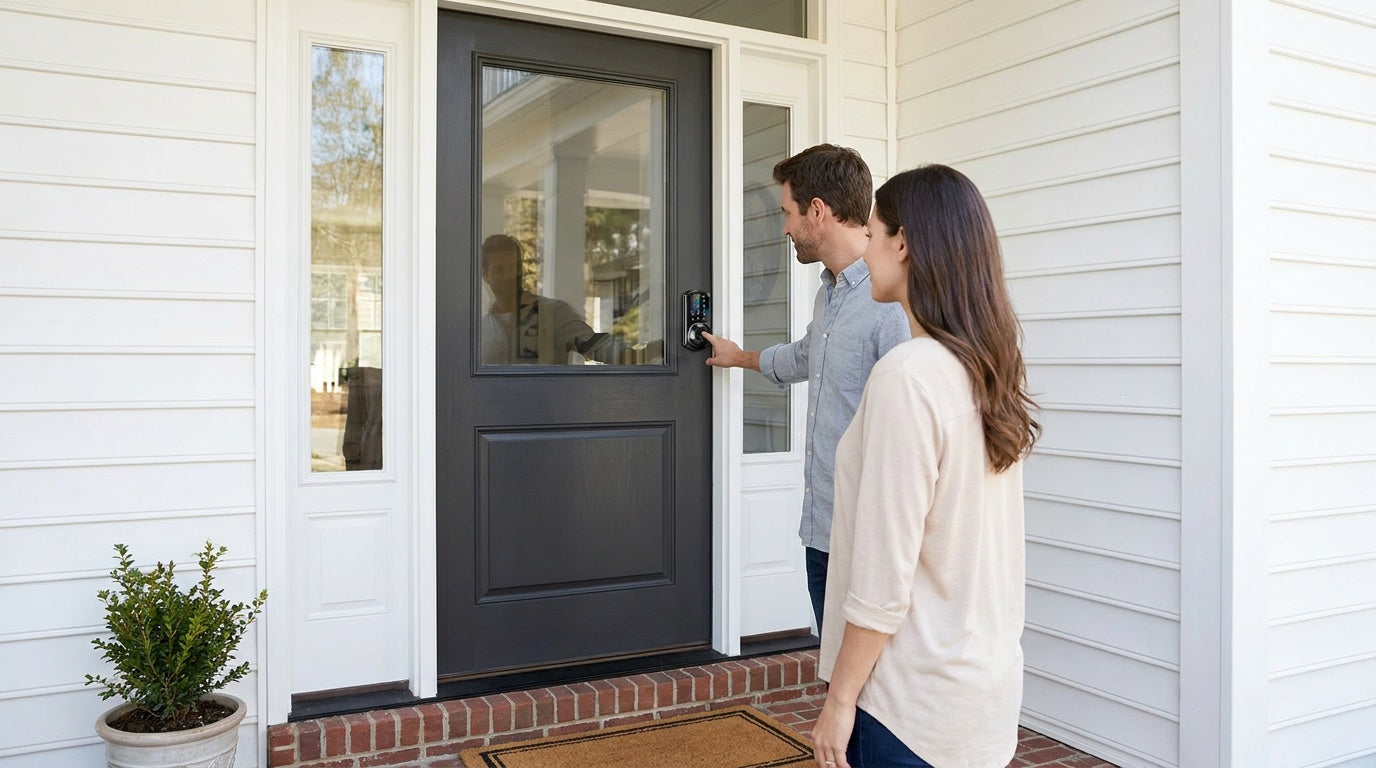

Leave a comment
This site is protected by hCaptcha and the hCaptcha Privacy Policy and Terms of Service apply.