
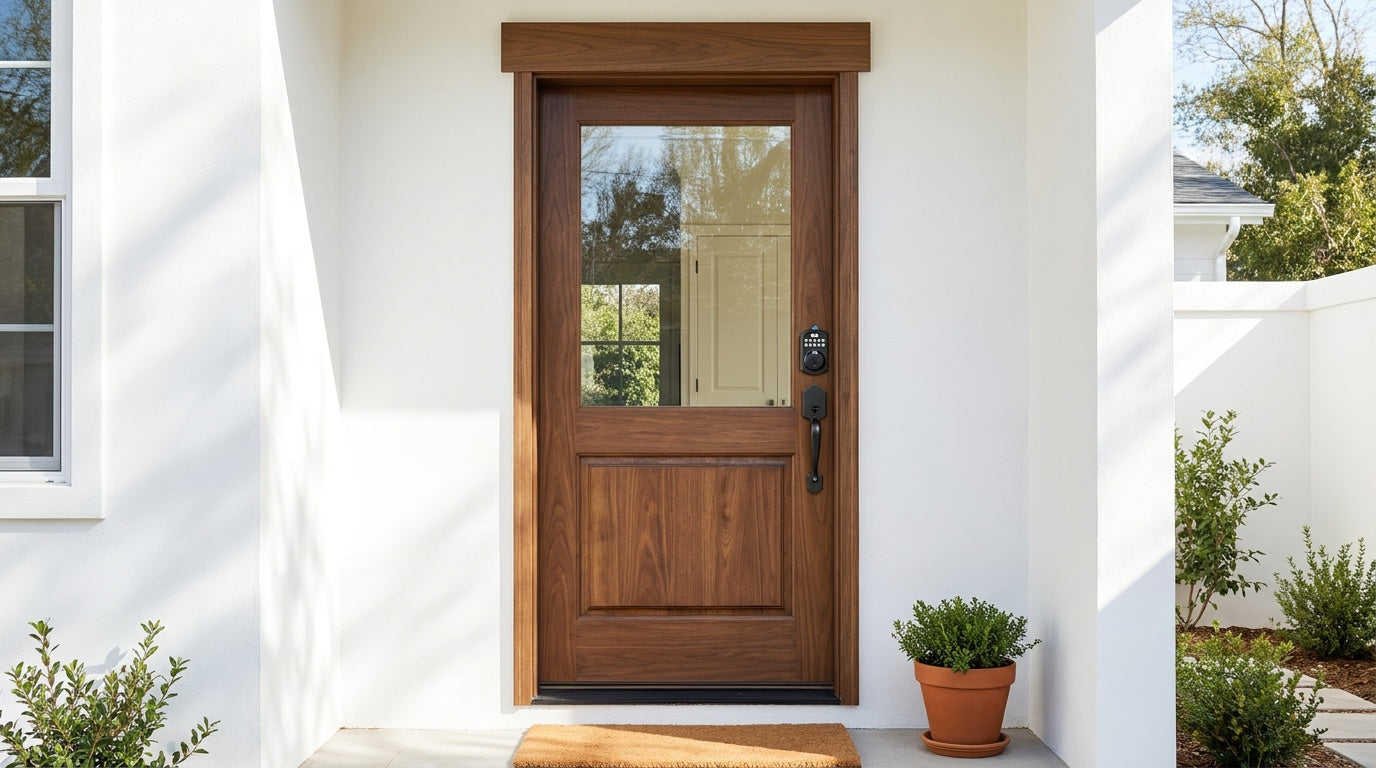
Fumbling for keys in the dark, lending out spare copies you'll never get back, or getting locked out because someone left without the key — these are annoyances that keyless deadbolts were built to eliminate. Whether you want a simple keypad code on your front door or full remote access from your phone, the right keyless lock can make everyday home entry feel effortless.
But with so many options on the market, it's easy to overspend on features you'll never use — or underbuy and wish you'd chosen something smarter. This guide breaks down the 7 best keyless deadbolts across every budget and use case, all from Veise — a vertically integrated lock manufacturer that has ranked #1 smart lock brand on Amazon North America in both 2024 and 2025.
From a no-frills keypad deadbolt for a new homeowner to a Wi-Fi smart lock for an Airbnb host managing guest access remotely, every pick below is chosen with a real household in mind — not a spec sheet.
What Is a Keyless Deadbolt?
A keyless deadbolt replaces a traditional keyed deadbolt with a lock that can be opened without a physical key as the primary method. Most models use a keypad code, fingerprint scan, or both — and higher-end versions add app control, voice commands, or remote access via Wi-Fi or a paired gateway. Nearly all keyless deadbolts still include a physical key slot as an emergency backup, so you're never completely without a way in.
Unlike a keypad latch lock (which replaces the door handle and latch mechanism), a keyless deadbolt installs in the deadbolt hole on your door and operates the bolt independently. Exterior doors typically call for a deadbolt because it provides a higher level of resistance against forced entry. The locks below are all designed for wood doors with a standard thickness of 1‑3/8" to 2".
What to Look for Before You Buy
Before landing on a specific model, it helps to answer a few practical questions about your household and how you actually use your front door.
- How many people need access? A two-person household has different needs than a family with kids, guests, and a dog walker coming and going.
- Do you need remote access? Remote locking, unlocking, and entry alerts require a smart lock — either a gateway-paired model or a Wi-Fi smart lock. A keypad-only lock cannot be paired with a gateway to add remote features later.
- Is fingerprint entry a priority? Fingerprint models add speed and convenience, especially for kids or elderly family members who tend to forget codes.
- What's your budget? Veise locks range from $30 to $180, so there's a well-built option at every price point without paying for features you won't use.
- Do you want voice assistant compatibility? Wi-Fi smart locks support Alexa and Google Assistant directly. Gateway-paired smart locks also support voice control, but require the paired gateway to be connected and in place for that feature to work.
All Veise locks are ANSI/BHMA Grade 3 certified — the standard for residential door hardware. Grades 1 and 2 target high-traffic commercial settings, so Grade 3 is exactly where a home lock should land. There are no subscription fees on any Veise product, and installation on every model takes about 15 minutes with a screwdriver.
The 7 Best Keyless Deadbolts
1. Best Overall Keypad Deadbolt (No Fingerprint) — Veise Keypad Deadbolt (RZ-A)
For anyone who wants to ditch their house key without adding any app, Wi-Fi setup, or extra gadgets to manage, this is the straightforward answer. The RZ-A is a standalone keypad deadbolt that unlocks with a code and always includes a physical key backup. They install in the existing deadbolt hole, work entirely offline, and never require a subscription or Internet connection of any kind.
This pick fits a wide range of households — a new homeowner replacing the builder-grade lock that came with the house, an elderly parent who finds smartphone-based entry confusing, or anyone who simply wants reliable code-based access without extra complexity. Auto lock is standard and configurable between 10 and 99 seconds so the bolt re-engages on its own after every entry.
- Unlock methods: Keypad code + physical key backup
- Best for: Simplicity-first households, elderly users, new homeowners
- Connectivity: None (fully offline)
2. Best Keypad Deadbolt with Fingerprint — Veise Fingerprint Keypad Deadbolt (KS02A Series)
The KS02A series adds fingerprint recognition to the keypad deadbolt formula, and it genuinely changes the daily experience. Scanning in under 0.3 seconds, the fingerprint reader means kids can walk through the door without remembering a code, and adults don't have to stop and type anything after carrying groceries or arriving in the rain. The lock stores multiple unique fingerprints — enough for a household of any size — all processed and saved on the lock itself with no cloud account and no data leaving the device.
Fingerprint enrollment captures each finger eight times to build a reliable template across different angles and pressure levels, which cuts down on the rejected reads that frustrate users of cheaper biometric locks. Like all Keypad Deadbolt models, the KS02A includes a physical key slot for emergencies and operates completely offline.
- Unlock methods: Fingerprint + keypad code + physical key backup
- Best for: Families with kids, users who want the fastest possible daily entry
- Connectivity: None (fully offline)
Browse Keypad Deadbolt Locks with Fingerprint
3. Best Keypad Deadbolt Handle-Set Bundle — Veise Keypad Deadbolt Bundle (RZ-C / KS01B / KS01C / KS02B / KS02D Series)
If your door currently has a separate handle and deadbolt and you want to replace both in one go, Veise offers handle-set bundles that pair a keypad deadbolt with a matching lever or knob. The non-fingerprint bundles (RZ-C, KS01B, KS01C) give you a clean, coordinated look with code-based entry, while the fingerprint bundles (KS02B, KS02D) add biometric access and come in lever or vertical handle configurations.
Handle-set bundles are a particularly good fit for someone doing a full entryway refresh or installing on a door that currently has mismatched hardware. Everything arrives together, installs together, and is designed to match — no hunting for a separate handle that coordinates with your new deadbolt finish.
- Unlock methods: Keypad code + physical key (non-fingerprint bundles); fingerprint + keypad code + physical key (fingerprint bundles)
- Best for: Full entryway upgrades, coordinated hardware aesthetics
- Connectivity: None (fully offline)
Browse Keypad Deadbolt Handle-Set Bundles
4. Best Entry-Level Connected Lock — Smart Lock w/ G2 (VE0 / RZ0 Series)
When you want more than a keypad but aren't sure you need the full feature set of a Wi-Fi lock, the Smart Lock w/ G2 line is the most flexible connected option Veise offers. Paired with the G2 gateway, these locks add remote app control, entry history, and access management from your phone — all without a built-in Wi-Fi chip in the lock itself. The gateway bridges the lock to your home network and handles the connection.
G2 has the widest SKU variety in the Veise lineup: you can choose between fingerprint and non-fingerprint models, and between standalone deadbolts or handle-set bundles with lever, vertical, or knob handles. Two features are unique to the G2 line: Apple Watch unlock and web portal control — useful for property managers or anyone who prefers browser-based management over a mobile app. All G2 models support English voice prompts, include key fob and physical key as backups, and work with Alexa and Google Assistant (with the gateway connected).
Remote locking and off-site alerts require an active Internet connection through the gateway. If Wi-Fi is down but you're within short-range wireless distance, app control still works locally so you're not locked out of management features just because your router is rebooting.
- Unlock methods: Keypad code + remote app + key fob + physical key (fingerprint on select models); Apple Watch unlock (unique to G2)
- Best for: Property managers, Apple Watch users, buyers who want flexibility between fingerprint and non-fingerprint options
- Connectivity: Remote app via paired G2 gateway; voice control with gateway connected
5. Best All-In-One Connected Lock — Smart Lock w/ G1 (VE017 Series)
Smart Lock w/ G1 is built on a single product series — the VE017 — and every model in that line ships with the same comprehensive feature set: fingerprint recognition, multilingual voice prompts (English, Spanish, and French), a USB-C emergency power port, and remote app control via the paired G1 gateway. There's no picking and choosing between sub-models to get a specific feature; the full package is standard across the line.
The multilingual voice prompts are a genuine differentiator for households where English isn't the primary language. A grandmother who speaks Spanish, a bilingual household with young children, or a property rented to non-English-speaking guests will all have a smoother experience when the lock communicates in a familiar language. The G2 line currently supports English only, so for multilingual households, G1 is the clear pick.
Like G2, the G1 gateway bridges the lock to your home network for remote access. Even when Wi-Fi is down, app control continues to work locally as long as you're within short-range wireless distance. G1 also pairs with a Veise-developed app, which keeps the experience tightly integrated.
- Unlock methods: Fingerprint + keypad code + remote app + key fob + physical key backup; voice control with gateway connected
- Best for: Multilingual households, families who want a complete connected lock without trade-offs, anyone who values a first-party app experience
- Connectivity: Remote app via paired G1 gateway; Alexa/Google with gateway connected
6. Best Touchscreen Wi-Fi Smart Lock — Veise Touchscreen Wi-Fi Smart Lock (VE027 Series)
The VE027 series is the top of the Veise lineup in terms of connectivity and daily convenience. Because Wi-Fi is built directly into the lock, there's no separate gateway to buy, position, or maintain. You connect the lock to your home Wi-Fi during setup, and from that point on you have full remote control — lock, unlock, check entry history, and receive alerts — from anywhere with a mobile signal.
The touchscreen interface is the defining physical feature here. Rather than pressing individual buttons, you tap a backlit screen that's intuitive enough for kids and guests to figure out without instructions. The VE027 series also includes a USB-C emergency power port, which means if the batteries run out, you can touch a power bank to the port outside the door to get enough charge to enter. The lock uses 8 AA batteries instead of the standard 4 AA setup, which delivers a stronger signal and a longer-lasting power reserve. Voice control via Alexa and Google Assistant works directly through the lock's built-in Wi-Fi — no gateway required. Three-language voice prompts (English, Spanish, and French) are available on the VE027 series.
- Unlock methods: Fingerprint + touchscreen keypad code + remote app + key fob + physical key backup; Alexa/Google voice control via built-in Wi-Fi
- Best for: Tech-forward households, Airbnb hosts, parents who want remote entry monitoring, anyone who prefers a gateway-free setup
- Connectivity: Built-in Wi-Fi; full remote access without a gateway
7. Best Push-Button Wi-Fi Smart Lock — Veise Push-Button Wi-Fi Smart Lock (VE012W Series)
The VE012W series shares most of what makes the VE027 great — built-in Wi-Fi, fingerprint recognition, app control, and Alexa and Google Assistant compatibility — but uses a traditional press-button keypad instead of a touchscreen and does not include voice prompts. For users who prefer physical button feedback over a touchscreen, or who find a button interface more familiar and reliable in low-light conditions, the VE012W is a practical choice that maintains full smart connectivity.
This is also the better pick for households where different users have strong preferences. Some people genuinely prefer pressing a real button to tapping a screen, and in a family context that preference matters more than it might seem. The 8 AA battery design is consistent across both Wi-Fi series, and there's no USB-C port on the VE012W — if that's a priority, the VE027 is the right call.
- Unlock methods: Fingerprint + push-button keypad code + remote app + physical key backup; Alexa/Google voice control via built-in Wi-Fi
- Best for: Users who prefer physical button keypads, households wanting full smart lock features at a slightly lower price point
- Connectivity: Built-in Wi-Fi; full remote access without a gateway
Quick Comparison at a Glance
| Pick | Fingerprint | Remote Access | Voice Control | Key Fob | Best For |
|---|---|---|---|---|---|
| Keypad Deadbolt (No Fingerprint) | No | No | No | No | Simplicity, elderly users |
| Keypad Deadbolt with Fingerprint | Yes | No | No | No | Families, fastest daily entry |
| Keypad Deadbolt Handle-Set Bundle | Select models | No | No | No | Entryway upgrades |
| Smart Lock w/ G2 | Select models | Yes (via gateway) | Yes (with gateway) | Yes | Apple Watch users, property managers |
| Smart Lock w/ G1 | Yes (all models) | Yes (via gateway) | Yes (with gateway) | Yes | Multilingual households, all-in-one buyers |
| Touchscreen Wi-Fi Smart Lock (VE027) | Yes | Yes (built-in Wi-Fi) | Yes (built-in Wi-Fi) | Yes (all models) | Airbnb hosts, tech-forward homes |
| Push-Button Wi-Fi Smart Lock (VE012W) | Yes | Yes (built-in Wi-Fi) | Yes (built-in Wi-Fi) | No | Button-preference users, value-conscious buyers |
Which Lock Is Right for Your Situation?
Picking the right keyless deadbolt comes down to how your household actually operates day to day, not which lock has the longest feature list.
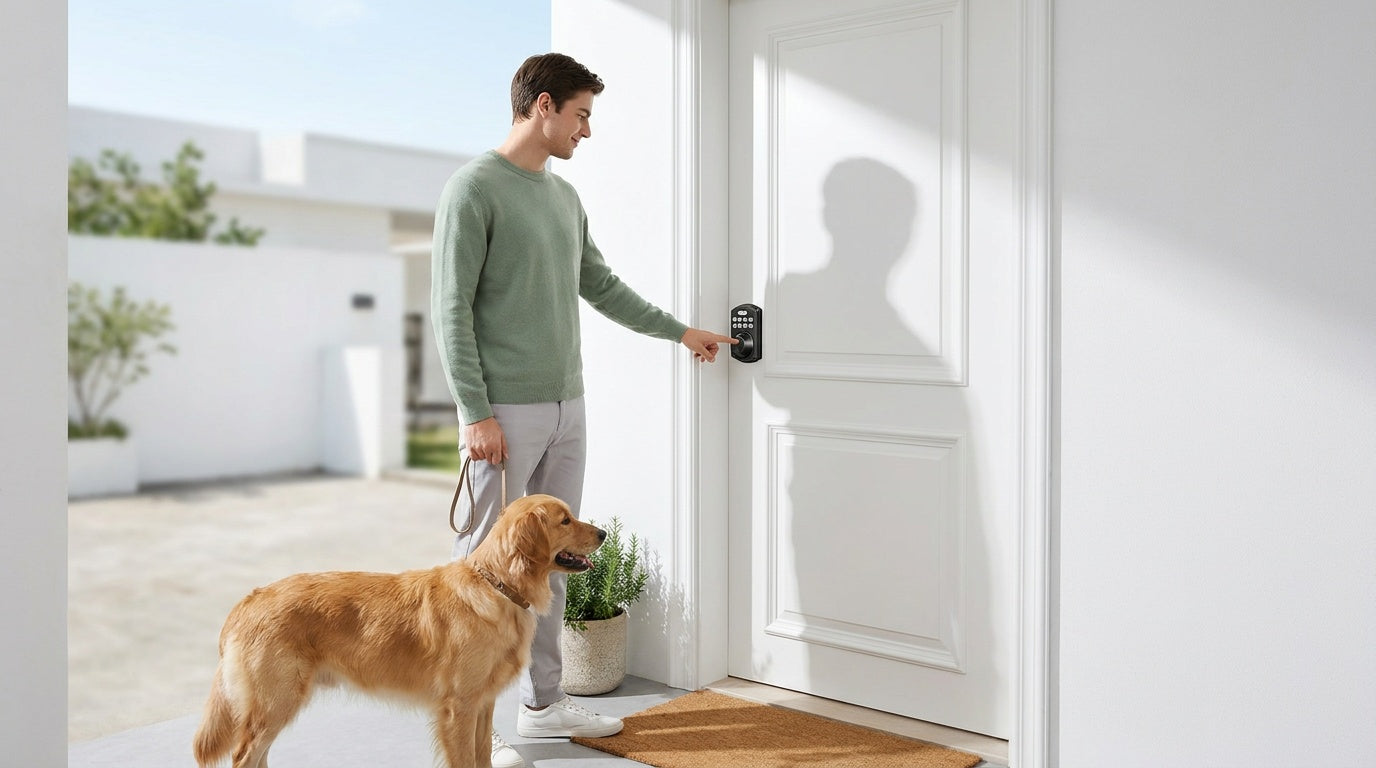
For new homeowners replacing the builder-grade lock that came with the house: a keypad deadbolt without fingerprint (Pick 1) is the most practical first upgrade — code-based entry, no app required, and done in 15 minutes.
For families with kids who arrive home before parents: a Wi-Fi smart lock (Pick 6 or 7) is the right call. Because Wi-Fi is built into the lock, parents get push notifications and can check entry history remotely without needing the gateway to be nearby. A gateway-paired smart lock (Pick 4 or 5) also works well if the gateway is already installed in the home.
For short-term rental properties and vacation cabins: the Touchscreen Wi-Fi Smart Lock (Pick 6) makes it easy to create and revoke guest codes remotely between stays, check who came and went, and lock up from anywhere without a service call.
For multilingual households where English isn't the primary language: Smart Lock w/ G1 (Pick 5) is the only gateway-paired lock that communicates in English, Spanish, and French. Among Wi-Fi models, only the VE027 Series offers three-language voice prompts.
For elderly family members who may forget codes or struggle with smartphones: the fingerprint keypad deadbolt (Pick 2) eliminates the need to remember anything. A touch of the finger is the entire process.
Installation: What to Expect
Every Veise keyless deadbolt is designed for DIY installation with no wiring, no professional help, and no special tools. All you need is a screwdriver and about 15 minutes. Veise locks replace your existing deadbolt hardware completely — this is a full lock replacement, not an overlay device, which means the buyer needs to be the property owner or have authority to modify the door hardware.
Standard installation works on wood doors with a thickness between 1‑3/8" and 2". Veise locks are not compatible with fiberglass, metal, storm, or sliding doors. For Wi-Fi and gateway-paired models, you'll also go through a brief app pairing step after the physical install — typically another 5 to 10 minutes depending on your home network setup.
Final Thoughts
A good keyless deadbolt isn't about having the most features — it's about having the right features for how your household actually lives. A retired couple might be perfectly happy with a simple keypad deadbolt and no app whatsoever. A family with school-age kids, a part-time nanny, and guests coming and going might genuinely need real-time entry alerts and remote lock control. The seven picks above cover that entire range, and every one of them installs in 15 minutes with a screwdriver and never asks you to pay a monthly fee.
Veise builds every lock it sells in its own factory, backs each product with US-based support, and keeps everything stored locally on the device — no cloud dependency, no subscription, and no third-party holding your home access data. Whether you're starting simple or going fully connected, the right lock is the one that fits your door, your family, and your daily routine.
Frequently Asked Questions
Can I add remote access to a keypad deadbolt later?
No. Remote access requires a smart lock — either a gateway-paired model or a Wi-Fi smart lock. A keypad-only deadbolt operates offline and cannot be paired with a gateway to add remote features after purchase. If remote access is something you think you'll want, it's worth choosing a smart lock from the start.
Do Veise keyless deadbolts work without Wi-Fi?
Yes. Keypad deadbolts and keypad latch locks operate entirely offline and are not affected by Wi-Fi at all. Gateway-paired smart locks and Wi-Fi smart locks can also be used locally — keypad codes and fingerprint entry always work regardless of Internet status. Only long-distance remote features (remote locking, off-site alerts) require a live Internet connection.
Are Veise locks compatible with Alexa and Google Assistant?
Wi-Fi smart locks support voice commands directly through their built-in Wi-Fi — no additional hardware needed. Smart Locks w/ Gateway 1 or 2 also support Alexa and Google Assistant, but voice control on those models requires the paired gateway to be connected and active. Keypad-only deadbolts do not support voice control.
What doors are Veise keyless deadbolts compatible with?
All Veise locks are designed for wood doors with a standard thickness of 1‑3/8" to 2". They are not compatible with fiberglass, metal, storm, or sliding doors. Because Veise locks are full replacements (not overlay devices), installation requires authority to modify the door hardware.
Is there a subscription fee for Veise smart locks?
No. There are no subscription fees on any Veise product. Smart lock features — including remote access, entry history, and app control — are included with the lock and the gateway (for gateway-paired models). Fingerprint data and access codes are stored locally on the device, not in the cloud.
What is the difference between Smart Lock w/ G1 and Smart Lock w/ G2?
Both lines offer remote app control via a paired gateway, keypad code, key fob, and physical key backup. The key differences: Smart Lock w/ G1 (VE017 series) includes fingerprint on all models, multilingual voice prompts (English, Spanish, French), and a Veise-developed app. Smart Lock w/ G2 offers more SKU variety (fingerprint and non-fingerprint options, multiple form factors), supports Apple Watch unlock and web portal control, but uses English voice prompts only. For most households, Smart Lock w/ G1 is the all-in-one pick; Smart Lock w/ G2 is the right call when Apple Watch unlock or web portal access matters.
How long does installation take?
About 15 minutes with a screwdriver — no wiring, no drilling (assuming standard door prep), and no professional help needed. Wi-Fi and gateway-paired models add a short app pairing step after the physical install.
Need Help Choosing the Right Lock?
Not sure which keyless deadbolt is the best fit for your door, your household, or your budget? The Veise support team is based in the US and happy to help — by phone or email, with no runaround.
Contact Us and we'll point you in the right direction.

Leave a comment
This site is protected by hCaptcha and the hCaptcha Privacy Policy and Terms of Service apply.