
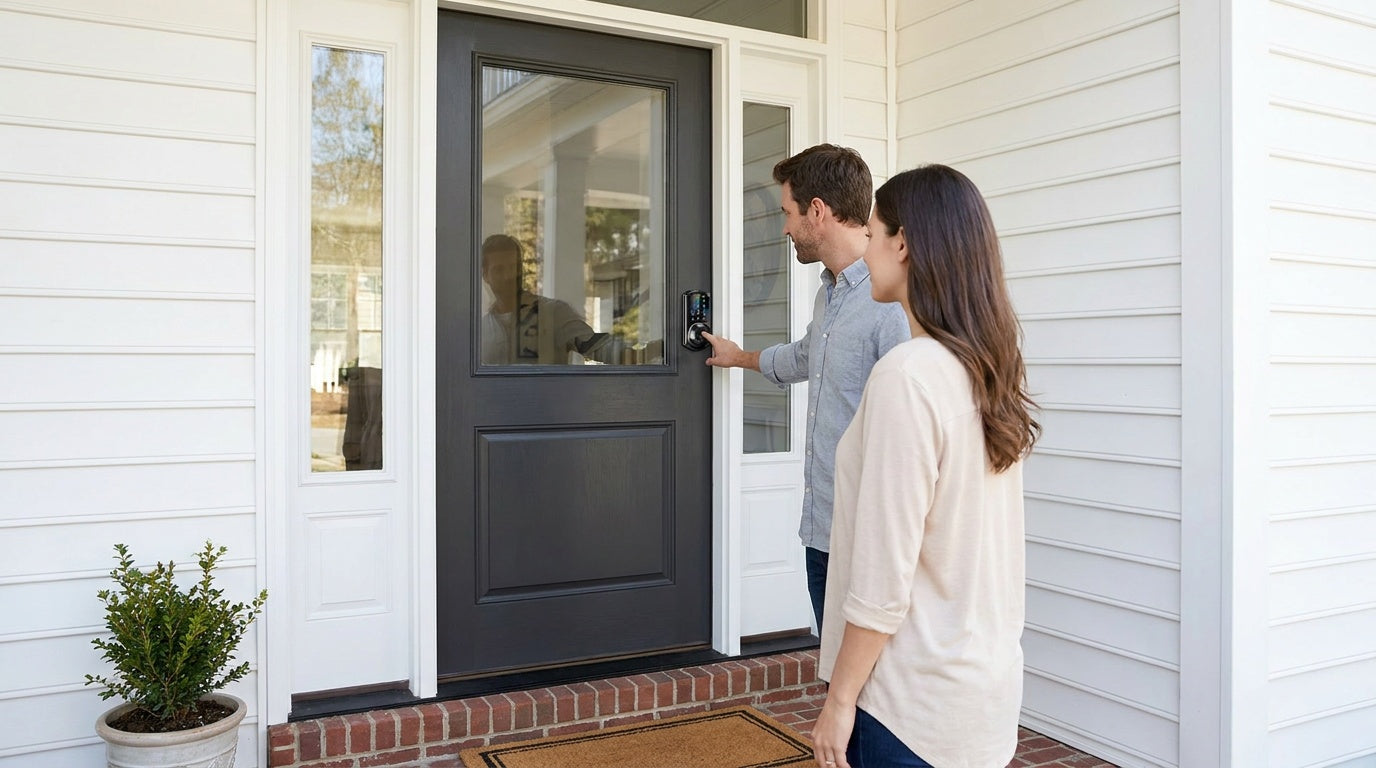
If you've ever stood in a hardware aisle staring at a wall of locks, trying to figure out whether you need "Bluetooth," "Wi-Fi," "keypad," or "smart" — you're not alone. Smart deadbolts have multiplied fast, and the marketing language hasn't made things easier. Features overlap, category names shift between brands, and price points range from budget to surprisingly expensive.
This guide cuts through the noise. We'll compare smart deadbolts across four practical dimensions: features, security, unlock methods, and real-world value. Whether you're a first-time buyer replacing an old lock, a short-term rental host managing guest access remotely, or a parent who wants to know the moment your kids get home from school, there's a right lock for your situation — and a wrong one that would waste your money.
We'll also walk through the full Veise lineup, a vertically integrated brand that designs, engineers, and manufactures its own locks rather than reselling OEM hardware. With roots in the lock industry since 1988 and the #1 smart lock ranking on Amazon North America in both 2024 and 2025, Veise brings real manufacturing depth to a price range of $30–$180.
What Makes a Deadbolt "Smart"?
A traditional deadbolt does one thing: a physical key turns a bolt. A smart deadbolt adds at least one non-key entry method — a keypad code, a fingerprint reader, or remote control via a mobile app. But the word "smart" on a box can mean anything from a basic PIN pad to a fully connected lock with real-time alerts, voice assistant support, and app-based remote locking from anywhere in the world.
The practical distinction that matters most for buyers is connectivity level. A keypad deadbolt with no wireless connectivity is simple, reliable, and affordable — great for eliminating keys without adding complexity. A Wi-Fi or gateway-paired smart lock goes further, giving you remote access, activity logs, and the ability to issue or revoke codes without being home. Understanding which tier you actually need is the fastest way to avoid overpaying — or under-buying.
Understanding Security Ratings: What ANSI/BHMA Grade 3 Actually Means
When shopping smart deadbolts, you'll sometimes see references to ANSI/BHMA grading: Grade 1, Grade 2, and Grade 3. This grading system is about durability and cycle testing for the intended use environment, not a quality ladder where Grade 1 is simply "better." Grade 1 and Grade 2 are engineered for high-traffic commercial settings — think hotel corridors, office buildings, and public restrooms where a lock might cycle thousands of times per day. Grade 3 is the residential standard, designed for the realistic demands of a home front door.
Veise deadbolts are ANSI/BHMA Grade 3 certified, which is exactly what a residential front door needs. A Grade 1 lock on your home entry isn't a safety upgrade — it's a commercial spec applied to the wrong environment. What actually matters for residential security is bolt throw depth, strike plate construction, and anti-pick, anti-drill, anti-bump design — not a commercial-grade cycle count.
Smart Deadbolt Categories Compared
Veise organizes its product lineup into four distinct lock categories. Each serves a different connectivity need and use case. Here's what separates them.
Keypad Deadbolt
The keypad deadbolt is the entry point into smart lock convenience. Every model in this category supports a keypad code and includes a physical key as backup. The KS02 series adds a fingerprint reader across the entire line — capturing your fingerprint eight times during enrollment to build a reliable template across different angles and pressure levels — enabling <0.3-second recognition that feels nearly instantaneous. Key fobs are not supported on any keypad deadbolt model.
This category splits into two main lines: the fingerprint line (KS02 series), which includes both deadbolt-only configurations and handle-set bundles with a lever or vertical handle, and the non-fingerprint line (RZ and KS01 series), which covers standalone deadbolts and handle-set bundles with a lever or knob. Auto lock is available across the full category, configurable between 10 and 99 seconds. There's no app connectivity, no remote access, and no voice assistant support — but that simplicity is also the point. For anyone who just wants to stop carrying keys and give trusted people their own codes, a keypad deadbolt delivers exactly that.
Smart Lock w/ G1 (Gateway-Paired)
Smart Locks w/ G1 is built on a single product series — the VE017. The entire line ships with three features as standard across every SKU: multilingual voice prompts in English, Spanish, and French; a USB-C emergency power port for lockout protection when batteries die; and fingerprint recognition. These aren't add-ons or upgrade options — they're universal to the G1 line. In addition to fingerprint, every G1 lock supports keypad code, key fob, physical key backup, and remote app control via the paired G1 gateway. Voice assistant support (Alexa and Google Assistant) is enabled through the gateway once connected.
The multilingual voice guidance is a concrete advantage for multilingual households or families with non-English-speaking members. The G1 line also uses a first-party app developed by Veise, which means tighter integration and more consistent updates than a third-party solution. If you want a connected lock with a full, reliable feature set and a straightforward setup, Smart Locks w/ G1 is the strongest all-in-one pick in the Veise lineup.
Smart Lock w/ G2 (Gateway-Paired)
The Smart Locks w/ G2 line covers more SKU variety than G1, with both fingerprint and non-fingerprint options, in standalone deadbolt or handle-set bundle configurations (lever, vertical handle, or knob). Like G1, G2 locks support keypad code, key fob, physical key backup, and remote app control through the paired G2 gateway. Voice prompts on G2 are English-only.
Where G2 stands apart is in two unique features: Apple Watch unlock and web portal control. If you're in an Apple ecosystem and want to unlock your door from your wrist, only the G2 line supports that. Web portal access is also useful for property managers who prefer a browser-based dashboard over a mobile app. For buyers who need Apple Watch access or want non-fingerprint connected options at a slightly lower price point, G2 is the right direction. Otherwise, G1's all-in-one feature set is the more cohesive package.
Wi-Fi Smart Lock
The Wi-Fi Smart Lock category removes the need for a separate gateway entirely. Built-in Wi-Fi connects the lock directly to your home network, enabling remote app access, real-time activity alerts, and voice control through Alexa or Google Assistant — all without an additional device plugged into your router. Every Wi-Fi smart lock includes fingerprint recognition, keypad code access, app control, and physical key backup.
The category currently includes two series with identical core features but different interface styles. The Touchscreen Wi-Fi Smart Lock (VE027 Series) features a touchscreen keypad, three-language voice prompts (English, Spanish, and French), and a USB-C emergency power port. The Push-Button Wi-Fi Smart Lock (VE012W Series) uses a traditional press-button keypad and does not include voice prompts or a USB-C emergency power port. Both series run on 8 AA batteries rather than the more common 4 AA setup, delivering stronger signal, more stable connections, and a longer-lasting power reserve. Even when Wi-Fi is down, app control continues to work locally as long as you're within short-range wireless distance — only long-distance remote features require active Internet. For parents tracking when kids get home, or short-term rental hosts monitoring guest arrivals, Wi-Fi smart locks are the right tier.
Feature-by-Feature Breakdown
The table below summarizes how each category compares across the features buyers care about most.
| Feature | Keypad Deadbolt | Smart Lock w/ G1 | Smart Lock w/ G2 | Wi-Fi Smart Lock |
|---|---|---|---|---|
| Keypad Code | ✓ All models | ✓ All models | ✓ All models | ✓ All models |
| Physical Key Backup | ✓ All models | ✓ All models | ✓ All models | ✓ All models |
| Fingerprint | Select models (KS02) | ✓ All models | Select models | ✓ All models |
| Key Fob | ✗ | ✓ All models | ✓ All models | Select models |
| Remote App Access | ✗ | ✓ (via G1 gateway) | ✓ (via G2 gateway) | ✓ (built-in Wi-Fi) |
| Voice Control (Alexa/Google) | ✗ | ✓ (via gateway) | ✓ (via gateway) | ✓ (built-in Wi-Fi) |
| Apple Watch Unlock | ✗ | ✗ | ✓ | ✗ |
| USB-C Emergency Power | ✗ | ✓ All models (VE017) | ✗ | Select models (VE027) |
| Multilingual Voice (EN/ES/FR) | ✗ | ✓ | ✗ (English only) | Select models (VE027) |
| Auto Lock (configurable) | ✓ | ✓ | ✓ | ✓ |
| No Subscription Fees | ✓ | ✓ | ✓ | ✓ |
Who Needs What: Matching Locks to Real-Life Scenarios
The best smart deadbolt isn't the one with the most features — it's the one that solves your actual problem. Here's how the categories map to common real-life situations.
New homeowner replacing old hardware: A keypad deadbolt is a natural first step. You eliminate key copies distributed to contractors, previous owners, or neighbors, and gain code-based access without jumping into app-connected ecosystems. The KS02 series adds fingerprint recognition if you want hands-free entry with groceries in both arms.
Parents monitoring kids' arrivals: Remote activity logs are the feature that matters here. A Wi-Fi smart lock or a gateway-paired Smart Lock w/ G1 or G2 sends real-time notifications when the door is unlocked, so you know the moment your child gets home — without calling or texting. A keypad-only lock won't provide this; remote access requires a smart lock (gateway-paired or Wi-Fi).
Short-term rental hosts: You need the ability to issue unique codes for each guest, revoke access after checkout, and check lock activity without being on-site. A Wi-Fi smart lock handles this entirely through the app. A gateway-paired lock works similarly as long as the gateway remains powered and connected. Both give you the property management capability you need, with no lockbox or in-person key handoff required.
Families with elderly members: Simplicity matters. A fingerprint reader that recognizes a finger in under 0.3 seconds eliminates fumbling with keys or remembering PIN codes. On gateway-paired models and select Wi-Fi models, the USB-C emergency power port — available on VE017 series (Smart Lock w/ G1) and VE027 series (Touchscreen Wi-Fi Smart Lock) — means a dead battery never means a lockout. A key fob is also an option on G1 and G2 models for one-touch entry without any memorization.
Multilingual households: Voice prompts in Spanish or French are available on Smart Lock w/ G1 and and the VE027 Wi-Fi Smart Lock series. The VE012W series does not include voice prompts. The G2 line currently supports English voice prompts only — a real selection criterion when choosing between G1 and G2 for a multilingual home.
Installation and Compatibility
Veise locks are full lock replacements, not overlays — the entire deadbolt assembly is swapped out, which means installation requires removing your current hardware and fitting the new unit. This is a 15-minute job with a screwdriver, no wiring, and no professional help needed. Because it's a full replacement, you do need to be the property owner or have authority to modify door hardware. That makes Veise a strong fit for homeowners and property managers, but not for renters who can't change out their existing hardware.
Compatibility is important to check before purchasing. Veise locks are designed for wood doors only and are not compatible with fiberglass, metal, storm, or sliding doors. Standard door thickness should be between 1-3/8" and 2". Veise locks do not support Zigbee or Z-Wave protocols. Smart lock categories (gateway-paired and Wi-Fi) are separate products from Veise security cameras — there are no camera-lock combinations. And if you're considering a gateway-paired model, note that the gateway pairs with specific lock series (G1 gateway with G1 locks, G2 gateway with G2 locks) and is required for remote access; a keypad deadbolt cannot be paired with a gateway after the fact.
Value and Pricing
Veise's $30–$180 price range is one of the cleaner value propositions in the smart lock category. Most competing brands at similar price points are OEM resellers — they source hardware from third-party factories, put their name on it, and mark it up. Veise is vertically integrated, meaning they design, engineer, and manufacture their own products in-house. That translates to better quality control, more consistent firmware, and a support team that actually knows the hardware because they built it.
There are also no subscription fees anywhere in the Veise lineup. Activity logs, remote access, app control, and voice assistant integration are all included with the lock purchase. Fingerprint data is processed and stored locally on the lock itself — there's no cloud account, no data leaving the device, and no ongoing fee for what is already a security-critical function. For buyers comparing total cost of ownership, that's a meaningful distinction from brands that gate features behind monthly plans.
For buyers who want to browse the full range before deciding, the complete Veise lineup is available at iveise.com/collections/all-products.
Frequently Asked Questions
What is the difference between a keypad deadbolt and a smart deadbolt?
A keypad deadbolt uses a PIN code (and sometimes a fingerprint) for entry without an app or Internet connection. A smart deadbolt adds wireless connectivity — either through a paired gateway or built-in Wi-Fi — enabling remote access, real-time activity alerts, and voice assistant control. Both are deadbolts; the difference is connectivity level.
Do Veise smart locks require a subscription?
No. All Veise locks — including connected models with app access and activity monitoring — are subscription-free. All features are included with the hardware purchase.
What ANSI/BHMA grade are Veise deadbolts?
Veise deadbolts are ANSI/BHMA Grade 3 certified. Grade 3 is the residential standard, designed for the realistic demands of a home front door. Grades 1 and 2 target high-traffic commercial environments and are not a higher quality tier for home use.
Can I control a Veise lock remotely without Wi-Fi?
Long-distance remote features (off-site locking, away-from-home alerts) require an active Internet connection. However, even when Wi-Fi is down, app control continues to work locally as long as you're within short-range wireless distance of the lock.
Do Veise smart locks work with Alexa and Google Assistant?
Yes, with an important distinction. Wi-Fi smart locks support voice commands directly through their built-in Wi-Fi. Smart Lock w/ G1 and G2 models require the paired gateway to be connected — the gateway bridges the lock to your voice assistant. Keypad deadbolts do not support voice control.
What doors are Veise locks compatible with?
Veise locks are compatible with wood doors only, with a standard thickness between 1-3/8" and 2". They are not compatible with fiberglass, metal, storm, or sliding doors.
How long does installation take?
Most Veise locks install in about 15 minutes with a screwdriver. No wiring and no professional help required. Because Veise locks are full replacements (not overlays), you'll need to remove your existing deadbolt as part of the installation.
Is fingerprint data stored in the cloud?
No. Fingerprint data is processed and stored locally on the lock itself using an on-device AI chip. No fingerprint data is uploaded to the cloud or requires an online account.
What is the difference between Smart Lock w/ G1 and Smart Lock w/ G2?
Both lines support keypad code, key fob, physical key, and remote app control via their respective gateways. G1 (VE017 series) includes fingerprint, USB-C emergency power, and multilingual voice prompts (English/Spanish/French) as standard on every model. G2 adds Apple Watch unlock and web portal control, but voice prompts are English-only. G2 also offers non-fingerprint SKU options.
Can I use a Veise keypad deadbolt with a gateway for remote access?
No. Remote access requires a smart lock — gateway-paired or Wi-Fi. A keypad deadbolt cannot be paired with a gateway after purchase to add remote capability. If remote access is a requirement, start with a gateway-paired or Wi-Fi model.
Choosing the right smart deadbolt comes down to one honest question: how much connectivity do you actually need? A keypad deadbolt is the right answer for most homeowners who want to drop the key habit without adding complexity. A gateway-paired smart lock (G1 or G2) or a Wi-Fi smart lock is the right answer when you need to know what's happening at your door from anywhere — whether you're a parent, a short-term rental host, or anyone managing access for multiple people over time.
Veise covers all four categories with locks that are built in-house, priced affordably at $30–$180, and backed by US-based support with no subscription fees. The vertically integrated model means you're getting hardware that's been designed and tested end-to-end by the same team — not an OEM product with someone else's logo.
Have questions about which lock is right for your door?
Our US-based support team can help you find the right fit — whether you're replacing a single lock or outfitting an entire property.
Contact Us

Leave a comment
This site is protected by hCaptcha and the hCaptcha Privacy Policy and Terms of Service apply.