
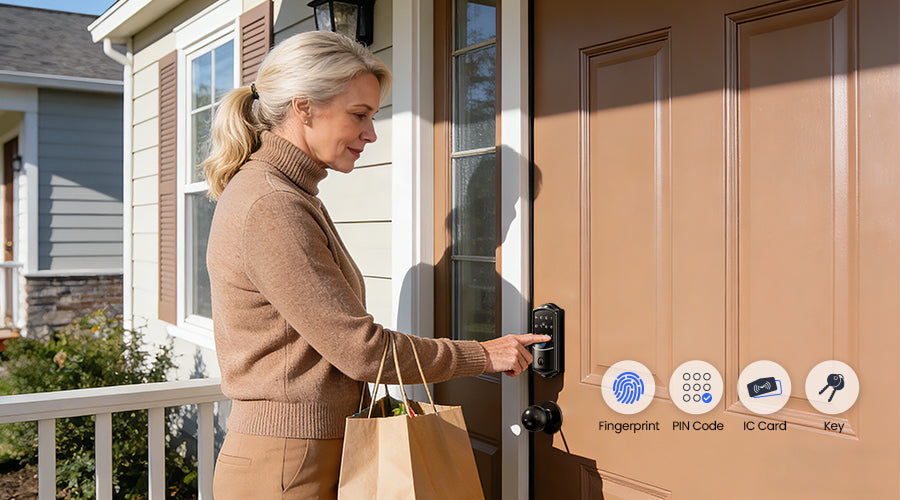
For busy households, the front door is more than just an entrance—it's the hub for family members, caregivers, and service providers coming and going. Today, many doors are also connected to the internet.
If you're considering a smart lock—or already own one—you might wonder: What happens when the power goes out or the Wi-Fi fails? Will anyone get locked out? Can family members still enter safely?
The good news is reassuring—and it highlights the difference between a reliable smart lock and one that's just convenient.
How Smart Locks Handle Internet Outages
It's a common misconception that a smart lock stops working when the internet goes down. In reality, well-designed locks handle offline scenarios seamlessly.
Wi-Fi mainly provides remote convenience, such as:
- Checking if the door is locked
- Receiving notifications when someone arrives
- Sending temporary access codes to a neighbor
But the core locking and unlocking functions happen locally on the lock itself. When someone scans a fingerprint or enters a PIN, the lock verifies the credential against encrypted data stored on the device. This means the door opens instantly, whether your router is up or down.
During an internet outage, all local entry methods remain fully functional:
- Fingerprint recognition
- PIN code entry
- IC card scanning
- Mechanical key override
Remote control via the app is temporarily unavailable, but local access is unaffected.
Veise smart locks, including the VE027, VE028, and VE029 series, store all credentials locally, keeping your family in control even without Wi-Fi.

How Smart Locks Handle Power Outages
Power outages are another concern, but smart locks are designed to keep working without electricity. They run on long-lasting batteries that can often last months. Thoughtful designs also provide low-battery alerts through both app notifications and audible beeps.
If the batteries are completely drained, reliable locks include backup options:
- Mechanical key override: a traditional keyway that works independently of electronics
- Emergency power port: temporarily jump-starts the lock using a portable power bank
These multiple layers ensure you're never stranded outside—even in the rare event of total battery failure.

How Offline Access Actually Works
A trustworthy smart lock combines local verification with backup systems:
- Local unlock verification: fingerprints, PINs, and IC cards are checked directly on the lock. No internet needed
- Backup entry options: mechanical keys and emergency power ports keep you covered if batteries die
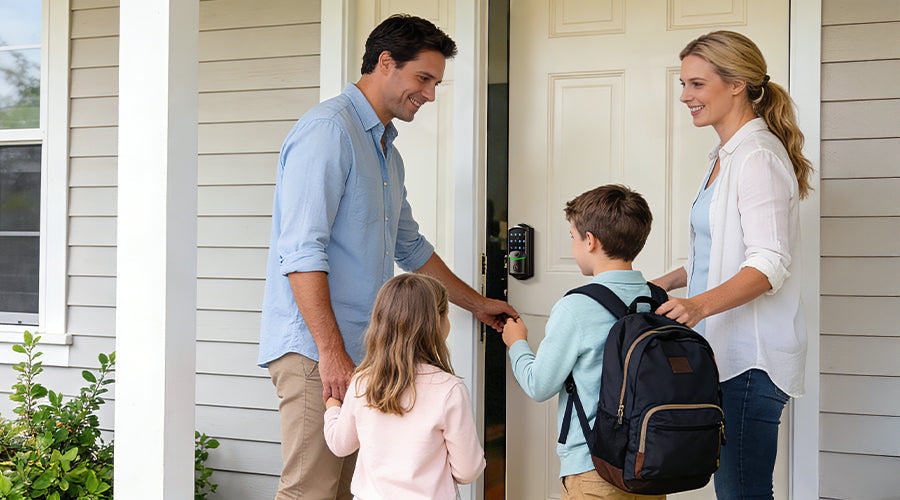
- Multi-user access: once family members' credentials are added, they remain stored locally, so network outages won't block access
- Encrypted access logs: many locks store entry records in encrypted memory, automatically syncing with the app once connectivity is restored
Power's out? Battery dead? Wi-Fi down? You still get in.
Two backups. One lock. Zero lockouts. See the VE027 →
Choosing a Smart Lock You Can Rely On
When selecting a lock for everyday family use, reliability matters more than flashy features. Look for:
- Multiple entry methods: fingerprint, PIN, IC card, and mechanical key override
- Effective battery alerts: notifications in the app and audible warnings from the lock itself
- Emergency backup options: mechanical key and emergency power port for temporary power
- Weather resistance: for exterior doors, an IP65 rating ensures protection against rain, dust, and other elements
Conclusion
Concerns about smart lock functionality during outages are understandable but usually stem from misconceptions about how these devices are engineered.
Wi-Fi mainly provides remote convenience, while core locking functions operate locally. Fingerprint sensors, PIN pads, IC cards, and mechanical keys continue working during internet outages. Battery power keeps the lock operational during power failures, and backup systems ensure you're never locked out.
This design philosophy explains why the Veise VE027, VE028, and VE029 are engineered with multiple offline entry methods and redundant backup systems. Reliability isn't just a feature—it's essential.

Landlords Multi-gen homes Power outage areas
VE027 | Wi-Fi Smart Lock with USB-C Emergency Power
★ 4.9/5
- Unlock Offline with Fingerprint, PIN or Key Fob
- Stay Powered with USB-C Emergency Backup
- Physical key access when needed
$89.99 Shop VE027 Now →
Frequently Asked Questions
Can I unlock my smart lock during a power outage?
Yes. Smart locks operate on independent battery power. Fingerprint, PIN, and IC card access all continue functioning. If batteries run out, the mechanical key or emergency power port provides guaranteed access.
Will my smart lock's app function during an internet outage?
Remote monitoring and control require internet. However, local access methods still work, since credential verification happens directly on the lock.
What happens to access logs when offline?
Quality smart locks store all entry events in encrypted local memory. Logs automatically sync with the app once connectivity is restored.
How should families prepare for emergencies?
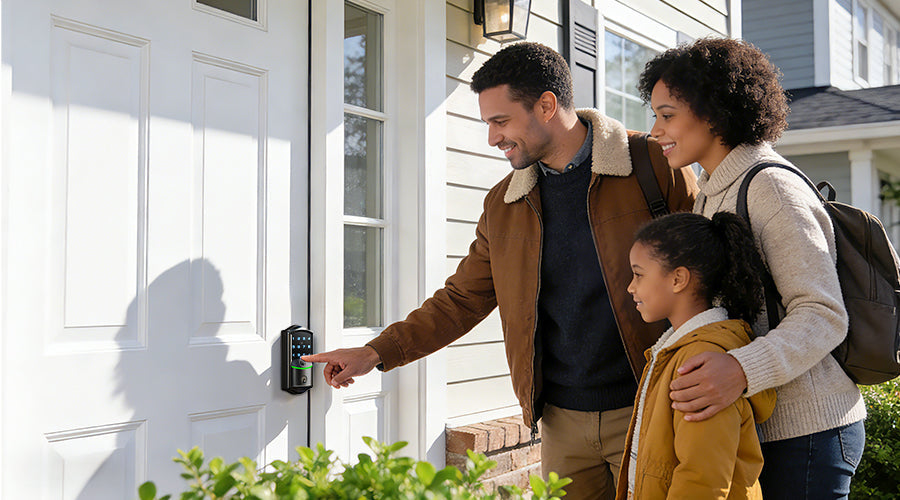
Ensure every household member knows at least two ways to enter. For children, a memorized PIN is often the most practical option.

Leave a comment
This site is protected by hCaptcha and the hCaptcha Privacy Policy and Terms of Service apply.