
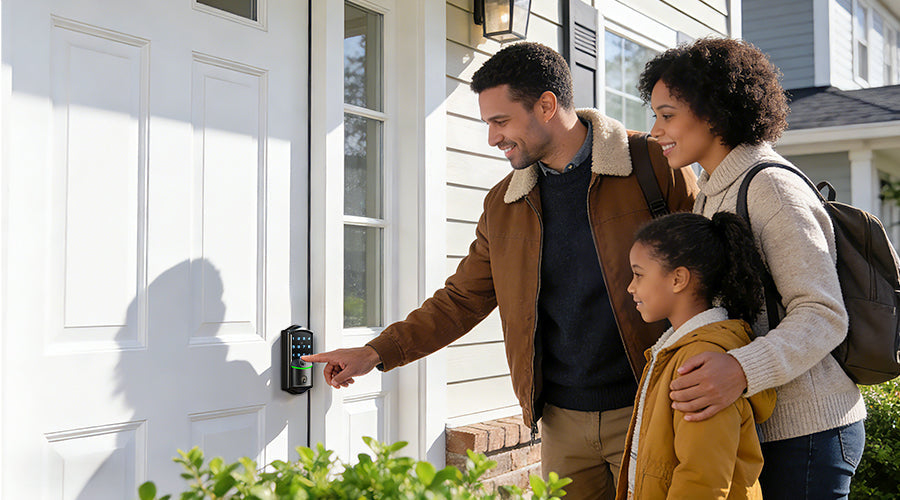
Family homes use smart locks more frequently than single-user apartments. Doors may be opened 15–20 times daily by parents, children, and guests. In these households, reliability, structured access, and long-term stability outweigh novelty features.
What truly makes a Wi-Fi smart lock suitable for a family home? This guide breaks down four practical benchmarks, illustrated with Veise models VE027, VE028, and VE029.
1. Reliability: Offline Functionality and Power Stability
Lock failures impact everyone in busy households. Smart locks suitable for families should operate even without internet connectivity.
Key Points to Check:
- Battery Configuration & Alerts: Under 15–20 daily cycles, a standard four-AA configuration typically supports 6–8 months of operation. Some models, like the Veise VE027, are designed with extended battery setups to reduce the need for frequent replacements, making them convenient for frequent use.

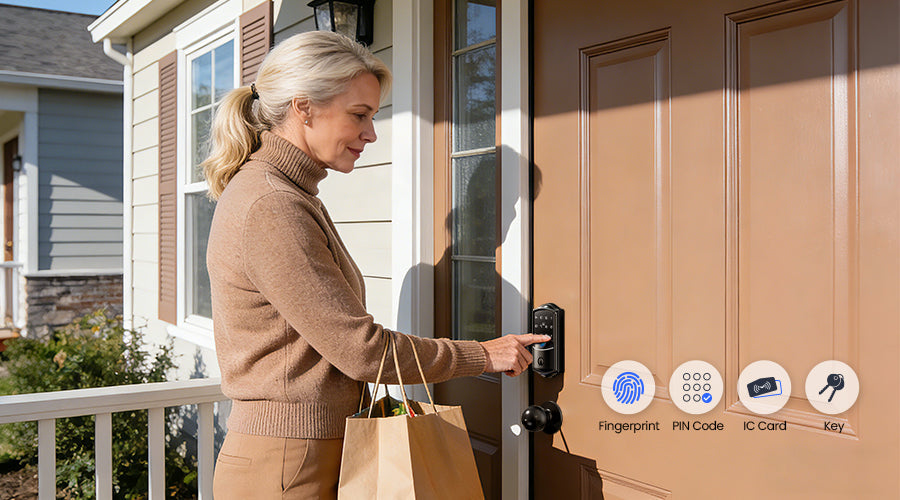
- Backup Entry Options: Internet interruptions should never prevent entry. A family installation should include multiple fallback methods:
- Physical key access
- Responsive keypad entry
- Emergency Type-C power port for temporary external power
- Offline Authentication Processing: Core authentication—fingerprint and PIN—should process locally on the device. Wi-Fi affects only remote monitoring, not basic entry, preventing daily disruptions in busy households.
2. Multi-User Access Management
Family homes require higher credential capacity and flexible permissions compared with single-user setups. A household may need:
- 8–12 permanent users
- Temporary access for guests
- Scheduled credentials for cleaners or service providers
Minimum Specifications to Look For:
- Support for at least 50 combined PIN and fingerprint credentials
- Capability for permanent, scheduled, and temporary access
- Remote administration without physical access
- Activity logs with user identification
Locks offering flexible access management, such as the Veise VE028, offer remote management for over 100 PIN codes. This allows parents to easily create and revoke temporary codes for a babysitter or a cleaner from their phone.

3. Security Architecture and Data Handling
Family security has two dimensions: physical protection and data privacy.
Physical Security:
- ANSI/BHMA Grade 3 certification (minimum residential rating)
- IP65 weather resistance for exterior installations
- Auto-disable after repeated failed attempts
- Tamper alerts
Data Security:
Most Wi-Fi locks use AES-128 encryption, but where data is stored matters more. Cloud-dependent systems send user data to external servers, while local encrypted storage keeps fingerprints, PINs, and activity logs on the device itself.
The Veise VE029 stores all biometric data locally with AES-128 encryption—so remote access never compromises privacy.

4. Usability Across Age Groups
Family locks must function reliably for users ranging from young children to older adults.
Key Performance Factors:
- Fingerprint recognition under approximately 0.3 seconds
- High first-attempt success rates
- Compatibility with standard US residential door thickness (1-3/8" to 1-3/4")
- Installation time under 15 minutes using basic tools
- No required subscription for core remote features
Subscription-based models may cost more than their initial price over 2–3 years. Low maintenance cost is often more practical for long-term residential use.
Common Mistakes Families Make
1. Prioritizing app features over mechanical reliability
2. Ignoring credential capacity limits
3. Overlooking battery configuration
4. Failing to verify certification standards
5. Choosing cloud-only systems without understanding data handling
Avoiding these mistakes can significantly improve long-term satisfaction and system stability.
Conclusion
A family-ready Wi-Fi smart lock must excel in four areas:
1. Offline reliability: Functions during internet outages, ensuring entry is always possible.
2. Multi-user access management: Handles permanent residents and temporary guests with ease.
3. Robust security: Combines physical protection with local data privacy.
4. Everyday usability: Works for all ages without subscription fees or complex setup.
By evaluating products against these practical benchmarks—rather than flashy features—families can invest in a lock that delivers consistent performance for years to come.
Frequently Asked Questions
Can a smart lock work offline for families?
Yes. Locks that store credentials locally allow fingerprint and PIN authentication to function without internet connectivity. Wi-Fi is only required for remote monitoring and app control.
Are smart locks safe for families with children?
When equipped with encrypted communication, individual user credentials, and activity logs, smart locks can provide greater visibility and faster access revocation than traditional keys.
Do Wi-Fi smart locks require monthly fees?
Some models require subscriptions for advanced remote features, but many locks—including family-ready models—offer full functionality without recurring charges. Families can enjoy all core features without extra fees.

Leave a comment
This site is protected by hCaptcha and the hCaptcha Privacy Policy and Terms of Service apply.