
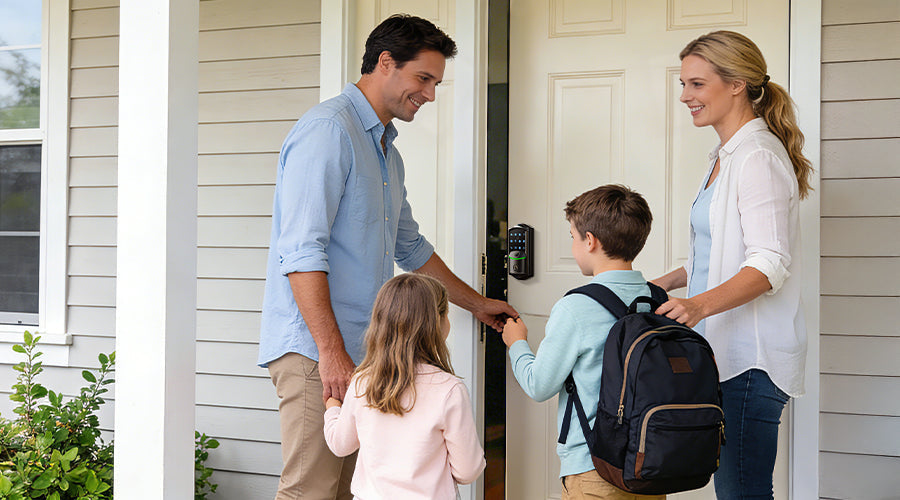
In a busy home, the front door rarely stays quiet. Parents leave for work, kids return from school, caregivers arrive, and service providers may need access during the day. Traditional keys can quickly become inconvenient, and managing access for many people safely becomes a real concern.
For families, the question isn't just whether to install a smart lock—but whether a smart lock can efficiently manage access for everyone in the home. Unlike single-user environments, multi-user homes require reliable biometric recognition, fine-grained access permissions, emergency backups, active security protections, and durable hardware. So what features truly matter when choosing a smart lock for a family home? Below we break down the key capabilities to consider.
1. Fingerprint Recognition That Works for Every Family Member
Biometric unlocking is one of the most sought-after smart lock features, but not all fingerprint systems perform equally well. Children often have light or shallow fingerprints, while older adults may have worn or less-defined patterns. Basic optical sensors can struggle in these cases, leading to slow or failed recognition.
A family-ready smart lock must use semiconductor capacitive fingerprint technology to ensure every member—young or old—can unlock effortlessly. This technology reads electrical properties of the skin rather than surface images, improving accuracy across dry, wet, or shallow fingerprints. Modern systems also include AI self-learning for better recognition over time, typically unlocking in about 0.2 seconds and storing 20 or more fingerprints for everyday use.

2. Custom Access Levels for Different Users
In a family home, different people often need different types of access. A babysitter may visit on specific days, relatives might stay over the weekend, and delivery personnel may only require one-time entry.
A truly family-friendly smart lock, like a Veise Wi-Fi smart lock, lets you assign custom access levels and manage them conveniently from your phone. Look for systems that support:
- Permanent codes for family members
- Recurring codes for regular caregivers
- Duration codes for short-term guests or renters
- One-time codes for deliveries or maintenance visits
The best locks also allow remote code creation, sharing, and revocation through the mobile app, giving you full control of who comes and goes.

3. Emergency Backup Options Every Family Should Know
Smart locks rely on battery power, so redundancy is critical. What happens if the battery dies or connectivity fails? A dependable smart lock ensures you're never locked out by offering multiple backup options:
- Physical backup keys, the most reliable fallback
- Type-C emergency power ports for temporary power
- Low battery alerts sent through the app before power runs out
- Designs using more battery cells for longer life and stable connectivity
These safeguards ensure the lock remains usable even during unexpected situations such as delayed battery replacement or temporary power loss.
4. Built-In Security Protections Against Threats
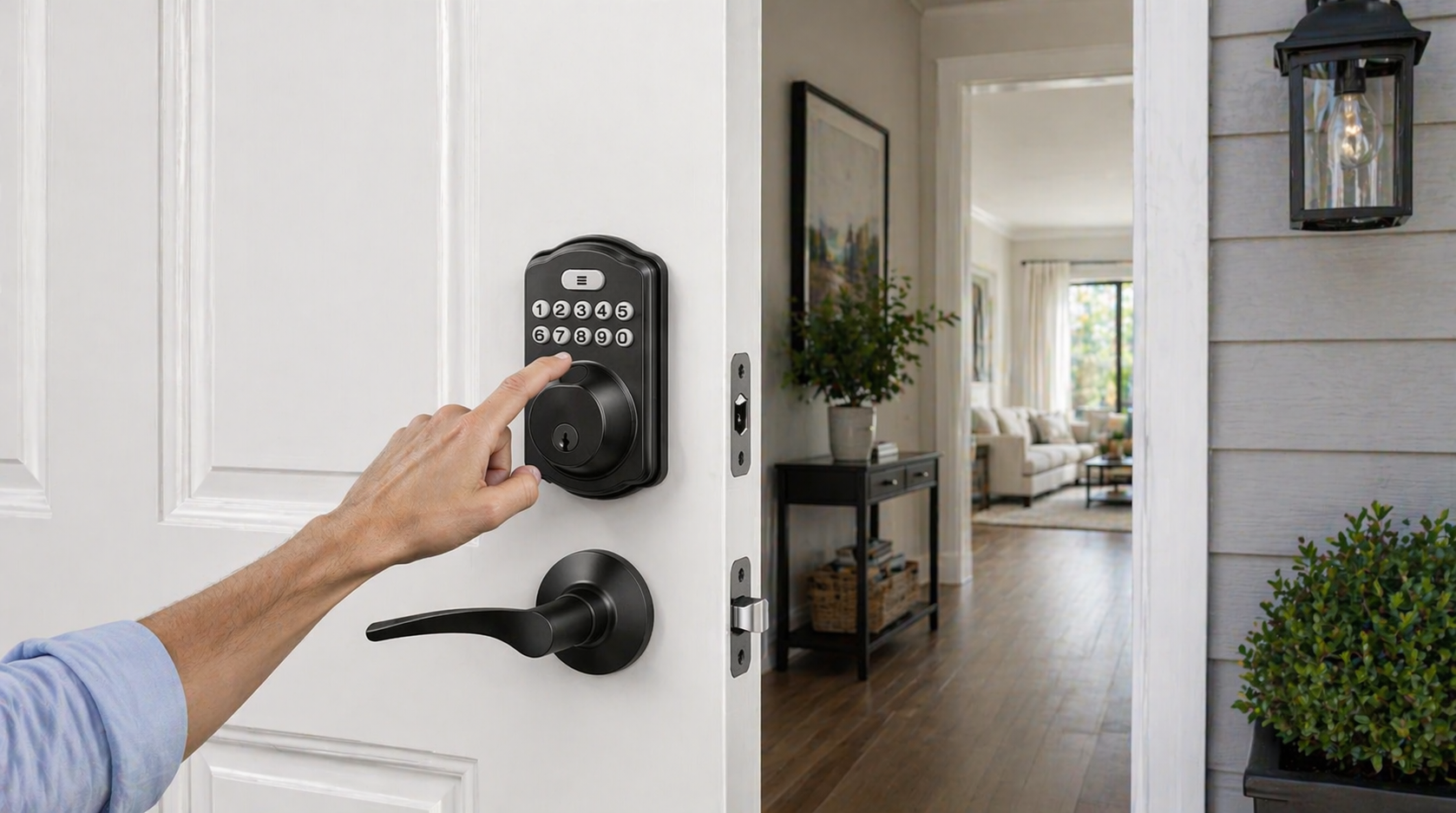
Smart locks should actively defend your home against common security risks. For example, entering a PIN code in public can expose it to nearby observers. To address this, many smart locks support anti-peep passcodes, allowing users to enter random digits before or after the actual code to conceal it.
Another important protection is automatic lockout after repeated failed attempts. If someone enters the wrong code multiple times, the lock temporarily disables input to prevent brute-force guessing. Veise smart locks can send real-time notifications through the KK Home App, alerting homeowners to unusual activity or repeated failed unlock attempts.

5. Durable Hardware and Easy Installation
While software features are important, long-term reliability depends on solid hardware. Quality smart locks typically meet recognized standards such as ANSI/BHMA Grade 3, indicating durability and security for residential use. Materials like zinc alloy provide strong resistance to wear and scratches.
Weather resistance is equally important for exterior doors. Locks with IP65 protection can withstand rain, dust, and changing outdoor conditions. Installation compatibility should also be considered: a good smart lock fits standard door thicknesses (1-3/8" to 1-3/4") and installs in about 15 minutes with basic tools.
Choosing a Smart Lock for Your Family
When evaluating smart locks for multi-user homes, the most useful models combine reliable fingerprint recognition, flexible access permissions, dependable backup options, active security protections, and durable hardware that lasts.
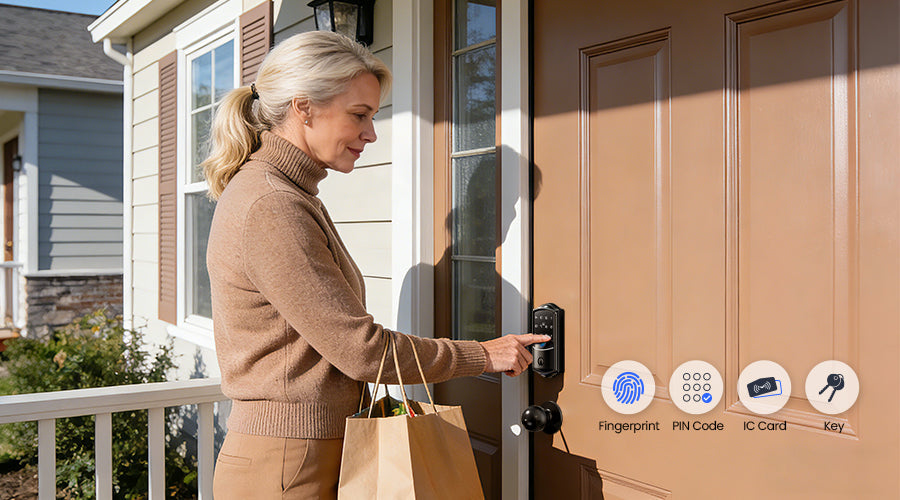
Models such as Veise VE027 Deadbolt, VE028 Knob Handle, and VE029 Lever Handle meet these criteria. They support multiple unlocking methods including fingerprint, PIN, mechanical keys, and fobs, provide remote access management through the app, and include emergency backup options for peace of mind. For homes where several people rely on the same door every day, the right smart lock keeps access simple, secure, and fully under control.
Frequently Asked Questions
How do I choose a smart lock suitable for a multi-user family home?
Focus on locks that handle multiple users efficiently. Check for fast fingerprint recognition for all family members, flexible access code management, multiple unlocking options (PIN, fobs, mechanical keys), and reliable backup power methods. This ensures convenience and security without daily hassle.
How can I manage different access for family members, guests, and caregivers?
Select a smart lock with app-controlled permissions. You can assign permanent codes for family, recurring codes for caregivers, and one-time or temporary codes for visitors or deliveries. Access can be updated or revoked anytime through the mobile app.
What unlocking methods and backup options should I look for?
The best family smart locks support fingerprint, PIN, fobs, and mechanical keys. They also offer emergency power ports, low-battery alerts, and backup keys to prevent lockouts, ensuring your home remains secure even in unexpected situations.

Leave a comment
This site is protected by hCaptcha and the hCaptcha Privacy Policy and Terms of Service apply.