
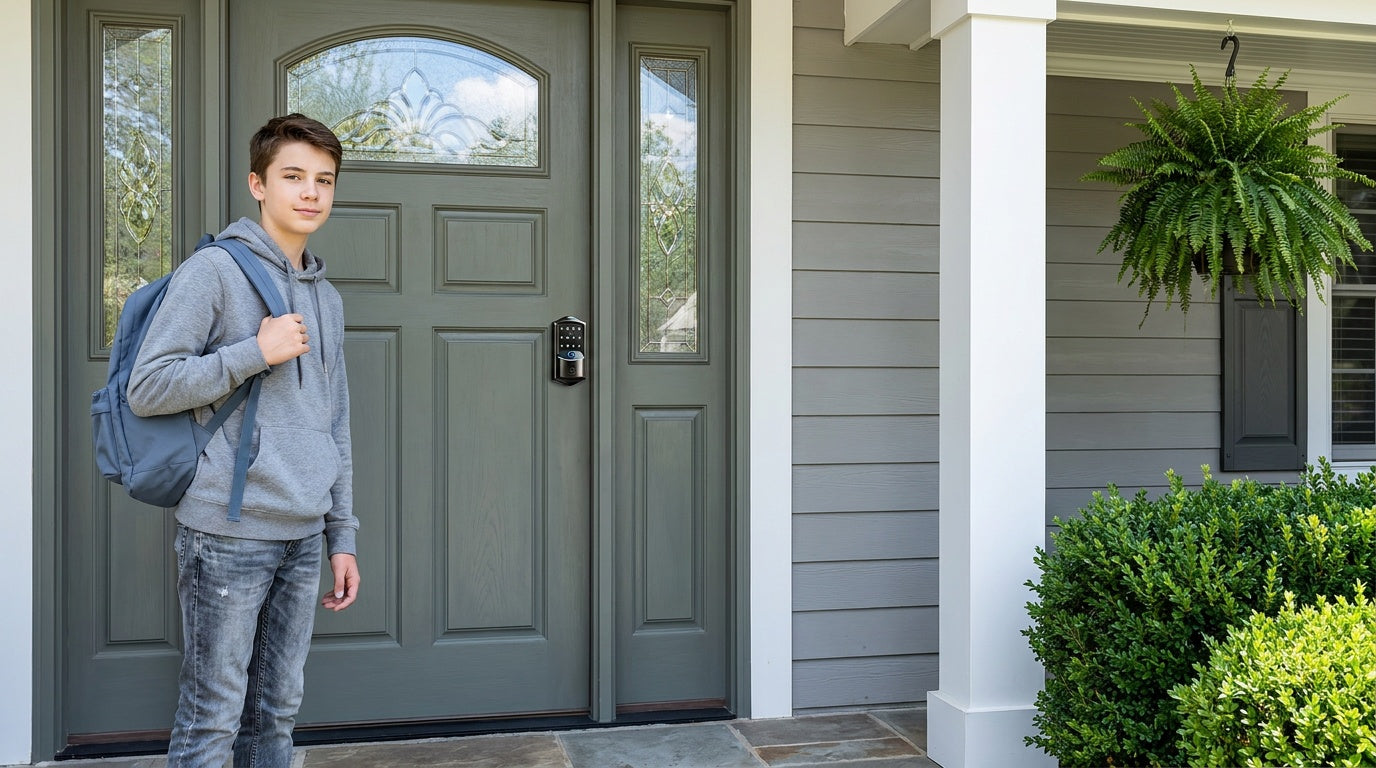
Shopping for a smart lock under $200 used to mean settling. You could have reliable security or modern features — rarely both. That calculation has changed. Today's affordable smart locks come with fingerprint access, real-time app control, voice assistant compatibility, and auto lock, all without a monthly subscription fee or a call to a contractor.
The harder question isn't whether a good smart lock exists at this price point. It's which type of smart lock fits your door, your household, and the way you actually live. A parent who wants to know the moment their teenager gets home has different needs than a landlord managing a vacation cabin or an older family member who just wants to stop fumbling with keys. Getting the right match makes all the difference.
This guide walks through the best smart locks under $200 by category, explains what features genuinely matter at this price, and maps each pick to a real-life scenario — so you can buy with confidence and install in an afternoon.
Who Actually Needs a Smart Lock?
Smart locks have moved well past early-adopter territory. The question most homeowners are now asking isn't "should I get one?" but "which one is right for my house?" A few situations come up again and again as the strongest motivators for upgrading.
Parents of school-age children want to know when kids arrive home, especially when schedules shift. A smart lock with app notifications delivers that peace of mind without requiring a child to carry a physical key that can be lost. New homeowners often install a smart lock within the first few weeks — rekeying every lock for previous owners is time-consuming, and a fresh keypad code takes seconds to set. Elderly family members benefit from the simplicity of a fingerprint scan or a short code instead of small, easy-to-drop keys. And property owners managing short-term rentals or vacation cabins need the ability to create, adjust, and delete guest access codes from anywhere — no locksmith, no physical handoff required.
What these scenarios share is the need for flexible, reliable access at a price that makes sense. That's exactly where the under-$200 smart lock market excels.
What to Look for in a Smart Lock Under $200
Not every feature on a spec sheet translates to everyday value. Here are the ones worth prioritizing at this price point:
- Multiple entry methods: A good smart lock should offer at least two or three ways to get in — keypad code, fingerprint, and a physical key backup at minimum. Relying on a single method creates a single point of failure.
- Auto lock: The ability to configure the lock to re-engage automatically after a set interval removes the most common smart lock anxiety: "Did I remember to lock the door?"
- No subscription fees: Some brands gate essential features like access logs or remote unlocking behind monthly plans. The best affordable smart locks include these features in the hardware price.
- Physical key backup: Electronics fail, batteries drain. A physical key override ensures you're never locked out permanently.
- DIY installation: A lock that takes 15 minutes to install with a screwdriver is a very different product from one that requires a door bore modification or professional help.
- Voice assistant compatibility (where needed): Alexa and Google Assistant compatibility is useful for smart home households, but only relevant if you have a Wi-Fi lock or a gateway-paired smart lock in place.
- ANSI/BHMA certification: This is the independent lab-verified standard for residential locks. It confirms the lock has passed real durability and security testing — not just marketing language.
One certification note worth understanding: ANSI/BHMA Grade 3 is the recognized residential standard, designed to align with the security demands of typical single-family homes. Grades 1 and 2 target high-traffic commercial and institutional environments — a hospital lobby, a school entrance, a government building. Holding a Grade 3 certification means a lock has passed independent testing appropriate for the doors in your home. It's the right benchmark for residential buyers, not a lower tier.
Understanding Smart Lock Categories
One of the most confusing parts of shopping in this category is that "smart lock" covers several very different products. Understanding the four main categories before you browse will save a lot of time.
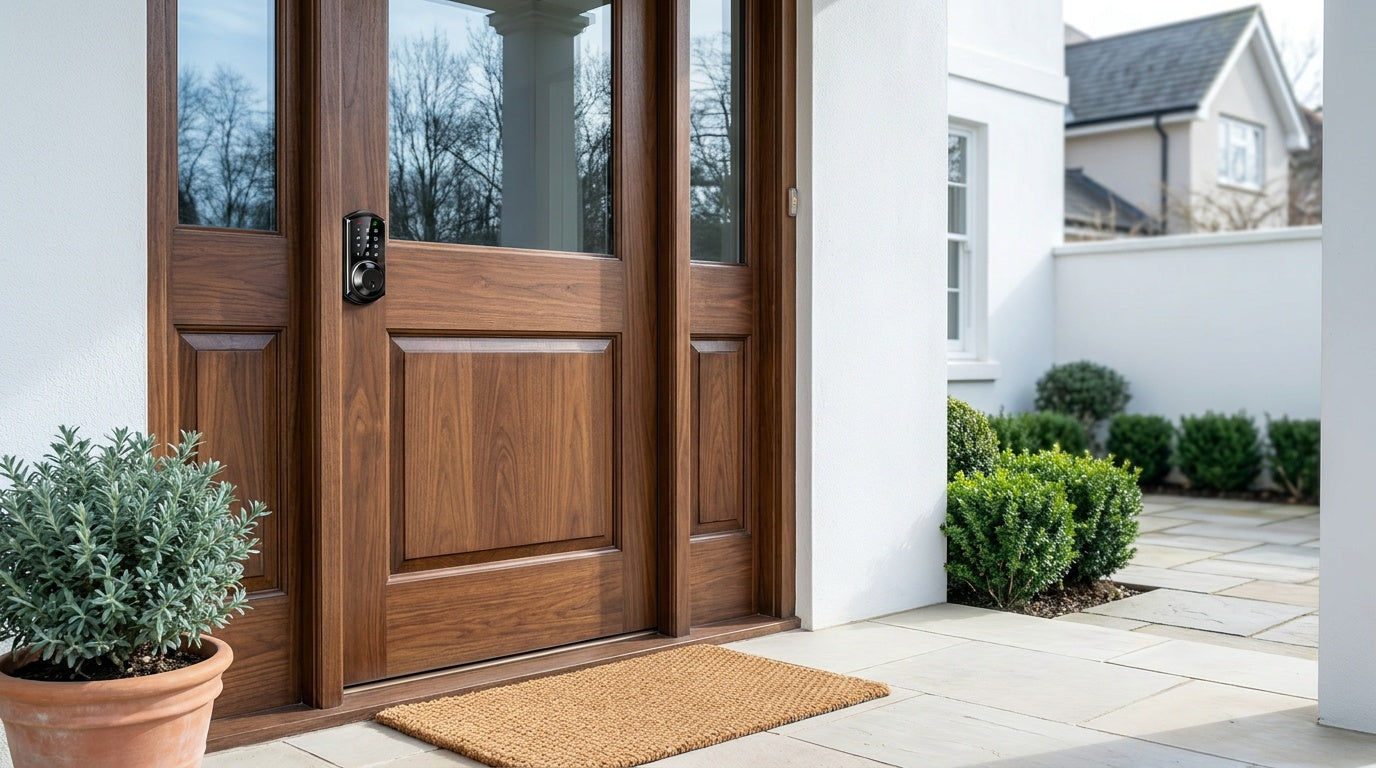
Keypad Deadbolt Locks are the most straightforward upgrade from a traditional deadbolt. They replace your existing deadbolt entirely and let you enter using a keypad code or a physical key backup. Select Veise models also include fingerprint access. These are a natural fit for exterior doors, but keep in mind that they are full replacements — the existing deadbolt comes out and the new lock goes in. No remote access comes built in; they work independently without an app or gateway.
Keypad Latch Locks use a latch mechanism rather than a deadbolt and provide full code-based access on their own. Many homeowners optionally pair one with a separate deadbolt on an entry door for added security — either position works. They're commonly installed on side entries, interior office doors, warehouse doors, and apartment entry doors. Entry is by keypad code or physical key only.
Smart Locks w/ Gateway 1/2 add remote app control by pairing the lock with a small gateway device (sold separately) that you plug into a nearby outlet. The gateway bridges the lock to your home network, enabling app-based unlocking, access logs, and voice assistant control from anywhere. The lock itself still operates locally with a keypad code, key fob, and physical key backup — plus fingerprint on most models — so you're not solely dependent on the app. Remote access requires a smart lock paired with a gateway (not a keypad deadbolt or keypad latch lock with a gateway added on).
Wi-Fi Smart Locks have Wi-Fi built directly into the lock body, so no separate gateway device is needed. You get remote app access, real-time notifications, voice control via Alexa or Google Assistant, fingerprint entry, and keypad code — all through a single device. They're the most feature-complete option in the under-$200 range and a strong choice for families and property managers who want comprehensive oversight without extra hardware.
Top Picks: Best Smart Locks Under $200
Veise designs, engineers, and manufactures its own locks — a vertically integrated approach that has made it the #1 smart lock brand on Amazon North America in both 2024 and 2025. Every lock in the lineup is priced between $30 and $180 and requires no subscription, and fingerprint data is processed and stored locally on the lock's own AI chip. The picks below draw from Veise's full range of lock categories.
1. Best for Simple Keyless Entry: Keypad Deadbolt Lock
If your main goal is to eliminate physical keys from your daily routine — or to give your household multiple entry codes without the complexity of an app — a Veise Keypad Deadbolt Lock is the cleanest starting point. It replaces your existing deadbolt with a keypad-entry lock that works with a code and a physical key backup on every model. Select Veise models in the lineup also include fingerprint access with a scan time under 0.3 seconds, built on an AI chip that processes and stores fingerprints directly on the device — no cloud account, no Internet connection required to authenticate.
Auto lock is configurable on all models, with an interval adjustable between 10 and 99 seconds to suit your household's rhythm. Installation takes about 15 minutes with a screwdriver, no wiring and no professional help needed. Veise Keypad Deadbolts are designed for standard wood doors with a thickness between 1-3/8" and 2". They carry ANSI/BHMA Grade 3 certification — the recognized residential standard.
Best for: New homeowners replacing old locks, households that want keyless entry without app dependency, families sharing a single door code with multiple people.
Key features:
- Keypad code + physical key backup on all models
- Fingerprint access (under 0.3s scan) on select Veise models — every SKU in the KS02 series
- Auto lock configurable between 10 and 99 seconds
- No subscription, no cloud required
- ANSI/BHMA Grade 3 certified
2. Best for Remote Monitoring: Touchscreen Wi-Fi Smart Lock (VE027 Series)
For households where remote access and real-time visibility matter most, a Veise Wi-Fi Smart Lock is the standout choice in the under-$200 category. Built-in Wi-Fi means no separate gateway to buy or place — the lock connects directly to your home network and gives you full app control, access history, and real-time lock/unlock notifications from anywhere with an active Internet connection. Parents can check whether a child arrived home on schedule. Property owners can grant and revoke access to a rental remotely without being on-site.
Veise offers two Wi-Fi series, and the Touchscreen Wi-Fi Smart Lock (VE027 Series) is the more fully equipped of the two. It features a touchscreen interface and includes a USB-C emergency power port on every model in the series — useful when the batteries are depleted and you need temporary external power to regain access. It also supports key fob entry across the series and on-device voice prompts in English, Spanish, and French.
Like the rest of Veise's Wi-Fi line, it uses an 8 AA/LR6 alkaline battery design — more cells than the standard 4 AA setup — for stronger signal performance and a longer-lasting power reserve.
Even when Wi-Fi is down, app control on both Wi-Fi smart locks and Smart Lock w/ Gateway 1/2 models continues to work locally as long as you're within short-range wireless distance of the lock. Keypad code and physical key entry work regardless of connectivity, so loss of Internet never means loss of access at the door.
Best for: Parents monitoring kids' arrival times, property owners managing short-term rentals, households that want full smart home integration with Alexa or Google Assistant.
Key features:
- Built-in Wi-Fi — no extra gateway needed
- Real-time app notifications and remote lock/unlock
- Fingerprint, keypad code, key fob, app, and voice control (Alexa/Google)
- Physical key backup on all models; key fob supported across the whole VE027 Series
- USB-C emergency power port on every VE027 Series model
- On-device voice prompts in English, Spanish, and French
- 8 AA/LR6 alkaline battery design for stronger signal performance and a longer-lasting power reserve
3. Best No-Frills Wi-Fi Pick: Push-Button Wi-Fi Smart Lock (VE012W Series)
If a touchscreen isn't a priority, the Push-Button Wi-Fi Smart Lock (VE012W Series) delivers the same core Wi-Fi experience through a traditional press-button keypad. You still get built-in Wi-Fi with no separate gateway, fingerprint access, keypad codes, remote app control and access history, Alexa and Google Assistant support, a physical key backup on every model, and the same 8 AA/LR6 alkaline battery design.
The VE012W Series differs from the VE027 Series in four concrete ways: the interface is press-button rather than touchscreen, there is no USB-C emergency power port, key fob entry is not supported, and there are no on-device voice prompts. If none of those four matter to you, this is the simplest way into a fully connected Wi-Fi lock.
Best for: Buyers who prefer physical buttons to a touchscreen, households that want full remote access and fingerprint entry without the extras.
Key features:
- Built-in Wi-Fi — no extra gateway needed
- Traditional press-button keypad
- Fingerprint, keypad code, app, and voice control (Alexa/Google)
- Physical key backup on all models; key fob not supported on this series
- No USB-C emergency power port and no on-device voice prompts
- 8 AA/LR6 alkaline battery design for stronger signal performance and a longer-lasting power reserve
4. Best All-in-One Connected Lock: Smart Lock w/ G1
The Smart Lock w/ G1 is Veise's most complete connected lock for families who want remote access, fingerprint entry, and multilingual voice prompts in a single package. The entire G1 line is built on one product series — the VE017 — and every model in that series ships with the same all-in-one feature set: fingerprint access, USB-C emergency power port, multilingual voice prompts in English, Spanish, and French, and remote app control via the paired G1 gateway. This makes it particularly well-suited to multilingual households or families with non-English-speaking members who will be using the lock daily.
The Smart Lock w/ G1 pairs with a compact gateway, sold separately, that you plug into a nearby outlet. The gateway bridges the lock to your home network, enabling remote locking, access logs, and Alexa or Google Assistant voice commands (with the gateway in place). The lock itself supports multiple ways to enter — keypad code, key fob, physical key, fingerprint, and remote app control — so there are always fallback options available. Smart Lock w/ G1 also uses Veise's own first-party, Veise-developed app, which adds a layer of reliability and consistency.
Best for: Multilingual households, families with elderly members who want a simple fingerprint entry, homeowners who want remote access without going full Wi-Fi built-in.
Key features:
- Remote app control via the paired G1 gateway (gateway sold separately)
- Fingerprint, keypad code, key fob, physical key — multiple ways to enter
- USB-C emergency power port standard on all G1 models
- English, Spanish, and French voice prompts on all models
- Voice control (Alexa/Google) with gateway in place
- First-party Veise-developed app
5. Best for Apple Watch Users: Smart Lock w/ G2
The Smart Lock w/ G2 shares the same core connected experience as Smart Lock w/ G1 — remote app control via a paired gateway (sold separately), keypad code, key fob, and physical key backup — but adds two features that make it the pick for Apple-focused households: Apple Watch unlock and a web portal for managing access from a browser. If unlocking your door from your wrist with Apple Watch is a priority, this is the line to look at.
Smart Lock w/ G2 also offers more SKU variety than Smart Lock w/ G1. Buyers can choose between models with and without fingerprint access, and between standalone deadbolt-only configurations and handle-set bundles that pair a lever, vertical handle, or knob with the lock body. On-device voice prompts are available in English.
Best for: iPhone and Apple Watch households, buyers who want a non-fingerprint connected option, property owners who prefer managing access via a web portal.
Key features:
- Apple Watch unlock (unique to Smart Lock w/ G2)
- Web portal access management
- Fingerprint and non-fingerprint options available
- Standalone or handle-set bundle configurations
- Remote app control via the paired G2 gateway (gateway sold separately)
- Keypad code, key fob, physical key backup on all models
6. Best for Interior and Side Doors: Keypad Latch Lock
Not every door in a home needs a deadbolt, and not every door needs remote app access. The Veise Keypad Latch Lock is a practical, affordable solution for interior doors, side entries, garage doors, and office or warehouse doors where a keypad code and physical key backup are exactly what's needed — no more, no less. It's a complete code-based lock on its own; on entry doors, many homeowners optionally pair it with a separate deadbolt for added security.
Veise currently offers two SKUs in this category. The KS03 features an integrated top knob; the KS04 features an integrated top lever. Both have the lock body and handle built as a single unit — there's no separate handle to install alongside the lock. Entry is by keypad code or physical key only, making these the simplest and most straightforward locks in the lineup.
Best for: Interior doors, side entries, garage doors, office doors, or any door where a simple code-entry latch is preferable to a deadbolt replacement.
Key features:
- Keypad code + physical key — simple, reliable entry
- KS03 (integrated knob) or KS04 (integrated lever)
- Integrated handle-and-lock-body design
- No app, no gateway required
- Compatible with standard wood doors (1-3/8" to 2" thickness)
Matching the Right Lock to Your Situation
The right smart lock isn't the one with the most features — it's the one that solves your specific problem without unnecessary complexity. Here's a quick scenario map to help narrow things down:
- New homeowner replacing old locks: Start with a Keypad Deadbolt. It's a clean full replacement with fingerprint options available, and it takes about 15 minutes to install.
- Parents tracking kids' arrival from work: A Wi-Fi Smart Lock or a gateway-paired smart lock gives you app-based access history and remote lock notifications — keypad deadbolts or keypad latch locks don't.
- Elderly family member who struggles with keys: Smart Lock w/ G1 is ideal — every model in the line includes fingerprint, and a sub-0.3s scan is faster and simpler than any key or code. The USB-C emergency power port, standard across the entire line, also removes battery-anxiety lockout risk.
- Short-term rental / vacation cabin owner: A Wi-Fi Smart Lock lets you create guest codes and revoke them remotely without being on-site. Full remote access with real-time notifications.
- Apple Watch household: The Smart Lock w/ G2 is the only Veise line that supports Apple Watch unlock (via its paired gateway, sold separately) — plus a web portal for browser-based management.
- Side door, garage, or interior office door: A Keypad Latch Lock covers this well — simple code entry, integrated handle, no added complexity.
Installation: What to Expect
One of the most practical advantages of Veise locks is the installation experience. Every lock in the lineup is designed for DIY setup — 15 minutes with a screwdriver, no wiring, no professional help, and no door modifications required. At a high level, the process is: remove your existing lock hardware, then fit the new lock into the same pre-drilled holes in order — the latch first (kept retracted), then the exterior assembly, then the interior assembly — using the strike plate included in the box. Add fresh batteries and you're done. Every Veise lock ships with a step-by-step user manual and an installation video; follow the included guide and video step by step, since small details like alignment and screw seating are where most install questions come from.
Two practical notes before you start. Veise locks do not ship with batteries, so pick up a set of AA/LR6 alkaline cells beforehand — and don't mix old and new cells or cells from different brands. And because every Veise lock leaves the factory with a default master code, you can lock and unlock the door immediately after mounting to confirm the install; the manual then walks you through changing that master code and adding personal codes and fingerprints at your own pace.
A few things to confirm before you order: Veise locks are designed for standard wood doors between 1-3/8" and 2" thick. They are not compatible with fiberglass, metal, storm, or sliding doors. Because Veise locks are full replacements (not overlays that attach to your existing hardware), the person installing the lock needs to be the property owner or have authority to modify the door hardware. Unlike retrofit-style locks that clamp over the interior side of your existing deadbolt, a full replacement changes both the interior and exterior lock hardware.
The upside of a full replacement is a cleaner look on both sides of the door and no concern about compatibility with oddly-sized or aging deadbolt hardware. Once the lock is in, it's in for the long term.
The under-$200 smart lock market is better than it's ever been, and the right choice comes down to one question: what problem are you actually trying to solve? Simple keyless entry for a new home? A Keypad Deadbolt. Remote monitoring for a busy family or a rental property? A Wi-Fi Smart Lock. An all-in-one connected option with multilingual support and fingerprint access? Smart Lock w/ G1. Apple Watch integration? Smart Lock w/ G2. A no-fuss solution for interior or side doors? Keypad Latch Lock.
Every Veise lock is built in-house, priced between $30 and $180, installs in about 15 minutes with a screwdriver, and carries no ongoing subscription fees. Whether you're a first-time smart lock buyer or replacing a lock that's been on your door since the house was built, there's a Veise option that fits your door, your household, and your budget. Browse the full Veise lineup and find the right match for your home.
Frequently Asked Questions
Are smart locks under $200 actually secure?
Yes, when they carry an ANSI/BHMA Grade 3 certification. Grade 3 is the recognized residential standard — it means the lock has passed independent laboratory testing for durability and forced-entry resistance appropriate for typical single-family homes. Veise locks carry ANSI/BHMA Grade 3 certification. Grades 1 and 2 are designed for high-traffic commercial settings like schools, hospitals, and government buildings, not a higher tier for home use.
Do Veise smart locks require a monthly subscription?
No. There are no subscription fees on any Veise lock — access logs, remote unlocking, and code management are all included in the hardware price, with no ongoing charges. Fingerprint data specifically is processed and stored locally on the lock's own AI chip rather than in an account somewhere.
What's the difference between a Wi-Fi Smart Lock and a Smart Lock w/ Gateway 1/2?
A Wi-Fi Smart Lock has Wi-Fi built directly into the lock body — no additional hardware needed. A Smart Lock w/ Gateway 1/2 achieves remote access by pairing with a small gateway device, sold separately, that you plug into a nearby outlet. Both give you app-based remote control and access history. The Wi-Fi lock is simpler to set up; the gateway-paired option allows more placement flexibility in rooms where Wi-Fi signal is strong at the outlet but not at the door.
Can I add a gateway to any Veise lock for remote access?
No. Remote access requires a smart lock — either a gateway-paired model or a Wi-Fi model. Locks in the Keypad Deadbolt and Keypad Latch categories cannot be paired with a gateway. If remote access is important to you, choose a Wi-Fi Smart Lock or a Smart Lock w/ G1 or G2 from the start.
What doors are Veise locks compatible with?
Veise locks are designed for standard wood doors with a thickness between 1-3/8" and 2". They are not compatible with fiberglass, metal, storm, or sliding doors. Veise locks do not support Zigbee or Z-Wave.
How fast does the fingerprint scanner work?
Fingerprint recognition on Veise locks is under 0.3 seconds. Fingerprints are processed and stored directly on the lock using an on-device AI chip — no Internet connection or cloud account is involved in the authentication process.
What happens if the Wi-Fi goes down?
Even when Wi-Fi is down, app control on Wi-Fi and gateway-paired smart locks continues to work locally as long as you're within short-range wireless distance of the lock. You can still enter by keypad code, fingerprint (on supported models), key fob (on supported models), or physical key regardless of Internet status. Only long-distance remote features — like unlocking from a different city — require an active Internet connection.
Do Veise smart locks work with Alexa and Google Assistant?
Wi-Fi Smart Locks support Alexa and Google Assistant voice commands directly through their built-in Wi-Fi connection. Smart Locks w/ Gateway 1/2 also support voice control, but the paired gateway (sold separately) must be in place to bridge the lock to your voice assistant. Voice control is not available on Keypad Deadbolt or Keypad Latch Lock models, which operate independently without a network connection.
Can a renter install a Veise lock?
Veise locks are full replacements, meaning the existing lock hardware is removed and the new lock is installed in its place. This changes both the interior and exterior of the door. As a result, the person installing the lock should be the property owner or someone with authority to modify the door hardware. Renters who want to install a Veise lock should get explicit written permission from their landlord before proceeding.
Where are Veise locks supported if I have a problem?
Veise provides US-based phone and email support, backed by a local warehouse. Because Veise is vertically integrated — designing, engineering, and manufacturing its own products rather than reselling OEM locks — support has direct access to product-level knowledge, not just general customer service scripts.
Not Sure Which Lock Is Right for Your Door?
The Veise team is available by phone and email to help you match the right lock to your door type, household needs, and budget — no pressure, just practical advice.
Contact Veise Support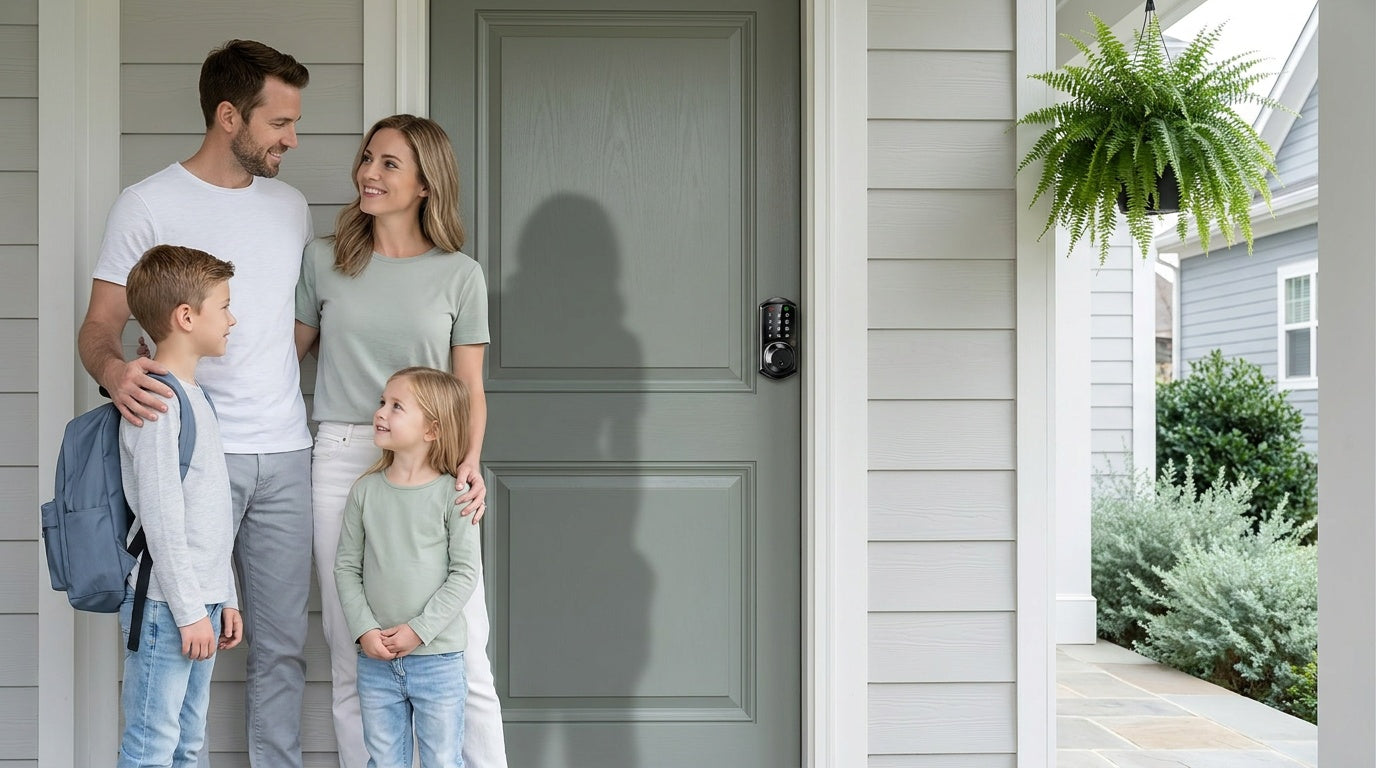

Leave a comment
This site is protected by hCaptcha and the hCaptcha Privacy Policy and Terms of Service apply.