
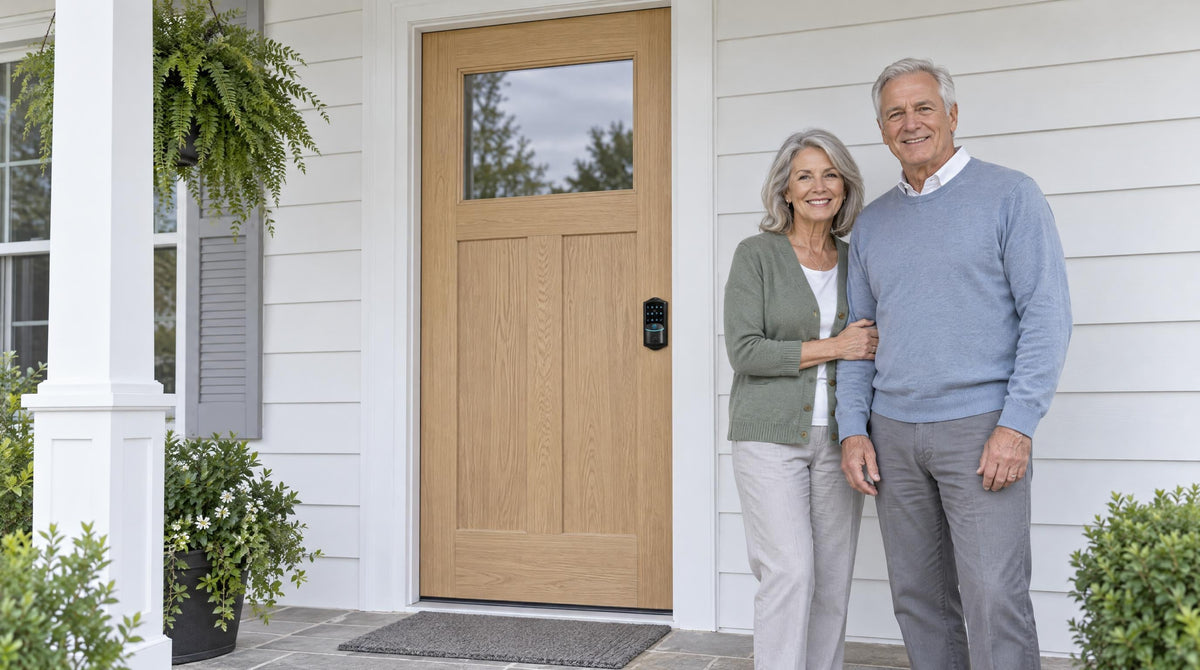
If you have ever wedged a metal bar under your front door handle before bed, you already understand the instinct behind door security bars: make the door impossible to push open, and no one gets in. It is a simple idea, and for what it does in that specific moment, it works. But the question worth asking is whether a security bar is actually protecting your home — or just making you feel like it is.
The truth is that door security bars solve one narrow problem (forced entry from the outside while you are home) but leave every other security scenario completely unaddressed. They cannot tell you that someone tried your door while you were at work. They cannot let a family member in without your being there. They cannot lock themselves after you rush out in the morning. Smart locks, on the other hand, are designed for the full range of situations a real household faces every day. This article walks through exactly where security bars fall short and why a smart lock — particularly one built on 38 years of lock industry expertise — gives your family more complete, more practical protection.
What Is a Door Security Bar — and What Does It Actually Do?
A door security bar is a physical reinforcement device, typically an adjustable steel or aluminum rod, that wedges between a door handle and the floor (or braces across the door itself) to prevent the door from being pushed or kicked open from the outside. Some versions are designed for inward-swinging entry doors; others are made for sliding glass or patio doors. The core mechanism is purely mechanical: it transfers the force of an entry attempt into the floor or door frame rather than allowing the door to swing.
In that specific scenario — someone trying to kick in or shoulder through your door while you are inside — a security bar genuinely adds resistance. It is a supplemental device, though, not a primary lock. It does not replace your deadbolt or latch, and it does not operate independently. It is meant to be used on top of your existing hardware when you are already home and want an extra layer of physical resistance. That context is important, because it defines both what the bar is good at and where it runs out of usefulness entirely.
The Real Limitations of Door Security Bars
Security bars get a lot of credit for brute-force resistance, and that credit is fair. But once you start thinking about home security as something that needs to work around the clock — when you are home, when you are away, when your kids arrive from school, when a contractor needs access — the limitations stack up quickly.
They Only Work From the Inside
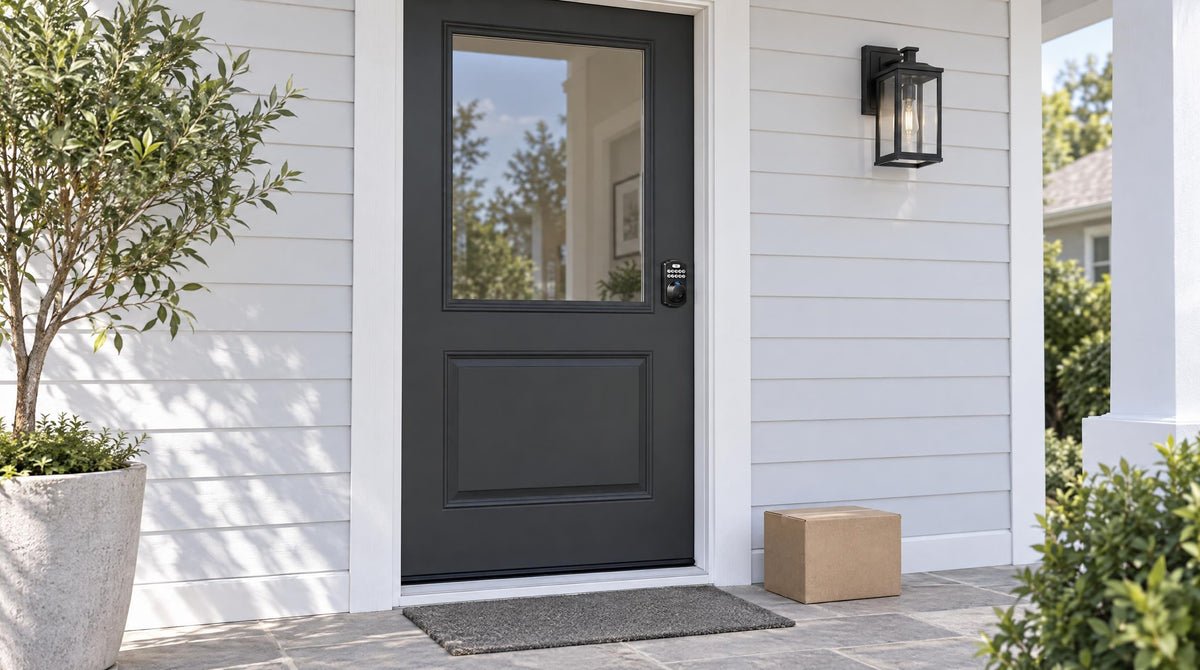
A security bar is an inside-only device. Once you leave your home, the bar cannot be engaged — and more importantly, it cannot be disengaged from the outside. This means it provides zero protection when the house is empty, which is precisely when most residential break-ins occur. Burglars rarely attempt to kick in doors while families are home; they target unoccupied houses. A tool designed exclusively for when you are already safely inside is not addressing the scenario that most homeowners need to worry about.
No Alerts, No Awareness, No Audit Trail
When a security bar does its job, it stops a door from opening. That is all. It does not send you a notification that someone tried your door at 2 a.m. It does not log the event so you can review it later. It does not alert a family member across town. You only know the bar was tested if you happen to be standing on the other side of it. For a household that wants to stay informed about what is happening at their entry points — whether that is a parent monitoring when kids arrive home or a property owner keeping tabs on a short-term rental — a passive physical device simply has nothing to offer.
Daily Inconvenience Adds Up
Security tools that people find inconvenient tend to get used inconsistently, and inconsistent use is its own security risk. A bar that needs to be manually set each night and removed each morning becomes one more thing to forget. Houseguests, older family members, or anyone with limited mobility may find the mechanism awkward or difficult to operate reliably. Over time, many households stop using them altogether — or leave them engaged when they shouldn't, causing issues for anyone who needs to enter in an emergency.
They Cannot Manage Access for Multiple People
Modern households rarely have just one person coming and going. There are kids, housekeepers, dog walkers, repair technicians, and visiting relatives — each with different access needs. A security bar has no concept of authorized vs. unauthorized visitors. You cannot give a dog walker a "bar code" to let themselves in. You cannot revoke access from someone after a visit. Every person who needs to enter while you are away simply cannot, because the bar cannot be disengaged remotely or selectively. That rigidity is not a feature — it is a fundamental design constraint.
How Smart Locks Close Every One of Those Gaps
A smart lock is a full replacement for your door's locking hardware — not an add-on wedged under a handle. It combines the physical deadbolt security your door needs with electronic intelligence that a passive bar can never provide. Here is what that difference looks like in practice.
Protection That Works Whether You Are Home or Not
Unlike a security bar, a smart lock is always active. A properly installed deadbolt-based smart lock secures the door from both sides, regardless of whether you are inside or across the country. Wi-Fi smart locks and Smart Lock w/ Gateway 1/2 even let you remotely lock the door if you left in a hurry — a feature that a floor-wedged bar could never replicate. The lock is doing its job the moment you leave, not just when you decide to engage it.
Real-Time Alerts and Entry Logs
One of the most practical advantages of a connected smart lock is awareness. When your front door is unlocked — by a keypad code, a fingerprint scan, or a key fob — the lock records that event and can push a notification to your phone. You know when your kids got home. You know when the plumber arrived and when they left. If someone enters a wrong code 10 times, the lock automatically pauses for 3 minutes. That kind of visibility is not a luxury feature; for most families, it is the thing that turns a passive barrier into an active security tool. A security bar will never tell you anything.
Flexible Access for Real-Life Households
Smart locks let you issue unique access codes to different people — each with their own permissions and, on Smart Lock w/ G1 and Wi-Fi smart locks, their own Recurring or Duration schedules. You can create a Duration code for a house cleaner that expires on its own after their visit. You can give your mother-in-law a permanent code without handing her a physical key. And when someone's access should end — after a short-term rental stay ends, or after a repair crew finishes a job — you delete the code from the app. No rekeying. No locksmith. No worrying about who still has a copy of what.
Auto Lock: The Feature No Bar Can Match
A door security bar requires someone to physically engage it. A smart lock can be set to engage itself. The auto lock feature — configurable between 10 and 99 seconds on Keypad Deadbolt and Keypad Latch locks, and 10 to 180 seconds on connected models — re-engages the lock automatically once the interval elapses. That means a door left unlocked in the morning rush is not an invitation to anyone walking by. No memory required, no manual step, no vulnerable gap in your security because someone forgot to turn back and lock up. For busy families, this single feature solves one of the most common real-world security failures.
Security vs. Convenience: You No Longer Have to Choose
The old assumption was that serious security meant accepting inconvenience — heavy bars, extra deadbolts, physical keys for every person. Modern smart locks reject that trade-off entirely. Veise was built around exactly this idea: that technology should simplify life, not add another burden to it. Drawing on 38 years of lock industry expertise through its parent company Kaadas Group, and backed by 711 patents — the world's largest smart lock patent portfolio — Veise designs locks that are genuinely easier to live with while delivering stronger, smarter protection than any passive mechanical device.
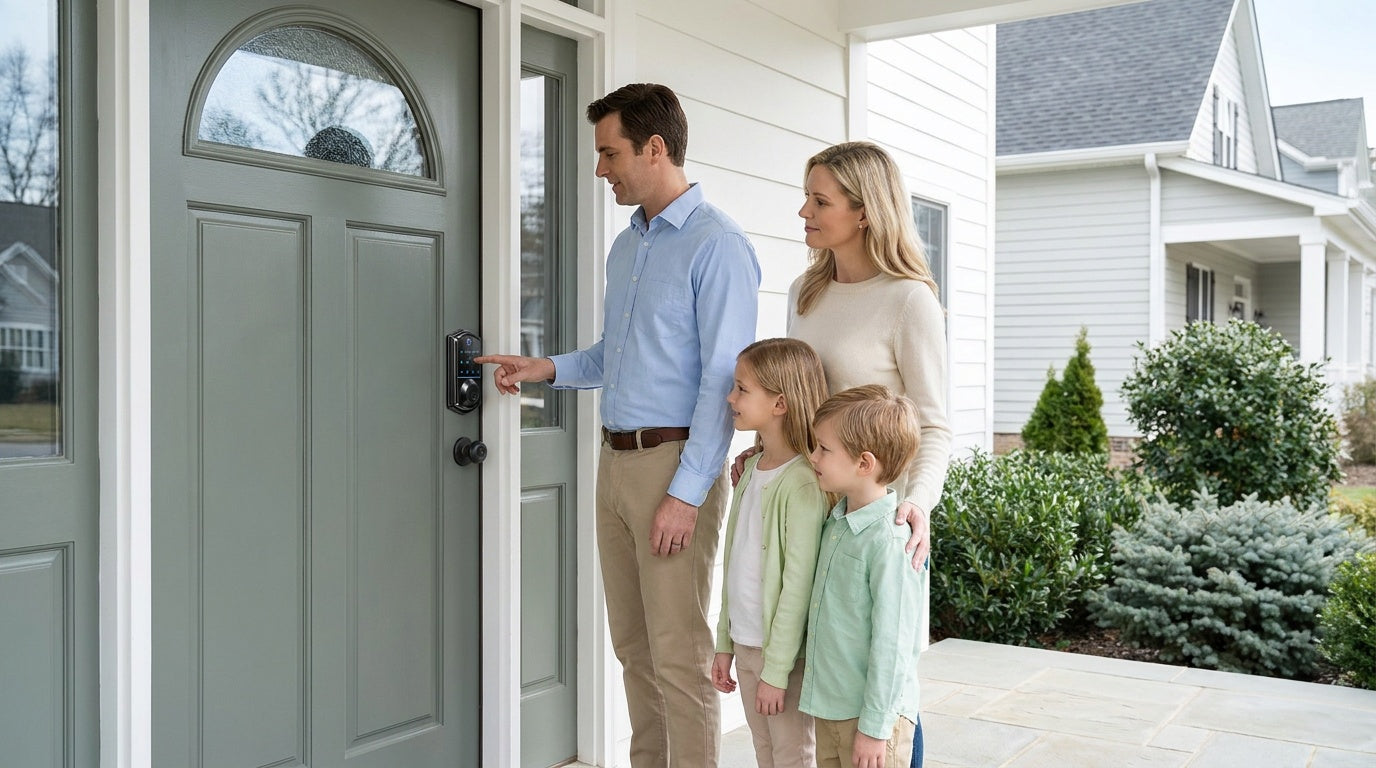
Consider the daily experience. With a keypad deadbolt, your family enters with a code — no fumbling for keys in the dark, no spare key hidden under the doormat where anyone might find it. With a Wi-Fi smart lock, you get the keypad plus remote app access, fingerprint unlock (in under 0.3 seconds), voice control via Alexa or Google Assistant, and real-time notifications — all in one device that installs in about 15 minutes with a screwdriver and no wiring. That is not a compromise on security. It is security that works around your life instead of against it.
Which Veise Smart Lock Fits Your Home?
Veise organizes its lineup into four straightforward categories, each suited to a different access need. All Veise locks are ANSI/BHMA Grade 3 certified — the residential standard — and are designed for wood doors. Here is a quick guide to finding the right fit.
Keypad Deadbolt — Simple, Secure, Always On
If your priority is no longer carrying a key for daily entry and getting a solid deadbolt with a keypad code as the primary entry method, a Keypad Deadbolt is the clean, no-subscription answer. Every model supports a keypad code plus a physical key backup. The KS02 series adds fingerprint scanning, making it a strong pick for households that want fast, code-free entry without any app or gateway setup. These are standalone locks — no Internet connection required — which means they are just as reliable as a traditional deadbolt, only far more convenient.
Smart Lock w/ Gateway 1/2 — Connected Security for Families
When you want remote access and entry notifications without the complexity of a full Wi-Fi lock, a Smart Lock w/ Gateway 1/2 is the right step up. The Smart Lock w/ G1 line is built on a single product series — the VE017 — and every unit ships with fingerprint, multilingual voice prompts (English, Spanish, and French), a USB-C emergency power port, and app control via a Veise-developed first-party app. It is a strong all-in-one pick for connected households. The Smart Lock w/ G2 line supports Apple Watch unlock and web portal control, and offers both fingerprint and non-fingerprint options in several form factors — a good choice if those features matter to you. Both Smart Lock w/ G1 and Smart Lock w/ G2 include a key fob and physical key as backup entry methods alongside the keypad code and app control. For families with children, Smart Lock w/ Gateway 1/2 and Wi-Fi smart locks are especially useful: parents can review entry history and monitor lock activity via the app, even when Wi-Fi is down, as long as they're within short-range wireless distance of the lock.
Wi-Fi Smart Lock — Full Remote Control, Built In
For homeowners who want the most complete remote access without purchasing a separate gateway, the Wi-Fi Smart Lock lineup connects directly to your home's Wi-Fi network. Veise offers two series: the Touchscreen Wi-Fi Smart Lock (VE027 Series), which features a glass touchscreen interface and a USB-C emergency power port, and the Push-Button Wi-Fi Smart Lock (VE012W Series), which uses a traditional press-button keypad. Both series include fingerprint, keypad code, remote app access, Alexa and Google Assistant voice control, and an 8 AA/LR6 alkaline battery design for stronger signal and longer-lasting power reserve; the VE027 series adds the touchscreen, USB-C emergency power, key fob, and on-device English, Spanish, and French voice prompts, none of which are on the VE012W series. Positioned toward the top of Veise's $30–$180 lineup, these locks sit firmly in the affordable-to-mid-range tier while offering features that far outpace what any door security bar could ever provide.
Not sure which lock type fits your door setup? The Veise lineup is designed around the Effortless Home Improvement™ Experience — every product ships with everything you need for a clean install, and the entire process typically takes around 15 minutes with a screwdriver. Easy from Day One.
The Bottom Line
Door security bars are not useless — they do add physical resistance in the specific moment they are deployed. But they solve only one corner of the home security puzzle, and they leave the rest of the picture completely blank. No remote access. No notifications. No audit trail. No way to manage access for different people. No protection when the house is empty. A smart lock addresses all of those gaps in a single device that is easier to use, not harder.
If you are ready to move beyond a passive physical barrier and give your home the kind of active, intelligent protection your family deserves, Veise's full lineup — from simple keypad deadbolts to fully connected Wi-Fi smart locks — offers a practical path forward. Built on 38 years of lock industry expertise and backed by the world's largest smart lock patent portfolio, every Veise lock is engineered to make home security simpler, not more complicated.
Frequently Asked Questions
Can I use a smart lock and a door security bar together?
Yes. A smart lock and a security bar are not mutually exclusive. Some homeowners use a bar as additional resistance at night while also benefiting from the smart lock's remote access and entry logging during the day. That said, the bar still cannot be engaged or disengaged from outside the home, so the smart lock carries all the protection when the house is empty.
Do smart locks actually prevent break-ins better than physical bars?
Smart locks combine a physical deadbolt (the same mechanical mechanism that resists forced entry) with electronic features that passive bars do not have — remote locking, entry logs, and automatic lockout protection after repeated wrong codes. A security bar provides physical resistance only when engaged from inside. A smart deadbolt works around the clock, on both sides of the door, whether you are home or not.
What happens if a smart lock's battery dies?
Veise smart locks use AA/LR6 alkaline batteries (not included), and the lock warns you well before the power runs out with a voice or beep prompt plus an indicator light — connected locks also push an app alert. Every Veise lock also includes a physical key backup. On every VE017 and VE027 series model, a USB-C emergency power port lets you temporarily power the lock with a portable charger so you can enter a code and replace the batteries at your convenience.
Are smart locks difficult to install?
No. Veise smart locks are designed as full replacements for your existing deadbolt or latch hardware on wood doors, and the install typically takes about 15 minutes with a screwdriver — no wiring, no professional help required. Every package includes the hardware, a step-by-step manual, and an installation video you need to get set up quickly.
Can I give temporary access codes to guests or contractors?
Yes. One-Time codes are available on every Veise lock, including Keypad Deadbolt and Keypad Latch locks. Smart Lock w/ G1 and Wi-Fi smart locks add Recurring and Duration codes for guests, contractors, or short-term rental visitors that expire on their own, and any code can be managed remotely through the app. Keypad Deadbolt and Keypad Latch locks are managed at the keypad and have no app-based code management. Remote access management requires a smart lock — Smart Lock w/ Gateway 1/2 or Wi-Fi.
What does ANSI/BHMA Grade 3 mean for a residential smart lock?
ANSI/BHMA Grade 3 is the standard certification for residential door hardware. Grades 1 and 2 target high-traffic commercial environments, not a higher quality tier for homes. All Veise locks meet the Grade 3 residential standard, meaning they are independently tested and rated for the use case they are built for: keeping your home secure.
Ready to Upgrade Your Home's Security?
Browse the full Veise smart lock lineup — from simple keypad deadbolts to fully connected Wi-Fi smart locks — and find the right fit for your door in minutes.

Leave a comment
This site is protected by hCaptcha and the hCaptcha Privacy Policy and Terms of Service apply.