
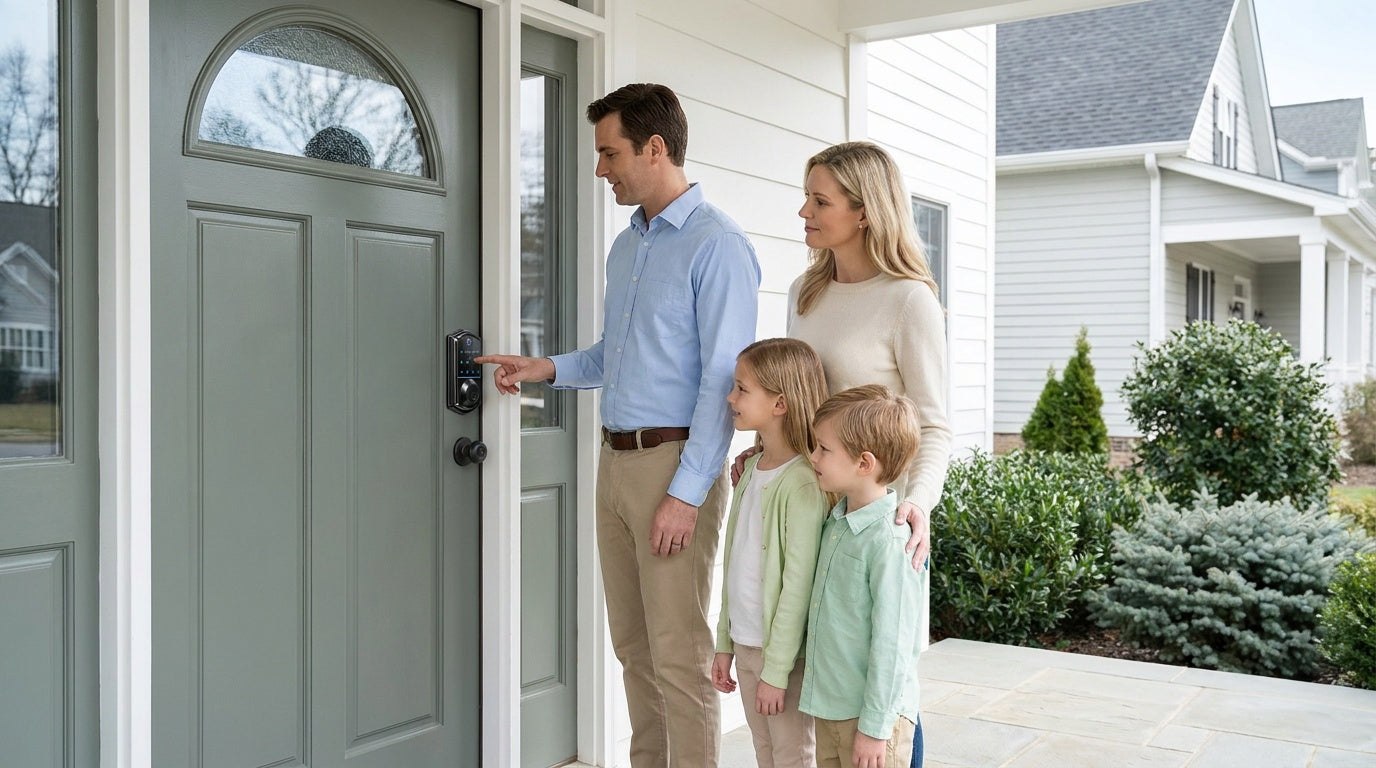
Your front door is the first line of defense between your family and the outside world — and it's also the most common entry point for break-ins. Yet most homes still rely on the same basic lock-and-key setup they've had for decades.
The good news: securing your front door doesn't require a full home renovation or a large budget. A combination of smart hardware choices, a few physical reinforcements, and some practical habits can dramatically reduce your risk. Whether you're a new homeowner doing your first security audit, a parent who wants to know when the kids get home, or a property owner managing rental access remotely, these 12 expert tips will give you a clear, practical roadmap.
We'll cover everything from door frames and strike plates to smart locks, lighting, and access management — so you can build real, layered security that works in everyday life.
1. Upgrade to a Quality Deadbolt Lock
If your front door only has a knob lock or a latch, it's offering minimal protection. A knob lock can be broken off with basic tools in seconds, while a latch retracts easily with a credit card. A deadbolt, by contrast, extends a solid bolt deep into the door frame, making forced entry dramatically harder. For most exterior doors, a Grade 3 ANSI/BHMA-certified deadbolt is the standard residential choice — it provides reliable, everyday security without the high-traffic commercial overkill of Grades 1 and 2.
When choosing a deadbolt, look for a bolt throw of at least one inch, a hardened steel core, and anti-pick, anti-drill features. If you're replacing an older lock, this is also an ideal time to consider a keypad or smart deadbolt, which eliminates key-copying risks and gives you more control over who can access your home. Veise's keypad deadbolt locks and traditional deadbolt locks are ANSI/BHMA Grade 3 certified, DIY-installable in about 15 minutes with a screwdriver, and priced between $30 and $180 — solid options for homeowners who want a straightforward security upgrade without the contractor bill.
2. Anchor the Strike Plate into the Frame
A deadbolt is only as strong as what it extends into. The strike plate — that small metal plate the bolt seats into — is part of the door frame, and a plate that isn't firmly anchored gives the bolt far less to hold onto. The goal is a strike plate that's secured into the structural stud behind the door jamb, not just the surface casing.
The good news is that this is built into a proper install. Veise locks ship with their own strike plate and screws, and the manual guides you to anchor them into the door frame stud. Use the included plate and screws rather than swapping in an aftermarket plate — a mismatched plate can cause the latch to seat unevenly. Following the included installation guide and video makes sure the plate and bolt line up cleanly, which is what gives the deadbolt its everyday resistance.
3. Choose the Right Door Material
Not all front doors are built equal. Hollow-core doors — common in many older homes and apartments — can be punched through with minimal force. Solid-core wood doors offer significantly more resistance and are the standard recommendation for exterior use. Steel and fiberglass doors are also strong choices for weather resistance and durability, though if you plan to add a smart lock, be sure to confirm compatibility: Veise's lineup is designed for wood doors and is not compatible with fiberglass, metal, storm, or sliding doors.
If replacing the entire door isn't in the budget right now, focus on reinforcing the frame and hardware as described above. A strong frame and quality lock on a solid wood door are more valuable than a fancy lock on a hollow-core door with a weak frame. Security is a system — every layer matters.
4. Install a Smart Lock for Flexible Access Control
A smart lock replaces your existing deadbolt hardware entirely and adds remote monitoring, app-based control, and flexible access management to your front door. For parents, this means getting a real-time notification when a child arrives home from school. For property owners managing a short-term rental or vacation cabin, it means setting a guest code remotely and revoking it the moment checkout is complete — no keys to hand off, no lockbox to maintain, no locksmith needed between stays.
Remote access requires a smart lock — specifically, either a Wi-Fi smart lock or a gateway-paired smart lock. A keypad deadbolt and keypad latch lock cannot be paired with a gateway or controlled remotely, no matter how advanced the code management is. Veise offers two remote-capable categories: the Wi-Fi Smart Lock, which connects directly to your home network via built-in Wi-Fi, and the Smart Lock w/ Gateway 1/2, available in two generations — Smart Locks w/ G1 and Smart Locks w/ G2. Both support app control, keypad codes, key fob, and physical key backup. All models are designed for full replacement of your existing deadbolt, so you'll need to be the property owner or have authority to modify the door hardware.
The Wi-Fi Smart Lock line comes in two series: the Touchscreen Wi-Fi Smart Lock (VE027 Series), which features a sleek touchscreen interface and a USB-C emergency power port (useful if batteries run low), and the Push-Button Wi-Fi Smart Lock (VE012W Series), which uses a traditional press-button keypad. Both connect directly through your home's Wi-Fi, support fingerprint recognition with a scan time under 0.3 seconds, work with Alexa and Google Assistant natively, and use an 8 AA/LR6 alkaline battery design (instead of the standard 4 AA setup) for stronger, more stable performance. The Touchscreen VE027 series also adds on-device voice prompts in English, Spanish, and French. Installation takes about 15 minutes with a screwdriver — no wiring, no professional help needed.
5. Use a Keypad Lock to Eliminate Key Risk
Physical keys create risk in ways that are easy to overlook. A copied key can circulate without your knowledge. A lost key can compromise your home for months before you realize it's gone. A key left under a doormat or in a fake rock is a well-known security failure that burglars actively look for. A keypad lock addresses all of this by making a numeric code — rather than a physical key — the primary method of entry. Veise keypad locks add two built-in protections here: anti-peep code entry lets you pad your real PIN with extra random digits, so the lock still opens as long as the correct sequence appears somewhere in what you type and onlookers can't read your code; and lockout protection pauses the keypad for 3 minutes after 10 wrong attempts, shutting down trial-and-error guessing.
Veise's keypad deadbolt locks come in two main configurations: models with fingerprint recognition (the KS02 series) and models without (the RZ and KS01 series). All models include a physical key as a backup, so you're never fully locked out. Select KS02 models are available as handle-set bundles with a lever, knob, or vertical handle for an all-in-one exterior door solution. Keypad deadbolts do not support key fob entry — if fob access matters to your household, consider a gateway-paired smart lock instead.
If you're looking for a simpler interior or secondary door solution, the keypad latch lock is an integrated, compact option. The two current SKUs (KS03 with a top knob, KS04 with a top lever) use keypad code and physical key only — no fingerprint, no app, no fob — making them an approachable choice for home offices, utility rooms, or side entries.
6. Add a Door Viewer or Video Doorbell
Knowing who's at your door before you open it is a basic but powerful security layer. A standard peephole is better than nothing, but a wide-angle door viewer or a video doorbell gives you a much clearer, wider picture — including a view of anyone standing off to the side. Many modern video doorbells include motion detection and the ability to see and speak with visitors from your phone, even when you're not home, which also helps deter package theft.
If you're already upgrading a smart lock, a video doorbell pairs naturally with it: you can see who's there on your phone, then unlock remotely if it's someone you're expecting — no key handoff needed. A wide-angle viewer or doorbell positioned to cover the porch and the approach to the door gives you a clear picture of anyone arriving.
7. Reinforce Glass Panels and Sidelights
Glass near your front door is a common vulnerability. If a window or glass sidelight is within arm's reach of the lock or handle, a burglar can simply break it, reach through, and unlock the door from the inside in seconds. Decorative glass panels and sidelights are attractive, but they can undermine an otherwise solid door if not properly addressed.
Several options can reduce this risk. Security window film is an affordable first step — it doesn't prevent glass from breaking, but it holds the shards together and makes it much harder to create a clean opening. For stronger protection, consider laminated or tempered safety glass if you're replacing existing panels. A deadbolt with a double-cylinder design (requiring a key on both sides) also prevents a reach-through unlock, though these require careful use since they can slow emergency egress — always keep a key accessible from the inside when using a double-cylinder deadbolt.
8. Install Motion-Activated Security Lighting
Darkness is a burglar's best ally. A well-lit entryway removes one of the most important advantages an intruder has: the ability to approach and work undetected. Motion-activated lights are especially effective because they aren't on all the time — which means when they do activate, they signal that someone is there, often startling a would-be intruder and making neighbors or passersby take notice.
Place motion-activated lights above the front door, at the sides of the porch, and along any pathway leading to the entry. Opt for bright, wide-angle coverage and position sensors so they can't be easily blocked or triggered exclusively by small animals. Pairing a motion-activated light with a visible alarm sign or a video doorbell raises the perceived risk for anyone studying your property and makes your entry a far less appealing target.
9. Use a Door Security Bar or Barricade Bar
A door security bar is a simple mechanical tool that adds a physical barrier against forced entry, particularly useful when you're home at night or traveling. The bar wedges under the door handle and against the floor, creating resistance that makes the door nearly impossible to push open from the outside. Unlike locks, a security bar works independently of the door hardware — even if a lock is somehow defeated, the bar prevents the door from swinging open.
These are especially practical for back and side entry doors, which often get less attention than the front. For any door, a quality barricade bar is a useful backup layer, not a replacement for a good deadbolt. Think of it as part of a layered security approach — each barrier adds time and friction that most opportunistic burglars are unwilling to deal with.
10. Enable Auto Lock on Your Smart Lock
One of the most underused features of a smart lock is auto lock. It sounds simple, but the reality is that one of the most common ways a home gets compromised is a door that was left unlocked unintentionally — someone steps out to grab the mail, gets distracted, and the door sits unsecured. Auto lock eliminates that risk by automatically re-engaging the deadbolt after a configurable delay.
All Veise smart locks include auto lock as a standard feature, with an interval you can configure between 10 and 180 seconds depending on your household's needs. A shorter interval suits households with active foot traffic who want the door locked immediately after entry. A longer interval works well for families who regularly carry groceries or gear through the door. Either way, you're no longer relying on anyone to remember to lock up. Set it once, and it handles itself.
11. Manage Guest and Household Access Smartly
One of the biggest security improvements a smart lock provides isn't about keeping intruders out — it's about having complete control over who has access and when. Traditional key management is chaotic: keys get duplicated, lost, or loaned without your knowledge. A smart lock lets you create, modify, and delete access codes without ever touching the lock itself.
For families, this means giving each household member their own unique code, so you always know who came and went. For property owners managing a short-term rental, it means generating a time-limited code for each guest that expires at checkout — no key handoff, no locksmith between stays. For households that include elderly family members who may struggle with small keys, fingerprint entry (available on select Veise keypad deadbolts in the KS02 series, all Smart Lock w/ G1, many Smart Lock w/ G2, and all Wi-Fi smart locks) is a frictionless daily experience that doesn't require memorizing a code.
Parents managing a household with school-age children should consider a Wi-Fi smart lock or a gateway-paired smart lock (either Smart Lock w/ G1 or Smart Lock w/ G2) — both allow you to review entry history remotely via app, so you can confirm a child arrived home even when you're at work. If multilingual voice prompts matter in your household (English, Spanish, and French), the Smart Lock w/ G1 line supports all three as a standard feature across the entire line. If Apple Watch unlock or web portal control is a priority, Smart Lock w/ G2 is the only line that supports those features. For longer trips, select Veise models in the VE017 series (Smart Lock w/ G1) offer an Away Mode that disables PIN and fingerprint entry — allowing only the app, master code, or physical key — and flags abnormal unlock attempts while you're away.
12. Build Security Habits That Actually Stick
Hardware upgrades matter, but habits close the gap. The most secure door in the world is only as effective as the behavior of the people using it. A few consistent routines can make a meaningful difference: always lock the door when you leave, even for a quick errand; don't prop the door open for deliveries; avoid sharing entry codes beyond the people who genuinely need them; and update access codes periodically, especially after houseguests or contractors have visited.
It also helps to periodically audit your setup. Check that your deadbolt still operates smoothly, that the door frame shows no signs of wear or movement, that your smart lock battery level is healthy, and that any access codes belonging to former guests or old household members have been deleted. Security isn't a one-time project — it's an ongoing habit. With the right hardware in place, those habits become much easier to maintain.
Frequently Asked Questions
What is the most important thing I can do to secure my front door?
Start with a quality deadbolt, and make sure its strike plate is properly anchored into the door frame. A door is only as strong as its frame, so using the strike plate and screws that ship with the lock and securing them into the door frame stud gives the bolt something solid to seat into. Pair that with a Grade 3 deadbolt for a strong foundational layer of security.
Are smart locks actually secure?
Yes, when properly installed and configured, smart locks are as secure as — and in many ways more secure than — traditional keyed locks. They eliminate key-copying risks, allow you to track access history, and let you revoke access immediately without rekeying. Look for ANSI/BHMA Grade 3 certification for residential use, which confirms the lock meets standard durability and security benchmarks. Veise smart locks are Grade 3 certified, and fingerprint data is processed and stored on the lock's on-device AI chip — not in the cloud — with no monthly subscription required.
What happens to a smart lock if Wi-Fi goes down?
A well-designed smart lock doesn't rely entirely on Wi-Fi for local entry. If Wi-Fi is down but you're within short-range wireless distance, app control continues to work locally. All Veise smart locks also support keypad code entry and include a physical key backup, so you always have a way in regardless of connectivity. Only long-distance remote features — like locking from across town or receiving off-site alerts — require an active Internet connection.
Can I install a smart lock myself?
Most smart locks, including Veise's full lineup, are designed for DIY installation and fit standard door preparations. Installation typically takes about 15 minutes with a screwdriver and requires no wiring or professional help. Because Veise locks are full lock replacements (not overlays on existing hardware), you do need to be the property owner or have authority to modify the door hardware before installing. Veise locks are compatible with wood doors with a standard thickness of 1-3/8" to 2".
Do I need a subscription to use a smart lock?
Not with Veise. All Veise smart locks operate without any subscription fees. Features like app control, entry history, fingerprint management, and auto lock settings are included with the lock at no ongoing cost. Fingerprint data is stored locally on the device — not in the cloud — so there's no account dependency for day-to-day security.
What is the best front door lock for a family with young kids?
For families with children, a Wi-Fi smart lock or a gateway-paired smart lock is the most practical choice. Both allow parents to remotely review entry history via app and monitor lock activity in real time, so you can confirm a child arrived home from school without relying on a text message. Keypad code entry also means kids don't need to carry and manage a physical key. Fingerprint entry — available on most Veise smart lock models — adds an extra layer of convenience for younger family members who can lock and unlock reliably without any code to remember.
Securing your front door is one of the highest-return investments you can make as a homeowner. The good news is that you don't have to do everything at once. Start with the foundational upgrades — a quality deadbolt with its strike plate anchored into the door frame, and better lighting — and layer in smart access control as your needs and budget allow. A few hundred dollars and an afternoon can dramatically change how protected your home is.
Whether you're replacing an old lock after moving in, setting up remote access for a rental property, or simply making sure the door is always locked when it should be, there's a practical solution available — built to make things easy from day one. And if you're not sure which lock is right for your door and your family's routine, Veise's team is ready to help.
Not sure which Veise lock is right for your front door?
Browse the full lineup of keypad deadbolts, smart locks, and more — or reach out directly and we'll help you find the right fit for your home, your door, and your household's daily routine.
Shop All Veise LocksContact Us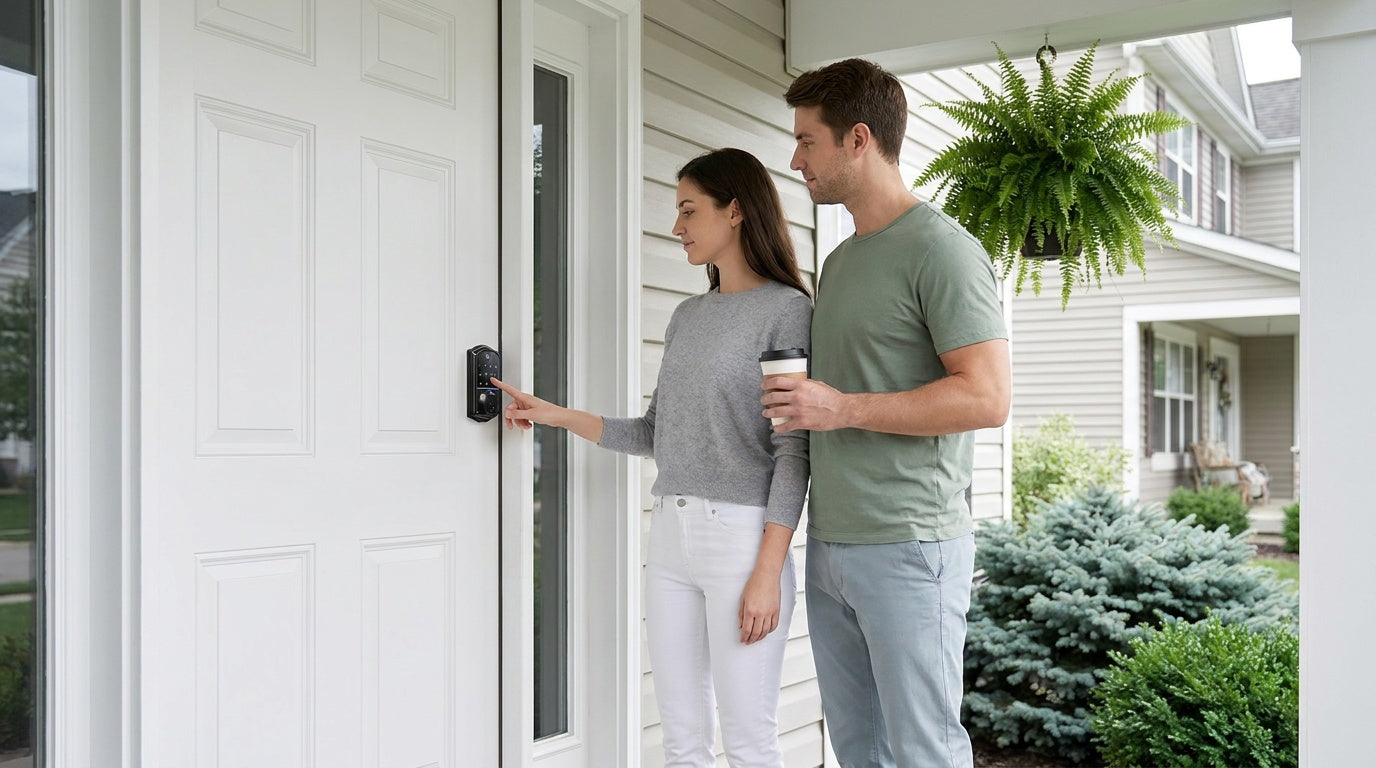

Leave a comment
This site is protected by hCaptcha and the hCaptcha Privacy Policy and Terms of Service apply.