
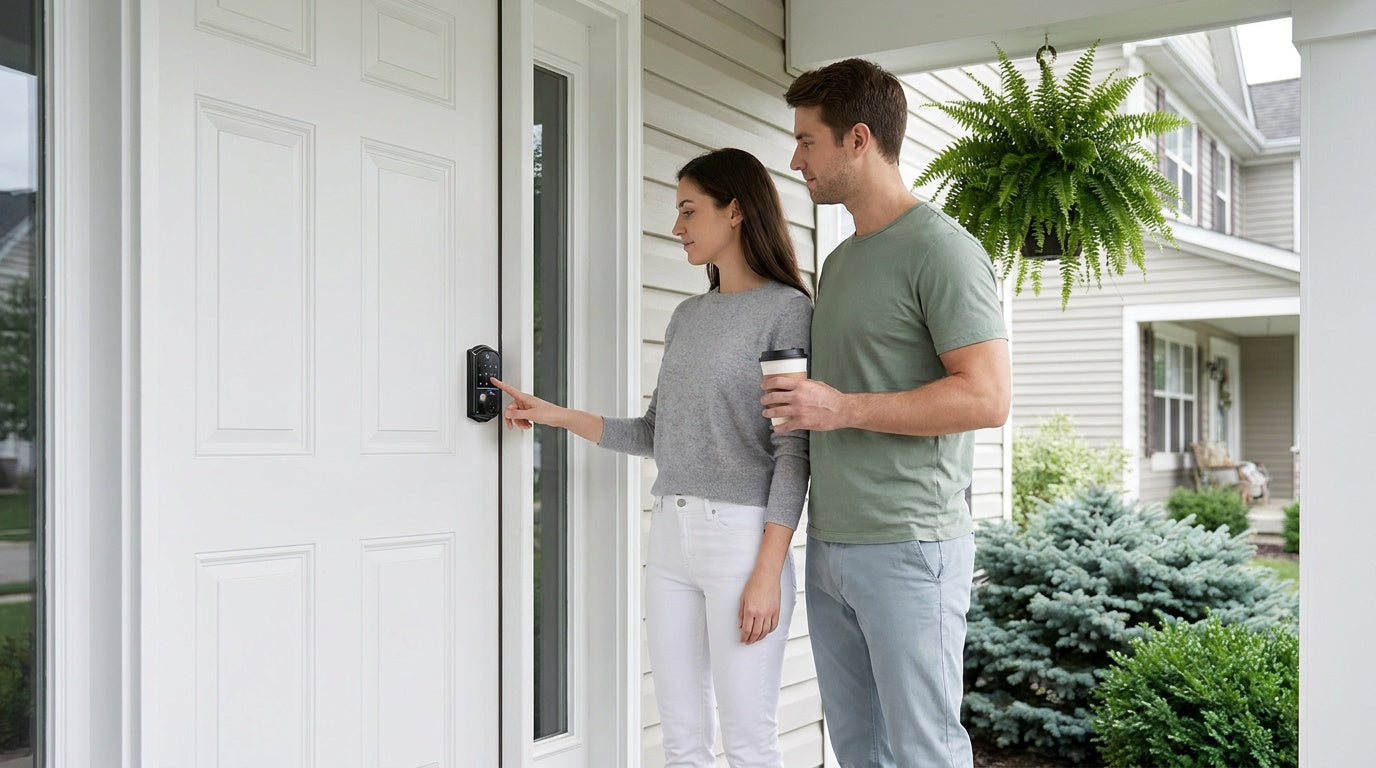
Here's something worth keeping in mind: the front door is the single most common entry point for home break-ins — more so than a back window or the garage. The encouraging part is that many of these entries don't involve any sophisticated effort. A meaningful share simply come through doors left unlocked or hardware that was never upgraded — which means most of the risk is well within your control.
The good news? Most of these vulnerabilities are fixable — often in an afternoon and without spending a fortune. Whether you are a new homeowner doing a full security overhaul, a parent who wants to know when the kids get home, or someone who just wants more peace of mind at night, the improvements in this guide work at every level of commitment and budget. We have organized 15 practical steps into four clear categories: physical hardening, lock upgrades, visibility and deterrence, and smarter access habits. Work through all 15 for a layered defense, or jump to the section that matters most to you right now.
Why Front Door Security Matters
Your front door is not just an architectural feature — it is the primary interface between your family and anyone who wants unauthorized access to your home. A large share of break-ins involve forcing entry through a door or its frame, which is exactly why durable locks and a solid frame matter. And while a determined criminal can be hard to stop entirely, most break-ins are opportunistic — carried out by people looking for an easy target rather than planning an elaborate scheme. That means visible, credible security at your front door is often enough to redirect a threat before it ever materializes.
Layered security is the key concept here. No single upgrade protects your home on its own. A great lock paired with a weak door frame is like a vault door on a cardboard wall. The tips below address every layer — from the frame itself to the lock to the lights outside — so your front entry becomes genuinely hard to defeat.
Physical Hardening: Build a Stronger Barrier
Before any lock or sensor can do its job, the physical structure around your door needs to hold. A high-quality deadbolt installed in a splintering frame offers surprisingly little protection. Start here.
1. Reinforce Your Door Frame and Hinges
Most residential door frames are made from soft wood and held together with relatively short screws, so they can split under pressure — especially where the strike plate holds the deadbolt. The fix is straightforward: swap the short hinge screws for longer ones that reach the structural stud behind the trim, and add a door jamb reinforcement kit if the frame has any visible flex. This single step noticeably increases resistance to kick-ins without touching the door itself.
2. Upgrade to a Solid-Core Door
If your front door flexes or sounds hollow when you knock on it, it may be a hollow-core door — a builder-grade choice that prioritizes cost over strength. Solid-wood or solid-core composite doors are significantly harder to breach and give any lock hardware you install a much sturdier foundation. If a full door replacement isn't in the budget right now, prioritize the frame and lock upgrades while you save for the door.
3. Mind the Glass Beside Your Door
If your entry has a glass sidelight beside the door, it can give someone a way to break the glass, reach through, and turn the interior thumbturn. The simplest safeguard is placement — make sure the lock's thumbturn sits far enough from any glass that it can't be reached through a broken pane.
4. Anchor Your Strike Plate
The strike plate is the small metal piece screwed into your door frame where the deadbolt engages — and your deadbolt is only as strong as what that plate is fastened to. Many are held in by short screws that grip only the soft trim wood. You don't need to buy a heavier-duty aftermarket plate; what matters is that the screws seat firmly into the door frame so the bolt has something solid to catch. Veise locks come with their own strike plate and the screws to fit it, so when you install one, use the included hardware as directed in the manual and make sure it's anchored securely into the frame.
5. Add a Door Chain or Security Bar
For interior-side reinforcement, a door chain lets you crack the door without fully opening it — useful when you are cautious about an unexpected visitor. A security bar (also called a door brace) goes a step further, bracing against the floor to resist forced entry even after a lock fails. These are inexpensive passive backups that take minutes to install. They work best as part of a layered approach, not as a standalone solution.
Lock Upgrades: The Core of Entry Security
The lock is the piece of hardware most people think of first, and for good reason. But not all lock upgrades are equal — the right choice depends on how you live, who needs access, and how much visibility and control you want over your entry points.
6. Replace a Worn or Weak Lock
If your front door still has only a basic spring-latch knob lock (the kind that clicks shut when the door closes), replacing it with a proper deadbolt is the single most impactful lock upgrade you can make. Deadbolt locks are a reliable choice for securing your home — they use a solid bolt that extends deep into the door frame, providing a strong defense against forced entry, and unlike standard locks, which rely on spring mechanisms, deadbolts stay firmly in place until you manually unlock them. Look for a deadbolt that is ANSI/BHMA Grade 3 certified, which is the standard residential security rating. Grades 1 and 2 target high-traffic commercial environments and are not necessary for a typical home entry door.
7. Install a Keypad Deadbolt
If you find yourself hiding a spare key under a doormat or in a fake rock, a keypad deadbolt is a long-overdue upgrade. You enter a code to unlock — no physical key required for everyday entry, though a physical key backup is always included for emergencies. This eliminates the "lost key" problem entirely and lets you share access codes with family members, housekeepers, or contractors without making copies of a key.
Veise Keypad Deadbolt Locks are a practical, affordable starting point. Depending on the model, entry options include a keypad code and physical key on all models, with fingerprint recognition on select Veise models (fingerprint scan registers in under 0.3 seconds). The fingerprint is processed and stored locally on the lock itself — no cloud account, no Internet dependency. Installation takes about 15 minutes with a screwdriver and no wiring. Veise locks are compatible with wood doors and designed for standard door thicknesses of 1-3/8" to 2". Priced between $30 and $180, the full lineup makes deadbolt security genuinely accessible.
8. Step Up to a Smart Lock w/ Gateway 1/2
A keypad deadbolt is great for code-based access, but it does not tell you anything about what is happening at your door when you are not home. If you want remote monitoring and control without a full Wi-Fi lock, a gateway-paired smart lock bridges that gap. The lock communicates with a small gateway hub plugged into your router, which gives you remote access via a mobile app from anywhere with an active Internet connection.
Veise offers two gateway-paired lines. Smart Locks w/ G1 (the entire line is built on the VE017 series) ships with fingerprint, keypad code, key fob, and physical key backup on all models, plus multilingual voice prompts in English, Spanish, and French — a meaningful differentiator for multilingual households. Every G1 model also includes a USB-C emergency power port, so a dead battery never means a lockout. G1 locks connect via the Veise-developed app, making them the most reliable all-in-one pick in the gateway lineup. Browse Smart Locks w/ G1 for the full selection.
Smart Locks w/ G2 offer more SKU variety — including both fingerprint and non-fingerprint options in standalone deadbolt or handle-set bundle configurations — and add unique features like Apple Watch unlock and web portal control. English voice prompts only. Smart Locks w/ G2 is the right pick when Apple Watch access matters or when you want a non-fingerprint connected option. Both Smart Lock w/ G1 and Smart Lock w/ G2 support Alexa and Google Assistant voice commands when the paired gateway is in place. Note that remote access (off-site app control) requires an active Internet connection; even when Wi-Fi is down, app control continues to work locally as long as you are within short-range wireless distance of the lock.
9. Go Fully Connected with a Wi-Fi Smart Lock
A Wi-Fi smart lock has its wireless radio built directly into the lock body, so there is no separate gateway hub to set up or power. It connects to your home's Wi-Fi network and gives you full remote access, real-time entry alerts, and app-based lock management right out of the box. For parents who want to confirm a child arrived home safely, or for managing a short-term rental property, this is the most convenient connected option.
Veise offers two Wi-Fi Smart Lock series. The Touchscreen Wi-Fi Smart Lock (VE027 Series) features a touchscreen interface and a USB-C emergency power port — a thoughtful detail for households with elderly members or anyone who worries about getting locked out by a dead battery. The Push-Button Wi-Fi Smart Lock (VE012W Series) uses a traditional press-button keypad and offers the same connectivity without the touchscreen. Both series support fingerprint, keypad code, and physical key backup on all models; key fob is supported on the VE027 series (all models) but not on the VE012W series. Both support Alexa and Google Assistant voice commands directly via built-in Wi-Fi and use 8 AA batteries instead of the more common 4 AA design for stronger signal and a longer-lasting power reserve. The VE027 series also adds on-device voice prompts in English, Spanish, and French. There are no subscription fees and no cloud dependency for core features. Explore the full Wi-Fi Smart Lock lineup to compare models.
10. Enable Auto Lock
Even the best smart lock is only as good as its last locked state. Auto lock is a feature available across the entire Veise lineup that automatically engages the lock after a configurable interval — 10 to 99 seconds on Keypad Deadbolt and Keypad Latch locks, and 10 to 180 seconds on connected models (Smart Lock w/ Gateway 1/2 and Wi-Fi smart locks). It fires strictly on the timer, so make sure the door is closed before the interval expires. This is the digital equivalent of the habit most of us mean to have but often forget: checking that the door is actually locked before bed or when leaving in a hurry. Enabling auto lock costs nothing extra and takes only a moment to set up — directly on the lock's keypad, and on connected models through the app's settings as well.
Smart Lock Security Features: Protection Built Into the Lock
A reinforced frame and a quality lock cover the physical side of front door security. A Veise smart lock adds another layer that works automatically, right at the door — features built into the hardware that protect your code, slow down anyone trying to force their way in, and keep you informed. None of them require a subscription or a monitoring service.
11. Mask Your Code with Anti-Peep Entry
Shoulder-surfing is one of the easiest ways a shared code leaks. Veise keypads support anti-peep entry: you can type extra random digits before or after your real PIN, and as long as the correct sequence appears somewhere in what you enter, the lock opens. To anyone watching nearby, there's no way to tell which numbers actually matter — so your real code stays private even in plain sight.
12. Let Lockout Protection Block Code Guessing
A keypad lock should never reward someone for standing there trying combinations. On Veise locks, after 10 wrong code attempts the keypad pauses for 3 minutes before it will accept another entry. The exact signal varies by model — a beep, a voice prompt, or an indicator light — but the effect is the same: brute-force guessing becomes impractically slow, and you're protected without lifting a finger.
This works alongside the rest of the lineup's everyday access options. Browse the full Veise product lineup to see which locks fit your door.
13. Turn On Away Mode When You Travel
When the house will be empty for a while, select Veise models (the VE017 series) offer Away Mode for an extra margin of safety. With it switched on, the lock stops accepting PIN codes and fingerprints, allowing entry only through the app, a master code, or the physical key — and it flags any abnormal unlock attempt while you're away. It's a simple toggle that narrows access to just the people you trust most, exactly when you can't keep an eye on the door yourself.
14. Keep Watch with Real-Time Entry Alerts
On Veise connected locks — Smart Lock w/ Gateway 1/2 and Wi-Fi smart locks — the app keeps a running entry log and can notify you the moment the door is unlocked. You can see when each household member comes and goes, confirm a contractor arrived and left on schedule, and get an alert if the door opens when no one should be there. Even when Wi-Fi is down, app control continues to work locally as long as you're within short-range wireless distance of the lock; live notifications and off-site monitoring resume once the connection is back. It's the awareness most people want from a security system, without the monthly fee.
Smarter Access Habits
15. Audit Who Has Access to Your Home
Hardware upgrades only go so far if access is poorly managed. Take stock of who currently holds a key to your home — former housekeepers, past contractors, family members who no longer need regular access. With a traditional keyed lock, rekeying is the only option, and it is often skipped because of the hassle. With a keypad or smart lock, removing someone's access takes seconds: delete the code or revoke the credential from the app without touching the lock hardware.
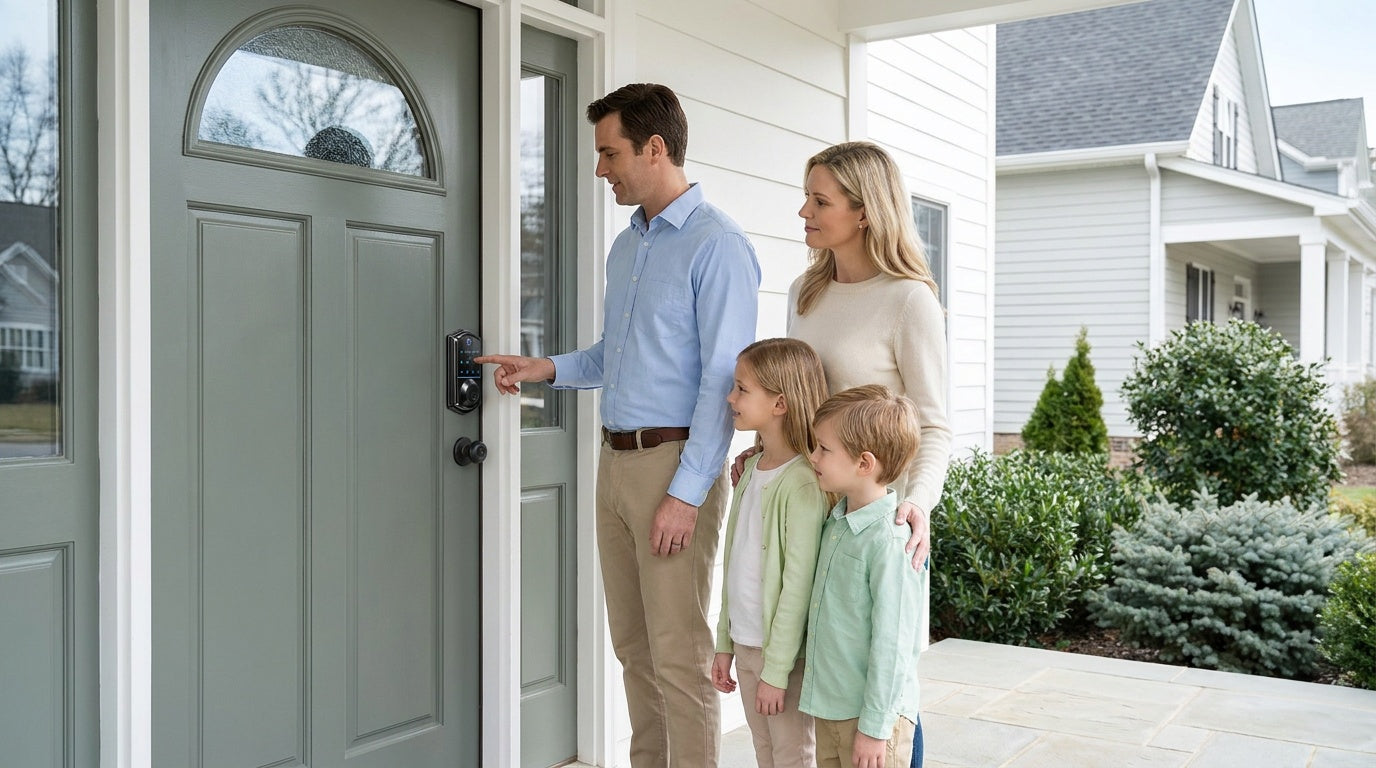
For households with kids, a Wi-Fi Smart Lock or a gateway-paired smart lock (either Smart Lock w/ G1 or Smart Lock w/ G2) lets parents review entry history and get real-time alerts via the app. For managing a rental property or vacation cabin, the ability to assign temporary codes to guests and delete them after checkout is both safer and more professional than handing over a physical key. For households where an elderly family member needs a simple, reliable entry method, fingerprint recognition — with fingerprints enrolled eight times per digit for a reliable template — provides keyless entry without memorizing a code.
The goal is not to make your home a fortress but to make sure that only the right people can get in, and that you always know when they do. Good hardware makes good habits easier to keep.
Frequently Asked Questions
What is the most important front door security upgrade I can make?
If your door currently has only a spring-latch knob lock, replacing it with a deadbolt is the highest-impact single upgrade. If you already have a deadbolt, the next most cost-effective improvement is making sure its strike plate is anchored firmly into the door frame — your deadbolt is only as strong as the frame it latches into, so screws that seat into the structural frame rather than just the trim make a real difference.
How do smart locks improve front door security?
Smart locks combine the physical security of a deadbolt with digital access management. They eliminate the risk of lost or copied keys, support temporary or time-limited access codes, log every entry event, and allow remote locking and monitoring via a mobile app. Remote access requires a smart lock — either a gateway-paired model or a Wi-Fi model — not a keypad-only lock.
Are keypad locks secure?
Yes. A good keypad deadbolt provides the same physical resistance to forced entry as a keyed deadbolt, while adding the convenience of code-based access. Look for ANSI/BHMA Grade 3 certification, which is the recognized residential security standard. Veise Keypad Deadbolt Locks meet this certification and include a physical key backup on every model for emergency access.
What is the difference between a Wi-Fi smart lock and a gateway-paired smart lock?
A Wi-Fi smart lock has wireless connectivity built into the lock body and connects directly to your home router — no additional hardware required. A gateway-paired smart lock (Smart Lock w/ G1 or G2) communicates with a separate gateway hub that bridges it to your network and to a mobile app. Both provide remote access and app-based control. The Wi-Fi option is simpler to set up; the gateway option offers unique features like multilingual voice prompts (G1) or Apple Watch unlock (G2). Both types still function locally via keypad, fingerprint, key fob, or physical key if the Internet connection is unavailable.
How much does it cost to improve front door security?
Costs range widely depending on how much you want to upgrade. A quality keypad deadbolt starts around $30, and Veise smart locks with remote access typically fall in the $80 to $180 range — the full lineup runs $30 to $180 with no subscription fees. You don't need to do everything at once: start with the lock and a well-anchored strike plate, then turn on the smart security features and add access codes as you go.
Do I need a subscription for a Veise smart lock?
No. Veise smart locks carry no subscription fees. Core features — keypad access, fingerprint recognition, auto lock, and local data storage — work without any ongoing cost. Remote access via app requires an active Internet connection but still carries no subscription charge. Fingerprint data is processed and stored on the lock itself, with no cloud account required.
Can I install a Veise smart lock myself?
Yes. Veise locks are designed for DIY installation in about 15 minutes with a screwdriver and no wiring. They replace your existing lock hardware entirely (full replacement, not an overlay) and are compatible with standard wood doors with a thickness of 1-3/8" to 2". Because installation involves replacing door hardware, the installer should be the property owner or someone with authority to modify the door.
Improving your front door security does not require a full home renovation or an expensive professional service call. The 15 steps above cover every layer of a solid entry defense: a reinforced physical structure, a well-chosen lock, the smart security features built into that lock, and good access habits that keep the right people in and the wrong ones out.
The most effective approach is always layered. Start with the upgrades that close the biggest gaps — your lock and your door frame — and build from there. Whether you choose a simple Keypad Deadbolt for code-based convenience, a Smart Lock w/ G1 for remote monitoring, or a Wi-Fi Smart Lock for full app-connected control, every upgrade you make today is one fewer vulnerability waiting to be exploited.
Ready to Upgrade Your Front Door Security?
Explore the full Veise lineup — from affordable keypad deadbolts to fully connected Wi-Fi smart locks — and find the right fit for your home and budget. Have questions? Our US-based support team is ready to help.
Contact Us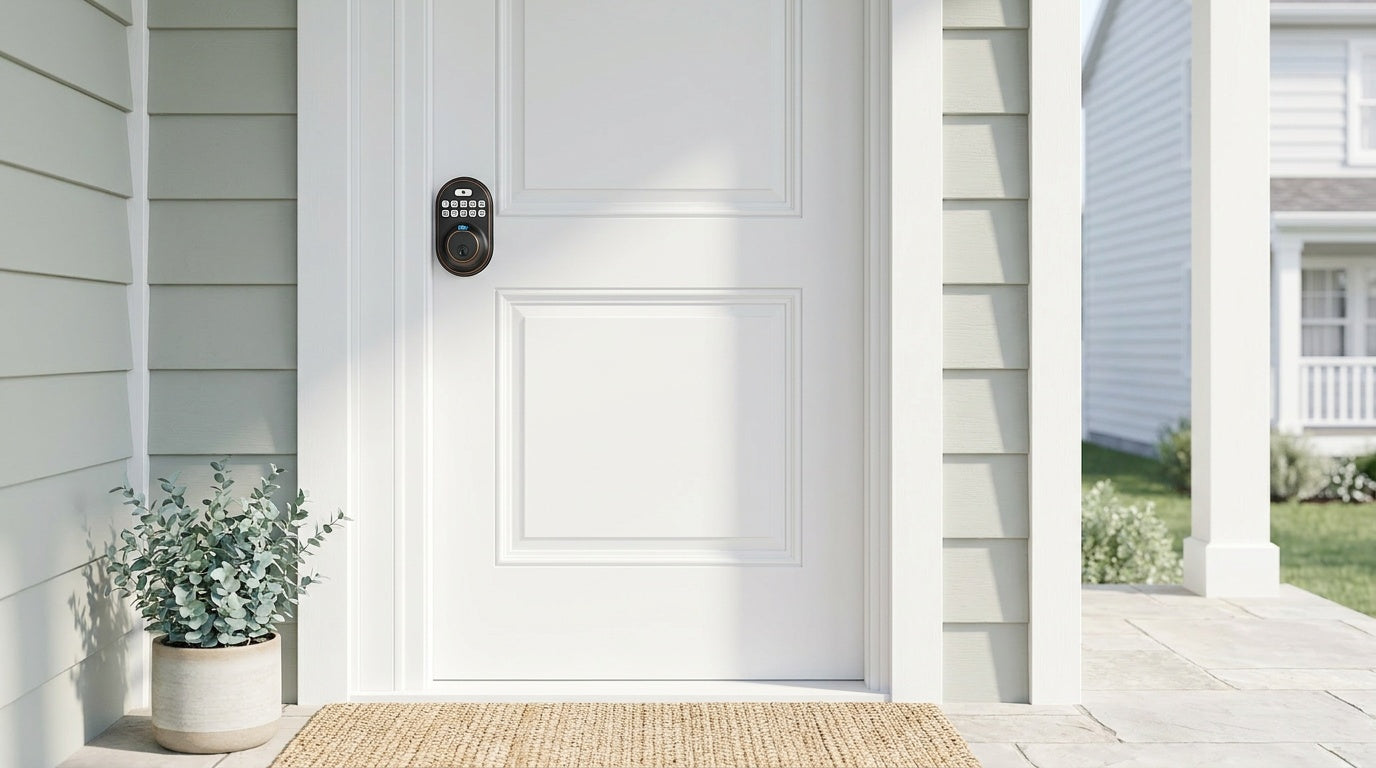

Leave a comment
This site is protected by hCaptcha and the hCaptcha Privacy Policy and Terms of Service apply.