
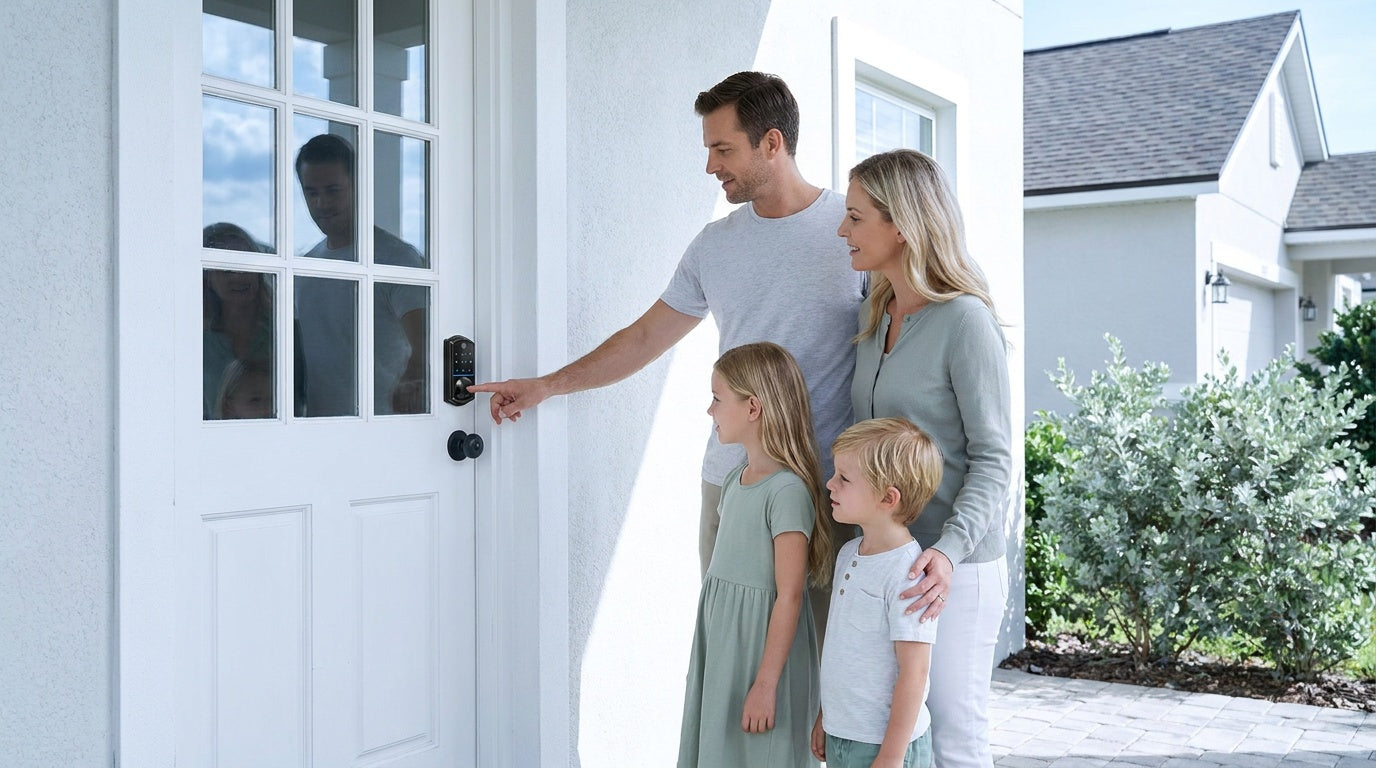
Most people think about home security the wrong way. They picture alarm panels and professional monitoring — and immediately assume the whole thing will cost a fortune and come with a $40-per-month subscription that never goes away. But a well-built DIY home security system doesn't have to work that way. You can protect your home effectively, starting at the front door, without a contract, without cloud fees, and without calling an installer.
This guide walks you through exactly how to build a layered, subscription-free home security setup from scratch. We'll cover which locks belong on which doors, when a smart lock earns its price, and what real households — families, new homeowners, short-term rental managers — actually need. By the end, you'll have a clear, practical plan that fits both your home and your budget.
Why DIY Home Security Makes Sense
The appeal of a DIY security setup goes beyond saving money on installation. When you build your own system, you decide exactly where every device goes, which entry points get attention first, and how much you want to spend. You're not locked into a bundled package that includes three sensors for a hallway you never use. You're also not tethered to a monitoring contract that auto-renews every year whether you think about it or not.
Research supports the deterrent value of visible security measures. One study found that 60% of convicted burglars would move on to a different target if they spotted an alarm or security device on a home. That's not about sophisticated technology — it's about presence. A well-placed lock, a visible alarm sign, and a light on a timer communicate that this home is not an easy target. None of those things require a monthly subscription to work.
The practical upside of going DIY is scalability. You can start with a single upgraded lock on your front door today, add another door next month, and expand from there as your budget allows. Nothing about your first purchase limits your next one, and you're never paying for more than you actually use.
Think in Layers, Not Just Devices
A common beginner mistake is treating home security like a single-product problem. People grab one gadget, point it at the most obvious spot, and assume they're covered. But security works best when it's layered — meaning each layer addresses a different point of vulnerability, and together they create overlapping protection that's much harder to bypass than any single device.
Think of it this way: a lock physically stops someone from getting through the door. An alert tells you about activity in real time. Each layer serves a different function, and a good DIY system combines them. The most practical order to build in is: physical security first, remote access and automation second. That sequence matters because the door itself is the most likely point of entry — a strong lock that simply stops someone from getting through earns its place before anything else.
Layer 1: Secure Your Doors First
The front door is the most common point of entry for a break-in, and it's also the layer most homeowners neglect when upgrading their security setup. If your exterior door currently has a basic builder-grade knob lock, that's the first thing worth replacing. A quality deadbolt — keypad or otherwise — is a meaningful upgrade that takes about 15 minutes with a screwdriver and no wiring or professional help.
For exterior doors, a deadbolt is typically the right choice. A deadbolt's bolt extends deep into the door frame and resists forced entry far better than a latch-based lock alone. For interior doors — home offices, utility rooms, garage entries, and similar spaces — a latch lock or a traditional mechanical lock is commonly a practical fit, depending on the level of security and convenience you want at that door.
One practical note about installation: Veise locks are designed as full lock replacements for wood doors with standard thickness (1-3/8" to 2"). This means you're installing a complete, purpose-built unit — not clipping something over your existing hardware. That's a more secure approach than overlay-style options that leave the original lock cylinder in place, because you control the entire locking mechanism from day one.
Choosing the Right Lock for Each Door
Veise's lock lineup covers four distinct categories, each designed for a different use case. Understanding the differences helps you match the right product to the right door without overpaying for features you won't use — or underpaying and missing something you actually need.
Keypad Deadbolt Locks
A keypad deadbolt is the most versatile starting point for a front door. Every model in this category supports a keypad code and includes a physical key as a backup. Select models also add fingerprint recognition — with a scan time under 0.3 seconds — for hands-free entry when your arms are full of groceries. The fingerprint models come in keypad-only configurations (KS02A series) as well as handle-set bundles with a lever, knob, or vertical handle (KS02B/KS02C/KS02D series). If you don't need biometrics, the non-fingerprint line (RZ and KS01 series) offers standalone deadbolt options and handle-set bundles at a lower entry price. All models support auto lock, configurable between 10 and 99 seconds, and are ANSI/BHMA Grade 3 certified — the recognized residential standard.
Keypad Latch Locks
The keypad latch lock is a self-contained unit with the handle built directly into the lock body — there's no separate handle to install. Veise currently offers two SKUs in this category: the KS03 (integrated top knob) and KS04 (integrated top lever), so you can match the handle style to your door hardware. Both support keypad code and physical key entry. This format is commonly a fit for side entrances, garage-to-house doors, office doors, or any door where you want code-based daily access without the footprint of a full deadbolt assembly. Note that this category does not include fingerprint, key fob, or remote app access — it's a straightforward, code-in/key-out solution.
Smart Lock w/ Gateway 1/2
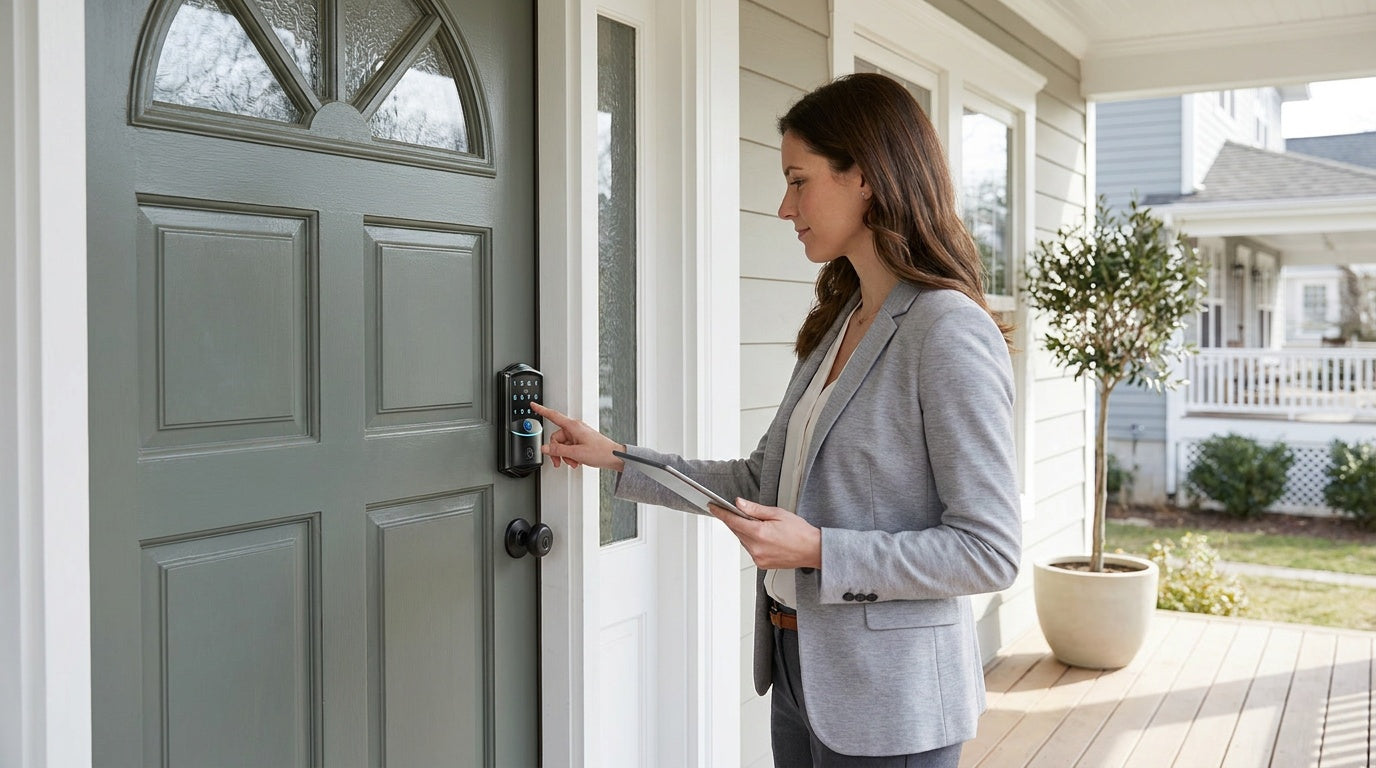
When you want remote access and app-based monitoring, a Smart Lock w/ Gateway 1/2 is the step up from a standalone keypad lock. These locks pair with a separate gateway device (plugged into your router) that bridges the lock to your home network and mobile app. This is how you check entry logs from work, send access to a visiting family member, or verify that the door is locked when you're already halfway down the highway. Remote access requires a smart lock — gateway-paired or Wi-Fi — not a keypad-only lock.
Every model in both the Smart Locks w/ G1 and Smart Locks w/ G2 lines includes keypad code, key fob, and physical key as standard backup options. Many models also include fingerprint. The key differences between the two lines come down to specific features rather than unlock method combinations, since both lines share the same core access options.
Smart Lock w/ G1 is built on a single product series — the VE017. The entire G1 line ships with multilingual voice prompts (English, Spanish, and French), a USB-C emergency power port, and fingerprint recognition as standard across every SKU. It also pairs with a first-party, Veise-developed app. If your household includes Spanish or French speakers, Smart Lock w/ G1 is the clearer choice. Smart Lock w/ G2 offers more SKU variety — including non-fingerprint options and a choice between standalone deadbolt or handle-set bundles — and uniquely supports Apple Watch unlock and web portal control. Voice control with Alexa or Google Assistant works on these locks when the paired gateway is in place, bridging the lock to your voice assistant. Even when Wi-Fi is down, app control continues to work locally as long as you're within short-range wireless distance of the gateway.
Wi-Fi Smart Locks
The Wi-Fi Smart Lock is Veise's most connected option — no gateway required, because the lock itself connects directly to your home Wi-Fi. App control, real-time entry alerts, remote locking, and voice commands via Alexa or Google Assistant all work through the lock's built-in Wi-Fi. Even when Wi-Fi is down, app control continues to work locally as long as you're within short-range wireless distance of the lock. For parents who want to see when kids arrive home from school, or anyone managing a short-term rental property remotely, this category delivers the clearest picture of what's happening at your door.
Veise offers two Wi-Fi series. The Touchscreen Wi-Fi Smart Lock (VE027 Series) features a touchscreen interface, a USB-C emergency power port on every unit, key fob support on all models, and three-language on-device voice prompts (English, Spanish, and French). The Push-Button Wi-Fi Smart Lock (VE012W Series) uses a traditional press-button keypad with no USB-C, no key fob, and no on-device voice prompts. Both series otherwise share fingerprint, keypad code, app control, Alexa and Google Assistant via built-in Wi-Fi, and an 8 AA battery design — more cells than the standard 4 AA setup used in most locks, delivering a stronger signal, more stable connection, and a longer-lasting power reserve. A physical key backup is included on all Wi-Fi models.
Mechanical Locks for Interior Doors
Not every door in your home needs electronics. For interior rooms — bedrooms, bathrooms, closets, and utility spaces — a well-made mechanical lock handles the job cleanly. Veise's mechanical lineup includes keyed entry door knobs, privacy door knobs, keyed entry door levers, privacy door levers, a deadbolt lock, and keyed entry handlesets. These are purpose-built for residential use — no app required, no battery to monitor, no setup beyond the install itself.
Layer 2: Build In Smart Access and Remote Control
This second layer is about control and flexibility — the ability to manage who has access to your home, when, and from how far away. This is where smart locks earn their place. Temporary access codes for a dog walker, an auto lock timer so you never wonder if you left the door unlocked, entry history so you know exactly when each household member came and went: these features change how a home actually functions day to day.
A smart lock with app access also removes one of the most common household frustrations: the lost key. When you can assign a unique code to every person who regularly enters your home — a cleaning service, a family member, a regular delivery person — and delete or change it at any time, you eliminate the risk of a copied key circulating indefinitely. There's no locksmith call, no re-keying fee, no wondering who still has a spare.
For voice control integration, Veise's Wi-Fi Smart Locks connect directly to Alexa and Google Assistant via their built-in Wi-Fi. Smart Locks w/ G1 or G2 also work with Alexa and Google Assistant once the paired gateway is in place — the gateway is what bridges the lock to your voice assistant network.
Real-Life Scenarios: Who Needs What
The right lock setup depends heavily on how your home is used. Here are four common situations and what a practical, subscription-free setup looks like for each.
- New homeowner replacing builder-grade locks: Start with a keypad deadbolt on the front door and a keyed entry or privacy lock on interior doors. You get immediate code-based access, a physical key backup, and the option to add a smart lock later without redoing the whole system. Priced from $30, it's the lowest-friction entry point in the Veise lineup.
- Family with school-age kids: A Wi-Fi Smart Lock or a gateway-paired smart lock is the right call here. Parents can check the entry log in real time, see exactly when the door was unlocked after school, and get notified if it's left unsecured. A keypad-only lock can't offer that visibility — remote monitoring requires a smart lock.
- Managing a short-term rental property: A Smart Lock w/ G1 or G2 (gateway-paired) or a Wi-Fi Smart Lock lets you assign temporary access codes to guests remotely, reset them between stays, and verify the property is secured after checkout — without ever needing to hand over a physical key or be on-site.
- Household with elderly members: The fingerprint unlock (under 0.3 seconds) on select keypad deadbolts and smart locks eliminates the key-fumbling problem entirely. For added peace of mind against lockouts, the VE017 series (Smart Lock w/ G1) and VE027 series (Touchscreen Wi-Fi Smart Lock) both include a USB-C emergency power port — so even if the battery is fully depleted, you can power the lock temporarily from the outside with a phone charger.
Common Mistakes When Building a DIY System
Even well-intentioned security upgrades can fall short if a few basic missteps get made along the way. Here are the ones worth avoiding.
- Skipping the door and going straight to gadgets. The door is the most likely point of entry, and a builder-grade knob lock is the weakest link. Start with physical security — a quality deadbolt on the door — before layering on anything else.
- Assuming any keypad lock offers remote access. Remote monitoring and app control require a smart lock (gateway-paired or Wi-Fi). The standalone Keypad Deadbolt and Keypad Latch categories operate locally and cannot be paired with a gateway after the fact.
- Buying a lock incompatible with your door. Veise locks are designed for wood doors with standard thickness. They are not compatible with fiberglass, metal, storm, or sliding doors. Check your door material before purchasing.
- Choosing a lock with a fixed code you never change. A code that hasn't been updated in years — especially one used by multiple people over time — is a security liability. Smart locks with code management features make rotation easy and free.
- Over-investing in subscription-based monitoring before trying self-monitoring. For most households, app-based alerts and entry logs from a Wi-Fi smart lock or a Smart Lock w/ Gateway 1/2 provide all the awareness they actually need. Add professional monitoring only if self-monitoring genuinely isn't enough for your situation.
Putting It All Together
Building a DIY home security system that actually works doesn't require a professional installer, a cloud subscription, or a complicated setup. It requires a clear starting point — your doors — and a layer-by-layer approach that matches the right product to the right job. Start with a quality deadbolt on your primary entry. Add smart access where remote visibility and code management matter. None of these steps have to happen at once, and none of them require an ongoing monthly payment.
Veise's full lineup — from sub-$50 mechanical locks to connected Wi-Fi smart locks — is built specifically for this kind of incremental, owner-driven setup. Priced between $30 and $180, every product in the lineup installs in about 15 minutes with a screwdriver, stores data locally, and requires no subscription to function.
Browse the full Veise product lineup to find the right lock for every door in your home.
Frequently Asked Questions
Can I build a home security system without paying a monthly fee?
Yes. A subscription-free DIY system is built around hardware that stores data locally and doesn't require a monitoring contract to function. Smart locks with app access and keypad locks all work independently of any cloud service. You pay once for the equipment and own the system outright.
What is the first thing I should upgrade for home security?
Start with your front door lock. It's the most commonly targeted entry point, and upgrading from a builder-grade knob lock to a quality deadbolt — keypad or smart — is the single highest-impact first step. A lock that resists forced entry and eliminates the risk of copied keys addresses the most likely threat immediately.
Do Veise smart locks require a subscription?
No. All Veise smart locks — including Wi-Fi and gateway-paired models — operate without any subscription or monthly fee. App control, entry history, remote locking, and fingerprint access are all included features of the hardware itself. Data is stored locally on the lock, not on a third-party cloud server.
What is the difference between a gateway-paired smart lock and a Wi-Fi smart lock?
A gateway-paired smart lock (Smart Lock w/ G1 or G2) connects to your home network through a separate gateway device that plugs into your router. A Wi-Fi smart lock connects directly to your home's Wi-Fi network without a gateway. Both offer remote app access, entry history, and voice assistant compatibility, but the Wi-Fi lock has one fewer component to set up and doesn't require a gateway to be in place for remote features to work.
Can I use a Veise lock if I'm an apartment renter?
Veise locks require full replacement of your existing door hardware, which means the property owner or someone with authority to modify the door must perform the installation. If you manage a rental property or short-term rental as the owner or host, Veise smart locks are well-suited for that scenario — remote code management and temporary access codes make guest and tenant access straightforward without handing over a physical key.
What doors are Veise locks compatible with?
Veise locks are designed for wood doors with standard thickness between 1-3/8" and 2". They are not compatible with fiberglass, metal, storm, or sliding doors. Always verify your door material and thickness before purchasing.
How do I know if I need a keypad deadbolt or a smart lock?
A keypad deadbolt is the right call if you want code-based entry and a physical key backup with no ongoing app dependency. A smart lock — gateway-paired or Wi-Fi — is the right call if you want remote monitoring, entry logs, the ability to assign and delete codes from your phone, and real-time alerts. For families with kids or anyone managing access from a distance, the smart lock's remote visibility makes a practical difference.
Have Questions? We're Here to Help.
Not sure which lock is the right fit for your door or your household? Veise's US-based support team is ready to help you choose — no pressure, just practical guidance.
Contact Us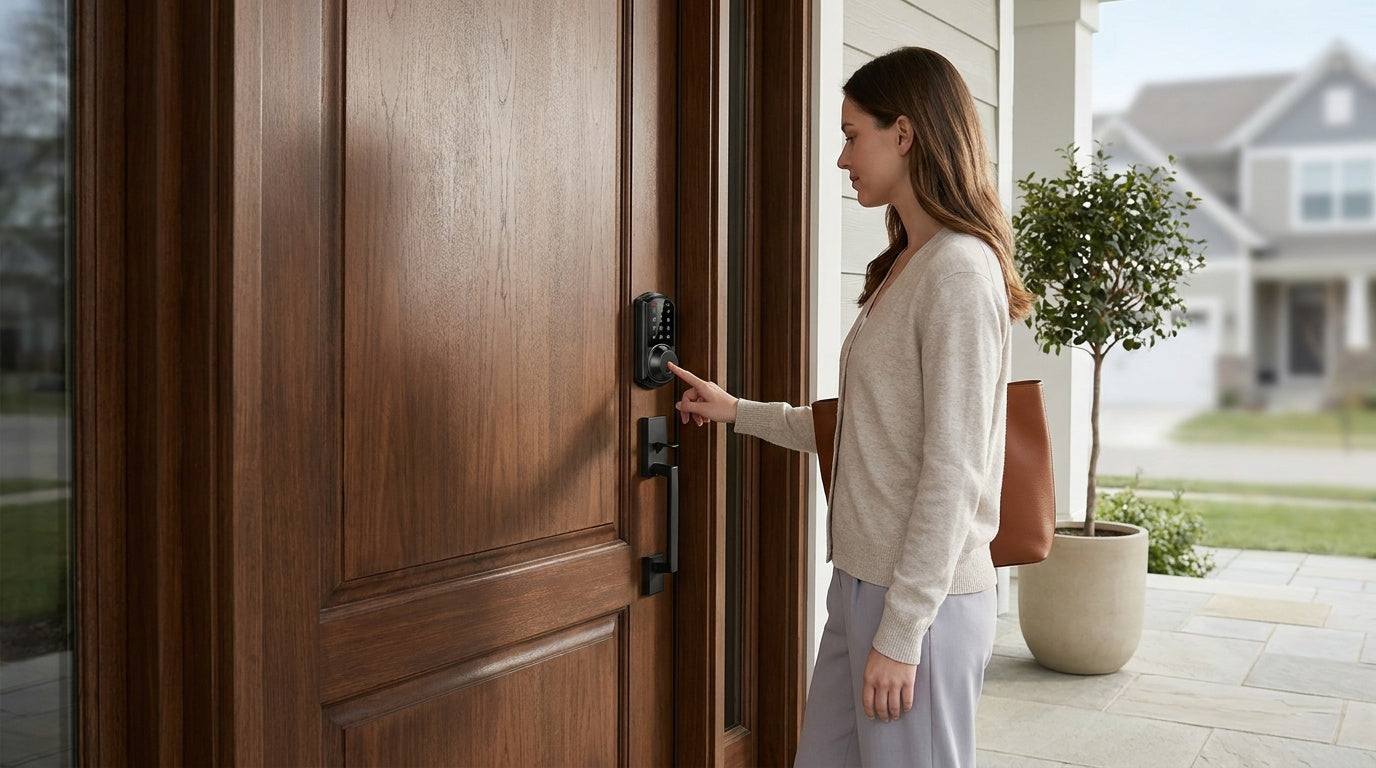

Leave a comment
This site is protected by hCaptcha and the hCaptcha Privacy Policy and Terms of Service apply.