
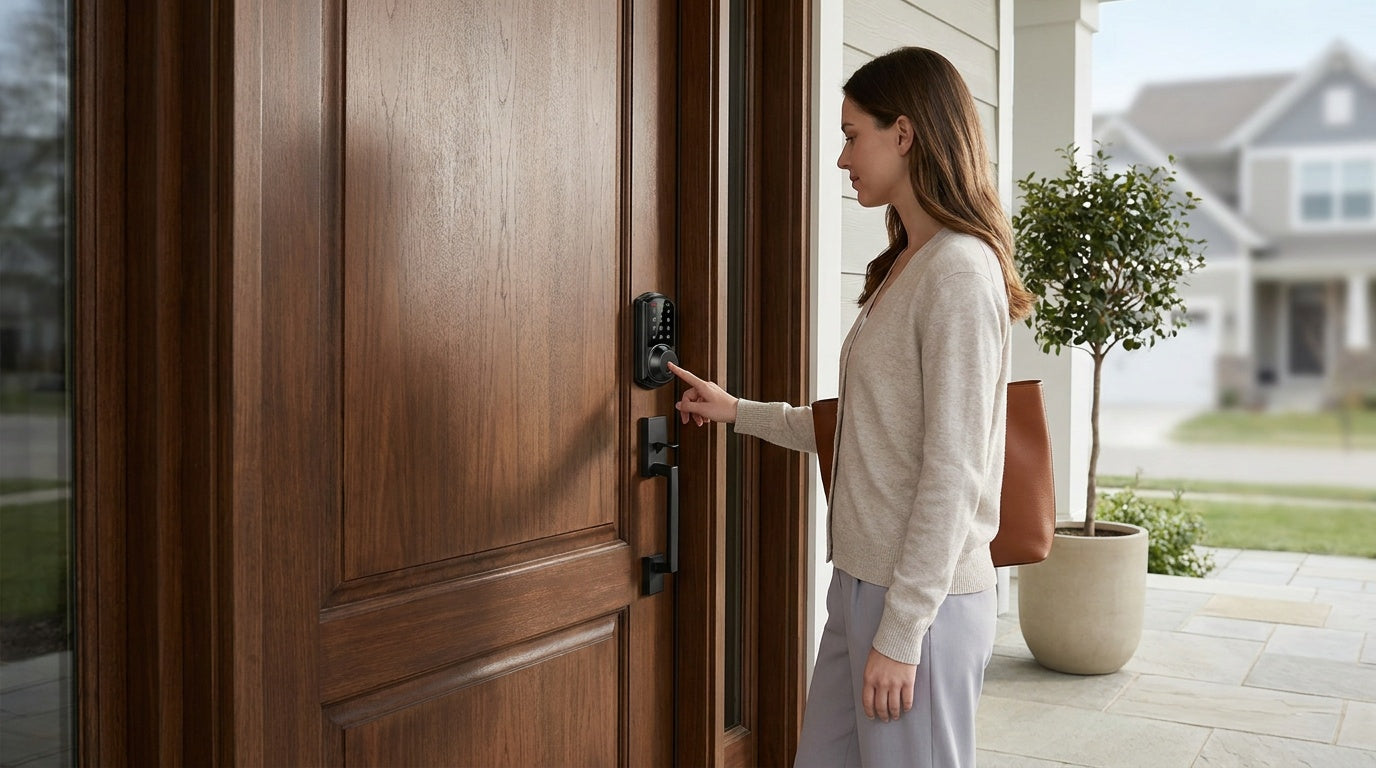
Most break-ins are not the result of sophisticated planning. Shockingly, 37.5% of burglars gain access to homes without attempting forcible entry at all — they walk in through unlocked doors, windows, or garages. That means a large share of burglaries are crimes of pure opportunity, stopped by the simplest of precautions. The good news: homes without a security system are 300% more likely to be broken into — which means the right measures genuinely move the needle.
This guide covers 20 home security tips that actually work — organized by category so you can focus on what matters most for your home. Whether you're a new homeowner doing your first security audit, a family wanting to monitor who comes and goes, or a property owner managing a short-term rental, these tips range from free, zero-effort habits to smart technology upgrades that cost less than you'd expect. Let's get into it.
Strengthen Your Physical Barriers (Tips 1–5)
The most reliable security starts at the door — literally. Physical deterrents are your first line of defense, and most of them can be put in place in an afternoon without calling a contractor.
Tip 1: Always Lock Your Doors and Windows — Every Single Time
This sounds obvious, but the data is humbling. 34% of burglars use the front door when breaking into a home, and many of those entries don't involve force — they simply find the door unlocked. Make locking up non-negotiable: before leaving, before bed, and yes, even when you're home during the day. If remembering to lock up is the challenge, a smart lock with auto lock (which we'll cover shortly) can eliminate the habit gap entirely.
Tip 2: Upgrade to a Quality Deadbolt, Anchored Into the Frame
A basic interior knob-latch alone is not enough for an exterior door. A quality deadbolt is the upgrade that makes kick-in attacks significantly harder — and what the bolt latches into matters just as much as the lock itself. The strike plate is the metal piece that receives the bolt, and if its screws grip only the soft wood trim rather than the door frame, a single kick can split it open. You don't need a heavier-duty aftermarket plate: Veise locks come with their own strike plate and the screws to fit it, so use the included hardware and make sure it's secured into the door frame, not just the casing. For exterior doors, a solid keypad deadbolt lock rated to the residential ANSI/BHMA Grade 3 standard delivers the reliable performance a front door actually needs.
Tip 3: Secure the Garage — It's an Entry Point People Forget
The garage is one of the most overlooked vulnerabilities in a home. Once a burglar is inside the garage, they often have a sheltered, out-of-sight workspace to attack the interior door at their leisure. Keep your garage door closed even when you're home, add a slide bolt or barrel lock on the interior garage-to-home door, and never leave a garage door opener visible inside a car parked in the driveway. If the door connecting your garage to the main living area is hollow-core or uses only a latch lock, consider replacing the hardware with a sturdier mechanical deadbolt lock for added resistance.
Tip 4: Secure Ground-Floor Windows and Back Entry Points
Ground-floor windows and secondary entrances — a side door, a back door off the patio — are easy to overlook once the front door is handled. For windows, add secondary window locks or key-operated locking pins alongside the factory latch so they can't be jimmied open. Then give every exterior door the same attention you'd give the front: a solid deadbolt on a back or side door closes one of the gaps opportunists check first. A first-floor window or an unwatched back entrance is well worth the few extra minutes it takes to secure.
Tip 5: Use Interior Door Hardware That Actually Holds
Home security isn't just about the front door. Interior doors — between rooms, to a home office, or to a bedroom — benefit from quality hardware too, especially in multi-family situations or if you manage a shared space. A privacy door knob or privacy door lever with a thumb-turn lock gives family members personal space and a secondary barrier if an intruder gets past the exterior. For rooms where you want keyed control, keyed entry door knobs or keyed entry door levers are a straightforward upgrade.
Upgrade to Smarter Access Control (Tips 6–10)
Physical hardware is the foundation, but smart access control is where modern home security earns its keep. The ability to know who enters your home, control access remotely, and eliminate the risks that come with physical keys changes the security equation in meaningful ways.
Tip 6: Replace Spare Keys with Unique Access Codes
That spare key under the doormat or on top of the door frame? Burglars check those spots first. Don't leave house keys in "secret spots" — burglars will check under your doormat. A keypad deadbolt eliminates the need for hidden spare keys entirely. You can give family members, house cleaners, or dog walkers their own unique access codes — and delete or change those codes instantly if circumstances change. No rekeying, no tracking down copies. Veise keypad deadbolts support keypad code entry on all models, with fingerprint on select Veise models (the KS02 series), and always include a physical key cylinder as a backup.
Tip 7: Enable Auto Lock So Forgetting Is Never a Risk
Leaving the door unlocked because someone was in a hurry is one of the most common causes of preventable break-ins. Auto lock solves this by automatically engaging the deadbolt after a set interval — no behavior change required from anyone in the household. Veise smart locks allow you to configure the auto lock interval between 10 and 180 seconds, so you can tune it to your household's pace. For families with kids coming home from school, auto lock paired with a keypad means they never need to carry a physical key and the door always locks behind them.
Tip 8: Go Keypad or Fingerprint for Faster, Key-Free Entry
Beyond convenience, keyless entry removes the risk of key duplication — a real concern whenever a key passes through a third party's hands. A keypad deadbolt means access is controlled by code, not by who has a copy of your key. Fingerprint-enabled Veise locks add another layer: they scan in under 0.3 seconds and store multiple unique fingerprints on the lock itself with no cloud upload and no Internet account required — fingerprints are processed and stored locally on the device. Enrollment captures each finger eight times to build a reliable template, so the recognition is consistent even at odd angles or with slightly damp hands. Two built-in safeguards back up the keypad as well: anti-peep entry lets you bury your real PIN inside extra random digits so anyone watching can't read it, and after 10 wrong attempts the lock pauses for 3 minutes to shut down anyone trying to guess their way in.
Tip 9: Add Remote Access for Real-Time Awareness
Remote access is one of the most practical upgrades a homeowner can make — not just for convenience, but for visibility. 52% of U.S. consumers are willing to invest in smart home tech because they want the ability to control their homes while they are away. With a Wi-Fi smart lock or a gateway-paired smart lock, you can lock and unlock the door from anywhere, check who came and went, and receive alerts when the door is accessed. Note that remote access requires a smart lock — gateway-paired or Wi-Fi — a standard keypad-only lock cannot be paired with a gateway to add remote access after the fact.
Veise offers two paths to remote access. The Smart Locks w/ G1 line is built on a single product series with fingerprint, multilingual voice prompts (English, Spanish, and French), and a USB-C emergency power port on every model — and pairs with a Veise-developed first-party app. Select models in the G1 lineup, including the VE017 series, also offer Away Mode for extended absences: switch it on and the lock accepts only the app, master code, or physical key, flagging any abnormal unlock attempt while you travel. The Smart Locks w/ G2 line offers more SKU variety including non-fingerprint options, and adds Apple Watch unlock and web portal control for those who want it. Both lines include key fob and physical key as backup entry methods in addition to keypad code and remote app control via the paired gateway.
For parents who want to check when kids arrive home after school, or property owners managing a short-term rental remotely, a Wi-Fi smart lock is often the most straightforward choice — it connects directly through your home's Wi-Fi with no separate gateway needed. Even when Wi-Fi is down, app control continues to work locally as long as you're within short-range wireless distance of the lock. Veise's Wi-Fi smart locks use 8 AA batteries instead of the standard 4 AA setup, delivering stronger signal and a more stable connection over time.
Tip 10: Use Unique Codes for Each Person — and Rotate Them
If your lock supports multiple access codes, use that capability. Give each family member, regular contractor, or recurring guest their own code. This way, if a code needs to be revoked — after a houseguest visits, after a contractor finishes a job — you delete that one code without affecting anyone else. Smart locks with app control make this especially easy, since you can add or remove codes from your phone without physically touching the lock. It's a small habit that adds a meaningful layer of access control over time.
Improve Visibility and Deter Intruders (Tips 11–14)
Burglars are opportunity-driven. They assess a target quickly and move on if the risk looks too high. Improving visibility — both for you and for your neighbors — makes your home a less attractive target before any confrontation ever happens.
Tip 11: Install Motion-Activated Lighting Around All Entry Points
Exterior lighting is one of the most cost-effective deterrents available. Motion-activated lights startle anyone approaching after dark, eliminate hiding spots near doors and windows, and signal to the neighborhood that something triggered the sensor. Position lights at the front door, side gates, garage, and any back entry. The goal isn't just brightness — it's coverage of all the angles a person could approach from without being seen from the street.
Tip 12: Trim Landscaping That Creates Cover for Intruders
Overgrown bushes under windows or beside the front door give a burglar a place to work unobserved. Keep shrubs trimmed below window sill height and ensure trees near the house don't provide easy access to upper-floor windows. Thorny plants like roses or barberries planted under ground-floor windows are a low-maintenance, highly effective deterrent — most people (including would-be intruders) strongly prefer not to push through them. Clear sightlines from the street to your entry points make the entire approach visible to passing cars and neighbors.
Tip 13: Post Visible Signs That Your Home Is Protected
Burglars weigh risk before acting, and clear signals that a home is secured push them toward an easier target. A visible alarm-system sign or window decal, a posted "premises protected" notice, and even a sticker indicating monitored access at the front door all raise the perceived effort of breaking in. The point is deterrence by appearance: a home that looks defended at the entry rarely gets tested. Pair these signs with a sturdy deadbolt and a smart lock that records entry history, and the front door reads as a hard target before anyone steps onto the porch.
Tip 14: Make Your Home Look Occupied Even When It Isn't
An empty-looking home is an invitation. The majority of burglaries occur between 10 AM and 3 PM — the time when many people tend to be at work or running errands, which many potential burglars see as an opportunity. Smart plugs on timers can turn lights and televisions on and off on a realistic schedule. Ask a neighbor to take in your mail and packages if you'll be away. Vehicles parked in the driveway signal that someone is home — if you can arrange for a neighbor or friend to park there occasionally during an extended absence, that visual cue alone can redirect opportunists.
Practice Digital Security Hygiene (Tips 15–17)
Modern home security has a digital dimension that most traditional home security guides underplay. Smart devices are only as secure as the networks and habits that support them.
Tip 15: Set a Strong, Unique Password for Your Home Wi-Fi
Your home Wi-Fi network is the backbone of every internet-connected security device you own. A weak or default router password is a real vulnerability — it allows someone within range to potentially access your network and any devices on it. Use a long passphrase with a mix of uppercase, lowercase, numbers, and symbols. Change it from the manufacturer default immediately when you set up a new router, and update it periodically. A strong Wi-Fi password is the most foundational step in protecting any smart home device you install.
Tip 16: Keep Smart Device Firmware Updated
Security vulnerabilities in smart home devices are regularly discovered and patched by manufacturers. If your device's firmware is out of date, those patches never reach your lock, sensors, or hub. Enable automatic updates wherever the option exists, and check manually every few months for devices that don't support automatic updates. Disabling features you don't use — such as remote access ports you've never set up — also reduces your device's attack surface without affecting day-to-day function.
Tip 17: Keep Vacation and Travel Plans Off Social Media
Research has found that many travelers share updates on social media while away from home, potentially alerting would-be burglars that a property is unoccupied. Photos tagged at distant locations, countdown posts to upcoming trips, and live travel updates can all reveal that no one is home. Share travel plans only with trusted people who have a specific reason to know, such as a neighbor watching your home or a family member with emergency contact information. Save the vacation photo album for when you're back.
Build Security Into Your Daily Habits (Tips 18–20)
The best security hardware in the world is only as effective as the habits around it. These final three tips are behavioral — and they're often the ones that tie everything else together.
Tip 18: Build a Nightly Security Routine
A consistent routine before bed is one of the highest-return security habits you can develop. Walk through the same checklist each night: exterior doors locked, windows latched, garage closed, motion-sensor lights active, and any valuables moved out of sight from windows. Couples and families should share this responsibility so it doesn't fall on one person. After a week or two, it takes less than two minutes and becomes automatic. Auto lock features on smart locks can backstop the routine for the front door — but the rest of the home still benefits from a human walkthrough.
Tip 19: Know Your Neighbors and Build a Watch Network
One of the biggest deterrents to burglars is "nosy neighbors" — neighbors who make themselves known to strangers near your property when you aren't home. You don't need a formal neighborhood watch to get this benefit. Simply knowing the neighbors on either side well enough that they'd notice an unfamiliar face loading boxes into your driveway at noon on a Tuesday is meaningful security. Introduce yourself, exchange numbers, and let each other know when you'll be away for extended periods. The social fabric of a neighborhood is a genuine deterrent that no device can fully replicate.
Tip 20: Do a Security Audit of Your Own Home
Take 20 minutes to walk around your home the way a burglar would scout it. Look for unlocked side gates, windows hidden by vegetation, dim corners near entry points, and any valuables visible through ground-floor windows. Check whether your locks are due for replacement — locks wear out over time, and a lock that was adequate a decade ago may no longer hold up. If you have a wood exterior door that's never had a deadbolt upgrade, a keypad deadbolt or Smart Lock w/ G1 typically installs in about 15 minutes with a screwdriver — no wiring, no professional help needed. Doing this audit once a year, or after any change in household occupancy, keeps your security posture current rather than complacent.
Putting It All Together: Layered Security Works Best
No single tip on this list is a silver bullet. What works is layering — physical barriers that slow a break-in attempt, smart access control that eliminates key vulnerabilities, visibility improvements that deter opportunists, digital hygiene that protects your connected devices, and behavioral habits that keep everything else working. Most burglars are opportunists: burglars prefer the easy score, so the best way to prevent a break-in is to show them you've taken steps to defend your home. A home that looks secured at every level rarely gets tested.
For homeowners ready to start with the access control layer, Veise offers a full lineup of door security products — from straightforward keypad deadbolts to app-connected Wi-Fi smart locks — priced between $30 and $180, designed for DIY installation on wood doors, and backed by US-based support with no subscription fees.
Frequently Asked Questions
What is the single most effective home security tip?
Consistently locking your doors and windows is the single highest-impact habit — over 37% of burglars gain entry without forcing anything, using unlocked entry points. Pairing that habit with a quality deadbolt and a smart lock with auto lock eliminates most of the risk that comes from human error.
Are smart locks actually more secure than traditional locks?
Smart locks replace the vulnerabilities of physical keys — duplication, loss, lending — with code-based or biometric access that can be managed and revoked instantly. They don't make the door physically harder to kick in (that's the job of the deadbolt and strike plate), but they significantly reduce unauthorized access through non-forced means. A smart lock paired with a reinforced deadbolt covers both dimensions. Veise smart locks are ANSI/BHMA Grade 3 certified, which is the recognized standard for residential door hardware.
What's the best home security upgrade for families with kids?
For families with school-age children, a Wi-Fi smart lock or a gateway-paired smart lock is the most practical upgrade. Kids get a keypad code or key fob so they never need to carry a physical key, and parents can check entry history and receive alerts through the app — so you know exactly when your child arrived home, even if you're at the office. A Veise Wi-Fi smart lock or a Smart Lock w/ G1 both support this use case, with app control that works remotely over an active Internet connection.
How do I secure my home when I'm on vacation?
Use a combination of timers on lights and devices to simulate occupancy, pause mail and package deliveries, ask a trusted neighbor to keep an eye on the property, and avoid posting travel plans on social media until you're home. If you have a smart lock with remote access, you can monitor and control your door from anywhere with an active Internet connection — useful for letting in a house sitter or checking that the door is locked after you've already left.
Do home security systems really deter burglars?
83% of would-be burglars check for the presence of an alarm system before attempting a break-in, and homes without a security system are 300% more likely to be broken into. Visible deterrents — a visible alarm sign, smart locks, motion lighting — work precisely because burglars weigh risk before acting. The goal isn't to make break-in impossible; it's to make your home look like a worse target than the next one.
What types of door locks does Veise make?
Veise makes a full range of door security hardware for wood doors, including keypad deadbolts, keypad latch locks, Smart Locks w/ G1, Smart Locks w/ G2, Wi-Fi smart locks, and mechanical locks for interior doors. Products are priced between $30 and $180, designed for 15-minute DIY installation with just a screwdriver, and come with no subscription fees. Explore the full Veise lineup here.
Have Questions About Which Lock Is Right for Your Home?
The Veise team is based in the US and ready to help you find the right fit — whether you're upgrading one door or securing an entire property. No sales pressure, just straightforward advice.
Contact Us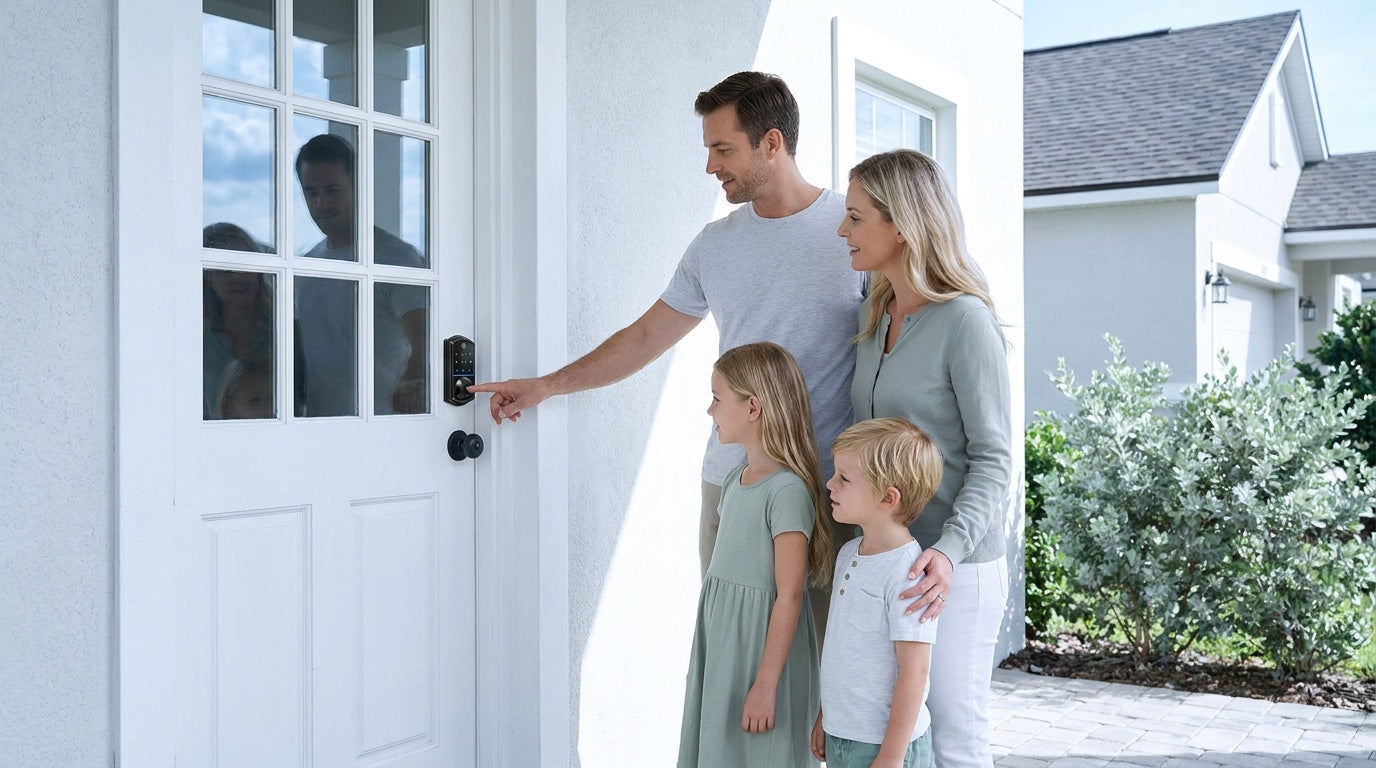

Leave a comment
This site is protected by hCaptcha and the hCaptcha Privacy Policy and Terms of Service apply.