
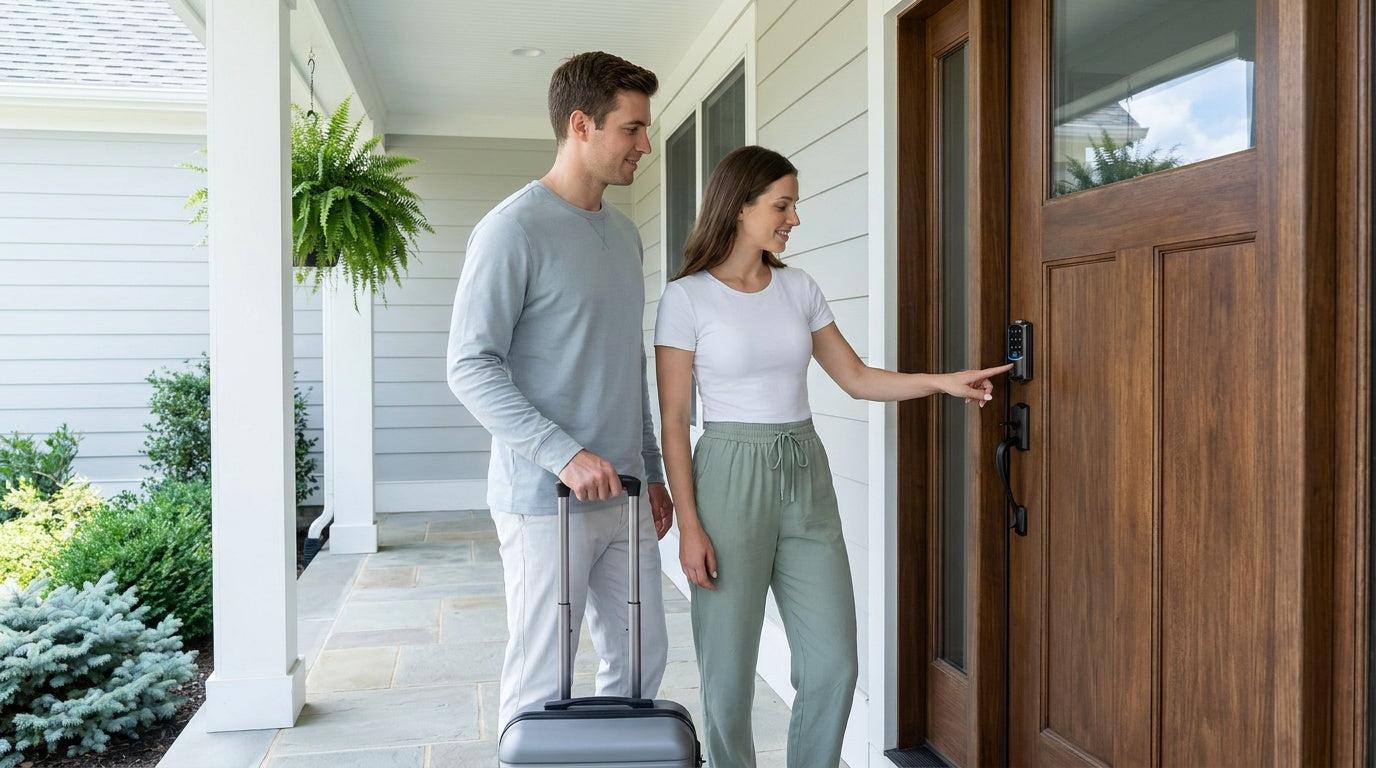
Managing a short-term rental means thinking about access constantly — the late-night guest whose flight got delayed, the cleaning crew who needs in before noon, the maintenance worker you're letting in remotely while you're three states away. Physical keys were never built for this. A misplaced key, a forgotten hand-off, or a lock that wasn't changed between guests can turn a five-star stay into a one-star review overnight.
Smart locks for Airbnb and short-term rental properties solve these problems in a way that's become the new baseline for professional hosting. The right lock lets you issue unique guest codes before a booking even begins, monitor who enters and when, and lock or unlock your front door from your phone without being anywhere near the property. It removes the coordination headache from check-in — and quietly reassures guests the moment they arrive.
This guide covers what Airbnb and short-term rental hosts actually need in a smart lock, how to match the right lock type to your property setup, and which Veise locks deliver the best combination of reliable access, remote control, and value — all without subscription fees or complicated installation.
Why Airbnb Hosts Need a Smart Lock
Physical keys create friction at every stage of a rental stay. A guest arrives at 2 a.m. after a delayed connection and there's no one to hand over a key. A cleaner shows up between bookings and can't get in because the last guests left the key inside. A previous guest made a copy before checkout — and you have no way of knowing. These aren't edge cases; they're the ordinary risks that come with traditional lock-and-key management.
Smart locks eliminate these vulnerabilities by replacing the key with something far more controllable: a unique, time-limited access code. You set the code before the guest arrives, it activates at check-in time, and it expires at checkout — automatically, without you touching the door. For cleaning staff or maintenance, you create a separate code with different access windows. When a stay ends, the previous code simply stops working. There's nothing to rekey and no locksmith fee to worry about.
Beyond the security benefits, smart locks directly improve the guest experience. Self-check-in is consistently one of the most searched amenities on Airbnb, and a frictionless arrival sets the tone for the entire stay. Guests who can walk up to the door, enter a code, and be inside in seconds don't need to coordinate arrival windows or worry about losing a key during their trip. That kind of simple convenience shows up in reviews.
For hosts managing more than one property — or managing from a distance — the value compounds quickly. Remote access means you can respond to a locked-out guest without driving across town, verify that a cleaner arrived on time by checking the access log, and grant a contractor temporary entry without sharing a physical key. Smart locks turn access management from a daily task into something that mostly runs itself.
What to Look for in a Short-Term Rental Smart Lock
Not every smart lock is built with short-term rental use in mind. A lock that works well in a private home — where one family uses it daily — faces very different demands at a rental property that sees dozens of different guests per year. Here's what actually matters when you're shopping for an Airbnb or vacation rental lock.
- Remote access via a true smart lock. Remote code management, live lock status, and access logs all require a smart lock — either a Wi-Fi smart lock with built-in connectivity or a gateway-paired smart lock. A standalone Keypad Deadbolt or Keypad Latch Lock can't be paired with a gateway for remote access. If remote management from outside your property is a priority, you need Wi-Fi or a gateway-paired model.
- Unique, time-limited guest codes. The ability to issue a fresh code for each booking — and have it expire at checkout — is non-negotiable for professional hosting. This removes any risk from previous guests and eliminates the need to rekey between stays.
- Multiple unlock methods. Guests are not all the same. Some will want a keypad code; others may prefer app control. Having a physical key backup also protects against dead batteries or connectivity issues mid-stay.
- Auto lock. A configurable auto lock feature ensures the door secures itself after entry, even if a guest forgets. Veise connected locks allow auto lock intervals from 10 to 180 seconds (10 to 99 seconds on standalone keypad deadbolt and keypad latch locks) — a small detail that adds a meaningful layer of security for unattended properties.
- No subscription fees. Many smart lock systems charge ongoing fees for access logs, remote management, or code scheduling. For a rental property, those costs add up. Look for locks that offer full functionality without a monthly bill.
- Long battery life and a backup entry method. A dead battery mid-stay is one of the fastest ways to earn a bad review. Choose a lock with reliable battery performance and a physical key fallback so a low battery never means a locked-out guest.
- DIY-friendly installation. A rental property is not the place for expensive professional installation. Locks that fit standard residential door hardware and install without special tools keep costs down and downtime minimal.
- Door compatibility. Smart locks designed for wood doors with standard 1-3/8" to 2" thickness are the right fit for most residential Airbnb properties. Always verify door type and thickness before purchasing.
Best Veise Smart Locks for Airbnb and Short-Term Rentals
Veise designs, engineers, and manufactures its own locks — not an OEM reseller sourcing hardware from third parties. That vertical integration, combined with roots in the lock industry since 1988, means Veise controls quality from the factory floor to the app. Ranked the #1 smart lock brand on Amazon North America in both 2024 and 2025, the lineup covers every access scenario a short-term rental host is likely to face, with prices ranging from $30 to $180 and no ongoing subscription fees.
All Veise smart locks are ANSI/BHMA Grade 3 certified, which is the residential security standard — the same certification tier used across residential deadbolts nationwide. Grades 1 and 2 target high-traffic commercial settings. For a vacation home, cabin, or urban Airbnb unit, Grade 3 is exactly what the door calls for.
1. Touchscreen Wi-Fi Smart Lock (VE027 Series) — Best for Full Remote Control
If you want the most complete remote management experience for a short-term rental, the Touchscreen Wi-Fi Smart Lock (VE027 Series) is the flagship pick. Built-in Wi-Fi means no separate gateway or hub is required — the lock connects directly to your home network and gives you live lock status, access logs, and remote lock/unlock capability through the app from anywhere with an active Internet connection.
The VE027 series features a touchscreen interface for clean, intuitive keypad entry. Fingerprint recognition clears in under 0.3 seconds, meaning guests with enrolled prints can walk up and be inside before they've finished thinking about it. The lock also supports voice control via Alexa and Google Assistant directly through its built-in Wi-Fi — no additional hardware needed. Physical key backup ships with every model, and the VE027 series adds key fob support across the line as an additional entry method.
One standout for rental hosts: the VE027 series runs on 8 AA batteries instead of the more common 4 AA setup, delivering stronger signal and a more stable connection with a larger power reserve. This matters in a rental context where a battery swap between bookings is an operational inconvenience rather than a minor chore. The series also includes a USB-C emergency power port, so if batteries do run low during a stay, a portable charger held briefly against the port restores enough power to unlock — a genuine safeguard against mid-stay lockouts. Three-language voice prompts (English, Spanish, French) add a layer of accessibility that can be meaningful depending on your guest mix.
Even if your property's Wi-Fi goes down temporarily, app control continues to work locally as long as you're within short-range wireless distance — so guests on-site are never left stranded by a momentary Internet disruption. Long-distance remote features (off-site alerts, remote locking) do require active Internet to function.
2. Push-Button Wi-Fi Smart Lock (VE012W Series) — Best Value Wi-Fi Pick
The Push-Button Wi-Fi Smart Lock (VE012W Series) carries the same core Wi-Fi feature set as the VE027 — built-in connectivity, fingerprint access, app control, Alexa and Google Assistant voice commands, and the 8 AA battery design — but uses a traditional press-button keypad interface instead of a touchscreen. For hosts who prefer a more classic lock appearance, or whose guests skew toward less tech-forward demographics, the push-button layout is immediately familiar and easy to use.
Compared with the VE027, the VE012W leaves out three things: the USB-C emergency power port, on-device voice prompts, and key fob support. With no USB-C port, the physical key backup takes on a bit more importance here for peace-of-mind planning. Its built-in Wi-Fi, fingerprint, keypad, and app control work just like the VE027 — a solid, no-frills remote-access option that keeps installation straightforward and monthly costs at zero.
3. Smart Lock w/ G1 — Best All-in-One Connected Lock
The Smart Lock w/ G1 is built on a single product series — the VE017 — and it's the most fully-featured gateway-paired option in the Veise lineup. Remote access requires the paired G1 gateway (sold separately), which bridges the lock to your home network and enables long-range app control, just like a Wi-Fi lock. The app is Veise-developed, meaning tighter integration and more predictable long-term support.
Every Smart Lock w/ G1 model ships with fingerprint recognition standard, along with keypad code, key fob, and physical key as backup entry methods — multiple ways to enter depending on who's coming through the door. All G1 models also feature the USB-C emergency power port and three-language voice prompts (English, Spanish, French). That language support is a genuine selection factor if your rental attracts Spanish- or French-speaking guests who appreciate audio feedback in their own language. Voice control via Alexa and Google Assistant works through the paired gateway.
Because the VE017 is a full lock replacement rather than an overlay on an existing deadbolt, installation is for the property owner or authorized manager — not a workaround for renters. The upside is that the lock integrates cleanly into the door without relying on the condition of whatever hardware was there before. Installation takes about 15 minutes with a screwdriver, no wiring, no professional help required.
4. Smart Lock w/ G2 — Best for Apple Watch Users and Non-Fingerprint Options
The Smart Lock w/ G2 shares the core gateway-paired remote access model of Smart Lock w/ G1 but adds two features that make it the right pick in specific hosting scenarios. First, Apple Watch unlock — guests or the host can tap to unlock directly from the wrist, a convenience that tech-forward guests genuinely appreciate. Second, web portal control, which allows access management from a laptop browser without needing a phone app — useful for hosts who prefer managing their properties from a desktop.
Smart Lock w/ G2 also offers more SKU variety than Smart Lock w/ G1, including models without fingerprint if biometric enrollment feels like an unnecessary step for your guest turnover workflow, as well as both standalone deadbolt and handle-set bundle form factors. Voice prompts on G2 models are English-only, so if multilingual support matters for your guest mix, Smart Lock w/ G1 or either Wi-Fi series is the better fit.
When deciding between the two: choose Smart Lock w/ G1 if you want the most integrated, all-in-one experience with Veise-developed app control, multilingual voice, and USB-C emergency power as standard. Choose Smart Lock w/ G2 if Apple Watch unlock or web portal access specifically matters, or if you want a non-fingerprint connected option.
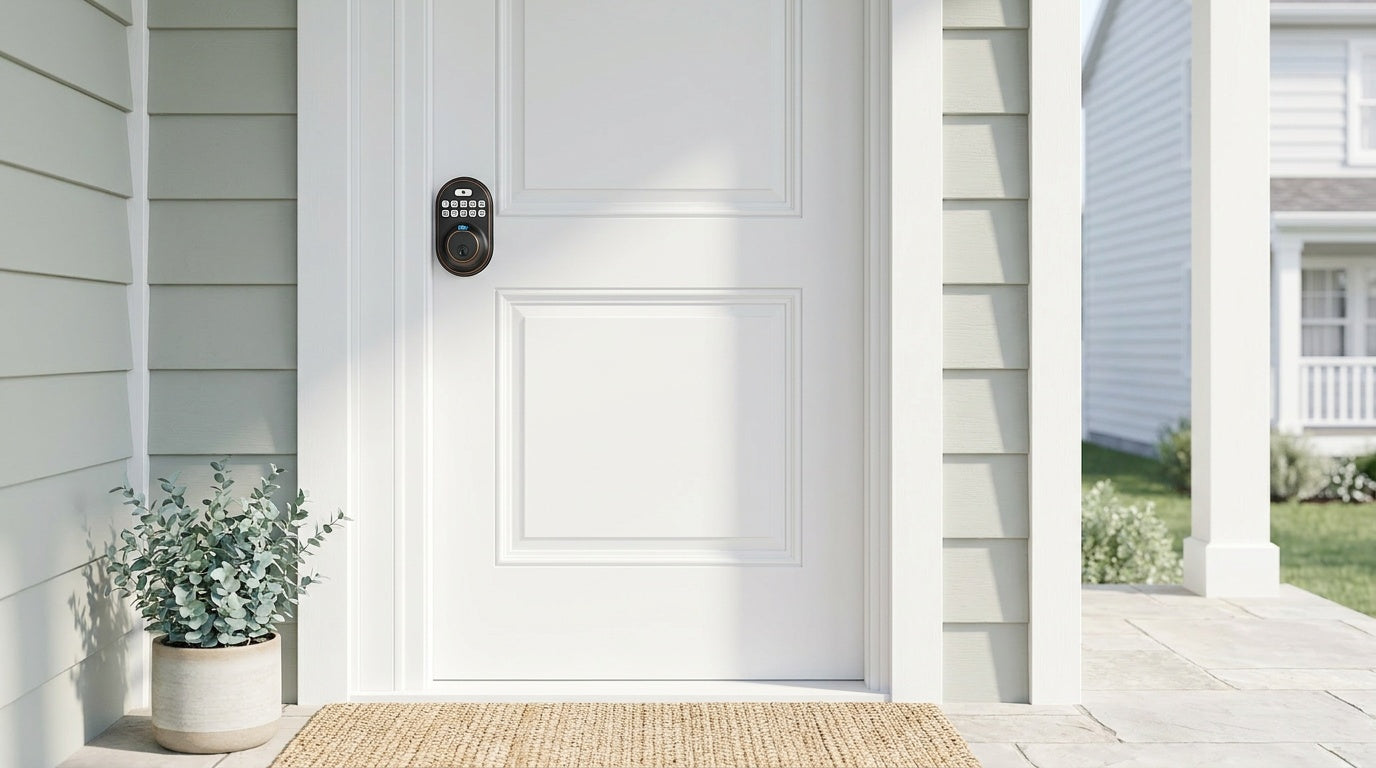
5. Keypad Deadbolt — Best Entry-Level Keyless Option
For hosts who want to step away from physical keys but don't yet need full remote management, the Keypad Deadbolt is a practical and affordable starting point. Guests get a unique keypad code for their stay; you change it between bookings from the lock itself. No gateway, no Wi-Fi, no app — just reliable keyless entry that works every time, regardless of Internet availability.
The lineup splits into two primary categories: models with fingerprint recognition (the KS02 series) and models without (the RZ and KS01 series). Fingerprint models let hosts or recurring cleaning staff enroll their print for instant sub-0.3-second entry without entering a code — a nice convenience for people who access the property regularly. The non-fingerprint models keep things simpler: keypad code entry plus a physical key backup on all models.
Keep in mind that keypad deadbolts do not support remote access or app connectivity — they operate independently. They also issue permanent PIN codes and one-time codes only; the scheduled, time-limited guest codes described earlier in this guide are a feature of the connected locks (Smart Lock w/ Gateway 1/2 and Wi-Fi Smart Lock). If your hosting style requires the ability to change a code remotely or check who came and went from your phone while off-site, a smart lock (gateway-paired or Wi-Fi) is the right upgrade. The keypad deadbolt is the right fit for hosts who are on-site often, manage a small number of bookings, or want a low-complexity option for a secondary entry point.
Host Tips: Getting the Most from Your Smart Lock
Installing the lock is the easy part. Getting the most out of it for a short-term rental takes a little planning around your guest communication and access workflow.
- Assign unique codes per booking. Issue a fresh code for each guest stay and delete or deactivate it after checkout. This means no previous guest code remains active, and you have a clean access log for every reservation.
- Create a separate code for cleaning staff. Give your cleaner or co-host their own standing code with a different access window. This keeps your guest code separate from your operational code and makes it easy to change either independently.
- Use auto lock. Configure auto lock so the door locks itself after every entry — 10 to 180 seconds on a connected smart lock, 10 to 99 seconds on standalone keypad deadbolt and keypad latch locks. Guests who forget to lock up on the way out are no longer a security gap.
- Add clear check-in instructions to your listing. Even the best smart lock can confuse a first-time user. A brief note in your Airbnb arrival guide — walk up to the door, enter your code, wait for the beep — goes a long way toward a smooth first impression.
- Keep a backup entry method documented. Every Veise lock ships with a physical key. Store a backup key securely off-site and note it in your emergency instructions. Batteries are reliable, but having a fallback documented means you're never caught off guard.
- Monitor your access log after each stay. For Wi-Fi and gateway-paired smart locks, the app stores a full access history. A quick review after checkout confirms cleaning was completed and that no unauthorized entries occurred — basic due diligence that takes thirty seconds.
Installation: Easier Than You Think
Every Veise smart lock is designed for DIY installation — 15 minutes with a screwdriver, no wiring, no licensed contractor, no service call. The locks are built for wood doors with standard thickness between 1-3/8" and 2", which covers the vast majority of residential Airbnb properties. They are not compatible with fiberglass, metal, storm, or sliding doors, so verifying your door material before purchasing is a worthwhile two-minute check.
Because Veise locks are full lock replacements rather than overlays that attach to an existing mechanism, the installation requires ownership or management authority over the door hardware. This is the standard for any short-term rental property — the host or property owner makes the hardware decision, installs the lock, and maintains it. The benefit is that you're not depending on the condition or alignment of whatever lock was there before; the new lock fits cleanly and completely.
For maintenance, the routine is simple: wipe the keypad and fingerprint sensor regularly to prevent buildup, check battery status through the app on smart models, and update firmware when prompted. Veise locks process and store fingerprint data locally on the device — no cloud dependency, no third-party account required for basic functionality. US-based phone and email support is available if anything needs troubleshooting.
Frequently Asked Questions
What is the best smart lock for Airbnb hosts?
The best smart lock for Airbnb hosts is one that supports remote access, allows unique time-limited codes for each guest, includes a physical key backup, and requires no ongoing subscription. For most hosts, a Wi-Fi smart lock or a gateway-paired smart lock delivers the right combination of remote management, access log visibility, and practical reliability. Veise's Touchscreen Wi-Fi Smart Lock (VE027 Series) is the strongest all-around pick for hosts who want full remote control with built-in Wi-Fi, fingerprint access, and USB-C emergency power backup.
Do I need Wi-Fi at my rental property to use a smart lock?
For remote access features — changing codes from your phone when you're off-site, receiving alerts, checking access logs remotely — your property needs an active Internet connection and a smart lock (either a built-in Wi-Fi model or a gateway-paired model). Keypad deadbolts work completely offline, with no Internet required, and are a good fit for hosts who are on-site often or manage codes manually between stays. If you're managing a property remotely, a Wi-Fi smart lock or Smart Lock w/ G1/G2 is the right category.
Can I use a smart lock on my Airbnb if I'm not the property owner?
Veise smart locks are full lock replacements, meaning installation requires modifying the door hardware. This means the lock should only be installed by the property owner or someone with the authority to alter the door (such as a property manager acting on behalf of the owner). Renters typically should not install a replacement smart lock without explicit landlord approval.
How do I manage guest access codes for multiple bookings?
With a Wi-Fi smart lock or a gateway-paired Veise smart lock, you can create, schedule, and delete guest codes remotely through the app. For each new booking, issue a new code with a start and end time that matches the guest's stay. When the stay ends, the code expires automatically. On the standalone Keypad Deadbolt and Keypad Latch, codes are managed at the lock itself, and you can issue permanent PIN codes or one-time codes — but not the scheduled codes that connected models offer.
What happens if the battery dies mid-guest stay?
All Veise locks ship with a physical key backup, which is the primary safeguard against a dead battery. On the VE017 series (Smart Lock w/ G1) and VE027 series (Touchscreen Wi-Fi Smart Lock), a USB-C emergency power port allows a portable phone charger held briefly against the lock to restore enough power to unlock — without needing to open anything or call anyone. On connected models, low-battery alerts arrive through the app well before the battery is critically low; the standalone keypad deadbolt warns you with a voice or beep prompt at the lock itself.
Are Veise smart locks compatible with Alexa and Google Assistant?
Voice control support depends on the lock category. Wi-Fi Smart Locks (VE027 and VE012W series) support Alexa and Google Assistant directly through the lock's built-in Wi-Fi — no additional hardware required. Smart Locks w/ G1 or G2 support voice commands through the paired gateway, which bridges the lock to your voice assistant. The standalone Keypad Deadbolt and Keypad Latch do not support voice control.
Do Veise smart locks work with wood doors only?
Yes. Veise smart locks are designed for wood doors with standard thickness between 1-3/8" and 2". They are not compatible with fiberglass, metal, storm, or sliding doors. Always check your door type and thickness before purchasing.
Is there a monthly subscription fee for Veise smart locks?
No. Veise smart locks carry no subscription fees. Access logs, remote management, and code scheduling are all included as standard features. Fingerprint data is processed and stored locally on the device — not in the cloud — so there's no account dependency and no ongoing cost for basic functionality.
The Right Lock Makes Hosting Simpler
Smart locks for Airbnb and short-term rental properties aren't a luxury upgrade — they're the operational foundation that makes remote hosting practical and guest check-ins consistently smooth. The right lock means no key handoffs, no locksmith calls, no rekeying between stays, and no anxiety about whether the last guest returned their key. It means your cleaner gets in on time, your guest arrives stress-free at midnight, and you have a clear record of every entry without being anywhere near the property.
Veise offers every lock type a short-term rental host could need — from simple keypad deadbolts for straightforward keyless entry to fully connected Wi-Fi and gateway-paired smart locks for complete remote management — all at prices between $30 and $180, with no subscription fees and 15-minute DIY installation. Whether you're setting up your first listing or optimizing a multi-property portfolio, there's a Veise lock designed for the way you actually host.
Browse the full Veise lineup at iveise.com to find the right fit for your property, or explore individual collections: Wi-Fi Smart Locks, Smart Locks w/ G1, Smart Locks w/ G2, and Keypad Deadbolt Locks.
Have a Question About Your Rental Property Setup?
The Veise team is available by phone and email to help you choose the right lock for your door, your guests, and your hosting workflow — no pressure, just practical advice.
Contact Us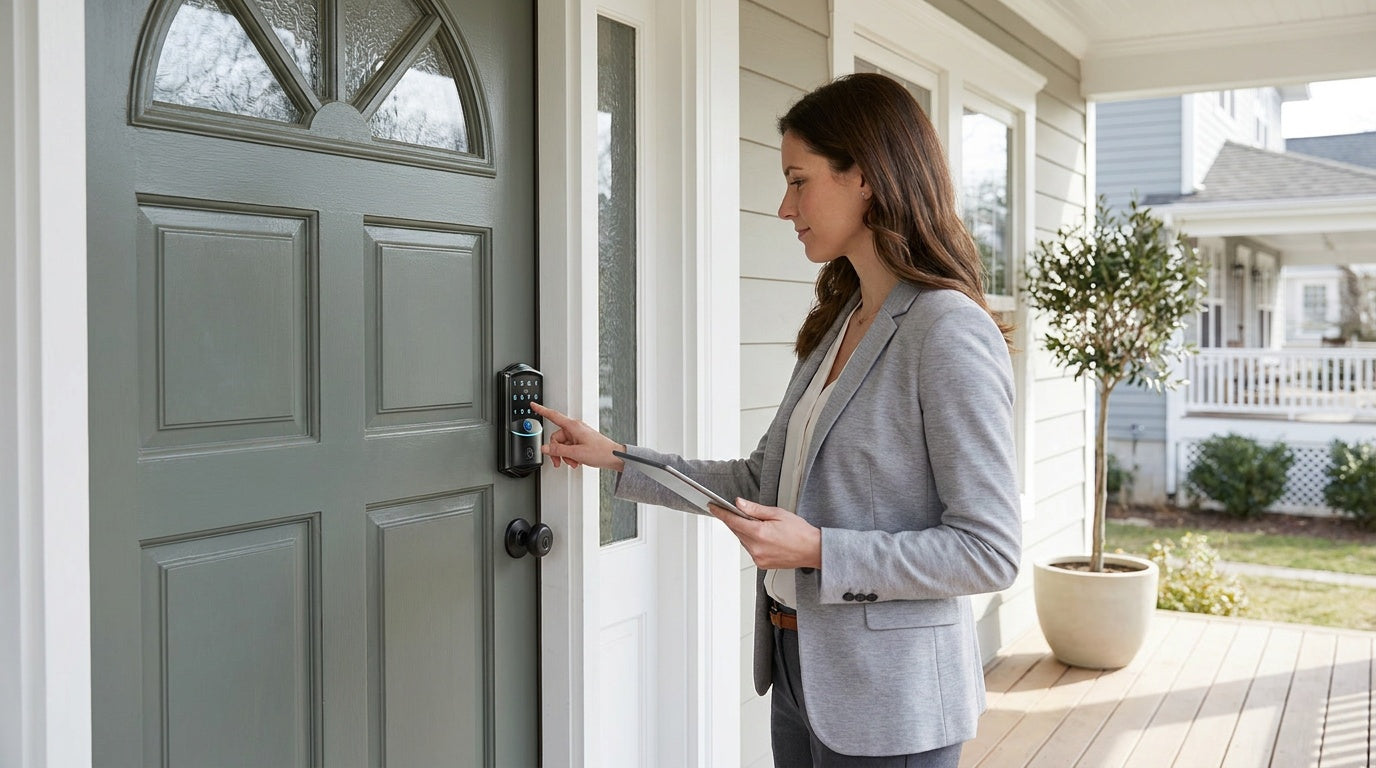

Leave a comment
This site is protected by hCaptcha and the hCaptcha Privacy Policy and Terms of Service apply.