
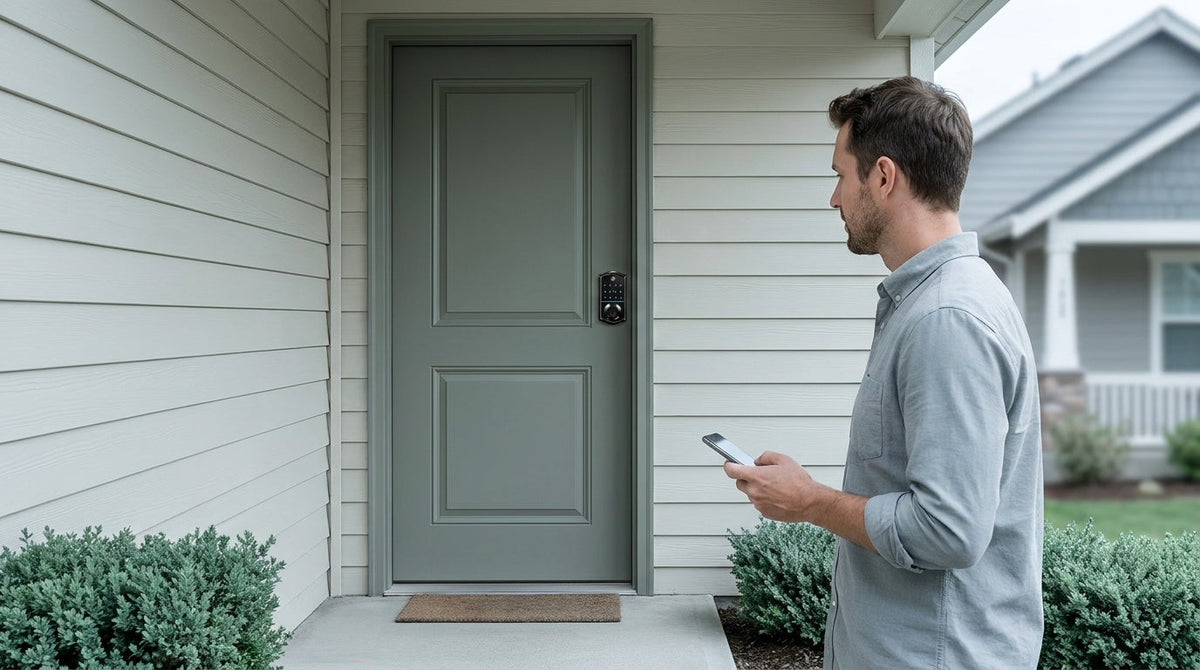
You're shopping for a smart lock and you keep seeing the word gateway — sometimes called a hub, a bridge, or a Wi-Fi adapter. Some locks include one in the box. Others list it as a separate accessory. A few locks don't need one at all. If you're not sure what a gateway actually does, or whether your home even needs one, you're in good company.
This guide breaks it down plainly. You'll learn what a smart lock gateway is, how it works, and — most importantly — whether you need one or whether a simpler option already covers your needs. No jargon, no upsell, just a clear answer so you can choose the right lock with confidence.
What Is a Smart Lock Gateway?
A smart lock gateway is a small plug-in device that connects a short-range wireless lock to your home's Wi-Fi network. Think of it as a translator: the lock speaks one wireless language (a short-range signal), and the gateway converts that into a Wi-Fi signal your home network — and your phone — can understand. Once the gateway is plugged in and paired, you can control the lock from a mobile app no matter where you are.
You may also see gateways referred to as Wi-Fi bridges, lock hubs, or wireless adapters. The names vary by brand, but the job is always the same: connect a compatible smart lock to your home network and enable remote access. Without a gateway, a gateway-compatible lock still works normally at your door — you just can't access it remotely from outside your home.
How Does a Smart Lock Gateway Work?
The setup is simpler than it sounds. You plug the gateway into a standard wall outlet — positioned within range of the lock and connected to your home network — and pair it using the app. The gateway then communicates wirelessly with the lock on your door. From that point on, any command you send through the app travels from your phone, through the Internet and your home network, to the gateway, and finally to the lock itself.
Because the gateway handles all the Wi-Fi communication, the lock itself doesn't need to run a Wi-Fi radio or hold a constant Internet connection — the network side lives in the gateway, which is plugged into the wall and doesn't run on batteries at all. You still get full remote control at the door.
With a gateway in place, here's what becomes possible from your phone:
- Remote lock and unlock — Let in a dog walker, a repair person, or a family member from anywhere in the world.
- Real-time entry alerts — Get a notification every time the door is opened or a code is used.
- Access code management — Add, change, or delete PIN codes without being home.
- Auto lock scheduling — Set the lock to re-engage automatically after entry, with the interval configurable between 10 and 180 seconds on connected models (10 to 99 seconds on Keypad Deadbolt and Keypad Latch locks). Auto lock fires on the timer regardless of door state, so make sure the door is closed before the interval expires.
- Voice assistant control — When the gateway is in place, it bridges the lock to Alexa or Google Assistant for hands-free commands.
It's worth noting that even when your Internet goes down, app control continues to work locally as long as you're within short-range wireless distance of the lock. Only long-distance remote features — like unlocking from your office or receiving off-site alerts — require an active Internet connection.
Do All Smart Locks Need a Gateway?
No — and this is where a lot of buyers get tripped up. Whether you need a gateway depends entirely on what type of smart lock you're buying. There are four main categories, and each one handles connectivity differently.
Keypad Deadbolt locks work fully offline. You program a code, share it with whoever needs it, and the lock does its job without any app, Wi-Fi, or gateway involved. These are the most straightforward option — reliable, beginner-friendly, and ideal if remote access isn't something you need. Veise's Keypad Deadbolt Locks fall into this category, with every model supporting a keypad code and physical key backup, and the KS02 series adding fingerprint entry.
Keypad Latch Locks also work completely offline with a keypad code and physical key — no app, no gateway. They're commonly a fit for interior doors, home offices, side entries, or garage access doors where the priority is simple, code-based convenience rather than remote control. Browse Veise's Keypad Latch Locks if this matches your situation.
Smart Lock w/ Gateway 1/2 is designed to work with a paired gateway device. The gateway is a separate device, sold separately on nearly all SKUs, and matched to the lock line so there's no guesswork about compatibility. These locks support remote app control, voice assistant integration, auto lock, entry alerts, and key fob access — all unlocked once the gateway is connected to your network.
Wi-Fi Smart Locks have the Internet connection built directly into the lock body. No separate gateway required. They connect to your home network the same way a phone or smart speaker does — Veise smart locks support 2.4 GHz Wi-Fi only, not 5 GHz — and offer full remote control right out of the box.
The important distinction: remote access requires a smart lock — Smart Lock w/ Gateway 1/2 or Wi-Fi. A Keypad Deadbolt or Keypad Latch, no matter how feature-rich, cannot be paired with a gateway after the fact. The lock has to be built for connected use from the start.
When You Need a Gateway
A Smart Lock w/ Gateway 1/2 is worth considering in several practical scenarios. If any of the following sounds like your home, it is likely the right fit.
You want remote access without running Wi-Fi at the door. Because the gateway handles the network connection, the lock itself doesn't run a Wi-Fi radio at all. If your router sits far from the front door, this architecture keeps the connection stable without depending on Wi-Fi coverage at the lock.
You manage a rental property or vacation home. Being able to generate and revoke access codes from your phone — without being on-site — is essential for hosts and landlords. A Smart Lock w/ Gateway 1/2 makes it easy to let in a cleaner, update a guest's code between stays, or check whether the door is locked before a new arrival.
You want voice assistant integration. Alexa and Google Assistant work with Smart Lock w/ Gateway 1/2 when the gateway is in place — the gateway is what bridges the lock to the voice ecosystem. Bear in mind that these are Amazon and Google features, not Veise's: availability, commands, and menu options can vary with your device model, firmware version, app settings, and regional service support. If hands-free control is part of how your household runs, this is the setup that supports it.
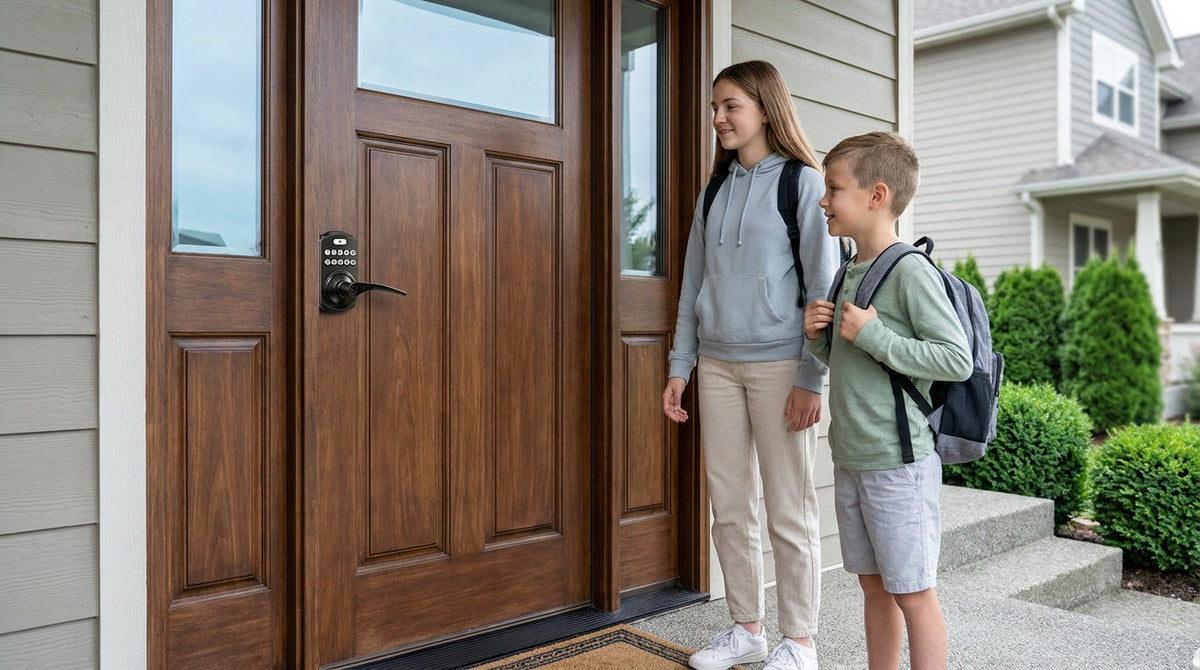
Your household includes kids or elderly family members. Parents can review entry history in the app and know exactly when children arrived home from school. For households where someone may need extra help remembering to lock up, remote monitoring provides real peace of mind.
You want fingerprint access plus remote control in one lock. Fingerprint is standard across the whole Smart Lock w/ G1 line and available on many Smart Lock w/ G2 models, combined with full remote app functionality. Fingerprint entry is fast — under 0.3 seconds — and adds a layer of daily convenience the Keypad Deadbolt and Keypad Latch categories can't match on the remote side.
When You Don't Need a Gateway
A gateway is a great tool, but it's not always the right one. Here are the situations where skipping the gateway — and choosing either a Keypad Deadbolt, a Keypad Latch, or a Wi-Fi smart lock — makes more sense.
You don't need remote access at all. Many homeowners simply want keyless entry: no fumbling for keys, a shared code for family members, and a physical key backup for emergencies. A Keypad Deadbolt handles this perfectly, with no app, no Wi-Fi, and nothing extra to set up or maintain.
You already have strong Wi-Fi at the door and want the simplest setup possible. If your router is close to the front door and you want remote access without any additional hardware, a Wi-Fi Smart Lock connects directly to your network and is ready to go. There's no gateway to position, no secondary device to maintain — just the lock and your phone.
You're securing an interior, side, or garage door. For doors that don't need remote monitoring, a Keypad Latch Lock is a clean, affordable, and reliable choice. It does the job without any connectivity overhead.
Smart Lock w/ Gateway 1/2 vs. Wi-Fi Smart Lock: What's the Difference?
Both Smart Lock w/ Gateway 1/2 and Wi-Fi smart locks give you genuine remote access — you can lock, unlock, check the door's status, and receive entry alerts from your phone no matter where you are. The difference is in how they connect and what that means day to day.
A Smart Lock w/ Gateway 1/2 keeps the Wi-Fi radio out of the lock body entirely — the network connection lives in the gateway. The trade-off is that you have one extra device to plug in and position within range of the lock. For most homes, this is a minor inconvenience — you plug in the gateway once and forget about it.
A Wi-Fi smart lock is the cleaner setup on paper: one device, no extras. It connects to your 2.4 GHz network the way any smart home device does (Veise smart locks don't support 5 GHz), and remote access is available immediately. Veise's Wi-Fi Smart Locks use 8 AA/LR6 alkaline batteries instead of the standard 4 AA setup — delivering a stronger signal, a more stable connection, and a larger power reserve.
Here's a quick side-by-side to help you decide:
| Feature | Smart Lock w/ Gateway 1/2 | Wi-Fi Smart Lock |
|---|---|---|
| Remote access | Yes (via paired gateway) | Yes (direct) |
| Extra hardware needed | Yes — gateway device | No |
| Where the network radio lives | In the gateway (no Wi-Fi radio in the lock) | Built into the lock body |
| Voice assistant support | Yes (gateway required) | Yes (built in) |
| Setup complexity | Slightly more (position gateway within range of the lock) | Simpler (one device) |
| Key fob included | Yes (all models) | VE027 series (all models); not supported on VE012W series |
Neither option is objectively better — it depends on your home's Wi-Fi layout and how much you value a clean, single-device setup versus keeping the network connection in a separate plugged-in hub.
Veise Connected Locks: Smart Lock w/ G1, w/ G2, and Wi-Fi
Veise offers three connected lock lines, each suited to a different type of homeowner. Built on 38 years of lock industry expertise and 711 patents — the world's largest smart lock patent portfolio — every Veise lock is designed with one goal: make your home easier to live in, not harder. All models install in about 15 minutes with a screwdriver, no wiring and no professional help needed. Prices range from $30 to $180 across the full lineup, making smart home security genuinely accessible.
Smart Lock w/ G1 — The All-in-One Connected Pick
The entire Smart Locks w/ G1 line is built on a single product series — the VE017 — so every G1 model ships with the same complete feature set: fingerprint entry (recognized in under 0.3 seconds), multilingual voice prompts in English, Spanish, and French, a USB-C emergency power port on the lock body, and a key fob alongside a physical key as backup. Smart Lock w/ G1 pairs with the Veise-developed first-party app, providing a tighter, more reliable software experience. If you want the most complete Smart Lock w/ Gateway 1/2 experience, Smart Lock w/ G1 offers a strong combination of features and value.
Smart Lock w/ G2 — More SKU Variety, Plus Apple Watch
The Smart Locks w/ G2 line offers both fingerprint and non-fingerprint options, in standalone (deadbolt-only) and handle-set bundle form factors — so there's more flexibility if you're matching hardware to a specific door or aesthetic. Smart Lock w/ G2 also adds Apple Watch unlock and web portal control, which matters if you prefer wrist-based access or want to manage codes from a desktop browser. Voice prompts on G2 line are English only.
Wi-Fi Smart Lock — No Gateway Needed
If you'd rather skip the gateway entirely and connect directly to your home network, Veise's Wi-Fi Smart Locks deliver the same remote access, entry alerts, and Alexa/Google voice control without any additional hardware. Two series are available: the Touchscreen Wi-Fi Smart Lock (VE027 Series), which features a touchscreen interface and a USB-C emergency power port standard on every model, and the Push-Button Wi-Fi Smart Lock (VE012W Series), which uses a traditional press-button keypad. Both series include fingerprint entry and the 8 AA/LR6 alkaline battery design; they differ in four concrete ways — interface, USB-C emergency power (VE027 series only), key fob support (VE027 series only), and on-device voice prompts in English, Spanish, and French (VE027 series only). These are a natural fit for frequent travelers, short-term rental hosts, or anyone managing a rental property who needs reliable remote access with the simplest possible setup.
Not sure where to start? Explore the full Veise lineup — and if remote access is a priority, the connected options above are all a strong starting point. Easy from Day One.
The Bottom Line
A smart lock gateway isn't something every homeowner needs — but for those who do, it's a powerful addition. Compatible smart locks use the gateway to connect to your home network and enable remote access, without requiring built-in Wi-Fi in the lock itself. If you want remote access, entry monitoring, and voice assistant support, a Smart Lock w/ Gateway 1/2 is a practical choice.
If you'd rather keep things simple — one device, no extras — a Wi-Fi smart lock gets you to the same place with less setup. And if remote access isn't part of the picture at all, a Keypad Deadbolt or Keypad Latch handles everything you need at a lower cost. The right answer depends on your home, your habits, and what genuinely makes daily life easier. That's exactly what Veise is designed to help you figure out.
Frequently Asked Questions
What is a smart lock gateway?
A smart lock gateway is a small plug-in device that connects a lock to your home's Wi-Fi network, enabling remote app control, entry alerts, and voice assistant integration from anywhere. It acts as a bridge between the lock's short-range wireless signal and your home Internet connection.
Do I need a gateway for my smart lock?
Not necessarily. Keypad Deadbolt and Keypad Latch locks work completely offline and don't need a gateway. Wi-Fi smart locks also skip the gateway — they connect directly to your home network. You only need a gateway if your lock is specifically designed to work with one (a Smart Lock w/ Gateway 1/2) and you want remote access.
Can I add a gateway to any smart lock?
No. A gateway only works with locks specifically designed for gateway pairing. You cannot add a gateway to a standard keypad deadbolt or keypad latch lock to give it remote capabilities — the lock itself has to be built for connected use from the start.
What's the difference between a Smart Lock w/ Gateway 1/2 and a Wi-Fi smart lock?
Both give you full remote access via a mobile app. The key difference is where the Wi-Fi radio lives. In a Smart Lock w/ Gateway 1/2, the gateway handles the network connection and the lock runs no Wi-Fi radio of its own. In a Wi-Fi smart lock, the connectivity is built into the lock body itself, so no extra device is needed.
Does the gateway need its own batteries?
No. The gateway plugs into a wall outlet and runs on your home's power, so it needs no batteries of its own and has no effect on the lock's batteries. The lock continues to run on its own AA/LR6 alkaline cells as normal.
Does a smart lock still work if the Internet goes down?
Yes. Keypad codes, fingerprint entry, key fob access, and physical key backup all work regardless of your Internet connection. For Smart Lock w/ Gateway 1/2 and Wi-Fi smart locks, even when Wi-Fi is down, app control continues to work locally as long as you're within short-range wireless distance of the lock. Only long-distance remote features — unlocking from across town, off-site alerts — require an active Internet connection.
What Veise smart locks work with a gateway?
Veise's Smart Locks w/ G1 and Smart Locks w/ G2 are the two lines within the Smart Lock w/ Gateway 1/2 category. Smart Lock w/ G1 is built on a single product series — the VE017 — and includes fingerprint, voice prompts in English, Spanish, and French, and a USB-C emergency power port as standard on every model. Smart Lock w/ G2 offers more form-factor variety and adds Apple Watch unlock and web portal access. The gateway itself is a separate device, sold separately on nearly all SKUs.
Which Veise lock is best for remote access without a gateway?
Veise's Wi-Fi Smart Locks connect directly to your home network with no gateway required. Both the Touchscreen Wi-Fi Smart Lock (VE027 Series) and the Push-Button Wi-Fi Smart Lock (VE012W Series) support full remote app control, Alexa and Google Assistant voice commands, fingerprint entry, and real-time entry alerts out of the box.
Not Sure Which Lock Is Right for You?
Our team is happy to help you find the right fit for your door, your home, and your daily routine — Smart Lock w/ Gateway 1/2, Wi-Fi, or a keypad-only Keypad Deadbolt or Keypad Latch. No pressure, just practical guidance.
Contact Us

Leave a comment
This site is protected by hCaptcha and the hCaptcha Privacy Policy and Terms of Service apply.