
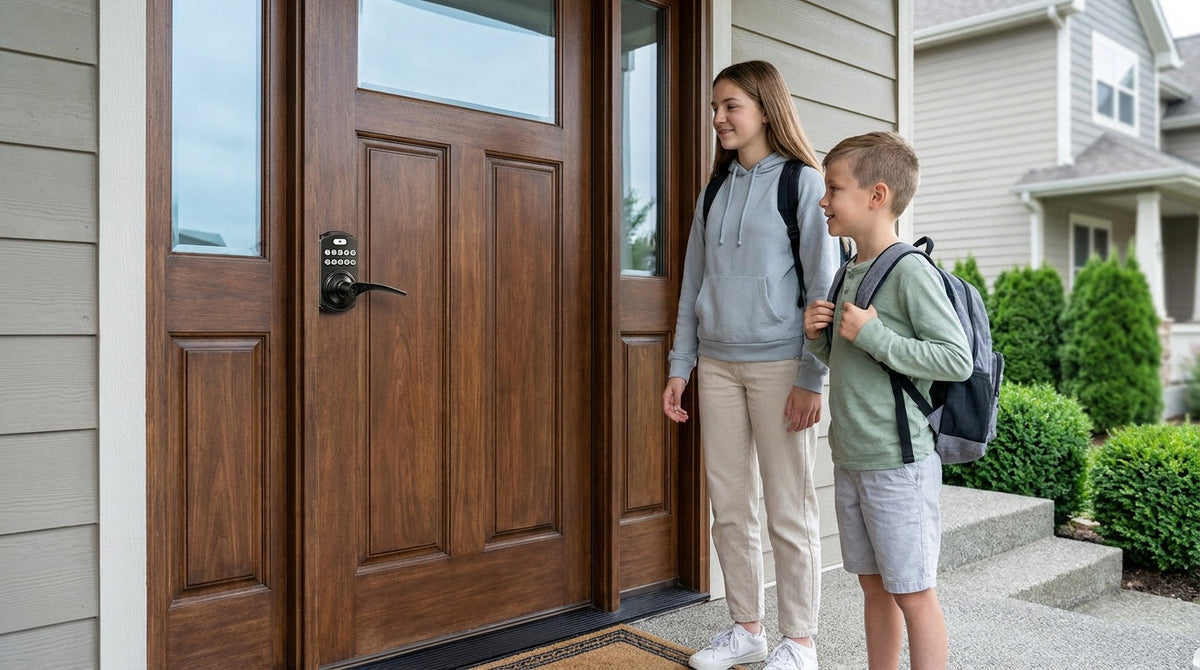
The most common worry about smart locks isn't about security or style — it's this: "What happens when the Internet goes out?" It's a fair question. If your front door depends on a live Wi-Fi connection to let your family in, that's not a convenience upgrade; it's a new problem. The good news is that the best smart locks today are designed with the Internet as an optional layer, not a required one. Your door works first, and connectivity adds features on top.
This guide explains exactly how offline keyless entry works, which unlock methods remain fully active without any Wi-Fi, and how to choose the right lock for your home based on how much — or how little — you want to rely on an Internet connection. Whether you're looking at a simple keypad deadbolt or a fully connected Wi-Fi smart lock, understanding the offline story will help you make a confident decision.
What "Offline" Actually Means for a Smart Lock
"Offline" in the context of a smart lock means the lock has no active connection to the Internet — either because you chose a lock that never needs one, or because your home's Wi-Fi router is temporarily down. These are two different situations, but the outcome at the door is often the same: you still get in. That's because smart locks are physical security devices first. The microcontroller inside the lock, the keypad on the face, the fingerprint sensor, and the motor that drives the lock mechanism all operate on battery power stored in the lock itself. None of those components need a cloud server to function.
Where the Internet becomes relevant is with remote features — the ability to lock your door from work, check who came and went via an app notification, or let a guest in from across town. Those capabilities genuinely require a live Internet connection. But walking up to your own front door and pressing in your code? That happens entirely on-device, whether your router is working or not.
How Offline Keyless Entry Works: The Technology Inside
When you set up a smart lock, every access credential you create — a PIN code, a fingerprint template, a key fob signal — gets written to a small microcontroller chip inside the lock body itself. When you approach the door and enter your code or touch the fingerprint sensor, the lock compares your input against those stored credentials entirely on-device. No request is sent to a server; no Internet lookup is required. The verification is local, private, and nearly instantaneous.
Fingerprint recognition on select Veise models uses an AI-assisted chip that processes the scan in under 0.3 seconds and stores every template locally. Your biometric data never leaves the lock — not to a cloud account, not to a manufacturer server, not anywhere. When you enroll a fingerprint, the lock captures the impression eight times to build a reliable template across different angles and pressure levels, then stores the resulting pattern on-device only. This architecture means offline operation isn't a fallback mode for fingerprint entry; it's the only mode. The scan always happens locally, regardless of Internet status.
Keypad PIN entry works the same way. User codes are stored in non-volatile memory on the lock. A power cycle won't erase them, a Wi-Fi outage won't affect them, and no subscription is required to keep them active. The lock's motor receives a signal from the microcontroller after a successful match and releases the lock. Veise keypad locks accept PIN codes of 4 to 10 digits, and the whole sequence happens on the lock with no network involved.
Entry Methods by Lock Category: What Stays Active Without Wi-Fi
Veise organizes its locks into four distinct categories, and each one has a different set of entry methods that work fully offline. Understanding which category fits your situation makes the selection much simpler.
Keypad Deadbolt
The Keypad Deadbolt is the most straightforward offline lock available. Every model supports keypad code entry and includes a physical key as a backup. The KS02 series adds fingerprint recognition for faster, hands-free entry. There is no app, no gateway, and no Internet dependency of any kind — the lock works entirely on its own. It's a common fit for front and back exterior doors where reliable keyless entry matters more than remote monitoring. Key fob is not supported on this category.
Keypad Latch Lock
The Keypad Latch Lock is an integrated unit — the handle and lock body are one piece — commonly used on interior doors, side garage doors, office doors, or any passage door where code-based access is needed without heavy-duty deadbolt security. The two current SKUs (KS03 with an integrated top knob, and KS04 with an integrated top lever) support keypad code and physical key entry only. There is no fingerprint, no app, and no remote access — both models operate entirely offline by design.
Smart Lock w/ Gateway 1/2
The Smart Lock w/ G1 and Smart Lock w/ G2 are connected locks that pair with a separate gateway device to bridge to your home network and enable remote app control. What's important to understand about offline behavior here is that these locks don't become inoperable when Wi-Fi is unavailable. Keypad code, key fob, physical key, and fingerprint (available on all G1 models and many G2 models) all work with no Internet connection whatsoever. The gateway-dependent features — remote locking from away, off-site notifications, and voice assistant commands, all of which need the paired gateway active — are what go offline. Additionally, even when Wi-Fi is down, app control continues to work locally as long as you're within short-range wireless distance of the lock.
Wi-Fi Smart Lock
The Wi-Fi Smart Lock has Internet connectivity built directly into the lock body — no gateway needed. When your home network is up, you get full remote access, real-time notifications, and voice control via Alexa or Google Assistant. When your Wi-Fi goes down, keypad code, fingerprint, and physical key all continue to work exactly as they would on any offline lock. As with Smart Lock w/ Gateway 1/2, app control also continues to work locally even when Wi-Fi is down, as long as you're within short-range wireless distance. The Internet outage doesn't lock you out; it only suspends the remote features you use from a distance.
What You Lose When Wi-Fi Goes Down (And What You Don't)
It helps to think of a connected smart lock's features in two buckets: local features that live on the lock itself, and remote features that travel through your home network and out to the Internet. Local features are always available. Remote features require a live connection.
Always available (offline and online):
- Keypad PIN code entry
- Fingerprint recognition (on supported models)
- Physical key backup
- Key fob entry (all Smart Lock w/ Gateway 1/2 models, and the VE027 series of Wi-Fi smart locks — not supported on VE012W series)
- Auto lock — configurable between 10 and 99 seconds on Keypad Deadbolt and Keypad Latch locks, and between 10 and 180 seconds on connected models
- Local app control when you're within short-range wireless distance (even when Wi-Fi is down, if you're nearby)
Requires active Internet:
- Remote locking and unlocking from outside your home
- Real-time entry notifications to your phone
- Sharing temporary access codes with guests from a distance
- Voice commands via Alexa or Google Assistant — direct on Wi-Fi smart locks, or through the paired gateway on Smart Lock w/ Gateway 1/2
For most families, the offline-available list covers everything they actually use on a daily basis. The remote features are genuinely useful — especially for families with children who want to see entry history or for property owners managing a short-term rental — but they're an enhancement, not a safety requirement. Your home's security holds whether or not the router is working.
The Privacy Benefit of Local Credential Storage
There's an often-overlooked advantage to offline-first lock design: your credentials never travel. With a keypad deadbolt or keypad latch lock, PIN codes and fingerprint templates are written only to the lock's internal memory. There's no cloud account to create, no manufacturer server holding your access data, and no subscription required to keep the lock functioning. If the company that made your lock shut down tomorrow, your door would open exactly the same as it does today.
Even on connected models — Smart Lock w/ Gateway 1/2 or Wi-Fi smart locks — fingerprint templates remain stored on the lock itself. Remote features use the network to carry commands and notifications, but the authentication itself happens locally. This means a cloud server outage doesn't lock you out, and a data breach at an app provider doesn't expose your biometric data. For families who are cautious about connected devices, this local-first credential architecture is a meaningful distinction from locks that require a live cloud account just to verify a fingerprint.
Which Veise Lock Is Right for You?
Built on Kaadas Group's 38 years of lock industry expertise and backed by 711 patents — the world's largest smart lock patent portfolio — Veise designs every lock with offline reliability as the foundation, not an afterthought. Easy from Day One. Here's how to match the right category to your situation.
Choose a Keypad Deadbolt if: You want the simplest possible upgrade — no app, no router, no subscription. You punch in a code (or touch the sensor on fingerprint models), the bolt retracts, and you're inside. ANSI/BHMA Grade 3 certified and priced in the affordable $30–$180 range, these locks are a practical fit for front and back exterior doors on wood doors 1-3/8" to 2" thick. Install takes about 15 minutes with a screwdriver and no wiring.
Choose a Keypad Latch Lock if: You need code-based access on an interior door, side garage door, or office door — and a deadbolt-style lock is more hardware than the door calls for. The KS03 (knob handle) and KS04 (lever handle) are fully integrated units that work entirely offline and don't require any additional setup beyond programming your codes.
Choose a Smart Lock w/ G1 if: You want connected remote access plus a comprehensive all-in-one feature set. Smart Lock w/ G1 is built on a single product series — the VE017 — and every model ships with fingerprint recognition, voice prompts in English, Spanish, and French, and a USB-C emergency power port as standard. The lock pairs with the Veise-developed first-party app, which makes it the most reliable all-in-one connected pick in the Veise lineup. Key fob and physical key are both included as backups, and all local entry methods remain fully active when the Internet is unavailable.
Choose a Smart Lock w/ G2 if: You want to unlock with an Apple Watch, or you'd like web portal access for managing a rental property. Smart Lock w/ G2 offers more SKU variety than Smart Lock w/ G1, including non-fingerprint options and handleset bundles in lever, vertical, or knob form factors. It supports English voice prompts only. All local entry methods work fully offline.
Choose a Wi-Fi Smart Lock if: You want remote access without the extra step of setting up a gateway device, and you'd like built-in Alexa or Google Assistant voice control. Veise offers two series: the Touchscreen Wi-Fi Smart Lock (VE027 Series) and the Push-Button Wi-Fi Smart Lock (VE012W Series). Both use an 8 AA/LR6 alkaline battery design for a stronger signal and a larger power reserve than the standard 4 AA setup common in the industry, and both work fully offline for all local entry methods. They differ in four concrete ways: interface (touchscreen vs. press-button), USB-C emergency power (VE027 series only), key fob support (VE027 series only), and on-device voice prompts in English, Spanish, and French (VE027 series only). Families with children will particularly appreciate the Wi-Fi option, since remote entry history and app monitoring give parents visibility into who's coming and going — even from work or school drop-off.
Installation: Simpler Than You Think
Veise locks are full lock replacements — not overlays that clip onto existing hardware — which means you'll need to be the property owner or have authority to modify the door hardware. The upside is that a full replacement is more secure and more reliable than an overlay, and the install process is designed to take about 15 minutes with a screwdriver. No wiring, no locksmith, no special tools required — and every Veise product ships with a step-by-step user manual and an installation video, so you can follow the exact sequence for your model. The Effortless Home Improvement™ Experience is the design philosophy behind every Veise product: the install should be straightforward enough that it doesn't become a project.
Veise locks are compatible with wood doors from 1-3/8" to 2" thick. They are not compatible with fiberglass, metal, storm, or sliding doors. If you're unsure which model to start with, the full Veise product lineup is organized by category to make browsing simple, or you can contact the Veise team directly for a recommendation.
Frequently Asked Questions
Do smart locks work without Wi-Fi?
Yes. All Veise locks work without Wi-Fi. Keypad deadbolts and keypad latch locks are entirely offline by design — no Internet connection is ever required. Smart Lock w/ Gateway 1/2 and Wi-Fi smart locks lose remote features (off-site locking, push notifications) when the Internet is down, but keypad code, fingerprint, key fob, and physical key all continue to work locally. Even app control continues to function when Wi-Fi is down, as long as you're within short-range wireless distance of the lock.
Do I need a subscription to keep my smart lock working?
No. All Veise features work out of the box with no subscription fee. Credentials are stored on the lock itself, and no cloud account is required for local entry methods to function.
What happens to my PIN codes and fingerprints if the power goes out?
Veise locks store all credentials in non-volatile memory — a power cycle or battery change does not erase your codes or fingerprint templates. When you replace the batteries, your lock remembers every credential exactly as you programmed it. All Veise models include a physical key backup, so a fully dead battery never leaves you locked out. The VE017 series (Smart Lock w/ G1) and the VE027 series (Touchscreen Wi-Fi Smart Lock) also include a USB-C emergency power port as standard on every model — connect a portable power bank to that port, enter your code, and the door opens.
Is it safe to store fingerprints on a smart lock?
Yes, and local storage is actually safer from a privacy standpoint than cloud storage. On every Veise fingerprint lock, the biometric template is processed and stored on the lock itself — it never leaves the device and is never transmitted to a cloud server or manufacturer account. A data breach at an app provider cannot expose your fingerprint data because it was never uploaded in the first place.
Can I add remote access to a keypad deadbolt later?
No. Remote access requires a smart lock from the start — either a Smart Lock w/ Gateway 1/2 or a Wi-Fi smart lock. The Keypad Deadbolt and Keypad Latch categories are offline-only and cannot be paired with a gateway after the fact. If remote monitoring is something you might want in the future, it's worth stepping up to a connected model now rather than replacing the hardware later.
What doors are Veise locks compatible with?
Veise locks are compatible with wood doors from 1-3/8" to 2" thick. They are not compatible with fiberglass, metal, storm, or sliding doors. All models require a standard door prep (a drilled bore hole) — the same prep used by traditional deadbolts and latch locks.
Do I need a professional to install a Veise lock?
No. Veise locks are designed for DIY installation — about 15 minutes with a screwdriver, no wiring, no special tools. Because Veise locks are full lock replacements (not overlays), you'll need to be the property owner or have authority to modify the door hardware. If you run into any questions during setup, the Veise support team is available to help.
A smart lock without Wi-Fi isn't a compromise — for many homeowners, it's exactly the right choice. Keypad deadbolts and keypad latch locks deliver reliable, code-based keyless entry with no Internet dependency, no subscription, and no complexity. Connected models (Smart Lock w/ Gateway 1/2 and Wi-Fi smart locks) add genuine remote convenience on top of the same offline-reliable foundation, so even when the router goes down, your family's access never does.
Veise locks are built on Kaadas Group's 38 years of lock industry expertise — 10M+ smart locks sold across 41+ countries, recognized by Frost & Sullivan as the global No.1 high-end smart lock brand by sales — but the goal has always been simple: make home entry effortless, dependable, and free of unnecessary complications. That philosophy shows up most clearly in how every lock in the lineup handles a Wi-Fi outage: your door stays accessible, your credentials stay private, and your home stays secure.
Not Sure Which Lock Fits Your Door?
Browse the full Veise lineup — from simple offline keypad deadbolts to fully connected Wi-Fi smart locks — or reach out and the team will help you find the right match for your home.
Browse All LocksContact Us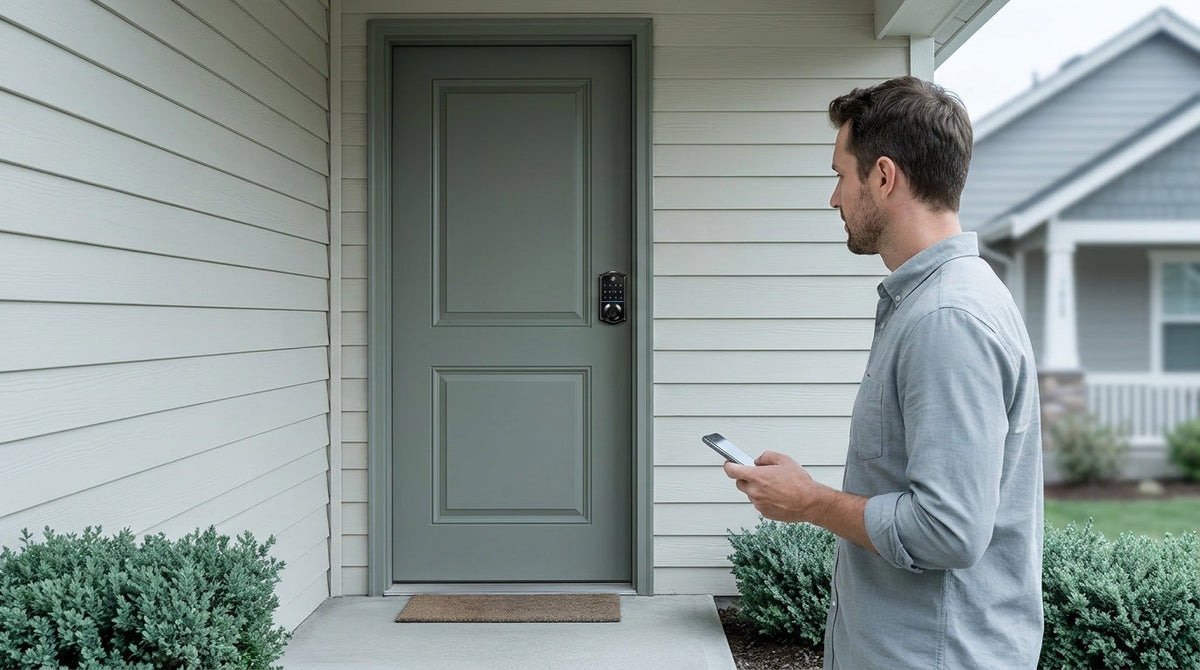

Leave a comment
This site is protected by hCaptcha and the hCaptcha Privacy Policy and Terms of Service apply.