
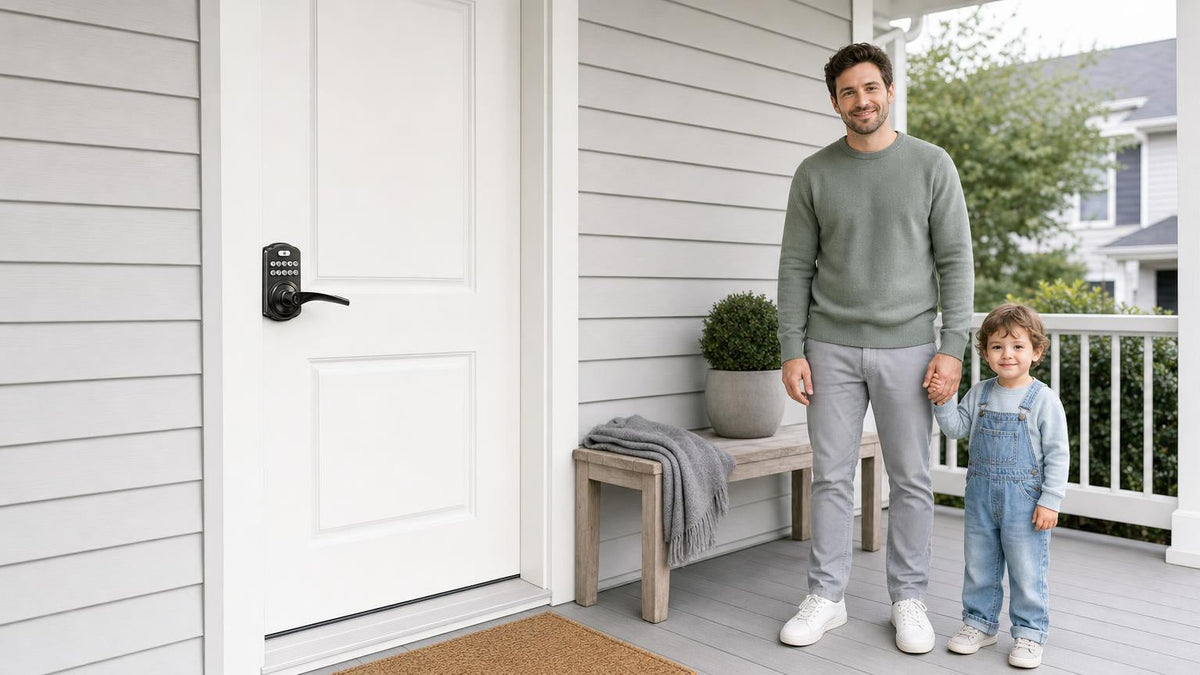
Losing your keys used to be a minor household catastrophe. Today, the fix is already mounted on your door. Keypad door knobs and levers have become one of the fastest-growing home upgrades precisely because they solve a real, daily frustration — no fumbling, no spare keys to hide under a rock, no locksmith calls — without requiring any wiring or professional installation.
The challenge isn't convincing yourself to go keyless. It's sorting through the options. Should you choose a round knob or a lever handle? Do you need a deadbolt-style lock or an integrated latch unit? Does your situation call for a standalone keypad or a connected smart lock you can control from your phone? This guide answers all of those questions by walking you through the handle-style decision first, then matching each of the four main keypad lock categories to the doors and households they serve best.
Every recommendation in this guide comes from Veise — a brand built on Kaadas Group's 38 years of lock industry expertise and 711 patents, the world's largest smart lock patent portfolio. Because Veise owns its factory end-to-end, every lock that ships has been engineered, tested, and quality-controlled under one roof. No third-party OEM guesswork, no subscription fees, and no compromises. Easy from Day One.
Keypad Door Knob vs. Lever: Which Handle Style Is Right for You?
Most buying guides skip the handle question entirely and jump straight to brands. That's a mistake, because knob and lever styles aren't just cosmetic choices — they affect who can use your door comfortably and how the lock fits your home's existing hardware. Getting this decision right first makes everything else easier.
Keypad door knobs use a round, rotating grip. They have a classic, traditional look that blends well in older homes or with more decorative door hardware. Because they require a twisting motion to open, they can be slightly harder to operate one-handed (say, when carrying groceries) and may pose a challenge for anyone with arthritis or reduced grip strength. On the upside, young children and curious pets are less likely to work a knob open by accident — a real consideration for households with toddlers.
Keypad door levers use a horizontal bar that pushes down or pulls up to release the latch. The motion is more natural and requires far less hand strength, making levers the more accessible choice for seniors, young kids learning to open doors, or anyone who frequently enters with their hands full. Levers also tend to look cleaner and more modern, which is why many newer builds default to them throughout. The one caveat worth knowing: because levers are so easy to operate, a determined pet or a curious toddler can sometimes work one open — so if that's a concern in your household, a knob may give you more peace of mind.
In practice, both styles are available across the Veise keypad lineup. The deciding factor usually comes down to who uses the door most and what look you're going for. If you want to see every option side by side, browse Veise's Keypad Latch Lock collection (knob-top and lever-top both available) or the full Keypad Deadbolt range (handleset bundles in knob, lever, or vertical handle, depending on the series).
The Four Keypad Lock Categories — and Why the Difference Matters
Choosing between a knob and a lever is just the first decision. The bigger one is which type of keypad lock you actually need. There are four distinct categories, and they're not interchangeable — each is designed for a different door situation, a different level of security, and a different relationship with your phone.
- Keypad Deadbolt — For exterior doors (front, back, garage-to-house) that need a solid bolt throw for primary security. Code entry plus physical key backup on all models; fingerprint on select Veise models (KS02 series).
- Keypad Latch Lock — An integrated knob-or-lever unit ideal for interior doors, side entries, garage doors, and office doors where code access matters more than maximum bolt strength.
- Smart Lock w/ Gateway (G1 or G2) — A full smart lock paired with a gateway hub for remote app control, voice assistant support, key fob access, and entry history. Best when you want connectivity without a built-in Wi-Fi chip.
- Wi-Fi Smart Lock — Built-in Wi-Fi means remote access anywhere with no separate hub required. Alexa and Google Assistant voice control included. The go-to choice for families who want to monitor who comes and goes in real time.
Each category unlocks a different set of access methods, and understanding those differences saves you from buying the wrong lock. The sections below go deeper on each one.
Best Keypad Door Knob / Lever Pick: Keypad Deadbolt
For any exterior entry door, a deadbolt is typically the right foundation. Unlike a spring latch, a deadbolt's solid steel bolt extends directly into the door frame and stays there until actively retracted — it can't be slipped or shimmed. A keypad deadbolt builds on that mechanical security by replacing the key cylinder with a numeric keypad, so the bolt is now controlled by a code you know rather than a key you carry.
Veise's Keypad Deadbolt collection divides into two main groups. The non-fingerprint line (RZ and KS01 series) delivers straightforward code-plus-key access across standalone deadbolts and handleset bundles in knob or lever configurations — a clean, practical upgrade for any exterior door. The fingerprint line (KS02 series) adds a biometric reader that recognizes a registered fingerprint in under 0.3 seconds, making it the fastest way through the door for family members who'd rather not enter a code every time. Fingerprints are processed and stored on the lock itself — nothing goes to the cloud, no account required.
Every Veise Keypad Deadbolt includes auto lock, which you can configure between 10 and 99 seconds, so the door relocks behind you automatically even if you forget. Anti-peep code entry lets you enter random digits before or after your real PIN — as long as the correct sequence appears somewhere in the string, the lock opens — which protects against anyone watching your hands from a distance. And because Veise locks are ANSI/BHMA Grade 3 certified, they meet the standard for residential security applications without the overkill cost of commercial-grade hardware.
Install takes about 15 minutes with a screwdriver. No wiring, no pro help needed. Veise locks fit wood doors between 1‑3/8" and 2" thick. They are not compatible with fiberglass, metal, storm, or sliding doors.
Who It's Best For
- Homeowners replacing a standard deadbolt on a front or back door
- Anyone who wants keyless convenience without app dependency
- Households where fingerprint speed matters (KS02 series)
- Property owners who want to issue separate codes to family members, housekeepers, or service providers
Best for Interior & Secondary Doors: Keypad Latch Lock
Not every door in your home needs a deadbolt-level bolt throw. Interior doors, side doors, garage entry doors, and office doors typically need code-based access control more than heavy-duty forced-entry resistance. That's exactly what a keypad latch lock is built for. Unlike a separate deadbolt-plus-handle combination, the latch lock is one integrated unit — the keypad, the latch mechanism, and the handle are all part of the same body. It's simpler to install, simpler to use, and appropriately priced for secondary door applications.
Veise currently offers two Keypad Latch Lock models distinguished by their handle type. The KS03 features an integrated top knob — the classic round-handle look for homes that prefer traditional hardware. The KS04 uses an integrated top lever, offering the ergonomic push-down operation that's easier for seniors or anyone who regularly enters with hands full. Both models work the same way: enter your code on the exterior keypad to unlock the door, then turn the handle to retract the latch and open the door. Both include a physical key as backup.
It's worth noting that on an entry door already fitted with a separate deadbolt, a keypad latch lock can serve alongside it effectively. The latch handles daily code-based access while the deadbolt provides the primary security layer. This setup is common in multi-unit properties, short-term rentals, and any entry point where an owner wants coded convenience without removing existing deadbolt protection.
Who It's Best For
- Interior doors, office doors, side entries, and garage-to-home entries
- Property managers or landlords managing coded access across multiple doors
- Anyone who wants a clean one-piece unit rather than a separate deadbolt and handle
- KS04 lever model: seniors or households where lever operation is preferred
Best Connected Pick: Smart Lock w/ Gateway (G1 or G2)
If you want to unlock your door from the couch, check whether you left the front door locked from the office, or give a dog walker a temporary access code without ever handing over a physical key, you need a smart lock — and a gateway-paired smart lock is one of the two ways to get there. The gateway is a small hub you plug in within wireless range of the lock, connected to your home network, acting as the bridge between the lock and the app, enabling remote control, entry history, and voice assistant support without needing a Wi-Fi chip built into the lock itself.
Veise's gateway line splits into two generations with meaningfully different feature sets.
Smart Lock w/ G1 — The All-in-One Connected Pick
The entire G1 line is one series — the VE017 — and it ships fully loaded across every SKU. All G1 models include fingerprint recognition (under 0.3 seconds), multilingual voice prompts in English, Spanish, and French, a USB-C emergency power port as standard, and remote app control via the Veise-developed first-party app. Voice guidance in three languages is a genuine differentiator for multilingual households or non-English-speaking family members who use the lock daily. The first-party app integration also means tighter reliability and a more consistent user experience compared to locks dependent on third-party platforms.
Unlock methods across Smart Lock w/ G1 cover multiple ways to enter: keypad code, fingerprint, key fob, physical key backup, and remote app control via the paired gateway. When Wi-Fi is down but you're within short-range wireless distance, app control continues to work locally — only long-distance remote features require live Internet. Voice commands work through the gateway once it's connected to Alexa or Google Assistant. Browse the full Smart Locks w/ G1 collection to see available configurations.
Smart Lock w/ G2 — Apple Watch Unlock and Web Portal Access
Smart Lock w/ G2 covers more SKU variety than Smart Lock w/ G1 — both fingerprint and non-fingerprint options, in standalone deadbolt or handle-set bundle form. What makes Smart Lock w/ G2 uniquely worth considering is its Apple Watch unlock capability and web portal control, both of which are exclusive to G2 line and unavailable on any other Veise lock. If you're in an Apple ecosystem household and want to unlock your front door with a tap on your watch, Smart Lock w/ G2 is the only option in the lineup that delivers that. Voice prompts on G2 line are currently English only, so if a multilingual household is important, Smart Lock w/ G1 is the stronger pick. Explore the Smart Locks w/ G2 collection for the full range.
Who It's Best For
- Homeowners who want remote access and entry history without built-in Wi-Fi complexity
- Multilingual households (G1 line — English, Spanish, French voice prompts)
- Apple Watch users who want wrist-based entry (G2 line only)
- Short-term rental owners or property managers who need to issue and revoke codes remotely
- Families with kids — remote entry history lets parents see when children arrive home
Best for Full Remote Control: Wi-Fi Smart Lock
A Wi-Fi Smart Lock cuts out the gateway hub entirely. The lock connects directly to your home's Wi-Fi network, which means remote app access, real-time alerts, and Alexa or Google Assistant voice commands work the moment setup is complete — no extra hardware to buy or plug in. For families who want the maximum in daily monitoring and convenience, this is the most straightforward path.
Veise's Wi-Fi Smart Lock lineup offers two series that share the same Wi-Fi connectivity, fingerprint, and app control, but differ in four concrete ways: interface, USB-C emergency power, key fob, and on-device voice prompts. The Touchscreen Wi-Fi Smart Lock (VE027 Series) uses a smooth glass touchscreen for code entry — sleek and modern, and a code or fingerprint works in the dark with no keyhole to find. Every VE027 also includes a USB-C emergency power port, making it a strong pick for households concerned about battery-dead lockouts (seniors, vacation properties, rental cabins). The Push-Button Wi-Fi Smart Lock (VE012W Series) uses a traditional press-button keypad — tactile, responsive, and easy to use in any lighting condition without needing to activate a screen first.
Both series run on 8 AA batteries (rather than the more common 4 AA setup found in most competing locks), which delivers a stronger signal, more stable connectivity, and a larger power reserve. Both include fingerprint recognition, keypad code, remote app control, and Alexa and Google Assistant voice commands via built-in Wi-Fi. On-device voice prompts in English, Spanish, and French are a VE027 feature; the VE012W series has none. When Wi-Fi is down but you're within short-range wireless distance, the app still works locally. All models include a physical key backup. Key fob splits by series: supported on the VE027 series, and not supported on the VE012W series at all. Note: Apple Watch unlock is not supported on Wi-Fi Smart Locks — that feature is exclusive to Smart Locks w/ G2.
Wi-Fi smart locks sit at the top of Veise's $30–$180 lineup, with no subscription fees required for any feature. Everything works out of the box.
Who It's Best For
- Families who want real-time entry history and remote monitoring (check when kids get home from school)
- Homeowners who prefer a single-device setup without a separate gateway hub
- Smart home users running Alexa or Google Assistant routines
- VE027 Series: USB-C emergency power for households concerned about battery-dead lockouts
- VE012W series: Anyone who prefers the reliability of physical button entry over a touchscreen
5 Things to Check Before You Buy a Keypad Door Knob or Lever
Even the right lock becomes the wrong lock if it doesn't fit your door or your daily routine. Run through this short checklist before you order.
- Door material and thickness — Veise keypad locks are compatible with wood doors between 1‑3/8" and 2" thick. They are not compatible with fiberglass, metal, storm, or sliding doors. If your door falls outside that range, measure before purchasing.
- Door location and security need — Exterior doors (front, back, garage-to-house) typically call for a keypad deadbolt or a smart lock. Interior, side, garage, and office doors are commonly served by a keypad latch lock. Use the right tool for the right door.
- Remote access requirements — A keypad deadbolt or keypad latch lock cannot be paired with a gateway after the fact. If you want remote locking, entry history, or app alerts, you need a smart lock — gateway-paired or Wi-Fi — from the start. Plan ahead rather than upgrading twice.
- Who uses the door most — Seniors or users with reduced grip strength benefit most from a lever handle. Households with toddlers or pets may prefer a knob to prevent accidental openings. Multilingual households should look at Smart Lock w/ G1 or Wi-Fi models for three-language voice prompts.
- Property ownership — Veise locks are full replacements for existing hardware, so installation requires the authority to modify door hardware. They're designed for property owners and owner-operated rentals, not renter-side installs.
If you'd like to compare every Veise lock model at once, the full product catalog is organized by category and form factor. You can also explore individual mechanical hardware options — keyed entry door knobs, keyed entry door levers, privacy door knobs, privacy door levers, and standalone deadbolt locks — if you're building a combined mechanical-and-keypad setup across multiple doors.
Frequently Asked Questions
What is the difference between a keypad door knob and a keypad door lever?
A keypad door knob uses a round, rotating grip to open the door, while a keypad door lever uses a horizontal bar you push down or pull up. Both styles are available across Veise's keypad lock lineup. Levers are generally easier to use one-handed or for people with reduced grip strength. Knobs are slightly harder for young children and pets to open accidentally, which can be an advantage in some households.
Do I need a keypad deadbolt or a keypad latch lock?
It depends on the door. Exterior doors (front, back, and the door between your garage and living space) typically benefit from a keypad deadbolt because the solid bolt throw provides stronger resistance to forced entry. Interior doors, side doors, office doors, and garage entry doors are commonly served by a keypad latch lock — an integrated unit where the handle and keypad are built together. Latch locks can also pair with a separate deadbolt on entry doors when both code-based access and maximum security are priorities.
Can I control a keypad door lock from my phone?
Not with Keypad Deadbolt or Keypad Latch Lock. Remote app control, entry history, and over-the-air code management require a smart lock — either a Smart Lock w/ Gateway (G1 or G2) or a Wi-Fi Smart Lock. A keypad-only lock operates standalone; it cannot be paired with a gateway after purchase. If remote access is a priority now or in the future, choose a smart lock from the start.
What door types are Veise keypad locks compatible with?
Veise keypad locks are compatible with wood doors between 1‑3/8" and 2" thick. They are not compatible with fiberglass, metal, storm, or sliding doors. Always measure door thickness and verify material before purchasing.
Is there a subscription fee for Veise smart lock features?
No. All Veise features — including remote app access, entry history, fingerprint management, and voice assistant integration — work out of the box with no ongoing subscription fees. Your codes live on the lock itself, so entry never depends on the Internet, your router, or the app.
How long does it take to install a Veise keypad lock?
Most Veise keypad locks install in about 15 minutes using just a screwdriver — no wiring, no locksmith, and no special tools required. Veise's Effortless Home Entry™ design means the lock is engineered to drop into existing door prep holes on standard wood doors, so you replace only the lock hardware, not the door itself.
What is the anti-peep code feature?
Anti-peep code entry lets you type extra random digits before or after your real PIN. As long as your actual code appears somewhere within the full string you enter, the lock opens. This prevents anyone watching from a distance from identifying your real combination by observing your hand movements. It's a standard feature across Veise's keypad lock lineup.
Which Veise lock is best for a family with young children?
For families with kids, a Wi-Fi Smart Lock or a Smart Lock w/ Gateway (G1 or G2) is the recommended choice. Both allow parents to remotely review entry history and monitor lock activity in real time — so you can confirm that children arrived home safely without needing to call or text. Keypad Deadbolt or Keypad Latch Lock does not offer this capability.
Not Sure Which Lock Fits Your Door?
The Veise team is here to help you match the right keypad lock to your specific door, household, and security needs — with no pushy sales, just straightforward guidance built on 38 years of lock expertise.
Contact Us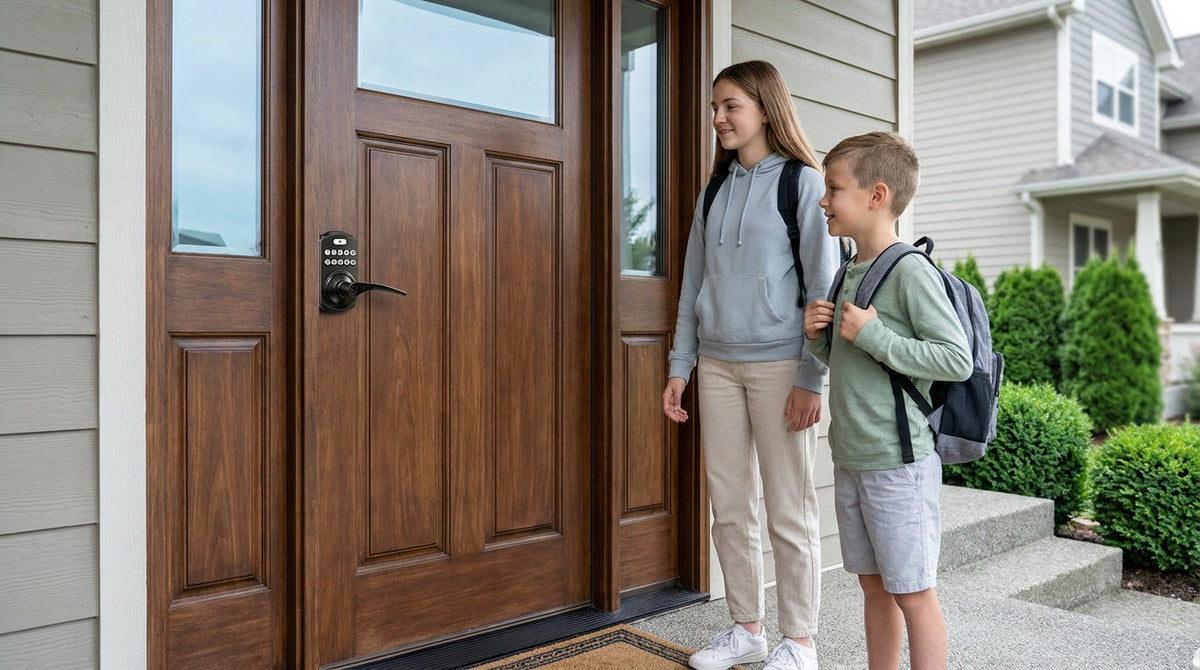

Leave a comment
This site is protected by hCaptcha and the hCaptcha Privacy Policy and Terms of Service apply.