
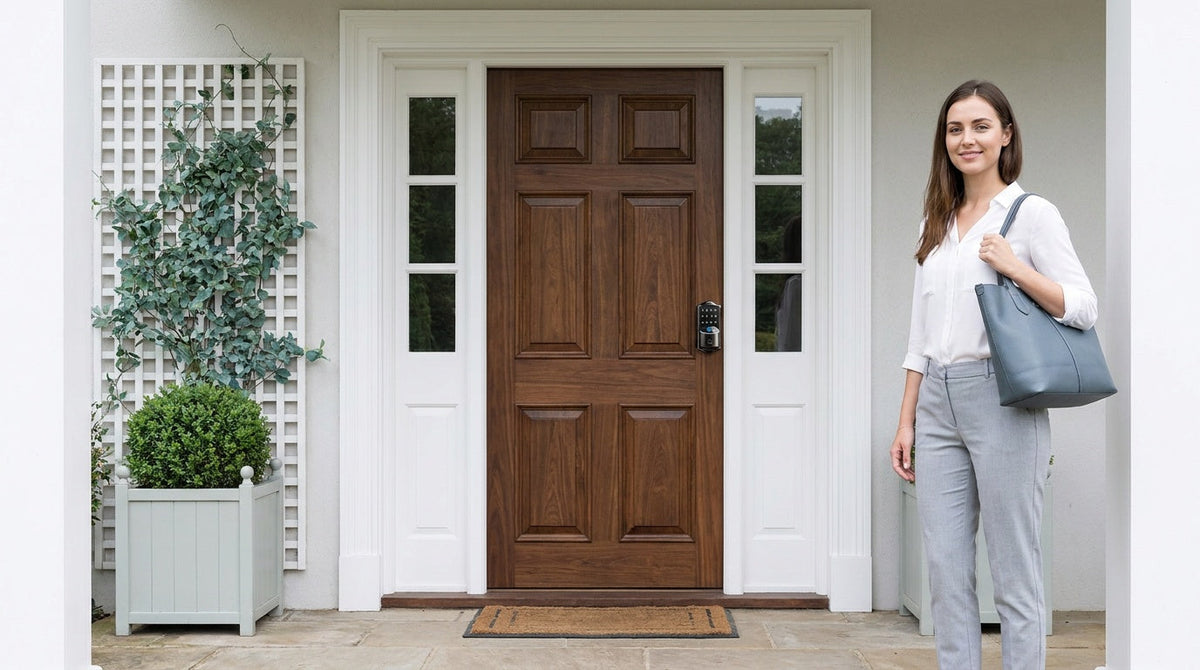
You're juggling groceries, a bag, and a kid when you reach the front door — and you have to set everything down just to dig out your keys. Sound familiar? Or maybe you're at work wondering whether you remembered to lock up. These are the small daily frictions that keyless door locks are designed to solve.
A keyless door lock adds a PIN code, fingerprint, mobile app, or some combination of all three alongside the key cylinder, so no key is needed for daily entry. The market has grown enormously, and with it, the range of options: from simple battery-powered keypad deadbolts to fully connected Wi-Fi smart locks you can control from the other side of the country. Choosing the right one means understanding which type fits your door, your household, and your budget.
This guide breaks down the four main categories of keyless door locks, walks you through the features that actually matter, and helps you match the right lock to your specific situation — whether you're upgrading a front door, securing an interior room, or managing a rental property. Prices range from $30 to $180, so there is a practical option for nearly every home and budget.
What Is a Keyless Door Lock?
A keyless door lock is a locking device that secures and releases a door without requiring a traditional metal key. Instead of turning a cylinder with a cut key, you authenticate with something you know (a PIN code), something you are (a fingerprint), or something you have (a smartphone app or key fob). The lock's internal bolt mechanism works the same way as a conventional deadbolt or latch — only the method of operating it has changed.
Modern keyless locks range from purely mechanical keypad models with no electronics beyond a battery to fully networked smart locks that connect to Wi-Fi, send real-time alerts to your phone, and respond to voice commands through Alexa or Google Assistant. That breadth is part of why choosing one can feel overwhelming. The key is to start with your door and your daily routine, then work backward to the right lock type — not the other way around.
5 Reasons to Switch to a Keyless Door Lock
Keyless locks are not a novelty upgrade — they solve real, recurring problems that traditional locks simply cannot. Here are five practical reasons homeowners make the switch:
- No more lost-key lockouts. Daily entry no longer depends on the key you happen to be carrying, and there is no reason to leave a spare under a doormat where anyone can find it. Access lives in a code or a fingerprint that cannot be misplaced — the physical key stays in a drawer as backup.
- Flexible access for everyone in your household. You can create individual PIN codes for family members, housekeepers, or dog walkers. One-time codes work on every Veise lock and delete themselves after a single use; connected models add codes scheduled to specific hours or date ranges. Either way there is no need to change the lock when a contractor's job is done.
- Auto lock means the door locks itself. Forgot to lock up before bed? An auto lock feature re-engages the bolt after a set interval, so the door is never accidentally left unsecured.
- Remote visibility for parents and property owners. Wi-Fi and gateway-connected smart locks log every entry event — who unlocked the door, which method they used, and when. Parents can confirm kids arrived home safely; hosts managing a rental property can monitor access without being on-site.
- Harder to bypass than a traditional lock. Veise keyless locks add protections a plain cylinder cannot: the lock pauses for 3 minutes after 10 wrong attempts, and anti-peep entry lets you pad your real PIN with extra random digits so an onlooker cannot read it off the keypad.
Beyond security, there is a simple quality-of-life benefit that is easy to underestimate: walking up to your front door with your hands full and unlocking it with a fingerprint tap or a quick keypad code is genuinely more pleasant than fumbling with keys every single day.
4 Types of Keyless Door Locks — and Which Door Each Fits
Not all keyless locks are the same, and the right category depends heavily on where you are installing the lock and how much connectivity you want. Here is how the four main types break down.
1. Keypad Deadbolt Lock
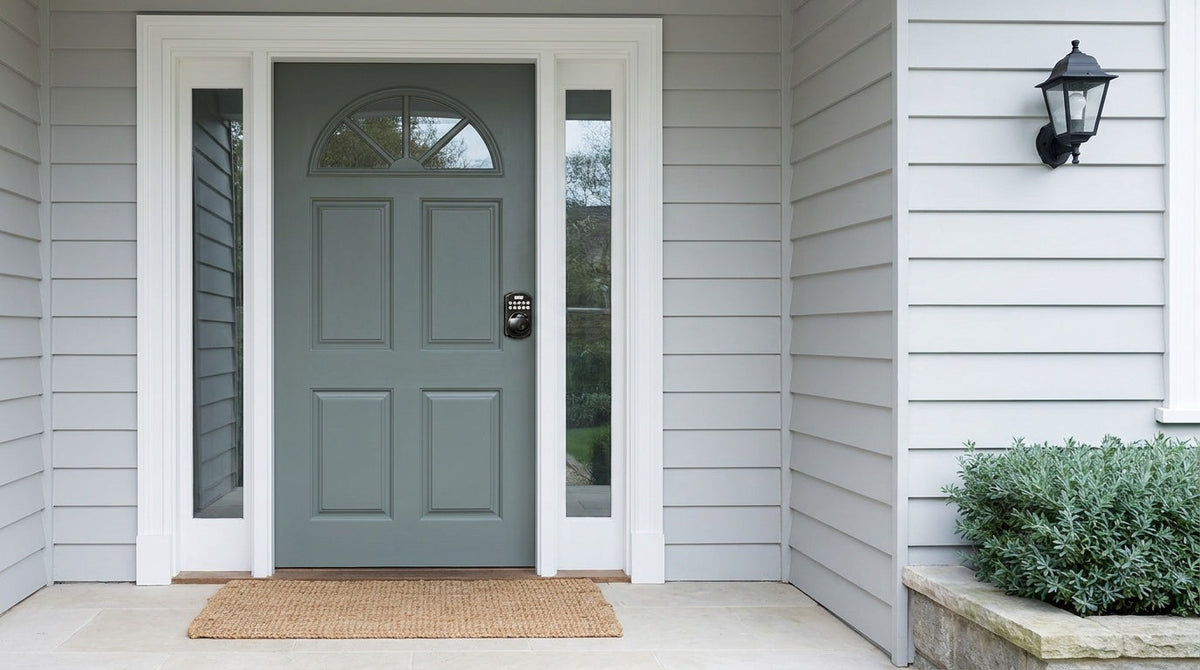
A keypad deadbolt lock combines a traditional throw-bolt deadbolt with an electronic keypad, giving you code-based entry without any app or Internet connection required. All models include a physical key as a backup, so you are never completely locked out if a battery dies unexpectedly. Select Veise models — every SKU in the KS02 series — also add fingerprint recognition, which scans in under 0.3 seconds for quick, hands-free access.
Within the keypad deadbolt category, the primary split is between models with fingerprint capability and those without. Fingerprint models (the KS02 series) are available as keypad-and-deadbolt-only units or as complete handle-set bundles with a lever, knob or vertical grip included. Non-fingerprint models (RZ and KS01 series) come as standalone deadbolts or handle-set bundles with a lever or knob. Auto lock is a standard feature across the entire lineup, configurable between 10 and 99 seconds on this category to suit your household's rhythm.
Keypad deadbolts are typically the right fit for front doors and main entry doors where you want strong bolt-based security, keyless convenience, and a simple, reliable setup that does not depend on a Wi-Fi connection or a monthly subscription.
2. Keypad Latch Lock
A keypad latch lock uses a spring-latch bolt (rather than a deadbolt throw) and integrates the handle directly into the lock body. Entry is by keypad code or physical key backup — there is no app, no fingerprint reader, and no key fob on this category. That simplicity is intentional: these locks are designed to be completely standalone, battery-powered units with zero setup complexity beyond programming a PIN.
Two SKUs are currently available: the KS03 (integrated top knob) and the KS04 (integrated top lever). The only meaningful difference between them is handle style — choose based on what feels more comfortable and matches your existing hardware. Keypad latch locks are commonly a good fit for interior doors, side entries, garage-to-home doors, office doors, and warehouse or utility spaces where straightforward code-based access is all you need. They can also work well on entry doors when paired with a separate deadbolt, where the latch handles daily code-based access and the deadbolt provides primary bolt security.
3. Smart Lock w/ Gateway (G1 or G2)
A Smart Lock w/ Gateway pairs the physical lock with a small gateway hub that bridges the lock to your home network — giving you remote app control, entry history logs, and voice assistant integration without the lock itself needing to be Wi-Fi enabled. All models in this category support keypad code, key fob, and physical key as standard unlock methods, and many also include fingerprint. Remote access requires a smart lock (gateway-paired or Wi-Fi), not a standalone keypad lock — a keypad deadbolt or keypad latch lock cannot be paired with a gateway.
The gateway line comes in two generations with distinct strengths. Smart Locks w/ G1 is built on a single product series — the VE017. Every G1 lock ships with multilingual voice prompts (English, Spanish, and French), a USB-C emergency power port, and fingerprint recognition as standard features across the entire line. G1 pairs with a Veise-developed first-party app, making it the most reliable all-in-one gateway pick for households that include non-English speakers or want every premium feature without choosing between SKUs.
Smart Locks w/ G2 offer more SKU variety — fingerprint and non-fingerprint options in standalone deadbolt or handle-set bundle configurations — and introduce two features unique to Smart Lock w/ G2: Apple Watch unlock and web portal control. Smart Lock w/ G2 ships with English voice prompts. If Apple Watch integration or a non-fingerprint connected option matters to your household, Smart Lock w/ G2 is the line to explore. When Wi-Fi is down but you are within short-range wireless distance of the lock, app control continues to work locally on both Smart Lock w/ G1 and Smart Lock w/ G2, so you are not left without options during an Internet outage.
4. Wi-Fi Smart Lock
A Wi-Fi smart lock has built-in Wi-Fi, so it connects directly to your home network without a separate gateway hub. This means full remote access, real-time push notifications, activity logs, and voice control via Alexa or Google Assistant — all out of the box, with no additional hardware to purchase or configure. Physical key backup is included on all models. Key fob splits by series: every SKU in the VE027 series supports it, and the VE012W series does not support it at all.
Two series are available. The Touchscreen Wi-Fi Smart Lock (VE027 Series) features a touchscreen interface, a USB-C emergency power port standard across the series, and on-device voice prompts in English, Spanish, and French. The USB-C port is useful if the batteries run unexpectedly low and you need a quick boost from a portable charger. The Push-Button Wi-Fi Smart Lock (VE012W Series) uses a traditional press-button keypad and does not include the USB-C port, key fob support, or on-device voice prompts. Both series share the same core unlock methods (fingerprint, keypad code, and app control) and the same 8 AA battery design that delivers a stronger signal and a more stable connection than the standard 4 AA setup found in most competitor locks.
Wi-Fi smart locks are a strong fit for families with school-age children, hosts managing a short-term rental property, or any household where remote visibility and real-time notifications are genuinely useful day to day.
Which Keyless Lock Is Right for You?
The best keyless door lock is the one that matches your actual situation — not the one with the most features. Use the scenarios below to narrow your decision quickly.
- You want simple keyless entry with no app or subscription. A keypad deadbolt or keypad latch lock is the right starting point. Code-based access, auto lock, and a physical key backup — nothing more to configure.
- You have kids coming home from school. A Wi-Fi smart lock or a gateway-paired smart lock gives you real-time entry notifications and access history from your phone, so you know when your kids arrived home without needing them to call you.
- You manage a rental property or Airbnb. A Wi-Fi smart lock or a Smart Lock w/ Gateway lets you create time-limited access codes for guests, lock or unlock the door from anywhere, and review entry logs remotely — removing the logistics of key handoffs entirely.
- You have elderly family members at home. Fingerprint entry (select keypad deadbolts — every SKU in the KS02 series — plus every Smart Lock w/ G1, many Smart Lock w/ G2, and every Wi-Fi smart lock) is often the most accessible option for users who find small keypads or apps difficult. A code or fingerprint also works in the dark, with no keyhole to line up by feel.
- You want multilingual voice prompts. Smart Lock w/ G1 and the Touchscreen Wi-Fi series (VE027 series) both support English, Spanish, and French voice prompts; the Push-Button VE012W series has no on-device voice prompts. Smart Lock w/ G2 ships with English voice prompts.
- You want Apple Watch unlock. That feature is unique to Smart Lock w/ G2 — it is not available on Wi-Fi smart locks or Smart Lock w/ G1.
6 Features to Look for Before You Buy
With dozens of models on the market, a short checklist helps cut through the noise. These are the six features that separate a lock you will use confidently for years from one that frustrates you within a month.
- Auto lock — Automatically re-engages the bolt after the door is unlocked. Look for a configurable delay (10 to 99 seconds on Keypad Deadbolt and Keypad Latch locks, 10 to 180 on connected models) so you can tune it to your household's pace. This is one of the most practical safety features a residential lock can have.
- Fingerprint recognition speed — If biometric access matters to you, look for a reader that authenticates in under 0.3 seconds and stores fingerprints locally on the device (not in the cloud). Local on-device storage means no Internet account is required to use the fingerprint reader, and your biometric data never leaves the lock.
- Multiple unlock methods — Redundancy matters. A lock that supports a PIN code plus a physical key backup means you always have an alternative if a battery runs low or a code is forgotten. Smart locks add app control, key fob, and voice commands on top of that baseline.
- Battery design and low-battery alerts — Most residential keyless locks run on AA batteries. Check whether the lock sends a low-battery push notification or audible alert before the battery reaches critical levels. Running out of battery mid-lockout is an avoidable inconvenience.
- ANSI/BHMA Grade 3 certification — For residential doors, ANSI/BHMA Grade 3 is the recognized standard. Grades 1 and 2 target high-traffic commercial settings — offices, hospitals, and institutional buildings — where locks cycle thousands of times per day. A Grade 3 certified lock has passed standardized laboratory tests for residential durability and impact resistance, which is exactly what a home door requires.
- No subscription required — Some smart lock brands charge monthly or annual fees to maintain app access or unlock history. Look for locks that deliver their full feature set without an ongoing subscription cost.
What to Know About Installation
One of the most common hesitations about switching to a keyless lock is the assumption that installation is complicated. For most residential keyless deadbolts and latch locks, that concern is unfounded. A standard installation on a wood door takes about 15 minutes with a screwdriver — no wiring, no locksmith, and no special tools. The new lock replaces the existing hardware using the same door prep (bore holes and strike plate) that is already in place.
A few compatibility points are worth confirming before you order. Veise locks are designed for wood doors with a standard thickness of 1-3/8 inches to 2 inches. They are not compatible with fiberglass, metal, storm, or sliding doors. Unlike retrofit-style locks that layer over your existing hardware, Veise locks are full replacements — so the buyer should be the property owner or have authorization to modify the door hardware before purchasing. If you are a landlord or property manager, this is a straightforward upgrade; just confirm door material and thickness before selecting your model.
Built on 38 Years of Lock Industry Expertise
Veise is built on the foundation of Kaadas Group's 38 years of lock industry expertise and 711 patents — the world's largest smart lock patent portfolio. With 10M+ smart locks sold across 41+ countries, Veise is recognized by Frost & Sullivan as the global No.1 high-end smart lock brand by sales, and is backed by 400+ global R&D professionals, including AI specialists, supported by four worldwide R&D centers. That depth of engineering shows up in practical ways: fingerprint templates processed and stored entirely on the lock itself (no cloud, no internet account required), a vertically integrated manufacturing model where Veise owns its own factory rather than outsourcing to OEM resellers, and a product lineup priced between $30 and $180 that delivers genuine performance without asking homeowners to pay a premium for a brand name.
The Effortless Home Improvement™ Experience is the philosophy behind every Veise product: technology should simplify your life, not add another thing to manage. That means 15-minute installs with a screwdriver, no subscription fees, no wiring, and multiple ways to enter suited to every member of a household — from a child using a fingerprint reader to a grandparent who prefers a familiar PIN code. Browse the keypad deadbolt lineup, Wi-Fi smart locks, or all Veise products to find the right fit for your doors and your family.
Choosing the best keyless door lock comes down to matching the right lock type to your door, your household's daily habits, and the level of connectivity you actually want to use. A keypad deadbolt covers most front doors with zero fuss. A keypad latch lock handles interior and utility spaces simply and affordably. A Smart Lock w/ Gateway (G1 or G2) adds full remote access and smart home integration without requiring the lock itself to be Wi-Fi capable. And a Wi-Fi smart lock is the right choice when real-time notifications, remote control from anywhere, and voice-assistant support are genuinely part of how your household runs.
Whatever category fits your situation, look for a lock backed by real engineering — not just a competitive price tag or a polished app. Easy from Day One. Browse the full lineup below or reach out if you have questions about which model is right for your door.
Frequently Asked Questions
How does a keyless door lock work?
A keyless door lock secures a door using the same bolt or latch mechanism as a traditional lock, but adds an electronic authentication method alongside the key cylinder. Depending on the model, you can unlock the door with a PIN code entered on a keypad, a fingerprint scan, a mobile app over Wi-Fi or a paired gateway, a key fob, or a physical backup key. The lock runs on AA batteries and requires no wiring or hardwired power source.
Are keyless door locks safe?
Yes. Keyless entry removes the habits that undermine a traditional lock — far fewer keys in circulation to be copied, and no spare hidden under a doormat. Veise locks also pause for 3 minutes after 10 wrong attempts and support anti-peep code entry. Smart models add encrypted communication between the lock and the app. As with any security product, choosing a reputable brand and using a strong, unique PIN code significantly reduces the practical risk of unauthorized access.
What is the difference between a keypad deadbolt and a keypad latch lock?
A keypad deadbolt uses a throw bolt that extends fully into the door frame, providing strong bolt-based security — it is typically used on exterior or main entry doors. A keypad latch lock uses a spring-latch bolt that retracts automatically when the handle is turned; it is an integrated unit with the handle built into the lock body, commonly used on interior doors, side entries, garage doors, office doors, or entry doors paired with a separate deadbolt.
Do smart locks work without Wi-Fi?
Yes, with some limitations. Keypad codes and fingerprint access work entirely offline on all models. For gateway-paired smart locks (G1 or G2), if Wi-Fi is down but you are within short-range wireless distance, app control continues to work locally — only long-distance remote features like off-site locking and off-site alerts require an active Internet connection. Wi-Fi smart locks work the same way: local app control remains functional even when Wi-Fi is down as long as you are nearby.
How long do keyless lock batteries last?
Battery life varies by model and usage frequency. Veise Wi-Fi smart locks use 8 AA batteries — more than the 4 AA setup common in most competitor locks — which delivers a stronger signal and a more stable connection alongside an extended power reserve. All Veise locks warn you with a voice or beep prompt at the lock before the battery reaches a critically low level — and connected locks add an app push notification — giving you time to replace batteries without getting locked out. Every VE017 and VE027 series model includes a USB-C emergency power port for a quick external boost if needed.
Can I install a keyless door lock myself?
Most homeowners can complete a standard keyless lock installation in about 15 minutes using a screwdriver — no wiring, no locksmith, and no special tools, provided your door already has standard bore holes. Veise locks are designed for wood doors with a thickness of 1-3/8 inches to 2 inches. Because Veise locks are full replacements (not retrofit overlays), you need to be the property owner or have authorization to modify the door hardware before installing.
What does ANSI/BHMA Grade 3 mean for a residential lock?
ANSI/BHMA grades measure a lock's mechanical durability through standardized laboratory tests — cycle counts, impact resistance, and load strength. Grade 3 is the recognized residential standard, designed and tested for the usage patterns and door types found in homes. Grades 1 and 2 are engineered for high-traffic commercial environments like hospitals, schools, and office buildings where locks cycle far more frequently. For a residential front door, Grade 3 certification confirms the lock has met the performance requirements appropriate for a home.
Do Veise keyless locks require a subscription?
No. Veise locks deliver their full feature set — app control, entry history, auto lock, fingerprint storage, and remote access — without a monthly or annual subscription fee. There are no paywalled features and no cloud storage charges for access logs.
What door types are Veise keyless locks compatible with?
Veise keyless locks are designed for wood doors with a standard thickness of 1-3/8 inches to 2 inches. They are not compatible with fiberglass, metal, storm, or sliding doors. Before purchasing, confirm your door material and measure the door thickness to ensure a proper fit.
Not Sure Which Lock Fits Your Door?
The Veise team is happy to help you find the right keyless lock for your home — no pressure, no jargon. Browse the full product lineup or get in touch directly.
Browse All Veise LocksContact Us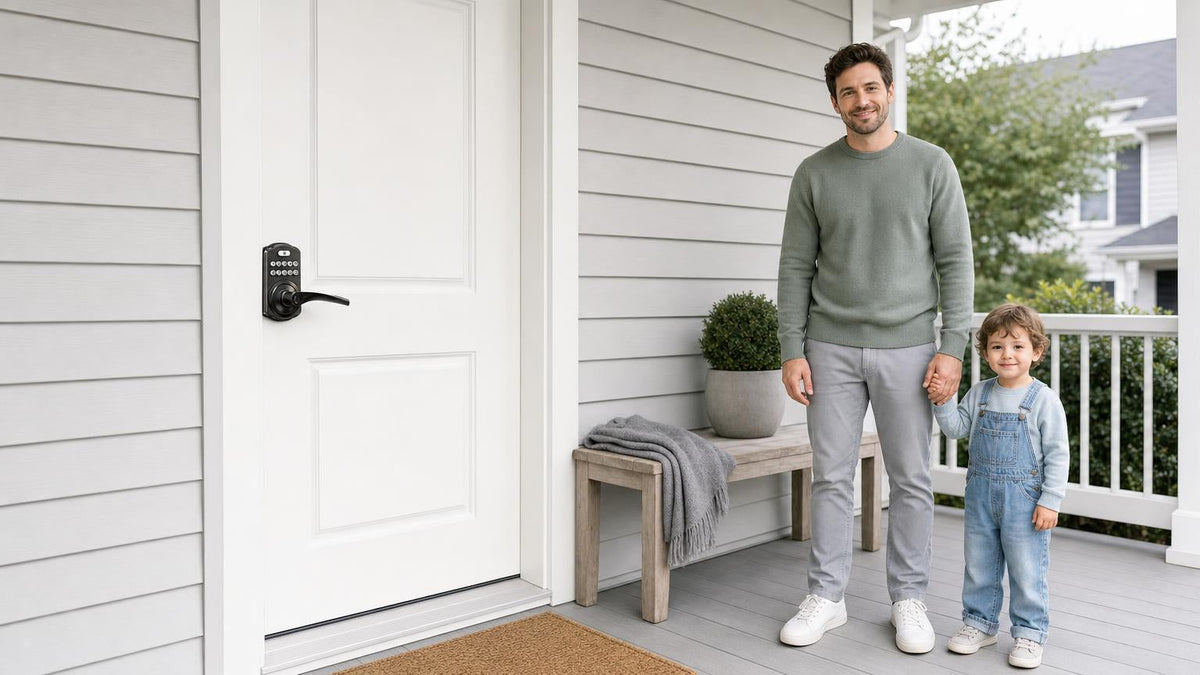

Leave a comment
This site is protected by hCaptcha and the hCaptcha Privacy Policy and Terms of Service apply.