
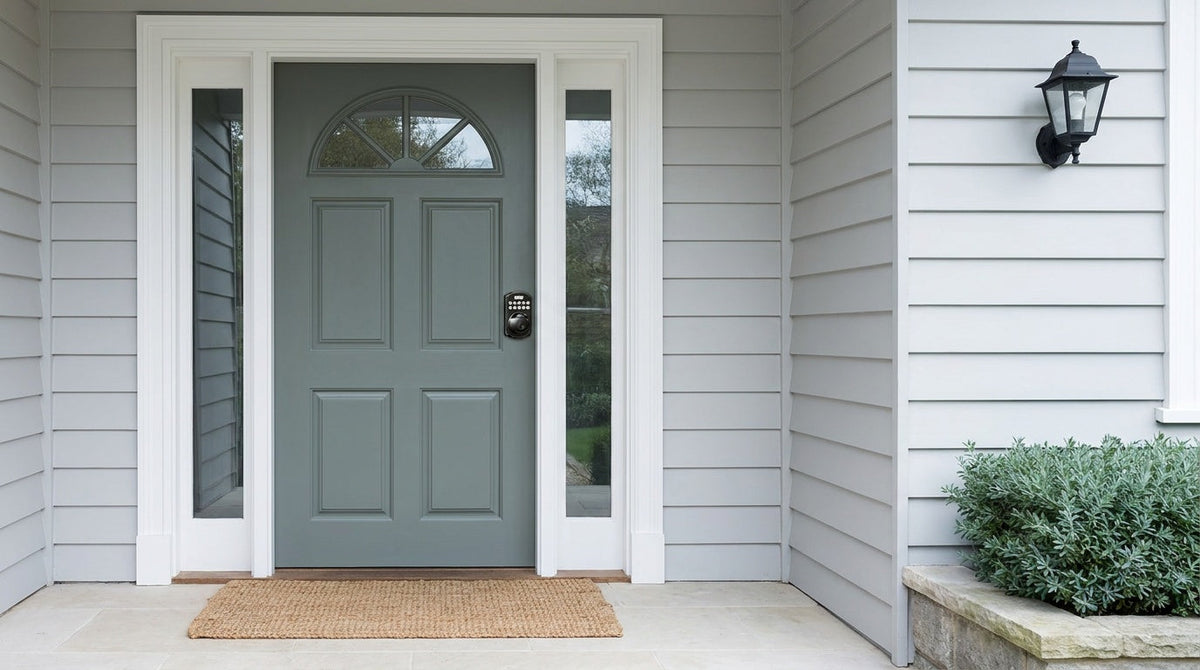
You've been there: arms full of groceries, a kid tugging at your sleeve, and you're digging through your bag for a key that's buried somewhere at the bottom. It's a small frustration, but it happens every single day. Push button door locks were built to solve exactly that problem. Enter a code and you're in — no keys required.
But not all push button locks are the same. Some are simple mechanical keypads with no batteries and no app. Others are fully connected smart locks that let you check who came home from across town. Between those two ends of the spectrum, there's a wide range of options with very different price points, security levels, and installation requirements. This guide explains how these locks actually work, breaks down the main types, and helps you figure out which one fits your home, your door, and your daily routine.
What Is a Push Button Door Lock?
A push button door lock is any lock that grants access by pressing a sequence of buttons or entering a numeric code, rather than inserting a physical key. The term covers a broad family of products — from simple mechanical button locks used on interior doors to fully connected smart locks with fingerprint readers, mobile apps, and voice control. What they all share is the same basic promise: keyless entry that's fast, repeatable, and easy to share with others without handing over a physical key.
The concept has been around longer than most people realize. Early mechanical push button locks appeared in North America as far back as the 1960s, and the technology has evolved steadily ever since. Today's electronic push button locks draw on decades of engineering refinement, and the best models combine physical durability with software-driven access control that would have seemed futuristic not long ago.
How Push Button Door Locks Work
At their core, push button door locks work by verifying an input — a button sequence, a numeric code, a fingerprint, or a signal from an app — and then unlocking the door when the input matches. The mechanism behind the unlocking process differs depending on whether the lock is mechanical or electronic, so it helps to understand both.
Mechanical Push Button Locks
A mechanical push button lock stores its code purely in hardware — no batteries, no circuit board. When you press a button, you're physically pushing a spring-loaded pin or bar into a position inside the lock body. Once the correct combination of pins is engaged simultaneously, the internal mechanism allows the handle or thumb turn to rotate, retracting the bolt. Change the code and you're repositioning those internal pins, not reprogramming software. This simplicity makes mechanical locks extremely reliable, but it also means resetting the code usually requires accessing the lock's interior, and the number of possible code combinations is limited by the number of physical buttons. Worth stating plainly: Veise does not make a mechanical combination lock. Veise's Mechanical Locks line is keyed — key outside, thumb turn inside — so if you want code-based entry from Veise, that lives in the Keypad Deadbolt and Keypad Latch categories described below.
Electronic (Keypad) Push Button Locks
Electronic push button locks replace the mechanical pin system with a circuit board, a keypad, and a small motor or solenoid. When you enter a code on the keypad, the board compares it against stored codes in the lock's memory. If there's a match, it sends a signal to the motor, which unlocks the door and allows the handle or locking mechanism to be operated. Because the code is stored digitally, many electronic locks let you program multiple codes and manage access without changing the lock hardware. The trade-off is a dependence on battery power — though every Veise lock includes a physical key cylinder and a low-battery warning so you're never caught off guard.
Fingerprint Push Button Locks
Fingerprint-enabled push button locks add a biometric scanner to the keypad. When you place a finger on the sensor, an AI chip on the lock reads the fingerprint, compares it against stored templates, and releases the bolt if there's a match. On modern locks, the scan takes under 0.3 seconds. The fingerprints are processed and stored locally on the lock itself — not in the cloud, not tied to an online account — which is a meaningful privacy advantage. Enrollment typically involves pressing the same finger against the sensor eight times so the lock builds a reliable template across different angles and pressure levels.
Smart (Connected) Push Button Locks
Smart push button locks add wireless connectivity on top of the keypad and fingerprint options. Depending on the model, that connection is established through a paired gateway device or directly through built-in Wi-Fi. Either way, the result is the ability to lock and unlock your door remotely, receive entry alerts, review access history, and share temporary codes with guests or service providers — all from a mobile app. Voice control through Alexa or Google Assistant is also available on connected models. The core unlocking mechanism is still the same motor-driven bolt release, but the trigger can now come from the Internet rather than just the keypad in front of you.
Types of Push Button Door Locks
Walk into the keyless lock aisle and you'll see a lot of products that look similar but behave very differently. Understanding the four main categories makes the decision much easier.
Keypad Deadbolt Locks are the workhorse of push button home security. They replace or supplement your existing deadbolt with a keypad-operated version, so your exterior door gets the same heavy bolt throw you'd expect from a traditional deadbolt, but accessed with a code instead of a key. Every Veise model includes a physical key backup, and every SKU in the KS02 series adds fingerprint scanning. These are a common fit for front doors and back doors where primary security matters. Browse keypad deadbolt locks to see current options.
Keypad Latch Locks are an integrated unit that combines the handle and the keypad in one body. The bolt is a spring latch rather than a deadbolt throw, which makes them a popular choice for interior doors, side doors, garage entry doors, and office or warehouse access points where convenience is the priority. They can also appear on entry doors when paired with a separate deadbolt, with the latch handling daily code-based access. Unlock methods are keypad code and physical key only. Explore keypad latch locks if this fits your situation.
Wi-Fi Smart Locks have wireless connectivity built directly into the lock body, allowing them to connect directly to your home network. Depending on the model, they support keypad codes, fingerprint access, app control, and voice commands through Alexa or Google Assistant. Physical key backup is standard on all models. The built-in Wi-Fi keeps the setup simple, while local app control can still work when the Internet is down, as long as you're within short-range wireless distance. See the full Wi-Fi smart lock collection to explore available models.
Push Button vs. Traditional Key Locks
Traditional key locks remain a perfectly valid choice — they're mechanically simple, require no batteries, and are well understood by everyone who uses them. But push button locks solve a specific set of problems that traditional locks simply can't address.
The most obvious is key management. A traditional lock means physical keys to cut, copy, carry, and potentially lose. A push button lock means codes you can share digitally, change instantly, and revoke without calling a locksmith. For families with kids coming home from school, or property owners managing rental access, the difference in daily convenience is significant. Veise locks add protections a plain cylinder does not have: entry pauses for 3 minutes after 10 wrong attempts, and anti-peep entry lets you pad your real PIN with extra digits so an onlooker cannot read it. The main downside of push button locks is battery dependence, but every Veise lock includes low-battery alerts and a physical key cylinder, so this is rarely a practical problem.
How to Choose the Right Push Button Door Lock
The best push button lock for your home depends on the door it's going on, who needs access, and how much control you want over that access. Here are the most important factors to weigh before you buy.
Which Door Are You Locking?
Exterior entry doors typically call for a deadbolt-level lock — a keypad deadbolt or a smart lock with a deadbolt throw. Interior doors, garage entry doors, and office partitions are often a good fit for a keypad latch lock or a standard knob or lever set. If you're replacing hardware on a wood door that's 1-3/8" to 2" thick, most residential push button locks will fit without modification.
How Many People Need Access?
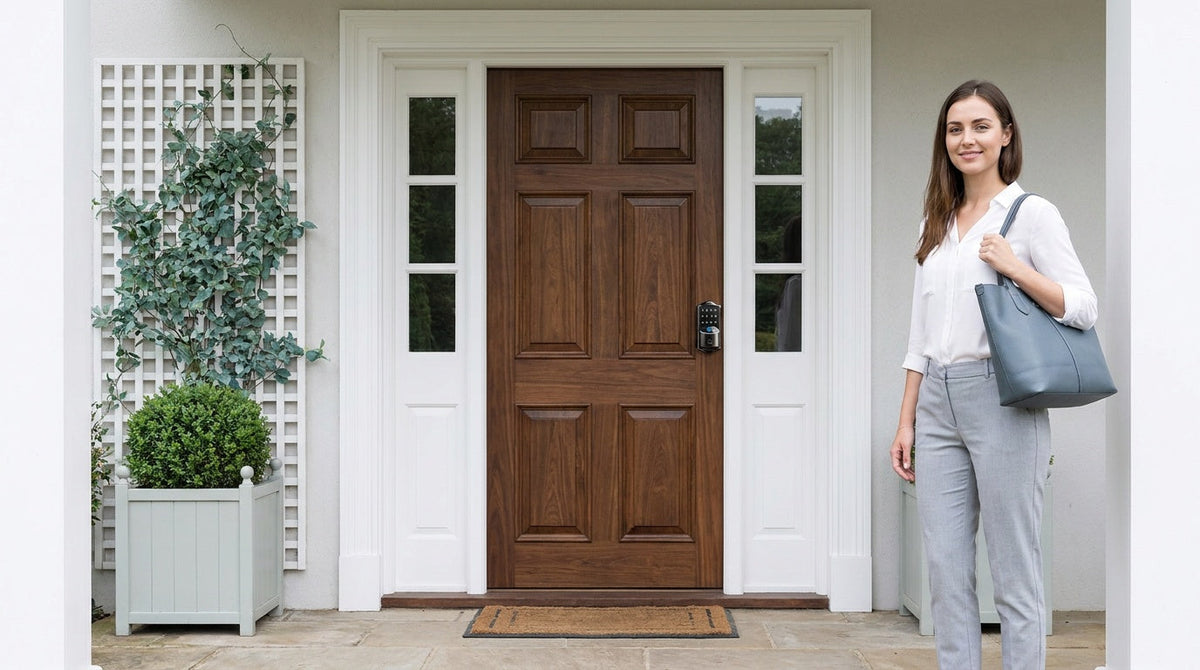
A single household with two adults and a couple of kids can get by with a keypad deadbolt set to one shared code. A short-term rental property or a household with frequent guests will benefit from the ability to create multiple codes with expiration dates — a feature found on electronic keypad locks and all smart locks. If you're managing access across multiple users and want a log of who came and went, you'll need a smart lock, not just a keypad deadbolt or keypad latch lock.
Do You Need Remote Access?
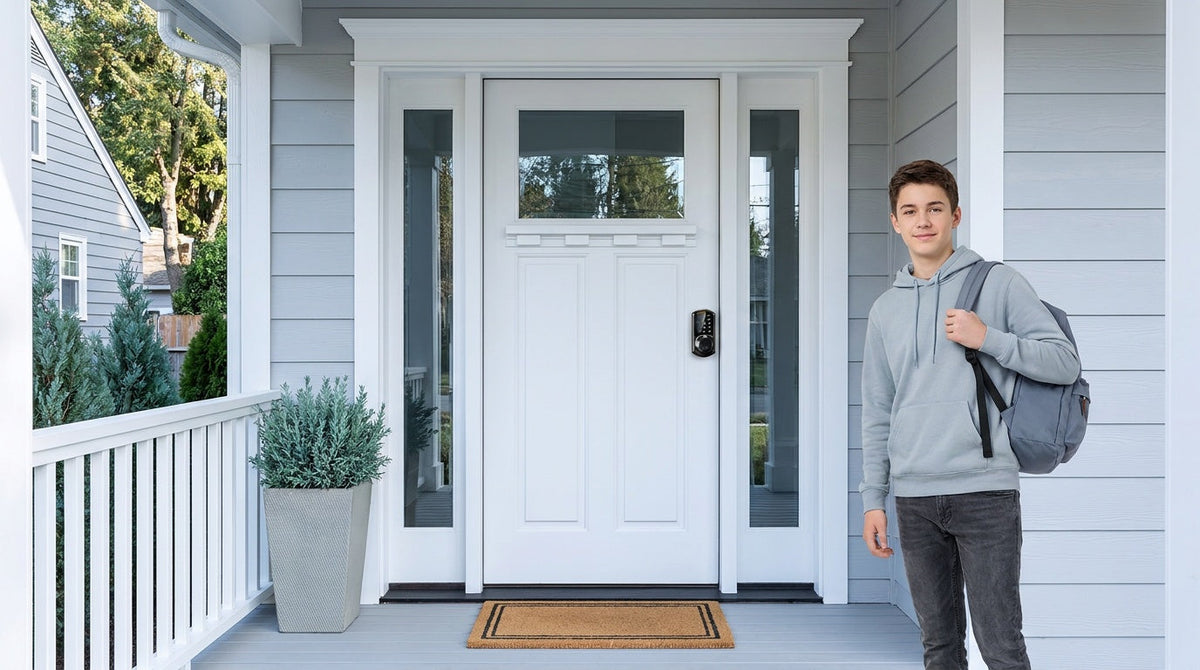
Remote access — locking and unlocking your door from outside the home, checking entry history, receiving alerts — requires a smart lock. No matter how advanced their code features are, standard electronic keypad deadbolts and keypad latch locks cannot be remotely controlled. If you're a parent who wants to confirm your kids arrived home safely, or a landlord managing a vacation rental, a smart lock with remote monitoring is the right tool. For parents of young kids specifically, a Wi-Fi smart lock gives you the ability to review entry history remotely and monitor who's coming and going from the app.
What's Your Budget?
Push button door locks from reliable brands typically range from about $30 to $180, covering everything from simple keypad latch locks to fully connected Wi-Fi smart locks. Mechanical keypad locks sit at the lower end, electronic keypad deadbolts land in the mid-range, and Wi-Fi connectivity occupy the upper range. Within that spread, you don't have to spend at the top to get solid security and daily convenience — the right pick depends on which features you'll actually use.
Veise Push Button Door Lock Lineup
Veise was built on one premise: technology should make home life simpler, not more complicated. That philosophy comes from Kaadas Group's 38 years of lock industry expertise and is backed by 711 patents — the world's largest smart lock patent portfolio — with over 10 million smart locks sold across 41+ countries. The brand is recognized by Frost & Sullivan as the global No.1 high-end smart lock brand by sales. And unlike many competitors who OEM products from third-party factories, Veise is vertically integrated, designing and manufacturing from its own facility. That means tighter quality control and consistent design across the entire lineup. Easy from Day One.
Here's how the Veise lineup maps to the push button lock categories above.
Keypad Deadbolt — With or Without Fingerprint
The Veise Keypad Deadbolt line splits into two main branches: the KS02 series (with fingerprint) and the RZ/KS01 series (without fingerprint). All models include keypad code and physical key backup, with auto lock configurable between 10 and 99 seconds. The fingerprint models use an AI chip for on-device fingerprint processing — scans register in under 0.3 seconds — and store multiple unique fingerprints directly on the lock with no cloud account required. Within the fingerprint line, the KS02A is a standalone deadbolt, while the KS02B, KS02C and KS02D come as handle-set bundles with a lever, knob or vertical handle included. The non-fingerprint line offers standalone deadbolts (RZ-A) and lever or knob handle-set bundles (RZ-C, KS01B, KS01C). If your priority is reliable front-door security without needing remote access, this category covers it well.
Keypad Latch Lock — Knob or Lever Handle
The Veise Keypad Latch Lock comes in two SKUs: the KS03 (integrated top knob) and the KS04 (integrated top lever). Both unlock via keypad code and physical key backup. The difference is purely the handle style — knob for a more traditional look, lever for easier grip. These are a practical, affordable choice for interior doors, garage entry doors, side doors, or any access point where you want code-based entry without the complexity of a full smart lock system.
Wi-Fi Push-Button Smart Lock
For a seamless connected experience, Veise's Wi-Fi Smart Lock line connects directly to your home Wi-Fi, giving you remote control through the app from anywhere. The Push-Button Wi-Fi Smart Lock (VE012W Series) brings that connected experience to a traditional press-button keypad, with fingerprint access, keypad codes, app control, and Alexa and Google Assistant voice commands. It uses 8 AA batteries for a stable power supply and includes a physical key backup. The VE012W Series does not support key fobs, USB-C emergency power, or on-device voice prompts. Even when the internet goes down, you can still unlock the lock locally, so a lost connection won't leave you locked out.
Installation: What to Expect
Most push button door locks are designed for DIY installation, and Veise is no exception. The Effortless Home Improvement™ Experience means Veise products are built to go in without a contractor — typically in about 15 minutes with a screwdriver, no wiring, no professional help required. You remove your existing lock, fit the new hardware into the same door prep holes using the included template, connect the interior and exterior assemblies, and install fresh AA/LR6 alkaline batteries (Veise locks ship without them). The lock arrives with a default master code already set, so you can lock and unlock straight away to confirm the install; the included manual and video then walk you through changing that master code and adding personal PINs. Follow the included guide and video step by step — small details like alignment and torque blade direction are where most install problems start.
There are a few things to confirm before you start. Veise locks are designed for wood doors with a thickness of 1-3/8" to 2". They are not compatible with fiberglass, metal, storm, or sliding doors. Because installation requires replacing the existing hardware, the person installing the lock needs to be the property owner or have authority to modify the door. Once you're confirmed on those points, the actual installation is straightforward enough for most first-timers.
Maintenance Tips to Keep Your Lock Running Smoothly
Push button door locks are low-maintenance, but a little routine attention goes a long way toward keeping them reliable for years. Keep the keypad clean with a dry or lightly damp cloth — avoid harsh chemicals that can damage the finish or seep into the button gaps. Check the battery level every few months and replace batteries before they get critically low; Veise locks warn you with a voice or beep prompt at the lock, and connected models add an app push notification.
On the security side, it's worth refreshing your access codes periodically — particularly after a change in household members, after a rental guest departs, or any time you suspect a code may have been observed. This takes less than a minute on any electronic keypad lock and is the single most effective way to maintain the security advantage that keyless entry provides over traditional keys.
Most residential push button door locks, including all Veise models, are designed for wood doors. Veise locks are specifically compatible with wood doors at a standard thickness of 1-3/8" to 2", and are not compatible with fiberglass, metal, storm, or sliding doors. Always check compatibility with your specific door type before purchasing.
Push button door locks have come a long way from the basic mechanical button locks of the 1960s. Today's options range from affordable keypad latch locks for interior doors all the way to fully connected Wi-Fi smart locks that put your front door under remote control from anywhere. The right choice comes down to which door you're locking, how many people need access, and how much visibility you want into your home's comings and goings.
If you're ready to upgrade, start by matching your door and your use case to the right lock category — a keypad deadbolt for primary entry security, a keypad latch for interior or secondary doors, or a Wi-Fi smart lock when you want remote access through a first-party app, all in a single connected device. With 38 years of lock industry expertise, Veise's push-button lock lineup includes these three categories, along with touchscreen options. Browse the full collection to explore all the available styles and find the right fit for your door and daily routine. Easy from Day One.
Frequently Asked Questions
What is the difference between a push button door lock and a smart lock?
A push button door lock is a lock that uses a keypad code or button sequence instead of a physical key. A smart lock adds connected features such as remote access through a mobile app, entry history, and often voice control. A push button lock isn't necessarily a smart lock, and a smart lock can use either a push button or touchscreen keypad.
Are push button door locks secure?
Yes, when properly installed and maintained. Because daily entry runs on a code or fingerprint, far fewer keys end up in circulation to be copied or lost. Veise locks pause for 3 minutes after 10 wrong attempts and support anti-peep code entry, and every model includes a physical key cylinder as a failsafe. ANSI/BHMA Grade 3 certification is the recognized residential standard for security performance, and most reputable residential push button locks meet it.
What happens if the battery dies on a push button door lock?
Most push button door locks include a low-battery warning that alerts you well before the battery runs out. If the battery does die completely, all Veise models include a physical key backup as a failsafe.
Can I share access codes with multiple people?
Yes. Electronic push button locks allow you to program multiple unique access codes — useful for family members, housekeepers, dog walkers, or short-term rental guests. Smart locks additionally let you set time-limited codes that expire automatically after a set window, which is particularly useful for temporary access without the need to manually delete codes afterward.
Are push button door locks easy to install yourself?
For most homeowners with a wood door in standard thickness (1-3/8" to 2"), yes. The majority of push button locks, including all Veise models, are designed for DIY installation using the existing door prep holes. A screwdriver and about 15 minutes is typically all that's needed — no wiring, no professional required.
What door types are compatible with push button door locks?
Not Sure Which Lock Is Right for Your Door?
The Veise team is happy to help you match the right push button lock to your specific door, household, and access needs. Browse the full lineup or reach out directly.
Contact Us — we'll help you find the right fit.

Leave a comment
This site is protected by hCaptcha and the hCaptcha Privacy Policy and Terms of Service apply.