
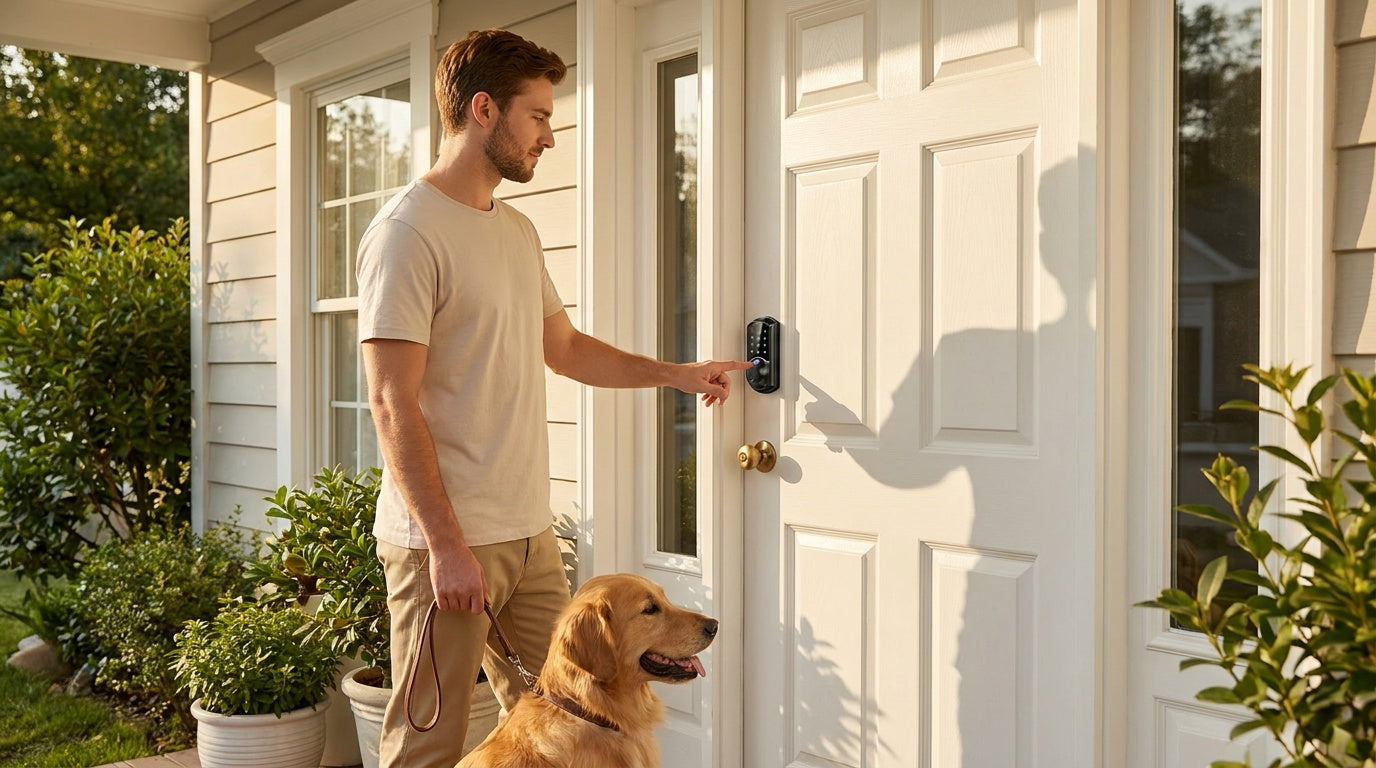
You've probably fumbled with your keys in the rain at least once. Or stood at the front door juggling grocery bags while trying to remember which key is which. A fingerprint door lock fixes that problem — and a lot of others most homeowners don't realize they have until they switch.
Fingerprint locks for home use have come a long way. They're no longer just a feature in spy movies or expensive office buildings. Today, they're affordable, DIY-installable, and genuinely reliable for everyday family life. But "worth it" depends on your household, your door, and how you actually live in your home.
This guide breaks down how fingerprint door locks work, what they do well, where their limits are, and who stands to gain the most from upgrading. If you're weighing the decision right now, you'll have a clear answer by the end.
What Is a Fingerprint Door Lock?
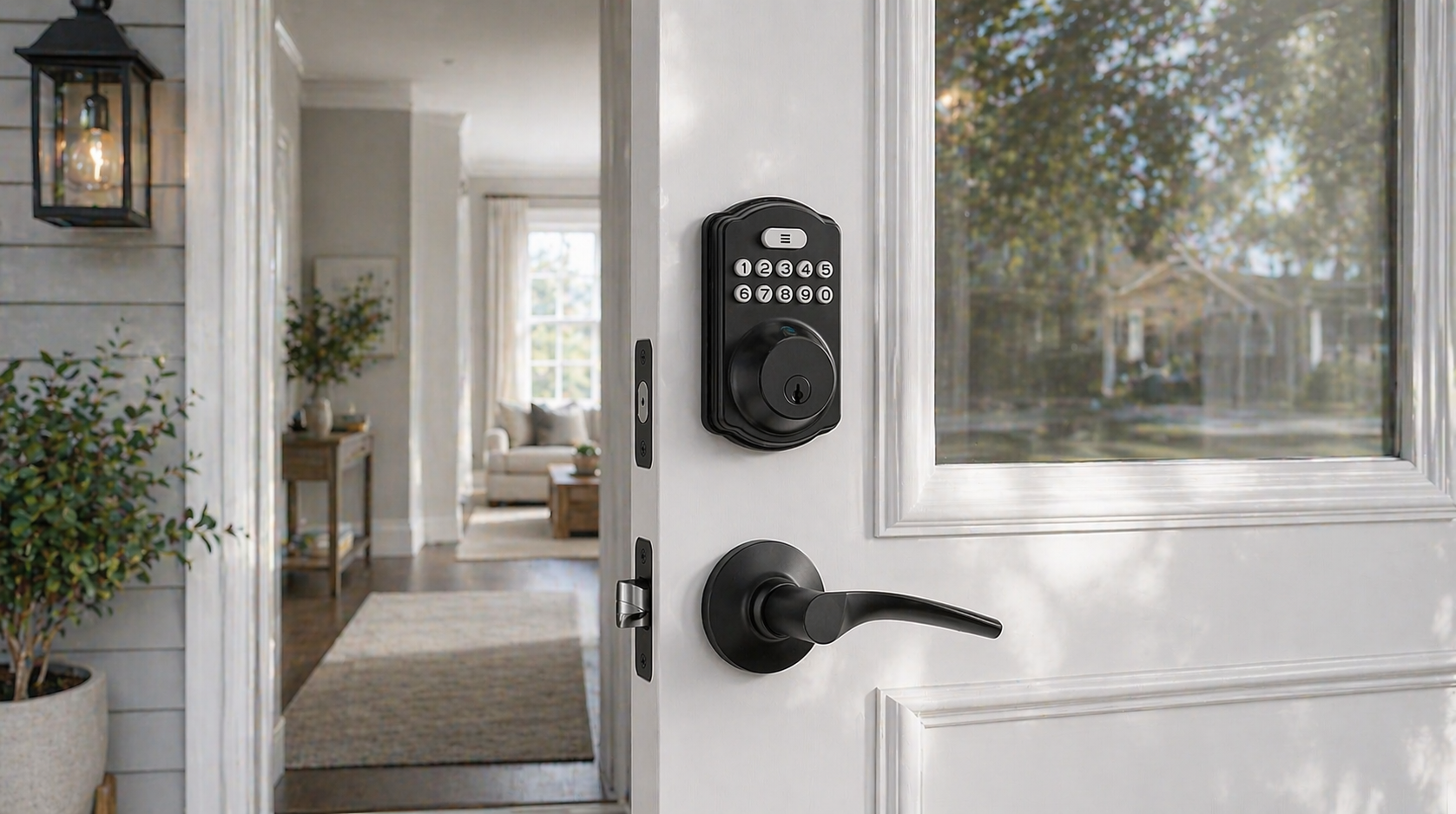
A fingerprint door lock is a deadbolt or entry lock that uses a built-in biometric sensor to read your fingerprint and grant access to your home — no key required. Instead of a physical key turning a cylinder, the lock scans your stored fingerprint, verifies it in a fraction of a second, and releases the deadbolt or latch. Most models also offer a backup keypad code and a physical key, so you're never locked out if the sensor is unavailable.
These locks replace your existing door hardware entirely. That's an important distinction: unlike overlay-style locks that sit on top of your existing deadbolt, a fingerprint deadbolt is a full replacement installed into your door's existing prep hole. The process typically takes about 15 minutes with a screwdriver and no wiring or professional help needed.
How Fingerprint Door Locks Actually Work
The core technology inside a fingerprint lock is a capacitive or optical sensor on the exterior keypad panel. When you press your finger against it, the sensor captures a digital image of your fingerprint's unique ridge-and-valley pattern. That image is compared against enrolled fingerprints stored locally on the lock itself — not sent to the cloud, not shared with an external server. Verification typically takes under 0.3 seconds; on a match, the motor inside the lock engages and releases the bolt.
Enrollment is straightforward. You scan each finger eight times so the lock builds a reliable template that accounts for different angles and pressure levels. An on-device AI chip processes and stores your fingerprint templates on the lock itself — never sent to the cloud, never tied to an external account. Capacity comfortably covers a household of any size, and because the data stays on the device, there's no cloud account to manage and no subscription required to use the biometric feature.
Auto lock is a standard feature on most fingerprint deadbolts. After a set interval — typically configurable between 10 and 180 seconds — the lock re-engages on its own. You don't have to remember to lock up when you leave.
The Real Benefits for Everyday Homeowners
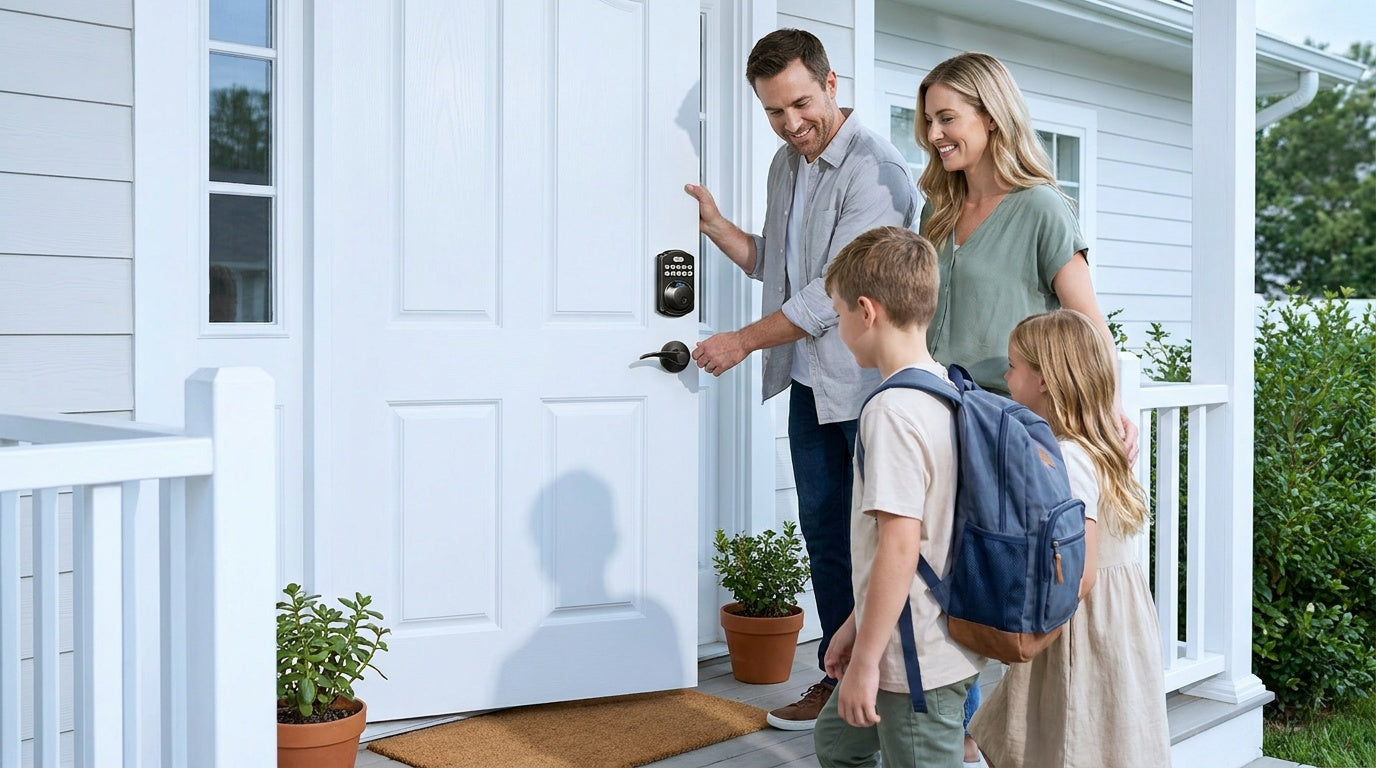
The most immediate benefit is convenience. Scanning a fingerprint takes under 0.3 seconds and works hands-free in the sense that you don't need to pull anything out of your pocket. For households where multiple people come and go — kids arriving home from school, a partner with hands full of bags, an elderly parent who struggles with small keys — that small friction reduction matters more than it sounds.
Fingerprint locks also eliminate the risk of lost or copied keys. A physical key can be duplicated at any hardware store. A fingerprint can't. If someone leaves your household, you simply delete their fingerprint from the lock's memory. No locksmith visit, no rekeying, no new keys cut for everyone else.
For homes on keypad deadbolt locks, adding fingerprint capability is a natural upgrade that doesn't require moving to a fully connected smart lock. You get the biometric convenience at a price point that stays well within the affordable range — no app, no gateway, no subscription needed.
Additional everyday benefits worth noting:
- No more hidden spare keys under the doormat or flowerpot — a security risk most homeowners underestimate
- Faster entry for kids who reliably forget their keys
- Simpler access for elderly family members who find small keys difficult to grip or operate
- Auto lock gives you peace of mind that the door is secured even if someone forgets
Honest Limitations Worth Knowing
No technology is perfect, and fingerprint locks have a few real-world limitations worth understanding before you buy. First, fingerprint sensors can occasionally misread a finger that's wet, very dirty, or cut. Most quality locks compensate for this by storing multiple scan templates per finger and allowing a backup entry method — keypad code or physical key — so a failed biometric scan never means you're locked out.
Second, fingerprint locks replace your door hardware entirely, which means they're a commitment that requires some door prep consideration. They're typically designed for wood doors with standard thickness (roughly 1-3/8" to 2"). They are not compatible with fiberglass, metal, storm, or sliding doors. If you're a renter, you'll need your landlord's approval before replacing existing lock hardware.
Third, a fingerprint-only keypad deadbolt is a local device. It doesn't connect to your phone or send you notifications when someone enters. If remote monitoring matters to you — seeing when your kids got home or getting an alert if the door is unlocked unexpectedly — you'll want to step up to a smart lock with remote app access, which is a separate category covered below.
Fingerprint vs. Keypad-Only Locks: Which Do You Need?
A standard keypad lock gives you code-based entry and a physical key backup — no fingerprint required. It's a solid, no-fuss option for households where everyone reliably remembers a code and convenience is the main goal. The trade-off is that shared codes can be shared further (to someone you didn't intend to give access) and codes need to be changed when access needs to be revoked.
A fingerprint deadbolt adds biometric verification on top of the keypad, giving you a faster, more personal entry method that can't be shared or guessed. It's the better fit when your household includes young children, elderly family members, or anyone who struggles with memorizing or managing codes reliably.
If you also want remote access — checking lock status from across town, letting in a guest while you're away, receiving entry alerts — neither a keypad lock nor a fingerprint-only deadbolt will do that. Remote access requires a smart lock: either a Smart Lock w/ G1, a Smart Lock w/ G2, or a Wi-Fi Smart Lock. Many smart lock models in these categories also include fingerprint, so you can get biometric entry and remote monitoring in the same device.
Who Benefits Most from a Fingerprint Lock?
Fingerprint locks aren't for every household, but for certain situations they're genuinely the most practical choice available. Here are the scenarios where the upgrade makes the most sense:
- Families with school-age children who regularly lose keys or forget codes. A fingerprint never gets left in a backpack.
- Homeowners with elderly parents living in or visiting the home. Fingerprint entry removes the fine motor challenge of turning a key in a lock.
- New homeowners who just bought a property and want to remove all existing key access without rekeying multiple times over the years.
- Short-term rental hosts and property managers who need to revoke access for one guest without affecting others — deleting a single fingerprint takes seconds.
- Anyone who's lost keys multiple times and is tired of the cost and hassle of rekeying or cutting new copies.
For families specifically, if monitoring matters alongside fingerprint access — for example, parents who want to know exactly when kids arrived home — pairing fingerprint capability with remote app connectivity is the stronger play. A Wi-Fi Smart Lock or a Smart Lock w/ Gateway 1/2 (many of which include fingerprint) lets parents view entry history and receive real-time alerts through the app, not just unlock the door.
What to Look for When Buying a Fingerprint Door Lock
Not all fingerprint locks are built the same. Here are the features that matter most for a home installation:
- Multiple entry methods. Look for a lock that offers fingerprint plus keypad code plus a physical key backup. You want options, not dependency on a single method.
- Local fingerprint storage. Data stored on the lock itself — not in the cloud — means no subscription, no privacy concerns, and no loss of access if your Internet goes down.
- Auto lock. A lock that re-engages automatically is a practical safety net for households where people frequently forget to lock up.
- ANSI/BHMA Grade 3 certification. This is the recognized residential standard for door lock strength and durability. Grade 3 locks are built and tested for home use — Grades 1 and 2 target high-traffic commercial environments.
- DIY installation. A lock that installs in about 15 minutes with a screwdriver — no wiring, no electrician — keeps the total cost of ownership low.
- No subscription fees. Core features like fingerprint access, auto lock, and code management should work without a recurring payment.
- Wood door compatibility. Confirm the lock is rated for your door type and thickness before purchasing.
Veise's keypad deadbolt lineup includes select models with fingerprint built in, certified to the ANSI/BHMA Grade 3 residential standard, with local data storage and no subscription required. Priced between $30 and $180, they're designed to fit real household budgets without cutting corners on build quality. Veise designs, engineers, and manufactures its own locks — not an OEM reseller — which means tighter quality control from factory to front door.
So, Is It Worth the Upgrade?
For most homeowners, yes — a fingerprint door lock is worth the upgrade, especially when the price difference between a basic keyed deadbolt and a fingerprint deadbolt is often under $50. The convenience alone tends to pay for itself within the first month of use, and the added security of not having physical keys floating around is a long-term benefit that's hard to put a dollar value on.
The honest caveat is that a fingerprint deadbolt is the right upgrade for homeowners who want faster, more convenient local access. If your priority is remote access — checking the lock from work, granting access to a guest while you're traveling, receiving entry notifications — then you should look at a smart lock with app connectivity rather than (or in addition to) a fingerprint-only deadbolt.
The good news is that many smart locks include fingerprint as one of their unlock methods, so you don't have to choose.
Frequently Asked Questions
Are fingerprint door locks safe and reliable for home use?
Yes. Quality fingerprint locks store biometric data locally on the device, not in the cloud, so there's no remote hacking risk tied to your fingerprint data. The sensor technology used in residential locks today is accurate enough for everyday family use, and all models include backup entry methods (keypad code and physical key) so a failed scan never locks you out.
Can a fingerprint door lock be fooled by a photo or fake fingerprint?
Modern capacitive fingerprint sensors read the electrical charge of a live finger, not just the surface pattern. A flat photo won't register. While no security technology is 100% foolproof, consumer-grade fingerprint locks are significantly more resistant to casual bypass than a standard keyed lock, which can be picked, bumped, or have a key copied without your knowledge.
What happens if the fingerprint sensor doesn't read my finger?
Most locks allow three to five failed scan attempts before defaulting to keypad code entry or physical key backup. Dirty, wet, or injured fingers are the most common cause of misreads. Enrolling the same finger multiple times during setup improves read accuracy at different angles and pressure levels.
Does a fingerprint door lock work without Wi-Fi or Internet?
Yes. A fingerprint deadbolt operates entirely offline. The fingerprint sensor, keypad, and physical key backup all work without any Internet connection. Remote access features (app control, entry alerts, remote locking) are only available on smart locks — gateway-paired or Wi-Fi models — and require an active connection for long-distance features.
How hard is it to install a fingerprint door lock?
Most fingerprint deadbolts are designed for DIY installation in about 15 minutes using just a screwdriver — no wiring, no drilling, and no professional help needed. They install into your door's existing prep hole as a full lock replacement. They're compatible with standard wood doors between 1-3/8" and 2" thick.
Can multiple people enroll their fingerprints on one lock?
Yes. A single lock can store multiple unique fingerprints — comfortably enough for a household of any size. You can enroll multiple fingers per person for added reliability, and individual fingerprints can be deleted at any time without affecting others on the lock.
Is a fingerprint lock the same as a smart lock?
Not necessarily. A fingerprint deadbolt can be a standalone lock with no app or Internet connectivity — it just uses biometrics instead of (or alongside) a key or code. A smart lock adds remote app access, entry history, and notifications via a gateway or Wi-Fi. Many smart lock models also include fingerprint as one of several unlock methods, so both features can coexist in a single device.
Fingerprint door locks have crossed the line from luxury feature to practical home upgrade. They're affordable, easy to install, and solve real problems — lost keys, forgotten codes, complicated household access — without requiring a subscription or a Wi-Fi network. For most homeowners weighing the switch, the question isn't really whether fingerprint technology works. It's whether your household's specific needs call for a fingerprint deadbolt on its own, or a fully connected smart lock that includes fingerprint as part of a broader feature set.
Either way, you don't have to spend a lot to get a well-built, reliable lock. Veise's lineup spans both categories — from simple fingerprint keypad deadbolts to Wi-Fi smart locks with full app connectivity — all priced between $30 and $180, built to the ANSI/BHMA Grade 3 residential standard, and backed by US-based support. Browse the full product lineup to find the right fit for your door and your household.
Have questions about which lock is right for your home?
The Veise team is available by phone and email to help you find the right fit — no pressure, just straightforward guidance from people who know locks. Contact Us and we'll get back to you quickly.

Leave a comment
This site is protected by hCaptcha and the hCaptcha Privacy Policy and Terms of Service apply.