

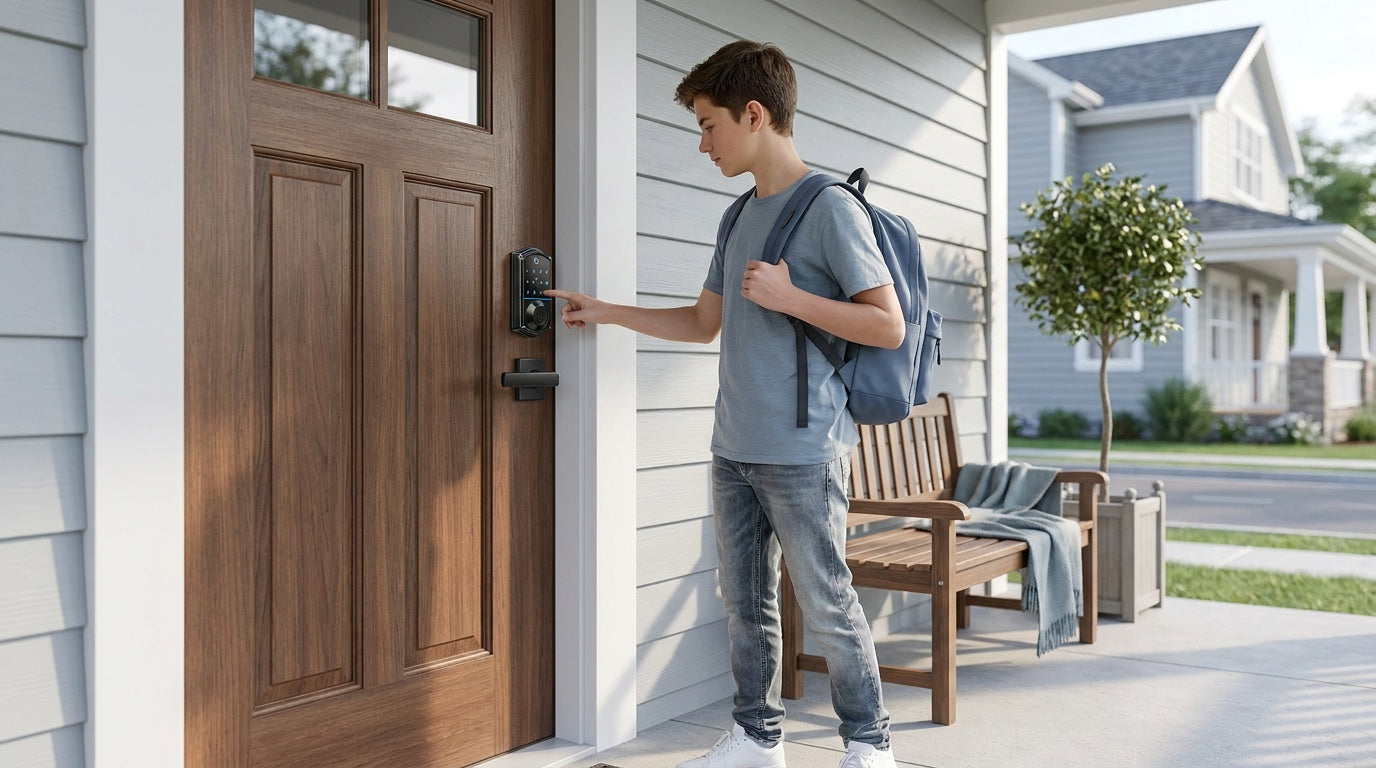
Losing your keys used to mean calling a locksmith. Forgetting to lock up before a vacation used to mean a panicked phone call to a neighbor. A keypad deadbolt lock solves the first problem entirely, and for many households, it does a solid job on the second one too. These locks replace a traditional keyed deadbolt with an electronic keypad — and sometimes a fingerprint reader — so entry is fast, hands-free, and controllable without carrying a key at all.
If you've been searching for keypad deadbolt locks and aren't sure how they work, what separates a $40 model from a $120 one, or whether you even need a full smart lock, this guide covers all of it. We'll walk through the mechanics, break down unlock methods, explain the difference between a keypad lock and a connected smart lock, and give you concrete picks based on real-life needs — including options from Veise, the #1-ranked smart lock brand on Amazon North America in both 2024 and 2025.
What Is a Keypad Deadbolt Lock?
A keypad deadbolt is a door lock that combines the physical security of a deadbolt bolt with an electronic keypad for code-based entry — no traditional key required for everyday use. The deadbolt itself is the same heavy-duty bolt found in standard keyed deadbolts: a solid steel or hardened bolt that extends into the door frame and resists forced entry far better than a spring latch. What changes is how that bolt gets operated. Instead of inserting a key, you punch in a PIN code (or scan a fingerprint on select models), the electronics verify the input, and a small motor drives the bolt open.
Physically, a keypad deadbolt installs in the same 2-1/8-inch door prep hole used by standard deadbolts, which means replacing an existing lock is straightforward on most wood doors. The exterior face holds the keypad and, on fingerprint-enabled models, the biometric sensor. The interior side mounts the battery compartment — typically 4 AA batteries — and a thumb turn for manual locking from inside. Every model also includes a physical key cylinder as a backup, so you're never completely locked out even if the batteries die or you forget your code.
How Does a Keypad Deadbolt Work?
The core mechanism is simpler than it sounds. When you enter a code on the keypad, a small microcontroller inside the lock compares your input against the stored PIN codes. If there's a match, it sends a signal to a motor (sometimes called an actuator) that turns the cam or drive connecting to the bolt, retracting it from the strike plate. The whole sequence — keypress to open bolt — takes about a second. When you close the door, the bolt either extends manually via the interior thumb turn or, on models with auto lock, retracts and re-extends automatically after a configurable interval (between 10 and 99 seconds on standalone keypad deadbolts).
Fingerprint-enabled models add a biometric layer. An AI-assisted chip reads the fingerprint image captured by the sensor, compares it against stored templates, and triggers the same motor if it finds a match. Veise's fingerprint locks perform that recognition in under 0.3 seconds, which is fast enough that it feels essentially instantaneous at the door. During enrollment, each finger is scanned eight times to build a reliable template that holds up across different angles and pressure levels — a detail that matters for consistent real-world recognition.
All the processing happens on the lock itself. There's no cloud server involved, no Internet connection required, and no account to log into. Fingerprint templates and PIN codes are stored on-device, which protects your data and means the lock works reliably even during an Internet outage.
Unlock Methods: Keypad, Fingerprint, and Physical Key
One of the practical advantages of a keypad deadbolt over a traditional lock is the variety of entry options — but it's worth being precise about what a keypad deadbolt specifically supports, because this varies from what a full smart lock offers.
On Veise keypad deadbolt locks, every model supports:
- Keypad code: Enter your PIN on the exterior keypad to unlock.
- Physical key backup: A standard key cylinder is included on all models for emergency or backup access.
Select models in the lineup also support:
- Fingerprint: Available on the KS02 series; scan time is under 0.3 seconds with on-device storage for multiple unique fingerprints, enough for a household of any size.
Keypad deadbolts do not support key fob entry, remote app control, or voice commands. Those features belong to connected smart locks. If remote monitoring or app-based access is a priority, see the comparison section below — a keypad deadbolt may not be the right fit for every scenario.
Keypad Deadbolt vs. Smart Lock: Which Do You Need?
A keypad deadbolt is a self-contained, offline lock. It does everything locally: stores codes, reads fingerprints, operates the bolt. It doesn't connect to your phone, your Wi-Fi router, or your home automation system. That makes it simpler, less expensive, and easier to maintain — but it also means there's no way to lock or unlock the door from across town, no push notifications when someone enters, and no access log you can check from an app.
A smart lock adds that connectivity layer. Veise offers two paths to remote access. Smart Locks w/ G1 and Smart Locks w/ G2 pair with a separate gateway device to bridge the lock to your home network, enabling remote control and activity monitoring via a mobile app. Wi-Fi Smart Locks have the radio built directly into the lock body, connecting to your router without a gateway. Both categories also support Alexa and Google Assistant voice commands — Wi-Fi smart locks do this natively via their built-in Wi-Fi, while gateway-paired smart locks work through the paired gateway.
It's important to note: remote access requires a smart lock — gateway-paired or Wi-Fi. A keypad deadbolt cannot be paired with a gateway to add remote features after the fact. If you're unsure which path to take, here's a practical split:
- Choose a keypad deadbolt if you want keyless convenience, occasional guest codes, and simple daily entry without monthly fees or app management.
- Choose a smart lock if you want to monitor who comes and goes, lock the door remotely, or grant temporary access to a contractor or guest from anywhere. For parents who want to confirm kids arrived home safely, a Wi-Fi smart lock or a gateway-paired smart lock is the better fit — the app delivers real-time entry history that a keypad-only lock can't provide.
What to Look for When Buying a Keypad Deadbolt
Not all keypad deadbolts are built the same. Before buying, consider these factors:
- Security certification: Look for ANSI/BHMA Grade 3 certification, which is the residential standard for bolt strength, cycle count, and finish durability. Grades 1 and 2 are designed for high-traffic commercial settings like office buildings and hotels — Grade 3 is the right benchmark for a home door.
- Fingerprint or keypad only: If multiple household members need quick, hands-free entry, a fingerprint-enabled model is worth the modest price difference. If simplicity and cost are priorities and everyone is comfortable remembering a PIN, a keypad-only model works fine.
- Handleset bundle or deadbolt only: Some models come as a complete handleset bundle (also called a handle-set), with a lever, knob, or vertical handle included; others are deadbolt-only. A bundle is convenient if you're replacing both the deadbolt and the door handle at once.
- Auto lock: All Veise keypad deadbolts include configurable auto lock (10 to 99 seconds), so the door re-locks itself if someone forgets. This is especially useful for families with kids or high-traffic entry points.
- Door compatibility: Keypad deadbolts are designed for wood doors with standard thickness (1-3/8" to 2"). They are not compatible with fiberglass, metal, storm, or sliding doors. Measure your door before purchasing.
- No subscription fees: Some brands charge monthly fees for code management or access history. Veise keypad deadbolts store everything on-device with no fees, no cloud account, and no ongoing costs.
Best Keypad Deadbolt Locks to Buy
Veise's keypad deadbolt lineup spans two main categories: models with fingerprint and models without. Here's how to choose between them.
Best with Fingerprint: KS02 Series
The KS02 series is the right pick when fast, hands-free entry is the priority. Fingerprint recognition clocks in at under 0.3 seconds and templates are stored entirely on-device — no account, no cloud sync, no privacy tradeoff. The series breaks into two form factors: KS02A (deadbolt-only, pairs with your existing handle) and the KS02B / KS02C / KS02D handleset bundles (also written "handle-set"), which include a lever, knob, or vertical handle respectively. Every KS02 SKU includes fingerprint, keypad code, and physical key backup. If you're outfitting a main entry door and want the fastest possible entry experience for the whole family, this is the series to start with. Priced in Veise's $30–$180 range, it delivers premium performance without the premium price tag — fully in line with the Trust Veise, Secure Your Home promise.
Best Keypad-Only: RZ-A / RZ-C / KS01 Series
If fingerprint recognition isn't a requirement, the non-fingerprint line covers keypad code plus physical key backup across several form factors: the RZ-A standalone deadbolt, and the RZ-C / KS01B / KS01C handle-set bundles (lever or knob included). These models are an excellent fit for secondary entry points, garage entry doors, or any situation where simplicity and a lower price point matter more than biometric speed. All models carry ANSI/BHMA Grade 3 residential certification and include configurable auto lock as standard.
Not sure which keypad deadbolt is right for your door? Browse the full keypad deadbolt collection or explore the complete Veise lineup if you want to compare keypad locks against smart lock options side by side.
Installing a Keypad Deadbolt: What to Expect
One of the most common hesitations around replacing a door lock is the installation process. Veise keypad deadbolts are designed specifically for DIY installation: most homeowners complete the swap in about 15 minutes using a screwdriver, with no wiring and no professional help needed. Because Veise is a vertically integrated company — designing, engineering, and manufacturing its own products rather than reselling OEM hardware — every component is designed to work together from the start, and the instructions reflect that intentional design.
The basic process follows these steps. Small details — alignment, screw torque, wire routing — are where most post-install issues come from, so follow the included installation guide and installation video step by step rather than relying on the high-level summary below:
- Remove the existing deadbolt – Unscrew the interior and exterior mounting plates and pull the old lock out of the door prep hole.
- Insert the new bolt assembly – Slide the Veise latch/bolt into the edge of the door and secure it with the provided screws.
- Mount the exterior keypad – Feed the wire through the door hole and attach the exterior unit.
- Attach the interior assembly – Connect the wire, secure the interior mounting plate, and snap or screw the battery cover into place.
- Install batteries and test the lock – Every Veise lock ships with a preset default master code, so once the batteries are in you can lock and unlock immediately to confirm the install. The included manual then walks you through changing the default master code and adding personal PINs (or enrolling fingerprints on the KS02 series) at your own pace.
Because this is a full lock replacement (not an overlay adapter), installation requires that you are the property owner or have authority to modify the door hardware. Veise locks are engineered for wood doors with a standard thickness of 1-3/8" to 2". Every Veise product ships with a step-by-step user manual and an installation video, so you have visual guidance for each stage of the swap. If you run into any questions during setup, Veise's US-based support team is reachable by phone and email — a genuine advantage over brands that route customers through overseas help desks.
The Bottom Line
A keypad deadbolt is one of the most practical upgrades you can make to a home entry door. It eliminates the daily inconvenience of physical keys, makes it easy to share temporary access with family or house guests, and still delivers the bolt-strength security of a traditional deadbolt — all without a monthly subscription or an app to manage. For households that want reliable, simple, code-based security, it's often the best fit.
If your needs grow beyond keyless entry — remote monitoring, activity alerts, or app-controlled locking from anywhere — Veise's smart lock lineup picks up exactly where the keypad deadbolt leaves off. From gateway-paired smart locks to Wi-Fi models with built-in connectivity, the full range is designed around the same principles: practical, affordable, and easy enough to install yourself in an afternoon.
Browse the complete Veise keypad deadbolt collection to find the right fit for your door, or explore the full product lineup to compare every option. Trust Veise, Secure Your Home.
Frequently Asked Questions
Are keypad deadbolt locks secure?
Yes. A keypad deadbolt uses the same hardened bolt and strike-plate mechanism as a traditional deadbolt — the keypad replaces only how the bolt is operated, not the bolt itself. Veise keypad deadbolts are ANSI/BHMA Grade 3 certified, which is the recognized residential security standard for bolt strength, cycle durability, and finish performance.
What happens if the batteries die?
All Veise keypad deadbolts include a physical key cylinder as a backup, so you can still enter with a traditional key even if the batteries are completely drained. The lock alerts you well before power runs out — through a voice or beep prompt at the keypad, depending on the model — giving you time to replace the batteries before reaching that point.
Can I add remote access to a keypad deadbolt later?
No. Remote access requires a smart lock — either a gateway-paired model or a Wi-Fi model. A keypad deadbolt cannot be paired with a gateway to add remote features after installation. If remote monitoring is a priority now or in the future, it's worth choosing a smart lock from the start.
How many PIN codes can a keypad deadbolt store?
Storage capacity varies by model. Veise keypad deadbolts support multiple user codes, making them practical for households where different family members, house guests, or regular visitors each need their own code. Check the individual product page for the exact code capacity of the model you're considering.
Are Veise keypad deadbolts compatible with all door types?
Veise keypad deadbolts are designed for wood doors with a standard thickness of 1-3/8" to 2". They are not compatible with fiberglass, metal, storm, or sliding doors. If you're unsure whether your door qualifies, measure the thickness and material before purchasing.
Do Veise keypad deadbolts require a subscription or cloud account?
No. Keypad deadbolts store all PIN codes and fingerprint templates directly on the lock. There is no cloud dependency, no Internet connection required, and no subscription fee — ever. Codes and fingerprints are managed directly through the lock's keypad.
How difficult is installation?
Veise keypad deadbolts are designed for DIY installation. Most homeowners complete the full replacement in about 15 minutes using a screwdriver, with no wiring and no professional tools required. Installation requires that you are the property owner or have the authority to modify the door hardware, since this is a complete lock replacement.
Have Questions? We're Here to Help.
Not sure which Veise lock is right for your door? Our US-based support team can help you find the right fit — no chatbots, no runaround. Contact Veise Support by phone or email and get a real answer fast.

Leave a comment
This site is protected by hCaptcha and the hCaptcha Privacy Policy and Terms of Service apply.