

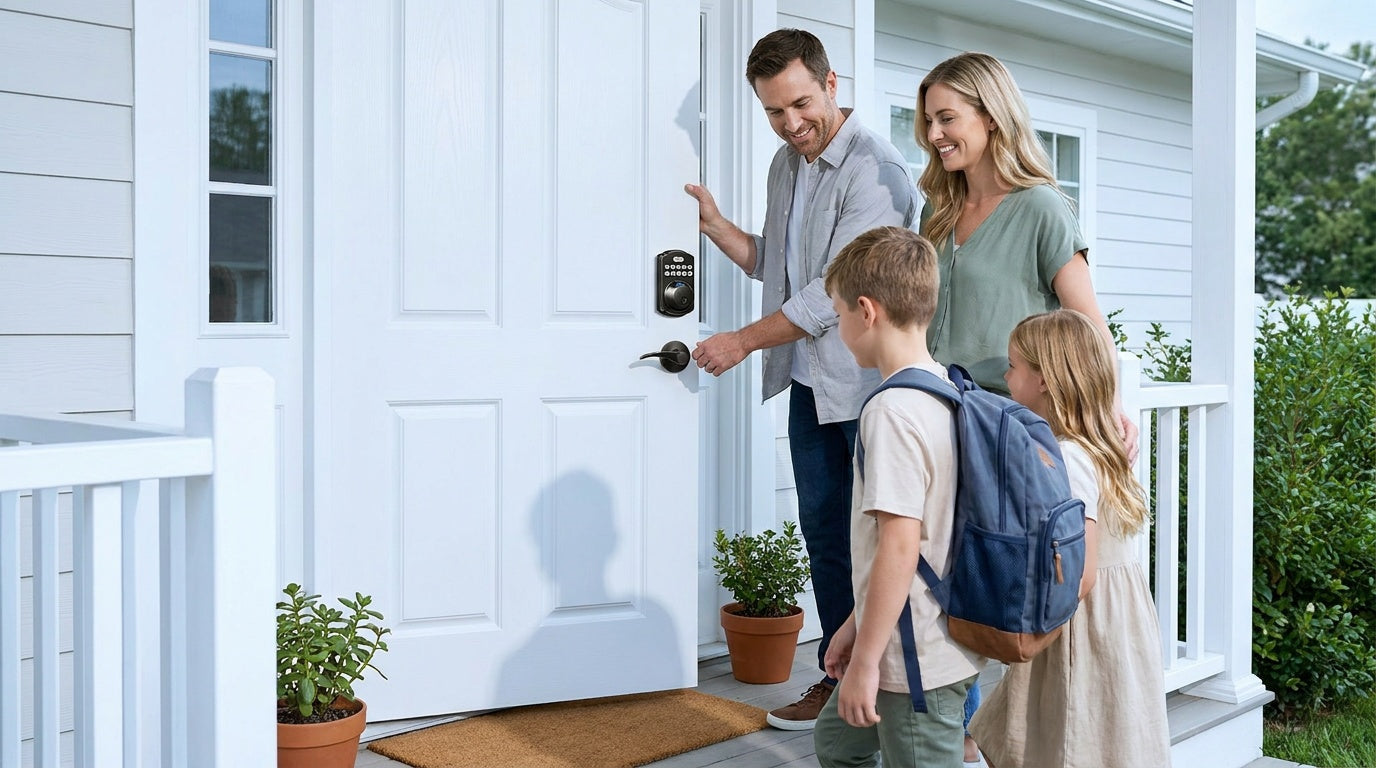
Replacing a lock used to mean calling a locksmith, waiting for an appointment, and handing over a spare key you'd immediately worry about. Today, the best smart locks let you unlock your front door from across the country, automatically lock up when everyone's asleep, and give your kids, guests, or house cleaner their own temporary code — no key copies needed. The question is no longer whether to upgrade, but which smart lock actually fits your door, your budget, and your daily life.
This guide cuts through the noise. We've organized the 11 best smart locks into four practical categories — keypad deadbolts, keypad latch locks, gateway-paired smart locks, and Wi-Fi smart locks — and ranked each one based on real-world performance, ease of installation, unlock flexibility, and long-term value. Every lock on this list comes from Veise, the #1 smart lock brand on Amazon North America in both 2024 and 2025, backed by over 35 years of lock manufacturing experience and a simple promise: premium, simple, and affordable home security. Trust Veise, Secure Your Home.
Why Smart Locks Are Worth It in 2026
The appeal of a smart lock goes beyond convenience. Parents working late can see exactly when their child got home — no anxious text messages required. Landlords and short-term rental hosts can issue and revoke entry codes remotely without ever meeting a guest in person. Families with elderly relatives can provide simple, keypad-based entry that eliminates the stress of fumbling with keys. And for anyone who has ever stood on a doorstep in the rain searching for a key, the argument for a keypad practically makes itself.
What's changed in 2026 is value. Smart locks that once cost $300 or more now sit comfortably in the $30–$180 range without sacrificing reliability. No-subscription models have become the norm rather than the exception, and installation has been simplified to the point where most homeowners can complete it in about 15 minutes with a screwdriver — no wiring, no professional help required.
How We Ranked These Locks
Every lock on this list was evaluated against five criteria that reflect how real households actually use door hardware day to day.
- Unlock flexibility: How many ways can you get through the door? Keypad codes are the baseline; fingerprint, app control, physical key backup, and voice commands each add meaningful convenience for different household members.
- Installation simplicity: A 15-minute DIY install on a wood door with a screwdriver and no wiring is the gold standard. All locks here meet it.
- Remote access and monitoring: Relevant primarily for app-connected locks — can you check the lock status, unlock remotely, and review entry history from anywhere?
- Security certifications: All Veise smart locks carry ANSI/BHMA Grade 3 certification, the recognized residential standard for home door hardware.
- Value without subscriptions: No monthly fees, no cloud dependency, local data storage. The lock you buy today works the same five years from now.
Locks are grouped by category first, then ranked within each category. Note that all Veise locks are designed for wood doors with a standard thickness of 1-3/8" to 2" and require full lock replacement — so these recommendations are best suited for homeowners or property managers with authority to modify door hardware.
The Four Categories That Cover Every Door
Before diving into the ranked list, it helps to understand that not every door needs the same solution. Veise's lineup maps cleanly onto four real-world door scenarios, and picking the right category matters more than picking the right model number.
- Keypad Deadbolt: The go-to choice for exterior front doors where you want code-based entry and strong physical security without an app or Internet connection.
- Keypad Latch Lock: A practical pick for interior doors, side entries, and utility spaces where daily code-based access matters but smart connectivity isn't needed.
- Smart Lock w/ Gateway (G1 or G2): A fully connected smart lock that pairs with a compact gateway device to deliver remote app control, voice assistant support, and entry history — without requiring built-in Wi-Fi hardware in the lock itself.
- Wi-Fi Smart Lock: The most connected option, with built-in Wi-Fi for direct app control, Alexa/Google voice commands, and real-time notifications — no separate gateway required.
Best Keypad Deadbolt Locks
A keypad deadbolt is the most straightforward upgrade you can make to a front door. It replaces your existing deadbolt, adds code-based entry for everyone in the household, and keeps a physical key as a backup — no app required, no Wi-Fi needed, no monthly fees ever. The ANSI/BHMA Grade 3 certification means it meets the recognized residential security standard. Auto lock keeps the door secured without anyone having to remember to turn the latch.
1. Veise Fingerprint Keypad Deadbolt with Handle Set (Top Pick)
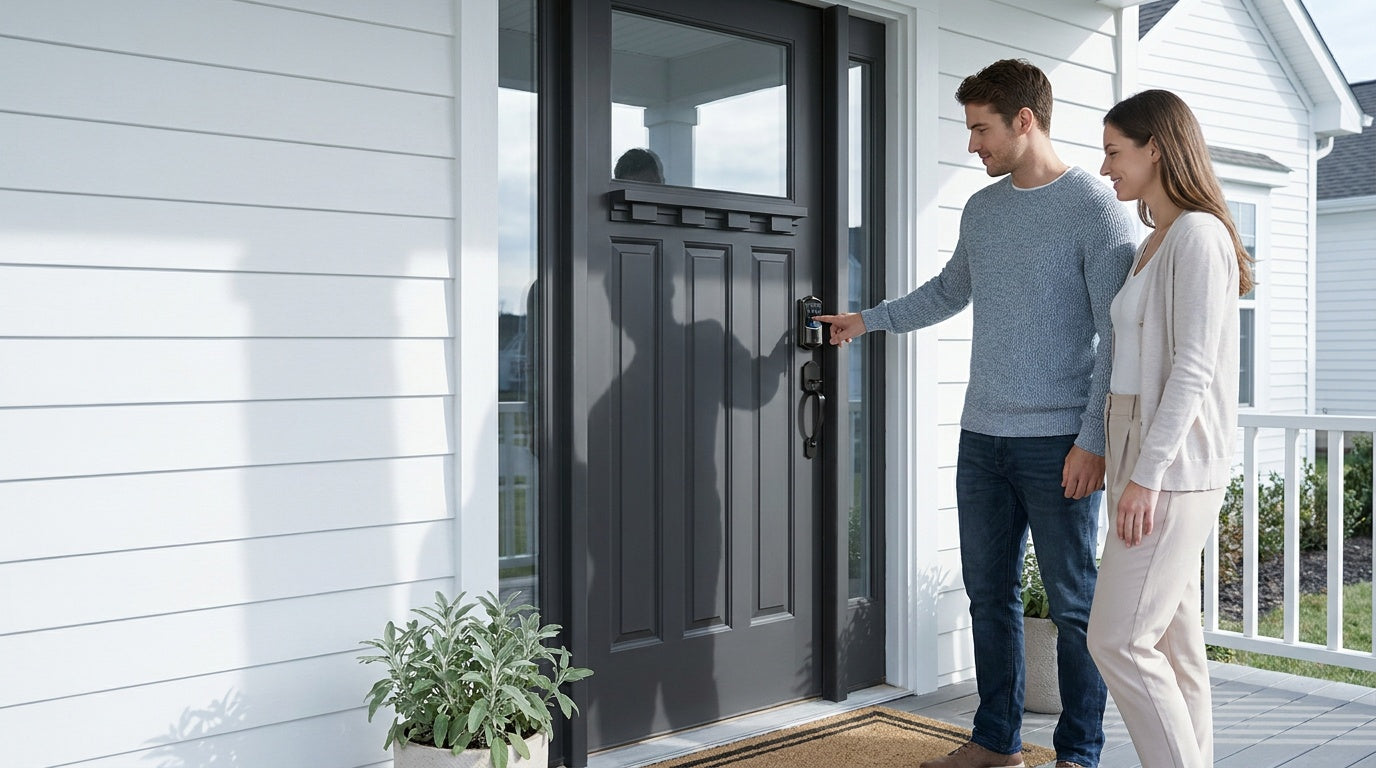
The fingerprint-enabled keypad deadbolt with a matching handle set is the best all-around choice for households replacing a complete handle-and-deadbolt setup in one upgrade. Lever and vertical handle bundles are both available, so the lockset matches the visual style of the door without mixing parts from different brands. Unlock methods include fingerprint, keypad code, and physical key backup — multiple ways to enter without a single app download or Internet connection required. Fingerprint scan completes in under 0.3 seconds, making touch-to-unlock the most natural daily entry method for kids, elderly family members, or anyone with hands full.
2. Veise Fingerprint Keypad Deadbolt (Keypad-Only)
If your existing handle or knob is in good shape and you only want to upgrade the deadbolt itself, the fingerprint keypad deadbolt without a paired handle set is the slimmer pick. It carries the same fingerprint, keypad code, and physical key backup as the bundled version, but installs cleanly into just the deadbolt position — no need to pull a working handle. A practical choice for homeowners who like the look of their current door hardware and only want to add fingerprint and code-based entry.
3. Veise Keypad Deadbolt (No Fingerprint)
For homeowners who want a clean, reliable upgrade without biometrics, the standard keypad deadbolt covers exactly what most households need at the affordable end of the $30–$180 range. All models support keypad code entry plus a physical key backup — simple, dependable, and easy for anyone to use. Both standalone deadbolts and full handle-set bundles (lever or knob) are available, so the lineup fits both single-door upgrades and multi-door replacements across a property. It's a strong first smart lock for new homeowners who want to eliminate spare keys without diving into app-connected features just yet.
Browse the full keypad deadbolt collection to compare current models and pricing.
Best Keypad Latch Locks
A keypad latch lock handles the practical middle ground — doors that see regular traffic but don't require the heavy-duty bolt of a primary deadbolt. Think interior office doors, basement entries, side garage doors, or any space where a latch-style handle is already in place. The current Veise keypad latch lineup includes two SKUs, both supporting keypad code and physical key as the two entry methods. There's no fingerprint, no app, and no key fob on this category — and that simplicity is exactly the point.
4. Veise Keypad Latch Lock with Top Knob
The keypad latch lock with an integrated top knob is a practical, no-frills solution for interior doors, side entries, or utility spaces where a knob-style handle fits the existing aesthetic. The keypad and knob are built into a single integrated unit — there is no separate handle to install. Keypad code entry lets you assign unique codes to different household members or service providers, while the physical key stays available as a backup. Installation is the same straightforward 15-minute process — a screwdriver, no wiring, no professional needed.
5. Veise Keypad Latch Lock with Top Lever
The keypad latch lock with an integrated top lever offers the same single-unit design as the knob version, but with a press-down lever handle that's easier to operate when carrying items or for users who prefer levers over knobs. It supports keypad code and physical key entry, with auto lock keeping the latch engaged when the door closes. A solid pick for offices, apartment doors, or any latch-style doorway where a lever handle is preferred over a knob.
See all available options in the keypad latch lock collection.
Best Smart Locks with Gateway (G1 & G2)
The gateway-paired smart lock category is where Veise's connected features come fully online. These locks pair with a small gateway hub (sold separately or bundled) that bridges the lock to your home network, enabling remote app control, entry history, and voice assistant support — without building Wi-Fi directly into the lock hardware. The result is a connected smart lock with a battery life advantage over always-on Wi-Fi models. Every model in this category includes keypad code, remote app control via the paired gateway, physical key backup, and key fob as standard features; many models also include fingerprint.
Two gateway generations are available. Smart Locks w/ G1 is built on a single product series — the VE017 — and is the top recommendation for most households. Because the entire G1 line is one series, every model ships with the same standard feature set: fingerprint as a standard unlock method, voice prompts in English, Spanish, and French (a meaningful differentiator for multilingual households), and a USB-C emergency power port that eliminates dead-battery lockout risk. G1 also pairs with the Veise-developed app, giving you tighter integration with Veise's ecosystem rather than relying on a third-party app. Smart Locks w/ G2 represent the newer hardware generation, adding Apple Watch unlock and web portal access — features unique to G2 — for households that want those specific extras. G2 supports English voice prompts only and includes both fingerprint and non-fingerprint SKUs in standalone or handle-set form factors, making it the more flexible line for budget-conscious shoppers. The right pick comes down to whether you want G1's all-in-one reliability and Veise-app integration, or G2's Apple Watch and web portal features.
6. Veise Smart Lock w/ G1 — Best Overall Connected Lock
For households that want the most integrated, reliable connected pick, the Smart Lock w/ G1 line is the top recommendation. G1 pairs with the Veise-developed app, giving you tighter integration with the Veise ecosystem and a single point of contact for support — no third-party app dependency. Because the entire line is a single product series, every G1 model ships with the same standard features: fingerprint as a standard unlock method, voice prompts in English, Spanish, and French (a meaningful differentiator for multilingual households), and a USB-C emergency power port that eliminates the risk of dead-battery lockouts. Keypad code, key fob, physical key backup, and remote app control via the paired gateway round out the unlock methods. Install in about 15 minutes, pair the gateway, and you have a fully connected lock with the broadest combination of language support, lockout-proof backup, and biometric entry in the gateway category.
Browse the Smart Locks w/ G2 collection for current models.
7. Veise Smart Lock w/ G2 — Fingerprint + Handle Set
For households who specifically want G2's Apple Watch unlock and web portal access alongside a complete handle-and-deadbolt replacement, the fingerprint-equipped G2 with a matching handle set is the cleanest one-bundle upgrade. Lever and vertical handle options are both available, so the lockset matches the visual style of the door without mixing parts from different brands. Fingerprint, keypad code, key fob, physical key backup, app control, and Alexa/Google voice via the paired gateway are all included. A solid pick when you want G2's connectivity on a freshly upgraded front door.
Browse the Smart Locks w/ G1 collection for current models.
8. Veise Smart Lock w/ G2 — Fingerprint (Standalone)
If your existing handle or knob is in good shape and you only want to upgrade the deadbolt itself, the fingerprint G2 standalone deadbolt is the slimmer pick within the G2 line. It carries the same Apple Watch unlock, web portal access, fingerprint, keypad code, key fob, physical key backup, and full remote app control as the bundled version, but installs cleanly into just the deadbolt position — no need to pull a working handle. A practical choice for homeowners who like the look of their current door hardware and only want to add G2's connected feature set on top.
9. Veise Smart Lock w/ G2 — Without Fingerprint (Budget Connected Pick)
Among gateway-paired smart locks, only the G2 line offers SKUs without a fingerprint reader — making this the budget-friendly pick when connected features matter more than biometric entry. Both standalone deadbolts and full handle-set bundles (lever, vertical, or knob) are available without fingerprint, so you can match the form factor to your door regardless of whether you want biometric unlocking. You still get Apple Watch unlock, web portal access, keypad code, key fob, physical key backup, and full remote app control through the gateway, just without the fingerprint sensor. A practical choice for a rental property entry, a vacation home, or any door where keypad codes work fine and the household doesn't need fingerprint enrollment for every guest.
Best Wi-Fi Smart Locks
The Wi-Fi smart lock category puts the most connectivity directly into the lock itself. No gateway required — the lock connects to your home's Wi-Fi network and communicates directly with the app, Alexa, and Google Assistant. Real-time push notifications, remote locking and unlocking, and a full entry history log are available from anywhere with an active Internet connection. Even when Wi-Fi is down, app control continues to work locally as long as you're within short-range wireless distance of the lock.
Veise's Wi-Fi smart locks run on 8 AA batteries rather than the more common 4 AA setup, delivering a stronger, more stable signal and a more generous power reserve. The category splits cleanly into two interface styles. The Touchscreen Wi-Fi Smart Lock (VE027 series) uses a touchscreen face and includes a Type-C emergency power port across the entire line — useful if batteries run down unexpectedly, letting you power the lock momentarily with a portable charger to gain entry. The Push-Button Wi-Fi Smart Lock (VE012W series) uses a traditional press-button keypad and does not include the USB-C port, but connectivity and remote features are otherwise identical between the two series.
10. Veise Touchscreen Wi-Fi Smart Lock (VE027 Series) — Best for Monitoring
If remotely checking whether the front door is locked before bed — or reviewing who came home and when — is a priority, the VE027 series is the lock to buy. The touchscreen front face keeps the lock looking clean and modern, and connectivity covers fingerprint, keypad code, key fob, physical key backup, and direct app control. Real-time push notifications give parents and property managers a genuinely useful security tool, and Alexa and Google Assistant work directly via the lock's built-in Wi-Fi — no gateway required. The VE027 series also supports three-language voice prompts (English, Spanish, and French), making it more accessible for multilingual households. A Type-C emergency power port comes standard across the VE027 line, eliminating the risk of a dead-battery lockout — plug a portable charger in, and you can power the lock momentarily to gain entry. The 8 AA battery configuration keeps the connection stable and reliable without frequent battery swaps.
11. Veise Push-Button Wi-Fi Smart Lock (VE012W Series)
For users who prefer a traditional press-button keypad over the VE027 touchscreen, the VE012W series is the push-button alternative within the Wi-Fi smart lock category. Connectivity, unlock methods, and remote features are otherwise the same as the VE027 — fingerprint, keypad code, physical key backup, app control, and direct Alexa and Google Assistant integration via built-in Wi-Fi. The practical trade-off is that VE012W does not include a USB-C emergency power port or voice prompts, so pair it with proactive battery monitoring (the app shows battery level) to avoid surprises.
Explore the full Wi-Fi smart lock collection to find the right model for your door.
Smart Lock Buying Guide: What to Look For
A few practical questions narrow the field quickly when you're choosing between categories.
Do you need remote access?
Remote access — unlocking your door from the office, checking entry history, issuing a temporary code to a repair person — requires a smart lock: either a gateway-paired model or a Wi-Fi model. A keypad lock, regardless of how advanced it looks, cannot be paired with a gateway and does not support remote control. If remote access matters to you, start with the gateway or Wi-Fi categories.
Who is using the lock every day?
Families with school-age kids benefit most from a Wi-Fi smart lock or a gateway-paired smart lock, because parents can review entry history and receive real-time notifications via the app. For elderly family members who prefer simplicity, a fingerprint model removes the need to remember codes. For properties with rotating guests — a vacation rental or a home with frequent service providers — app-issued temporary codes on a gateway or Wi-Fi model are far more practical than physical key copies.
What door are you securing?
All Veise locks are designed for wood doors with standard thickness between 1-3/8" and 2". They are not compatible with fiberglass, metal, storm, or sliding doors. Exterior front doors typically call for a deadbolt for primary security. Interior doors, side entries, utility spaces, and secondary entry points are often well served by a keypad latch lock or a mechanical lock — depending on whether code-based access is needed.
Do you want voice control?
Voice control through Alexa or Google Assistant works differently depending on the lock type. Wi-Fi smart locks support voice commands directly through the lock's built-in Wi-Fi — no additional hardware required. Gateway-paired smart locks (G1 or G2) support voice control once the paired gateway is in place and connected; the gateway is what bridges the lock to the voice assistant. Keypad deadbolts and keypad latch locks do not support voice control.
What does installation actually involve?
Every Veise lock installs in about 15 minutes with a screwdriver — no wiring, no special tools, no professional installer required. Because Veise locks are full lock replacements (not overlays), you'll be removing your existing lock hardware and fitting the new one in its place. That makes these locks best suited for homeowners and property managers who have the authority to modify door hardware.
If you want to explore the broader range of door hardware beyond smart locks, the full Veise product collection covers mechanical locks, door knobs, levers, deadbolts, and accessories for every room in the home.
Frequently Asked Questions
What is the best smart lock for a family with young kids?
A Wi-Fi smart lock or a gateway-paired smart lock is the best choice for families with young kids. Both options allow parents to receive real-time push notifications and review a full entry history log via the app, so you always know when your child arrived home. A keypad-only lock cannot provide that remote visibility. Look for a model that also includes fingerprint recognition if younger children have trouble remembering codes.
Do Veise smart locks require a monthly subscription?
No. Veise smart locks have no subscription fees. The lock stores data locally — no cloud dependency — and all core features, including app control and entry history on connected models, are available without any ongoing payment. The lock you buy today functions exactly the same way five years from now.
Can I install a Veise smart lock myself?
Yes. Every Veise lock is designed for DIY installation and typically takes about 15 minutes with a screwdriver — no wiring, no professional help needed. Because Veise locks are full replacements for existing hardware (not overlays), the installer should be the property owner or someone with authority to modify the door hardware. Veise locks are compatible with standard wood doors between 1-3/8" and 2" thick.
What is the difference between a Smart Lock w/ Gateway and a Wi-Fi Smart Lock?
A Smart Lock w/ Gateway (G1 or G2) pairs with a separate compact gateway hub that connects to your home network and bridges the lock to remote control and voice assistants. The lock itself doesn't contain Wi-Fi hardware, which can help with battery efficiency. A Wi-Fi Smart Lock has Wi-Fi built directly into the lock, connects to your network without a separate hub, and communicates with the app and voice assistants on its own. Both deliver remote access; the key practical difference is whether you need a gateway device or not.
Does a Veise smart lock work if my Wi-Fi goes down?
Yes, with some nuance. Keypad codes and physical key backups always work regardless of network status. For gateway-paired and Wi-Fi smart locks, app control continues to function within short-range wireless distance even without an active Internet connection. Only the long-distance remote features — such as unlocking from across town or receiving off-site push notifications — require a live Internet connection.
What ANSI/BHMA grade are Veise locks?
All Veise smart locks carry ANSI/BHMA Grade 3 certification, which is the recognized standard for residential door hardware. Grades 1 and 2 are designed for high-traffic commercial environments such as office buildings and institutional facilities — they are not a higher quality tier for home use. Grade 3 is the appropriate and widely accepted certification for residential front doors.
Can I use a Veise smart lock on a rental property or Airbnb?
Yes — gateway-paired and Wi-Fi smart locks are well suited for short-term rentals and managed properties. Property owners and hosts can issue and revoke temporary access codes remotely via the app, review entry history, and lock or unlock the door from anywhere with an Internet connection. Because Veise locks are full hardware replacements, this option is available to property owners and managers who have authority over the door hardware.
The right smart lock comes down to one honest question: what does your household actually need from a front door? A straightforward keypad deadbolt handles most homes beautifully. A gateway-paired smart lock adds remote access and voice control for families who want more visibility. A Wi-Fi smart lock goes the furthest — real-time notifications, full entry history, and direct voice assistant integration, all from a lock that installs in 15 minutes and never charges a subscription fee.
Every lock on this list is designed, manufactured, and supported by Veise — a vertically integrated company with over 35 years in the lock industry and the #1 smart lock ranking on Amazon North America two years running. That means you're buying from a manufacturer who stands behind the product, not an OEM reseller passing through someone else's hardware.
Whether you're a new homeowner replacing a worn-out deadbolt, a parent who wants to know when the kids got home, or a landlord managing guest access across multiple properties, there's a Veise lock on this list built for your situation. Trust Veise, Secure Your Home.
Not Sure Which Lock Is Right for You?
The Veise support team is based in the US and ready to help you match the right lock to your door, your household, and your budget. No pushy sales — just practical guidance from people who know locks.
Contact Us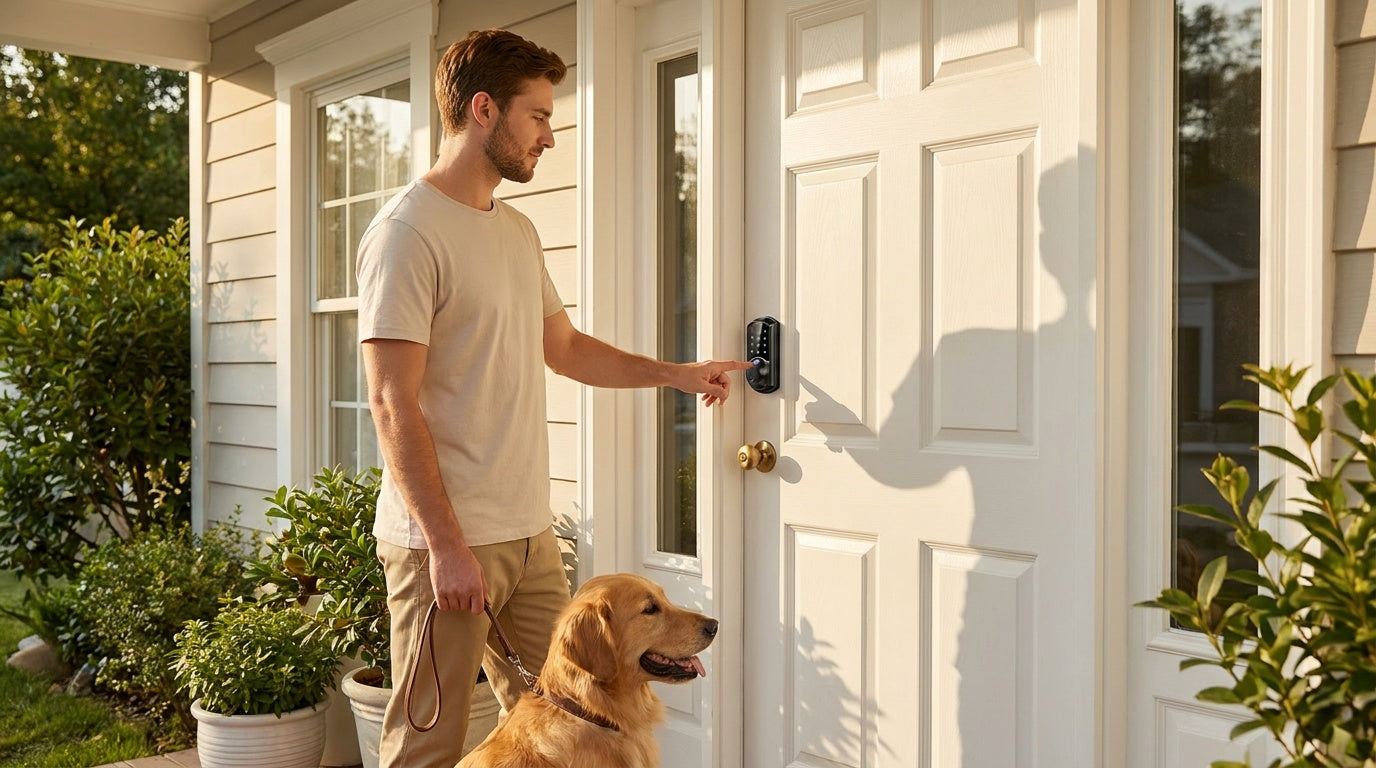

Leave a comment
This site is protected by hCaptcha and the hCaptcha Privacy Policy and Terms of Service apply.