
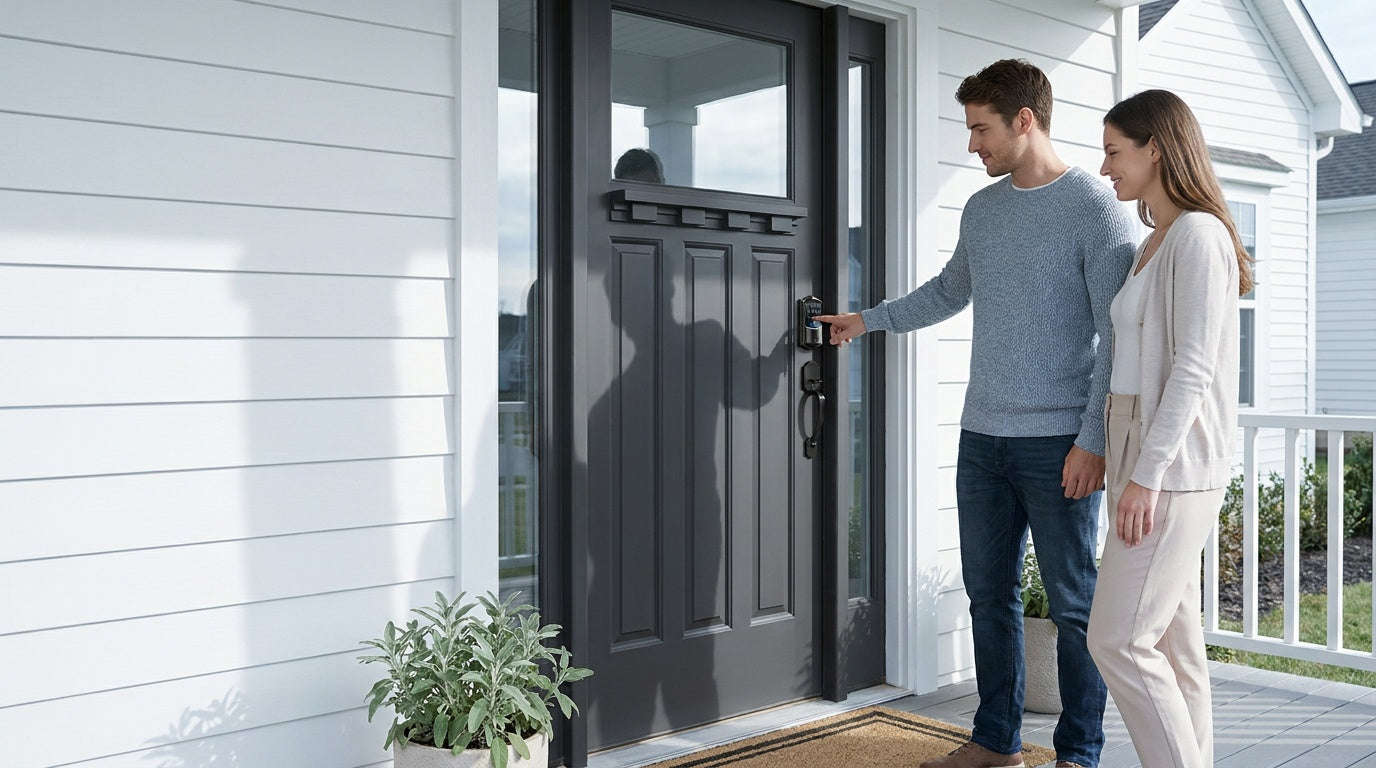
You're standing at your front door, arms full of groceries, fumbling for a key that's somewhere at the bottom of your bag. Or maybe you're trying to let a repair technician in while you're at work, with no easy way to hand over access. These everyday frustrations are exactly why the debate between digital door locks and traditional locks has become one of the most common questions for homeowners today.
Both lock types offer genuine security — but they work differently, fit different lifestyles, and come with distinct trade-offs around convenience, cost, and control. This guide breaks down the full comparison so you can make a confident decision for your home.
What Is a Traditional Lock?
A traditional lock is the kind most of us grew up with: a keyed deadbolt, a door knob with a key cylinder, or a lever set that requires a physical key to open. These locks have been the standard in residential security for generations, and for good reason. They're mechanically simple, widely available, and require no batteries or software to function.
Traditional locks come in several forms suited to different doors and use cases. Deadbolts are commonly used on exterior entry doors for their resistance to forced entry. Knobs and levers with key cylinders are often found on interior and side doors where daily access matters more than maximum security. Veise's lineup of keyed entry door knobs, keyed entry door levers, and deadbolt locks covers these traditional categories with the same quality standards applied across the brand.
What Is a Digital Door Lock?
A digital door lock replaces or supplements the key cylinder with an electronic access method. Depending on the model, that might mean entering a keypad code, pressing your fingertip to a sensor, using a mobile app, or speaking a voice command. Most digital locks still include a physical key slot as a backup — they just don't require you to use it every day.
Digital locks span a wide range of capability. At the simpler end, a keypad deadbolt lets you enter a code instead of using a key — no app, no Wi-Fi needed. At the more connected end, a Wi-Fi smart lock lets you lock and unlock your door remotely, check activity history, and integrate with Alexa or Google Assistant. In between sit Smart Locks w/ G1 and Smart Locks w/ G2, which pair with a gateway device to enable remote app control without requiring a built-in Wi-Fi radio in the lock itself.
Security: How Do They Stack Up?
Security is naturally the first concern for most homeowners, and neither lock type has a clear universal advantage — it depends on what you're protecting against.
Physical Resistance
Traditional deadbolts are mechanically straightforward and have a long track record against physical attacks like kicking, prying, or drilling. A well-installed deadbolt with a reinforced strike plate is genuinely difficult to defeat by force. Digital locks that include a deadbolt mechanism — like Veise keypad deadbolts — offer the same physical resistance as their keyed counterparts. The electronics add convenience; they don't weaken the bolt.
Access Control
This is where digital locks pull ahead. With a traditional lock, every authorized person needs a physical key. Lost keys create risk — you either live with the uncertainty or rekey the entire lock. With a digital lock, you assign a code, and when that person no longer needs access, you delete the code. No locksmith visit, no rekeying, no new keys to cut and distribute. For households where multiple people come and go — family members, housekeepers, dog walkers — that level of control is a meaningful security upgrade, not just a convenience feature.
Vulnerabilities to Consider
Traditional locks are vulnerable to lock picking, key duplication, and the simple risk of losing a key. Digital locks introduce different considerations: battery life, code guessing, and (for connected models) network security. Veise smart locks address battery concerns with low-battery alerts and a physical key backup on every model. For keypad security, temporary or one-time access codes let you limit exposure without sharing your main code. All Veise locks store fingerprint data locally on the device — nothing is sent to a remote server — which removes cloud-breach risk entirely.
Veise locks are ANSI/BHMA Grade 3 certified, which is the recognized standard for residential door hardware. Grades 1 and 2 are designed for high-traffic commercial environments, so Grade 3 is the appropriate target for a home — not a lesser tier.
Convenience and Access
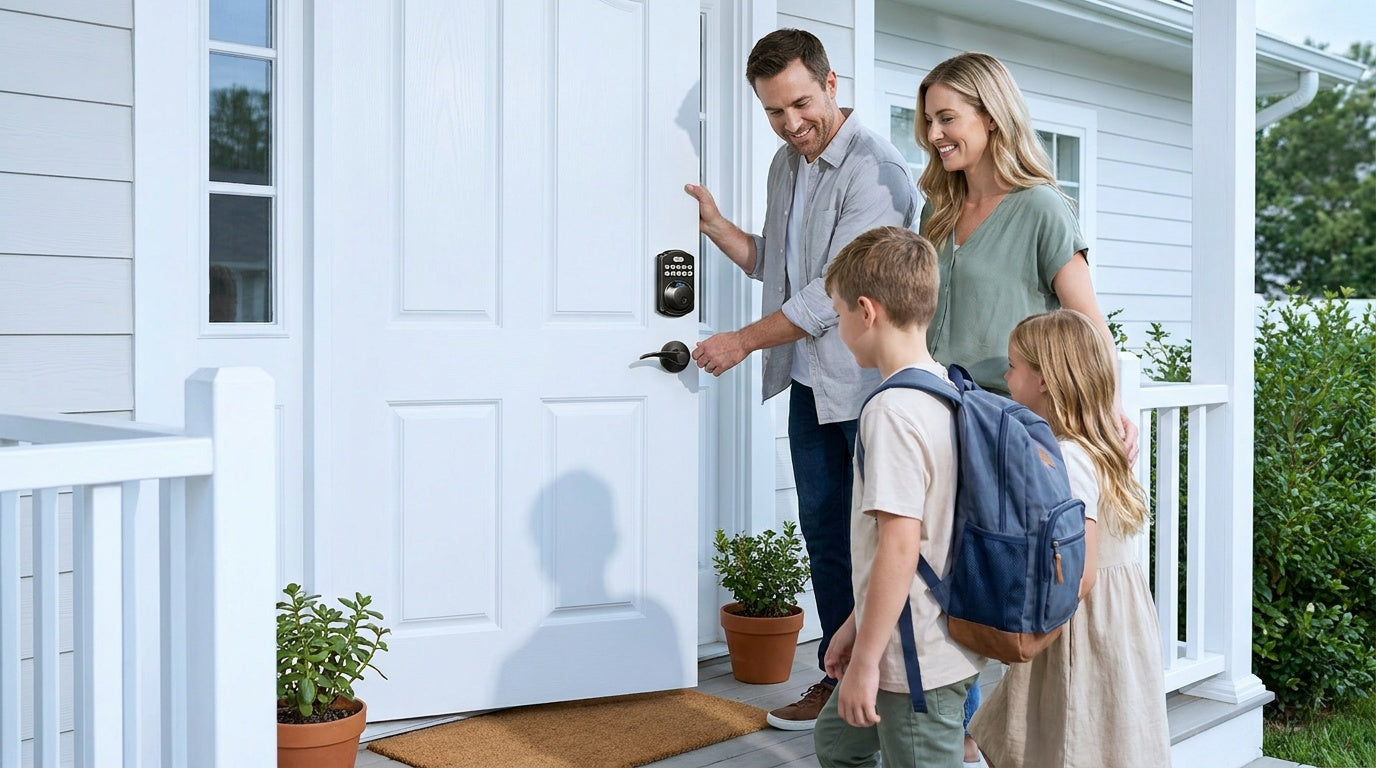
Traditional locks ask one thing of you: keep track of your key. For many households, that's a perfectly reasonable ask. But for others — families with kids, households with elderly members, homeowners managing a short-term rental — key-based access creates real friction.
Digital locks solve different problems depending on which type you choose. Here's how each category handles everyday access:
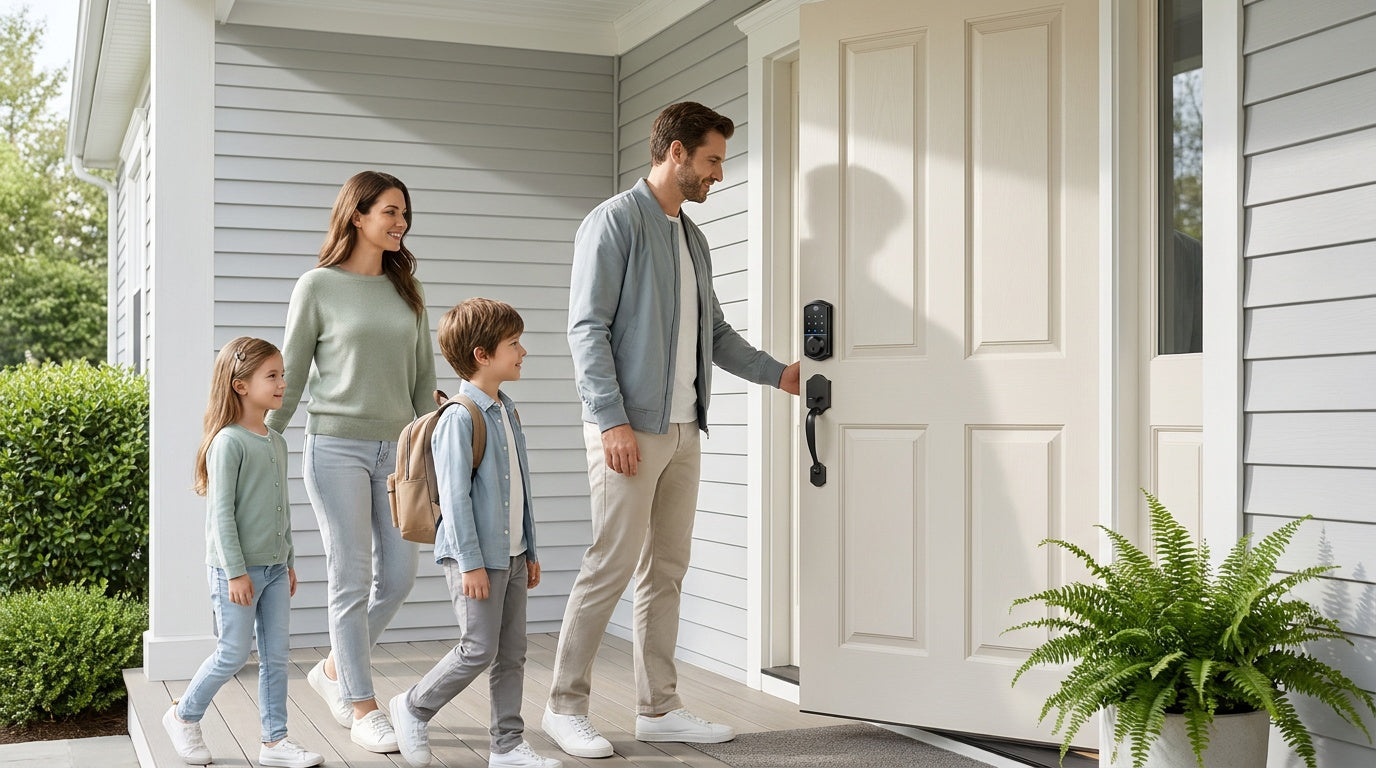
- Keypad Deadbolt: Enter a code to unlock. Select models also support fingerprint recognition (under 0.3 seconds). All models include a physical key backup. No app or Internet connection required. Good for households that want keyless entry without the complexity of a connected system.
- Keypad Latch Lock: Code entry and physical key backup only. Currently available in two handle styles — top knob (KS03) or top lever (KS04). A practical choice for interior doors, office doors, side entries, or any door where simple code access is the goal.
- Smart Lock w/ Gateway (G1 or G2): Pairs with a separate gateway device to enable remote app control, so you can lock or unlock from anywhere with an active Internet connection. Multiple entry methods across the line include keypad code, key fob, physical key, and fingerprint on most models. The G1 line (VE017 series — the entire G1 line is one series) also supports English, Spanish, and French voice prompts, making it a strong fit for multilingual households. The G2 line is English-only but adds Apple Watch unlock and web portal control as unique features.
- Wi-Fi Smart Lock: The most connected option, with remote access built directly into the lock via built-in Wi-Fi. No separate gateway needed. Unlock methods typically include fingerprint, keypad code, app, voice control (Alexa/Google Assistant via built-in Wi-Fi), and physical key backup. Even when Wi-Fi is down, app control continues to work locally as long as you're within short-range wireless distance of the lock.
One clarification worth making: remote access requires a smart lock specifically — either a gateway-paired model or a Wi-Fi model. A keypad deadbolt, no matter how capable, cannot be paired with a gateway to gain remote control. If remote monitoring is a priority, the lock category itself must support it.
Installation and Cost
Installation
Traditional locks are straightforward to install, especially as direct replacements for existing hardware. Digital locks often follow the same process. Veise locks are designed for full DIY installation — typically around 15 minutes with a screwdriver, no wiring, no professional help required. Because Veise locks are full replacements (not overlays on existing hardware), the buyer needs to be the property owner or have authority to modify the door hardware. Veise locks are also compatible with wood doors in standard thickness (1-3/8" to 2") — they are not designed for fiberglass, metal, storm, or sliding doors.
Cost
Traditional locks typically range from under $20 for basic interior hardware to $60 or more for quality deadbolts. Digital locks span a wider range. Veise's lineup is priced between $30 and $180 depending on features, covering everything from simple keypad locks to fully connected Wi-Fi smart locks. There are no subscription fees — the app and all features work without a monthly charge. That makes the sticker price the real total cost, which is a meaningful difference from some competitors that layer in recurring software fees.
Real-Life Use Cases: Which Lock Fits Your Life?
Specs and categories matter less than how a lock fits into your actual daily routine. A few common scenarios help illustrate where each type excels:
- New homeowner replacing builder-grade hardware: A keypad deadbolt is a direct upgrade — better access control, no key management, easy install.
- Parents tracking when kids arrive home: A Wi-Fi smart lock or a gateway-paired smart lock lets parents check entry history and monitor lock activity remotely through the app. A keypad-only lock won't send those notifications.
- Families with an elderly member: A fingerprint-enabled lock (under 0.3 seconds per scan) removes the need to remember codes or carry a key. On select models in the VE017 (G1) and VE027 (Wi-Fi) series, a USB-C emergency power port provides a backup power source if batteries run low.
- Managing a short-term rental or vacation property: A Wi-Fi smart lock or Smart Lock w/ G1/G2 lets property owners issue and revoke guest codes remotely without being on-site. No key handoffs, no lockbox needed.
- Interior doors, offices, or utility rooms: A keypad latch lock or a mechanical lock is often the right fit — simple, reliable, and appropriately scaled for doors that don't need maximum security.
Veise: A Full Range for Every Door
Veise has manufactured and engineered its own locks since 1988. The North American lineup launched in 2022 and reached the #1 smart lock brand on Amazon North America in both 2024 and 2025 — not by reselling other manufacturers' products, but by designing and building from the ground up at their own factory. That vertical integration means tighter quality control, consistent design across the lineup, and US-based support that actually knows the product.
The full range spans every category covered in this article:
- Keypad Deadbolt Locks — with and without fingerprint, in standalone or handle-set bundle options
- Keypad Latch Locks — integrated knob or lever handle, code and key access
- Smart Locks w/ G1 — gateway-paired remote access, multilingual voice, USB-C emergency port, fingerprint standard
- Smart Locks w/ G2 — gateway-paired remote access, Apple Watch unlock, web portal, fingerprint and non-fingerprint options
- Wi-Fi Smart Locks — built-in Wi-Fi for remote access without a gateway, available in Touchscreen (VE027 Series) and Push-Button (VE012W Series) variants
- Deadbolt Locks, Keyed Entry Door Knobs, Keyed Entry Door Levers, Privacy Door Knobs, Privacy Door Levers, and Keyed Entry Handleset for traditional mechanical needs
- Mechanical Locks for interior applications
All Veise smart locks carry no subscription fees, store data locally on the device, and include multiple unlock methods so households always have a backup. Browse the full product lineup to find the right match for every door in your home.
How to Choose Between Digital and Traditional
The choice between a digital door lock and a traditional lock doesn't have to be complicated. A few honest questions point most homeowners in the right direction:
- Do you regularly lose or forget keys? A keypad or fingerprint lock eliminates the problem at the source.
- Do multiple people need access on different schedules? Digital locks let you assign individual codes and revoke them instantly — no key cutting or collection required.
- Do you need to manage access remotely? That requires a smart lock — gateway-paired or Wi-Fi. A keypad lock alone won't send remote alerts or allow off-site control.
- Is simplicity your priority? A quality traditional deadbolt or a basic keypad lock does the job reliably without any app setup or battery management beyond occasional replacement.
- Are you furnishing interior doors, a utility room, or a side entry? Traditional mechanical hardware or a simple keypad latch lock is typically the right scale for those applications.
There's no single correct answer — the right lock is the one that matches how you actually use your door. What matters is that whichever direction you go, the hardware is reliable, installed properly, and suited to the door it's protecting.
Frequently Asked Questions
Are digital door locks more secure than traditional locks?
Not inherently — but they offer a different kind of security. A good deadbolt (digital or traditional) resists forced entry comparably. Digital locks add access control advantages: you can assign and revoke codes instantly, eliminating the risk of lost or copied keys. The net security outcome depends on how you use the lock, not just which type it is.
What happens to a digital lock when the batteries die?
All Veise digital locks include a physical key backup so you're never locked out by a dead battery. Most models also send low-battery alerts before the power runs out. On select models in the VE017 (Smart Lock w/ G1) and VE027 (Wi-Fi Smart Lock) series, a USB-C emergency power port lets you use an external power bank to operate the lock even when the internal batteries are depleted.
Can I install a digital lock myself?
Yes, in most cases. Veise locks are designed for DIY installation — typically around 15 minutes with a screwdriver and no wiring. You do need to be the property owner or have authorization to replace the door hardware, since these are full lock replacements rather than overlays. Veise locks are compatible with wood doors in standard thickness (1-3/8" to 2").
Do smart locks require a monthly subscription?
Veise smart locks do not. All features — including app control, fingerprint management, and access history — are available without any ongoing subscription fee. The purchase price covers the full functionality of the lock.
What's the difference between a keypad lock and a smart lock?
A keypad lock lets you enter a code (and sometimes use a fingerprint) to unlock the door — no Internet connection or app required. A smart lock connects to a gateway or your home Wi-Fi so you can control and monitor the lock remotely through an app. If remote access and activity alerts are important to you, you need a smart lock; if you just want keyless entry, a keypad lock is simpler and often more affordable.
Is a Grade 3 lock good enough for a home?
Yes. ANSI/BHMA Grade 3 is the certified standard for residential door hardware. Grades 1 and 2 are designed for high-traffic commercial environments. A Grade 3 lock from a reputable manufacturer, properly installed on a reinforced door frame, meets the security standard appropriate for a home.
Can renters install digital door locks?
Because digital locks like Veise's are full hardware replacements, installation typically requires property owner permission or authority to modify the door. Renters should confirm with their landlord before replacing any door hardware. Property owners and landlords managing rentals, however, can use smart locks to issue and revoke guest access remotely — a practical benefit for short-term rental management.
The decision between a digital door lock and a traditional lock comes down to what you need from your door every day. Traditional locks offer mechanical simplicity and a proven track record. Digital locks add flexibility, access control, and — at the connected end — remote visibility that genuinely changes how you manage your home.
The good news is you don't have to choose one philosophy for every door. Many homes use a smart lock on the front entry for maximum control, a keypad latch on a side or interior door for convenient daily code access, and traditional mechanical hardware on interior rooms where a key lock is perfectly appropriate. Matching the lock to the door, the use case, and your household's real habits is what produces a secure and convenient home.
Ready to find the right lock for your door?
Browse the full Veise lineup — from simple keypad deadbolts to fully connected Wi-Fi smart locks — and find the right fit for every door in your home. Questions about which model is right for your situation? The Veise support team is available by phone and email, backed by a US-based warehouse.

Leave a comment
This site is protected by hCaptcha and the hCaptcha Privacy Policy and Terms of Service apply.