

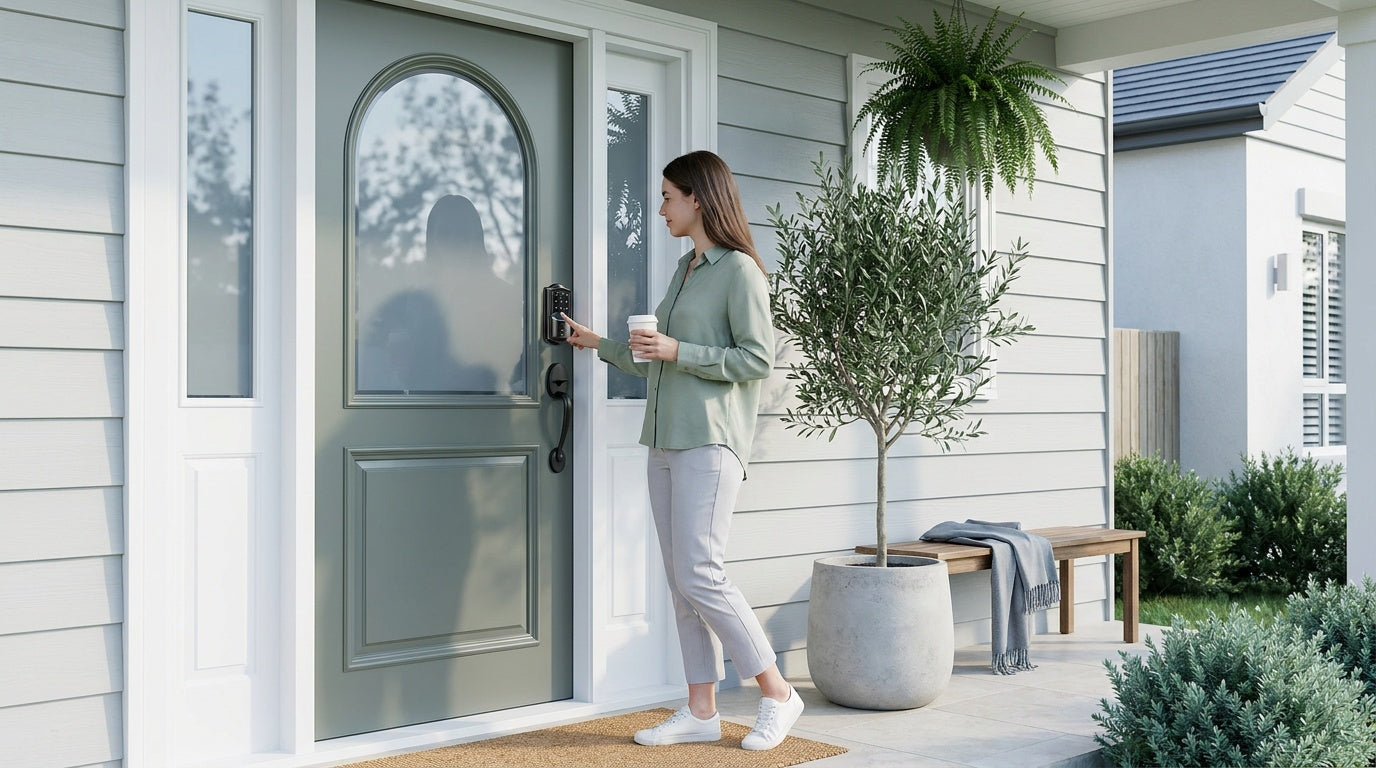
There's a moment every smart lock owner dreads: you walk up to your front door after a long day, tap the keypad — and nothing happens. The lock is completely dead. It's an inconvenient scenario, but it's also one of the most preventable problems in home security.
Smart lock battery life is one of the most practical things to understand before you buy and after you install. The honest answer to "how long do smart lock batteries last?" isn't a single number — it depends on the type of lock, how often the door gets used, the features you've enabled, and the batteries you choose. This guide breaks all of that down in plain language, walks you through the warning signs to catch before a dead battery catches you off guard, and gives you eight proven tips to stretch every charge as far as possible.
How Long Do Smart Lock Batteries Last?
Most smart locks run on AA alkaline batteries, and the typical lifespan falls somewhere between 6 and 12 months under normal residential use. That's a wide range, and for good reason — "normal use" looks very different from one household to the next. A single adult unlocking the door twice a day has a very different drain rate than a busy family with kids, a dog walker, and a house cleaner all coming and going.
Lock type also plays a major role. A basic keypad deadbolt that only powers up when someone punches in a code will naturally outlast a Wi-Fi smart lock that maintains a constant wireless connection and processes app commands in real time. Similarly, a keypad latch lock on an interior door — used primarily for privacy or secondary access control — will see far less drain than a front-entry lock doing double duty as the primary household entrypoint.
As a general benchmark: Keypad Deadbolt and Keypad Latch locks (no wireless connection) often push toward the 12-month end of the range. Smart locks with gateway connectivity or built-in Wi-Fi tend to land closer to the 6-to-9-month range, though this varies considerably based on traffic and settings. The good news is that with the right habits, you can push any smart lock toward the longer end of its realistic lifespan.
What Affects Smart Lock Battery Life?
Understanding what drains your smart lock's battery faster is the first step toward doing something about it. Several factors work against you, and most of them are within your control.
Wireless Connectivity
This is the biggest variable. A lock that communicates over Wi-Fi or pairs with a gateway to enable remote access is constantly drawing a small amount of power to maintain that connection — even when no one is using it. That background draw adds up over weeks and months. Keypad-only locks that don't maintain a wireless connection only pull power during active use, which is why they tend to last longer on a single set of batteries.
Usage Frequency
Every lock/unlock cycle runs the motor, which is the most energy-intensive operation the lock performs. A household where the front door is used 10 or 15 times a day — kids leaving for school, a partner coming home for lunch, delivery drop-offs — will drain batteries significantly faster than a door that's opened four or five times a day. There's no way around the physics here, but managing other factors helps offset high-traffic drain.
Auto Lock Feature
Auto lock is a useful safety feature that automatically re-engages the deadbolt after a set interval — configurable between 10 and 99 seconds on Veise Keypad Deadbolt and Keypad Latch locks, and between 10 and 180 seconds on Smart Lock w/ Gateway 1/2 and Wi-Fi smart locks. If auto lock is set to trigger frequently — say, every 10 seconds — and the door is being propped open repeatedly during a move or a party, the motor may cycle far more often than you'd expect. Adjusting auto lock timing to match your actual routine makes a real difference.
Temperature and Climate
Cold weather is hard on batteries. In freezing temperatures, the chemical reactions inside alkaline batteries slow down, reducing the effective capacity and causing voltage to drop faster than it would indoors. If your front door faces north, sits in an exposed entryway, or is in a region with harsh winters, expect shorter intervals between battery changes — plan on swapping fresh AA/LR6 alkaline cells in more often through the coldest months. (Veise locks are specified to run on AA/LR6 alkaline batteries — don't substitute lithium in a Veise lock.)
Battery Quality
Bargain-bin batteries may look identical to name-brand cells, but their actual energy density and internal resistance can vary significantly. Using low-quality batteries in a smart lock — which draws power in short, high-current bursts during motor operation — can result in voltage sag, erratic behavior, and a lifespan noticeably shorter than what the manufacturer's specs suggest. For Veise locks, stick with reputable AA/LR6 alkaline brands — the few extra dollars per set are worth it when you're protecting a front door, and Veise's locks are spec'd specifically for alkaline AA chemistry.
How to Tell When Your Smart Lock Battery Is Running Low
A good smart lock gives you plenty of warning before it goes completely dark. Knowing what to look for means you can act before there's a problem rather than scrambling for a backup after the fact.
- App notifications: Smart locks with app connectivity — whether via gateway or built-in Wi-Fi — can push low-battery alerts directly to your phone. This is typically the earliest and most reliable warning you'll get.
- LED indicator changes: Most keypads use a color-coded LED system. A green or white indicator during normal operation may shift to red or amber when battery levels drop. Check your lock's manual for the specific pattern.
- Audible beeps: Many locks emit a series of warning beeps when you lock or unlock as a secondary alert — useful even if you've missed the app notification.
- Sluggish or delayed response: If the bolt feels slower than usual or there's a noticeable lag between entering a code and the motor engaging, low battery voltage is often the cause. Don't ignore it.
- Keypad backlight dims: On backlit keypads, a noticeably dimmer illumination than usual can indicate falling battery voltage even before the lock starts throwing explicit warnings.
The moment you notice any of these signs, swap the batteries. Don't wait to see how much longer you can push it — the cost of fresh batteries is dramatically lower than the hassle of a lockout.
What Happens When the Battery Dies?
When a smart lock's battery reaches zero, all electronic functions stop — keypad, fingerprint reader, wireless connectivity, motor. In that moment, the lock is physically in whatever state it was last in (locked or unlocked), and you need a non-electronic way back in.
Every Veise smart lock includes a backup physical key cylinder precisely for this scenario — even the models built around keypad or fingerprint access ship with a physical key slot as a universal failsafe. On select Veise models (VE017 series Smart Lock w/ G1 and VE027 series Wi-Fi Smart Lock), there's also a USB Type-C emergency power port: hold a portable battery pack against the port, provide just enough temporary power to enter your code, and you're in — no key required. That's a genuinely useful failsafe for households where keeping track of a physical key is its own challenge.
Once you're inside, replacing the batteries is straightforward. The battery compartment is located on the interior side of the lock, making it easy to access without tools. After inserting fresh batteries, the lock typically resumes normal operation immediately without needing a reset.
8 Practical Ways to Extend Smart Lock Battery Life
None of these tips require technical expertise or special tools — they're the kind of adjustments any homeowner can make in a few minutes that pay off over months of longer battery life.
- Choose quality batteries from the start. Veise locks are specified for AA/LR6 alkaline batteries — stick with name-brand alkaline cells (not lithium, not rechargeable) for the most consistent performance. Don't mix old and new cells, and don't mix brands within a single set.
- Check and clean battery contacts regularly. Corrosion or dust on the battery terminals increases resistance and reduces the effective power delivered to the lock's motor and electronics. A quick wipe with a dry cloth every few months keeps contacts clean and connections solid.
- Adjust your auto lock timing. If auto lock is set to a very short interval and your household propping the door open frequently, the motor is cycling far more than necessary. Setting auto lock to 60 or 90 seconds rather than 10 or 15 can meaningfully reduce motor cycles per day without sacrificing security.
- Disable features you don't actively use. Some smart locks offer optional features — like audible voice prompts at full volume or certain notification triggers — that add small but cumulative draw. Review the lock's settings and disable anything you don't rely on day to day.
- Monitor battery levels through the app. If your lock supports app connectivity, check the battery status reading periodically rather than waiting for a low-battery alert. Replacing batteries when they reach 20-25% capacity avoids the erratic behavior that can occur when voltage gets very low.
- Keep the lock mechanism properly aligned. A deadbolt that binds or requires extra motor force to throw because the door frame is slightly misaligned puts more load on the motor during every cycle. If the bolt doesn't slide smoothly, have the door frame or strike plate adjusted — it helps the lock and extends battery life at the same time.
- Store spare batteries inside. Keep a fresh set of batteries somewhere indoors near the door — a drawer, a hook near the entry, anywhere accessible. When the low-battery alert comes in, you can swap them within minutes rather than making a store run at an inconvenient time.
- Consider the lock's battery design. Not all smart locks are built with equal battery capacity. Veise's Wi-Fi smart locks, for example, use 8 AA batteries instead of the more common 4 AA configuration — delivering stronger wireless signal, more stable app connectivity, and a larger power reserve before a change is needed. If long intervals between battery changes matter to you, it's worth factoring battery design into your lock selection.
Choosing the Right Smart Lock with Battery Life in Mind
Battery life is one consideration among several when picking a smart lock, but it often reflects the broader design philosophy of the product. Here's how different lock categories compare from a battery-management perspective.
Keypad deadbolts and keypad latch locks offer the longest battery intervals because they don't maintain a continuous wireless connection. They only draw significant power during active keypad use and motor operation. These are excellent choices for doors where remote access isn't a priority — interior doors, side entries, garages, or situations where a shared keypad code serves everyone's needs. The tradeoff is that you can't check the lock from across town or receive entry alerts on your phone.
If remote access and real-time monitoring matter to you — say, you're a parent who wants to know when kids get home from school, or you manage a short-term rental property and need to update guest codes from anywhere — you'll want a connected smart lock. Smart Locks w/ G1 and Smart Locks w/ G2 pair with a gateway hub to enable remote app control, while Wi-Fi Smart Locks connect directly to your home network without a separate hub. Both categories draw more power than keypad-only locks, but thoughtful battery management keeps them running reliably for months at a stretch.
Veise's full lineup runs from straightforward keypad locks all the way to app-connected Wi-Fi models, with prices ranging from $30 to $180. All Veise locks are built in-house by a team that has been in the lock industry since 1988 — not assembled from off-the-shelf OEM parts — which means the hardware and firmware are optimized together rather than bolted together from mismatched components. That integration matters for power efficiency. Every lock installs in about 15 minutes with a screwdriver, requires no subscription fees, and stores access data locally on the device. Trust Veise, Secure Your Home.
Frequently Asked Questions
How long do smart lock batteries typically last?
Under normal residential use, most smart lock batteries last between 6 and 12 months. Keypad Deadbolt and Keypad Latch locks (without wireless connectivity) tend toward the longer end of that range, while Wi-Fi and gateway-connected smart locks typically land closer to 6 to 9 months depending on usage frequency and settings.
What type of batteries should I use in a smart lock?
Veise locks run on AA/LR6 alkaline batteries — stick with name-brand alkaline cells for the most consistent performance. Don't substitute lithium or rechargeable batteries in a Veise lock, and don't mix old and new cells or different brands within the same set.
What happens if my smart lock battery dies completely?
All electronic functions stop when the battery dies. Every Veise smart lock includes a physical key cylinder as a backup entry method — no Veise model omits this failsafe. Select Veise models (VE017 and VE027 series) also feature a USB Type-C emergency power port that lets you connect a portable battery pack temporarily, enter your code, and get inside without a physical key.
Does cold weather affect smart lock battery life?
Yes. Cold temperatures slow the chemical reactions inside alkaline batteries, reducing their effective capacity and causing voltage to drop faster than normal. If your Veise lock is on an exterior door exposed to freezing temperatures, plan to swap fresh AA/LR6 alkaline cells in more frequently through the coldest months. Veise locks are specified for alkaline AA chemistry, so don't substitute lithium cells — even though lithium is more cold-tolerant in general, it isn't the supported chemistry for these locks.
Does auto lock drain the battery faster?
Every auto lock cycle runs the bolt motor, which is the most power-intensive operation a smart lock performs. If auto lock is set to a very short interval and the door is being opened frequently, motor cycles add up quickly. Adjusting the auto lock timing to a longer interval — within the configurable range (10 to 99 seconds on Veise Keypad Deadbolt and Keypad Latch locks, 10 to 180 seconds on Smart Lock w/ Gateway 1/2 and Wi-Fi smart locks) — reduces unnecessary drain without compromising security.
How do I know when my smart lock battery needs replacing?
Look for app notifications, LED color changes, audible warning beeps during lock/unlock, a dimmer keypad backlight than usual, or a sluggish motor response. Any of these signs means it's time to replace the batteries soon — don't wait for a complete shutdown.
Does a Wi-Fi smart lock drain batteries faster than a keypad lock?
Generally, yes. Wi-Fi smart locks maintain a continuous network connection to enable real-time app control and alerts, which draws a steady background current even between uses. Keypad Deadbolt and Keypad Latch locks (no wireless connectivity) only pull power during active use. The tradeoff for higher battery consumption is remote access, entry alerts, and voice control — features that add genuine convenience for busy households.
Smart lock battery life isn't something you need to worry about constantly — but it is something worth understanding so you're never caught off guard. The basics are simple: matched battery quality to your climate, keep an eye on the early warning signs, adjust your settings to reduce unnecessary motor cycles, and keep a spare set of batteries somewhere accessible. Do those four things and you'll almost never face a dead-battery lockout.
If you're still choosing a lock, let battery design be one factor in your decision alongside features, fit, and budget. Veise's lineup covers everything from no-frills keypad locks to full Wi-Fi smart locks with 8 AA battery capacity — all installed in about 15 minutes with a screwdriver, no subscription required, and no data leaving your home. Explore the full range at Veise All Products and find the right fit for your door.
Have Questions? We're Here to Help.
Whether you're comparing lock types, troubleshooting battery issues, or just trying to figure out which Veise lock is the right fit for your door, our US-based support team is ready to help by phone or email.
Contact Us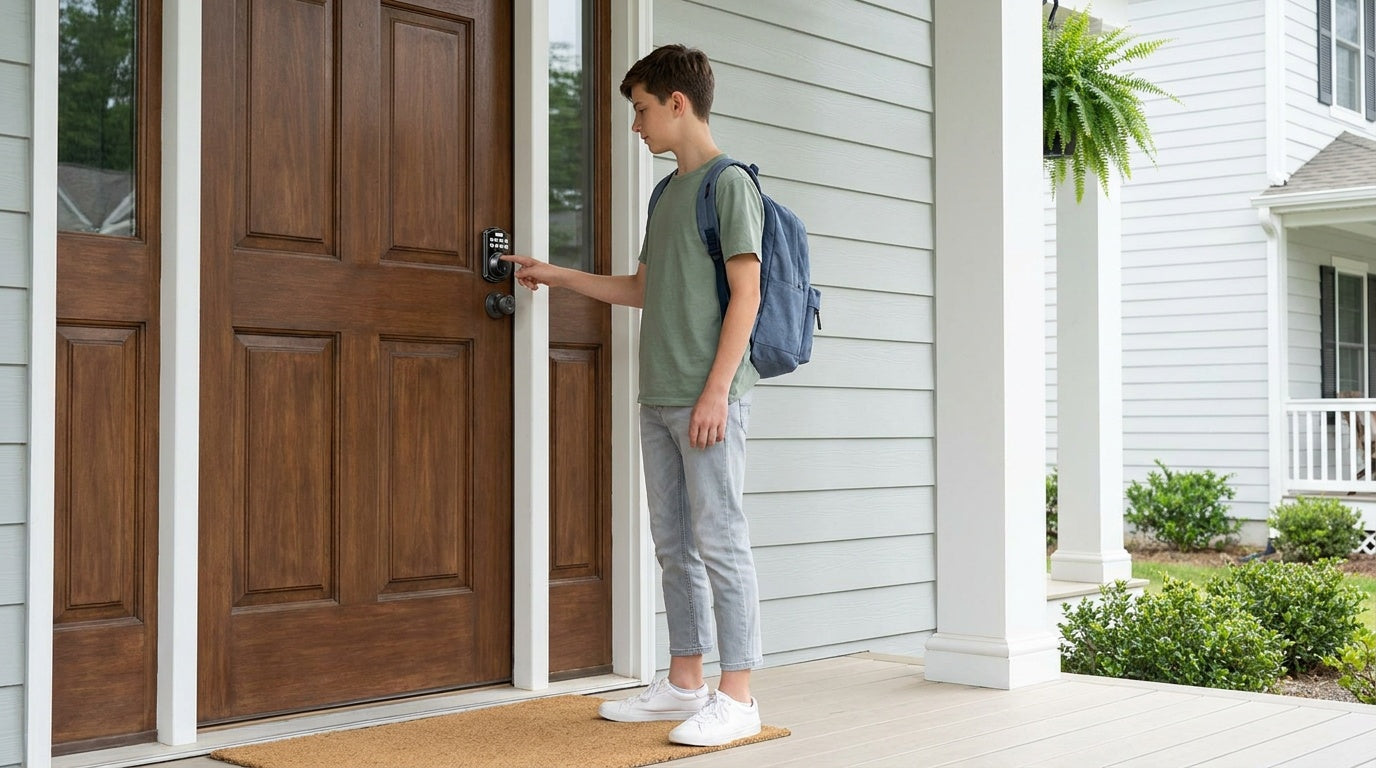

Leave a comment
This site is protected by hCaptcha and the hCaptcha Privacy Policy and Terms of Service apply.