
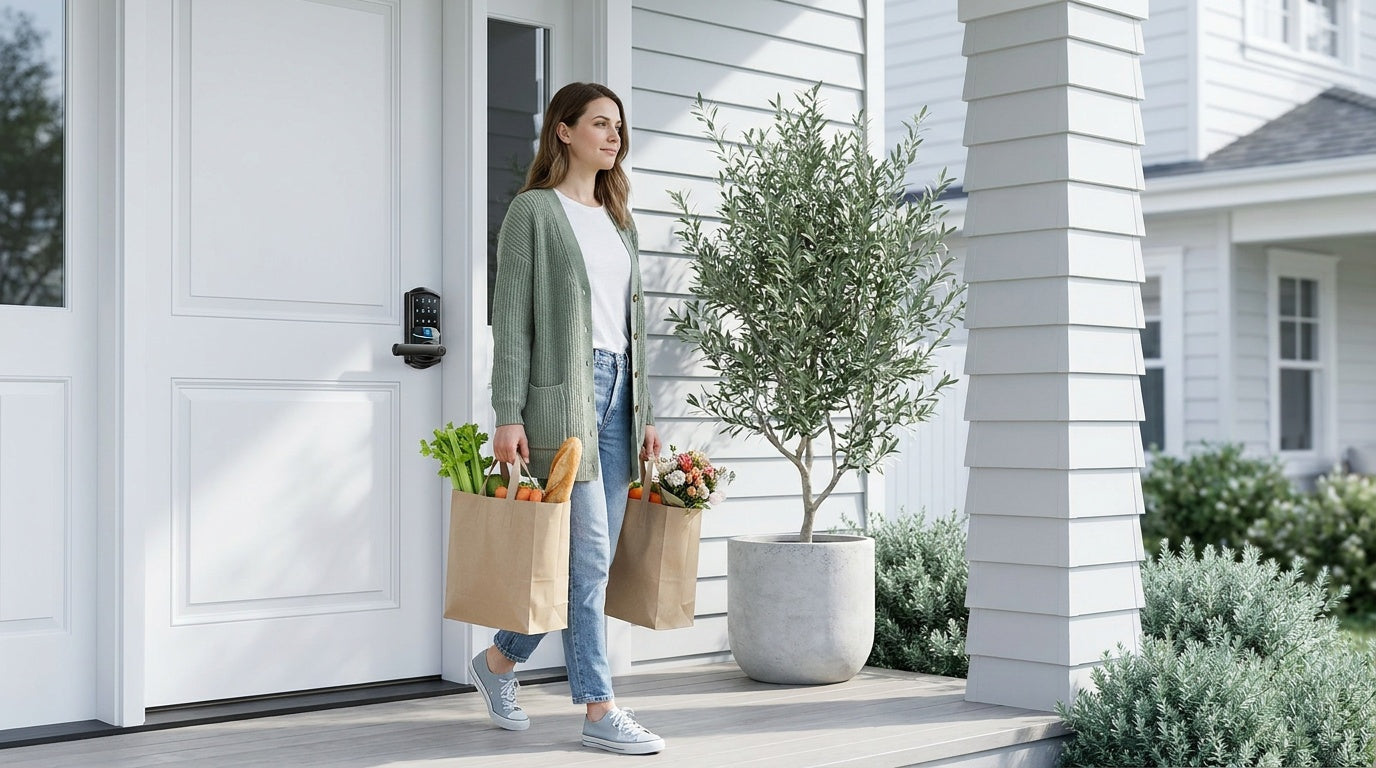
You walk out the front door, groceries in both hands, and halfway to the car you think: did I lock the door? It's one of the most common nagging doubts of homeownership — and it's completely preventable. That's exactly what the auto lock feature on a smart lock is designed to solve.
Auto lock is one of those features that sounds simple on the surface but makes a real difference in daily life. Once it's configured, your lock handles the job automatically — no second-guessing, no rushing back to check, no text to your spouse asking them to verify. Whether you're a busy parent, a short-term rental host, or just someone who wants one less thing to think about, auto lock is worth understanding properly before you set it and forget it.
This guide covers what auto lock actually does, how it works under the hood, the scenarios where it genuinely helps (and the ones where it might cause more frustration than it solves), and how to set it up correctly on a Veise smart lock. We'll close with a practical FAQ to answer the questions that come up most often.
What Is Auto Lock on a Smart Lock?
Auto lock is a programmable feature that automatically re-locks your door a set amount of time after it has been unlocked. Instead of relying on someone to manually turn the deadbolt or tap a button in an app, the lock takes care of it on its own once the countdown expires. Think of it as a built-in reminder that never forgets and never gets distracted.
On most smart locks — including the full Veise lineup — the auto lock timer is configurable. You're not stuck with a fixed delay. On Veise keypad deadbolts and keypad latch locks, the interval is configurable between 10 and 99 seconds; on Veise connected models (Smart Lock w/ Gateway 1/2 and Wi-Fi smart locks), the range extends to 10–180 seconds. Either way, you have meaningful control over how quickly the lock re-engages after entry or exit. That range matters more than it might seem: a household with young children moving in and out through an afternoon might want 60 seconds of breathing room, while a short-term rental host might prefer the shortest possible delay to ensure the door is secured the moment guests step inside.
Auto lock is distinct from auto-unlock (which detects your phone's proximity and unlocks the door as you approach) and from scheduled locking (which locks the door at a specific time of day regardless of its state). Auto lock is purely reactive — it triggers in response to an unlock event, not a clock or a location.
How Auto Lock Works
The mechanics are straightforward. When the lock is unlocked — by any method, whether that's a keypad code, a fingerprint scan, a physical key, or a remote app command — an internal timer starts counting down. When the timer reaches zero, the lock motor engages and drives the deadbolt back into the locked position. No input required from anyone.
This process happens entirely on the lock itself. The timer logic is stored in the lock's onboard firmware, which means auto lock works even when there's no active Wi-Fi or Internet connection. For keypad deadbolt locks and keypad latch locks, auto lock runs completely independently — no app, no connectivity needed. For Wi-Fi smart locks and gateway-paired smart locks, the auto lock setting is typically configured through the app, but once set, it runs on the lock's own processor regardless of network status.
One important mechanical note: auto lock fires on the configured interval regardless of door state — the lock does not use a door-position sensor to hold the bolt back if the door is open. If the bolt is thrown while the door is ajar, it simply extends into open space, then has nowhere to seat when you push the door closed. Always make sure the door is fully closed before the interval expires. If your door tends to drift open slightly, address the hinge alignment or door sweep first before relying on auto lock.
When to Use Auto Lock (Real-Life Scenarios)
Auto lock isn't a one-size-fits-all feature, but there are specific situations where enabling it makes an obvious, immediate difference.
Families with Kids Coming and Going
Kids are not known for locking doors behind them. A child who comes home from school, punches in their code, drops their backpack, and heads straight to the kitchen is not thinking about the deadbolt. Auto lock closes that gap automatically. For parents who also want visibility into when their kids are arriving and departing, pairing auto lock with a Wi-Fi smart lock or a Smart Lock w/ G1 or Smart Lock w/ G2 adds remote monitoring through the app — you can review entry history and lock activity without needing to ask anyone to report in.
Managing a Short-Term Rental or Vacation Property
For property owners hosting guests, auto lock is practically non-negotiable. Guests don't always think of your property the same way they'd think of their own home — they may leave the door unlocked between trips to the car, prop it open out of habit, or simply not realize the door didn't latch. Auto lock ensures the door is secured regardless of guest behavior. When paired with a connected smart lock, the host can also remotely verify lock status at any time and receive alerts if the door is left unlocked for an extended period.
Households with Elderly Family Members
For family members who may forget to lock up — whether due to age, cognitive changes, or simply the distraction of daily life — auto lock provides quiet, consistent protection without drawing attention to itself or creating frustration. There's no button to press, no routine to remember. The door locks on its own, every time. This is one of the most practical applications of the feature, and one that often goes underappreciated in product descriptions that focus on the tech angle rather than the human one.
The Grocery-Bag, Hands-Full Scenario
This is the everyday version of the use case: you come in through the front door carrying bags, put everything down, get settled, and the door is already locked behind you. No mental checkbox required. For households where multiple people enter and exit through the day — morning school runs, midday deliveries, evening returns — this adds up to a lot of unlocking events that auto lock handles quietly in the background.
When Auto Lock Isn't the Right Call
As useful as auto lock is, it's worth knowing the situations where leaving it off (or setting a longer delay) makes more sense.
If you're doing extended work around the entry — moving furniture, unloading a truck, supervising contractors coming in and out — a short auto lock timer becomes a friction point. Every time someone exits, the door re-locks, and every person without a code or key has to wait to be let back in. In those situations, temporarily disabling auto lock or setting the maximum delay is a practical call.
Similarly, if your door has a strike plate alignment issue and the bolt occasionally fails to retract cleanly, the motor strain from repeated auto lock cycles can accelerate wear. Fix the mechanical issue first, then enable auto lock. It's also worth noting that in apartments or shared spaces where someone needs to prop the door open for a specific reason, an overly short auto lock timer can create access problems. The feature should be set to match your actual daily patterns, not just switched on at the factory default and left there.
How to Set Up Auto Lock on Your Veise Smart Lock
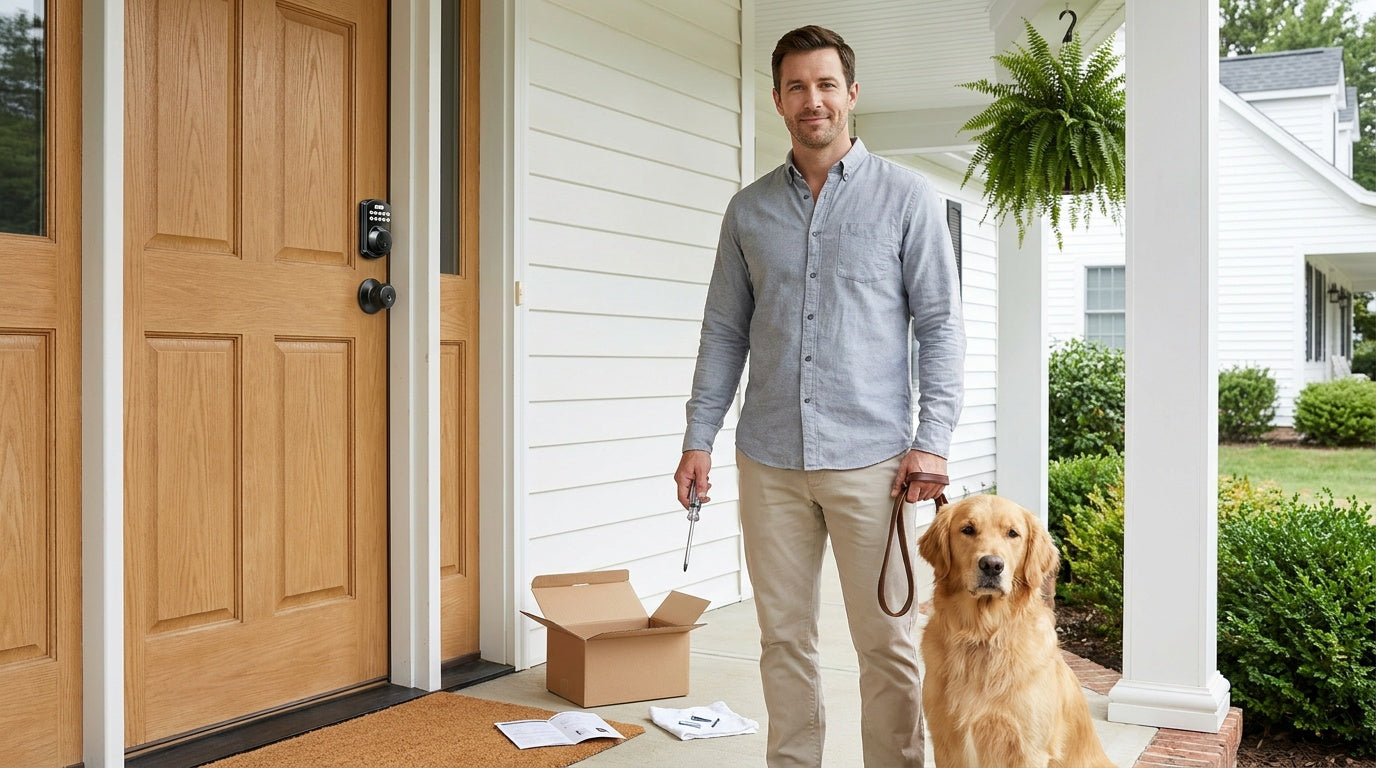
The exact steps vary depending on which Veise lock you have, but the process follows the same general pattern across the lineup. Before getting started, make sure your lock is installed and initialized. Veise locks are designed for DIY installation — a screwdriver, about 15 minutes, no wiring, no professional help required. They're compatible with wood doors with a standard thickness of 1-3/8 inches to 2 inches.
For keypad deadbolt and keypad latch locks, auto lock is typically configured directly on the lock using a programming sequence entered via the keypad. The general process looks like this:
- Enter programming mode — Use the multi-function button and your master code in the sequence specified in your lock's user manual to access programming mode.
- Select the auto lock setting — Navigate to the auto lock option, which is typically labeled in the instructions as a numbered feature or function code.
- Set your preferred delay — Enter the desired timer value. On Veise keypad deadbolt and keypad latch locks, this is configurable between 10 and 99 seconds (Veise connected models extend the range to 10–180 seconds). Choose a value that matches your household's typical usage — 30 to 60 seconds works well for most families, while a shorter delay suits rental properties where security is the priority.
- Confirm and exit programming mode — Save the setting and return to normal operation. Test the auto lock by unlocking the door and watching the bolt re-engage after your chosen interval.
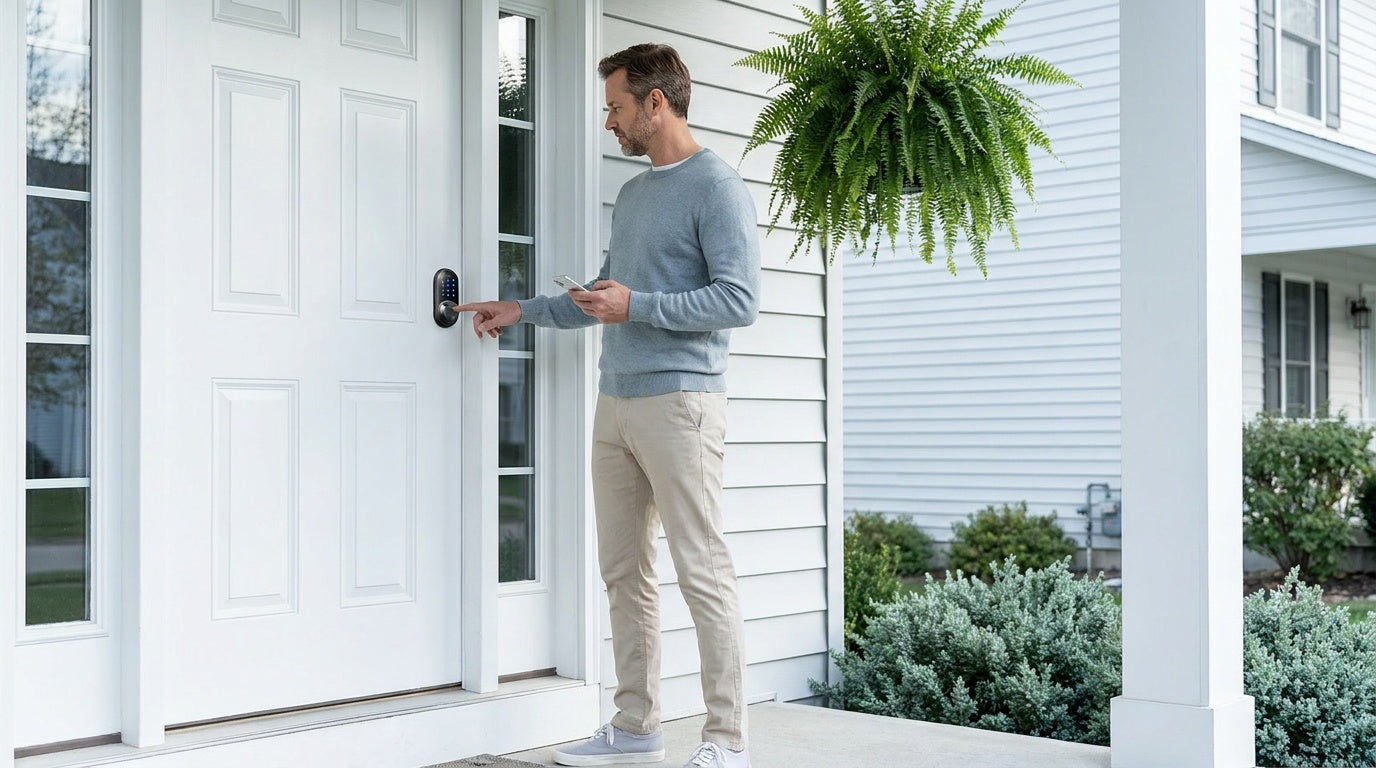
For Wi-Fi smart locks and gateway-paired smart locks, auto lock can be configured either directly on the keypad (using the same programming sequence as keypad-only models) or through the app. To configure via the app, open the lock's settings, locate the auto lock section, toggle it on, and set your preferred delay. The setting syncs to the lock immediately. Because the timer runs on the lock's own firmware, it will continue to function even when the app is closed or the phone is elsewhere.
Tips for Getting Auto Lock Right
A few practical habits will help you get the most out of the feature without running into common frustrations.
- Start with a longer delay and work down. It's easier to shorten the timer once you know your household's habits than to realize after two weeks that 10 seconds isn't enough time for everyone to get in the door.
- Make sure every regular user has their own access method. If auto lock re-engages and someone doesn't have a code, a registered fingerprint (on models that support it), or a physical key backup, they're locked out. Set up all household access credentials before enabling auto lock.
- Test the door's self-closing behavior first. Stand inside, release the door without pushing it closed, and see if it latches on its own. If it doesn't, auto lock will still fire on the timer and extend the bolt into open space, leaving the door unsecured when you next push it closed. Fix any sweep or hinge alignment issue first.
- Use entry history (on connected locks) to verify timing. If you have a Wi-Fi smart lock or a gateway-paired smart lock, the app logs every lock and unlock event with a timestamp. This is a quick way to confirm that auto lock is triggering reliably after each entry and that no unlock events are being left open longer than intended.
- Communicate the change to your household before enabling it. The first time someone walks out to grab something from the car and comes back to a locked door, they'll be frustrated if they weren't expecting it. A quick heads-up to everyone who uses the door saves a lot of unnecessary lockouts.
If you're still choosing which Veise lock to install, the keypad deadbolt lineup is a strong starting point for most exterior doors, with models available with or without fingerprint depending on your preference. For a fully connected experience with remote access and activity monitoring, explore the Wi-Fi smart lock collection or the gateway-paired options — Smart Locks w/ G1 and Smart Locks w/ G2. All Veise locks are priced between $30 and $180, with no subscription fees and no cloud dependency for core features like auto lock.
Frequently Asked Questions
Does auto lock work if my Wi-Fi goes down?
Yes. On all Veise locks, the auto lock timer runs on the lock's onboard firmware — it doesn't depend on Wi-Fi, an app connection, or any external network. Once the setting is saved, it runs independently. For Wi-Fi and gateway-paired locks, you configure auto lock through the app, but after that point the lock handles it locally.
Can I change the auto lock delay after it's set?
Absolutely. All models allow you to re-enter programming mode on the lock and update the auto lock delay. For connected smart locks, you can also open the lock settings in the app and adjust the delay directly. Changes take effect immediately. You can also disable auto lock at any time without affecting any other settings.
What happens if the door isn't fully closed when auto lock triggers?
Auto lock fires on the timer regardless of door state — the lock does not detect whether the door is open or closed. If the door is ajar when the interval expires, the bolt simply extends into open space and won't be able to seat in the strike plate when you next push the door closed. This is why confirming proper door closure and strike plate alignment before enabling auto lock is an important first step. A door that doesn't latch fully on its own needs a mechanical fix before relying on auto lock.
What is the auto lock timer range on Veise locks?
It depends on the lock category. On Veise keypad deadbolts and keypad latch locks, the auto lock interval is configurable between 10 and 99 seconds. On Veise connected models — Smart Lock w/ Gateway 1/2 and Wi-Fi smart locks — the range extends to 10–180 seconds. Either way, you can match the delay to your household patterns — shorter for high-security scenarios like rental properties, longer for busy households with frequent in-and-out movement.
Does auto lock drain the battery faster?
Each auto lock cycle does use a small amount of battery power — the motor runs to throw the bolt back into place. In typical household use, the impact on overall battery life is minimal, especially on locks that aren't being unlocked and re-locked dozens of times per day. Veise Wi-Fi smart locks use 8 AA/LR6 alkaline batteries (compared to the more common 4 AA design found elsewhere), which helps provide a stronger power reserve for motor-intensive features like frequent auto lock cycles.
Is auto lock available on all Veise locks?
Yes — auto lock is a universal feature across the entire Veise lineup, including keypad deadbolts, keypad latch locks, Wi-Fi smart locks, and gateway-paired smart locks. It's not a premium add-on or a feature limited to higher-priced models. Every lock in the Veise range, from the most straightforward keypad model to the fully connected Wi-Fi options, includes configurable auto lock as a standard function.
Can I set auto lock to activate at a specific time of day instead of after each unlock?
Auto lock as described here is event-based — it triggers after each unlock event. Scheduled locking (activating at a fixed time regardless of current state) is a separate feature available on connected smart locks through the app. If you want the door to lock at 10 PM every night automatically, that's a scheduling function, not auto lock. Both can run simultaneously on connected models.
Auto lock is one of the simplest smart lock features to set up and one of the most consistently useful in everyday life. It removes the mental overhead of wondering whether the door is locked, closes the gap when household members forget, and adds a reliable layer of security that runs quietly in the background — no maintenance, no reminders, no exceptions.
The key to getting it right is matching the timer to your actual habits, ensuring every regular user has a reliable way to get in, and verifying that your door closes properly before enabling the feature. Once those pieces are in place, auto lock becomes something you stop thinking about — which is exactly the point.
Veise locks are built for that kind of reliable, everyday use. From simple keypad deadbolts to fully connected Wi-Fi smart locks, every model in the lineup includes configurable auto lock as a standard feature — no subscription, no cloud dependency, no professional installation required.
Have questions about which Veise smart lock is right for your home?
Our US-based support team is ready to help — whether you're comparing models, troubleshooting a setup, or just figuring out which features matter most for your household.

Leave a comment
This site is protected by hCaptcha and the hCaptcha Privacy Policy and Terms of Service apply.